


 All CategoriesAll CategoriesAll Categories
Shipped by Newegg




Warranty Notice:
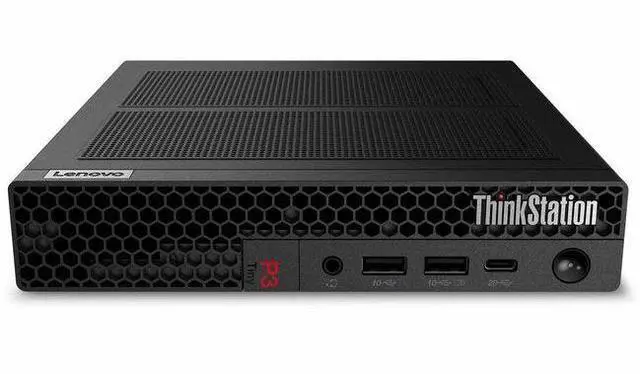
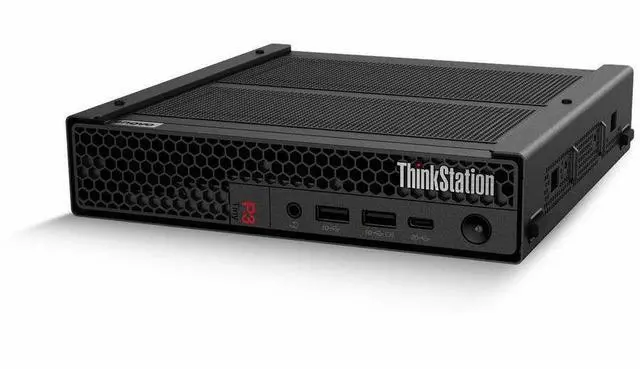
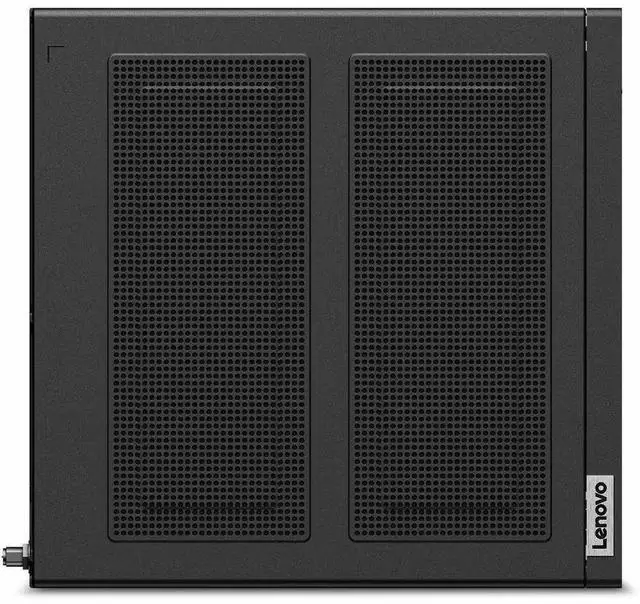
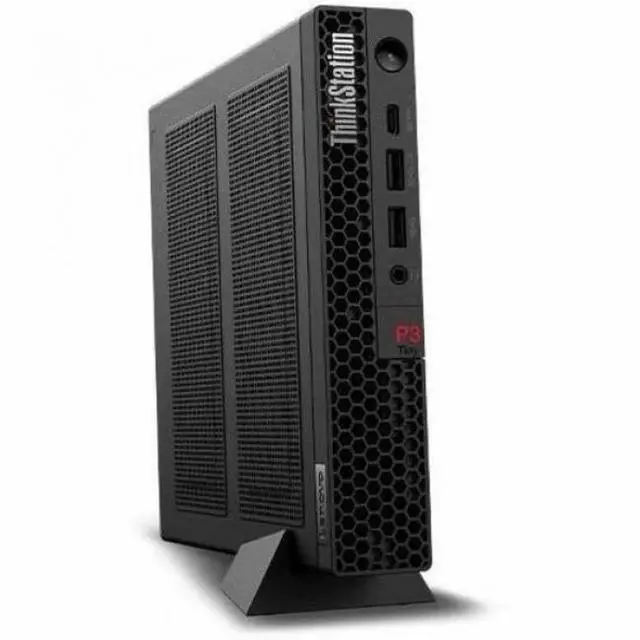
This product does not include manufacturer warranty when purchased or used outside of its designated sales region. By purchasing internationally, you acknowledge that warranty support from the manufacturer will not be available.The Lenovo ThinkStation P3 Tiny Gen 2 (30K5004LUS) is a compact workstation with an Intel Core Ultra 7 265, 64GB DDR5 memory, 1TB SSD, and NVIDIA RTX A1000 8GB graphics, suited to professionals who need workstation-class computing in a small office footprint.
| Attribute | Value |
|---|---|
| Best For | Student and home-office use, as well as workstation workflows that benefit from a Core Ultra 7 processor, 64GB of memory, and NVIDIA graphics |
| Processor | Intel Core Ultra 7 265 (Series 2) |
| Graphics | NVIDIA graphics with 8GB of GPU memory |
| Memory | 64GB DDR5 memory running at 5600 |
| Storage | 1TB SSD |
| Operating System | Windows 11 Pro |
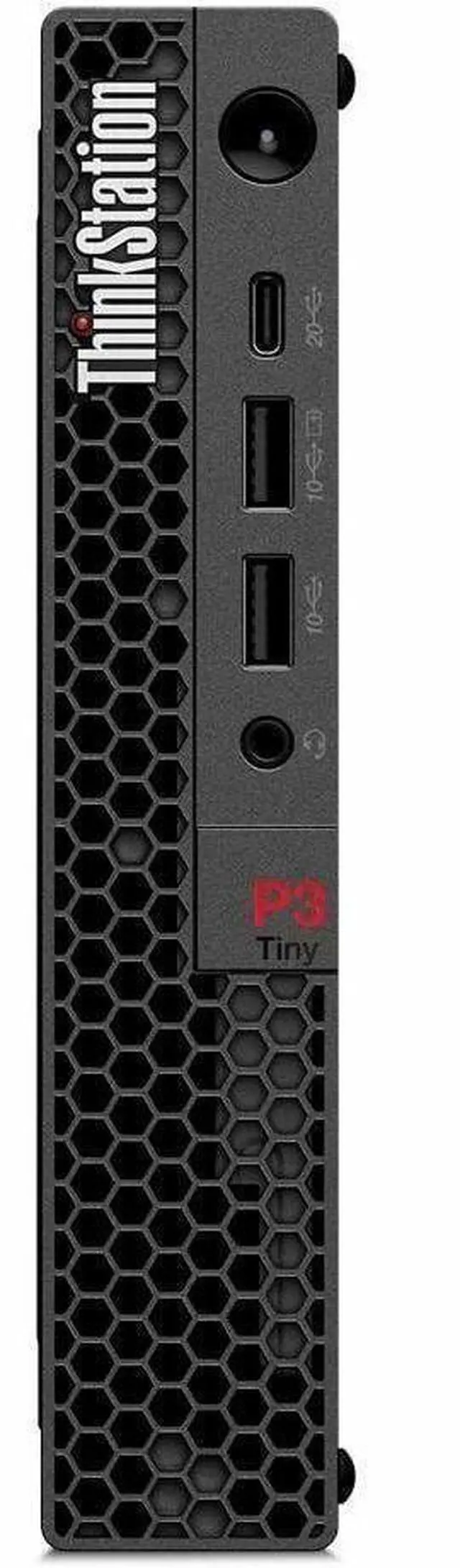
| Ports And Connectivity | 7 USB ports total, including 1 USB-C port for data transfer only (USB 20Gbps / USB 3.2 Gen 2x2); 1 USB 3.2 Gen 1 port and 5 USB 3.2 Gen 2 ports. Video outputs include 1 DisplayPort, 1 HDMI, and 4 Mini DisplayPort outputs |
| Wired And Wireless Networking | Gigabit Ethernet, 802.11be Wi-Fi 7, and Bluetooth |
| Display | No screen; monitor not included |
| Power | 330W adapter included |
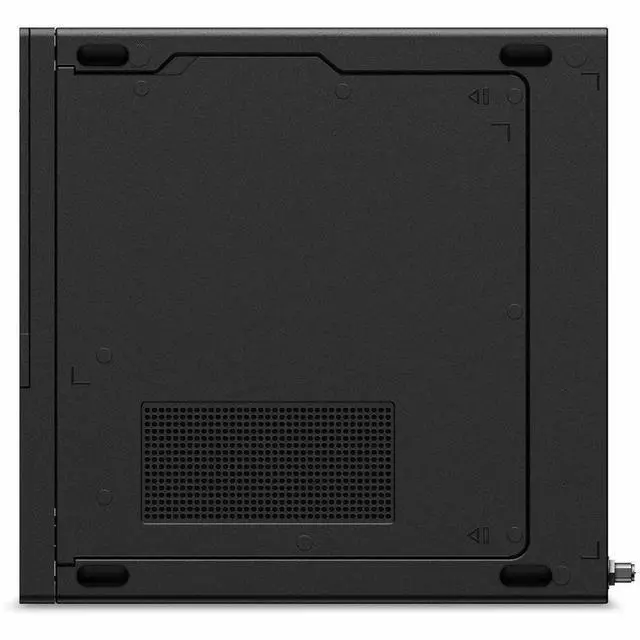
| Dimensions And Weight | 1.5 × 7 × 7.2 inches (H × W × D); 3.09 lb |
| Color | Raven Black |
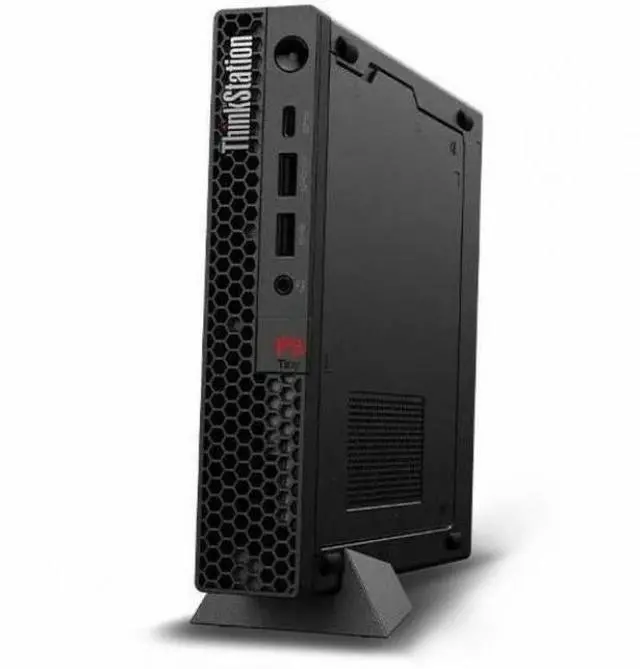
| Included Accessories | USB Traditional Keyboard, USB Calliope Mouse, and vertical stand |
| Model Identifiers | Lenovo ThinkStation P3 Gen 2; model and part number 30K5004LUS |
Q: ThinkStation P3 Tiny Gen 2 Core Ultra 7/64GB or a Core Ultra 5/32GB configuration—which should I choose?
A: Choose this Core Ultra 7/64GB configuration for CPU-heavy work and running more applications or larger projects at once. Lenovo lists the Core Ultra 7 265 with 20 cores and the Core Ultra 5 235 with 14 cores; the 64GB configuration also doubles the memory of a 32GB option. A Core Ultra 5/32GB version is a fit for workflows centered on everyday office and productivity tasks.
Q: Should I choose the P3 Tiny Gen 2 with RTX A1000 or a P3 Ultra SFF Gen 2?
A: Choose this P3 Tiny configuration when a compact workstation with a discrete RTX A1000 8GB is the priority. Choose the P3 Ultra SFF Gen 2 when your work benefits from its higher-tier graphics options, including the RTX 4000 SFF Ada Generation with 20GB of memory. The P3 Tiny Gen 2’s 3.09-pound weight and 7-by-7.2-by-1.5-inch dimensions suit space-conscious workstation setups.
Q: Is the P3 Tiny Gen 2 Core Ultra 7 or Core Ultra 9 configuration a better fit?
A: Choose this Core Ultra 7 265 configuration for a 20-core processor paired with 64GB memory and an RTX A1000 8GB. Choose a P3 Tiny Gen 2 Core Ultra 9 285 configuration when the additional CPU cores are useful: Lenovo lists 24 cores for the Ultra 9 285 versus 20 for the Ultra 7 265. Compare the memory and graphics configuration as well, since those can vary by model.
Q: How does this P3 Tiny Gen 2 compare with the previous-generation P3 Tiny?
A: Choose the P3 Tiny Gen 2 when you want the Core Ultra 7 265 platform and an RTX A1000 8GB configuration. A reviewed previous-generation P3 Tiny configuration used a Core i9-13900T and NVIDIA T1000 graphics. The Gen 2’s published configuration makes it a straightforward choice for buyers prioritizing the newer Core Ultra processor platform and RTX A1000 graphics.
Q: Who is this workstation suitable for?
A: It is suited to users who need a compact Windows 11 Pro desktop for professional workflows, multitasking, or applications that benefit from a dedicated NVIDIA RTX A1000 GPU. Its 64GB of memory and 1TB SSD provide substantial memory and storage for work, but the product information does not establish performance for any specific application.
Q: Does it come with a monitor, and can I use multiple displays?
A: A monitor is not included. The listed connections include HDMI, DisplayPort, and Mini DisplayPort, but the provided specifications do not confirm the maximum number of displays or supported resolutions. Check the exact system configuration and monitor requirements before buying.
Q: Is this a good computer to take on work trips?
A: It is compact for a desktop at about 3.09 lb and 7 × 7.2 × 1.5 inches, so it may suit users who need to move a workstation between locations. It is not a laptop: you will need a separate monitor and power, and the included 330W adapter adds to what you must carry.
Q: Is it suitable for everyday office work and video meetings?
A: Yes. Its Intel Core Ultra 7 processor, 64GB memory, Windows 11 Pro, Wi-Fi 7, Bluetooth, and Gigabit Ethernet support typical office and multitasking use. A monitor is not included, and the product information does not list a webcam, microphone, or speakers, so plan to provide any meeting equipment you need.
Q: Is the ThinkStation P3 Tiny Gen 2 a good fit for a compact professional workstation?
A: It is a strong fit when desk space is limited but you need a Windows 11 Pro workstation with 64GB of RAM, a Core Ultra 7 265, and a dedicated RTX A1000 GPU. Its trade-off is that the small chassis offers less room and flexibility than a conventional desktop; the review also examines performance, power use, and noise.
Q: Is it a good choice for gaming?
A: It has a dedicated RTX A1000, but the available discussions do not establish gaming performance for this exact configuration. One owner reported thermal throttling during gaming after modifying a P3 Tiny Gen 2 with a different GPU; that is a caution about modified systems, not evidence that this stock configuration will behave the same way. Choose it primarily as a workstation, not on the assumption that it is a gaming PC.
Q: Can you add more storage later?
A: A ServeTheHome review says the P3 Tiny Gen 2 platform can fit up to three M.2 NVMe SSDs. This model comes with one 1TB SSD; check the exact system configuration and available slots before buying drives, since the video discusses the platform rather than confirming the installed layout of this specific SKU.