
Your Browsing History
S$637.32
GST-Inclusive Price
Ships from Hong Kong.
Most customers receive within 7-9 days.

Meet Your Seller

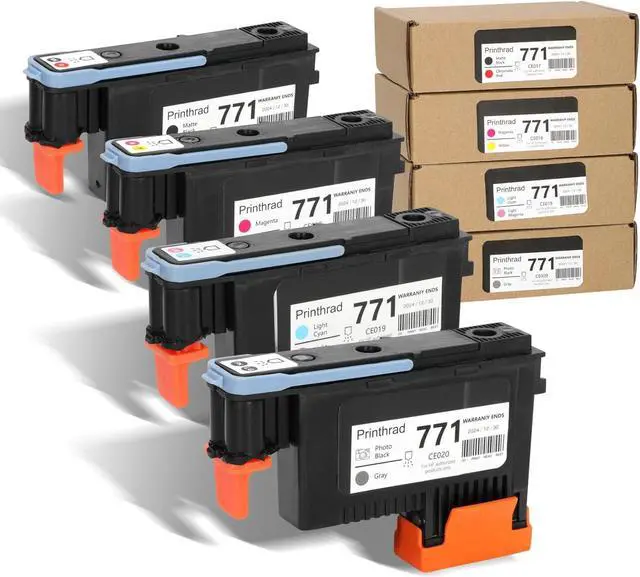

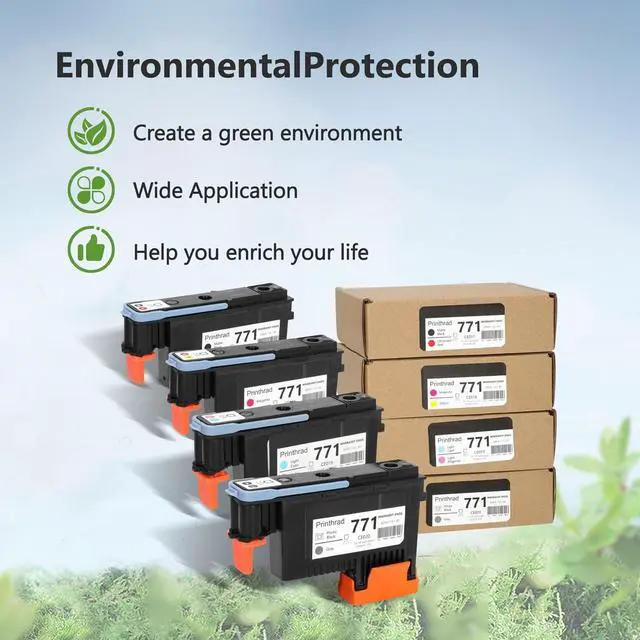
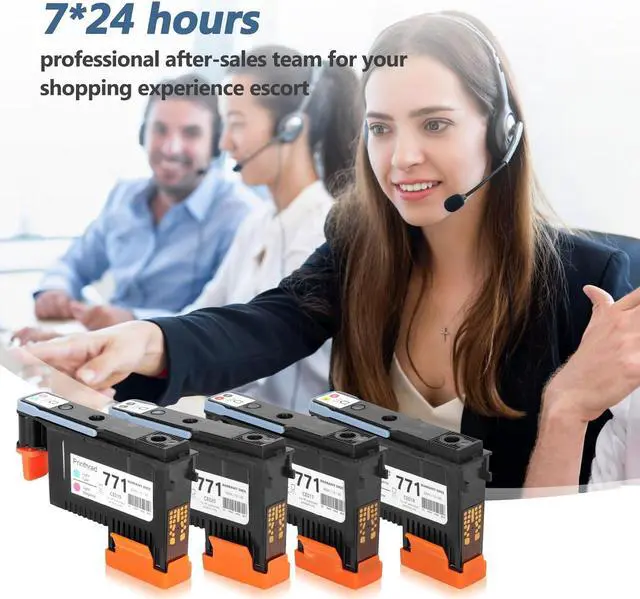


771 Printhead Kit Compatible with Plotter Printer,Print Head Printhead Combo Pack Compatible for Z6810,Printhead Replacement for DesignJet Z6200 Z6600 Z6800 Z6810 (4pcs)
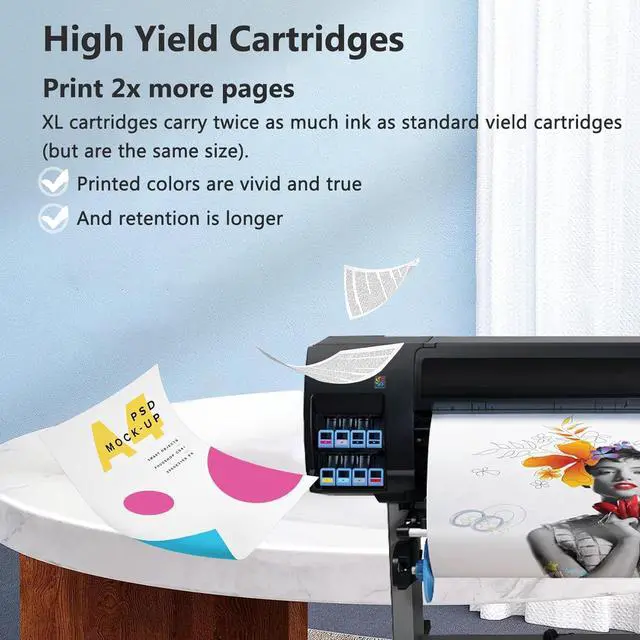
- Cost-EffectiveWith its larger ink capacity, the 771 Printhead ink cartridge set allows for printing a greater number of pages,Black 715 pages,Tri-Color 475 pages, rendering your printing costs more economically advantageous.You can relish in extended printing sessions without the need for frequent cartridge replacements
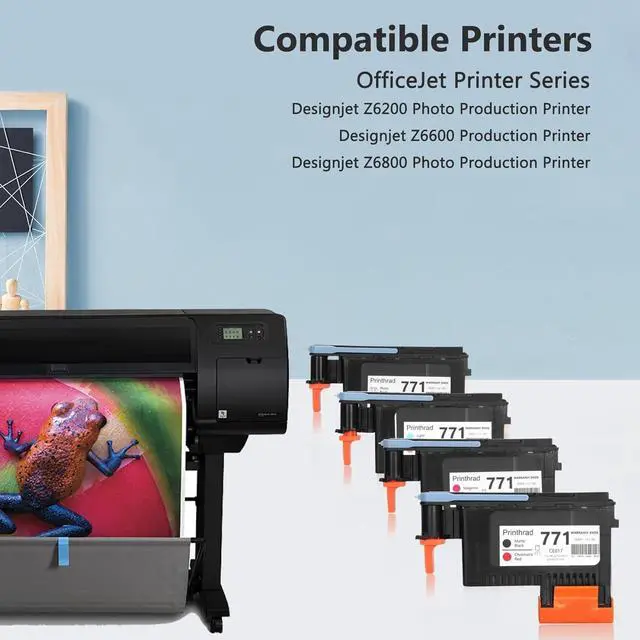
- Printer Compatibilitycompatible with Designjet Z6200 Photo Production PrinterDesignjet Z6600 Production PrinterDesignjet Z6800 Z6810 Photo Production Printer
- Superior Print Quality The 771 Printhead ink cartridge set utilizes cutting-edge technology and a high-quality ink formulation to ensure you attain crisp, vivid, and enduring print results. Each sheet unveils awe-inspiring details and hues
- User-Friendly The 64XL ink cartridge set incorporates intelligent chip technology, effortlessly identifying and adapting to your printer, thereby simplifying the cartridge replacement process. Simply insert the cartridges, and you can commence printing immediately,
+
+
Overview
Specs
Reviews
The suite of 771 Printhead cartridges for Printers is a high-quality cartridge solution designed to meet your printing needs. The package includes two cartridges for printers, giving you long-lasting printing performance and excellent color reproduction.
With Upgraded Chip
Equipped with the latest upgraded chips to ensure high compatibility,kelegaan is the professional assistance you can trust.
Excellent Performance
High quality ink offers crisp text, vivid graphics and provides clear, consistent and colorful printings.
High Yield
More Pages, More Colors, More Saturation
Product Packing
Ink cartridge packed individually, strictly checked and tested before delivery.
INSTALLATION GUIDE
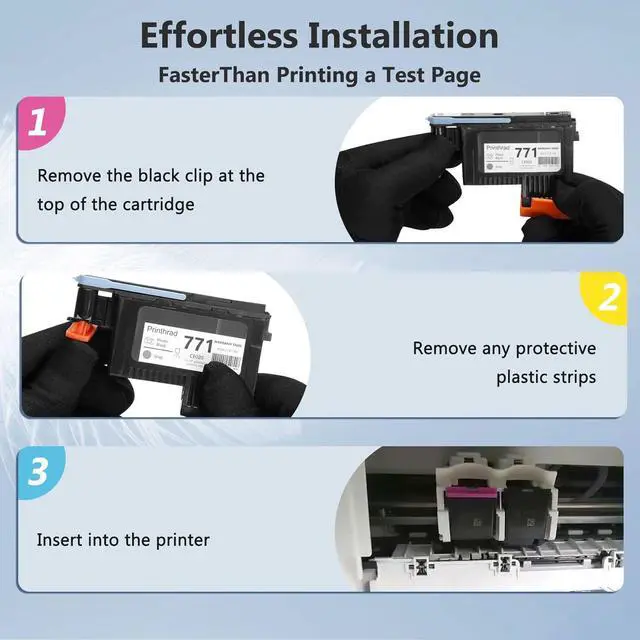
Step 1: Take out cartridge and remove plastic protective cap if there's one.Step 2: Tear off the protective tapeby pulling the tab.Step 3: Be careful not to touch the chip or the ink nozzle.Step 4: Insert cartridge into the corresponding cabin, push firmly until it locks in place
Designjet Z6200 Photo Production Printer Designjet Z6600 Production PrinterDesignjet Z6800 Photo Production Printer
Before placing an order, please be sure to confirm your printer model.Please remove the transparent cover and pull off plastic tape before installing these cartridges. (Don't touch the chip)Printer screen pop up Non-Original Cartridge? Please just click OK and they will go ahead.When occur an error message Replace Cartridge or 'Low ink' ? Please reinstall them and try, you can try up to 5 times.
With Upgraded Chip
Equipped with the latest upgraded chips to ensure high compatibility,kelegaan is the professional assistance you can trust.
Excellent Performance
High quality ink offers crisp text, vivid graphics and provides clear, consistent and colorful printings.
High Yield
More Pages, More Colors, More Saturation
Product Packing
Ink cartridge packed individually, strictly checked and tested before delivery.
INSTALLATION GUIDE
Step 1: Take out cartridge and remove plastic protective cap if there's one.Step 2: Tear off the protective tapeby pulling the tab.Step 3: Be careful not to touch the chip or the ink nozzle.Step 4: Insert cartridge into the corresponding cabin, push firmly until it locks in place
Designjet Z6200 Photo Production Printer Designjet Z6600 Production PrinterDesignjet Z6800 Photo Production Printer
Before placing an order, please be sure to confirm your printer model.Please remove the transparent cover and pull off plastic tape before installing these cartridges. (Don't touch the chip)Printer screen pop up Non-Original Cartridge? Please just click OK and they will go ahead.When occur an error message Replace Cartridge or 'Low ink' ? Please reinstall them and try, you can try up to 5 times.
Warranty & Returns
Warranty, Returns, And Additional Information
Return Policies*
- Return for refund within: 30 days
- Return for replacement within: non-replaceable
- This item is covered by Zyngear Return Policy
- *Subject to applicable law
Warranty Notice:
This product does not include manufacturer warranty when purchased or used outside of its designated sales region. By purchasing internationally, you acknowledge that warranty support from the manufacturer will not be available.
Manufacturer Contact Info
- For a directory of all our manufacturers, please click below.
- Manufacturers Directory
LOADING...