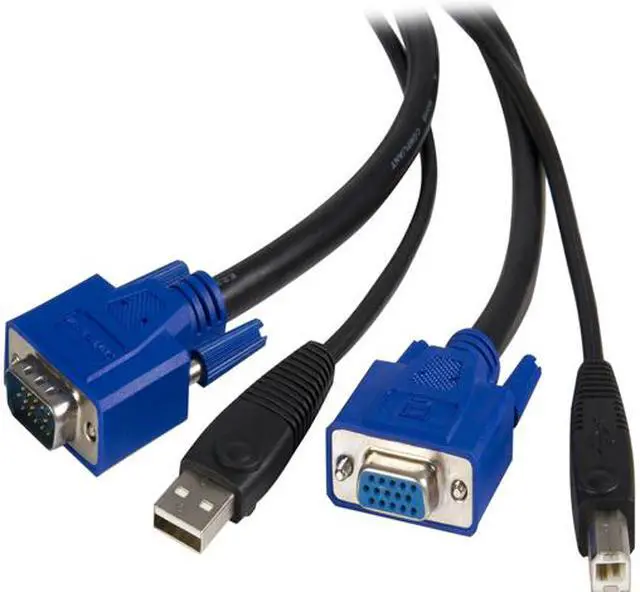
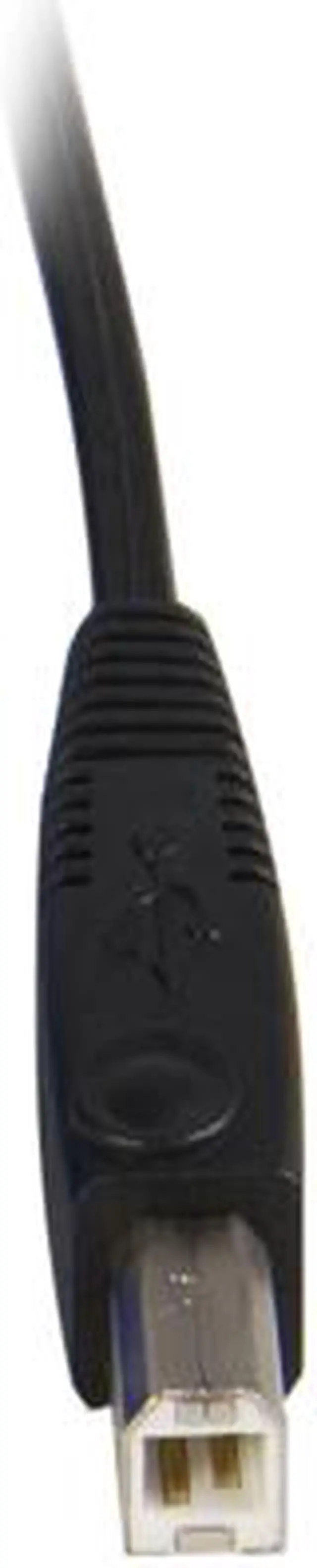
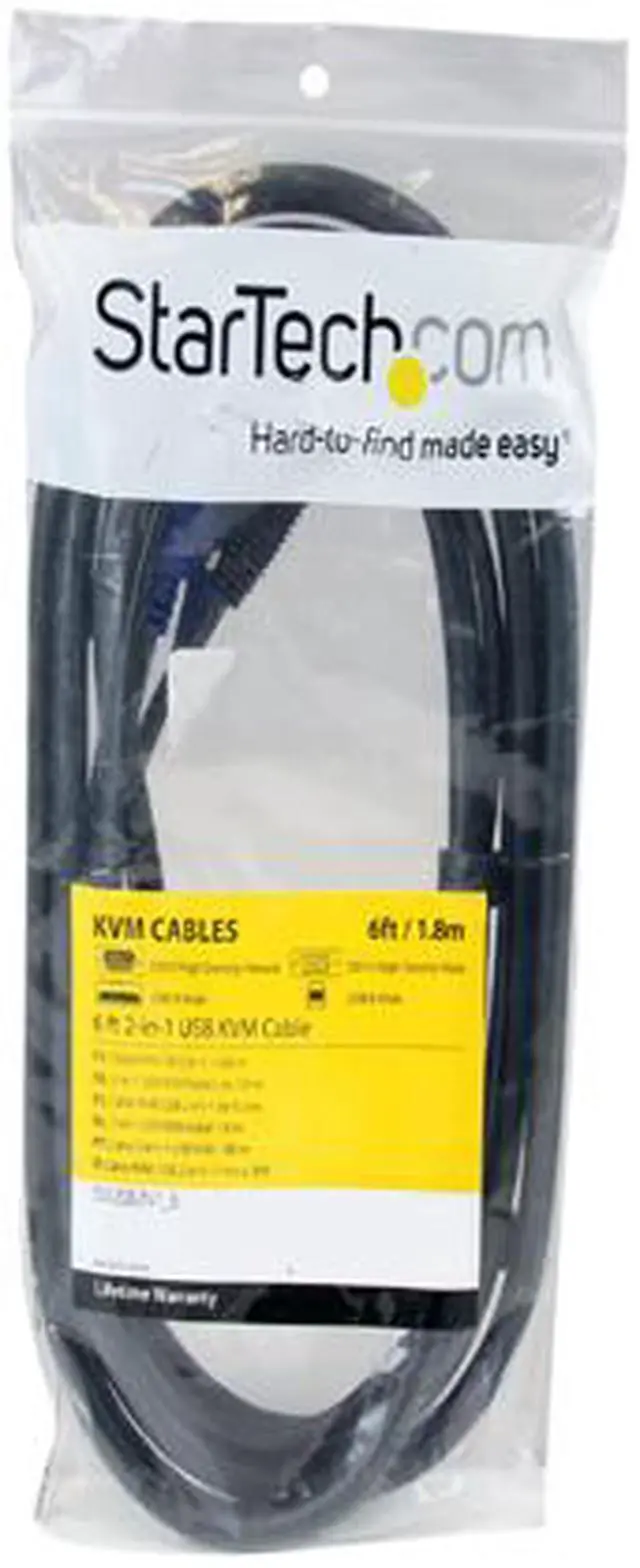
The StarTech.com SVUSB2N1_6 is a 6 ft. 2-in-1 USB and VGA KVM cable for connecting a VGA- and USB-equipped computer to a KVM switch, making it suitable for users who want a simpler, less-cluttered connection.
Recommended For
- Users connecting a computer with VGA and USB-A ports to a compatible USB KVM switch, so one monitor and keyboard/mouse can be shared between computers.
- IT staff maintaining legacy or existing VGA-based KVM setups who need a replacement cable; check the KVM’s required cable type and compatibility list before ordering.
- Desk setups where the computer-to-KVM run is within 6 feet and bundling the VGA and USB connections into one bonded cable helps reduce separate cable runs and tangling.
- Organizations using compatible StarTech, ATEN, Belkin, Tripp Lite, C2G, or IOGEAR KVM models listed by StarTech that need a combined VGA-and-USB connection for each computer.
Real-World Use Scenarios
- At a desk where two VGA-equipped computers share one monitor, keyboard, and mouse, use this cable to connect one computer to a compatible KVM switch; switching between computers is handled by the KVM.
- In a home office with a work PC and a personal PC that both have VGA and USB connections, connect each machine to a compatible KVM with its own cable so you can use the shared desk peripherals with the selected computer.
- When setting up or servicing a workstation with a compatible VGA KVM, use the cable to carry that computer’s video and USB connections to the switch; the combined cable run can help keep the wiring less tangled than separate leads.
- In a small test bench with multiple VGA-based computers, connect each system to a compatible KVM using one of these cables, then use the KVM to select which computer is controlled from the shared console.
Spec Summary
| Attribute | Value |
|---|
| Best For | Connecting USB- and VGA-equipped computers to a KVM switch for keyboard, mouse, and video |
|---|
| Cable Configuration | 2-in-1 USB and coaxial VGA cable combines video and USB connections in one cable to help reduce tangling and workspace clutter |
|---|
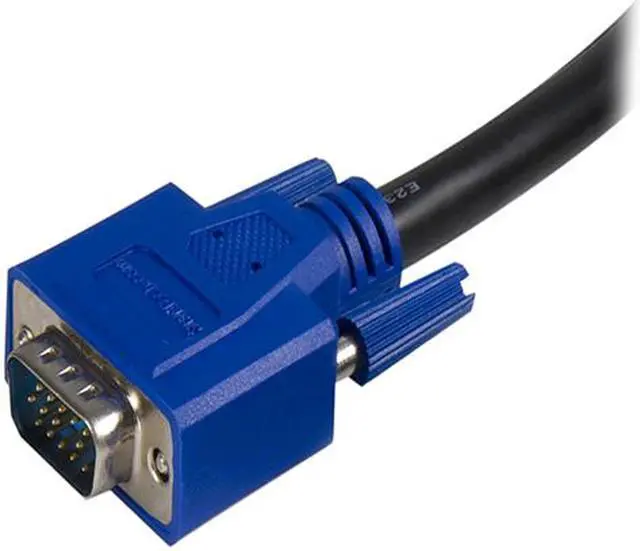
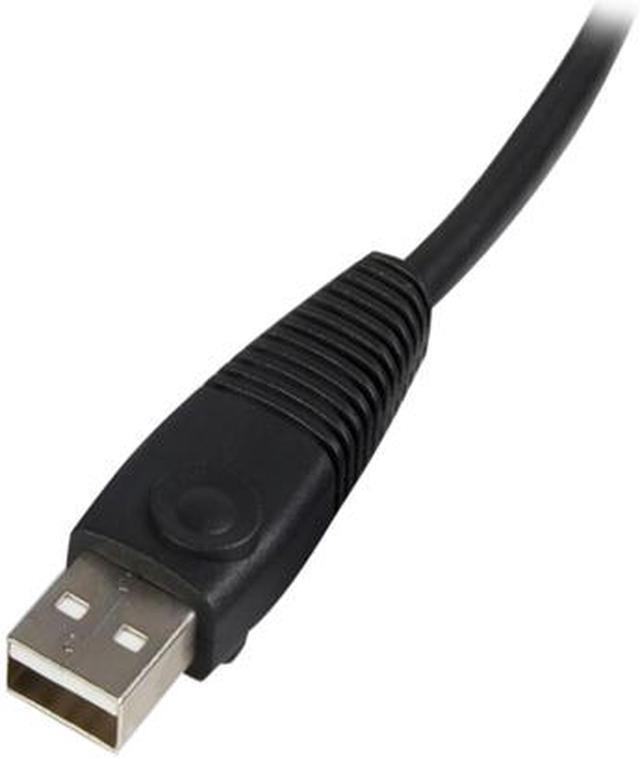
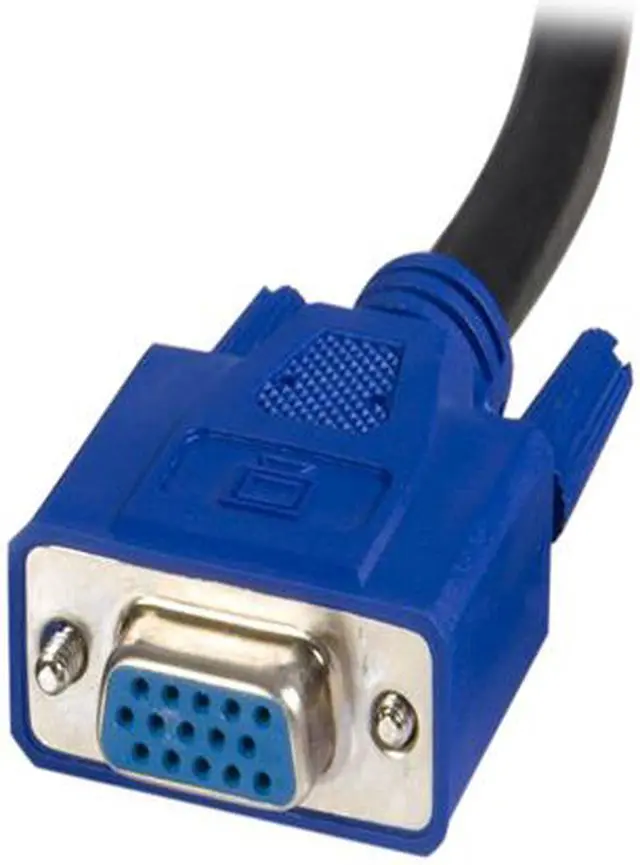
| Connectors | Four connectors total; male-to-male, with USB and 15-pin VGA connections |
|---|
| Cable Length | 6 ft. (1.8 m) |
|---|
| Color | Black |
|---|
| Model Identifiers | StarTech.com SVUSB2N1_6 |
|---|



 All Categories
 Top Rated