


 All Categories

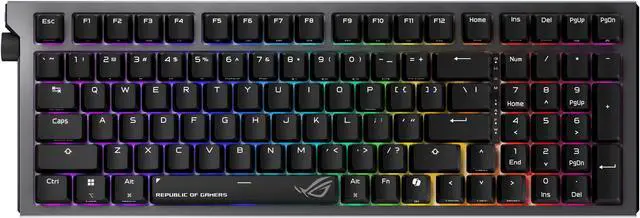
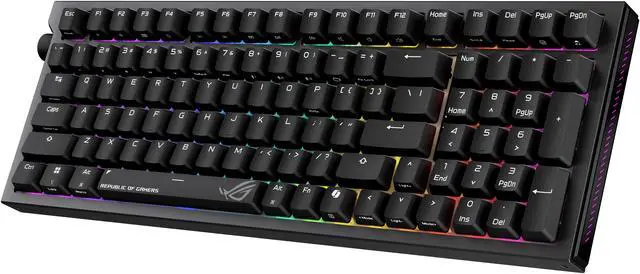
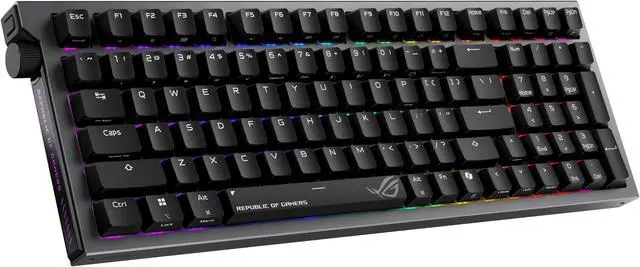



ROG Strix Morph 96 Wireless Gaming Keyboard
Shape Your Play
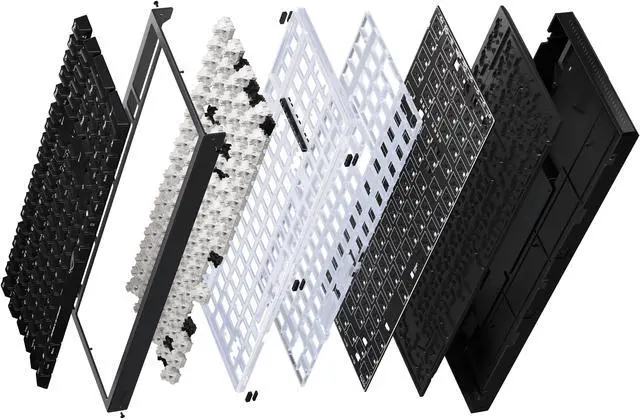
The ROG Strix Morph 96 Wireless is a compact 96% keyboard with a fully modular design for effortless customization. It features light bars along both sides of the keyboard and a translucent polycarbonate (PC) positioning plate for immersive illumination that blends well in a themed gaming setup. DIY-keyboard enthusiasts and newbies alike will appreciate its hot-swappable ROG NX V2 mechanical switches, a south-facing PCB, and dampened gasket mount. In addition, tri-mode connectivity and MacOS support give it versatility that’s ideal for work or play.
FULLY CUSTOMIZABLE
Every component is engineered for fast, intuitive assembly, making customization effortless and truly DIY-friendly—so you can fine-tune your keyboard for both gaming and typing. Featuring a top-down disassembly design, components can be removed straight from the top, with no need to flip the keyboard.

ROG NX V2 Mechanical Switches


REFINED LINEAR
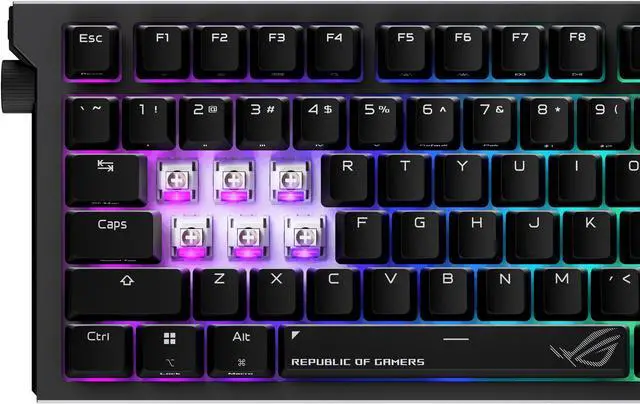
Revamped from the highly acclaimed ROG NX Snow mechanical switches, the new NX Snow Mechanical Switches V2 are designed to meet the demands of custom keyboard enthusiasts. These switches retain the wall-stem dust-proof design while adding an LED lens for enhanced RGB illumination. Each switch is meticulously factory-lubed to ensure consistent linear smoothness, delivering a seamless and satisfying typing experience.
Versatile Tri-Mode Connectivity
ROG SpeedNova wireless technology offers up to 500+ hours of stable, uninterrupted near-zero-latency gameplay in 2.4 GHz RF mode (RGB off). Alternatively, you can use Bluetooth mode to connect to up to three devices at the same time, or charge and play simultaneously in wired USB mode.


All function keys (F1–F12) automatically switch to their corresponding macOS actions — such as brightness control, Mission Control, media keys, and system shortcuts — ensuring a seamless experience for Mac users.

The ROG Omni Receiver allows wireless connection to one compatible keyboard and one compatible mouse at the same time with just one single USB receiver.

Intuitive Controls
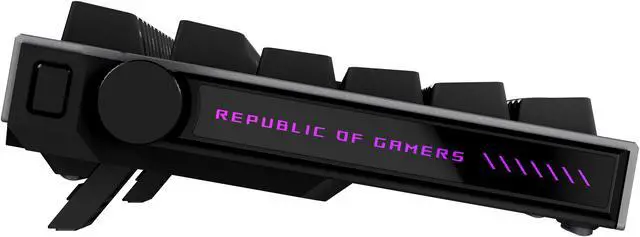
The multi-function button and wheel allows users to control media playback, adjust volume, and tweak keyboard lighting.

Speed Tap Mode
In Speed Tap (SOCD*) mode, as soon as the system detects the input of two keys (e.g. A and D), it will prioritize the last input and automatically release the previous one. This means that in FPS games, pressing two opposing directional keys will no longer cause the character to stop moving. Instead, directional changes can now be done immediately without releasing the previous key, eliminating any time gap for counter-strafing and ensuring precise aim every time.
* Speed Tap feature is turned off by default. Simultaneously press Fn + Tab keys to activate.
* SOCD - Simultaneous Opposing Cardinal Directions

Unique Lighting Design
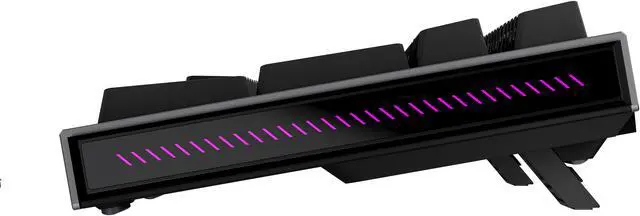
Light bars along both sides and a PC positioning plate provide even illumination across the entire keyboard.

Unique ROG-themed Keycaps
Three additional translucent keycaps with ROG markings for further customization.

Ergonomic design
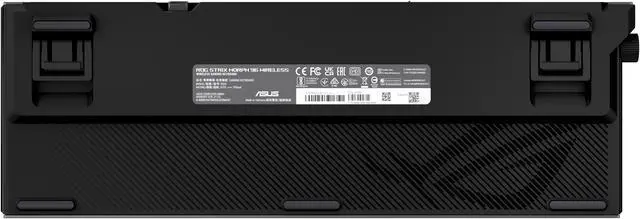
Two pairs of keyboard feet of different heights provide up to three tilt positions.

Settings Anywhere, anytime with Gear Link
Gear Link is a new web-based app that lets gamers customize keyboard settings without the need for additional file downloads or installation. Simply visit the Gear Link webpage, connect the device, and fine-tune settings – all from a browser.
