


 All CategoriesAll CategoriesAll Categories
Shipped by Newegg
 Top Rated
 Hot Seller

Make informed decisions with expert advice. Learn More


Warranty Notice:
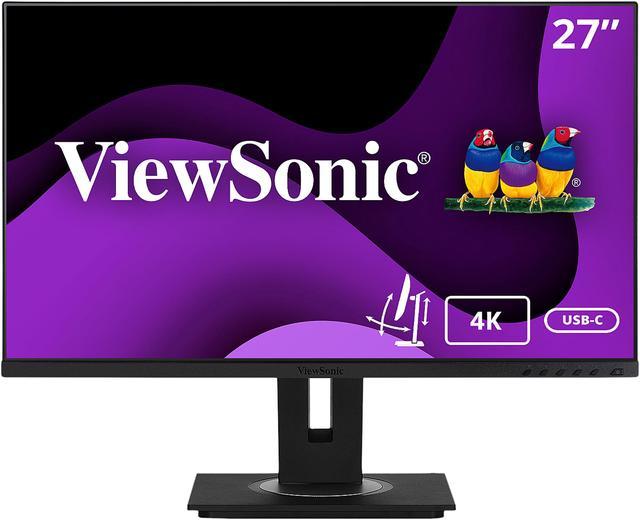
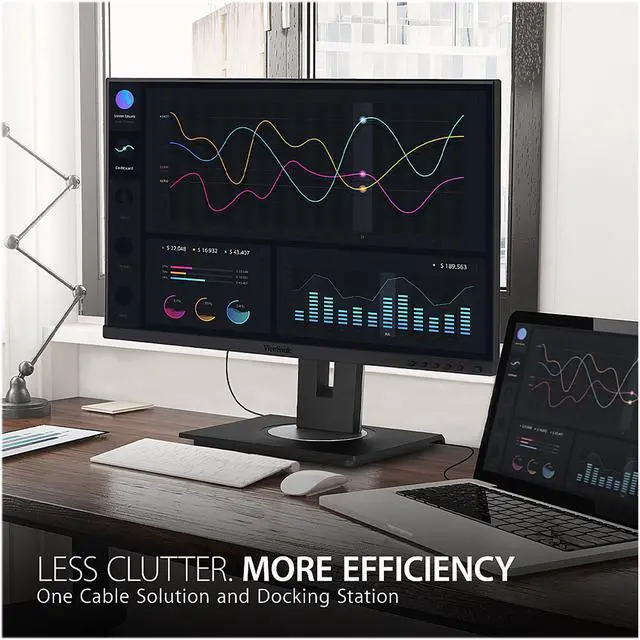
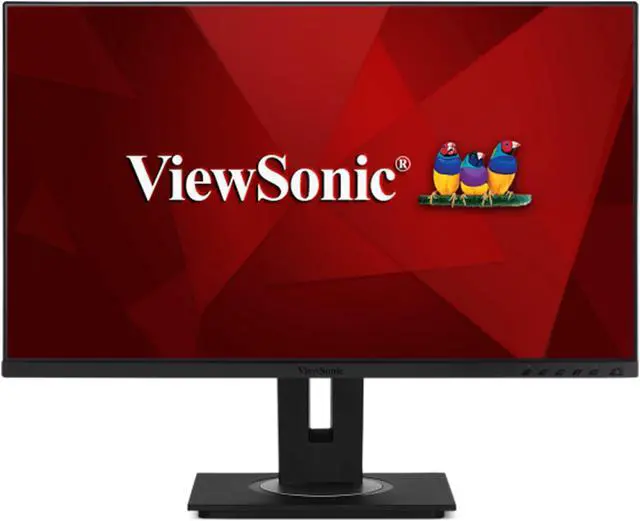
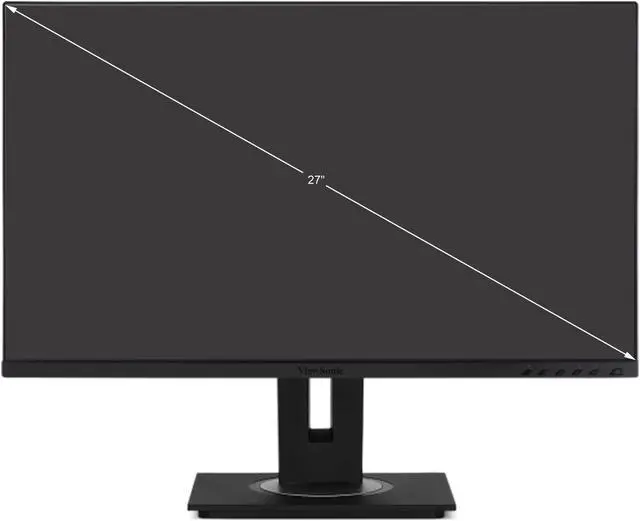
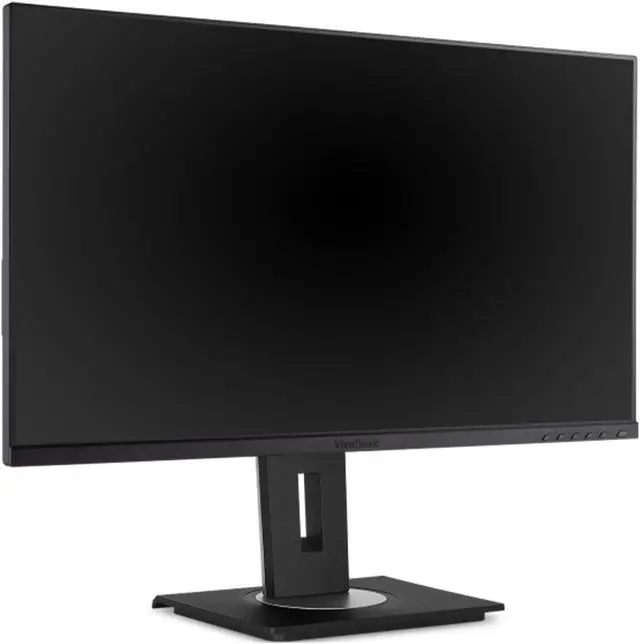
This product does not include manufacturer warranty when purchased or used outside of its designated sales region. By purchasing internationally, you acknowledge that warranty support from the manufacturer will not be available.The ViewSonic VG2756-4K is a 27-inch 4K IPS docking monitor for home and office users who want a sharp workspace with fewer cables. Its USB-C connection carries video, data, audio, and up to 60W charging, while built-in Ethernet and a USB hub help connect a laptop and peripherals.
| Attribute | Value |
|---|---|
| Best For | Business and personal desktop setups needing a 27-inch 4K display with USB, Ethernet, and adjustable positioning |
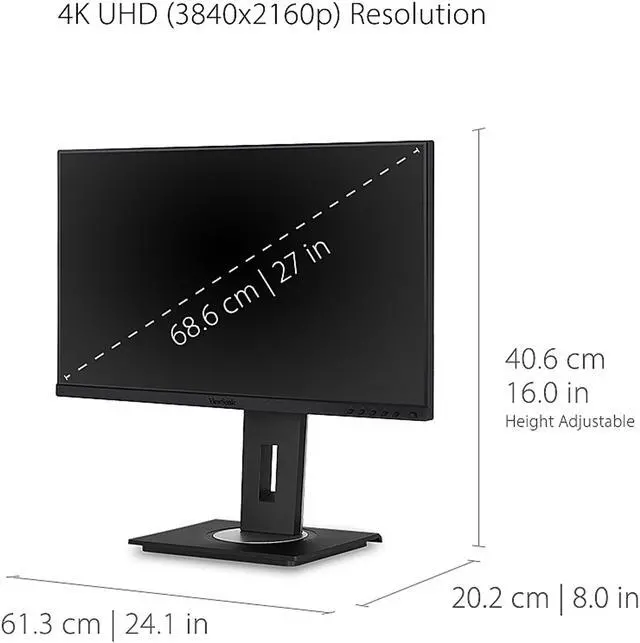
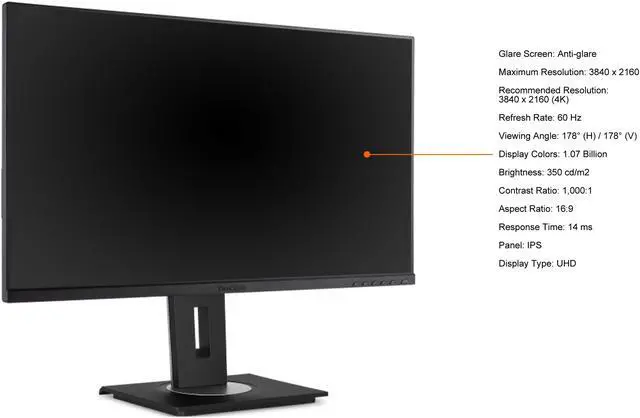
| Panel And Resolution | 27-inch flat IPS LED panel with 3840 × 2160 (4K UHD) resolution, 16:9 aspect ratio, 1.07 billion colors, 350 cd/m² brightness, 1,000:1 contrast, 178° horizontal and vertical viewing angles, and a matte anti-glare finish |
| Refresh Rate And Response | 60 Hz refresh rate with a 14 ms response time |
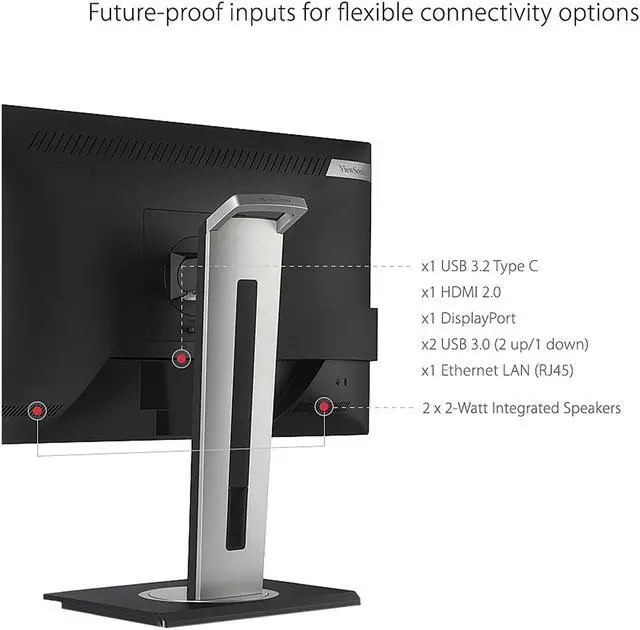
| Ports And Connectivity | 1 HDMI port, 1 DisplayPort, 3 USB 3.0 ports, and USB Type-A, Type-B, Type-C, and RJ45 Ethernet connectivity |
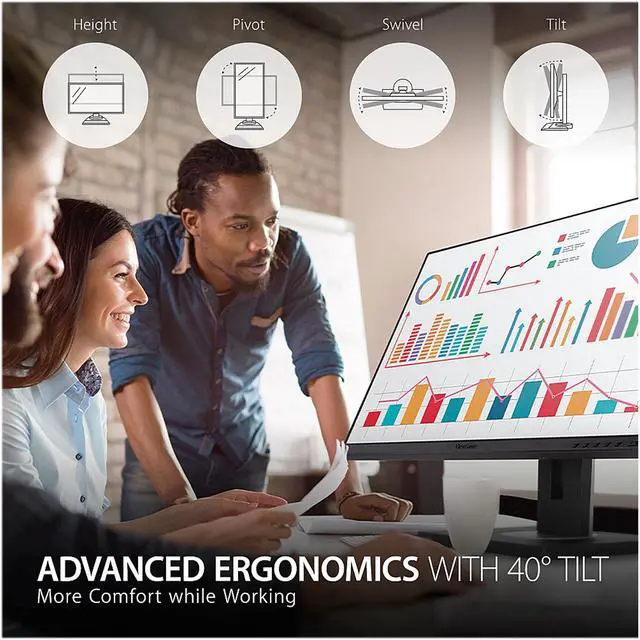
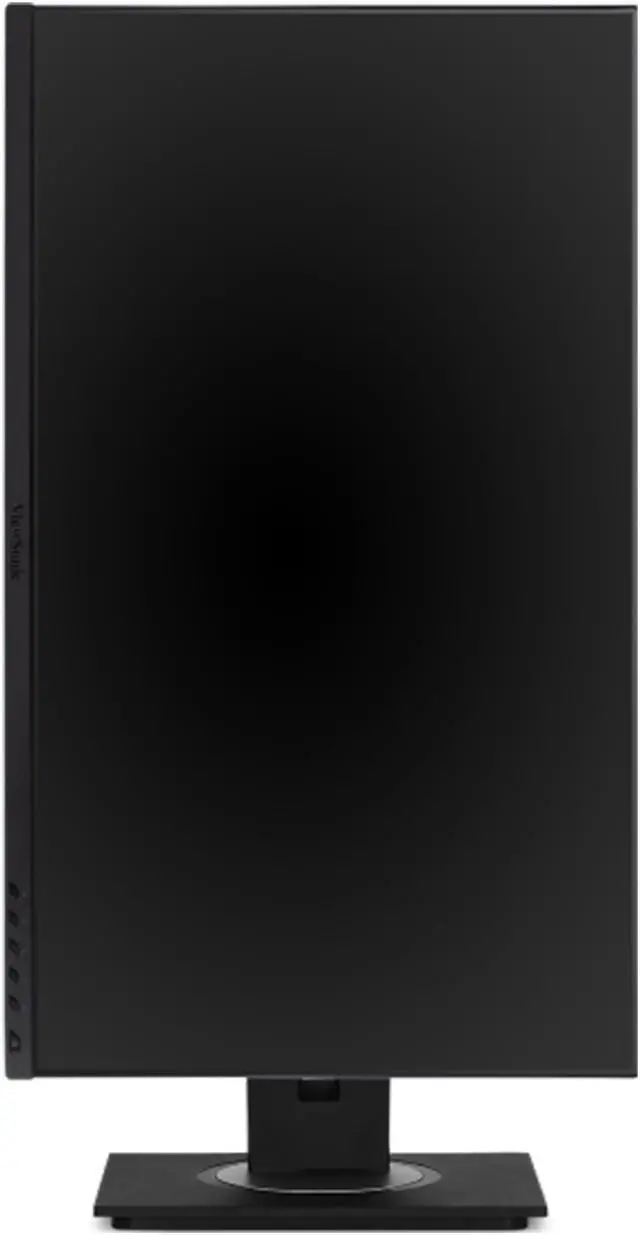
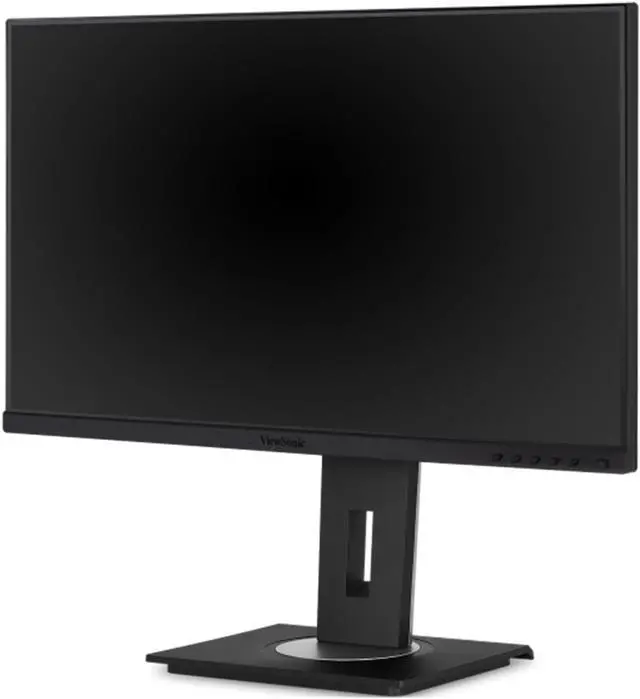
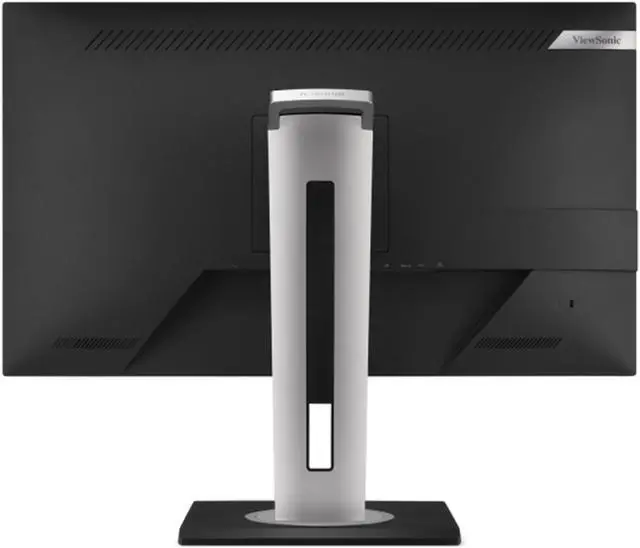
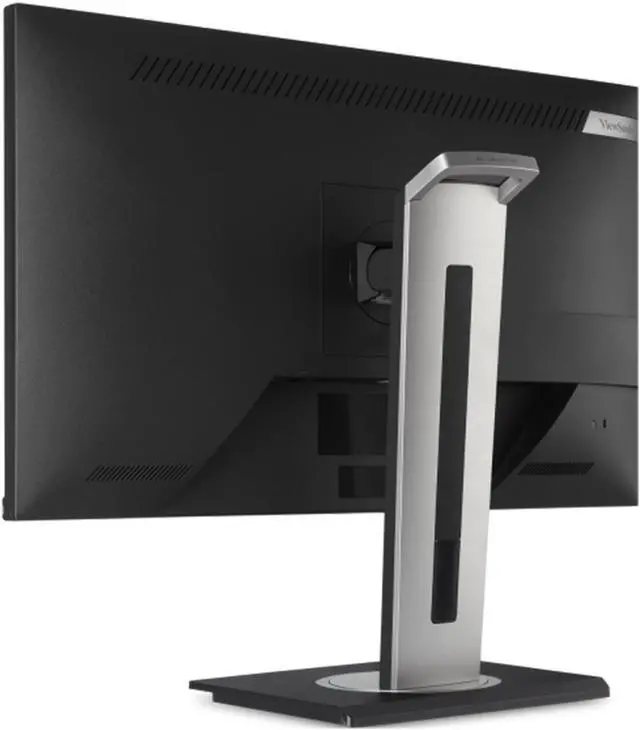
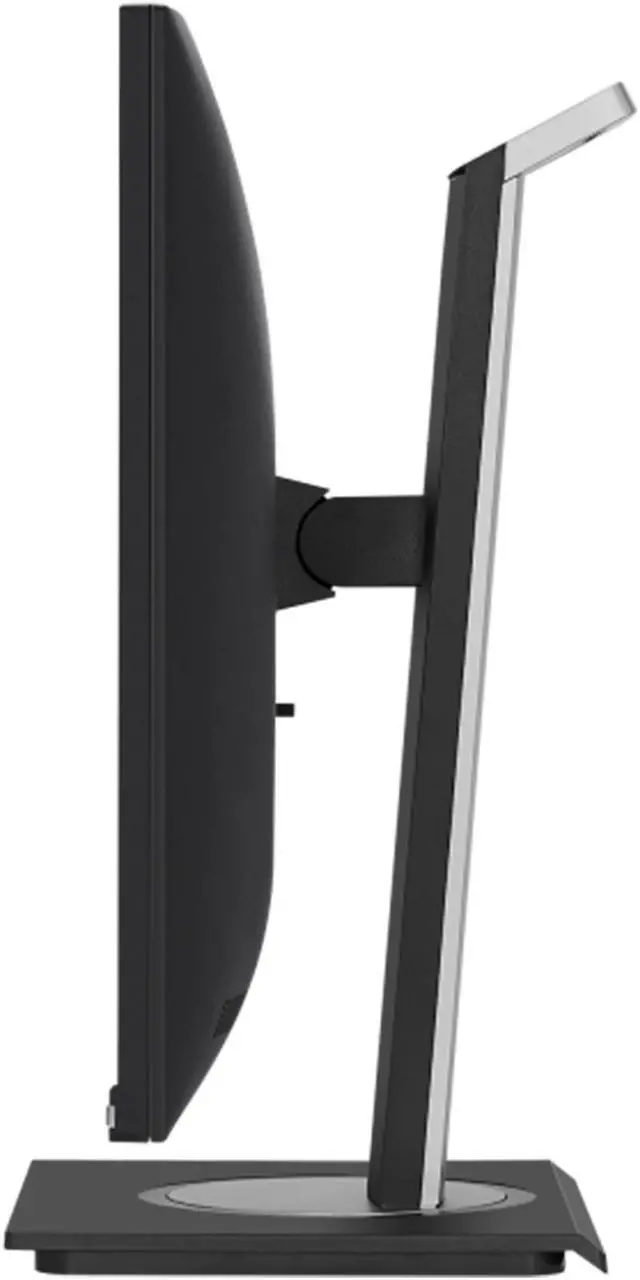
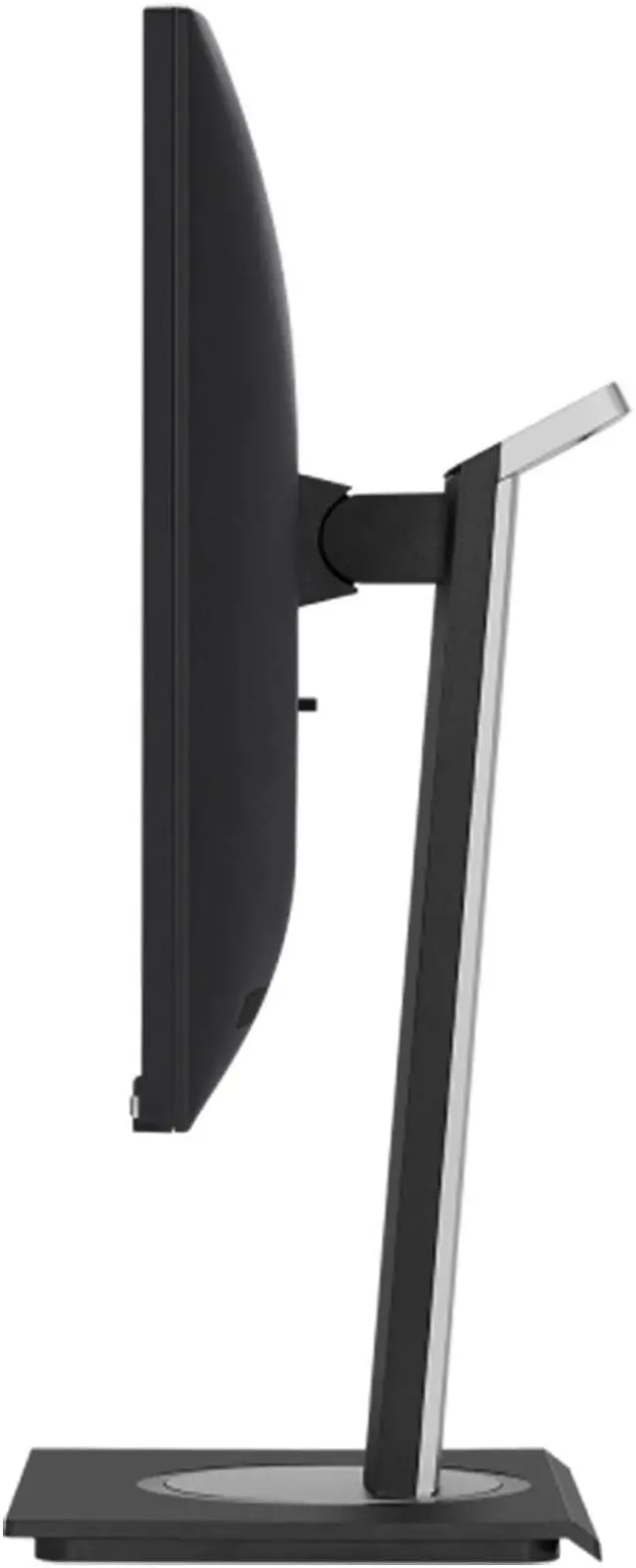
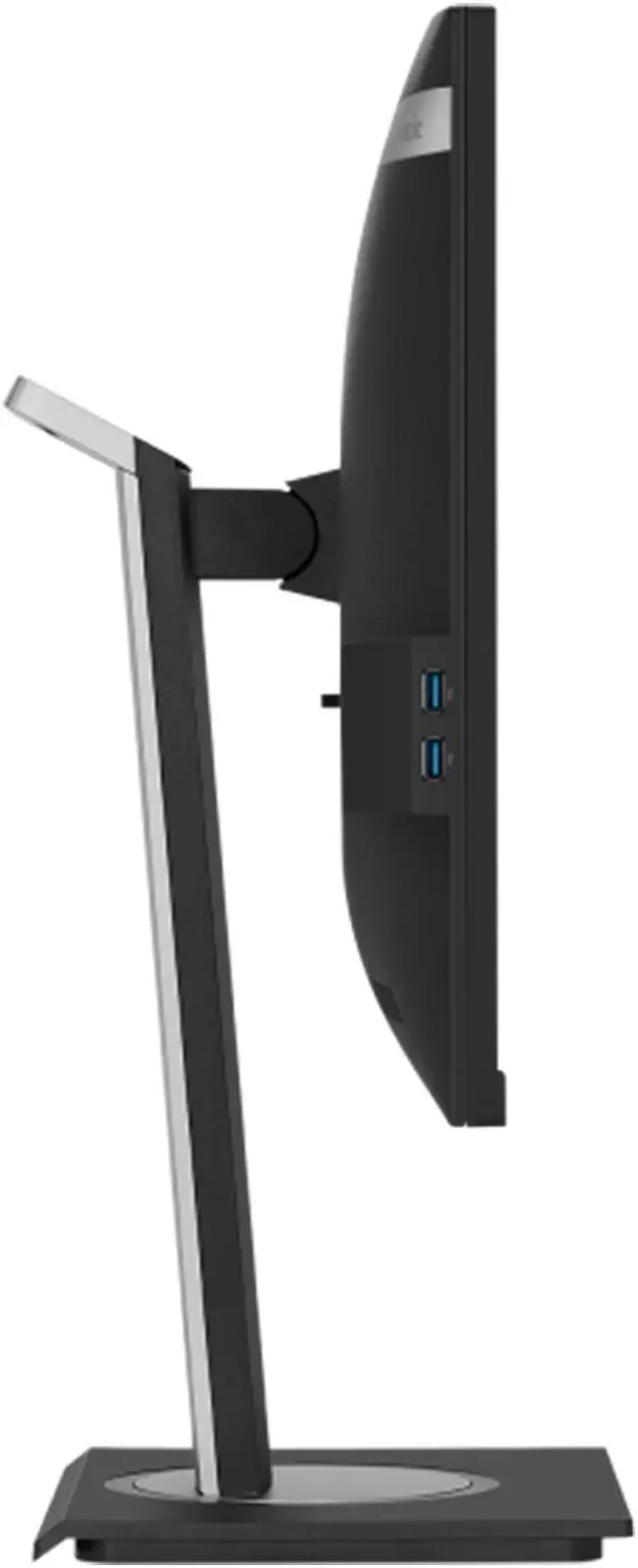
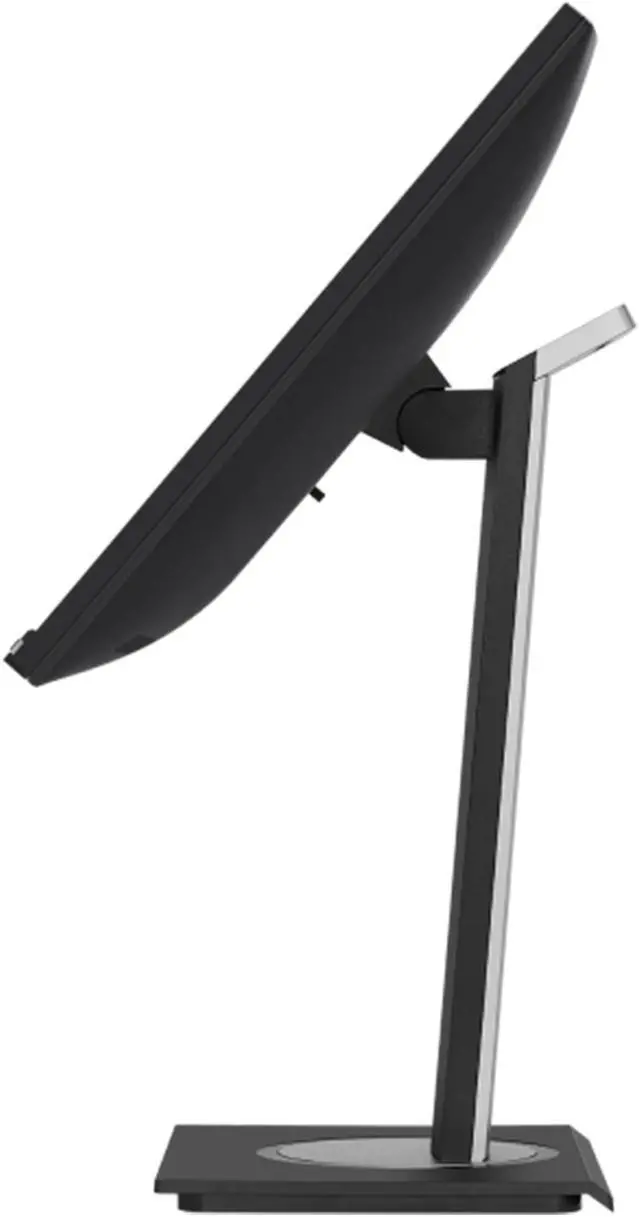
| Stand And Ergonomics | Height, pivot, swivel, and tilt adjustments; supports VESA 100 × 100 mm mounting |
| Audio And Webcam | Built-in speakers; no built-in webcam |
| Power And Consumption | 100–240 VAC, 50/60 Hz input; power consumption is 16.8 W in Eco conserve mode, 21.2 W in Eco optimized mode, 30.7 W typical, and up to 70 W |
| Dimensions And Weight | 24.10 × 16.0 × 8.0 inches with stand and 24.10 × 14.30 × 2.0 inches without stand; weighs 16.50 lb with stand and 11.20 lb without stand |
| Model And Finish | ViewSonic VG2756-4K, model number VS18303; black cabinet |
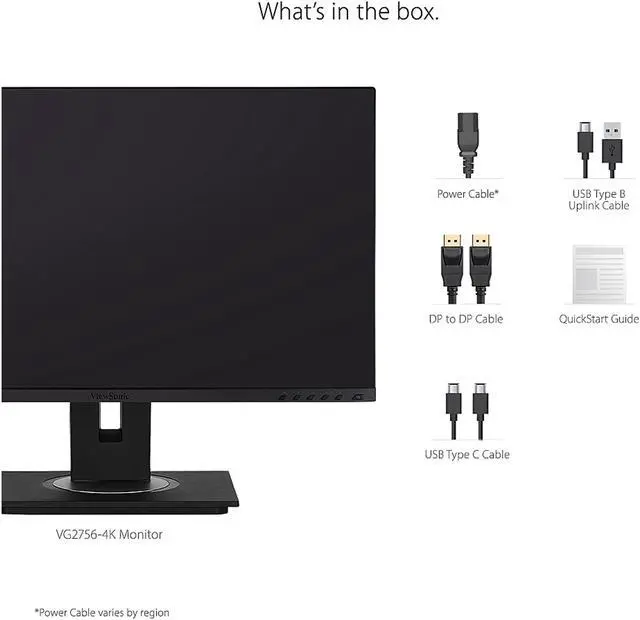
| Included In The Box | Monitor, power cable, DisplayPort cable, USB Type-C cable, USB Type-B uplink cable, and quick start guide |
| Regulatory Approvals | cTUVus, FCC-B, ICES003, Energy Star, EPEAT, MX-CoC, and Mexico Energy |
Q: ViewSonic VG2756-4K vs VG2756-2K: which one should I choose?
A: Choose the VG2756-4K for 3840 × 2160 resolution and more detailed 4K content on a 27-inch screen. Choose the VG2756-2K for 2560 × 1440 QHD. Both are 27-inch IPS docking monitors with USB-C, RJ45 Ethernet, a USB hub, and an adjustable ergonomic stand.
Q: VG2756-4K vs VP2756-4K: which is better for office use or color work?
A: Choose the VG2756-4K for an office-focused docking setup with integrated RJ45 Ethernet, USB-C connectivity, and an ergonomic stand. Choose the VP2756-4K when color-focused work is the priority: ViewSonic lists factory calibration, Delta E <2 accuracy, 100% sRGB coverage, and Pantone validation for that model.
Q: VG2756-4K vs VP2768a-4K: which should I pick for a 4K work monitor?
A: Both are 27-inch 4K IPS monitors with USB-C and RJ45 Ethernet. Choose the VG2756-4K for an office docking monitor with an ergonomic stand and USB hub. Choose the VP2768a-4K when color-managed creative work is central; ViewSonic highlights Pantone validation, factory-calibrated color, and hardware calibration for that model.
Q: Can I connect my laptop with one USB-C cable and charge it at the same time?
A: Yes, if the laptop’s USB-C port supports video output, one cable can carry video, audio, and data while charging the laptop at up to 60W. The monitor’s USB hub and RJ45 Ethernet port can also help reduce desk cables. Check whether 60W is sufficient for your laptop’s power needs.
Q: Is this monitor suitable for office work and video meetings?
A: It suits office tasks such as documents, spreadsheets, and presentations, with a 27-inch 4K IPS screen, adjustable stand, USB hub, and Ethernet port. It has built-in speakers but no webcam, so video meetings require a separate camera.
Q: Is it a good choice for gaming?
A: It can display games at up to 4K and 60Hz, but its 60Hz refresh rate and listed 14ms response time make it better suited to general productivity and casual gaming than fast-paced competitive play.
Q: Can I mount it on a monitor arm or use it in portrait orientation?
A: Yes. The monitor has a 100 × 100 mm VESA mounting pattern, and its stand supports pivoting into portrait orientation. Confirm that an arm or mount supports this VESA pattern and the monitor’s weight.
Q: Is it practical to take along as a travel work monitor?
A: It is designed more for a fixed home or office desk than frequent travel: it weighs 16.5 lb with its stand and measures about 24.1 inches wide with the stand. Its USB-C docking and adjustable stand are useful at a stationary workstation, but it is not a portable monitor.
Q: Is the VG2756-4K a reasonable choice for a work-focused 27-inch setup?
A: It suits a work-first setup if you want a 27-inch 4K screen and built-in docking connections. It offers 4K resolution at 60Hz, USB-C, Ethernet, and an adjustable stand. Check that your computer supports the resolution and USB-C video output you need.
Q: Is 60Hz enough, or should I choose a 144Hz monitor?
A: The VG2756-4K is a 60Hz monitor, so it fits typical office use better than buyers prioritizing higher refresh rates. A Reddit discussion mentioning this model raises 144Hz as an alternative for smoother motion; choose based on whether that matters more to you than this monitor’s 4K resolution and docking features.
Q: Can the VG2756-4K work in a gaming setup?
A: It can serve as a 4K, 60Hz display in a mixed-use setup, but it is not a high-refresh-rate gaming monitor. The Reddit discussion that mentions it also considers a separate 240Hz display, illustrating the trade-off between this model’s work-oriented docking features and faster gaming displays.


