


 All CategoriesAll CategoriesAll Categories





Warranty Notice:
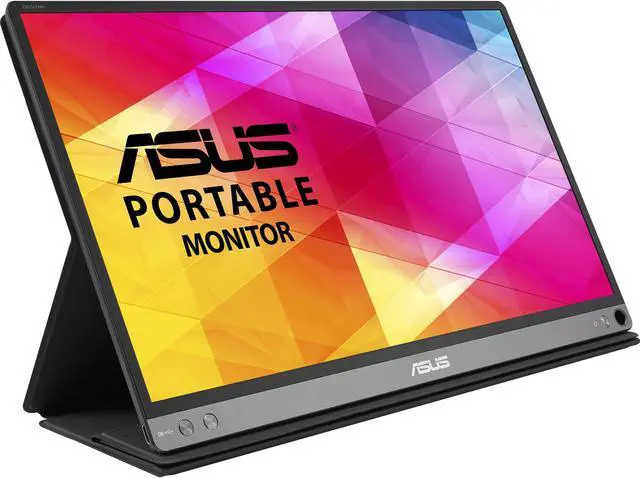
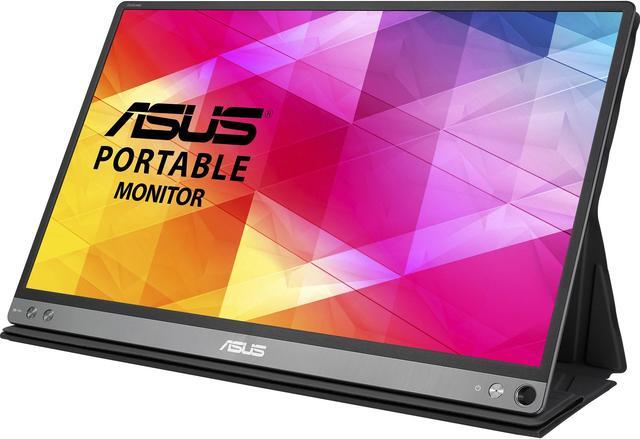
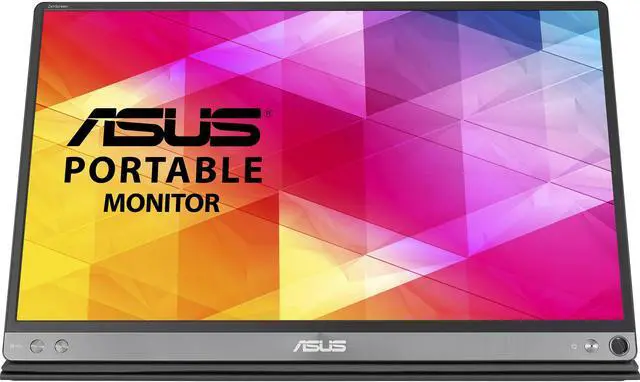
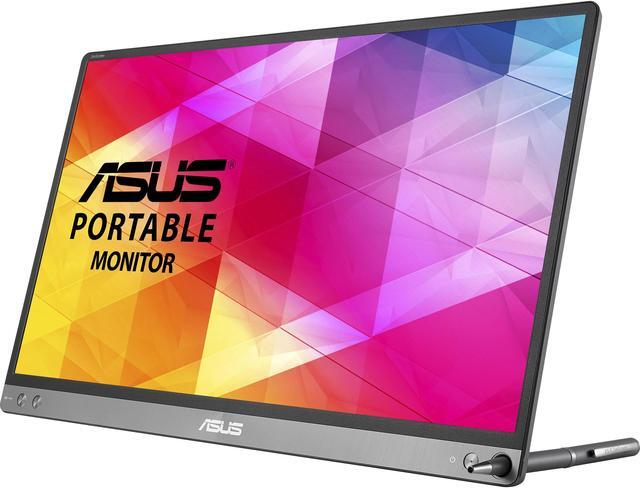
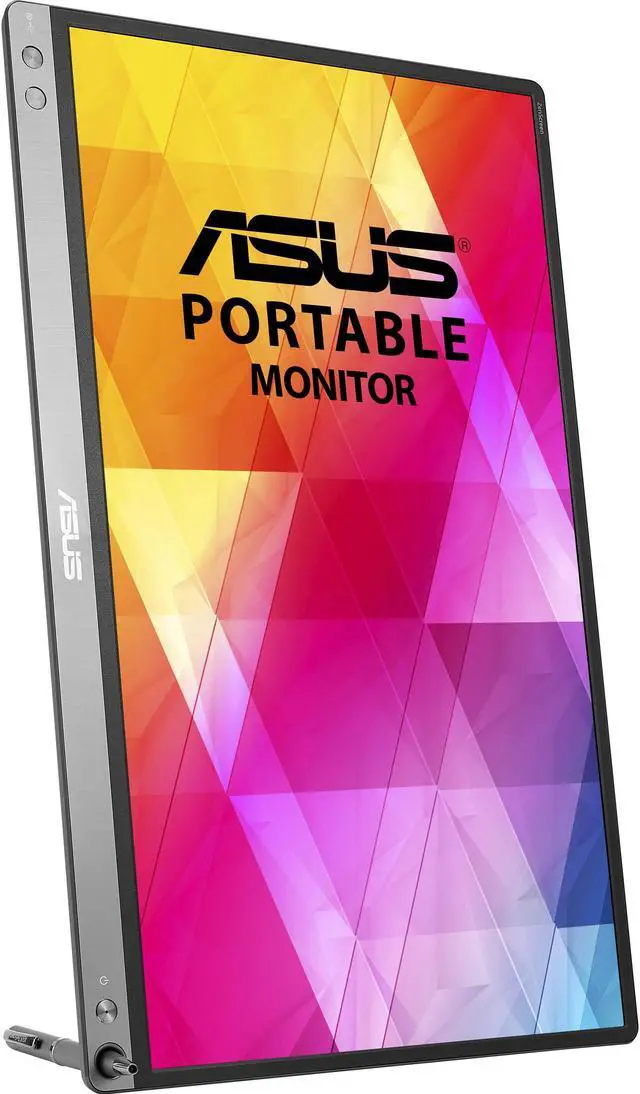
This product does not include manufacturer warranty when purchased or used outside of its designated sales region. By purchasing internationally, you acknowledge that warranty support from the manufacturer will not be available.The ASUS MB16AC is a 15.6-inch Full HD monitor with an anti-glare screen, 60Hz refresh rate, and USB Type-C connectivity, suited to home and business users who want a compact display for everyday work, videos, and general use.
| Attribute | Value |
|---|---|
| Best For | Home and business use with Full HD content on a 15.6-inch monitor |
| Panel And Resolution | 15.6-inch FHD display with 1920 × 1080 resolution, 16:9 aspect ratio, 178° horizontal and vertical viewing angles, 262,000 colors, and a 1,000:1 contrast ratio |
| Refresh Rate And Response | 60 Hz refresh rate and 5 ms response time |
Q: ASUS MB16AC vs MB166C: which is better for connecting to different laptops?
A: Choose the ASUS MB16AC if you want the option to connect through USB-C or USB-A: ASUS specifies hybrid-signal support for both, with a driver required for USB-A. The MB166C is a 15.6-inch Full HD portable monitor with USB-C DisplayPort Alt Mode and a tripod socket.
Q: Should I get the ASUS MB16AC or MB16ACV for a portable second screen?
A: Both are 15.6-inch Full HD portable monitors. Choose the MB16ACV if you value its built-in kickstand, tripod socket, and 250-nit brightness specification; choose the MB16AC for its hybrid USB-C and USB-A connection support, with a driver required for USB-A.
Q: ASUS MB16AC vs MB16AH: which should I choose for laptop work?
A: Choose the MB16AC for a portable laptop display with hybrid USB-C and USB-A connection support. The MB16AH is another 15.6-inch Full HD option; ASUS lists built-in speakers and Micro HDMI input among its features, which may suit setups that prioritize those connections and audio.
Q: Is this monitor a practical choice for travel and meetings?
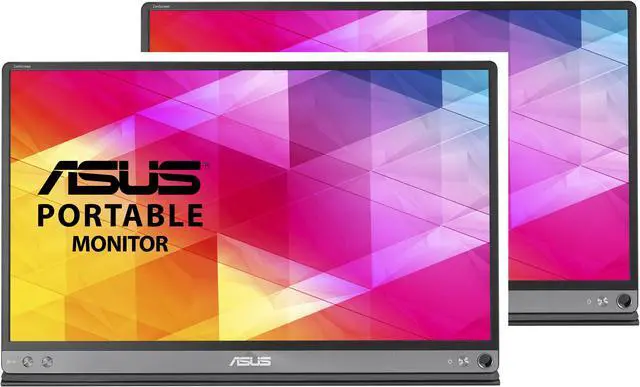
A: Yes. Its 15.6-inch Full HD screen and USB-C connection make it suitable as a portable second screen for laptop work and presentations. The product information lists two monitors in the pack. Confirm that your laptop’s USB-C port supports video output before buying.
Q: Will it work with my laptop’s USB-C port?
A: It should work when the laptop’s USB-C port supports video output, such as DisplayPort Alt Mode. A USB-C connector alone does not guarantee video compatibility, so check your laptop’s specifications. The product information lists USB-C connectivity.
Q: Is it suitable for office work and video meetings?
A: It is suited to everyday office tasks such as documents, email, and using a second screen during meetings. Its 15.6-inch 1920 × 1080 display, 60 Hz refresh rate, anti-glare screen, and listed low-blue-light and flicker-free features support general work use. The product information does not specify a built-in webcam or microphone.
Q: Is the screen bright enough to use outdoors or in a bright room?
A: The listed brightness is 220 nits, so it is better suited to typical indoor use than direct sunlight or very bright environments. Its anti-glare screen can help reduce reflections, but it does not increase the display’s brightness.
Q: Is the MB16AC a practical travel monitor for work?
A: It can suit travel and general work as a portable second screen: users describe carrying it and using it for work on the road, and one YouTube reviewer highlights its single-cable setup. It is 15.6 inches with Full HD resolution, but the screen draws power from the connected computer in that setup, which can use more of the laptop’s battery.
Q: Will it work with any laptop over a single USB-C cable?
A: Not necessarily. Users report single-cable use on compatible laptops, but also describe devices where the monitor did not work. Check that the laptop’s USB-C port supports video output before buying; the product information lists USB Type-C connectivity but does not specify compatibility with every host.
Q: Is the screen bright enough to use outdoors or in bright places?
A: It may be difficult to see in bright conditions. The provided specifications list 220 nits, and a YouTube reviewer describes the monitor as dim and unsuitable for outdoor use. Although the product description says anti-glare, that reviewer also found the screen reflective.
Q: Is the MB16AC suitable for gaming?
A: It is not the strongest choice for responsive gaming. The product data lists a 60 Hz refresh rate and 5 ms response time, while a YouTube reviewer reports noticeable input latency during testing. It is better suited to general work and media than to games where fast response matters.

