


 All CategoriesAll CategoriesAll Categories
Shipped by Newegg




Warranty Notice:
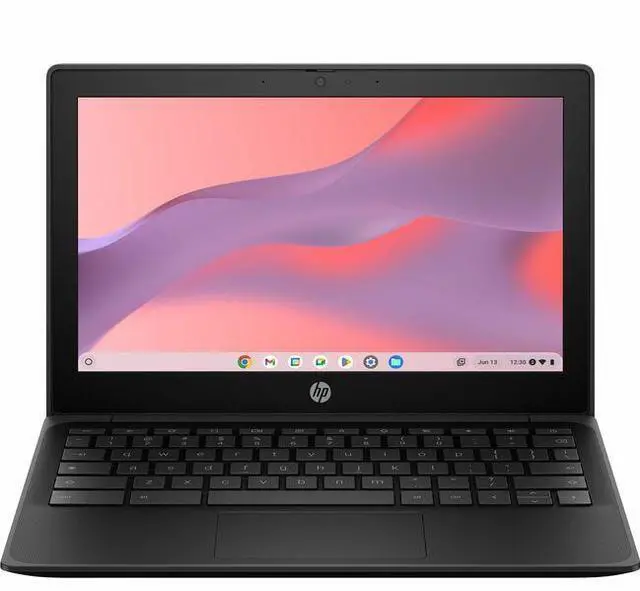
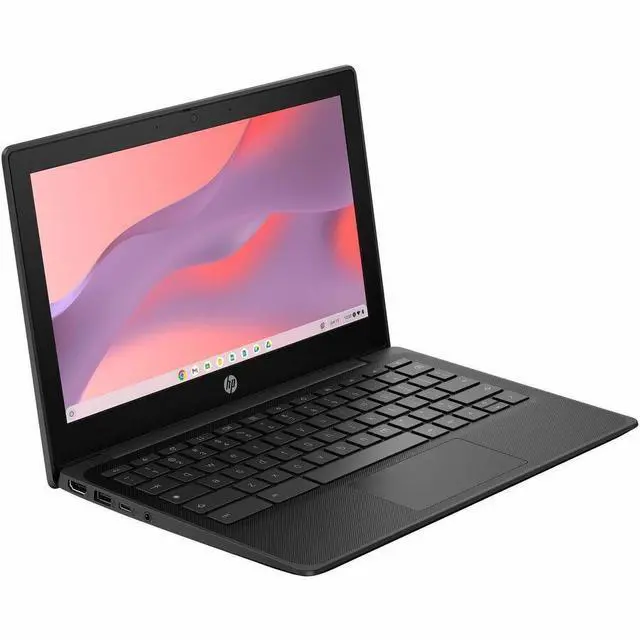
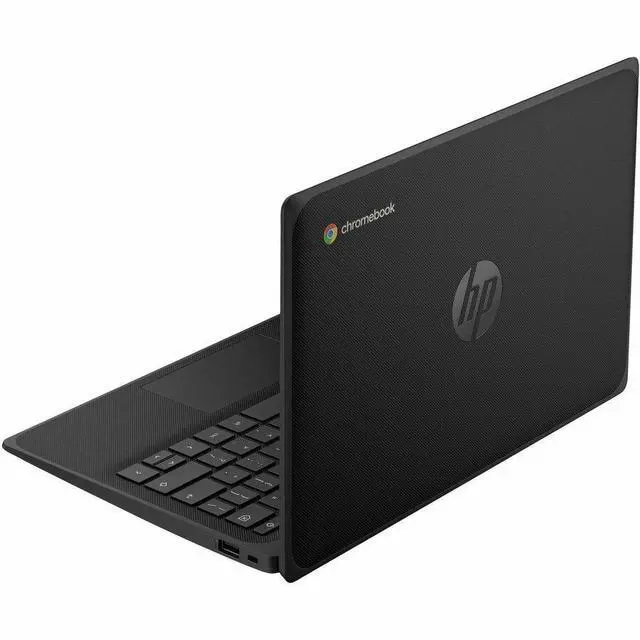
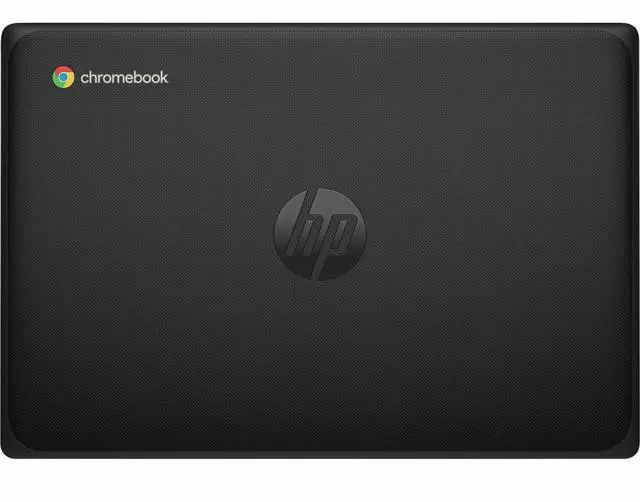
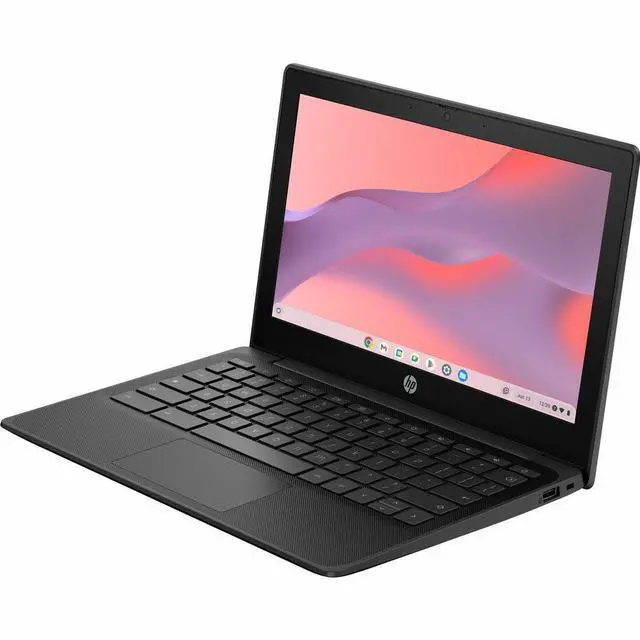
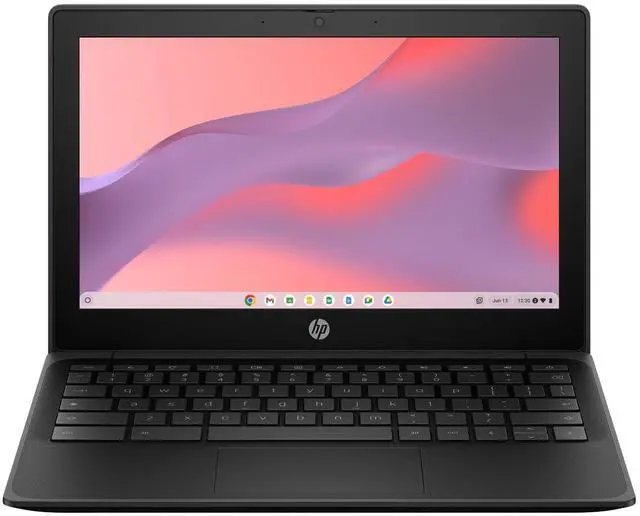
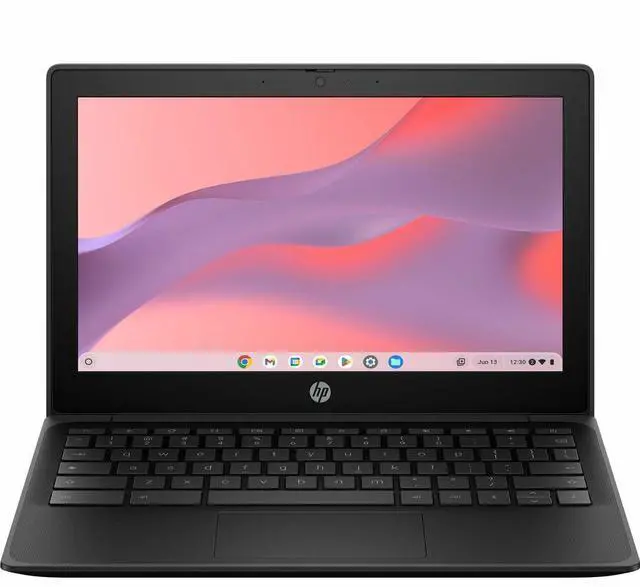
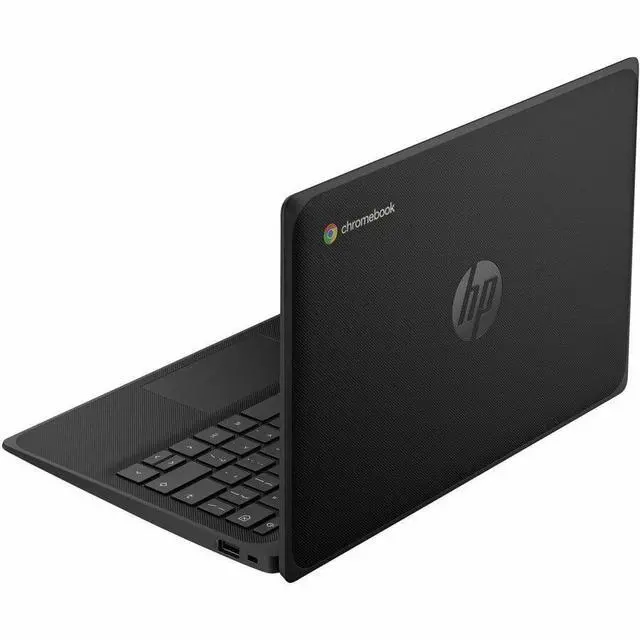
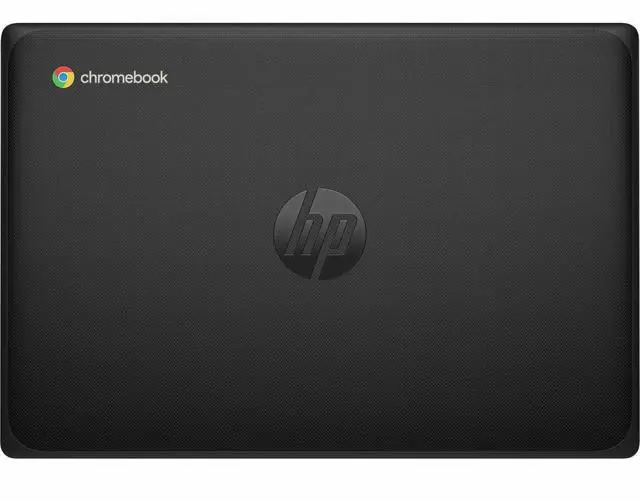
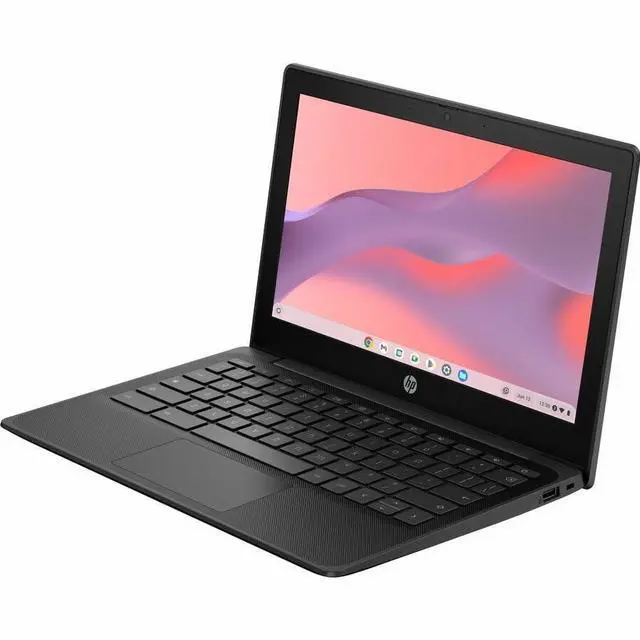
This product does not include manufacturer warranty when purchased or used outside of its designated sales region. By purchasing internationally, you acknowledge that warranty support from the manufacturer will not be available.The HP Fortis G1m is an 11.6-inch rugged touchscreen Chromebook built for students, families, and light everyday use, with a compact 2.53 lb design, ChromeOS, Wi-Fi 6, and 128GB flash storage for web apps, schoolwork, and portable productivity.
| Attribute | Value |
|---|---|
| Best For | Home/personal Chrome OS users for everyday web, cloud apps and light multitasking — suited to browsing, streaming and web-based productivity given 4 GB RAM and integrated graphics |
| Processor And Core Count | MediaTek 520 (MTK) processor, 2.05 GHz |
| Memory Configuration | 4 GB RAM with 32 GB onboard storage |
| GPU And VRAM | ARM Mali-G52 MP2 integrated graphics for basic graphics and web content |
| Display Spec | 11.6-inch screen with 1366 x 768 resolution |
| Battery And Power | Lithium polymer battery with 41Whr capacity |
| Wired And Wireless Networking | MediaTek Wi‑Fi 6 MT7921 (2x2) with Wi‑Fi 6 support and Bluetooth 5.3 wireless |
| Webcam And Privacy | Built-in webcam included |
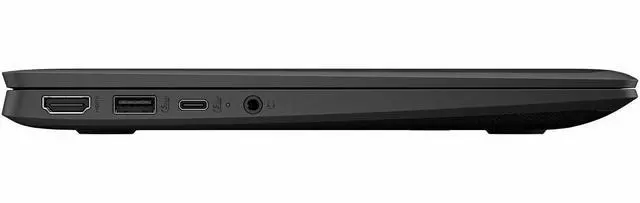
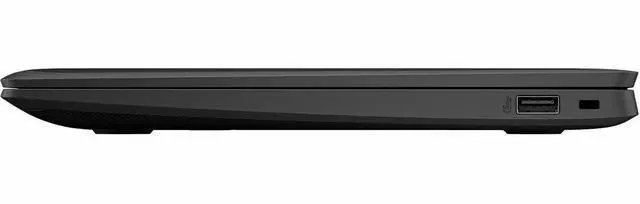
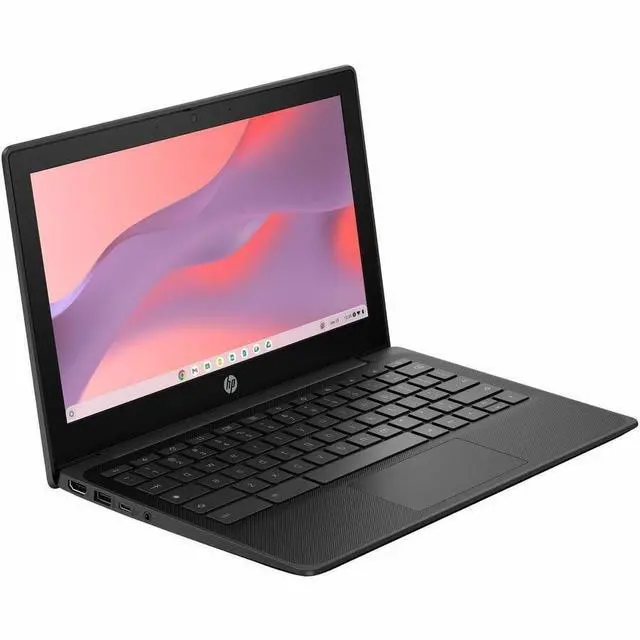
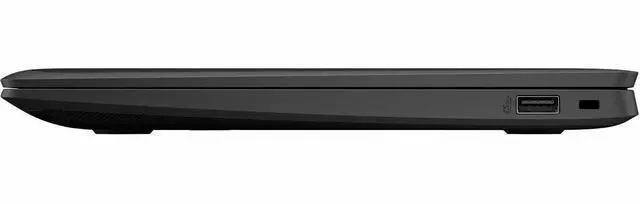
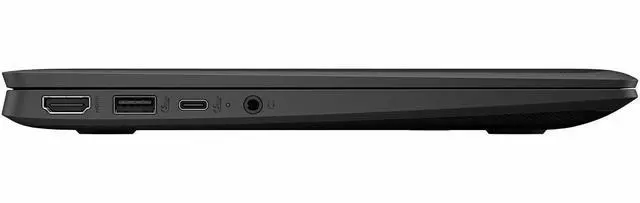
| Ports And I/O | 1 HDMI port; dual stereo speakers and dual-array microphones |
| Physical Dimensions And Weight | 11.54 x 7.85 x 0.35 in (front) / 11.54 x 7.85 x 0.62 in (rear); 2.53 lb; black color |
| Operating System | Chrome OS |
| Model Identifiers | HP / Hewlett Packard model BV0W9UT#ABA (part/model identifier BV0W9UT#ABA) |
Q: Should I buy the HP Fortis G1m or a Chromebook Plus model?
A: Choose the HP Fortis G1m if your priority is a compact, rugged Chromebook for web apps, school portals, document work, and light everyday use. Choose a Chromebook Plus model if you want more headroom for heavier multitasking, more demanding Android or Linux use, and Google's Chromebook Plus feature tier. The main trade-off is that this Fortis G1m uses 4GB RAM and an entry-class 11.6-inch HD platform, while Chromebook Plus requires at least 8GB RAM and targets a higher performance class.
Q: Is the HP Fortis G1m a better fit than a larger performance-focused Chromebook?
A: The HP Fortis G1m is the better fit when portability, durability, and simple ChromeOS workflows matter more than screen size or multitasking power. Its 11.6-inch form factor, low weight, fanless ARM platform, and Fortis rugged positioning make it easier to carry and use in shared or mobile environments. A larger performance-focused Chromebook is the better fit for frequent split-screen work, more tabs, higher-resolution media, and longer desk-based sessions.
Q: How does the HP Fortis G1m compare with other rugged 11.6-inch Chromebooks like the Lenovo 100e Gen 4?
A: In practice, the HP Fortis G1m and Lenovo 100e Gen 4 sit in the same buying tier: both are small rugged Chromebooks built around the MediaTek Kompanio 520 class and aimed at basic ChromeOS work. The HP Fortis G1m is the stronger choice if you prefer HP's Fortis design, this exact 128GB storage configuration, or HP ecosystem alignment. A similar Lenovo alternative makes more sense if price, local availability, repair programs, or district standardization are more important than brand preference, because performance expectations are broadly similar.
Q: Should I choose this 4GB RAM HP Fortis G1m or a higher-memory Chromebook?
A: Choose this HP Fortis G1m if your usage is mostly browser-based schoolwork, email, streaming, and light app use, and you want a lower-complexity Chromebook with solid storage capacity at 128GB. Choose an 8GB Chromebook if you expect many tabs, regular video meetings, Android apps, Linux apps, or longer multitasking sessions. The main decision point is not the processor alone; in real-world ChromeOS use, memory capacity usually affects how comfortably the system handles heavier workloads.
Q: Should I get the HP Fortis G1m or the HP Fortis Flip G1m?
A: Choose the HP Fortis G1m if you want the simpler clamshell version for standard laptop use. Choose the HP Fortis Flip G1m if you want the same Fortis rugged family concept with added flexibility for touch-first use, tent mode, tablet mode, pen support, or dual-camera classroom workflows. The trade-off is that the Flip model adds versatility, while the standard G1m stays focused on straightforward laptop use.
Q: Is the HP Fortis G1m a good fit for note-taking, meetings, and everyday office work?
A: Yes for light cloud-based work. The HP Fortis G1m is suitable for note-taking, web apps, Google Docs, email, video meetings, and PDF viewing/signing. Its touchscreen, ChromeOS, webcam, Wi-Fi 6, and light 11.6-inch form factor match the common Chromebook use cases seen in retail Q&A. The main trade-off is that 4 GB RAM and an ARM-based ChromeOS setup are better for basic multitasking than for heavy desktop-style workloads or specialized Windows software.
Q: Can you use Microsoft Office or other Windows programs on this Chromebook?
A: It is a Chromebook, so it is not the right choice if you need full Windows desktop software. You can use browser-based Microsoft 365 and common Android apps, but you should not expect native Windows app support. If your work depends on Windows-only programs, a Windows laptop is the safer buy.
Q: Is it worth buying as a travel or grab-and-go work device?
A: Yes, if your priority is portability, durability, and long unplugged sessions for web-first tasks. At about 2.53 lb with an 11.6-inch screen, rugged Fortis positioning, Wi-Fi 6, and a 41Wh battery, it fits travel, commuting, field use, and backup-device roles well. The trade-off is screen size and performance headroom: it is more practical for documents, tabs, calls, and admin work than for large spreadsheets, complex multitasking, or creative apps.
Q: Who is the HP Fortis G1m best suited for?
A: It is best for students, families, frontline staff, and buyers who mainly live in the browser. It makes sense for schoolwork, email, streaming, web research, forms, remote meetings, and shared-device environments where a rugged build matters. It is less suitable for power users who need lots of local software, heavy multitasking, advanced content creation, or gaming.
Q: How does it compare with a stronger 2-in-1 rugged Chromebook alternative?
A: Choose the HP Fortis G1m if you want a simpler clamshell Chromebook with touch, low weight, and enough storage for basic everyday use. Choose a rugged 2-in-1 alternative like the HP Fortis x360 or ASUS CR11 Flip if you want more flexibility for tablet-style use, and especially if you can get 8 GB RAM for better multitasking. The Fortis G1m's main value is straightforward browser-first productivity; the main compromise is modest memory and less versatility than convertible models.
Q: Who is this Chromebook best suited for?
A: This model fits buyers who want a small, durable ChromeOS laptop for web apps, schoolwork, email, video calls, and travel. Its 11.6-inch size, rugged Fortis design, touch display, and low weight make it more suitable for portability and shared or high-movement use than for heavy multitasking or creative workloads.
Q: Is it a good choice for basic work, note-taking, and everyday use?
A: Yes for basic ChromeOS use. The touchscreen, webcam, Wi‑Fi 6, HDMI, and 128GB storage make it practical for browsing, documents, remote classes, meetings, and light note-taking. The main limit is 4GB of RAM, so it is better for lighter workloads than for many tabs, Linux use, or demanding Android apps.
Q: What are the main trade-offs of buying this model?
A: The biggest trade-offs are performance headroom and display sharpness. This configuration uses 4GB of memory and a 1366 x 768 screen, which is adequate for basic tasks but modest by current laptop standards. It is a more practical, durable Chromebook than a premium one, and buyers should expect compromises in multitasking, app flexibility, and screen resolution.
Q: Is it worth buying if you want a small travel or kid-friendly laptop?
A: It can be a sensible buy if durability, compact size, and simple ChromeOS use matter more than raw performance. The rugged Fortis chassis and 11.6-inch form factor align well with travel, school bags, and younger users. It is less compelling for buyers who want a sharper display, more RAM, or a device that feels closer to a full productivity laptop.


