


 All CategoriesAll CategoriesAll Categories
Shipped by Newegg
 Top Rated







Warranty Notice:
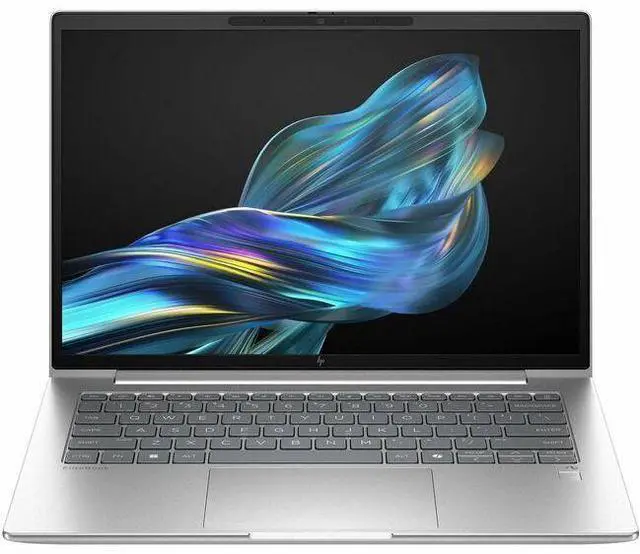
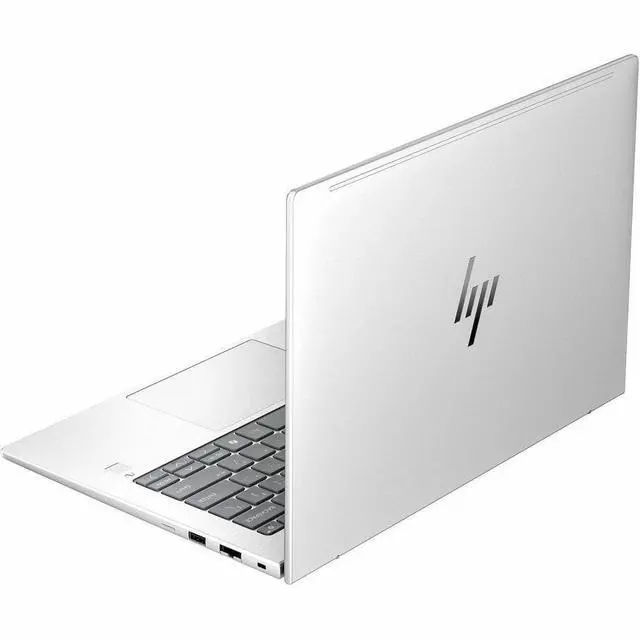
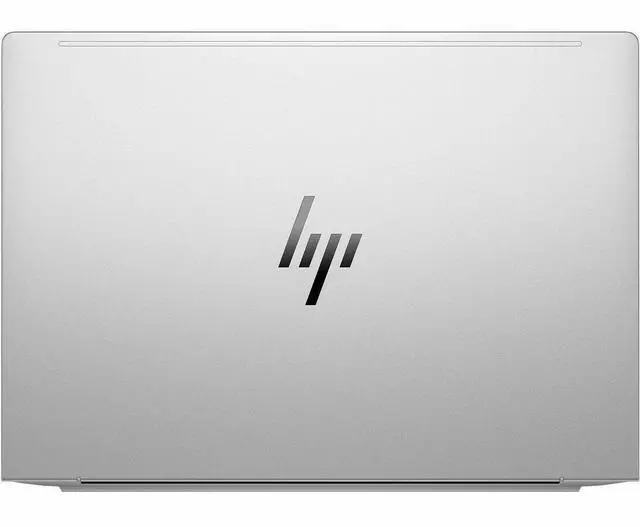
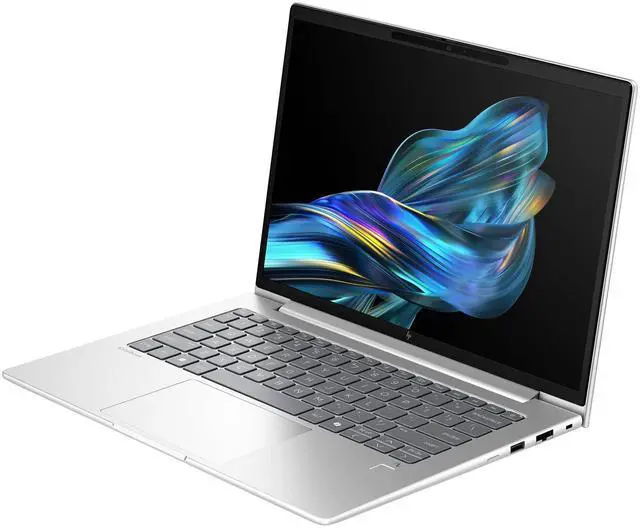
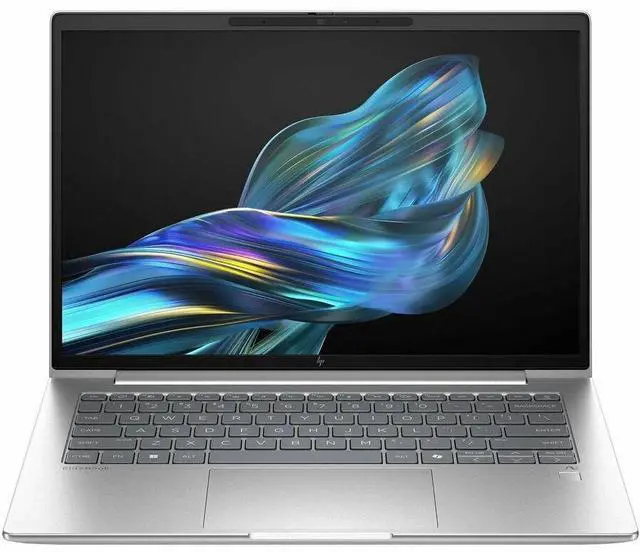
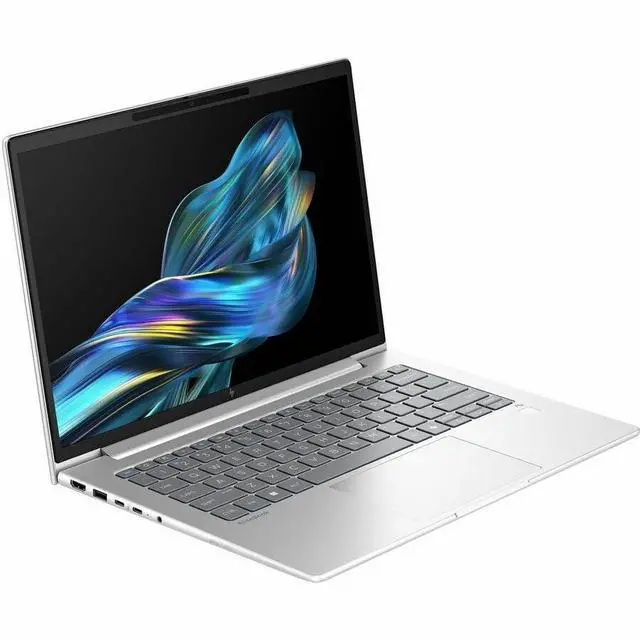
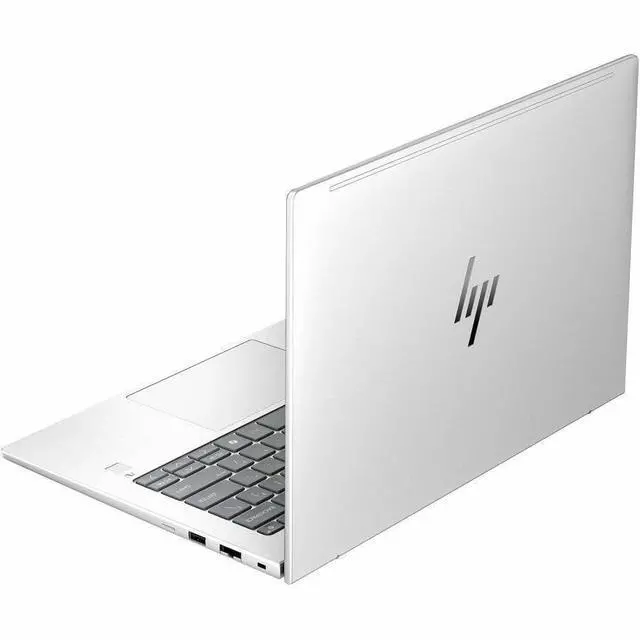
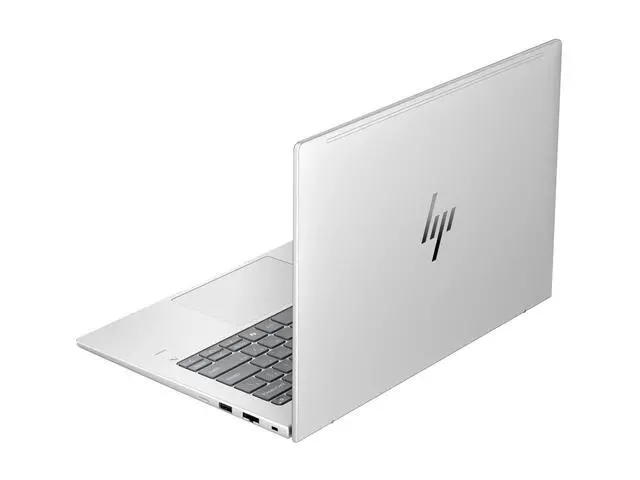
This product does not include manufacturer warranty when purchased or used outside of its designated sales region. By purchasing internationally, you acknowledge that warranty support from the manufacturer will not be available.The HP EliteBook 6 G1q is a 14-inch Copilot+ business laptop with a Snapdragon X Plus processor, 32GB RAM, 1TB SSD, and Windows 11 Pro, making it a strong fit for professionals, hybrid workers, and students who want fast everyday productivity in a portable design with modern Wi‑Fi 7 connectivity.
| Attribute | Value |
|---|---|
| Best For | Home/personal users who want a portable 14.0" laptop for everyday productivity, video calls and media at a 1920 x 1200 resolution |
| Display Spec | 14.0" diagonal screen with 1920 x 1200 resolution for sharper-than-1080p productivity and media viewing |
| GPU And Graphics | Adreno integrated graphics (integrated card) for general graphics and multimedia tasks |
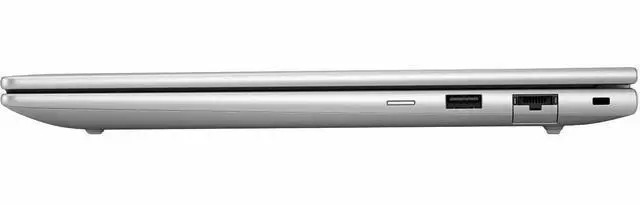
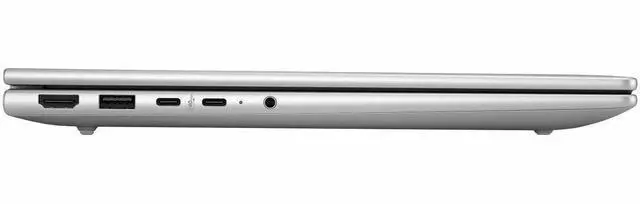
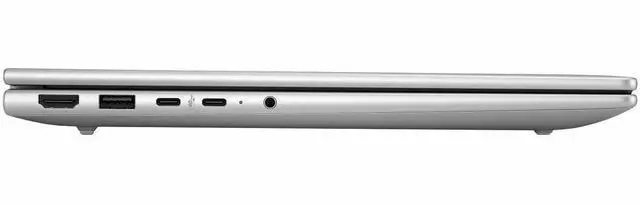
| Ports And Connectivity | Includes one HDMI port and Bluetooth wireless connectivity |
| Webcam And Privacy | Webcam included for video conferencing and online meetings |
| Input And Control | Non-touch display (no touchscreen) |
| Model Identifiers | HP brand laptop |
Q: Should I choose the HP EliteBook 6 G1q or an Intel Core Ultra business laptop?
A: Choose the HP EliteBook 6 G1q if your priority is mobile productivity, long unplugged use, quiet operation, and Copilot+ PC features in a 14-inch business laptop. Reviews of Snapdragon X laptops consistently point to strong battery life and good everyday responsiveness, while comparable Intel Core Ultra systems remain the safer fit when you rely on specialized Windows software, legacy enterprise tools, or broader x86 app compatibility. In short: the EliteBook 6 G1q is the better match for cloud-first office work, video calls, travel, and optional always-connected workflows; an Intel Core Ultra alternative is the better match for maximum software flexibility.
Q: Is the HP EliteBook 6 G1q a better choice than a Snapdragon X Elite laptop?
A: Choose the HP EliteBook 6 G1q when your work is mostly Microsoft 365, browser-based apps, meetings, document work, and general multitasking, especially if you value 32GB memory and 1TB storage in this configuration. A Snapdragon X Elite laptop is the better step up for heavier workflows such as video editing, development workloads, and more demanding multitasking because the X Elite tier is positioned above X Plus for CPU and GPU performance. The practical trade-off is simple: EliteBook 6 G1q fits mainstream business productivity well, while X Elite models make more sense when performance matters more than staying in the mid-tier Snapdragon class.
Q: Should I buy this 32GB/1TB EliteBook 6 G1q or a lower-spec Snapdragon X Plus laptop?
A: Buy this EliteBook 6 G1q configuration if you expect to keep many browser tabs open, run large spreadsheets, work across multiple Office apps, store files locally, or want more headroom for longer ownership. A lower-spec Snapdragon X Plus laptop with 16GB RAM or 512GB storage is usually enough for lighter office use, web apps, streaming, and routine school or remote-work tasks. The main difference is not the Copilot+ feature set, since both can support that class of experience; it is how much multitasking and local storage margin you want from day one.
Q: Is the HP EliteBook 6 G1q better for travel than a performance-first 14-inch laptop?
A: Yes, the HP EliteBook 6 G1q is the better fit when portability, battery-minded use, and business mobility matter more than peak performance. Its Snapdragon X Plus platform is built around efficient everyday computing, and reviews of this model specifically highlight business travel features such as optional HP Go 5G and a light 14-inch design. A performance-first 14-inch laptop is the better alternative if your priority is heavier local workloads, stronger graphics, or software that benefits from x86-native performance. The decision comes down to travel-friendly efficiency versus higher compute headroom.
Q: Is this a good travel work laptop for meetings, documents, and long battery life?
A: Yes for mobile office work. This EliteBook configuration pairs a 14-inch 1920x1200 display, 32GB RAM, 1TB SSD, webcam, Wi‑Fi 7, and a Snapdragon X Plus chip, which matches the thin-and-light Copilot+ laptop pattern commonly positioned for productivity and travel. The main caveat is that Snapdragon systems are optimized more for office work, web use, video calls, and media than for heavier gaming or niche legacy workloads.
Q: Is it good for note-taking, Zoom meetings, email, and Microsoft Office?
A: Yes. Based on the listed specs, this model is well suited to everyday business tasks: Office apps, browser-heavy workflows, video meetings, and multitasking. Its 32GB RAM is more than enough for typical office use, and the built-in webcam and Wi‑Fi 7 help for remote work. It is less ideal if your workflow depends on specialized Windows software that may not run well on Snapdragon.
Q: Who is this laptop most suitable for?
A: It is best for professionals, students, and frequent travelers who want a business laptop for productivity, meetings, web apps, and light creative work. It is a weaker fit for buyers who need stronger gaming performance, dedicated graphics, or guaranteed compatibility with older x86 peripherals and specialized desktop software.
Q: What are the main trade-offs versus a similar Intel laptop?
A: The main trade-off is efficiency versus broad compatibility. A Snapdragon X Plus laptop like this usually makes more sense if you value quieter operation, strong mobility, and office-focused use. A comparable Intel laptop is often the safer choice if you rely on specific legacy Windows apps, broader accessory compatibility, heavier local creative software, or better gaming support.
Q: Can it replace a standard office laptop if I use external monitors and everyday business apps?
A: Usually yes, if your workload is mainstream business use. This HP includes HDMI, integrated graphics, Windows 11 Pro, and modern wireless connectivity, so it should fit a normal desk setup for email, Office, browsers, meetings, and at least one external display. The buying caution is not basic office capability, but whether your exact apps, docks, and peripherals are fully compatible with Windows on Snapdragon.
Q: Is this HP EliteBook 6 G1q a good fit for office work and everyday business use?
A: Yes, if your workload is mainly browser-based work, Microsoft 365, video calls, documents, spreadsheets, and general multitasking. The 32GB RAM and 1TB SSD are generous for that use, and Snapdragon X Plus laptops are commonly discussed as strong on battery life, quiet operation, and responsive everyday performance. The main caveat is software compatibility: it is a safer choice for standard business apps than for specialized legacy Windows tools.
Q: Who should avoid this laptop?
A: Buyers who depend on niche Windows software, older drivers, some enterprise tools, or specific engineering and gaming workloads should be cautious. Community discussion around Snapdragon X Plus laptops repeatedly centers on ARM compatibility as the main trade-off. If one critical app is x86-only or poorly supported, that matters more than the laptop's otherwise strong battery-life and portability advantages.
Q: Is it worth buying if battery life and portability matter more than raw performance?
A: Yes, that is one of the clearest reasons to choose it. Reddit discussions about Snapdragon X Plus laptops consistently treat battery life as a top advantage, especially for travel, meetings, classes, and long unplugged work sessions. The trade-off is that this is not the best choice if you are prioritizing gaming, GPU-heavy creative work, or maximum compatibility with older Windows software.
Q: Can this replace a typical Intel or AMD work laptop?
A: It can for many users, but only after checking app compatibility. For web apps, Office work, remote meetings, note-taking, and light productivity, Snapdragon X Plus systems are often described as fully usable replacements. It is a less certain replacement if your job depends on specialized peripherals, custom VPN or security tools, older Windows utilities, or software that has not been validated on Windows on ARM.


