


 All CategoriesAll CategoriesAll Categories
Shipped by Newegg
 Top Rated





Warranty Notice:
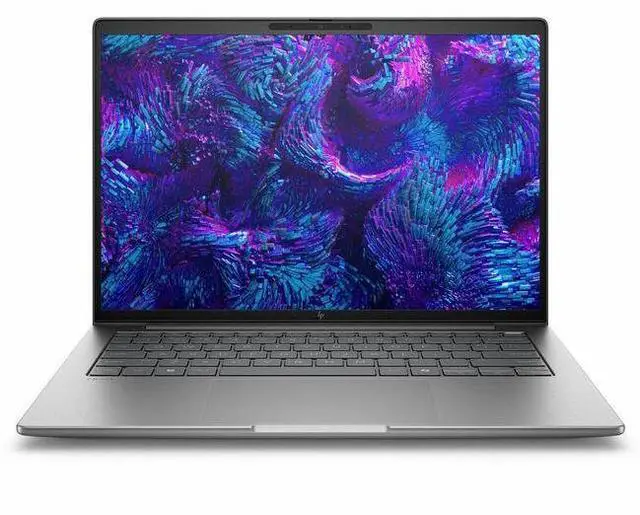
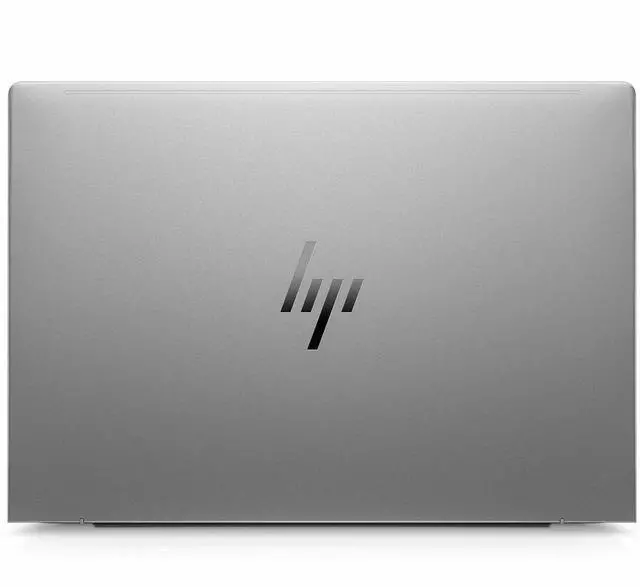
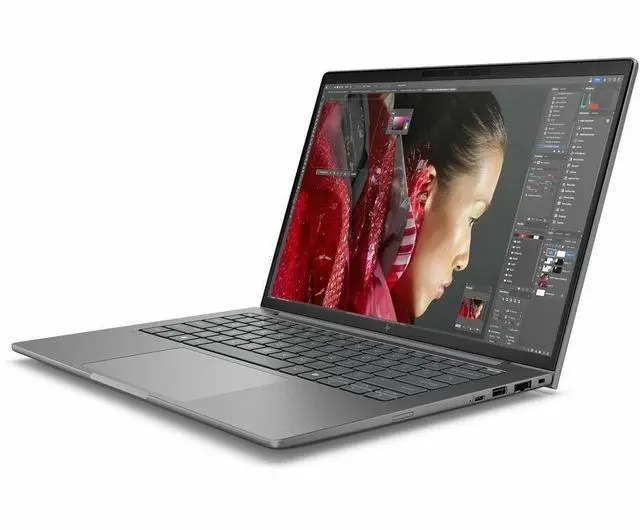
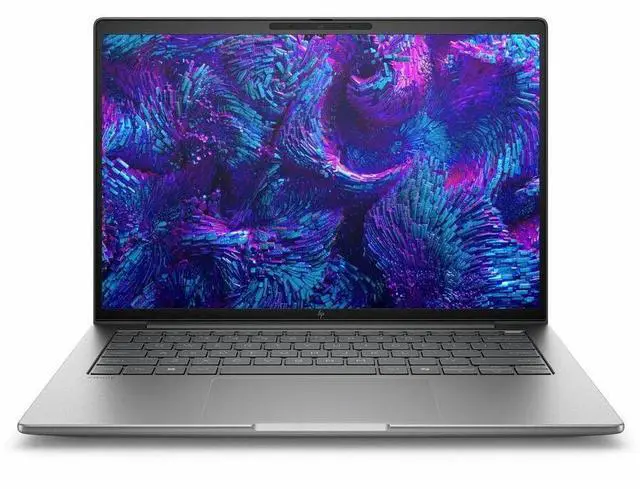
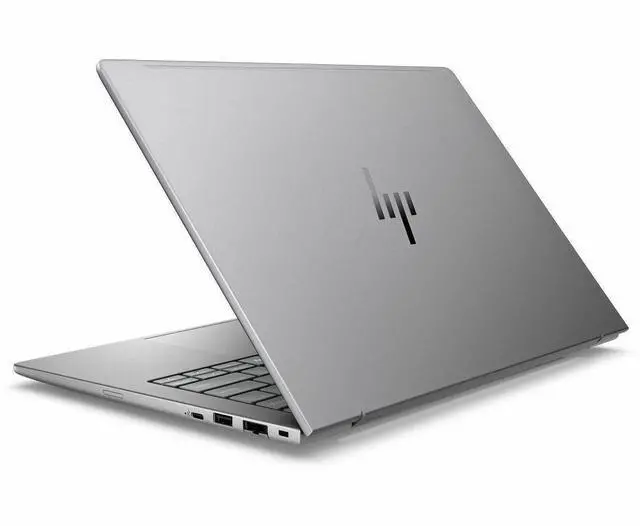
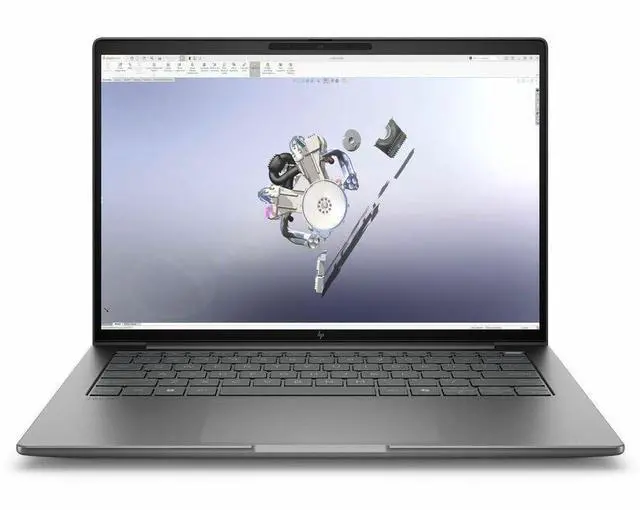
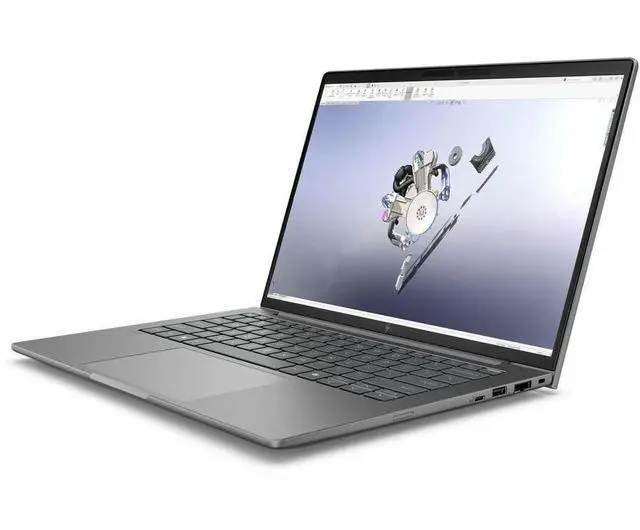
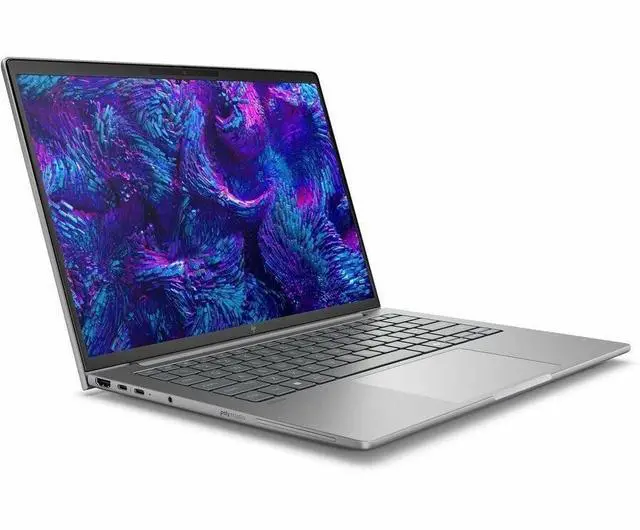
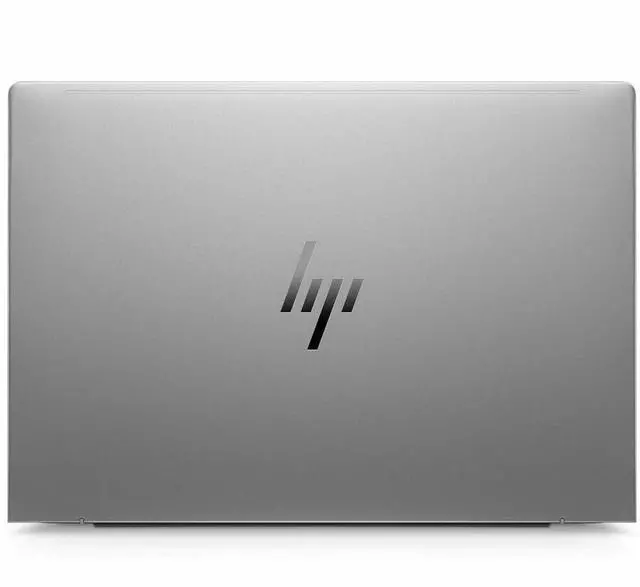
This product does not include manufacturer warranty when purchased or used outside of its designated sales region. By purchasing internationally, you acknowledge that warranty support from the manufacturer will not be available.The HP ZBook 8 G1i is a 14-inch mobile workstation built for professionals and students who need a portable Windows 11 Pro laptop for office workflows, business apps, web-based tools, and everyday content work, with a WUXGA IPS display, 16GB memory, and 512GB SSD.
| Attribute | Value |
|---|---|
| Best For | Mobile workstation for business users needing a 14" WUXGA display, Intel Core Ultra 5 CPU and integrated Intel Arc 130T graphics with 16 GB RAM and 512 GB SSD, running Windows 11 Pro |
| Processor And Core Count | Single Intel processor: Intel Core Ultra 5 225H (chipset 225H), up to 4.9 GHz maximum turbo, 18 MB L3 cache |
| GPU And VRAM | Integrated Intel Arc Graphics 130T with DDR5 SDRAM |
| Display Spec | 14.0" WUXGA (1920 x 1200) IPS LCD, 60 Hz refresh, anti-glare, max brightness 300 Nit, non-touch |
| Memory Configuration | 16 GB DDR5 installed (DDR5 SDRAM), 2 memory slots, supports up to 64 GB |
| Storage And Expansion | 512 GB solid-state drive in M.2 form factor |
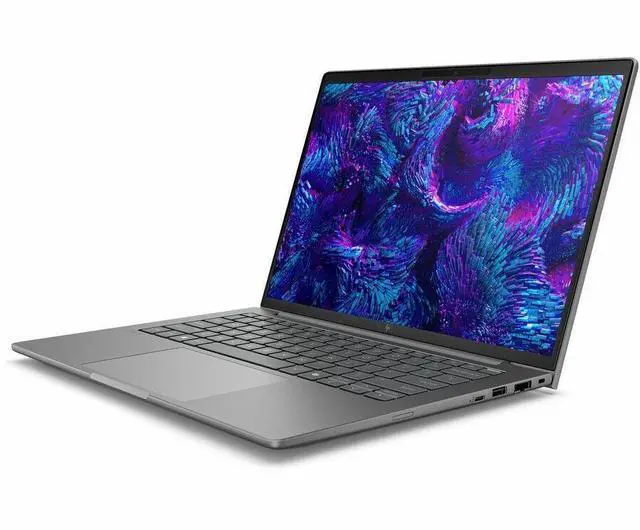
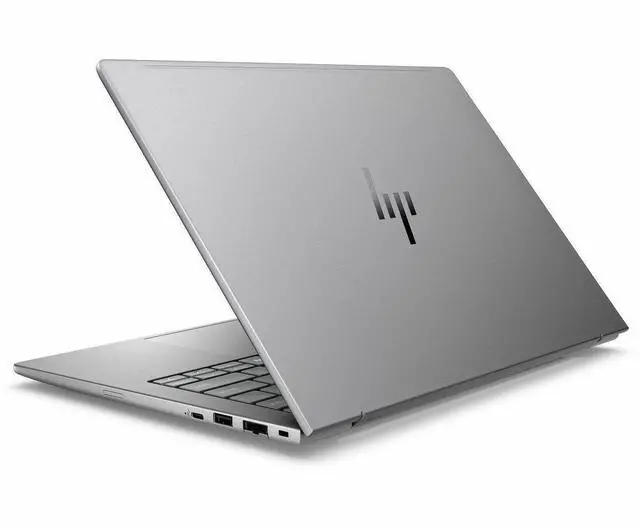
| High Speed I O | 2 Thunderbolt ports, 2 total USB ports, 1 HDMI output, Gigabit Ethernet and support for USB-C, HDMI, Bluetooth |
| Battery And Power | Built-in lithium-ion battery (8 cells) installed and included, listed energy 4000 mAh, battery weight ~300 g; batteries packed with equipment |
| Wired And Wireless Networking | Wi-Fi 802.11be and Bluetooth wireless, plus Gigabit Ethernet |
| Webcam And Privacy | Front webcam present and webcam-capable, includes fingerprint recognition biometric |
| Keyboard And Control | Spill-resistant keyboard with touch pad |
| Portability | Approximately 3.15 pounds; chassis dimensions listed as 0.74" x 12.4" x 8.7" (additional dimension records available) |
| External Display And Docking Fit | Supports external displays via HDMI and the 2 Thunderbolt ports |
| Model Identifiers | HP ZBook 8 G1i (model BP6J7UT#ABA), 2025 edition, manufacturer Hewlett Packard, mobile workstation form factor |
| Other Features | Windows 11 Pro operating system, Microsoft Office included, Miracast support, anti-glare display, Meteor Silver color with ~62% sRGB gamut |
Q: Should I choose the HP ZBook 8 G1i 14 or the HP ZBook Firefly 14 G11?
A: Choose the HP ZBook 8 G1i 14 if you want the newer 14-inch HP workstation platform with newer Intel Core Ultra 200H options and a clearer path to higher graphics configurations within the same family. Reviews and HP positioning treat ZBook 8 as the Firefly successor, and comparative testing shows the newer ZBook 8 platform improving CPU-class performance over Firefly G11 while staying in the thin-and-light workstation category. Choose the Firefly 14 G11 if you are comparing discounted older inventory and your workloads do not need the newer platform direction.
Q: Is this Core Ultra 5 and Intel Arc 130T version enough, or should I move up to a higher ZBook 8 G1i configuration?
A: This Core Ultra 5 225H and Intel Arc 130T configuration is the better fit for office-heavy professional work, large spreadsheets, coding, remote management, and light content creation in a workstation chassis. Move up to a higher ZBook 8 G1i configuration if you expect heavier CAD, 3D, GPU-accelerated creative apps, larger simulation models, or longer multitasking sessions, because HP offers the line with faster Core Ultra 7 or 9 processors and higher graphics options, including discrete RTX 500 Ada on some models. The trade-off is straightforward: this model favors cost and mobility, while higher trims favor sustained workstation performance.
Q: How does this HP ZBook 8 G1i 14 compare with a 14-inch workstation like the Lenovo ThinkPad P14s Gen 6 Intel?
A: Choose this HP ZBook 8 G1i 14 when you want a compact HP mobile workstation centered on professional manageability, a 14-inch 16:10 display, and ZBook upgrade options that extend from integrated Intel Arc to higher workstation-class configurations in the same family. Choose the ThinkPad P14s Gen 6 Intel when you prefer Lenovo's competing 14-inch workstation ecosystem and its broader retail visibility in similar Core Ultra H-class tiers. In practice, both target mobile professionals who want workstation features in a portable format, so the decision usually comes down to preferred brand ecosystem, available GPU tier, port layout, display option, and price on the exact configuration.
Q: Is this a better choice than a larger performance-first mobile workstation?
A: Choose this ZBook 8 G1i 14 if portability matters more than maximum graphics or thermal headroom. A 14-inch workstation with integrated Intel Arc 130T is easier to carry and better aligned with travel, field work, presentations, and mixed office use. A larger performance-first workstation is the better choice when your workflow depends on stronger discrete graphics, heavier sustained rendering, or more aggressive cooling. The trade-off is mobility versus peak workstation throughput, not entry-level versus premium quality.
Q: Is this a good fit for office work, video meetings, and everyday business use?
A: Yes. This configuration is well suited to office productivity, web work, document-heavy tasks, and video meetings. It has a 14-inch 1920 x 1200 display, 16GB RAM, a 512GB SSD, Windows 11 Pro, Wi‑Fi 7, Bluetooth, HDMI, and a built-in webcam. Those are the same features buyers repeatedly ask about on retail Q&A pages for business laptops: webcam and microphone support for Zoom or meetings, screen size, and general productivity readiness. The main limitation is that this model is a non-touch display, so it is better for keyboard-and-mouse workflows than pen or tablet-style use.
Q: Is it worth buying as a travel work device?
A: It can be a good travel work device if your priority is business productivity in a compact 14-inch format, but it is not the lightest travel-first option. The ZBook 8 G1i is a mobile workstation, which usually means durability, business features, and better sustained professional performance than mainstream ultralights. The trade-off is that workstation-class systems are often thicker, heavier, and less battery-focused than premium travel laptops. If you mostly need email, meetings, and documents on the go, a lighter business ultrabook may be easier to carry. If you need a more professional-grade Windows system with workstation positioning, this HP makes more sense.
Q: Who is this laptop most suitable for?
A: This model is best for professionals who want a compact Windows workstation for business apps, multitasking, light-to-moderate creative or technical work, and general office use. It is a better fit for analysts, engineers, IT users, and business users who want workstation branding and Windows 11 Pro than for buyers looking for a basic budget laptop. With an Intel Core Ultra 5, 16GB RAM, and Intel Arc 130T integrated graphics, it is suitable for productivity and lighter GPU-assisted workloads, but it is not the strongest choice for users who need high-end 3D rendering, large simulation work, or heavy CAD projects every day.
Q: What are the main trade-offs versus a more powerful 14-inch mobile workstation?
A: The main trade-off is performance headroom. Compared with higher-end 14-inch workstations, this ZBook configuration has less memory, less storage, and integrated Intel Arc 130T graphics instead of a discrete professional GPU. That makes it more practical for office work, light content creation, and mobile productivity, but less suitable for heavier 3D, CAD, rendering, or GPU-intensive workflows. In return, buyers may get a simpler, potentially cooler and more affordable configuration that still keeps the business-oriented features of a workstation-class laptop.
Q: Is this better than a mainstream consumer laptop for work?
A: For business use, often yes. This HP is positioned as a mobile workstation and includes Windows 11 Pro, a 14-inch WUXGA display, HDMI, webcam, Bluetooth, and Wi‑Fi 7, which makes it more business-focused than many consumer laptops. It is generally the better choice if you want a professional Windows setup, stronger multitasking than entry-level models, and a machine intended for work rather than casual home use. A mainstream consumer laptop may cost less, but it is usually the better buy only if your needs are limited to basic browsing, documents, and light streaming.
Q: Is the HP ZBook 8 G1i 14 a good fit for work and travel?
A: Yes, if you want a compact 14-inch work laptop with workstation positioning, a 1920 x 1200 IPS display, Windows 11 Pro, and business features like HDMI, webcam, Bluetooth, and Wi‑Fi 7. Based on repeated Reddit discussion, the main appeal is getting workstation-class configuration options in a smaller chassis. The trade-off is that portability is stronger than graphics performance, so it fits office work, coding, documentation, multitasking, and travel better than GPU-heavy creative or gaming use.
Q: Is 16GB RAM enough on this ZBook 8 G1i configuration?
A: It depends on workload, but for a laptop sold as a mobile workstation, 16GB is better suited to lighter professional use than heavy multitasking or large project work. Reddit discussion around the ZBook 8 G1i repeatedly treats higher memory as more appropriate for the product class. For office apps, web work, note-taking, and moderate coding, 16GB can be enough. If you expect heavier engineering, large datasets, virtual machines, or long-term use, this specific 16GB configuration is a compromise.
Q: Is the Intel Arc 130T GPU good enough, or should I avoid this model for graphics-heavy use?
A: The Intel Arc 130T in this configuration is fine for display output, media, and lighter GPU-assisted work, but it is not the main reason to buy this laptop. Community discussion around the ZBook 8 line and Core Ultra 5 225H systems consistently frames the integrated Arc 130T as a lower-power option with clear limits versus stronger integrated variants or dedicated GPUs. If your decision depends on 3D, CAD acceleration, GPU rendering, or modern gaming, this model is the safer choice only for lighter workloads.
Q: Will this laptop run quietly and stay cool in normal use?
A: For normal office work and browsing, discussion around the ZBook 8 family suggests it can stay reasonable, but it should not be treated as a silent laptop. Repeated user comments describe the platform as functional for professional work, while also noting that fans ramp up once heavier tasks begin. If low fan noise is a top priority, this is a trade-off to weigh against its workstation focus.


