


 All CategoriesAll CategoriesAll Categories
Shipped by Newegg




Overview
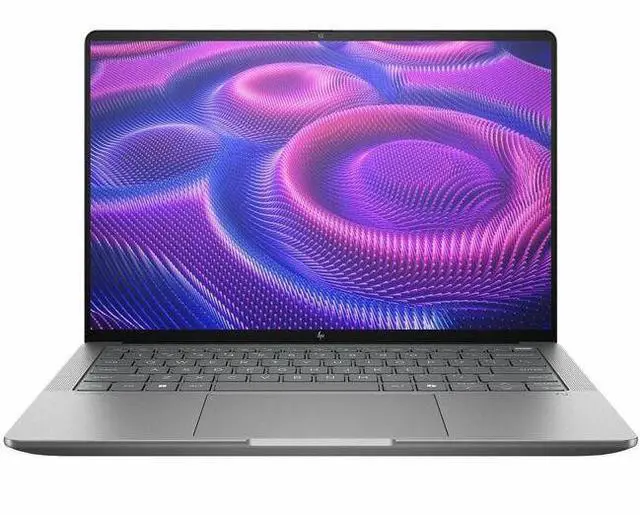
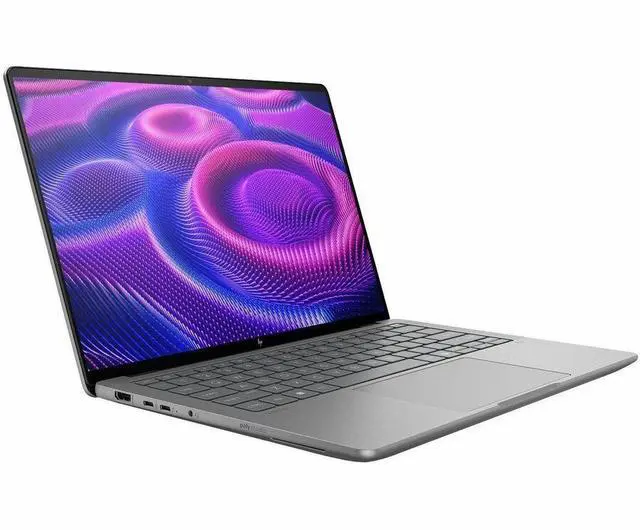
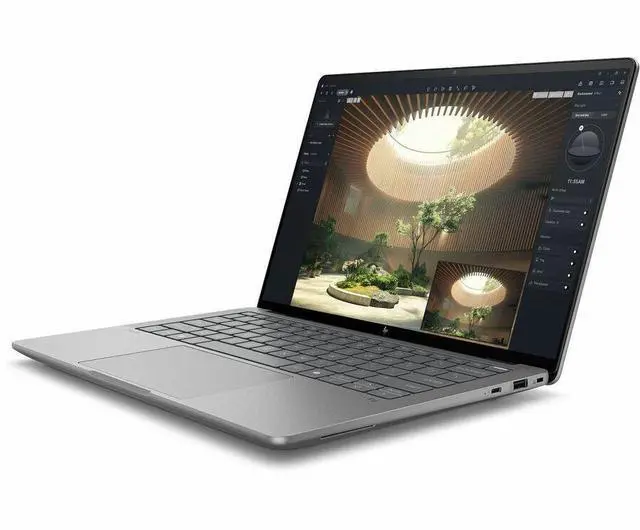
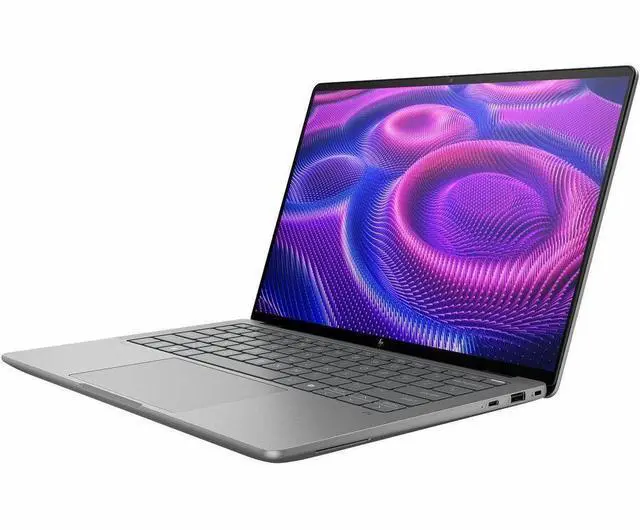
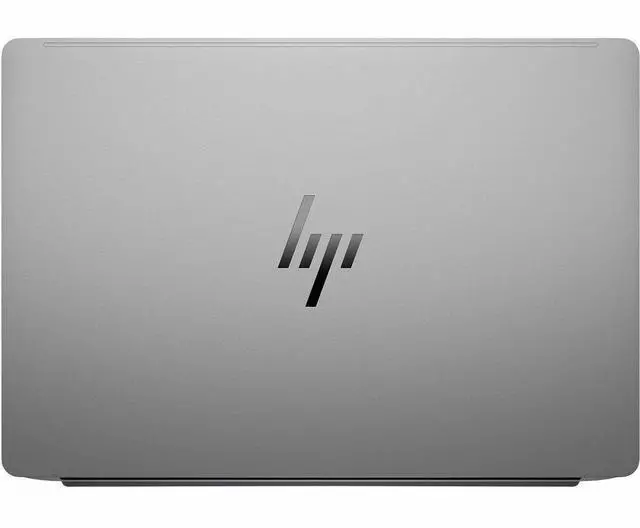
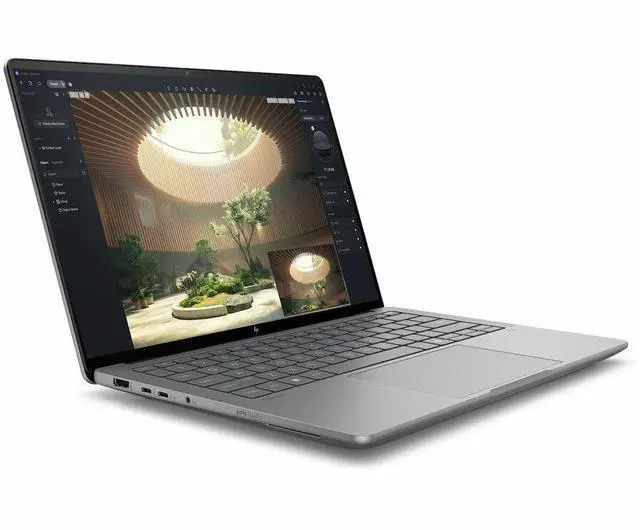
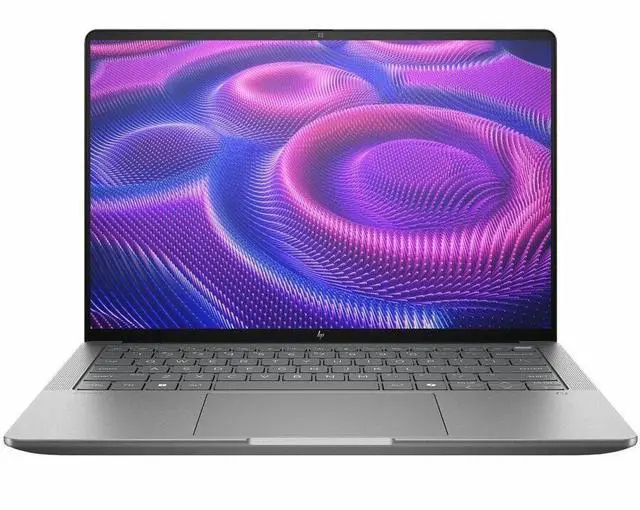
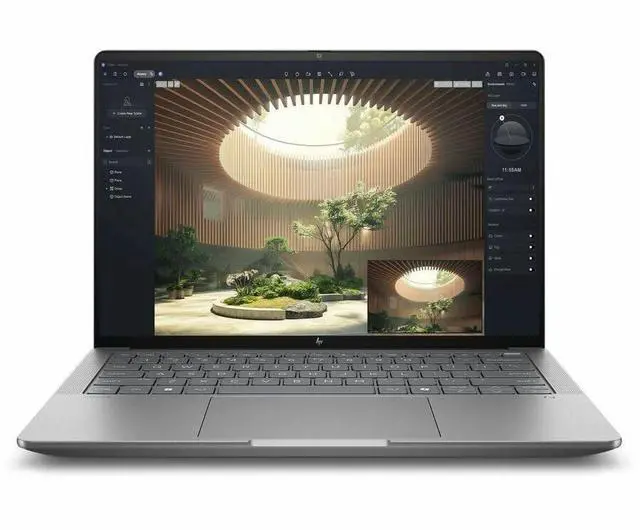
The HP ZBook Ultra G1a is a 14.0-inch thin and light mobile workstation with an AMD Ryzen AI Max PRO 390 processor, AMD Radeon 8050S integrated graphics, 32GB LPDDR5 memory, 1TB SSD storage, and Windows 11 Pro.
Key Features
Performance
The system combines an AMD Ryzen AI Max PRO 390 12-core processor, 32GB LPDDR5 memory, 1TB SSD storage, and integrated AMD Radeon 8050S graphics with shared system memory.
Design
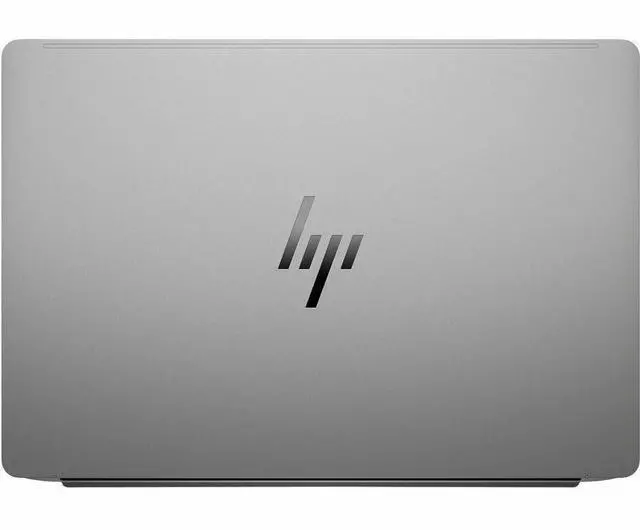
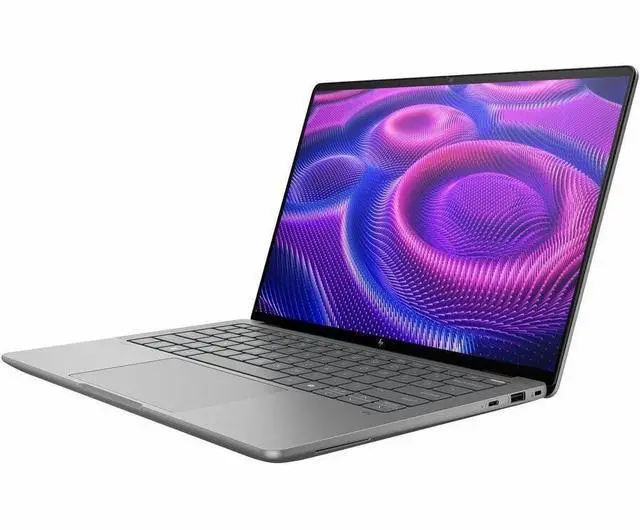
The gray thin and light workstation measures 12.3 inches wide by 8.5 inches deep by 0.73 inches high and weighs 3.46 lbs. It includes a 14.0-inch wide-screen non-touch display with 1920 x 1200 resolution, a webcam, and a 4-cell Lithium Polymer battery.
Connectivity & Compatibility
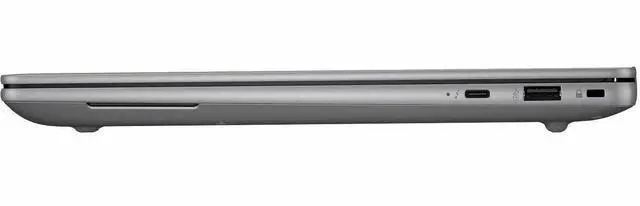
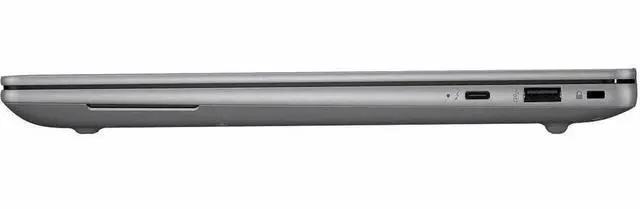
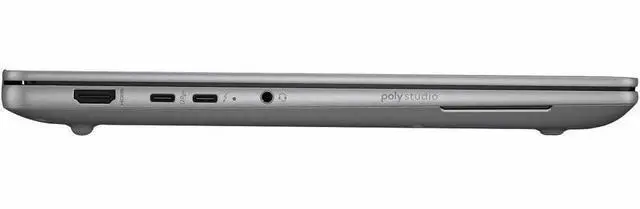
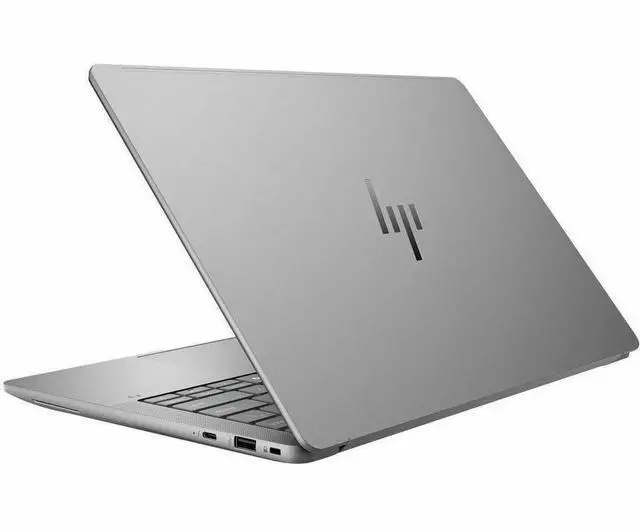
Wireless connectivity includes Wi-Fi 7 through 802.11be Wireless LAN and Bluetooth 5.4. Wired connectivity includes 2 x Thunderbolt 4 / USB4 and 1 x HDMI. The system includes a webcam and does not include an optical drive.
Specifications
Warranty Notice:
This product does not include manufacturer warranty when purchased or used outside of its designated sales region. By purchasing internationally, you acknowledge that warranty support from the manufacturer will not be available.The HP ZBook Ultra G1a is a 14-inch mobile workstation with an AMD Ryzen AI Max PRO 390, 32GB RAM, 1TB SSD, and Windows 11 Pro, making it a strong fit for professionals who need business-ready performance for productivity, content work, and on-the-go workstation tasks in a compact design.
| Attribute | Value |
|---|---|
| Best For | Mobile professionals and business users needing a 14" mobile workstation for productivity and light graphics work, combining a 14.0" WUXGA display with integrated AMD Radeon 8050S graphics |
| Processor And Core Count | AMD Ryzen AI Max PRO 390 single-processor design, up to 5 GHz boost, 64 MB L3 and 12 MB L2 cache |
| GPU And VRAM | Integrated AMD Radeon 8050S graphics using shared/system video memory |
| Display Spec | 14.0" IPS LCD, 1920 x 1200 (WUXGA) native resolution at 60 Hz, anti‑glare coating, up to 400 nits brightness and 100% sRGB color gamut |
| Memory Configuration | 32 GB system RAM (LPDDR5X listed; RAM type also appears as DDR5 in attributes) with 32 GB maximum listed |
| Storage And Expansion | 1 TB solid-state drive in M.2 form factor (M.2 interface); SD memory compatible for removable storage |
| High Speed I O | Includes HDMI output (1) and two Thunderbolt ports plus USB Type-C (usb_3_point_1_c) and other USB/Bluetooth interfaces for peripherals |
| Battery And Power | Built-in lithium-based battery (4 cells, 4000 mAh listed) rated for about 14.5 hours runtime and shipped with battery/AC adapter included |
| Wired And Wireless Networking | Wi‑Fi (802.11be) wireless and Bluetooth support; wired/video connectivity via HDMI and Thunderbolt |
| Webcam And Privacy | Front-facing webcam present and fingerprint reader for biometric security |
| Keyboard And Control | Spill-resistant keyboard with touchpad; device is specified as non-touchscreen (touchscreen listed elsewhere but internal spec indicates No) |
| Portability | 14" mobile workstation weighing about 3.46 pounds with chassis dimensions listed as 0.73" x 12.3" x 8.5" (size) and 19.1 x 11.4 x 2.7 inches in item dimensions |
| External Display And Docking Fit | Supports external displays via HDMI output and two Thunderbolt ports (suitable for docking and multi‑display setups) |
| Model Identifiers | HP ZBook Ultra G1a (Edition ZBook Ultra G1a), model BF6T8UT#ABA, manufacturer HP Inc., model year 2025 |
Q: Should I choose the HP ZBook Ultra G1a 14 or the HP ZBook Firefly 14 for work?
A: Choose the HP ZBook Ultra G1a 14 if your priority is substantially higher CPU and integrated GPU performance in a compact 14-inch workstation, especially for heavier compute, local AI, or graphics-accelerated workloads. HP positions the Ultra for on-device AI and advanced performance in a slim chassis, while HP positions the Firefly as the most portable ZBook for mobile professionals. Independent testing also shows the Ryzen AI Max PRO 390 in the ZBook Ultra ahead of Firefly-class 14-inch workstations in CPU and workstation graphics benchmarks. Choose the Firefly instead if lower weight, simpler field mobility, and lighter workstation tasks matter more than peak performance.
Q: Is the HP ZBook Ultra G1a 14 a better fit than the HP ZBook Fury for my workload?
A: Choose the HP ZBook Ultra G1a 14 if you want workstation-class performance in a lighter 14-inch design and your workflows benefit from a strong CPU, fast integrated Radeon graphics, and unified memory in a more travel-friendly form. Choose the ZBook Fury if your work is performance-first and closer to desktop replacement use, such as large 3D scenes, 8K video, maximum memory capacity, or workflows that depend on high-end discrete professional GPUs. HP positions the Fury as the desktop-replacement model for extreme compute, while the Ultra is positioned as the sleeker next-generation AI-focused option.
Q: Should I buy this Ryzen AI Max PRO 390 configuration or step up to a higher ZBook Ultra configuration?
A: This Ryzen AI Max PRO 390 configuration is the better choice if you want the core ZBook Ultra value proposition without paying for the highest-end trim. It already includes the same platform direction that defines the model family: a 12-core Ryzen AI Max PRO processor, Radeon 8050S graphics, and enterprise-oriented workstation features. Step up to a higher configuration if you specifically need more memory, a higher-tier processor such as the Max+ PRO 395, or premium display options, because those upgrades matter most for larger local AI models, heavier multitasking, and more demanding creation workloads. Independent benchmark data shows the higher Max+ PRO 395 configuration does deliver measurable gains, but the 390 model remains meaningfully above lighter 14-inch workstation alternatives.
Q: Is the HP ZBook Ultra G1a 14 better for portability or for maximum workstation performance?
A: The HP ZBook Ultra G1a 14 is the better choice when you want a middle ground between portability and high performance rather than an extreme in either direction. Compared with larger workstation models, it is easier to carry and better suited to mobile work. Compared with lighter mobile-first models, it gives you a stronger performance envelope. HP explicitly positions it as a sleek, advanced, AI-oriented workstation, not as the lightest ZBook and not as the highest-power desktop replacement. That makes it a strong fit for users who travel regularly but still run demanding professional applications.
Q: Is this a good travel work laptop for business users?
A: Yes, if you want workstation-class hardware in a compact 14-inch format. This model has a 14-inch 1920 x 1200 IPS display, a webcam, Windows 11 Pro, Wi‑Fi 7, and a listed battery runtime of 14.5 hours, which fits common travel and hybrid-work buying criteria. The main trade-off is category and price: it is a mobile workstation, so it makes more sense for professionals who need higher compute headroom than for buyers who only need basic office use.
Q: Is it good for meetings, office work, and everyday productivity?
A: Yes. For meetings and office work, the key requirements buyers repeatedly ask about are a webcam, wireless connectivity, battery life, and enough memory and storage for multitasking. This ZBook includes a webcam, Bluetooth, Wi‑Fi 7, 32GB RAM, and a 1TB SSD, so it is more than sufficient for video calls, documents, spreadsheets, browser-heavy work, and multitasking. It is likely over-specced if your workload is limited to basic Office and web apps.
Q: Can I use it for note-taking with a pen or tablet-style input?
A: No, not as a pen-first or tablet-style device. The provided specifications list this model as non-touch, so it is better suited to keyboard-and-trackpad productivity than handwritten notes or 2-in-1 use. If pen support or frequent handwritten note-taking matters, a touchscreen convertible is usually the better fit.
Q: Who is this laptop most suitable for?
A: It is best for professionals who want a compact Windows workstation rather than a general-use consumer laptop. The fit is strongest for users who need 32GB memory, 1TB SSD capacity, Windows 11 Pro, and stronger graphics or compute capability in a 14-inch system. It is less suitable for shoppers mainly comparing on value for web, school, and basic office tasks, because simpler business laptops can cover those needs at lower cost.
Q: What are the main trade-offs versus a touchscreen business laptop or 2-in-1?
A: The trade-off is straightforward: this ZBook favors workstation performance and business features over touch flexibility. You get a 14-inch WUXGA non-touch display, Windows 11 Pro, webcam support, HDMI, and high memory and storage capacity, but you give up the easier note-taking, pen input, and tablet-style use that buyers often ask about on 2-in-1 models. Choose this model if performance and workstation positioning matter more than touch interaction.
Q: Who is the HP ZBook Ultra G1a best suited for?
A: It is best suited for users who want a compact 14-inch Windows workstation for professional workloads, local AI experimentation, coding, or graphics-heavy work without moving to a larger laptop. Based on the listed configuration, this model fits mobile work use better than note-taking or casual use because it prioritizes workstation-class CPU/GPU capability, 32GB RAM, and Windows 11 Pro over touch input or tablet-style flexibility.
Q: Is the HP ZBook Ultra G1a a good buy if I want one laptop for work and some gaming?
A: Yes, if work comes first and gaming is secondary. The Ryzen AI Max PRO 390 and Radeon 8050S should be better aligned with workstation, creator, and CPU-heavy use than with buyers chasing maximum gaming performance per dollar. The main trade-off is that a gaming-focused laptop in the same price range may deliver stronger raw gaming performance, while this ZBook is positioned more as a portable professional machine.
Q: What are the main trade-offs before buying the HP ZBook Ultra G1a?
A: The main trade-offs are battery-life expectations, display/input flexibility, and early-platform quirks. This configuration has a 14-inch 1920x1200 non-touch display and integrated graphics, so it is better for portable workstation use than for pen input or premium media-first use. Community discussion also repeatedly raises concerns about battery life in real use and firmware-related issues such as fan behavior, boot time, and inconsistent performance, so buyers should expect a more work-focused machine than a polished ultrabook experience.
Q: Is the HP ZBook Ultra G1a a good choice for travel or daily carry?
A: Yes, if you need workstation-class hardware in a smaller laptop and can accept typical workstation compromises. The 14-inch size makes it more travel-friendly than larger mobile workstations, but this is still a performance-oriented system with reported real-world battery concerns from users. It makes more sense for professionals who travel with demanding workloads than for buyers who mainly want all-day unplugged use.
Q: Should I buy the HP ZBook Ultra G1a now or wait if I am worried about reliability and firmware maturity?
A: Buy now only if you specifically want this mix of compact size and high-end AMD workstation performance, and you are comfortable with some platform maturity risk. Reddit discussion shows repeated buyer concern around BIOS behavior, boot times, charging, sleep, and stability. If you value a more proven experience over early access to this hardware class, waiting can be the safer decision.


