


 All CategoriesAll CategoriesAll Categories
Shipped by Newegg
 Top Rated





Warranty Notice:
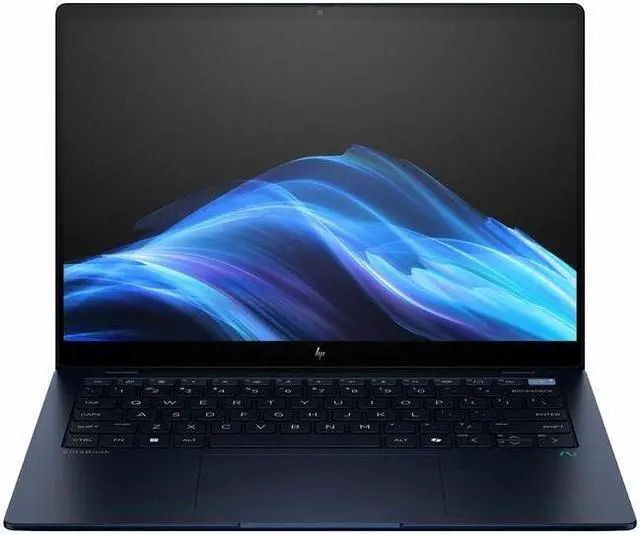
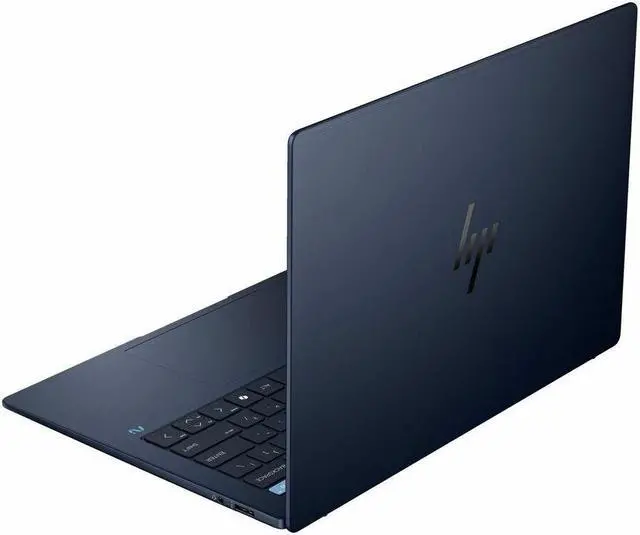
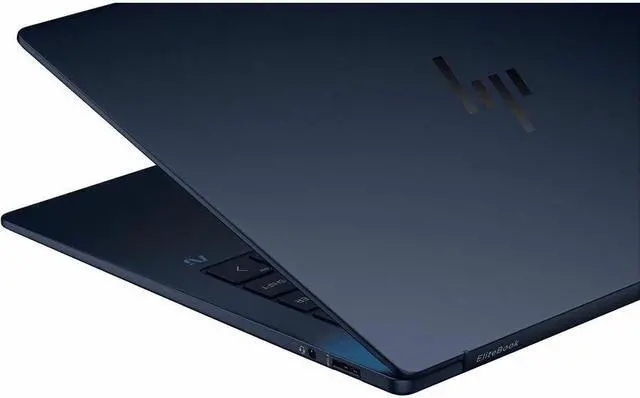
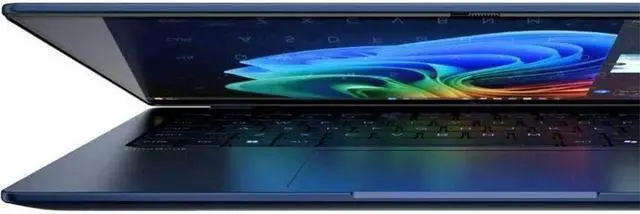
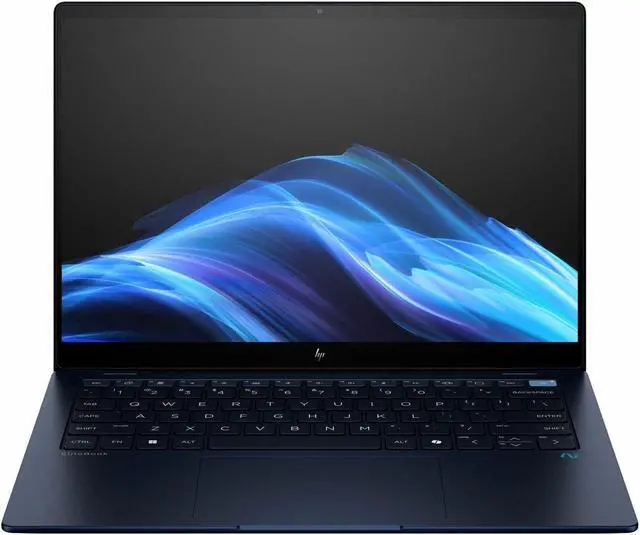
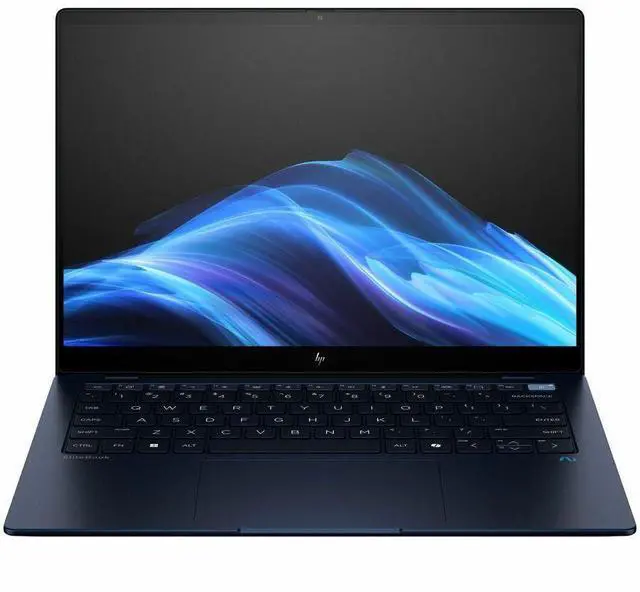
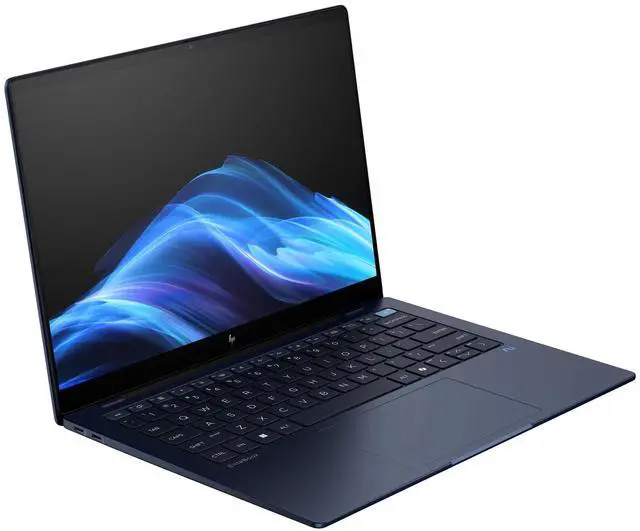
This product does not include manufacturer warranty when purchased or used outside of its designated sales region. By purchasing internationally, you acknowledge that warranty support from the manufacturer will not be available.The HP EliteBook Ultra G1q is a 14-inch touchscreen laptop with a 2.2K IPS display, Snapdragon X1E-78-100, 32GB RAM, and a 512GB SSD, making it a strong fit for professionals and everyday users who want a portable Windows 11 Pro notebook for multitasking, web work, video calls, and office productivity.
| Attribute | Value |
|---|---|
| Best For | Business users and students who want a 14.0-inch capacitive touchscreen Windows 11 Pro notebook with a Qualcomm Snapdragon processor, integrated Adreno graphics, 32 GB RAM and 512 GB SSD |
| Processor And Core Count | Qualcomm X1E-78-100 (Snapdragon) processor with listed top speed up to 3.4 GHz and an 8 MB L3 cache; model listed as 7th Gen |
| GPU And VRAM | Integrated Qualcomm Adreno graphics (integrated card; no dedicated VRAM specified) |
| Display Spec | 14.0-inch LCD touchscreen, native/resolution 2240 x 1400 (2.2K) on an In-Plane Switching (IPS) BrightView panel, 60 Hz refresh, ~300 nit maximum brightness and 100% sRGB reported |
| Memory Configuration | 32 GB total RAM (32 GB installed, 32 GB maximum reported); RAM described as DDR5 family with LPDDR5X technology |
| Storage And Expansion | 512 GB solid-state storage (M.2 form factor / interface) with SD-compatible expandable flash support |
| High Speed I O | Multiple I/O ports including three total USB ports and general USB connectivity for peripherals |
| Battery And Power | Includes power cord and AC adapter; a 30-minute charging time value is supplied (charging specification only) |
| Wired And Wireless Networking | Wi‑Fi (listed compatibility 802.11ax) and Bluetooth wireless connectivity supported |
| Webcam And Privacy | Built-in webcam present; camera described as AI-powered and specialized for video calls |
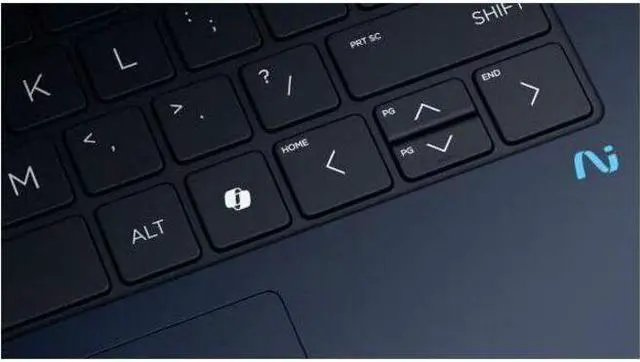
| Keyboard And Control | Standard keyboard plus capacitive touchscreen input |
| Portability | Notebook form factor with item weight ~4 Pounds and item/package dimensions listed (packaged weight ~5.45 Pounds) |
| External Display And Docking Fit | Compatible with external displays, mice, keyboards, USB and wireless devices (supports common external peripherals) |
| Operating System | Windows 11 Pro (Windows family) |
| Model Identifiers | HP / Hewlett Packard EliteBook Ultra G1q, model B13U5UT#ABA (edition: EliteBook Ultra G1q), package quantity 1 |
Q: Should I buy the HP EliteBook Ultra G1q or a MacBook Air M3?
A: Choose the HP EliteBook Ultra G1q if you need Windows 11 Pro, enterprise features, and a thin business laptop with strong battery life. Choose the MacBook Air M3 if your priority is broader native app compatibility on ARM and a more established ARM software ecosystem. Reviews and community feedback consistently position the EliteBook Ultra G1q as a capable mobile work laptop, but ARM-related app and peripheral compatibility is still a consideration on Windows compared with Apple Silicon.
Q: Is the HP EliteBook Ultra G1q a better fit than an Intel business laptop?
A: The EliteBook Ultra G1q is the better fit when battery life, always-with-you portability, and on-device AI features matter more than maximum legacy software compatibility. An Intel business laptop is the safer choice if you rely on older Windows apps, niche drivers, or peripherals that are still optimized for x86. This matches the current pattern in reviews: Snapdragon business laptops are attractive for mobile productivity, while Intel remains the lower-risk option for specialized compatibility.
Q: How does the HP EliteBook Ultra G1q compare with the Lenovo ThinkPad T14s Gen 6 Snapdragon model?
A: Choose the HP EliteBook Ultra G1q if you want a more design-forward premium HP business laptop with a 14-inch 2.2K touch display and a strong portability-first setup. Choose the ThinkPad T14s Gen 6 if your preference is the ThinkPad ecosystem, traditional business ergonomics, and one of the strongest battery-life reputations among Snapdragon business laptops. Both target mobile enterprise users, so the decision is usually about keyboard and ecosystem preference rather than a major class difference in use case.
Q: Should I choose the HP EliteBook Ultra G1q or a Snapdragon X laptop like the Dell XPS 13?
A: Choose the EliteBook Ultra G1q if you want a business-first laptop with Windows 11 Pro, HP enterprise positioning, and a roomier 14-inch format. Choose a Snapdragon XPS 13 if your priority is the smallest travel-friendly design and you are comparing within the same Windows-on-Arm category. In current coverage, both product types are associated with long battery life and everyday responsiveness, so the main trade-off is business-focused features and screen size versus maximum compactness.
Q: Is the HP EliteBook Ultra G1q a better choice for portability than for graphics-heavy work?
A: Yes. The EliteBook Ultra G1q makes more sense as a portability-first productivity laptop than as a performance-first or graphics-focused machine. Its Snapdragon X Elite platform is well suited to office work, web use, video calls, and long unplugged sessions, but professional reviews and community comparisons show that integrated graphics and ARM software support make it a more natural fit for mobile business productivity than for gaming, 3D work, or specialized creator workflows.
Q: Is the HP EliteBook Ultra G1q a good travel work laptop?
A: Yes for mobile office work. This configuration combines a 14-inch 2.2K touch display, 32 GB RAM, 512 GB SSD, and a Snapdragon X Elite chip, which fits the common retail buying pattern of prioritizing battery life, meetings, web apps, and document work over raw workstation power. The main trade-off is software certainty: it is a better fit for browser-based work, Microsoft 365, video calls, and light multitasking than for specialized legacy Windows software.
Q: Is it good for note-taking, meetings, and office work?
A: Yes. For note-taking, video meetings, email, web use, and Microsoft 365-style workloads, this HP configuration is well suited. The 14-inch touch screen, webcam, integrated graphics, and 32 GB memory are more than enough for typical productivity use. It is a practical choice for users who mostly live in Office, browsers, chat apps, and cloud tools.
Q: Who is this laptop best suited for?
A: It is best suited for professionals, students, and frequent travelers who want a premium Windows laptop for everyday productivity and long unplugged use. It makes the most sense for people using mainstream apps and web workflows. It is less ideal for buyers who depend on niche Windows programs, older x86 utilities, or software that has not been validated on Windows on ARM.
Q: What is the main trade-off versus a similar Intel or AMD laptop?
A: The main trade-off is compatibility versus familiarity. A Snapdragon model like this usually appeals to buyers who want efficiency, quiet everyday performance, and strong battery-focused mobility. A similar Intel or AMD laptop is often the safer pick if you need maximum compatibility with older desktop software, specialized peripherals, or gaming-oriented graphics performance.
Q: Is it a good choice if I need creative apps or gaming?
A: Usually not as a first-choice gaming or creator laptop. The integrated Adreno graphics are fine for everyday visual tasks, streaming, and light graphics work, but this model is not positioned like a gaming notebook or heavy content-creation machine. If your priorities are modern game compatibility, GPU-heavy creative apps, or broad plug-and-play support for specialized tools, a comparable Intel or AMD system is the safer buy.
Q: Is the HP EliteBook Ultra G1q a good fit for work and travel?
A: Yes for users who prioritize portability, long unplugged use, and everyday productivity. Based on the product data, this model combines a 14-inch 2.2K touch display, Snapdragon X Elite processor, 32 GB RAM, and 512 GB SSD, which makes it a sensible fit for office work, web apps, meetings, writing, and travel use. Reddit discussion around this model and similar real-world work use repeatedly centers on battery life, mobility, and smooth day-to-day app use rather than heavy workstation tasks.
Q: Can the HP EliteBook Ultra G1q replace a typical Windows work laptop?
A: Usually yes for mainstream business use, but only if your required apps already run well on Windows on ARM. Community discussion shows that many common productivity apps, web workflows, WSL-based development, and enterprise setup tools can work well, but the buying decision depends on software compatibility. If your job depends on niche x86 utilities, older drivers, or specialized peripherals, verify them first before treating it as a full replacement.
Q: Is the HP EliteBook Ultra G1q good for light creative work or small 4K video edits?
A: It can be reasonable for light creative work, but it is not the safest choice if video editing is a primary use case. The hardware is strong enough on paper for lightweight editing and multitasking, especially with 32 GB RAM, but repeated discussion around this product focuses more on productivity and travel than creator workloads. If you mainly edit short clips occasionally, it may be enough; if you edit 4K regularly or rely on specific plugins and media tools, a more creator-focused x86 laptop is the lower-risk option.
Q: What are the main trade-offs of buying the HP EliteBook Ultra G1q?
A: The main trade-off is platform compatibility versus efficiency. This model offers premium portable specs for productivity, but Reddit discussion highlights that ARM-based Windows laptops can still run into edge cases with drivers, sleep behavior, Linux support, and certain unsupported apps or peripherals. It is a better fit for users who stay inside mainstream Windows workloads than for buyers who frequently tinker, dual-boot, or depend on unusual hardware and software combinations.


