


 All CategoriesAll CategoriesAll Categories
Shipped by Newegg
 Top Rated



Warranty Notice:
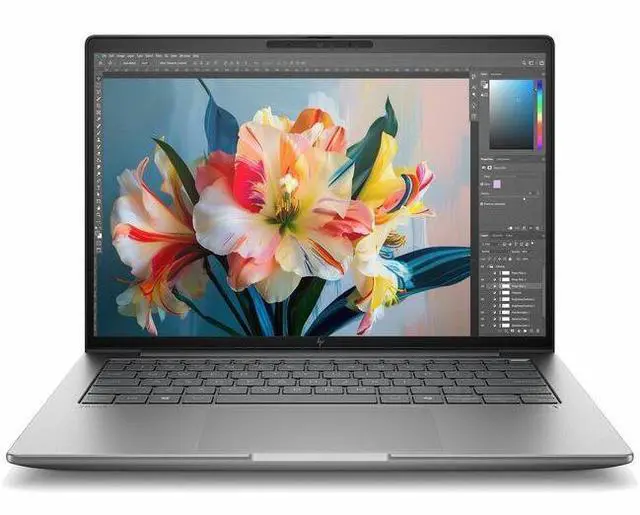
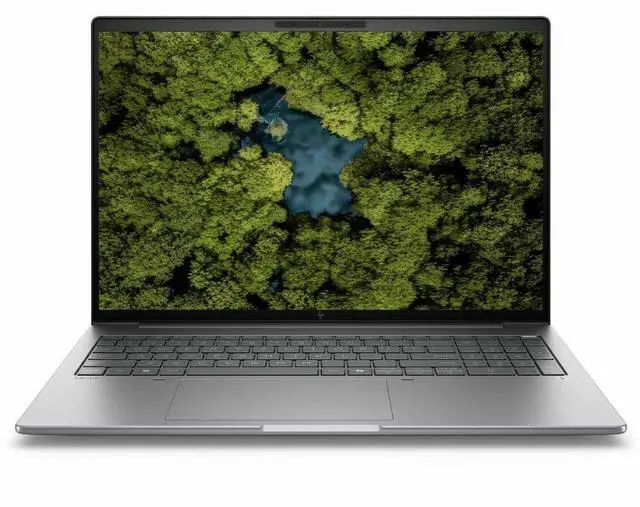
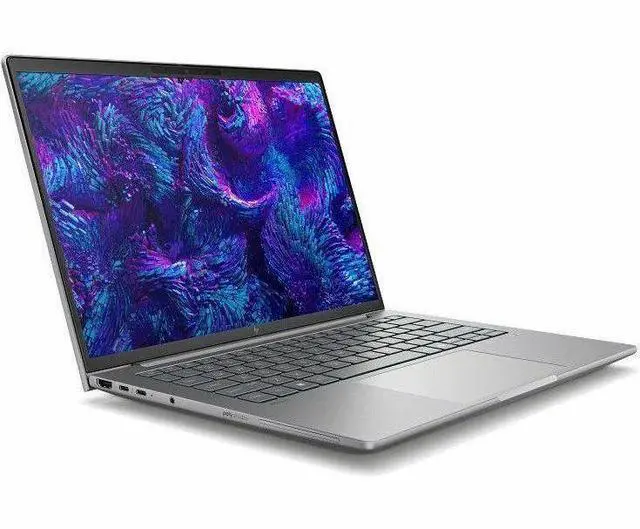
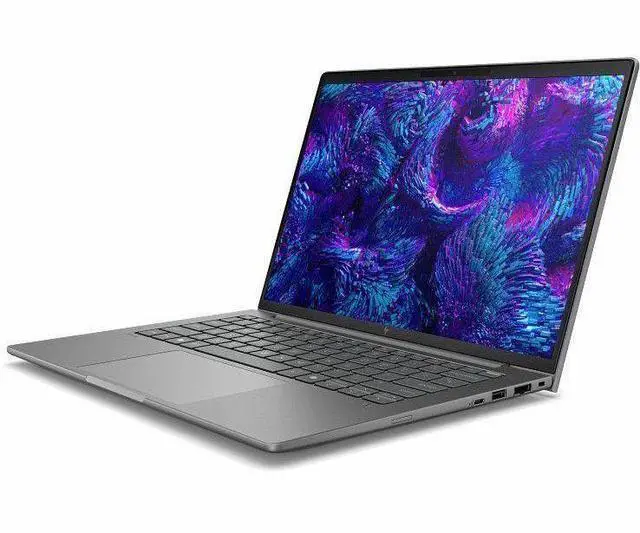
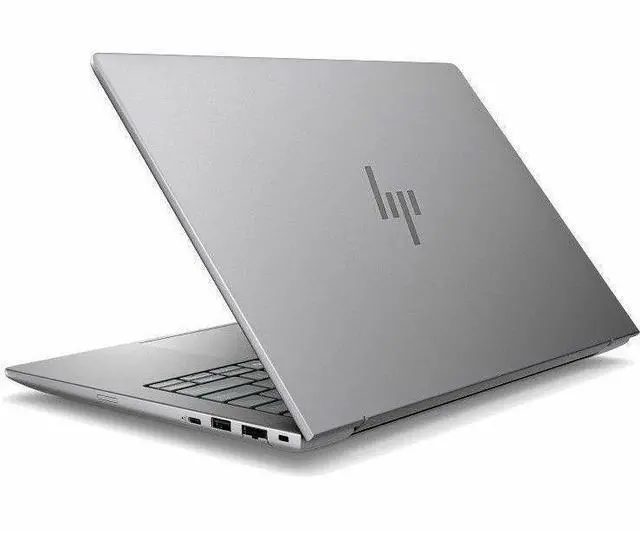
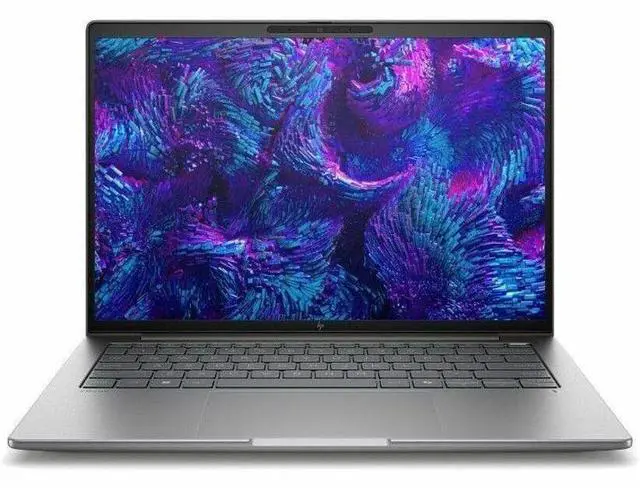
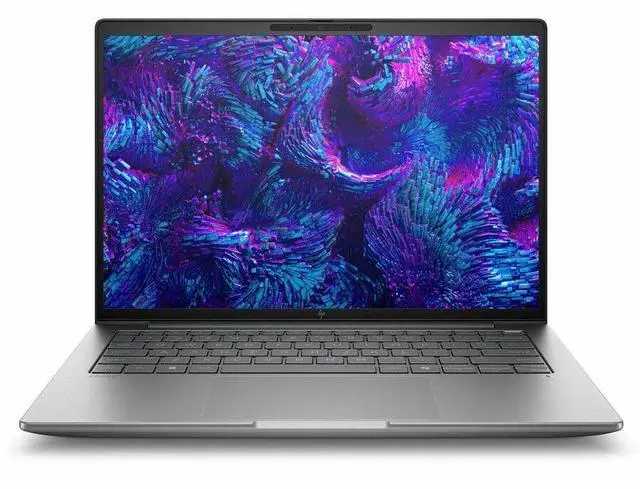
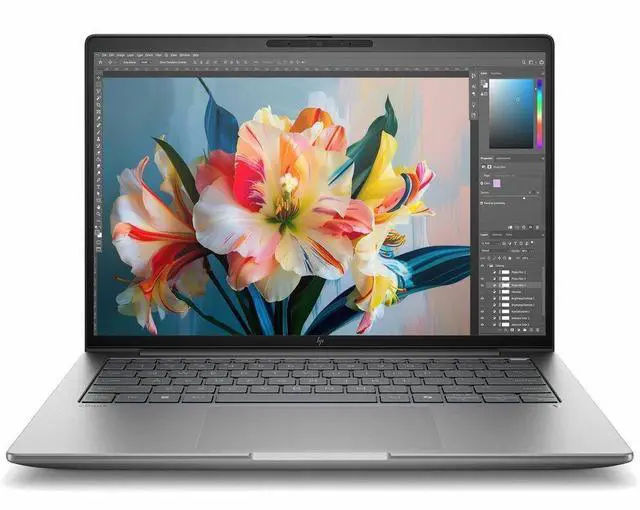
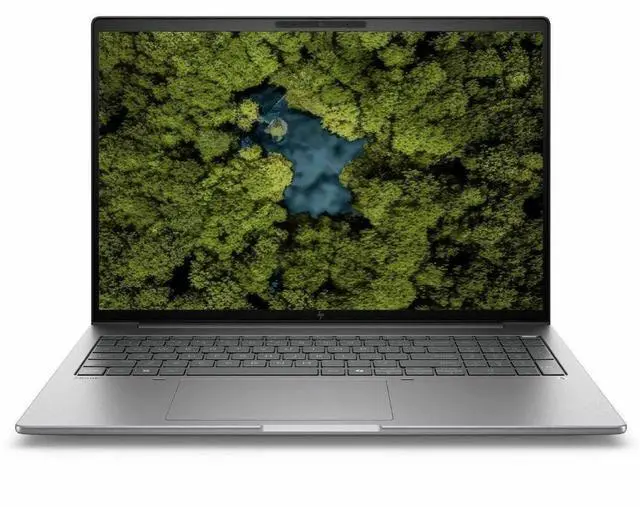
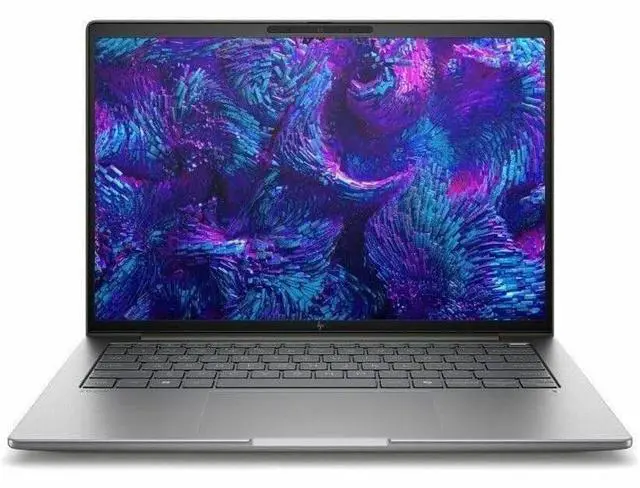
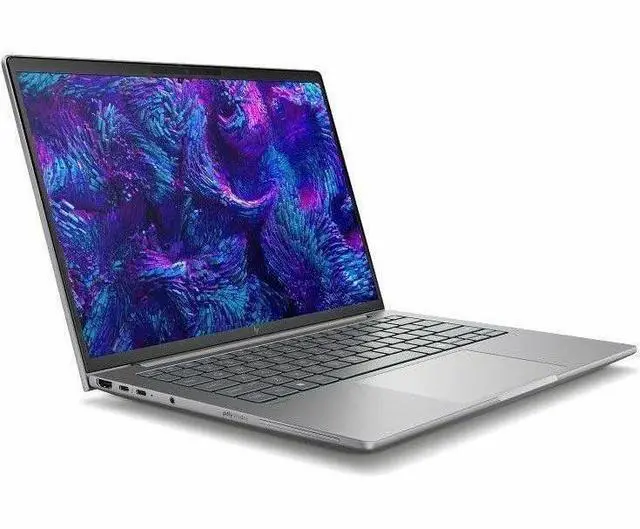
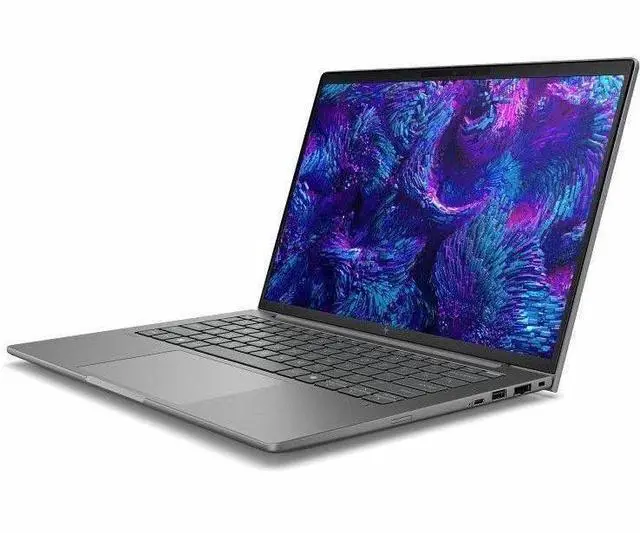
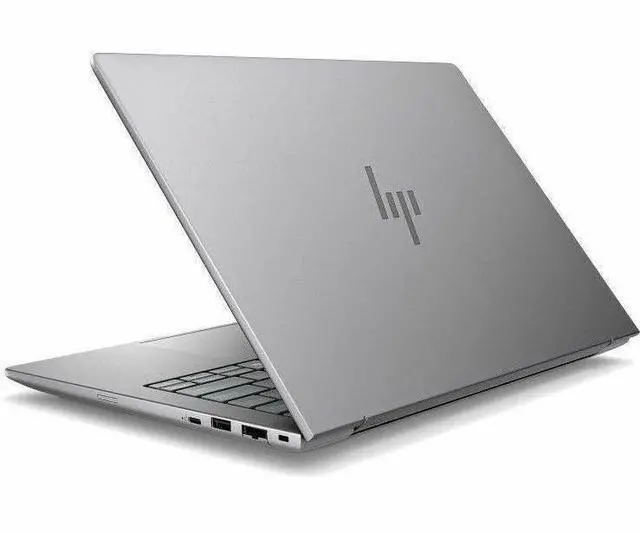
This product does not include manufacturer warranty when purchased or used outside of its designated sales region. By purchasing internationally, you acknowledge that warranty support from the manufacturer will not be available.The HP ZBook 8 G1i is a 14-inch mobile workstation built for professionals who need a compact business laptop for office productivity, multitasking, conferencing, and everyday creation workflows, with a WUXGA display, Intel Core Ultra 7 265H, 16GB RAM, 512GB SSD, Windows 11 Pro, and Wi‑Fi 7 connectivity.
| Attribute | Value |
|---|---|
| Best For | Mobile workstation-class business and professional users who need a 14-inch portable workstation for Windows 11 Pro workflows, GPU-accelerated tasks and AI-ready workloads |
| Display Spec | 14.0-inch LCD, 1920 x 1200 (WUXGA) native resolution, 60 Hz refresh rate, 300 Nit maximum brightness, sRGB color gamut (62%) |
| Processor And Core Count | Intel Core Ultra 7 — model 265H (CPU 265H), up to 5.3 GHz maximum boost, 24 MB L3 cache |
| GPU And VRAM | Intel Arc Graphics 140T integrated GPU using DDR5 SDRAM graphics memory |
| Memory Configuration | 16 GB DDR5 installed (2 RAM slots), expandable up to 64 GB |
| Storage And Expansion | 512 GB solid-state drive in M.2 form factor |
| High Speed I O | 2 Thunderbolt ports, 2 USB ports (total), USB Type-C support, and 1 HDMI port for peripherals and fast data/video connections |
| External Display And Docking Fit | One HDMI output plus two Thunderbolt ports for connecting external displays or docks |
| Wired And Wireless Networking | Wi‑Fi and Bluetooth wireless connectivity, plus Ethernet for wired networking |
| Battery And Power | Built-in lithium battery — 53 Watt-hours energy content (3 cells), one battery included and required; batteries packaged in equipment |
| Webcam And Privacy | Front-facing webcam included |
| Keyboard And Control | Built-in keyboard for human input |
| Portability | Item weight 5.8 Pounds with package weight ~5.76 Pounds; item/package dimensions listed as 18.5 x 11 x 3 inches (L x W x Thickness) and packaged dimensions 18.5 x 3 x 11 inches |
| Operating System And Security | Windows 11 Pro operating system; unit may include Wolf Pro Security Edition as part of the device build |
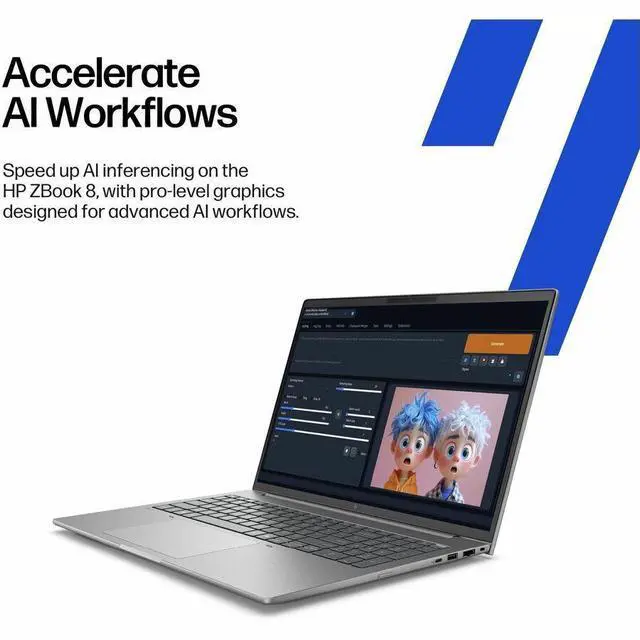
| Other Features | Portable mobile workstation design, AI-ready capability; built-in power adapter and power cord included in package contents |
| Model Identifiers | HP ZBook 8 G1i (model BP6Q3UT#ABA) by Hewlett Packard — color Meteor Silver; unit count 1 |
Q: Should I choose the HP ZBook 8 G1i 14 or the older ZBook Firefly 14 G11?
A: Choose the HP ZBook 8 G1i 14 if you want the newer 14-inch ZBook platform with Arrow Lake-H processing, Intel Arc 140T integrated graphics, and user-upgradeable DDR5 memory in SO-DIMM slots. HP positions the ZBook 8 as the successor to the Firefly line, and Notebookcheck’s review explicitly describes it as the Firefly successor. Choose the Firefly 14 G11 instead when your workflow benefits more from its NVIDIA RTX A500 discrete GPU, which is the better fit for GPU-accelerated CAD, certified workstation apps, or lighter 3D work that benefits from dedicated VRAM. The trade-off is that the ZBook 8 G1i is the more current design, while the Firefly G11 remains the better match when dedicated graphics matter more than platform freshness.
Q: Is this HP ZBook 8 G1i configuration worth buying over a lower-tier Core Ultra 5 version?
A: Yes, this Core Ultra 7 configuration makes more sense if you expect heavier multitasking, more CPU-driven workstation work, or you want the stronger Intel Arc 140T graphics tier instead of the lower Arc 130T tier commonly paired with Core Ultra 5 H-series options. The lower-tier version is the better fit only when price is the main priority and your workload is mostly office apps, remote work, browser-heavy use, and light creative tasks. For workstation use, the bigger practical question is memory: this Newegg configuration has 16GB, while HP supports higher-capacity DDR5 SO-DIMM upgrades, so buyers planning CAD, larger datasets, VMs, or longer-term use should budget for more RAM.
Q: Should I buy this 16GB ZBook 8 G1i, or pay more for a 32GB or 64GB configuration?
A: Buy this 16GB configuration if your work is centered on Office, web apps, meetings, light Adobe use, and general business workloads. Move to 32GB or 64GB if you expect CAD, code builds, local VMs, larger Photoshop files, multitasking across several professional apps, or if you want the laptop to stay comfortable for longer-term workstation use. This decision matters more than the SSD upgrade for many buyers, because professional users often hit memory limits before storage limits. HP’s platform supports DDR5 SO-DIMM memory upgrades, so the ZBook 8 G1i is better than many thin-and-light alternatives for buyers who want to start lower and expand later.
Q: Is the HP ZBook 8 G1i 14 better for portability, or should I step up to a higher-performance ZBook with RTX graphics?
A: The ZBook 8 G1i 14 is the better choice when you want a real workstation-class business laptop in a smaller 14-inch format and your work is mostly CPU-led, light 3D, design review, office productivity, and mobile professional use. Step up to a higher-tier ZBook with RTX graphics when your workload depends on sustained GPU acceleration, heavier rendering, more advanced simulation, or larger AI and visualization tasks. HP’s own workstation positioning places thinner ZBook models in the lighter mobile-workstation role, while higher-performance models are intended for more demanding 3D and engineering workloads. In short: choose the ZBook 8 G1i for mobility-first workstation use, and choose an RTX-equipped ZBook when GPU workload is central to the job.
Q: Is this a good laptop for travel, meetings, and everyday office work?
A: Yes. This configuration is a strong fit for mobile business use because it combines a 14-inch 1920x1200 display, webcam, Windows 11 Pro, Wi‑Fi 7, HDMI, and a current Intel Core Ultra 7 processor in a smaller business-laptop size. It is best for note-taking, web apps, Office work, video meetings, presentations, and general multitasking. The main unknown is battery life, since that is not provided in the product data.
Q: Who is this HP ZBook 8 G1i most suitable for?
A: It is most suitable for business users, analysts, developers, consultants, and technical professionals who want a compact Windows Pro laptop with workstation branding and better-than-basic integrated graphics. It makes sense for productivity, remote collaboration, light creative work, and some professional apps. It is less suitable for buyers who need heavy 3D rendering, advanced CAD, or serious GPU compute, because this model uses integrated Intel Arc graphics rather than a higher-end dedicated workstation GPU.
Q: Can this model handle multitasking, Zoom or Teams meetings, and standard business apps well?
A: Yes. For standard business workloads, 16GB RAM and a 512GB SSD are a practical baseline, and the Core Ultra 7 platform is more than enough for browser-heavy work, Office apps, chat, video calls, and running several applications at once. It is a sensible choice for users who need smooth day-to-day productivity rather than maximum graphics performance.
Q: Is this a good choice for photo editing, video editing, CAD, or other graphics-heavy work?
A: It is good for light to moderate creative and technical work, but not the best choice for heavy graphics workloads. The 16GB RAM and Intel Arc integrated GPU should be fine for basic photo editing, light video editing, and lighter 2D or entry CAD tasks. For large CAD assemblies, frequent rendering, 4K video workflows, or GPU-intensive work, a laptop with a dedicated professional GPU and often more memory is the safer choice.
Q: What is the main trade-off versus a higher-end workstation or premium business laptop?
A: The trade-off is balance over specialization. This HP ZBook 8 G1i gives you a compact 14-inch design, current business features, and enough performance for mainstream professional use, but it does not appear configured for top-tier workstation graphics or expanded memory/storage headroom out of the box. Compared with higher-end alternatives, you are likely giving up heavier-duty GPU performance, more upgrade flexibility, and possibly battery or display options, in exchange for a simpler, more portable everyday work setup.
Q: Is the HP ZBook 8 G1i 14 a good fit for office work, coding, and travel?
A: Yes for users who want a compact business workstation for office apps, web work, meetings, coding, and frequent travel. The 14-inch size, 1920x1200 display, webcam, Wi‑Fi 7, and Windows 11 Pro make it practical for mobile work. The main trade-off is that this listed configuration has 16GB RAM, integrated Intel Arc 140T graphics, and a 512GB SSD, so it is better suited to general professional workloads than to very large local datasets, heavy rendering, or GPU-intensive engineering tasks.
Q: Is the Intel Arc 140T version enough, or should I look for a model with stronger graphics?
A: The Intel Arc 140T version is enough if your work is mostly productivity, light creative work, note-taking, development, and occasional light 3D or casual gaming. If your workflow depends on sustained GPU performance, certified professional graphics, large CAD assemblies, rendering, or simulation, you should look for a higher-tier workstation configuration. The main decision point is that this model uses integrated graphics, so portability and simplicity come before maximum graphics headroom.
Q: Who is the HP ZBook 8 G1i 14 best suited for?
A: It is best suited for professionals who want a sturdier, more workstation-oriented 14-inch laptop than a typical consumer notebook, but do not need a large, heavy workstation. Good fits include consultants, developers, analysts, IT staff, and business users who value mobility, business features, and a higher-end chassis. It is less suitable for buyers who specifically need top-tier GPU performance or unusually high memory and storage out of the box.
Q: What are the main trade-offs of this configuration before buying?
A: The main trade-offs are graphics power, memory ceiling in the listed unit, and screen class. This configuration gives you a portable 14-inch workstation with a WUXGA 1920x1200 display, Intel Core Ultra 7 265H, 16GB RAM, and 512GB SSD, which is balanced for business use. The compromise is that integrated Arc 140T graphics and 16GB RAM are not ideal for users expecting high-end mobile workstation performance. Buyers choosing this model are primarily choosing portability and everyday professional usability over maximum expandability and GPU throughput.


