


 All CategoriesAll CategoriesAll Categories
Shipped by Newegg




Warranty Notice:
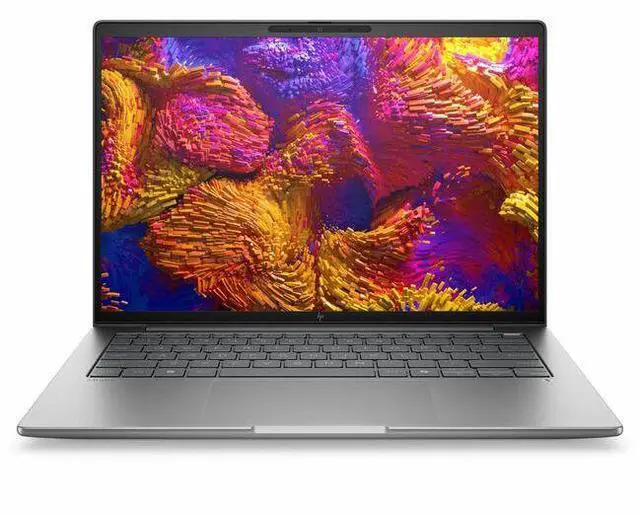
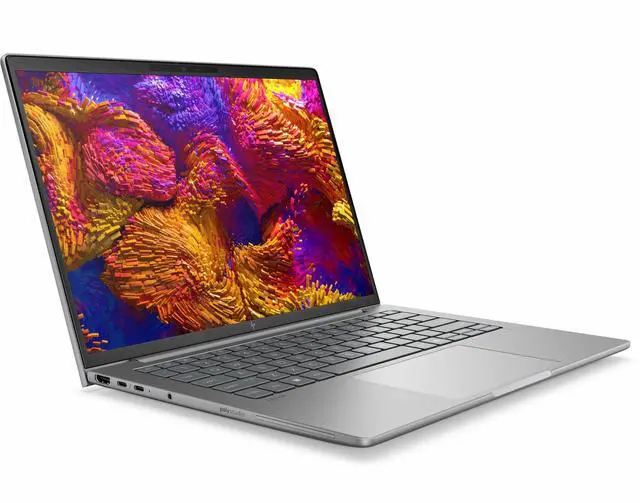
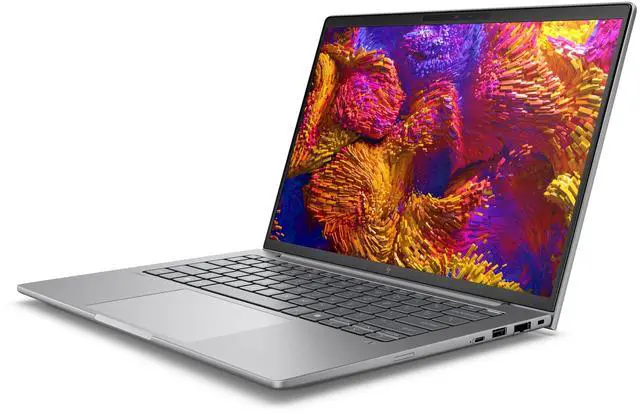
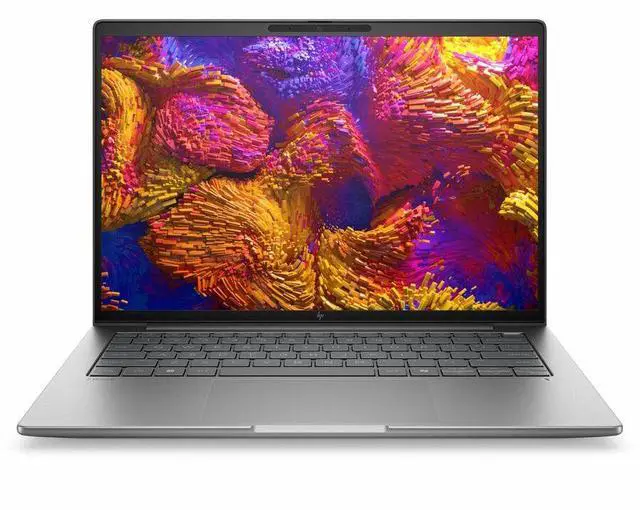
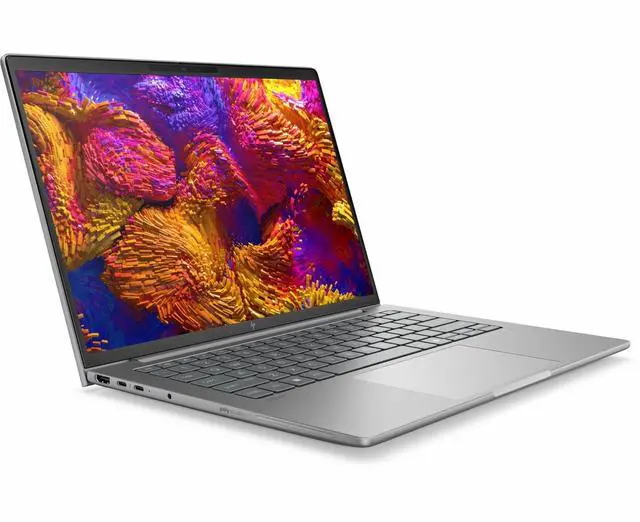
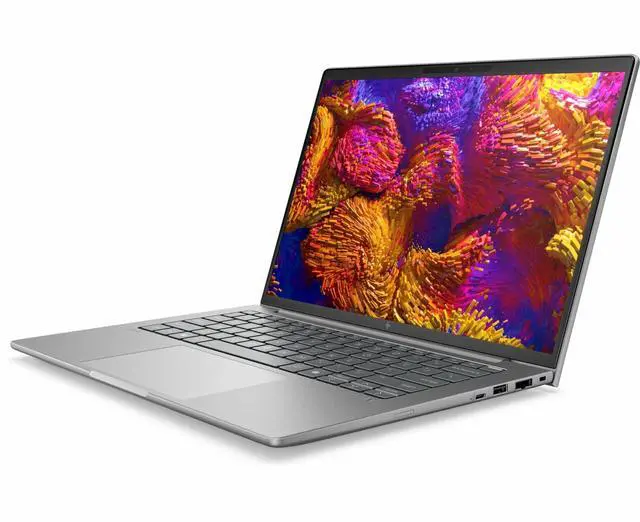
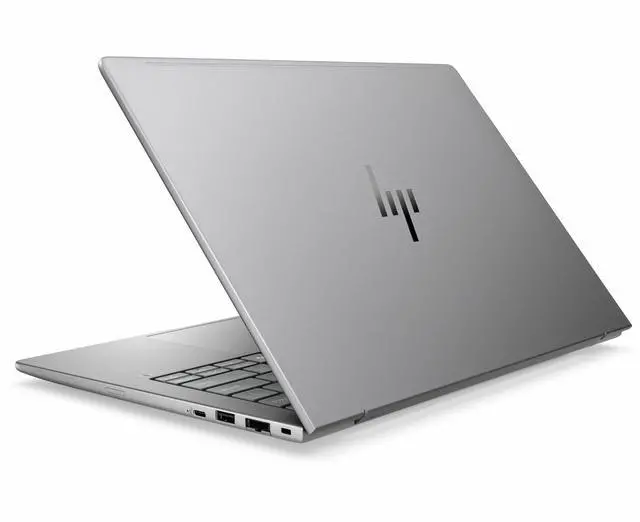
This product does not include manufacturer warranty when purchased or used outside of its designated sales region. By purchasing internationally, you acknowledge that warranty support from the manufacturer will not be available.The HP ZBook 8 G1ak is a 14-inch mobile workstation with an AMD Ryzen AI 7 PRO 350, 32GB RAM, 512GB SSD, Windows 11 Pro, and Radeon 860M graphics, making it a strong fit for professionals who need a portable business system for multitasking, office workloads, and AI-ready productivity on the go.
| Attribute | Value |
|---|---|
| Best For | A 14-inch mobile workstation for professionals who need a Ryzen AI 7 PRO 350 CPU, Radeon 860M graphics, 32 GB RAM and a 512 GB SSD for on-the-go workstation tasks |
| Processor And Core Count | AMD Ryzen AI 7 PRO 350 (7000 Series) processor, up to 5 GHz maximum clock and 16 MB L3 cache |
| GPU And VRAM | Integrated AMD Radeon 860M graphics using DDR5 SDRAM for graphics memory |
| Display Spec | 14.0" LED display with a native resolution of 1920 x 1200 pixels |
| Memory Configuration | 32 GB DDR5 SODIMM installed, 2 SODIMM slots, maximum supported 32 GB |
| Storage And Expansion | 512 GB internal SSD |
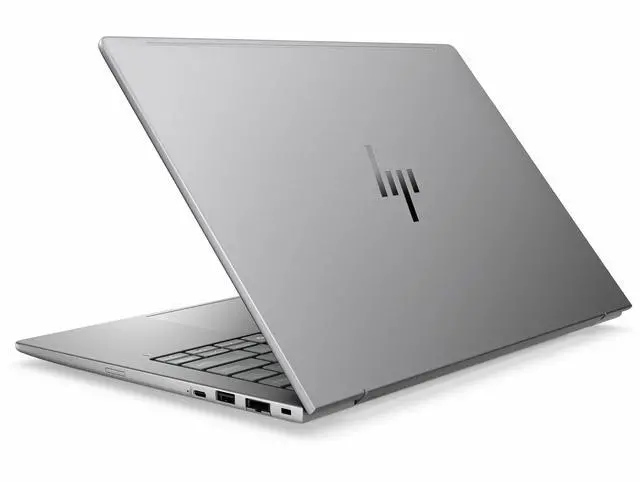
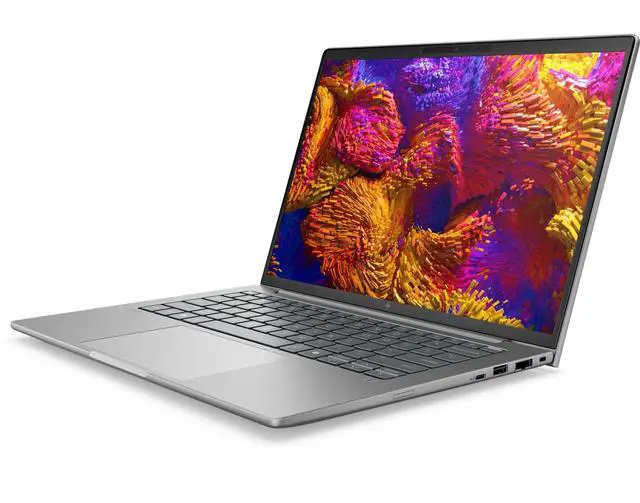
| High Speed I O | 2 Thunderbolt ports, 1 HDMI port and 1 USB port listed; connectivity also includes USB and Ethernet |
| Wired And Wireless Networking | Wi‑Fi (IEEE 802.11be), Bluetooth support, and Ethernet connectivity |
| Webcam And Privacy | Built-in front webcam |
| Keyboard And Control | Backlit keyboard (human-interface input: keyboard) |
| Battery And Power | Built-in lithium polymer battery and power adapter listed; product fields show Are Batteries Included: false and Are Batteries Required: false |
| Portability | Mobile workstation in Meteor Silver with chassis/item dimensions 10.7 x 18.5 x 2.5 inches and package weight ~5 pounds |
| External Display And Docking Fit | Supports external displays and docking via 2 Thunderbolt ports and 1 HDMI; listed compatible with USB Type-C external devices |
| Operating System | Windows 11 Pro |
| Model Identifiers | HP ZBook 8 G1ak, model BX8M6UT#ABA, manufactured by Hewlett Packard |
Q: Should I buy the HP ZBook 8 G1ak 14 or a Lenovo ThinkPad P14s Gen 6 AMD?
A: Choose the HP ZBook 8 G1ak 14 if you want a 14-inch mobile workstation with Ryzen AI 7 PRO 350, 32GB RAM, and a straightforward balance of portability and business-class workstation positioning. Choose the ThinkPad P14s Gen 6 AMD if you want a very similar AMD PRO platform but expect more configuration range, including lower-cost Ryzen AI 5 PRO 340 options or higher-end Ryzen AI 9 HX PRO 370 models. In practice, this HP configuration fits buyers who already know they want an 8-core Ryzen AI PRO system with Radeon 860M and 32GB memory, while the Lenovo line is the easier pick if you want wider CPU and graphics scaling within the same 14-inch workstation class.
Q: Is this HP ZBook 8 G1ak 14 worth choosing over a lower-spec Ryzen AI 5 PRO workstation?
A: Yes, if your workload benefits from extra CPU headroom and stronger integrated graphics without moving into a heavier or more expensive tier. The Ryzen AI 7 PRO 350 steps up from Ryzen AI 5 PRO 340 with more cores and Radeon 860M instead of Radeon 840M, so this HP configuration makes more sense for users running larger spreadsheets, code workloads, multitasking, light creative apps, or occasional GPU-assisted work. A Ryzen AI 5 PRO model is the better fit when cost matters more than that extra performance.
Q: Should I step up from this ZBook to a higher-tier Ryzen AI 9 HX PRO configuration?
A: Step up only if you regularly run heavier parallel workloads or want the clear graphics jump that comes with Radeon 890M-class integrated graphics in higher AMD tiers. This ZBook's Ryzen AI 7 PRO 350 and Radeon 860M are the more balanced choice for mobile office, development, analysis, and lighter content workloads. A Ryzen AI 9 HX PRO system is the better fit for buyers who know they need more CPU cores and stronger integrated graphics, but it is not the default upgrade for typical 14-inch business workstation use.
Q: Is the HP ZBook 8 G1ak 14 better for portability than a performance-first 14-inch workstation with discrete graphics?
A: Yes, if your priority is a simpler, more travel-friendly workstation setup and your applications do not require dedicated GPU acceleration. This ZBook uses integrated Radeon 860M graphics, so it is better matched to buyers who want lower complexity and enough performance for business productivity, coding, light creative work, and moderate GPU use. A performance-first 14-inch workstation with discrete graphics is the better choice when your software depends on certified GPU acceleration, heavier 3D workloads, or larger visual computing jobs.
Q: How does this ZBook compare with an Intel-based HP ZBook 8 G1i 14?
A: Choose the ZBook 8 G1ak 14 if you specifically want the AMD Ryzen AI PRO platform in a compact workstation and your usage leans toward CPU efficiency, integrated Radeon graphics, and Copilot+ style AI positioning. Choose the Intel-based ZBook 8 G1i 14 if you want access to Intel platform options and, in some configurations, discrete RTX graphics for more demanding workstation workflows. The AMD model is the cleaner fit for buyers who want a balanced integrated-graphics workstation, while the Intel line is the better fit when you need broader graphics options inside the same ZBook family.
Q: Is this a good choice for travel, meetings, and daily office work?
A: Yes. This configuration is well suited to mobile business use because it combines a 14-inch form factor, built-in webcam, Bluetooth, Wi-Fi 7, Windows 11 Pro, and 32GB RAM. That makes it a practical fit for video calls, note-taking, browser-heavy work, Office apps, and multitasking on the go. The main caution is that workstation-class laptops can prioritize durability and professional features over being the lightest or longest-lasting option in the category.
Q: Who is this laptop best for?
A: It is best for business users and technical professionals who want a compact Windows workstation with strong multitasking headroom. The 32GB memory, Ryzen AI PRO-class processor, and Windows 11 Pro make it a sensible fit for analysts, developers, engineers, consultants, and office users who keep many apps open at once. It is less targeted at buyers who mainly want a low-cost student laptop or a gaming-first machine.
Q: Is integrated Radeon 860M graphics enough, or should I buy a laptop with dedicated graphics instead?
A: Integrated Radeon 860M graphics are enough for office work, meetings, web apps, light creative work, and some lighter professional workloads. If your main use is serious 3D work, heavy GPU-accelerated rendering, advanced CAD visualization, or regular high-resolution video editing, a model with dedicated professional or gaming-class graphics is usually the better choice. The trade-off is that integrated graphics generally improve efficiency and portability, while dedicated graphics improve peak visual compute performance.
Q: Is 32GB RAM and 512GB SSD a good balance for this type of laptop?
A: Yes for most professional buyers. The 32GB RAM is a strong starting point for multitasking, large spreadsheets, many browser tabs, virtual meetings, and heavier business apps. The 512GB SSD is usable, but it is the more likely limit if you store large project files, virtual machines, media assets, or engineering datasets locally. In practice, this memory configuration is generous, while storage may be adequate rather than spacious.
Q: How does this compare with a similar 14-inch business laptop like a ThinkPad T14 or P14s?
A: Choose this HP if you want a compact mobile workstation profile with 32GB memory out of the box and professional Windows features. Choose a ThinkPad-class alternative if you care more about easier configuration comparison, known upgrade paths, or a more mainstream business-laptop positioning. In general, the trade-off is workstation branding and stronger default memory on the HP versus potentially simpler serviceability or broader configuration familiarity on comparable ThinkPad models.
Q: Is the HP ZBook 8 G1ak a good fit for work-first use with occasional light gaming?
A: Yes, if your priority is a business-class 14-inch laptop for productivity, meetings, multitasking, and some light gaming. This configuration pairs a Ryzen AI 7 PRO 350 with integrated Radeon 860M graphics, 32GB RAM, and a 512GB SSD, which is a sensible match for office work, browser-heavy use, and lighter games. The main trade-off is graphics: it is not the right choice for demanding AAA gaming or heavy GPU workloads.
Q: Who is the HP ZBook 8 G1ak best suited for?
A: It is best suited for buyers who want a portable, business-oriented Windows laptop with workstation positioning, strong memory capacity, and modern connectivity, but who do not need discrete graphics. In practical buying terms, it makes more sense for office professionals, remote workers, analysts, and users replacing a heavier performance laptop than for creators or engineers who rely on GPU-intensive software.
Q: What are the main trade-offs of buying the HP ZBook 8 G1ak instead of a consumer laptop or a dGPU workstation?
A: The main advantage is business-laptop priorities: workstation branding, Windows 11 Pro, portability, webcam, Bluetooth, Wi‑Fi 7 class wireless, and a balanced CPU-memory setup. The trade-offs are that this model uses integrated Radeon 860M graphics, so GPU headroom is limited compared with a discrete-GPU workstation, and value depends heavily on price because some buyers compare it against faster consumer laptops at similar cost. It is a better fit when reliability, work use, and portability matter more than peak graphics performance.
Q: Is the HP ZBook 8 G1ak worth buying over another 14-inch business laptop at a similar price?
A: It can be worth buying if the competing option has weaker storage, less memory, a lower-quality display, or more consumer-oriented build priorities. In Reddit comparisons, buyers focused on the ZBook's higher RAM and SSD capacity, business-class positioning, and portability. It is less compelling if your main goal is maximum graphics performance per dollar or if you are choosing between models with similar build quality but better GPU capability.

