
Your Browsing History
- Free 30-day Returns
- ฿3,267.57 Shipping
฿96,061.38
VAT-Inclusive Price
Ships from United States.
Sold by Newegg
Shipped by Newegg


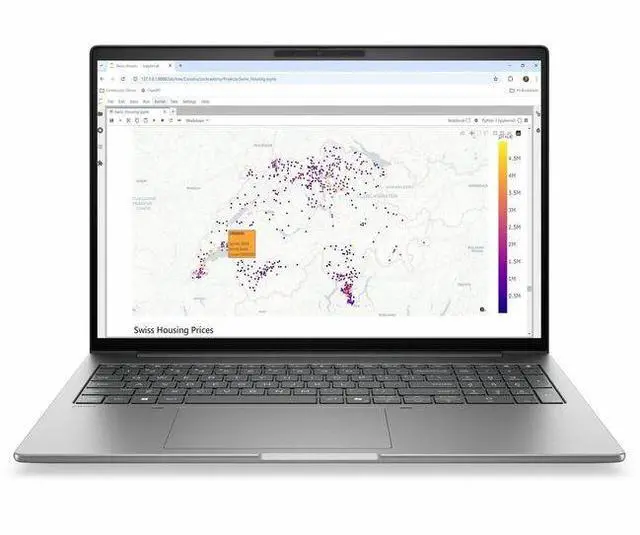
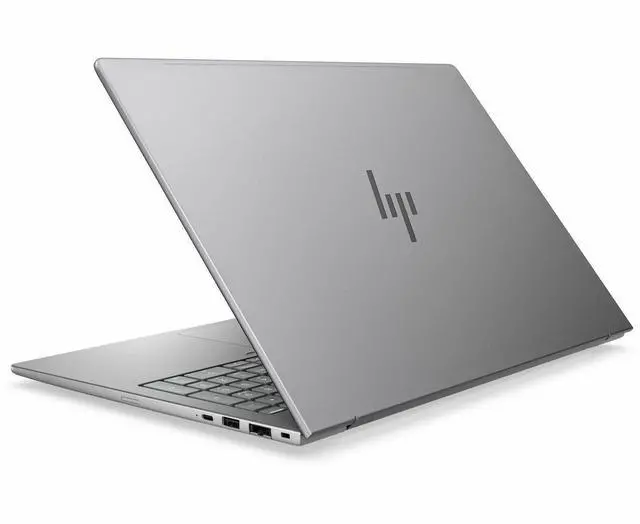
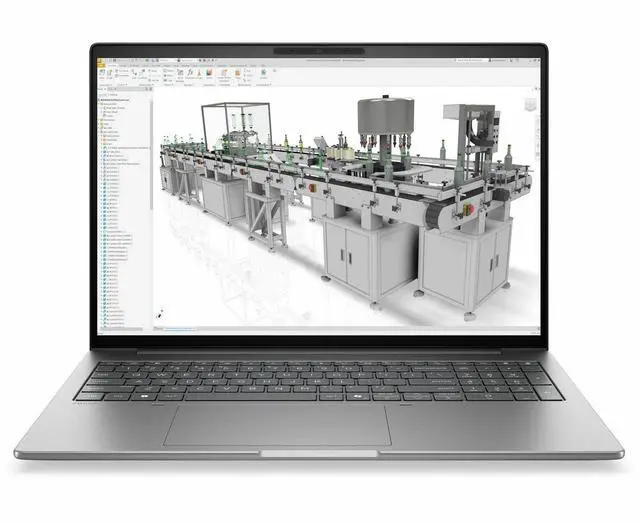


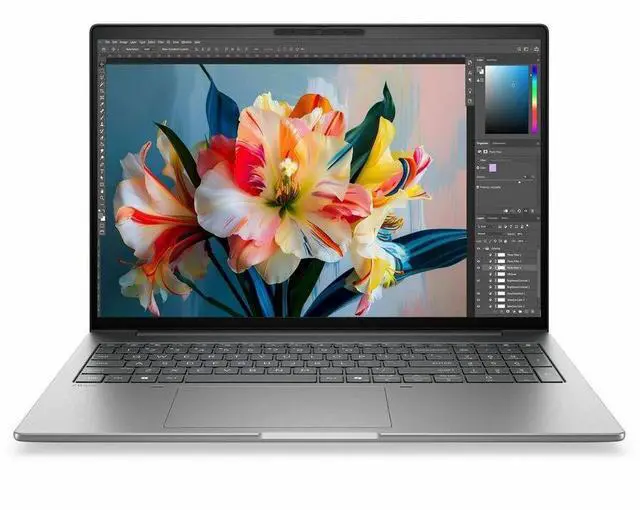
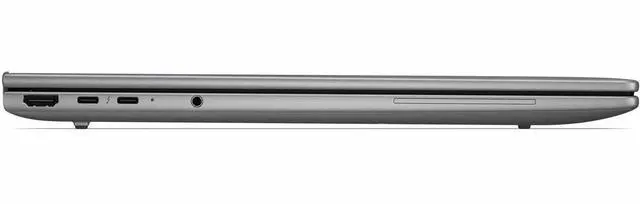
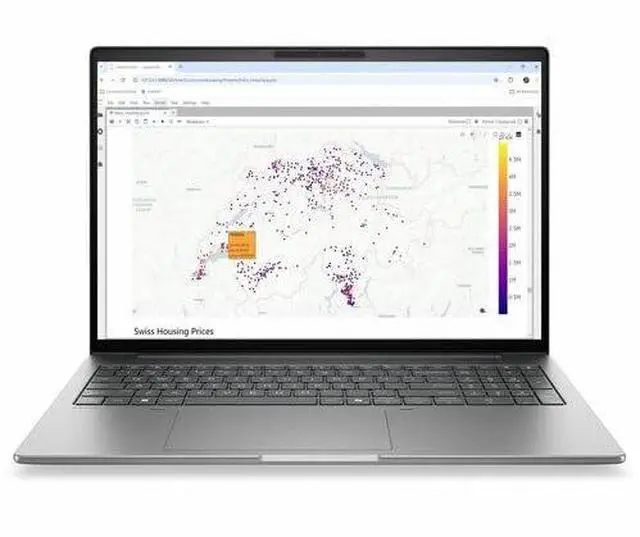

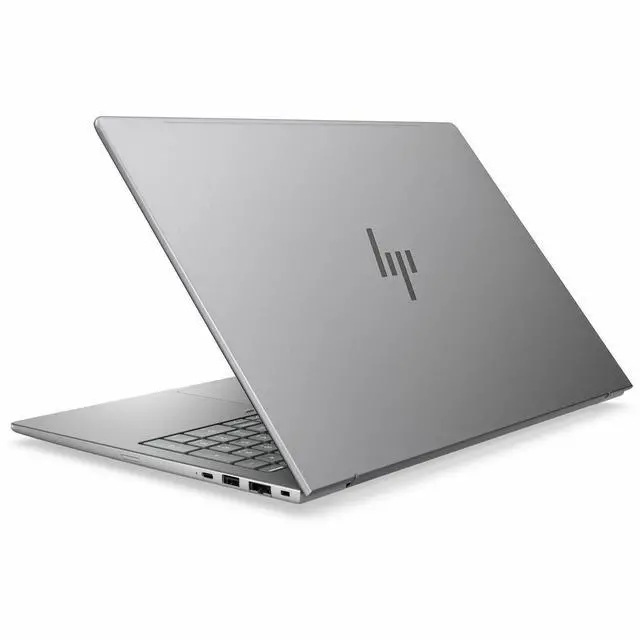
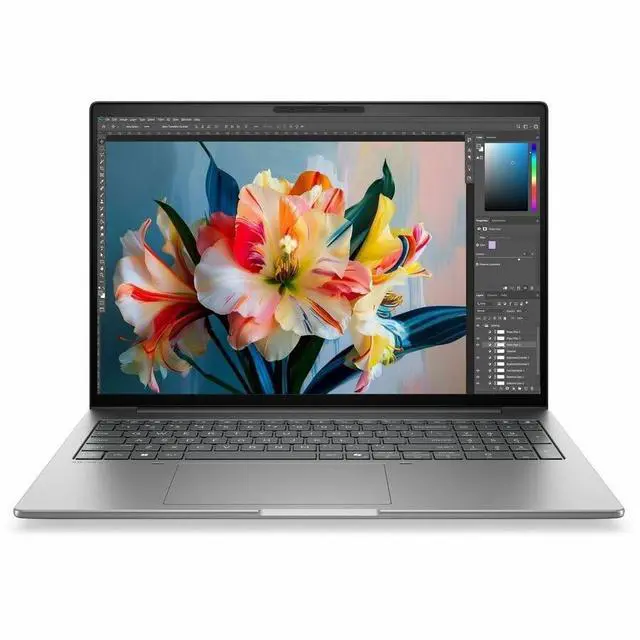
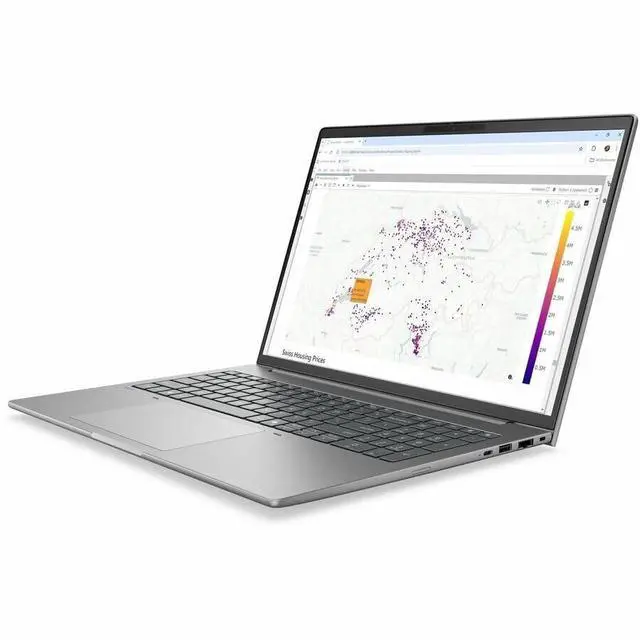


HP ZBook 8 G2i 16" Copilot+ PC Mobile Workstation - WUXGA - 60 Hz - Intel Core Ultra 7 Series 3 356H - 16 GB - 512 GB SSD - English Keyboard - Meteor Silver Aluminum - Intel Chip - 1920 x 1200 -
- WUXGA
- 60 Hz
- Intel Core Ultra 7 Series 3 356H
- 16 GB
- 512 GB SSD
- English Keyboard
- Meteor Silver Aluminum
- Intel Chip
- 1920 x 1200
- Windows 11 Pro
- Intel
- In-plane Switching (IPS) Technology
- Front
+
+
Overview
Specs
Reviews
SMART BUY ZBOOK 8 G2I 16 U7 356H 16 16GB/512 PC
Warranty & Returns
Warranty, Returns, And Additional Information
Return Policies*
- Return for refund within: 30 days
- Returns are subject to restocking fees and return shipping fees. Please click here to learn more about restocking fees and return shipping fees.
- This item is covered by Newegg.com's International Order Return Policy.
- Read full return policy for details.
- *Subject to applicable law
Warranty Notice:
This product does not include manufacturer warranty when purchased or used outside of its designated sales region. By purchasing internationally, you acknowledge that warranty support from the manufacturer will not be available.
Manufacturer Contact Info
- Manufacturer Website
- Support Phone: 1-800-474-6836
- Support Website
- View other products from HP
LOADING...
Learn about this product
The HP ZBook 8 G2i is a 16-inch mobile workstation for professionals who need a large 1920x1200 IPS display, Windows 11 Pro, and dependable everyday performance for business apps, documentation, remote meetings, and light creative or technical workflows.
Recommended For
- IT teams and business users who want a 16-inch Windows 11 Pro work laptop with enterprise security, webcam, Bluetooth, and Copilot+ features, but do not need a discrete GPU for their daily apps.
- Mobile professionals who keep many work apps, browser tabs, video calls, and Office or analytics tools open at once, and prefer a larger 16-inch 16:10 screen over an ultralight laptop.
- Students or early-career engineers, architects, and designers doing lighter CAD, documentation, 2D drafting, and campus or client-site work, where workstation branding, durability, and portability matter more than high-end graphics throughput.
- Buyers who want a mainstream business-workstation chassis for reliability, serviceability, and long-term fleet use, especially in schools or companies standardizing on HP commercial laptops.
Real-World Use Scenarios
- Office workstation replacement: good fit for running large Excel files, many browser tabs, video meetings, and business apps at once; users should expect a smooth day-to-day workflow, with the main limit showing up only in heavier graphics workloads.
- Mobile CAD and technical-document work: suitable for 2D CAD, drawings, markups, PDFs, and light 3D review while on-site or between meetings; users doing large assemblies, complex renders, or GPU-heavy visualization should expect slower performance than ZBook models with discrete graphics.
- Hybrid work and desk docking: practical for users who move between office, home, and conference rooms, then connect to external displays and wired networks at a desk; the built-in HDMI, USB-C/Thunderbolt-class connectivity in the ZBook family, webcam, and business OS setup align well with this use.
- AI-assisted productivity on Windows 11 Pro: useful for Copilot-style workflows, meeting summaries, transcription, and other NPU-aware tasks; users should expect these features to help with everyday productivity more than with professional GPU rendering or advanced local AI development.
- Traveling consultant or field professional laptop: workable for full-day meetings, presentations, remote access, email, and report writing, especially for users who value a larger 16-inch workspace; it is less ideal if the job also includes frequent GPU-heavy editing, simulation, or gaming after hours.
Spec Summary
| Attribute | Value |
|---|---|
| Best For | Mobile workstation users who need a 16-inch, 1920 x 1200 Windows machine with integrated Intel graphics, balanced memory and M.2 SSD storage for professional productivity and on-the-go workflows |
| Processor And Core Count | Intel Core Ultra 7 (356H) processor, up to 4.7 GHz maximum frequency with 18 MB L3 cache |
| GPU And VRAM | Integrated Intel graphics; graphics memory type listed as DDR5 SDRAM |
| Display Spec | 16.0-inch IPS display with 1920 x 1200 native resolution, up to 300 nit brightness and 62 (sRGB) color gamut value |
| Memory Configuration | 16 GB DDR5 installed (2 memory slots) with support for up to 64 GB total |
| Storage And Expansion | 512 GB solid-state drive (M.2 form factor/interface) |
| High Speed I O | 2 Thunderbolt ports, 2 USB ports, 1 HDMI port and USB Type-C among available I/O |
| Wired And Wireless Networking | Wi-Fi and Bluetooth wireless connectivity, Ethernet listed among connectivity options |
| Battery And Power | Includes lithium polymer battery plus AC adapter and power cord in the package |
| Webcam And Privacy | Built-in webcam present |
| Audio Setup | Stereo audio |
| Portability | Item weight 6.8 Pounds with dimensions 3 L x 19.9 W x 11.9 TH inches |
| External Display And Docking Fit | Thunderbolt (2) and HDMI (1) ports available for external displays and docking options |
| Operating System | Windows 11 Pro |
| Model Identifiers | Model DK2J2UT#ABA (Edition: ZBook 8 G2i), manufacturer Hewlett Packard, color Meteor Silver Aluminum, package quantity 1 |
Reference Q&A
Q: Should I choose the HP ZBook 8 G2i 16 over an HP ZBook Firefly 16 G11?
A: Choose the HP ZBook 8 G2i 16 if you want HP’s newer mainstream mobile-workstation platform with Copilot+ support, a newer Intel Core Ultra 7 356H processor, and a path to higher-end display and graphics options across the ZBook 8 family. Choose the ZBook Firefly 16 G11 if your priority is a proven lighter-duty workstation design and you specifically want a known Firefly configuration with RTX A500 discrete graphics. In practice, the ZBook 8 G2i configuration listed here is better suited to office productivity, light professional workloads, and AI PC features, while Firefly configurations with RTX graphics are the clearer fit for GPU-accelerated CAD, rendering, or creator apps.
Q: Is this HP ZBook 8 G2i 16 enough, or should I move up to a ZBook Power 16?
A: This HP ZBook 8 G2i 16 is the better choice if you want a slimmer workstation-style laptop for business apps, multitasking, remote work, and lighter pro workflows without paying for a discrete GPU. Move up to a ZBook Power 16 if your workload regularly depends on certified NVIDIA workstation graphics, larger memory ceilings, or heavier 3D, simulation, and rendering work. The key trade-off is simple: the listed ZBook 8 G2i prioritizes mobility and modern AI PC features, while ZBook Power configurations prioritize sustained graphics performance and broader workstation expandability.
Q: Should I buy this 16GB HP ZBook 8 G2i 16, or pay more for a 32GB configuration?
A: Buy the 16GB configuration if your main use is Microsoft 365, web apps, video calls, light photo work, and moderate multitasking. Pay more for 32GB if you expect to keep many large apps open, use virtual machines, work with large datasets, or run professional creative and engineering software for long sessions. For this model, the decision is less about processor speed and more about headroom: the Core Ultra 7 356H is capable, but 16GB is the more practical floor than a long-term comfort point for workstation-class use.
Q: Is the HP ZBook 8 G2i 16 a better buy than an older ZBook for everyday workstation use?
A: Yes, if you want newer platform features rather than maximum legacy value. The ZBook 8 G2i 16 brings a current-generation Intel Core Ultra platform, Windows 11 Pro, Copilot+ positioning, and newer connectivity and security support that make more sense for a fresh business deployment. An older ZBook can still be a reasonable choice if you are prioritizing lower upfront cost or already know you need an older model with discrete graphics at a discount. The trade-off is that older ZBooks can offer stronger value per dollar in used or clearance channels, while the ZBook 8 G2i is the safer choice for current platform life and modern enterprise features.
Q: Is this a good laptop for meetings, note-taking, and everyday office work?
A: Yes. This configuration is well suited to office productivity, web apps, video meetings, and general multitasking. It has a 16-inch 1920 x 1200 IPS display, webcam, Bluetooth, Windows 11 Pro, 16GB RAM, and a 512GB SSD, which matches the feature set shoppers commonly ask for on business laptops. The main limitation is that it uses integrated graphics, so it is a better fit for office and collaboration work than for heavy 3D or GPU-intensive creative workloads.
Q: Is it worth buying as a travel work device?
A: It can work well for travel if your priority is a larger screen and business features, but it is not the most compact option. A 16-inch workstation gives you more workspace for documents and multitasking, and this model includes Windows 11 Pro, webcam support, and a full-size HDMI port, which are practical for hotel, office, and meeting-room use. The trade-off is portability: shoppers who travel constantly often prefer 13- or 14-inch systems for lower weight and smaller bags.
Q: Who is this HP ZBook configuration best for?
A: This model is best for business users, remote workers, analysts, and students or professionals who want a large-screen Windows laptop for productivity rather than a high-end graphics workstation. The listed specs point to a mainstream professional setup: Core Ultra 7, 16GB RAM, 512GB SSD, integrated graphics, and a non-touch 60 Hz WUXGA display. It is suitable for spreadsheets, presentations, browser-heavy workflows, meetings, and light content work, but not the best choice for advanced CAD, 3D rendering, or serious video editing.
Q: What are the trade-offs versus a similar laptop with dedicated graphics?
A: The main trade-off is graphics capability versus efficiency and simplicity. A laptop with dedicated graphics is usually the better choice for 3D modeling, GPU rendering, advanced CAD, or heavier video work. This HP ZBook configuration uses integrated graphics, so it is a stronger fit for office productivity, meetings, and lighter multitasking than for graphics-heavy professional workloads. In return, integrated-graphics models are often quieter, simpler, and more power-efficient than higher-end workstation configurations.
Q: Is this better than a 14-inch Copilot+ laptop for business use?
A: It depends on your priority. This 16-inch ZBook-style configuration is better if you want more screen space, a roomier keyboard deck, and workstation-style positioning for desk-based productivity. A 14-inch Copilot+ laptop is usually the better choice if you care more about portability, smaller carry size, and frequent travel. For pure office work, both sizes can be effective; the decision is mostly between workspace and mobility.
Q: Is this HP ZBook 8 G2i 16 a good fit for CAD, GIS, and general professional work?
A: Yes for mainstream professional workloads. Based on the listed configuration, it fits office work, coding, large spreadsheets, browser-heavy multitasking, and light-to-moderate CAD or GIS work better than GPU-heavy 3D rendering or simulation. The main limit is the integrated graphics and 16 GB of RAM, which are modest for a workstation-class laptop.
Q: Who should buy this configuration, and who should skip it?
A: This configuration makes sense for users who want a business or workstation-style 16-inch laptop for professional apps, multitasking, and everyday office use without needing dedicated graphics. It is less suitable for buyers who expect high-end 3D performance, heavy video work, advanced AI workloads, or long-term headroom for large projects, because 16 GB RAM, a 512 GB SSD, a 60 Hz WUXGA screen, and integrated graphics are entry-level trade-offs for this class.
Q: Can this replace a desktop workstation?
A: Only for lighter workstation use. It can replace a desktop for office productivity, remote work, coding, and some professional applications, but this exact model is not a strong desktop replacement for sustained heavy CAD, rendering, or GPU-dependent workflows. Buyers discussing ZBook 8 systems often treat them as mobile workstations, but stronger configurations usually add more RAM and dedicated graphics.
Q: What are the main trade-offs of this specific model?
A: The main trade-offs are performance headroom and display tier. Compared with higher-end mobile workstations, this model gives you a large 16-inch screen and business features, but only 16 GB of memory, 512 GB of storage, integrated graphics, and a 60 Hz 1920 x 1200 non-touch panel. That makes it a more practical work laptop than a high-performance workstation.
Q: Is it worth buying if you mainly want a portable work laptop rather than a high-end workstation?
A: Yes, if your priority is a professional 16-inch laptop for work tasks and you do not need dedicated graphics. No, if you are paying workstation-level pricing but expect workstation-level GPU performance. Community discussion around the ZBook 8 line repeatedly centers on balancing business build, serviceability, and work-focused features against weight, battery expectations, and whether the configuration is powerful enough for the price.