


 All CategoriesAll CategoriesAll Categories
Shipped by Newegg






Warranty Notice:
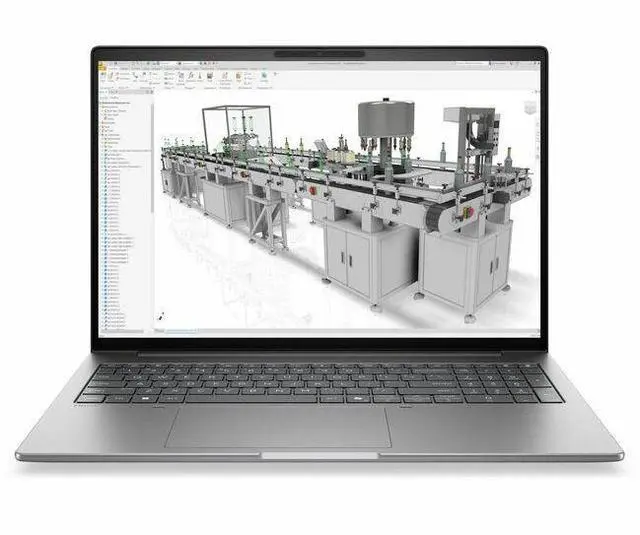
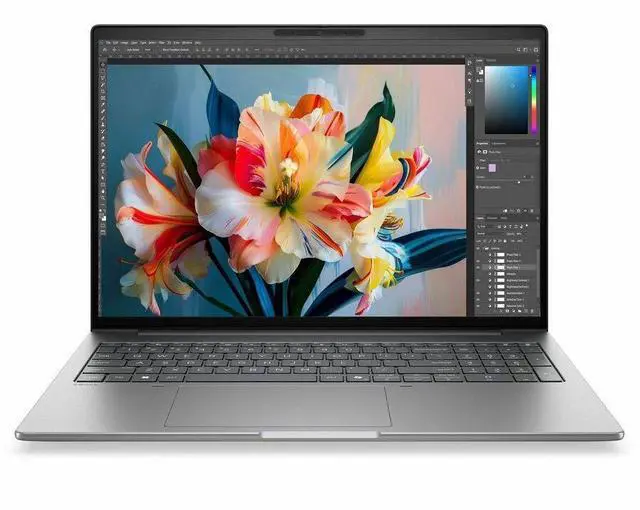
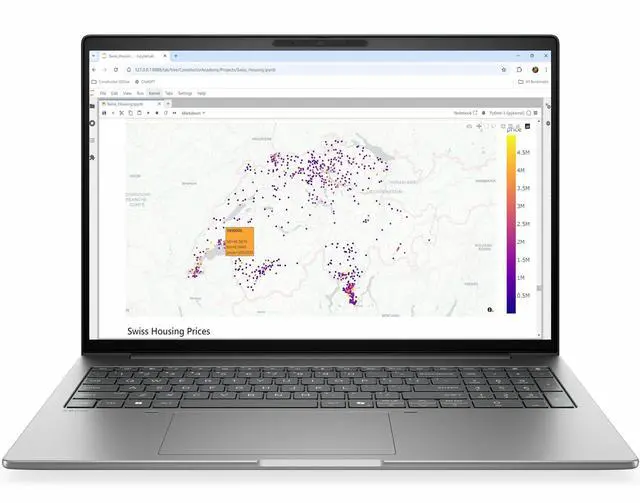
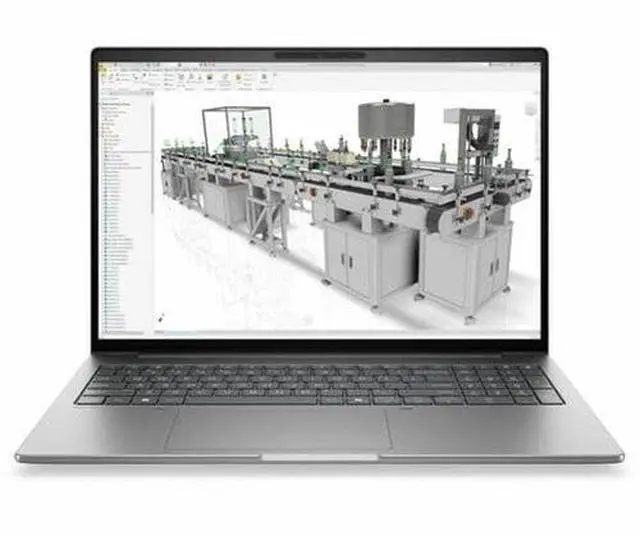
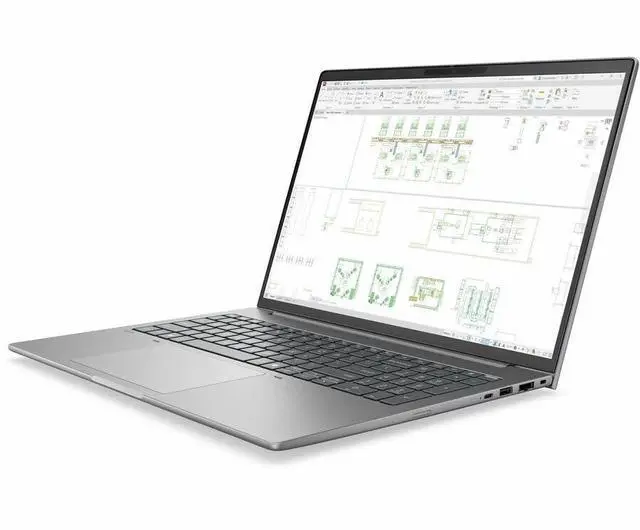
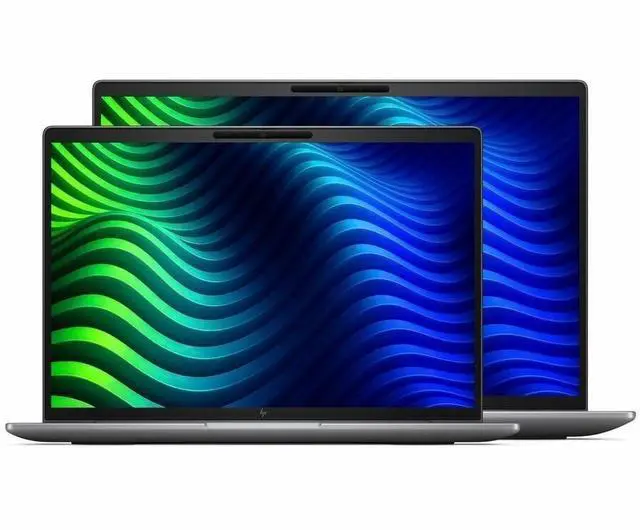
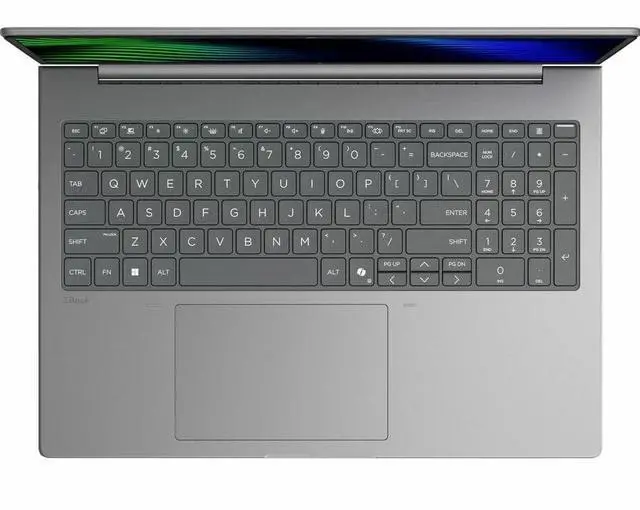
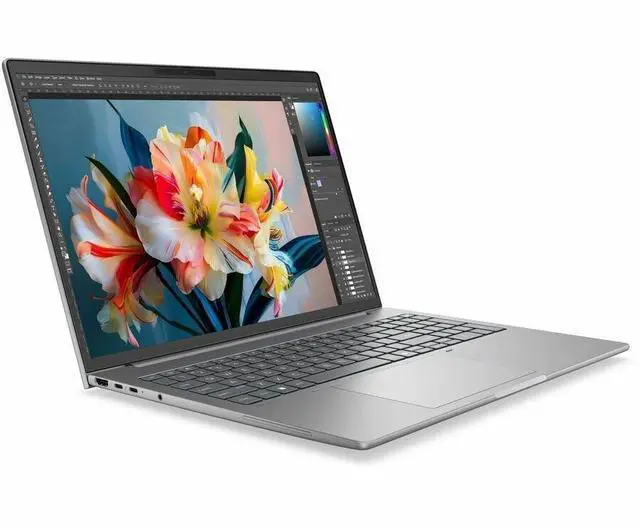
This product does not include manufacturer warranty when purchased or used outside of its designated sales region. By purchasing internationally, you acknowledge that warranty support from the manufacturer will not be available.The HP ZBook 8 G2i is a 16-inch Windows 11 Pro mobile workstation with an Intel Core Ultra 7 356H, 32GB RAM, and a 512GB SSD, making it a strong fit for professionals, engineers, and business users who need a large-display laptop for office productivity, multitasking, and workstation-class daily workflows.
| Attribute | Value |
|---|---|
| Best For | Workstation users who need a 16.0-inch WUXGA (1920 x 1200) mobile workstation with an Intel Core Ultra 7 (356H), 32 GB RAM and M.2 512 GB SSD for professional productivity and engineering/content workflows that benefit from Thunderbolt and HDMI connectivity |
| Processor And Core Count | Intel Core Ultra 7, model 356H — up to 4.7 GHz with 18 MB L3 cache |
| GPU And VRAM | Integrated Intel graphics; graphics memory type DDR5 SDRAM |
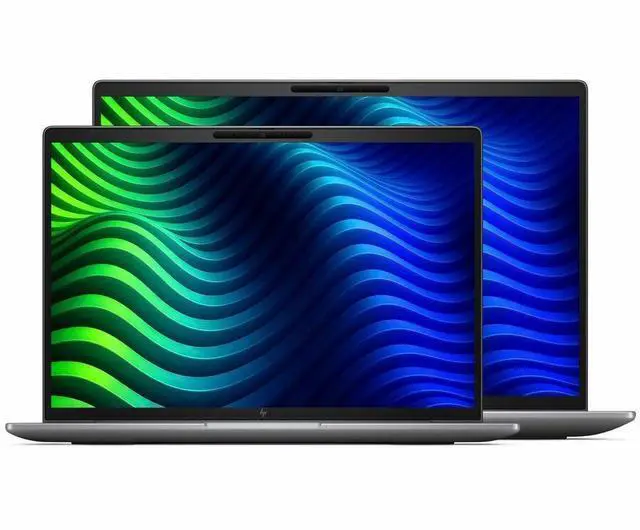
| Display Spec | 16.0-inch LED IPS display, native 1920 x 1200 (WUXGA) at 60 Hz, up to 300 nit brightness and ~62% sRGB color gamut |
| Memory Configuration | 32 GB DDR5 RAM installed (two DIMM slots), expandable up to 64 GB |
| Storage And Expansion | 512 GB SSD (M.2 form factor / M.2 interface) |
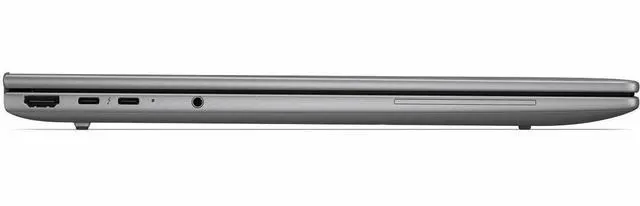
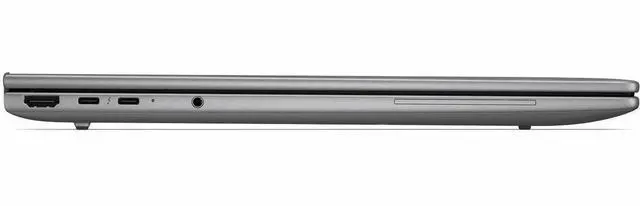
| High Speed I O | Two USB ports (reported as USB 3.1 Type-C), two Thunderbolt ports, one HDMI and one Ethernet among six total ports reported |
| Battery And Power | Lithium polymer battery included (package lists AC adapter and power cord); rapid charging stated as 50% in 30 minutes; batteries not required/not included |
| Wired And Wireless Networking | Wi‑Fi 7 and Bluetooth wireless; wired Ethernet port present |
| Webcam And Privacy | Front-facing webcam present |
| Audio Setup | Stereo audio |
| Portability | Item weight 4.48 Pounds with item dimensions listed as 2.8 L x 19.8 W x 11.8 TH inches; Meteor Silver Aluminum finish |
| External Display And Docking Fit | One HDMI and two Thunderbolt ports enable external displays and docking via HDMI and Thunderbolt connections |
| Operating System And Software | Windows 11 Pro (package references Wolf Pro Security Edition) |
| Model Identifiers | HP ZBook 8 G2i (model DK2H8UT#ABA) — Manufacturer: Hewlett Packard |
Q: Should I choose the HP ZBook 8 G2i 16 or a ZBook Power/Fury workstation?
A: Choose the HP ZBook 8 G2i 16 when you want workstation-class build, Windows 11 Pro, 32GB memory, and modern Intel Core Ultra platform features in a simpler configuration that prioritizes everyday professional workloads, multitasking, and AI-assisted office use over maximum GPU throughput. Move up to a ZBook Power or ZBook Fury if your work depends on heavier 3D, GPU rendering, CAD acceleration, or certified graphics performance, because HP positions those models higher in the mobile-workstation stack with dedicated RTX options and broader performance headroom.
Q: Is the HP ZBook 8 G2i 16 better than a lighter ZBook Firefly for work?
A: Pick the HP ZBook 8 G2i 16 if you want a larger 16-inch workspace, 32GB RAM in the listed configuration, and a more performance-oriented platform than an ultraportable workstation. Pick a ZBook Firefly if lower carry weight and mobility matter more than screen size and sustained workload headroom. Across HP's lineup, Firefly is positioned as the portability-first option, while larger ZBook models make more sense for users who spend more time in spreadsheets, development tools, analysis apps, or multi-window workflows at a desk.
Q: Should I buy this 32GB HP ZBook 8 G2i 16 or a lower-memory configuration?
A: Choose this 32GB configuration if you regularly keep many browser tabs, large spreadsheets, collaboration apps, code tools, or local datasets open at the same time. It is the safer choice for longer ownership and heavier multitasking. A lower-memory version can still fit lighter office use, but on integrated-graphics systems it leaves less shared memory available for graphics and demanding applications. Intel's platform guidance for higher integrated graphics capability also depends on having at least 16GB in dual-channel memory, so 32GB provides more flexibility for mixed CPU, AI, and graphics workloads.
Q: Is the HP ZBook 8 G2i 16 enough if I do not need dedicated graphics?
A: Yes, this HP ZBook 8 G2i 16 is the better fit when your workload is centered on productivity, business apps, coding, analysis, video meetings, and light-to-moderate visual work rather than GPU-heavy creation. Its listed configuration uses Intel Core Ultra 7 356H with integrated Intel graphics, which is appropriate for users who value lower complexity and do not need RTX-class acceleration. If your applications explicitly benefit from CUDA, certified pro graphics drivers, large 3D scenes, or heavier viewport work, a workstation with dedicated RTX graphics is the better upgrade path.
Q: Should I upgrade from an older mobile workstation to the HP ZBook 8 G2i 16?
A: Upgrade to the HP ZBook 8 G2i 16 if your current system is several years old and you want newer platform features such as Intel Core Ultra processing, an NPU for Copilot+ PC features, current Windows 11 Pro support, and a fresh 32GB/512GB baseline. The main reason to stay with an older higher-tier workstation is if it already has stronger dedicated graphics that your software still uses heavily. For users coming from older general-purpose business laptops or aging entry workstations, the ZBook 8 G2i 16 is the more balanced move when modern platform efficiency and AI-ready features matter more than peak GPU performance.
Q: Is this a good fit for meetings, office work, and heavy multitasking?
A: Yes. For business apps, browser-heavy work, video meetings, documents, spreadsheets, and multitasking, this configuration is a strong fit because it combines a Core Ultra 7 processor, 32GB of RAM, a 512GB SSD, a 16-inch 1920x1200 IPS display, webcam, Bluetooth, and Windows 11 Pro. The main limitation is graphics: with integrated graphics, it is better for productivity and light visual work than for GPU-intensive rendering or advanced 3D workflows.
Q: Is it worth buying as a travel work device?
A: It can work well for travel if your priority is screen space and workstation-style productivity, but it is not the most travel-friendly type of laptop. A 16-inch mobile workstation gives you more room for spreadsheets, side-by-side windows, and meetings, but it is usually less compact than 13- or 14-inch business laptops. This model makes more sense for people who travel occasionally and want a larger work screen than for buyers who want the lightest carry-everywhere machine.
Q: Who is this laptop most suitable for?
A: It is best suited to business users, analysts, developers, IT professionals, and technical users who want a large-screen Windows work laptop with 32GB memory. It is also reasonable for light CAD, light photo work, and general professional use. It is less suitable for buyers who specifically need a discrete GPU for frequent 3D rendering, simulation, or demanding visual workloads.
Q: Can it handle CAD or other workstation tasks without a dedicated graphics card?
A: For basic CAD, 2D drafting, and lighter technical workloads, probably yes. For heavier 3D modeling, rendering, simulations, or GPU-dependent creative work, integrated graphics is the trade-off and a discrete-GPU workstation is usually the better choice. In short: CPU, RAM, and screen size are strong here, but graphics capability is the main constraint.
Q: What is the main trade-off versus a similar laptop with dedicated graphics?
A: The trade-off is graphics performance versus efficiency and simplicity. This HP ZBook configuration gives you strong everyday professional performance, 32GB RAM, and a large 16-inch display, but a comparable workstation with dedicated graphics is the better option for sustained 3D, rendering, or simulation work. If your workload is mostly office, coding, meetings, research, and light technical apps, this model is the more balanced choice; if your work depends on GPU acceleration, a discrete-GPU alternative is the safer buy.
Q: Who is this HP ZBook 8 G2i configuration best suited for?
A: This configuration is best suited for office-heavy professional work, general business use, coding, remote meetings, and light workstation tasks where 32GB RAM matters more than dedicated graphics. It is a weaker fit for buyers who need 3D rendering, CAD acceleration, GPU-based creative work, or gaming, because this specific model lists integrated graphics only.
Q: Is this a good buy if I want a mobile workstation but also care about portability?
A: It can make sense if you want a 16-inch business laptop with workstation positioning and do not need a bulky GPU-heavy system. The trade-off is that a 16-inch workstation is still less travel-friendly than a 14-inch business laptop, and this specific configuration does not include dedicated graphics, so the portability benefit comes with lower graphics capability.
Q: What are the main trade-offs of this ZBook 8 G2i configuration?
A: The main trade-offs are clear: you get a 16-inch 1920x1200 IPS display, 32GB RAM, 512GB SSD, Windows 11 Pro, and business-workstation positioning, but only a 60Hz non-touch panel and integrated graphics. That makes it more practical for productivity than for color-critical visual work, fast-motion content, heavy GPU workloads, or gaming.
Q: Is this a good replacement for a standard business laptop?
A: Yes, if your priority is more memory, a larger screen, and workstation-class positioning for multitasking or professional software. No, if your work is mostly web, documents, calls, and travel, because a lighter 14-inch business laptop may be easier to carry and can offer similar everyday usefulness at lower weight or cost.
Q: Is this worth buying for gaming or GPU-heavy creative work?
A: Usually no. This configuration uses integrated graphics, so it is not the right choice if gaming, 3D rendering, GPU-accelerated editing, or CAD viewport performance is a buying priority. It is better viewed as a productivity-focused workstation laptop than a graphics-focused one.


