


 All CategoriesAll CategoriesAll Categories
Shipped by Newegg
 Top Rated






Warranty Notice:
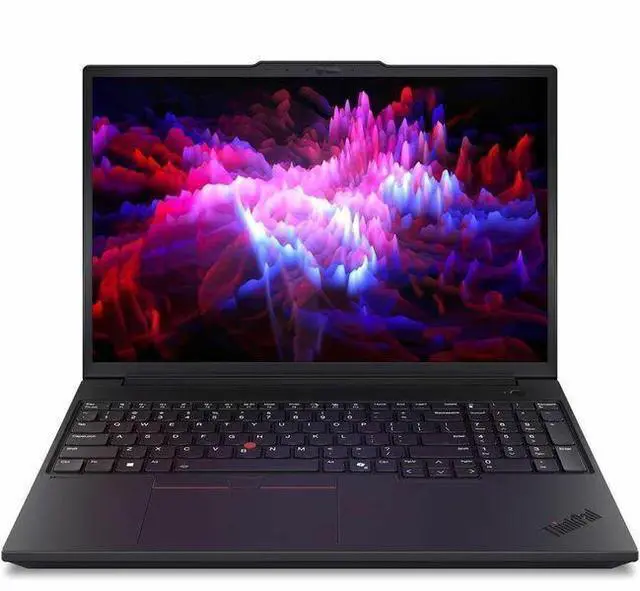
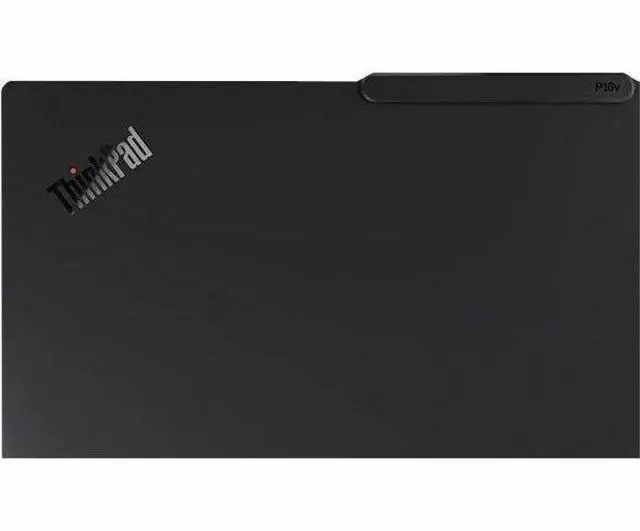
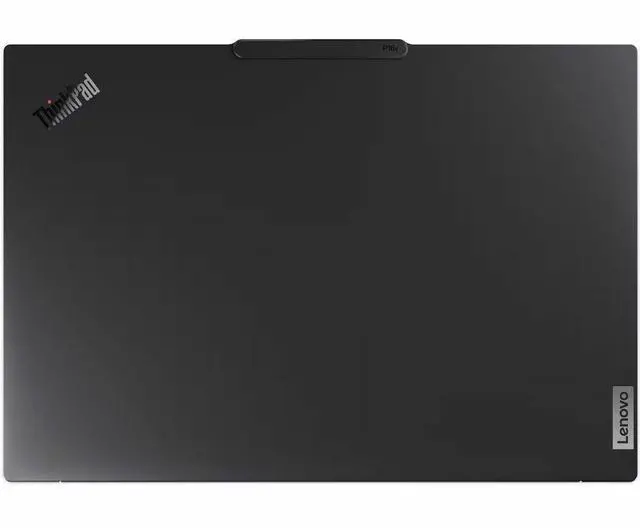
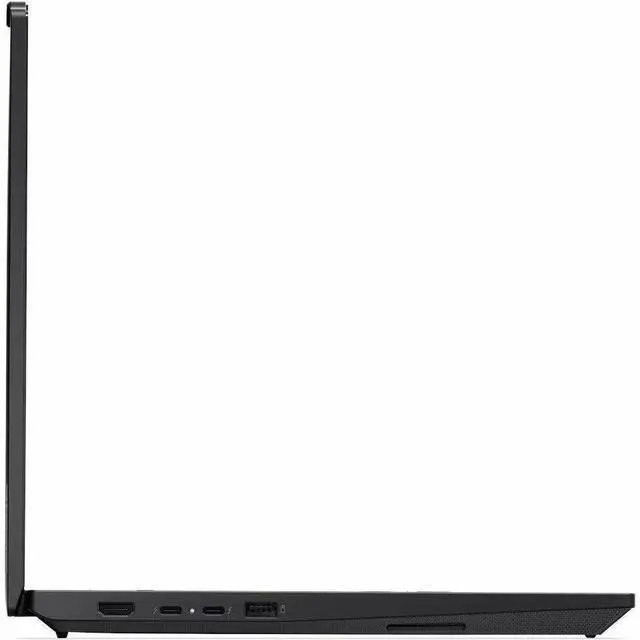
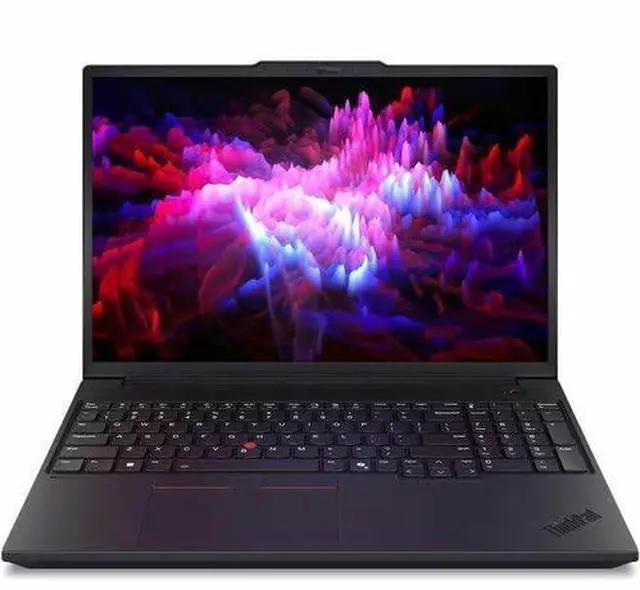
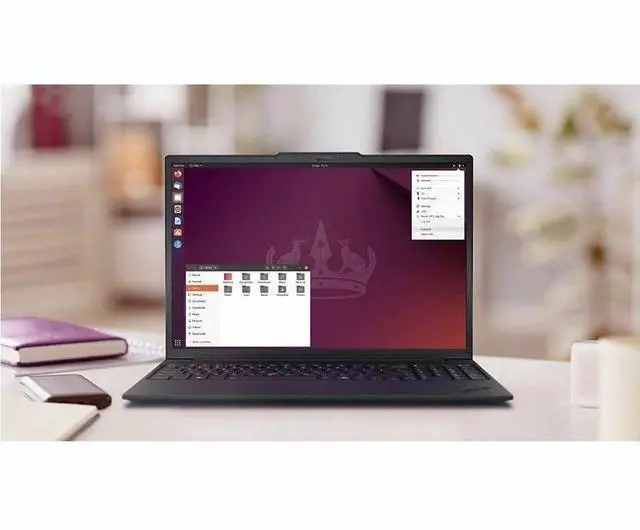
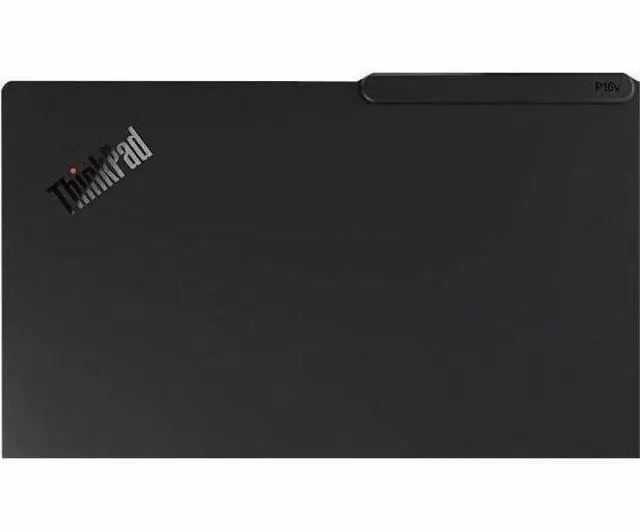
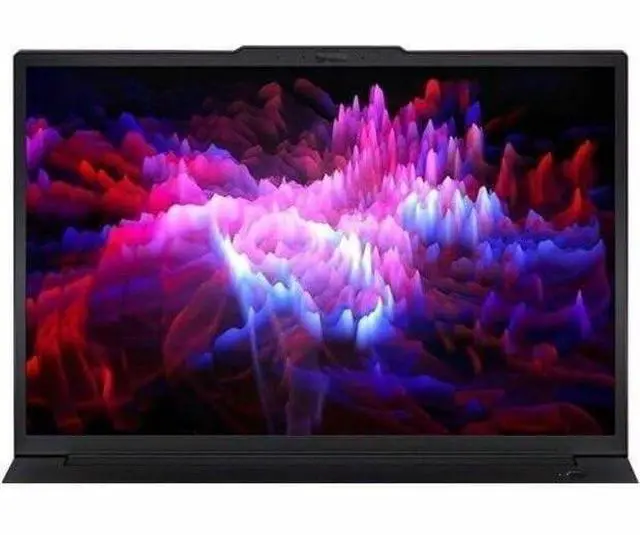
This product does not include manufacturer warranty when purchased or used outside of its designated sales region. By purchasing internationally, you acknowledge that warranty support from the manufacturer will not be available.The Lenovo ThinkPad P16v G3 is a 16-inch mobile workstation built for engineers, creators, and business users who need strong CPU and GPU performance in a portable office-ready laptop, with an Intel Core Ultra 9 285H, 32GB DDR5, 1TB SSD, NVIDIA RTX Pro 2000 Blackwell 8GB, Windows 11 Pro, and wired plus Wi-Fi 7 connectivity.
| Attribute | Value |
|---|---|
| Best For | Mobile workstation users who need a 16-inch WUXGA IPS laptop for professional graphics and compute tasks with a dedicated RTX Pro 2000 GPU, 32 GB RAM, and 1 TB SSD |
| Processor And Core Count | Intel Core Ultra 9 285H (2nd Gen) single-processor configuration, reported base ~2.9 GHz and turbo up to 4.5 GHz |
| GPU And VRAM | NVIDIA RTX Pro 2000 Blackwell dedicated GPU with 8 GB video memory (graphics RAM type listed as GDDR7) |
| Display Spec | 16.0-inch WUXGA (1920 x 1200) IPS non-touch display, 60 Hz refresh, anti-glare coating and maximum brightness listed at 400 nit |
| Memory Configuration | 32 GB installed DDR5 memory (DDR5-6400 reported), DDR5 SDRAM technology, system supports up to 96 GB maximum |
| Storage And Expansion | 1 TB solid-state drive in M.2 form factor using PCIe interface (listed as pci_e) |
| High Speed I O | No Thunderbolt ports reported; PCI Express graphics interface; listed port counts include 0 USB 3.0 and 0 USB 2.0 and a single reported port value alongside hardware interfaces noted as ethernet and bluetooth |
| Battery And Power | Installed 4-cell lithium-ion battery with 90 Wh capacity (external entries report ~4000 mAh and battery weight ~300 grams); one battery included and installed |
| Wired And Wireless Networking | Wi‑Fi 7 (802.11be) wireless LAN, Bluetooth supported, wired networking via 1 x RJ-45 Ethernet |
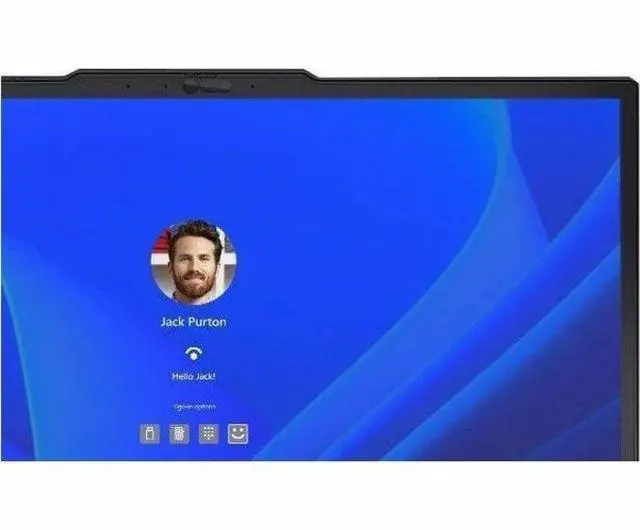
| Webcam And Privacy | Front-facing 5 megapixel webcam and fingerprint recognition biometric feature |
| Keyboard And Control | Backlit keyboard with touchpad input; biometric fingerprint reader present |
| Portability | Chassis dimensions listed as 12.6 x 20.4 x 3.2 inches and item weight reported as 7.5 pounds; 16.0-inch screen size |
| External Display And Docking Fit | No Thunderbolt ports reported; manufacturer lists compatibility with external displays and USB/HDMI compatible accessories |
| Model Identifiers | Lenovo ThinkPad P16v Gen 3, model 21RS001XUS (part number 21RS001XUS), manufacturer Lenovo Group Limited, Windows 11 Pro, edition P16v Gen 3, model year 2026 |
| Physical And Misc | Black color, anti-glare display coating, backlit keyboard included, listed NTSC color gamut value 45 |
Q: Should I buy the ThinkPad P16v Gen 3 or move up to the ThinkPad P16 Gen 3?
A: Choose the ThinkPad P16v Gen 3 if you want a more balanced 16-inch mobile workstation with professional RTX graphics, Ethernet, and workstation-focused features without stepping into Lenovo’s heavier flagship tier. Move up to the ThinkPad P16 Gen 3 if your workloads are sustained and more demanding, such as larger CAD assemblies, heavier GPU rendering, or higher-end AI and simulation work, because Lenovo positions the P16 as the model for its heaviest professional workloads and it supports more aggressive CPU, GPU, display, and storage options.
Q: Is the ThinkPad P16v Gen 3 worth it over a lower-tier P16v configuration with RTX PRO 500 or RTX PRO 1000?
A: Buy this Core Ultra 9 285H and RTX PRO 2000 configuration if you expect regular GPU-accelerated workstation work, not just office use with occasional creator tasks. Lenovo’s P16v Gen 3 platform scales from RTX PRO 500 to RTX PRO 2000, and the higher-tier GPU is the more practical choice for CAD viewport work, 3D content creation, and professional apps that benefit from more graphics headroom and 8GB VRAM. A lower-tier configuration makes more sense when portability, price control, and lighter certified-app usage matter more than GPU throughput.
Q: Should I choose the ThinkPad P16v Gen 3 or the thinner ThinkPad P16s Gen 3?
A: Choose the ThinkPad P16v Gen 3 when performance-first workstation use is the priority. It is the better fit if you need a dedicated professional GPU up to RTX PRO 2000, wired Ethernet, and a more workstation-oriented configuration range. Choose the ThinkPad P16s Gen 3 when lower weight, simpler daily carry, and lighter professional workloads matter more, since Lenovo positions the P16s as the thinner and lighter option and its graphics ceiling is lower.
Q: Is the ThinkPad P16v Gen 3 a better buy than the previous-gen P16v Gen 2?
A: The ThinkPad P16v Gen 3 is the better choice if you are buying new and want the current platform, because it adds newer Core Ultra Series 2 processors, Wi-Fi 7 support, and Blackwell-generation professional graphics options. A P16v Gen 2 can still make sense if you find a clearly better price and your software needs do not require the newer CPU and GPU generation, but Gen 3 is the safer choice for a longer refresh cycle.
Q: Should I get the ThinkPad P16v Gen 3 or a consumer performance laptop with faster gaming-class GPU specs?
A: Choose the ThinkPad P16v Gen 3 if your priority is workstation use: professional RTX drivers, ISV-focused positioning, business features, serviceability expectations, and ports such as RJ-45 Ethernet. Choose a consumer performance laptop instead if your main goal is maximizing gaming-style GPU performance per dollar, because review testing shows the RTX PRO 2000 in this system is tuned as a professional mobile workstation part rather than as the fastest option for raw consumer graphics benchmarks.
Q: Is this a good fit for CAD, 3D, and engineering work?
A: Yes, it is a strong fit for professional CAD, 3D, and engineering workloads. This configuration combines an Intel Core Ultra 9 285H, 32GB DDR5 memory, and an NVIDIA RTX PRO 2000 Blackwell 8GB GPU, which is the kind of hardware buyers repeatedly look for when choosing a mobile workstation for SolidWorks, AutoCAD, rendering, and similar applications. It is better suited to professional creation and technical software than a general office laptop. The main trade-off is portability and battery life compared with thinner consumer models.
Q: Who is this laptop best for?
A: This laptop is best for engineers, CAD users, architects, 3D creators, developers, and business users who need workstation-class performance in a portable system. It is likely overkill for basic web, document, and video-call use alone, but it makes sense for buyers who need professional graphics, more memory headroom, wired Ethernet, and Windows 11 Pro.
Q: Is it worth buying as a travel work device?
A: It can work well for travel if your priority is performance over light weight. The advantages are a 16-inch screen, 90Wh battery, built-in RJ-45 Ethernet, Wi-Fi 7, a 5MP webcam, and workstation hardware that can replace a desk system for many users. The trade-off is that mobile workstations are usually heavier and less battery-efficient than thin-and-light office laptops, especially when they use high-performance CPUs and dedicated GPUs.
Q: Is it good for meetings, office work, and everyday business use?
A: Yes. For meetings and office work, it is more than capable. Windows 11 Pro, 32GB RAM, a 1TB SSD, Wi-Fi 7, Bluetooth 5.4, wired Ethernet, and a 5MP webcam make it well suited to multitasking, video calls, spreadsheets, documents, and remote work. The main caveat is value: if your work is mostly email, browser tabs, and Office apps, a lighter and cheaper business laptop may be the more practical buy.
Q: How does it compare with a thinner consumer alternative like a Yoga Pro or similar creator laptop?
A: Choose the ThinkPad P16v G3 if you want workstation-oriented features and a more business-focused configuration: RTX PRO graphics, Windows 11 Pro, built-in wired Ethernet, and a design aimed at professional workflows. Choose a thinner consumer or creator laptop if you care more about portability, a slimmer chassis, or a more premium media-focused display experience. In short, the P16v G3 is the better tool-first option; a Yoga Pro-style alternative is the better mobility-first option.
Q: Is the ThinkPad P16v Gen 3 a good buy if I need one laptop for heavy work and multitasking?
A: Yes, if your priority is a mobile workstation-style laptop for demanding office work, many open apps, large browser sessions, and some GPU-accelerated workloads. This configuration has a high-end Core Ultra 9 H-series CPU, 32GB DDR5, a 1TB SSD, and an RTX Pro 2000 8GB, so it is better suited to sustained work than a typical thin-and-light. The main trade-off is that it is a 16-inch workstation, so you are giving up portability and likely battery efficiency compared with lighter T-series models.
Q: Who is the ThinkPad P16v Gen 3 best suited for?
A: It is best suited for buyers who want a workstation laptop rather than a general-use ultraportable. That includes engineers, developers, CAD or 3D users, data-heavy office users, and people who need dedicated graphics, wired Ethernet, and more upgrade-oriented workstation features. It is less suitable for buyers whose top priorities are low weight, long unplugged use, or a slimmer travel-first design.
Q: Should I choose the ThinkPad P16v Gen 3 over a gaming laptop with similar or better specs on paper?
A: Choose the P16v Gen 3 if you value workstation features, business-oriented support, professional GPU positioning, Ethernet, and a more work-focused design. Choose a gaming laptop if your goal is the highest raw performance per dollar and you do not need workstation-oriented features. The P16v is not the best value if you compare only CPU and GPU specs, but it can be the better fit for business and professional use.
Q: What are the main trade-offs of the ThinkPad P16v Gen 3?
A: The main trade-offs are portability, display limitations in this specific configuration, and value relative to lighter or gaming-focused alternatives. This model has a 16-inch 1920x1200 60Hz non-touch IPS panel, which is practical for work but not a premium high-resolution or high-refresh option. Buyers considering a T-series machine may get a lighter system, while buyers comparing gaming laptops may find stronger specs for the money.
Q: Is the ThinkPad P16v Gen 3 a good replacement for a lighter ThinkPad like the T16?
A: It can be a good replacement only if you specifically want more performance and workstation features. Compared with a T16-class system, the P16v Gen 3 makes more sense as a primary work machine on a desk, especially if you need dedicated graphics or heavier multitasking capacity. If you mostly want mobility, efficiency, and a simpler office laptop, a T-series model is usually the safer choice.


