


 All CategoriesAll CategoriesAll Categories
Shipped by Newegg






Warranty Notice:
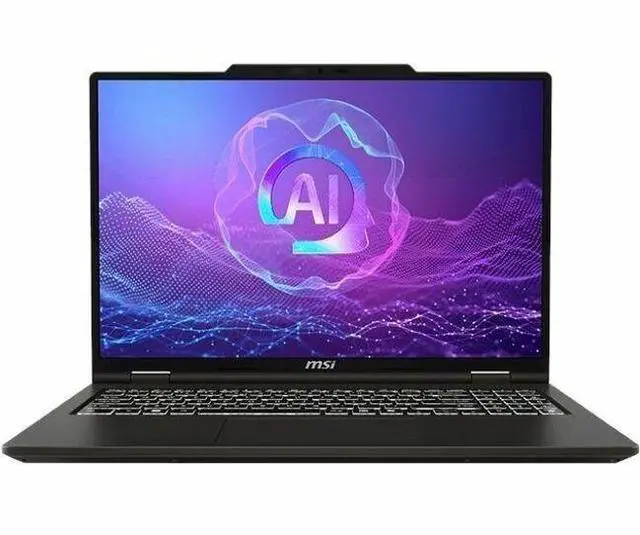
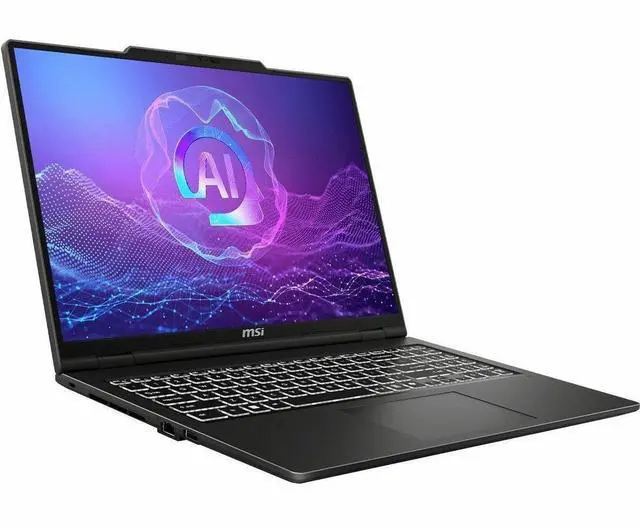
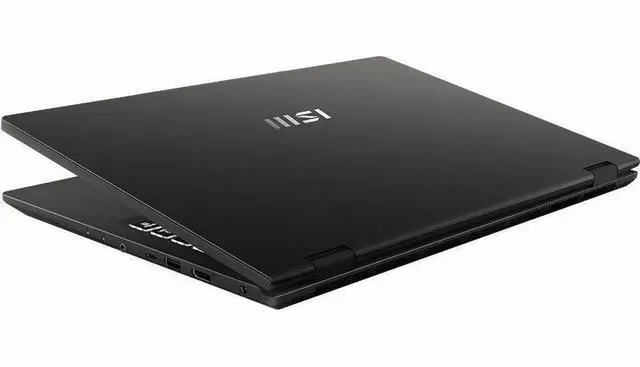
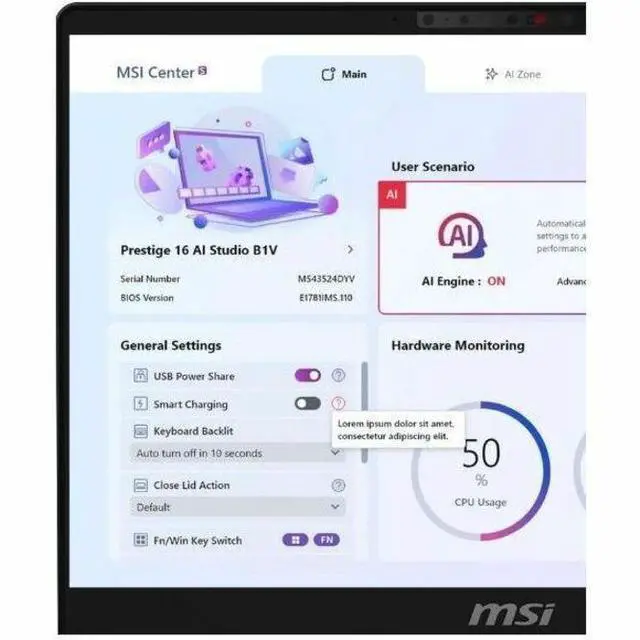
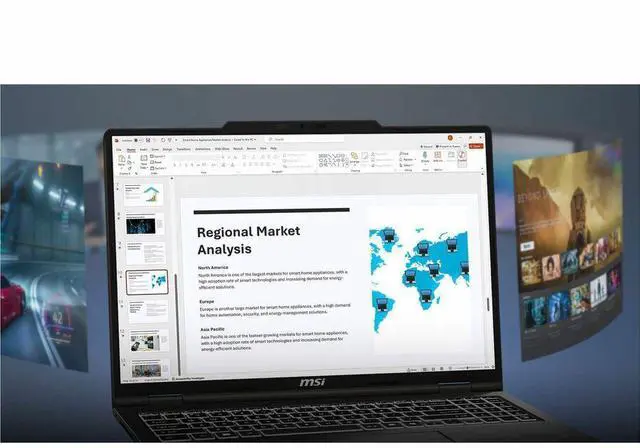
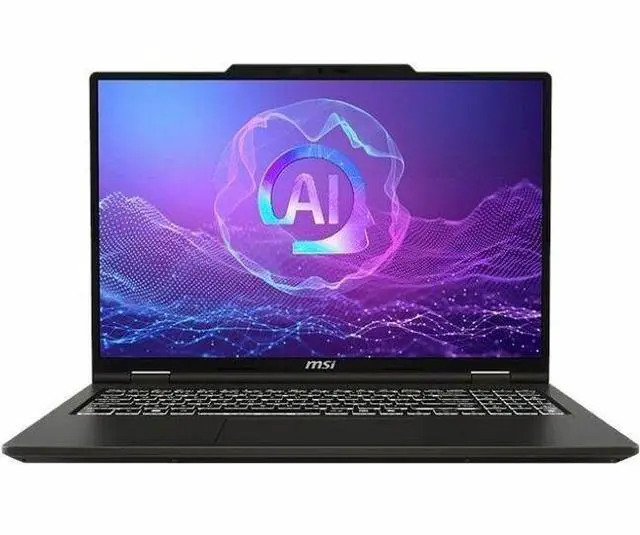
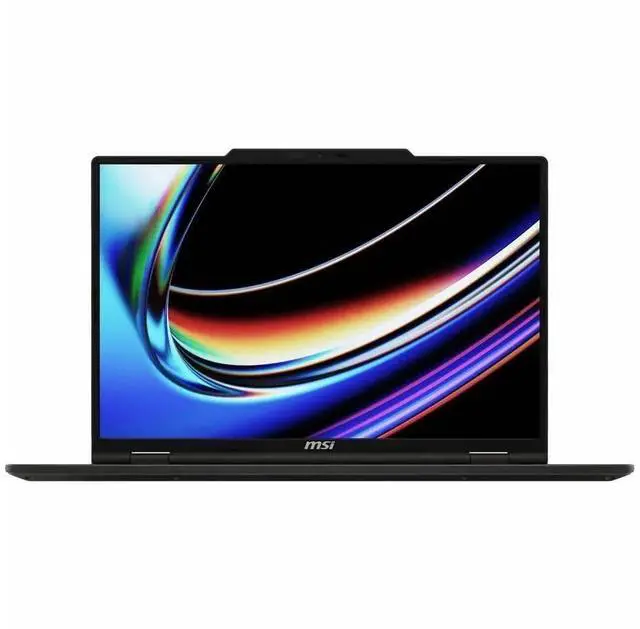
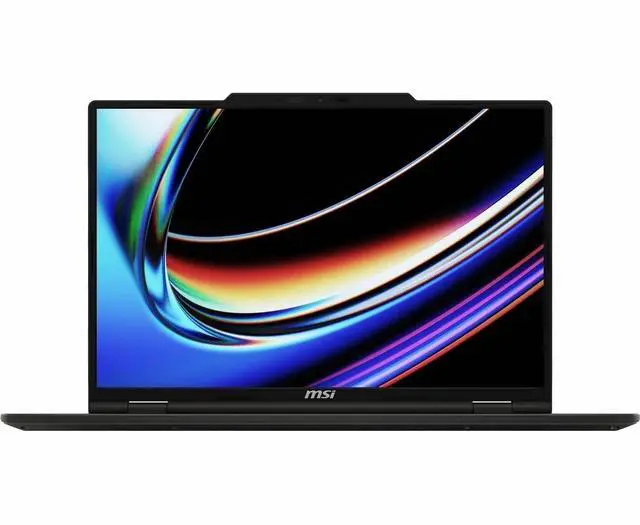
This product does not include manufacturer warranty when purchased or used outside of its designated sales region. By purchasing internationally, you acknowledge that warranty support from the manufacturer will not be available.The MSI Venture A16 AI A2HMTG-043US is a 16-inch touchscreen Windows 11 laptop with an AMD Ryzen 9 270 processor, 32GB memory, and a 2TB SSD, making it a strong fit for home users, students, and professionals who want fast multitasking, large storage, and everyday productivity in a larger-screen notebook.
| Attribute | Value |
|---|---|
| Best For | Home, personal, business and student use that benefits from a 16.0-inch FHD touchscreen with higher memory and storage capacity—powered by an AMD Ryzen 9 270, 32 GB RAM and 2 TB SSD; includes AI-powered features |
| Processor And Core Count | AMD Ryzen 9 270 processor in a single-processor configuration |
| GPU And VRAM | Integrated AMD Radeon (Raedon) graphics; graphics RAM type DDR5 SDRAM |
| Display Spec | 16.0-inch FHD (1920 x 1080) LED touchscreen with capacitive/in-cell touch |
| Memory Configuration | 32 GB DDR5 SDRAM installed (RAM Memory Installed: 32 GB); maximum RAM 32 GB |
| Storage And Expansion | 2 TB solid-state storage (M.2 form factor/interface) |
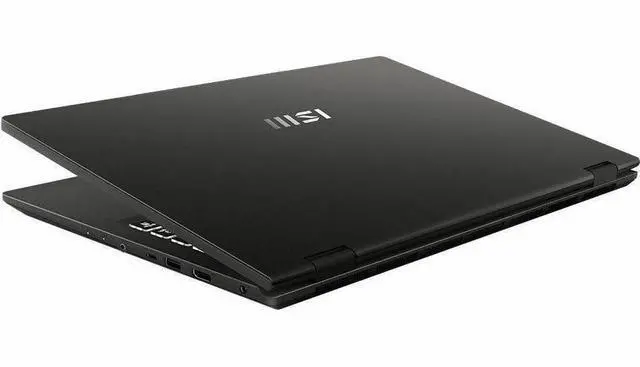
| Ports And Connectivity | Two external ports (number of ports specified as 2); connectivity includes Wi‑Fi and Bluetooth and compatibility with USB, HDMI and other peripheral types |
| Battery And Power | Package content lists a standard battery and AC adapter; external attributes list one nonstandard battery (not installed) |
| Wired And Wireless Networking | Wi‑Fi and Bluetooth connectivity (Wi‑Fi compatibility: 802.11 a/b/g/n/ac/ax) |
| Webcam And Privacy | No built-in webcam |
| Keyboard And Control | Capacitive/in-cell touchscreen input plus a standard keyboard |
| Portability | Approx. 7.7 pounds; item dimensions approx. 18.3 x 12.5 x 3.9 inches (L x W x Thickness); package dimensions 18 x 12 x 3 inches |
| External Display And Docking Fit | Compatible with external displays via HDMI and USB-connected peripherals, suitable for use with docks and external monitors |
| Software And Security | Windows 11 Home operating system; internet security software included; office productivity software not included |
| Model Identifiers | MSI Venture A16 AI A2HMTG-043US (VENA16A2043), series A2HM; manufacturer MSI; form factor: notebook |
Q: Is the MSI Venture A16 AI a better fit than a Lenovo IdeaPad Slim 5 16 for everyday work?
A: Choose the MSI Venture A16 AI when CPU headroom, 32GB memory, and 2TB storage matter more than display quality. The Venture A16 AI uses a Ryzen 9 270, which is essentially a rebadged Ryzen 9 8945HS-class chip, so it is positioned as a strong mainstream productivity processor. A typical IdeaPad Slim 5 16 configuration is often a lighter, mobility-focused alternative and is commonly available with OLED display options, while MSI’s base Venture 16 family is more value and office oriented. In practice, the MSI makes more sense for heavier multitasking, large local files, and longer upgrade runway from its included memory and storage, while the Lenovo is the better pick if display quality and a thinner everyday carry matter more.
Q: Should I buy this MSI Venture A16 AI or spend more on an MSI model with Ryzen AI 9 HX 370?
A: Buy the Venture A16 AI if you want a large-screen productivity laptop and do not need the newest premium AI-platform features. Move up to a Ryzen AI 9 HX 370 system if your priority is newer-generation CPU architecture, stronger integrated graphics, and higher-end AI PC positioning. AMD positions the HX 370 as a premium Ryzen AI 300 Series processor with 12 cores, while the Ryzen 9 270 in this MSI is based on the older 8-core Hawk Point design. That makes the higher-tier option the better fit for users comparing longer-term premium-platform value, but the Venture A16 AI remains the more practical choice when the priority is high RAM and storage in a mainstream productivity configuration rather than chasing the newest platform tier.
Q: Is this MSI Venture A16 AI worth choosing over a lower-spec 16-inch laptop with 16GB RAM and 1TB SSD?
A: Yes, if you expect to keep many apps open, work with large files, or want to avoid upgrading soon. The biggest practical advantage of this Venture A16 AI configuration is not just the Ryzen 9 processor, but the combination of 32GB memory and 2TB SSD capacity. Against common 16GB and 1TB configurations in the same class, this MSI is the better choice for heavier multitasking, bigger media libraries, local project storage, and more headroom over time. A lower-tier model is still the smarter buy if your workload is mostly browser tabs, Office apps, streaming, and cloud storage.
Q: Is the touchscreen MSI Venture A16 AI the right choice for portability-first use?
A: Choose it for desk-to-room flexibility, not for the lightest travel setup. Reviews of the Venture 16 family describe it as a more basic office-focused design, with relatively heavier carry weight, a small 55Wh battery, and a base display that prioritizes practicality over premium visuals. That means this MSI is a good fit if you want a 16-inch touch laptop for home, school, or office use with strong specs, but a lighter 16-inch model is the better choice if portability, webcam quality, and battery-first travel use are your top priorities.
Q: Should I choose this MSI Venture A16 AI for content creation or pick a higher-display-tier alternative?
A: Choose this MSI if storage, memory, and general productivity matter more than color-critical display work. Comparison coverage of the Venture 16 line shows that MSI’s base IPS option is serviceable for office use but not the preferred choice for graphics-focused workflows, while alternative configurations in this class often offer OLED panels with much wider color coverage. So this Venture A16 AI is the better buy for multitasking and local project storage, but a higher-display-tier model is the better fit for photo work, design review, and media consumption where panel quality is part of the decision.
Q: Is this a good laptop for office work, meetings, and note-taking?
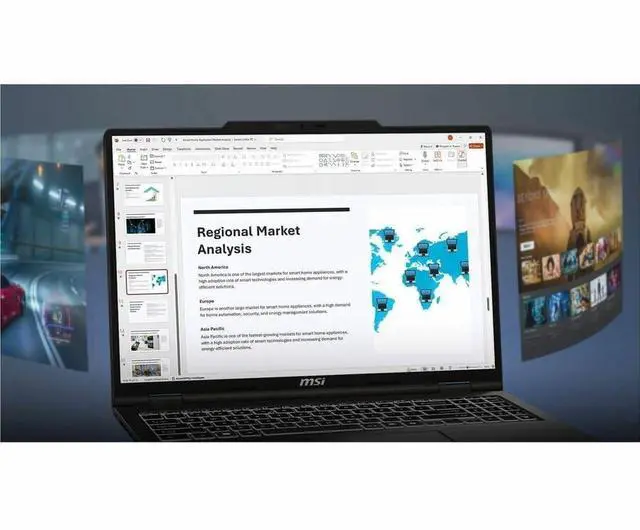
A: Yes for mainstream productivity. With a Ryzen 9 processor, 32 GB RAM, 2 TB SSD, a 16-inch touchscreen, and Windows 11 Home, it is well suited to web apps, Microsoft Office work, video meetings, multitasking, and general note-taking. The main limitation is graphics: Radeon integrated graphics are appropriate for everyday productivity and light creative work, but not the best choice for heavy 3D, advanced gaming, or GPU-intensive professional workloads.
Q: Is it worth buying as a travel work device?
A: It can work well for travel if your priority is performance, large memory, and local storage rather than maximum portability. The 32 GB RAM and 2 TB SSD are strong for carrying large files and keeping many apps open, and the 16-inch touchscreen is comfortable for work on the go. The trade-off is that a 16-inch laptop is usually less compact than 13- or 14-inch travel models, so frequent flyers may prefer a smaller system.
Q: Who is this laptop best suited for?
A: This model fits users who want a large-screen Windows laptop for productivity first: remote workers, students in non-graphics-heavy programs, home users, and buyers who keep many browser tabs and documents open at once. It is less ideal for buyers who specifically need a dedicated GPU for demanding gaming, CAD, 3D rendering, or high-end video production.
Q: What are the main trade-offs versus a similar 2-in-1 competitor laptop?
A: The MSI configuration stands out for memory and storage: 32 GB RAM and 2 TB SSD are higher than many comparable retail models that commonly ship with 16 GB and 512 GB or 1 TB. That makes it a better fit for heavier multitasking and larger local file libraries. The trade-offs are that integrated Radeon graphics still trail laptops with dedicated GPUs for advanced graphics work, and the listed 1920 x 1080 display is more basic than the higher-resolution panels often found on premium alternatives.
Q: Is this a good choice if I also want gaming or creative performance?
A: It is acceptable for light gaming, media use, and basic photo or video tasks, but it is not the best value if gaming or GPU-heavy creative work is your main goal. The reason is the integrated Radeon graphics. Buyers who mainly want esports, AAA gaming, 3D rendering, or faster editing exports should usually choose a laptop with a dedicated NVIDIA or AMD graphics card instead.
Q: Is the MSI Venture A16 AI a good choice for work and everyday multitasking?
A: Yes, it fits work and general-purpose use better than gaming-focused use. The configuration listed here has a Ryzen 9 processor, 32GB RAM, and a 2TB SSD, which is more than enough for office work, many-browser-tab multitasking, note-taking, media use, and most productivity workflows. The trade-off is that this model uses integrated Radeon graphics, so its value is strongest for productivity rather than graphics-heavy workloads.
Q: Is the MSI Venture A16 AI worth buying if I want one laptop for work first and light entertainment second?
A: It can be worth buying if your priority is a large-screen productivity laptop with high memory and storage out of the box. This model gives you a 16-inch touchscreen, 32GB RAM, and 2TB SSD, which reduces the need for immediate upgrades. The main trade-off is the display and graphics balance: it is a practical work configuration, but not the best fit if you want stronger gaming performance or a higher-resolution, higher-refresh entertainment display.
Q: Is the MSI Venture A16 AI good for gaming?
A: Not as a primary gaming laptop. This configuration lists integrated Radeon graphics rather than a dedicated GPU, so it is better suited to everyday use, office work, streaming, and lighter graphics tasks than modern AAA gaming. It may handle lighter or older games, but buyers focused on gaming should usually choose a laptop with dedicated graphics instead.
Q: Who is the MSI Venture A16 AI most suitable for?
A: It is most suitable for buyers who want a Windows laptop for home, school, office work, remote work, and general multitasking, especially if they value having 32GB RAM and 2TB SSD from day one. It is less suitable for buyers whose main priorities are high-end gaming, creator-class GPU performance, or premium display specs.
Q: What are the main trade-offs of buying the MSI Venture A16 AI instead of a gaming laptop or a more premium thin-and-light?
A: The main trade-offs are graphics performance, display class, and chassis tier. Compared with gaming laptops, this model gives up dedicated GPU power. Compared with more premium thin-and-light options, community discussion around the Venture line points to a more practical, less premium build approach. In return, this configuration emphasizes usable specs for productivity: a 16-inch touchscreen, 32GB memory, and 2TB storage.


