


 All CategoriesAll CategoriesAll Categories
Shipped by Newegg
 Top Rated Top Rated


Warranty Notice:
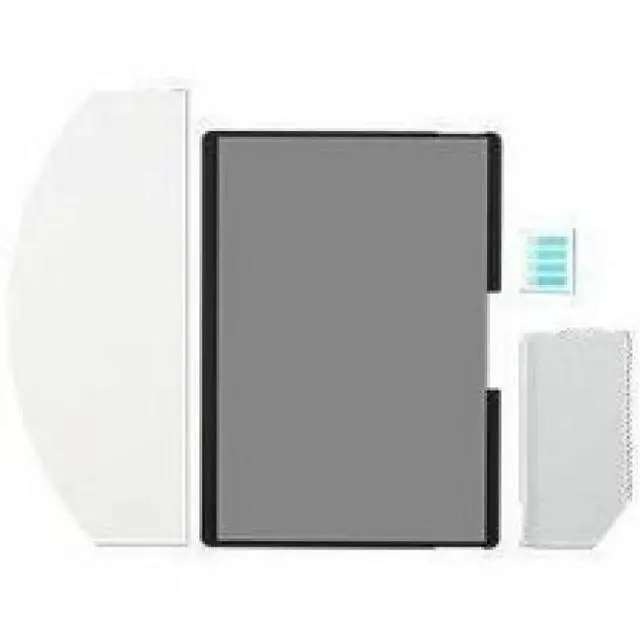
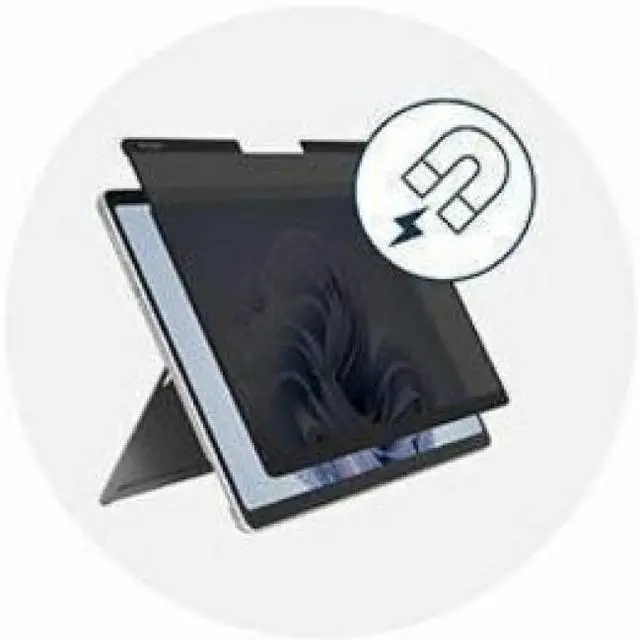
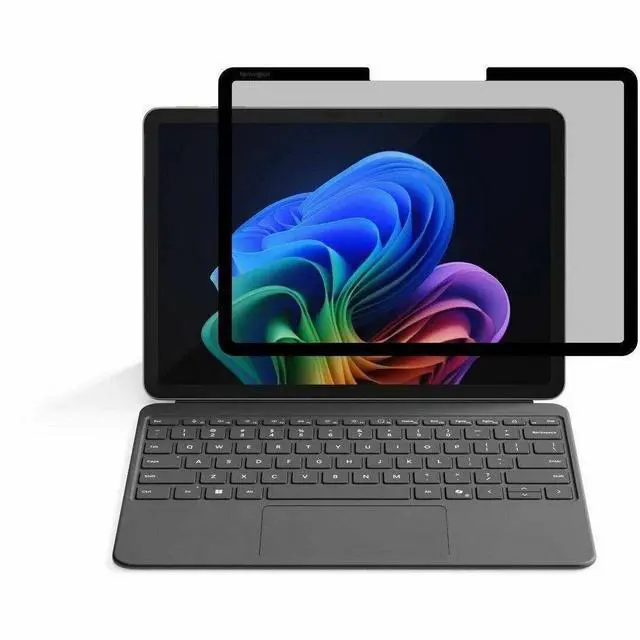
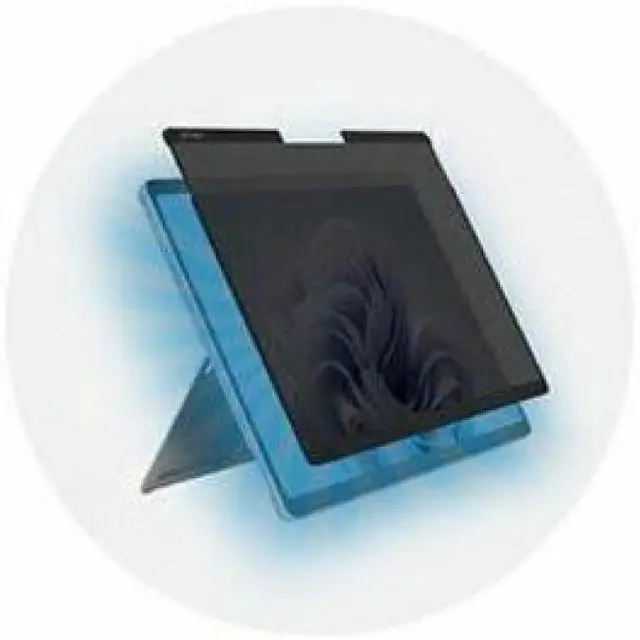
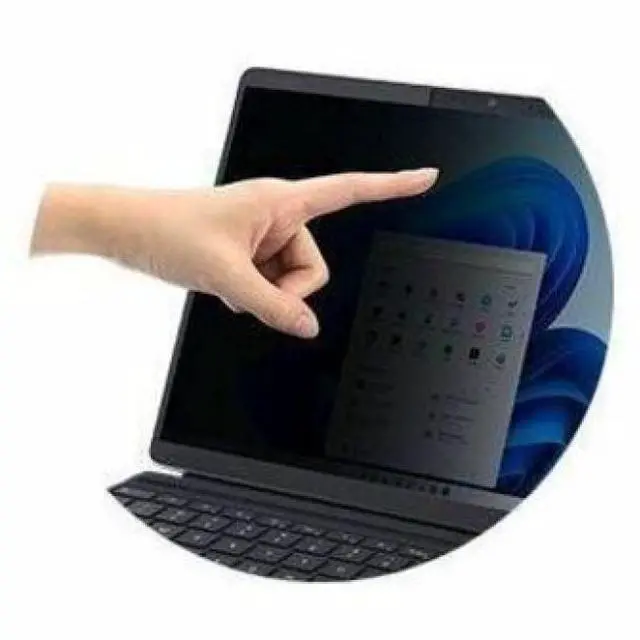
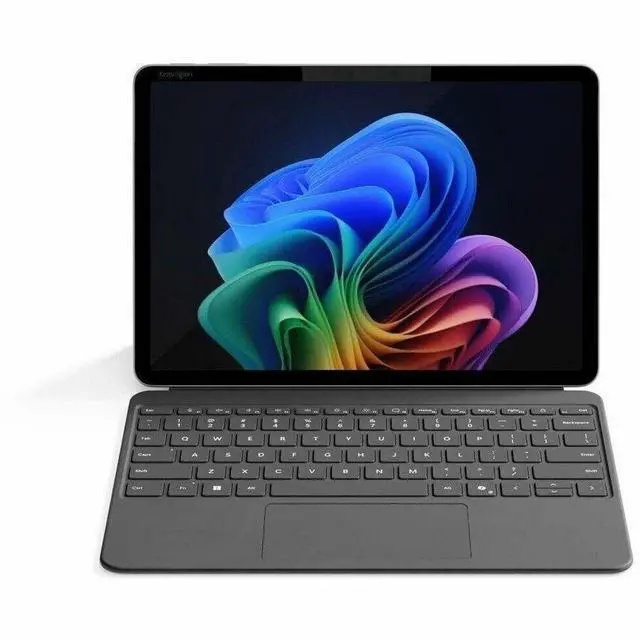
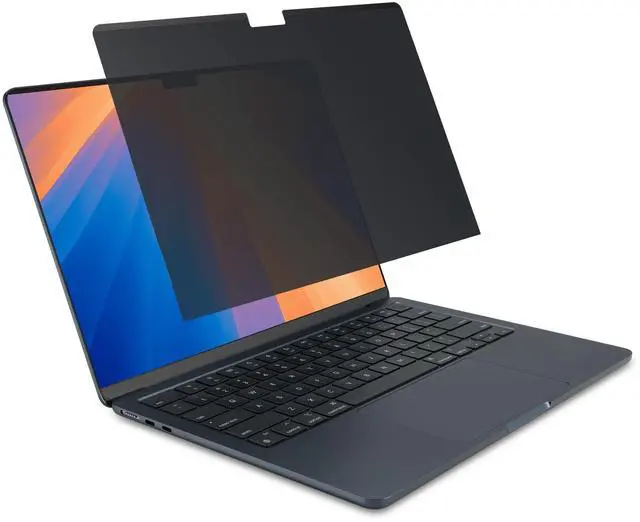
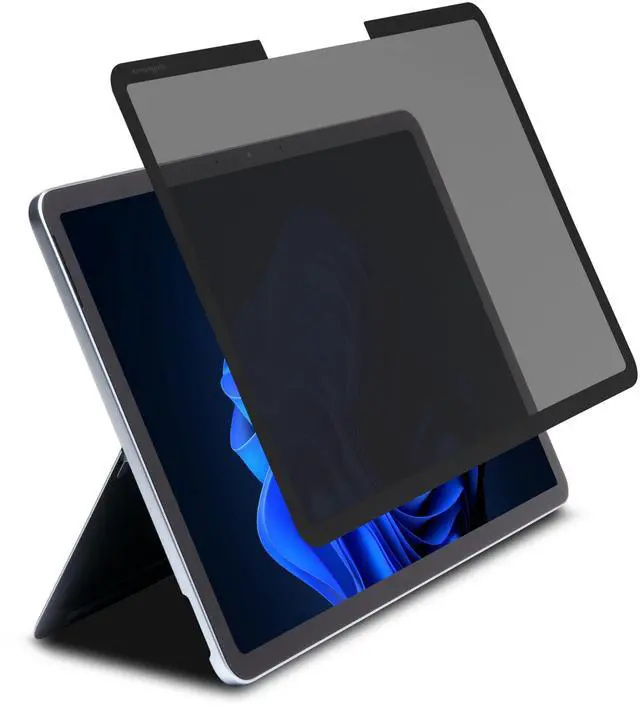
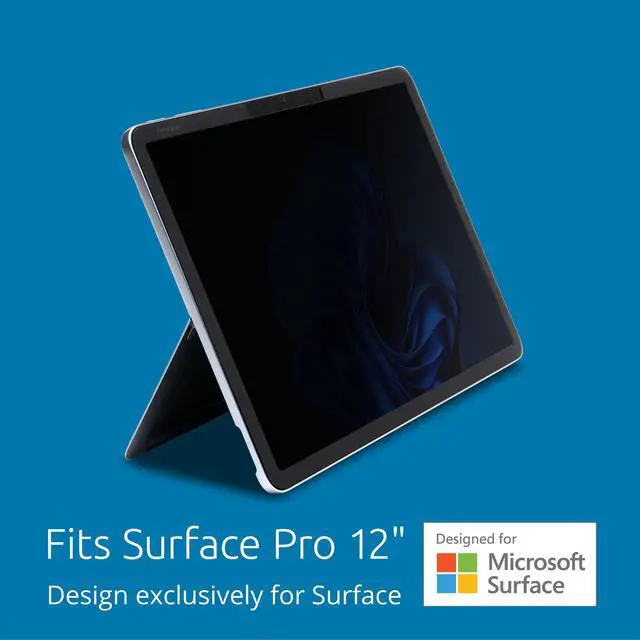
This product does not include manufacturer warranty when purchased or used outside of its designated sales region. By purchasing internationally, you acknowledge that warranty support from the manufacturer will not be available.The Kensington MagPro Elite Magnetic Privacy Screen Filter for Surface Pro 12 is a magnetic 12-inch screen protector designed for Microsoft Surface Pro users who want added visual privacy and a cleaner viewing experience in offices, classrooms, or travel settings.
| Attribute | Value |
|---|---|
| Best For | 12-inch Microsoft Surface Pro tablets — users who want a magnetic privacy screen that reduces glare and resists fingerprints and scratches |
| Brand And Manufacturer | Kensington |
Q: Should I buy the Kensington MagPro Elite for Surface Pro 12 or a standard adhesive privacy screen?
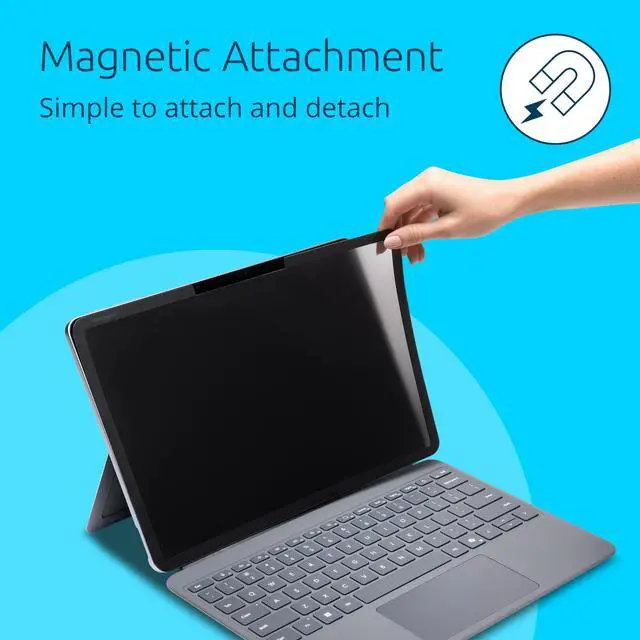
A: Choose the Kensington MagPro Elite if you want a privacy filter that is easy to remove and reattach on a Surface Pro 12. Kensington positions it as a magnetic, Surface-specific accessory built with Microsoft collaboration, and that matters on a 2-in-1 where users often switch between tablet, pen, and keyboard use. An adhesive privacy screen is the better fit when you want a more permanent installation and do not plan to remove it often.
Q: Is this a better choice than using a generic 12.3-inch Surface Pro privacy filter?
A: Yes, if you have the newer 12-inch Surface Pro. The safer choice is a model made specifically for the 12-inch device rather than reusing a 12.3-inch filter from older Surface Pro generations. Community discussions around the new 12-inch model show buyers actively questioning fit with older 12.3-inch accessories, which suggests compatibility should not be assumed. A generic older-size filter only makes sense if its maker explicitly lists the 12-inch Surface Pro as supported.
Q: Kensington MagPro Elite vs a matte anti-glare screen protector for Surface Pro 12: which is better?
A: Pick the Kensington MagPro Elite when privacy is the main goal and you also want anti-glare benefits. Pick a matte anti-glare protector when your priority is writing feel, permanent surface protection, or a paper-like finish for pen use. Community interest around the Surface Pro 12 shows that some users specifically look for matte or paper-feel protectors instead of privacy filters, which points to two different use cases rather than a simple winner.
Q: Should I get this for privacy-first travel use or skip it for home and office use?
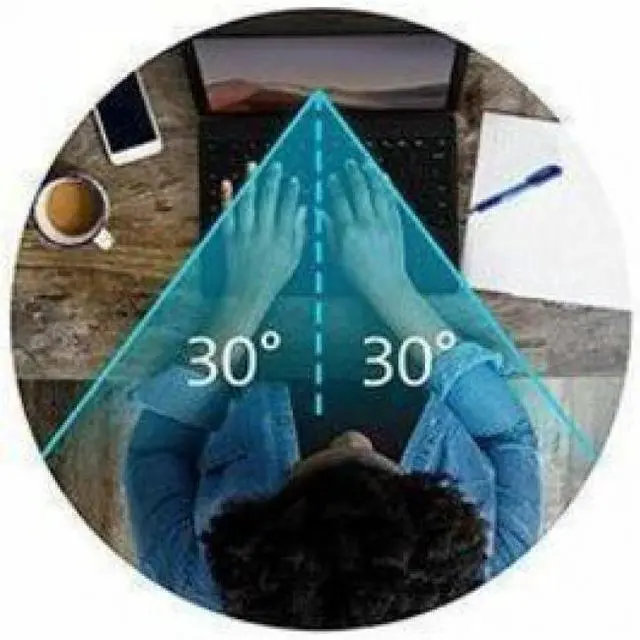
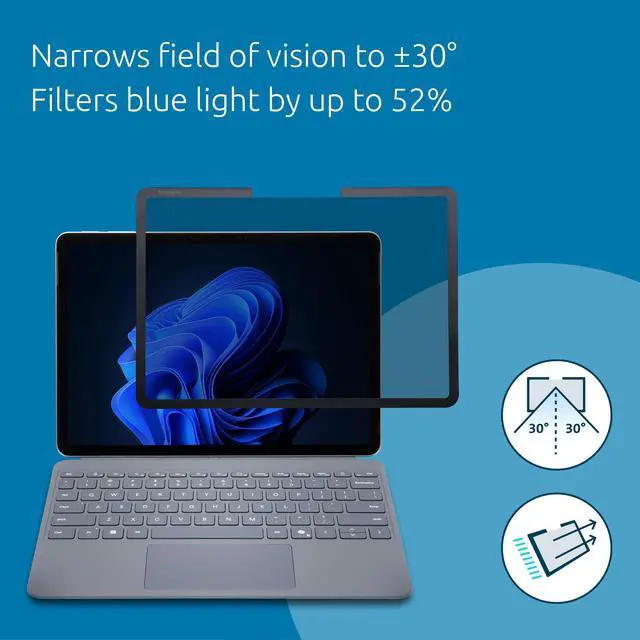
A: Get it for privacy-first mobile use, especially if you work on a train, plane, café, classroom, or shared office. Kensington states that the filter narrows the viewing angle to about plus or minus 30 degrees and is easy to detach, which fits public-use scenarios. If you mostly use your Surface Pro 12 at home or on a private desk, a standard anti-glare protector or no filter at all may be the simpler choice because you may not need the darker side-view protection trade-off.
Q: Is this a good privacy screen for travel, commuting, and working in public?
A: Yes, if your main goal is preventing side viewing in planes, trains, cafés, or shared offices. Magnetic privacy filters are commonly chosen for mobile work because they attach and remove quickly, avoid adhesives, and usually let the device close normally. The trade-off is that privacy filters narrow the viewing angle and can slightly reduce brightness or visual clarity compared with using the bare screen.
Q: Is it good for office work, meetings, and general productivity?
A: It is best for office users who handle sensitive information on screen, such as email, documents, spreadsheets, customer data, or meeting notes. The anti-glare design also helps in bright indoor lighting. It is less ideal if your top priority is maximum screen brightness, color accuracy, or the cleanest possible display for creative work.
Q: Will a magnetic privacy screen work better than an adhesive film for a Surface Pro-style device?
A: Usually yes for users who want flexibility. Magnetic models are easier to remove for drawing, media viewing, or full-screen clarity, and they avoid adhesive contact with the display. Adhesive films may stay in place more permanently, but they are less convenient if you want to switch between private work and normal viewing. The main trade-off with magnetic designs is that they are an accessory you may remove and reattach regularly rather than a always-on film.
Q: Who is this privacy screen most suitable for?
A: It is most suitable for professionals, students, and field workers who use a 12-inch Surface Pro in public or semi-public spaces and want quick privacy without a permanent screen film. It is a practical fit for finance, healthcare, education, consulting, and business travel use. It is less suitable for users who mainly watch video, edit photos, or want the most vivid screen experience.
Q: What are the main trade-offs versus a standard anti-glare screen protector?
A: A privacy screen adds side-view protection, which a standard anti-glare protector usually does not. In return, privacy filters typically narrow the acceptable viewing angle and may make the display look a bit dimmer or less open from off-center positions. If you only want glare reduction or stylus texture, a normal anti-glare film can be simpler; if confidentiality matters, the privacy filter is the more appropriate choice.
Q: Is this privacy screen mainly for privacy, or is it also a good choice if I just want a matte anti-glare screen?
A: It is primarily a privacy filter. It may also reduce glare because it is described as anti-glare, but Reddit discussion around similar Kensington magnetic privacy screens shows that buyers usually treat anti-glare as a secondary benefit rather than the main reason to buy. It is a better fit if you need side-view privacy for work or travel, not if your main goal is the best possible writing or drawing surface.
Q: Who is this privacy screen most suitable for?
A: It is most suitable for Surface Pro 12 users who need visual privacy in shared spaces such as offices, classrooms, airports, or commuting. The product information points to privacy, glare resistance, fingerprint resistance, and scratch resistance, so it makes the most sense for work-focused users who regularly use the device around other people. It is less clearly suited to buyers who mainly want impact protection or a glass-like screen protector.
Q: Is it a good buy for note-taking and pen use on a Surface Pro 12?
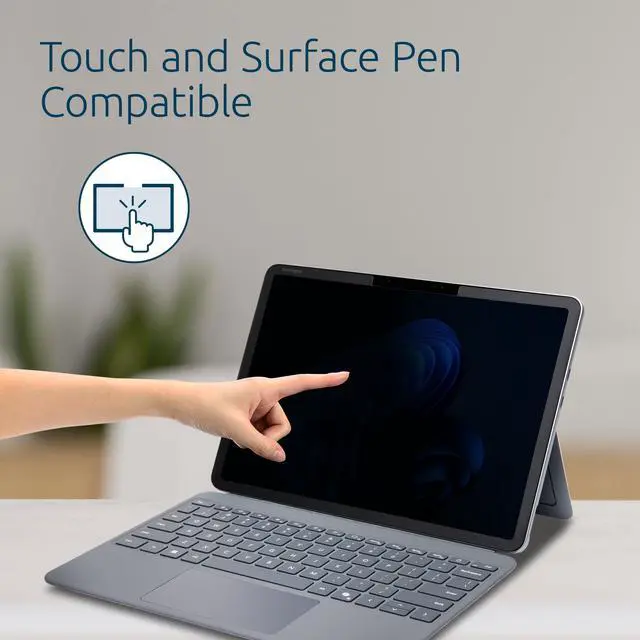
A: Only if privacy matters more than preserving the original screen feel. Reddit discussion around Surface privacy screens shows that pen and touch compatibility is a recurring concern, and some users specifically look for options that do not compromise that experience. Since this product is a magnetic privacy filter rather than a pen-first writing surface accessory, it is a more cautious choice for heavy note-taking users than for general office viewing.
Q: What are the main trade-offs of choosing this magnetic privacy screen?
A: The main trade-off is that you gain privacy and some glare reduction, but you are choosing a specialized filter instead of a simple clear or matte protector. Community discussion around Kensington magnetic privacy screens commonly centers on fit, day-to-day convenience, and whether the privacy feature is worth the added layer. Buyers who only want basic screen protection may find it more specialized than necessary.
Q: Is this worth buying now for a Surface Pro 12 owner?
A: It is worth considering if you specifically want a brand-name magnetic privacy option for the Surface Pro 12 and cannot find many alternatives. Reddit discussion about Surface Pro 12 accessories shows that compatible screen options were limited early on, which makes a model-specific magnetic filter more relevant for buyers who need privacy. If you do not need privacy, a standard matte or protective screen solution may be the simpler choice.


