


 All CategoriesAll CategoriesAll Categories
Shipped by Newegg
 Top Rated Top Rated


Warranty Notice:
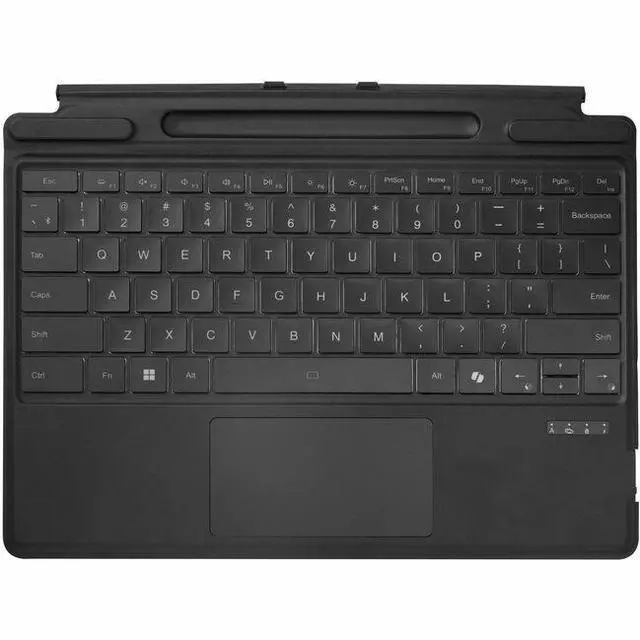
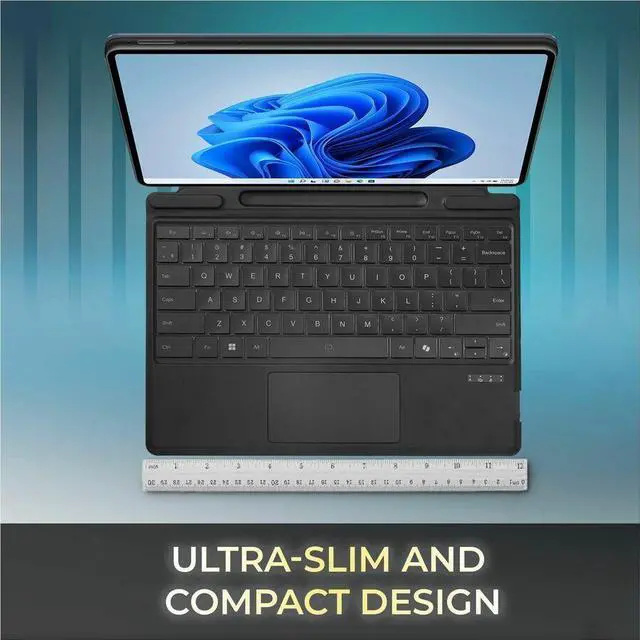
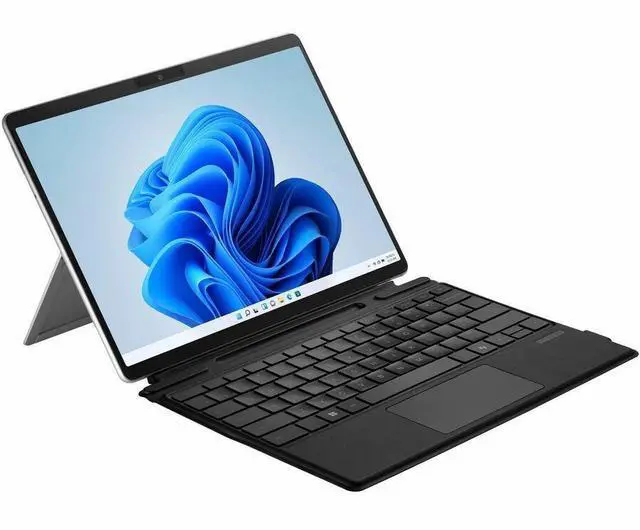
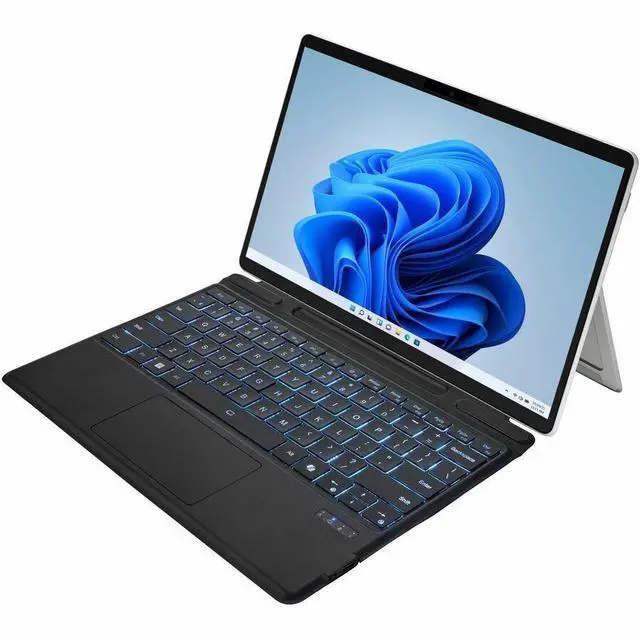
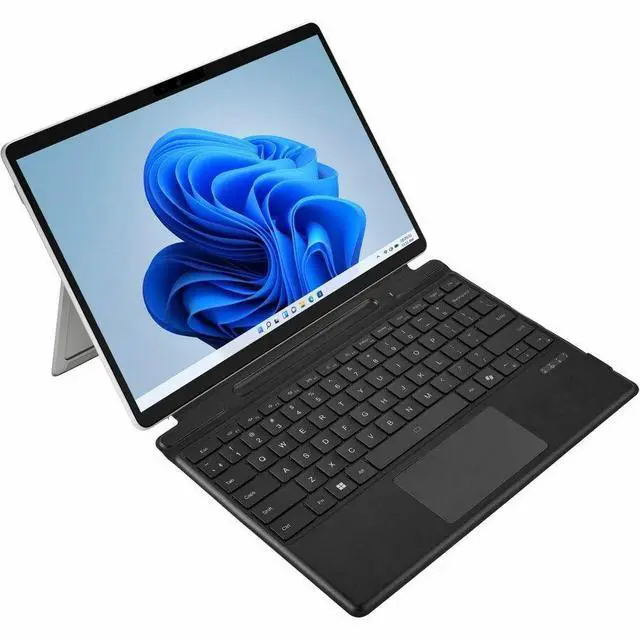
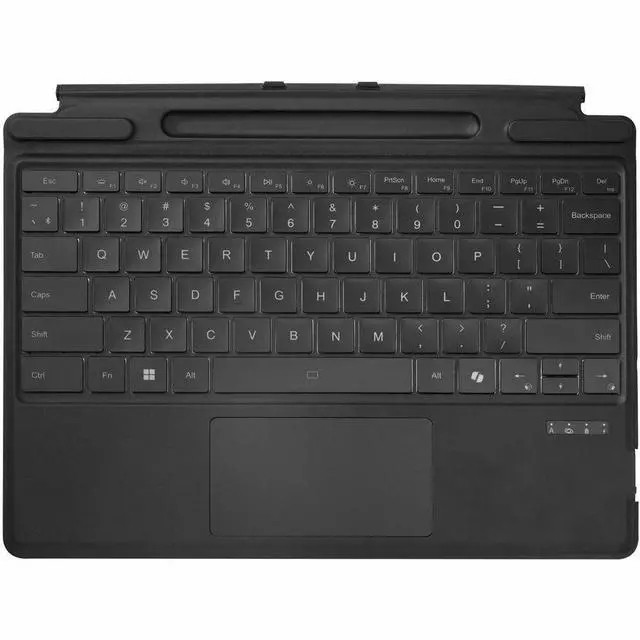
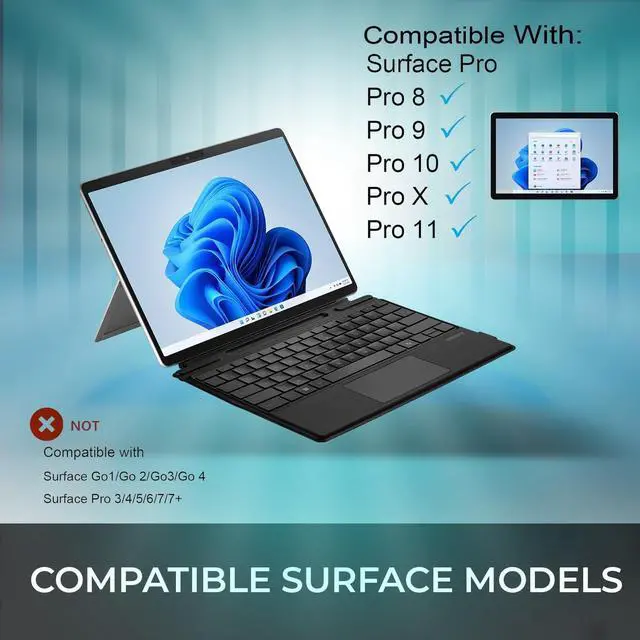
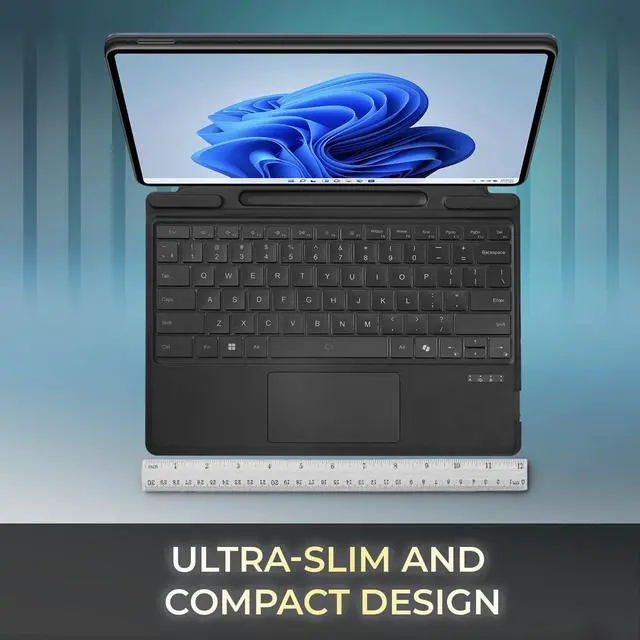
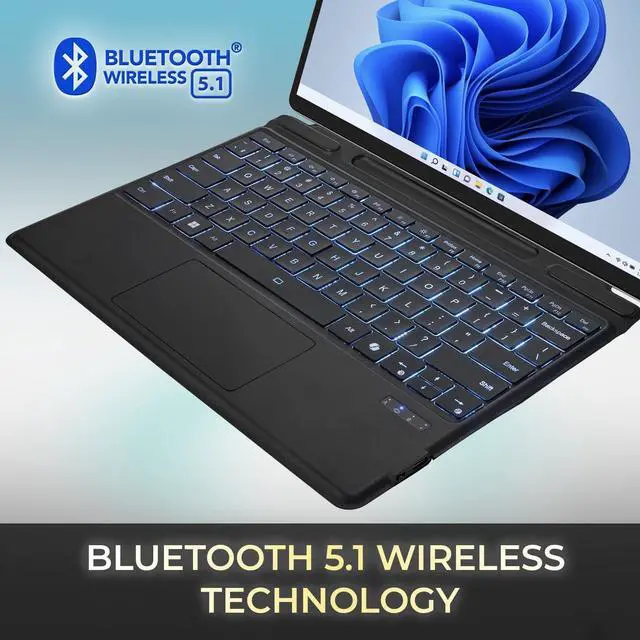
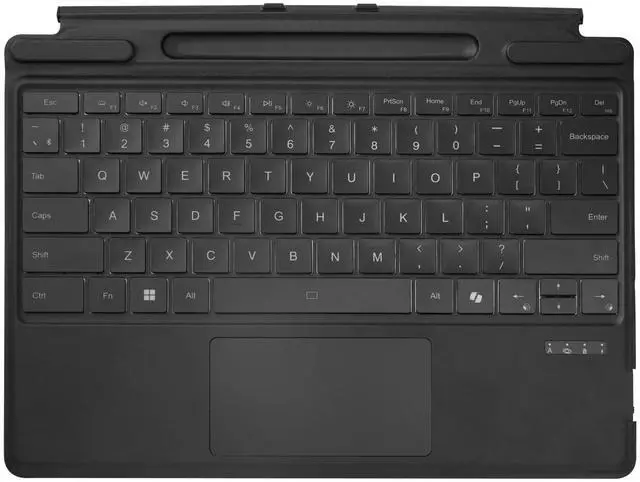
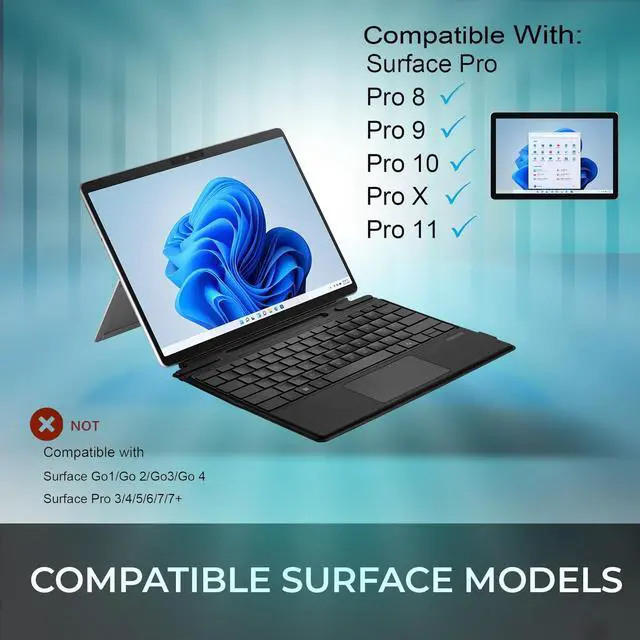
This product does not include manufacturer warranty when purchased or used outside of its designated sales region. By purchasing internationally, you acknowledge that warranty support from the manufacturer will not be available.The ADESSO Surface Pro Keyboard Case is a slim Bluetooth 5.0 keyboard with touchpad and built-in stand cover for Surface Pro X, 8, 9, 10, and 11 13-inch models, making it a practical fit for students, travelers, and mobile professionals who want laptop-style typing in a portable setup.
| Attribute | Value |
|---|---|
| Best For | Owners of Microsoft Surface Pro 8/9/10/11 (13) who want an ultra-slim, battery-powered Bluetooth integrated keyboard case for tablet productivity |
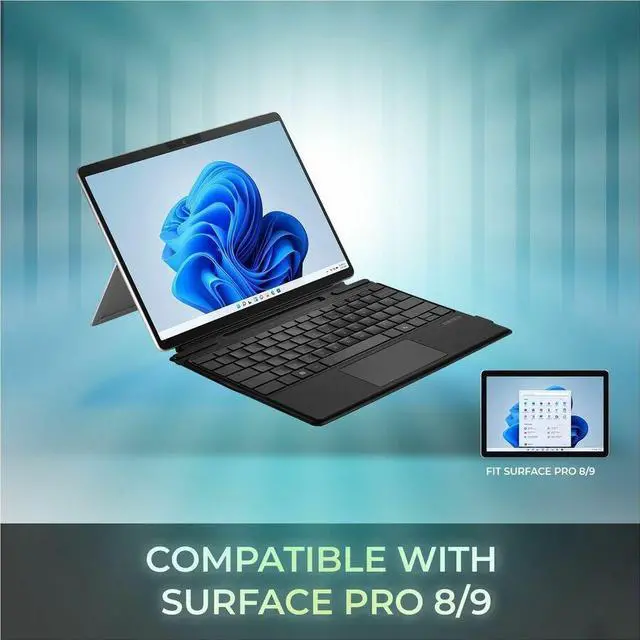
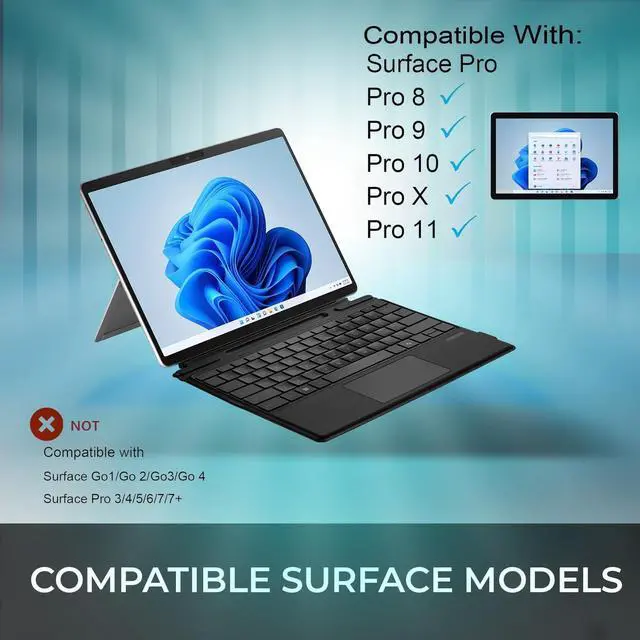
| Compatibility | Compatible with Microsoft Surface Pro 8, Surface Pro 9, Surface Pro 10 and Surface Pro 11; compatible with Windows operating system family |
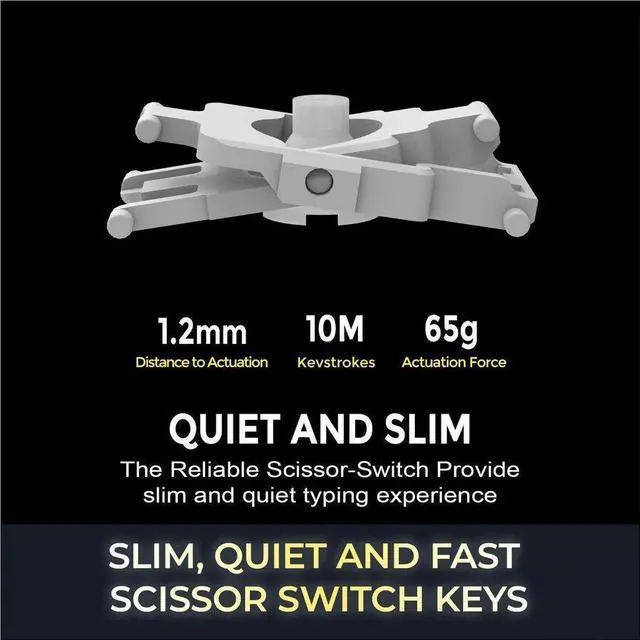
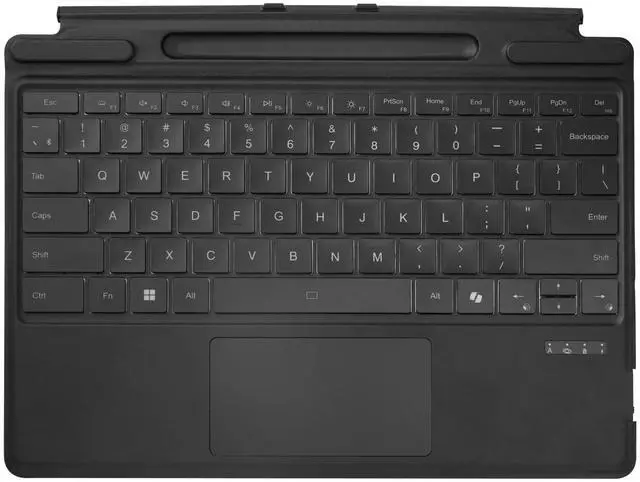
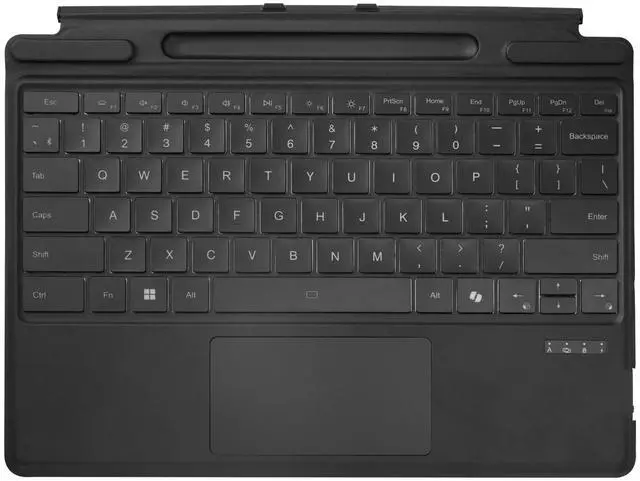
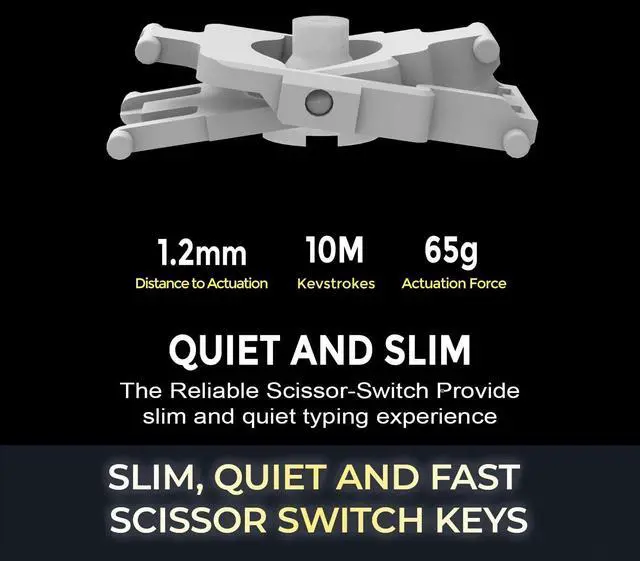
| Keyboard And Input | Integrated keyboard with low-profile scissor-switch keys and quiet operation for a laptop-like typing feel |
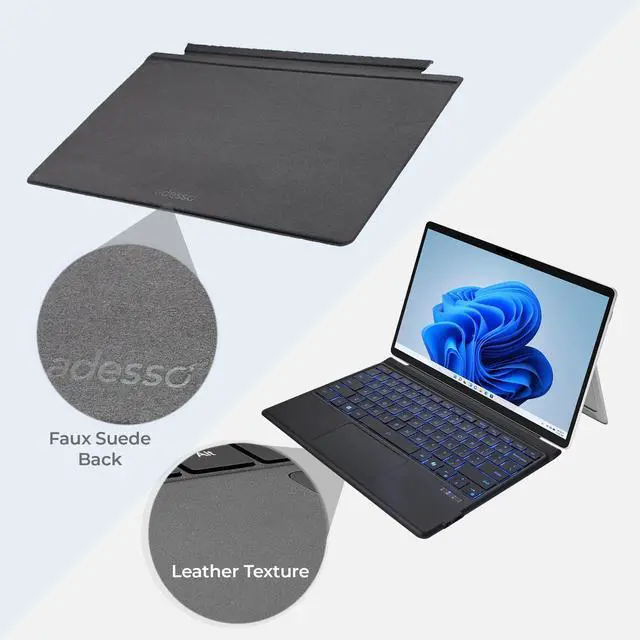
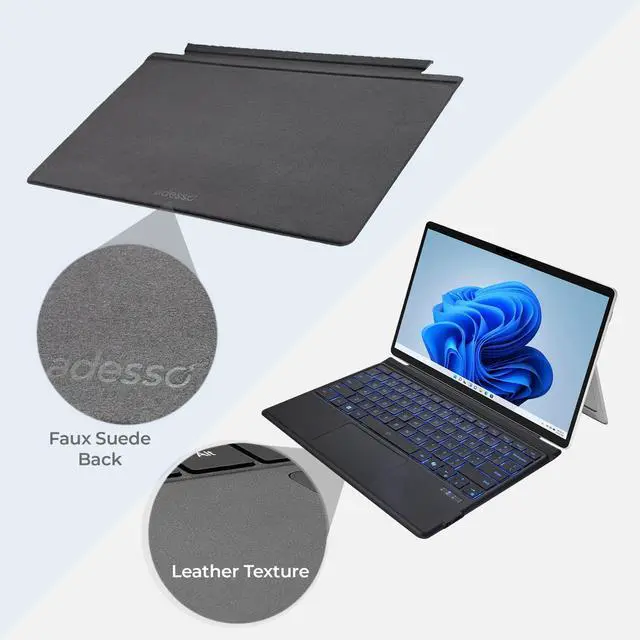
| Physical And Build | Aluminum keyboard plate and aluminum enclosure with an ultra-slim profile suitable for on-the-go use |
| Connectivity And Power | Bluetooth wireless connectivity with battery-powered operation |
| Battery | Contains one installed lithium-ion cell (nonstandard battery) with 2.7 Wh energy content; batteries are included and installed in the equipment |
| Dimensions And Weight | Item dimensions 5 L x 12 W x 1 H inches with item weight 1.85 pounds; package dimensions 12 L x 5 W x 1 H inches with package weight 1.2 pounds |
| Model Identifiers | Model WKB-7040; unit count 1 (one item, one pack) |
| Manufacturer | Adesso |
Q: Should I buy the Adesso Surface Pro keyboard case or Microsoft Surface Pro Flex Keyboard?
A: Choose the Adesso keyboard case if you want a lower-complexity Bluetooth keyboard cover that also acts as a protective folio and stand for Surface Pro X, 8, 9, 10, or 11. Choose Microsoft Surface Pro Flex Keyboard if you want the most integrated Surface experience, including official detachable wireless use, tighter first-party fit, and stronger premium positioning in professional reviews. The main trade-off is that Adesso emphasizes value, aluminum folio construction, and broad compatibility, while Flex Keyboard is positioned as the higher-tier option for users who prioritize seamless Surface integration over accessory-style case protection.
Q: Is a Bluetooth keyboard case like this better than a standard wired Surface Pro keyboard cover?
A: A Bluetooth keyboard case is the better fit if you want more placement flexibility, since you can position the Surface Pro separately from the keyboard instead of keeping both physically attached. A standard wired Surface Pro keyboard cover is the better fit if you want the simplest daily setup with no Bluetooth pairing or battery management. In practice, third-party Surface keyboard cases are commonly chosen for flexibility and case-style protection, while Microsoft’s wired covers are usually preferred for direct attachment and fewer connection steps.
Q: Is this Adesso keyboard case a good upgrade from an older Surface Pro keyboard cover?
A: It is a practical upgrade if your older keyboard cover lacks compatibility with newer 13-inch Surface Pro models or if you want a single accessory that adds keyboard, touchpad, cover, and stand functions in one Bluetooth folio. It is less of an upgrade if your current Microsoft keyboard already meets your needs and you mainly value the native Surface connector experience. The clearest reason to move to Adesso is cross-generation compatibility from Surface Pro X through Surface Pro 11 combined with a rigid case-style design rather than a soft first-party cover approach.
Q: Should I choose this keyboard case for travel and portability, or a separate Bluetooth keyboard for desk use?
A: Choose this Adesso keyboard case for travel if you want your Surface Pro protection, stand, keyboard, and touchpad combined into one carry-friendly accessory. Choose a separate Bluetooth keyboard if your priority is desk ergonomics, since many Surface users prefer placing the screen higher and the keyboard lower when working for longer sessions. The trade-off is portability versus ergonomic flexibility: the Adesso case is better when you want fewer pieces to carry, while a separate keyboard setup is better when your Surface Pro often stays on a desk or stand.
Q: Is this a practical keyboard case for travel and mobile work on a Surface Pro?
A: Yes, if you want a lighter mobile setup and do not need Microsoft’s premium keyboard features. The Adesso case is slim, Bluetooth-based, and includes a stand, touchpad, and quiet scissor-switch keys, which fits common travel-use questions seen on Surface keyboard retail pages. The trade-off is that Bluetooth charging and pairing add one more device to manage, while Microsoft’s native Surface keyboards attach magnetically and integrate more tightly with the tablet.
Q: Is it good for note-taking, meetings, and office work?
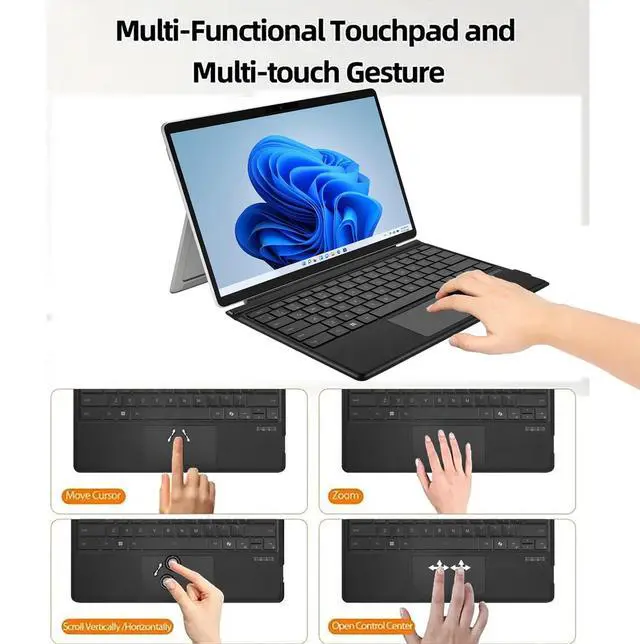
A: It is suitable for typing-heavy work such as email, notes, meetings, and general office tasks. The main reasons are the scissor-switch keys, built-in touchpad, and portable stand-style cover. It is a better fit for productivity than for pen-centric workflows, because the provided product details do not mention pen storage or pen charging, which are common buyer questions on comparable Surface keyboard listings.
Q: Who is this keyboard case best suited for?
A: It is best for Surface Pro 8, 9, 10, and 11 users who want a lower-cost keyboard-and-case alternative for typing and touchpad use, especially for school, travel, or desk-to-meeting use. It is less ideal for buyers who specifically want the closest match to Microsoft’s first-party experience, magnetic direct connection, or built-in Slim Pen storage and charging.
Q: What are the main trade-offs versus a Microsoft Surface Pro keyboard?
A: The Adesso keyboard case trades tighter Surface integration for broader value and a case-style design. Microsoft’s first-party keyboards commonly emphasize magnetic attachment, native fit, and in some models detached use, pen storage, or pen charging. Adesso instead focuses on Bluetooth wireless use, slim aluminum construction, and a built-in cover/stand. Buyers choosing between them are mainly deciding between lower-cost flexibility and first-party integration.
Q: Is compatibility straightforward across Surface Pro 8, 9, 10, and 11?
A: Mostly yes. The provided product data states compatibility with Surface Pro X, 8, 9, 10, and 11, and Microsoft’s own current 13-inch Surface Pro keyboard documentation also groups those same generations together. This makes the Adesso case a sensible option for shoppers upgrading within that Surface Pro family. Buyers should still confirm exact device size and model generation before purchase, especially if comparing against older Surface Pro 7-era accessories that often are not cross-compatible.
Q: Is this a practical lower-cost alternative to Microsoft's Surface keyboard for Surface Pro 8, 9, 10, or 11?
A: Yes, if your main goal is a cheaper keyboard-and-touchpad setup for typing and basic productivity. Reddit discussions repeatedly frame third-party Surface keyboards as budget alternatives to Microsoft's official keyboard. The main trade-off is that Bluetooth models like this one do not use the proprietary Surface connector, so they typically give up official-style integration such as direct pin connection and pen-charging support.
Q: Who is this keyboard case best suited for?
A: It is best suited for Surface Pro users who mainly want portable typing, a built-in touchpad, and a protective folio-style case. Based on the product details and Reddit discussion patterns, it fits buyers who work on documents, email, and light on-the-go tasks, especially if they do not need premium Microsoft keyboard features like integrated pen storage or charging.
Q: What are the main trade-offs of choosing this Bluetooth keyboard case instead of an official Surface keyboard?
A: The main trade-offs are integration and convenience. This Adesso model offers Bluetooth 5.0, a slim aluminum-backed design, scissor-switch keys, and a touchpad, but Reddit users often note that third-party Bluetooth Surface keyboards do not match the official keyboard's native connector-based behavior. In practice, that can mean separate charging, Bluetooth pairing, and no built-in Slim Pen charging support.
Q: Is this a good choice for travel or working away from a desk?
A: Yes, it appears well suited for travel-focused use if you want a thin keyboard case that also works as a stand. The product information points to a slim 6 mm design, folio cover, wireless Bluetooth use, and scissor-switch keys, which align with the needs often discussed by Surface users looking for lighter mobile setups. It is a better fit for portable productivity than for users who want the closest possible replacement for the official Microsoft keyboard experience.
Q: Is this a good replacement if I want the same experience as the official Surface keyboard?
A: No, not if your priority is matching the official Surface keyboard experience as closely as possible. Reddit discussions suggest that buyers who care most about first-party fit, connector behavior, and pen-related features usually still prefer Microsoft's own keyboard. This Adesso case is more appropriate as a functional Bluetooth alternative than as a full feature-for-feature replacement.


