


 All Categories






When backup windows become business hours
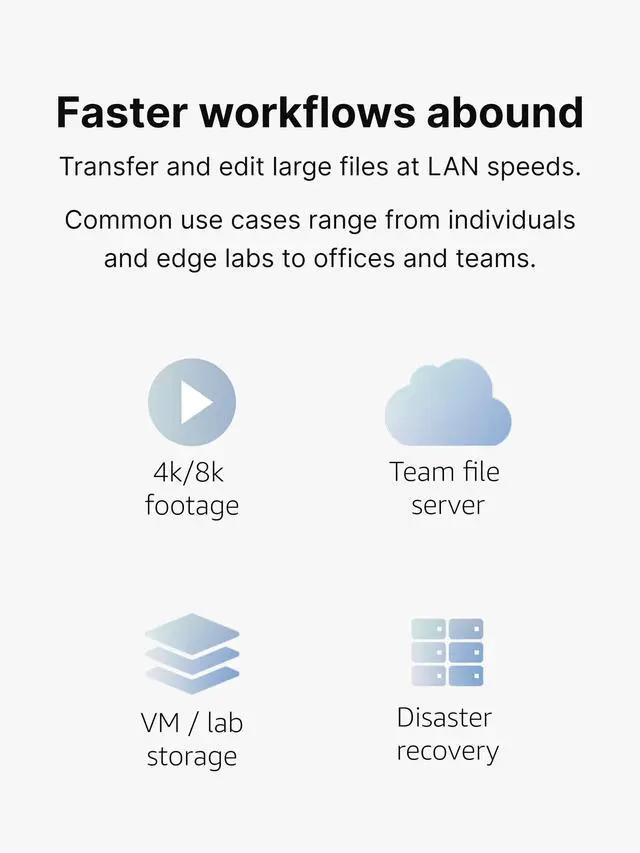
Creative professionals working with 4K and 8K footage face a persistent productivity drain: transferring project files consumes time that could be spent editing, grading or delivering client work. A single 100 GB multi-cam shoot can require about 15 minutes to move from workstation to NAS at gigabit speeds. Multiply that across dailies, edits, exports and backups, and the cumulative delay becomes substantial. Photographers managing RAW libraries encounter similar constraints when syncing hundreds of 50-100MB files after shoots. Collaborative teams working remotely discover that gigabit connections force sequential access patterns, one person transfers footage while others wait. The infrastructure investment in high-performance storage, expanded memory and SSD acceleration delivers diminishing returns when the network cannot transmit data at rates matching storage capabilities. Time spent watching progress bars represents lost revenue and delayed deliverables.
Eliminate the wait
Real-world throughput approaching 1,000 MB/s makes direct timeline editing possible, from network storage without transcoding proxies.
- High res, multi-cam projects play smoothly.
- Color grading workflows access full-resolution files instantly.
- Photographers sync entire shoot folders in seconds rather than minutes.
- Backup operations that previously ran overnight now complete during lunch.
Plug-n-play simplicity
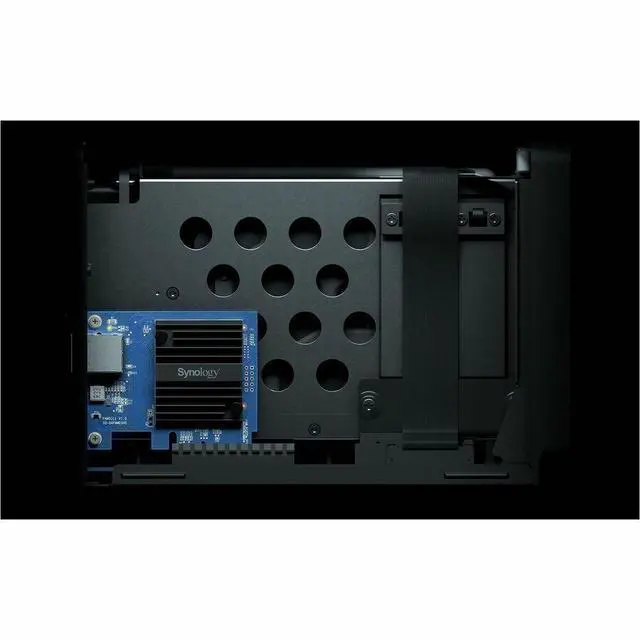
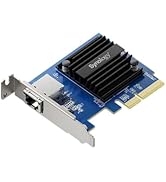
Shut down NAS. Plug in 10GbE card. Start NAS.
- 10x faster transfers – Move 100GB files in under two minutes instead of 15.
- Smooth multi-user access – Teams work simultaneously at full speed.
- Edit directly from the NAS – No proxy transcoding or local file copying required.
- Faster backups – Complete critical data protection tasks in a fraction of the time.

What if my local nework is slower than 10GbE?
Option 1: Direct connection to workstation
When you just need bandwidth for a single machine, connect your workstation directly to the NAS with a single Cat6a cable and a compatible 10GbE adapter. This setup is ideal for video editors, photographers or developers who need maximum throughput on a single computer.
Option 2: Direct connection to router or switch
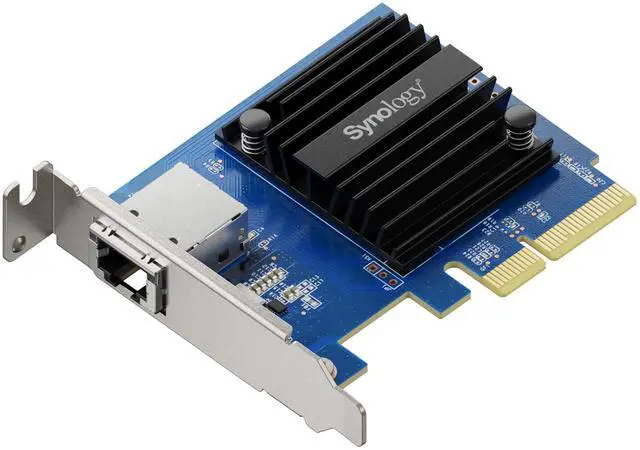
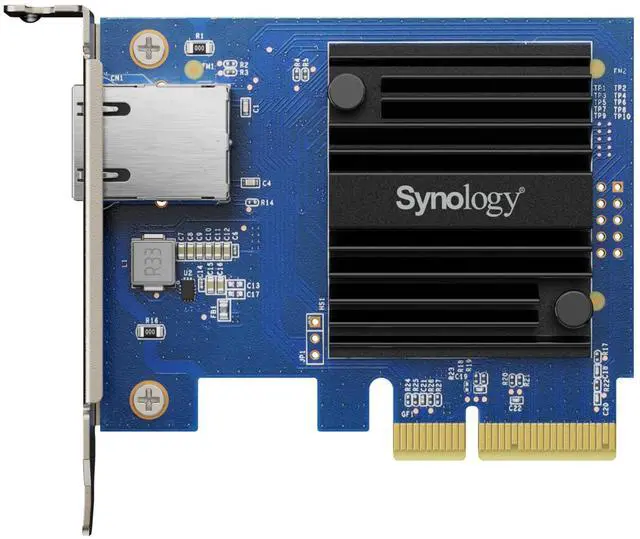
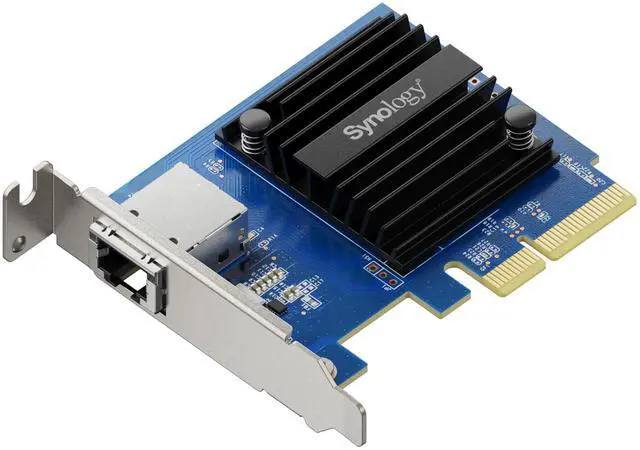
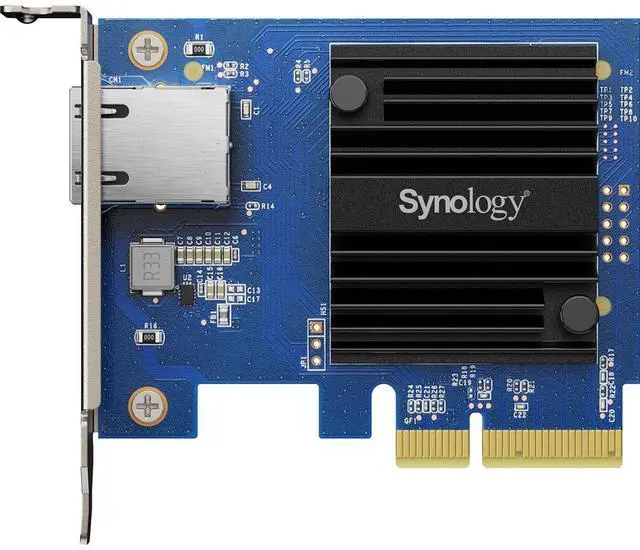
Auto-negotiation supports seamless integration with mixed-speed networks. The E10G30-T1 connects to your existing 1GbE, 2.5GbE or 5GbE switch or router while you plan future infrastructure upgrades.

Do I really need 10GbE if I'm a solo creator?
Solo creators often gain the most immediate value from 10GbE upgrades. Direct connection between workstation and NAS delivers full 10GbE performance with minimal investment, just a 10GbE adapter in your editing machine and Cat6a cabling. No switches required. This configuration transforms workflows for video editors working with 4K multi-cam projects, photographers managing large RAW libraries or motion designers rendering complex compositions. The time savings compound quickly: a project requiring six file transfers daily saves 75 minutes at 10GbE speeds versus gigabit. Over a month, that represents 37 hours recovered nearly a full work week returned to billable creative work rather than watching transfers complete.

Can I edit directly from the NAS without performance issues?
Modern NAS systems with SSD caching or NVMe storage provide sufficient IOPS for timeline playback, but gigabit ethernet creates artificial latency that manifests as stuttering during scrubbing or dropped frames during playback. 10GbE eliminates network-imposed constraints, enabling smooth 4K timeline performance directly from network storage. Creative professionals working in DaVinci Resolve, Premiere Pro or Final Cut Pro report that properly configured 10GbE NAS systems deliver near-local storage responsiveness. This eliminates proxy workflows entirely, streamlining projects from ingest through final delivery. Multi-cam editing benefits particularly from the bandwidth headroom, with three to four simultaneous 4K streams playing smoothly.

What happens to my backup strategy with 10GbE?
Backup operations that previously consumed hours now complete during breaks, fundamentally changing risk management for creative professionals. A 500GB project backup could take six minutes at 10GbE speeds versus 75 minutes at gigabit. This performance improvement enables more frequent backup intervals without impacting production schedules. Photographers returning from multi-day shoots can offload terabytes on the spot rather than leaving drives connected. Time Machine backups, project archives and client deliverable exports all compress dramatically, reducing exposure to data loss while returning hours to productive work.












When backup windows become business hours
Creative professionals working with 4K and 8K footage face a persistent productivity drain: transferring project files consumes time that could be spent editing, grading or delivering client work. A single 100 GB multi-cam shoot can require about 15 minutes to move from workstation to NAS at gigabit speeds. Multiply that across dailies, edits, exports and backups, and the cumulative delay becomes substantial. Photographers managing RAW libraries encounter similar constraints when syncing hundreds of 50-100MB files after shoots. Collaborative teams working remotely discover that gigabit connections force sequential access patterns, one person transfers footage while others wait. The infrastructure investment in high-performance storage, expanded memory and SSD acceleration delivers diminishing returns when the network cannot transmit data at rates matching storage capabilities. Time spent watching progress bars represents lost revenue and delayed deliverables.
Eliminate the wait
Real-world throughput approaching 1,000 MB/s makes direct timeline editing possible, from network storage without transcoding proxies.
- High res, multi-cam projects play smoothly.
- Color grading workflows access full-resolution files instantly.
- Photographers sync entire shoot folders in seconds rather than minutes.
- Backup operations that previously ran overnight now complete during lunch.
Plug-n-play simplicity
Shut down NAS. Plug in 10GbE card. Start NAS.
- 10x faster transfers – Move 100GB files in under two minutes instead of 15.
- Smooth multi-user access – Teams work simultaneously at full speed.
- Edit directly from the NAS – No proxy transcoding or local file copying required.
- Faster backups – Complete critical data protection tasks in a fraction of the time.
What if my local nework is slower than 10GbE?
Option 1: Direct connection to workstation
When you just need bandwidth for a single machine, connect your workstation directly to the NAS with a single Cat6a cable and a compatible 10GbE adapter. This setup is ideal for video editors, photographers or developers who need maximum throughput on a single computer.
Option 2: Direct connection to router or switch
Auto-negotiation supports seamless integration with mixed-speed networks. The E10G30-T1 connects to your existing 1GbE, 2.5GbE or 5GbE switch or router while you plan future infrastructure upgrades.
Do I really need 10GbE if I'm a solo creator?
Solo creators often gain the most immediate value from 10GbE upgrades. Direct connection between workstation and NAS delivers full 10GbE performance with minimal investment, just a 10GbE adapter in your editing machine and Cat6a cabling. No switches required. This configuration transforms workflows for video editors working with 4K multi-cam projects, photographers managing large RAW libraries or motion designers rendering complex compositions. The time savings compound quickly: a project requiring six file transfers daily saves 75 minutes at 10GbE speeds versus gigabit. Over a month, that represents 37 hours recovered nearly a full work week returned to billable creative work rather than watching transfers complete.
Can I edit directly from the NAS without performance issues?
Modern NAS systems with SSD caching or NVMe storage provide sufficient IOPS for timeline playback, but gigabit ethernet creates artificial latency that manifests as stuttering during scrubbing or dropped frames during playback. 10GbE eliminates network-imposed constraints, enabling smooth 4K timeline performance directly from network storage. Creative professionals working in DaVinci Resolve, Premiere Pro or Final Cut Pro report that properly configured 10GbE NAS systems deliver near-local storage responsiveness. This eliminates proxy workflows entirely, streamlining projects from ingest through final delivery. Multi-cam editing benefits particularly from the bandwidth headroom, with three to four simultaneous 4K streams playing smoothly.
What happens to my backup strategy with 10GbE?
Backup operations that previously consumed hours now complete during breaks, fundamentally changing risk management for creative professionals. A 500GB project backup could take six minutes at 10GbE speeds versus 75 minutes at gigabit. This performance improvement enables more frequent backup intervals without impacting production schedules. Photographers returning from multi-day shoots can offload terabytes on the spot rather than leaving drives connected. Time Machine backups, project archives and client deliverable exports all compress dramatically, reducing exposure to data loss while returning hours to productive work.
Solo Creator Units
Freelancer Units
Small Studio Units
Creator Add-ons