• ฿2,448.65
  • VAT-Inclusive Price
Ships from Hong Kong.
Most customers receive within 10-17 days.
Sold by Nextrix
Top Rated

Shipped by Nextrix

Shop it at NeweggBusiness.

Meet Your Seller

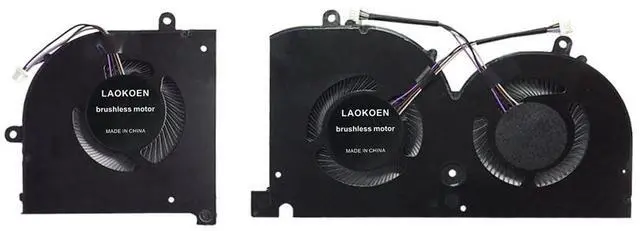
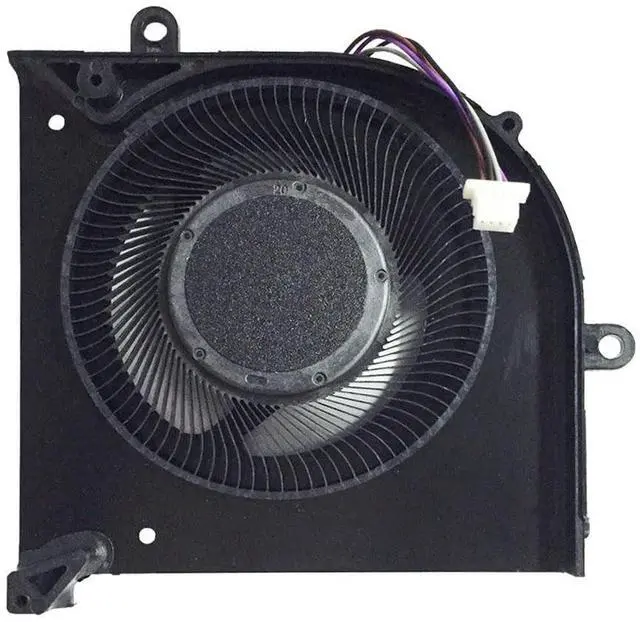
LAOKOEN New Replacement Cooling Fans for MSI GS75 Stealth GS75 8SF P75 Creator Series P/N: 17G1-CPU 17G1-GPU MS-17G2 DC 5V

  • Compatible models: LAOKOEN Replacement Fans for MSI GS75 Stealth GS75 8SF P75 Creator Series P/N: 17G1-CPU 17G1-GPU MS-17G2 DC 5V.
  • New laptop cooling fan, fast cooling, low noise, let your computer run at a low temperature, stable temperature,create a noise-free & interference-free environment for you.If you want a quiet, stable, and comfortable office environment for your laptop, this is the perfect choice for you.
  • Replacement a new laptop cooling fan will allow you to use the laptop to run stably and comfortably, solve the problem of abnormal noise and aging of your laptop cooling fan, solve the problem that the laptop system prompts the fan to not run normally, solve the problem of poor heat dissipation and high temperature of your laptop fan, and can not use the laptop normally so that your laptop fan can operate normally again!
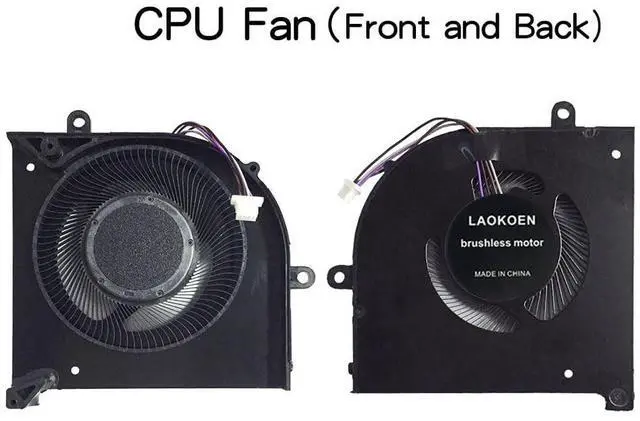
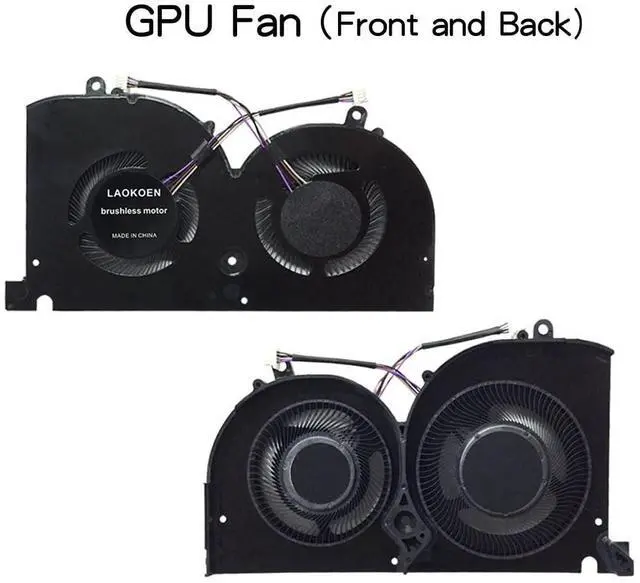
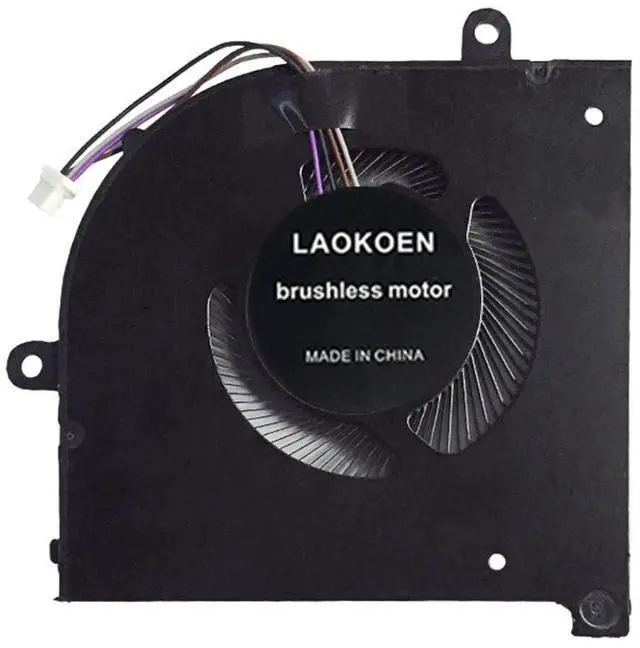
  • Please be sure to check the fan diagram and the fan code indicated in the picture!! Laptops with the same model number sometimes may have differ
+
+
Overview
Specs
Reviews
Please check the compatible model and compare the sample pictures, make sure this is the correct Cooling Fans you need! Please contact us if you have any issue! *Parameter: DC 5V 0.5A *Package
Include: 2* Fan, *Compatible
Models: for MSI GS75 Stealth GS75 8SF P75 Creator
Series P/N: 17G1-CPU 17G1-GPU MS-17G2 DC 5V.
*Applicable scenarios: Solve the error, abnormal noise, and high temperature of your laptop fan, so that your laptop fan can operate normally again! *Special attention: 1. Before replacing the laptop fan, remember to shut down the laptop, remove the plug of the external battery or internal battery of the laptop, and then press the switch button several times to release the static electricity and surplus electricity of the motherboard, so as to avoid damage to the motherboard caused by static electricity. In addition, please be sure to pay attention to the direction of the fan plug, do not plug the anti-fan plug, so as to avoid burning the fan. 2. Please pay attention to check whether the voltage of your laptop fan is consistent with our product description fan voltage, because the same model of computer may have different voltage notebook cooling fans. 3. Disassembly is risky, and installation needs to be cautious. If you cant install it yourself, its best to ask a professional to help install it. You can also find the installation tutorial on the Internet for reference.

Warranty & Returns

Warranty, Returns, And Additional Information

Return Policies*

  • Return for refund within: 30 days
  • Return for replacement within: non-replaceable
  • This item is covered by Nextrix Return Policy
  • *Subject to applicable law
  • Warranty Notice:

    This product does not include manufacturer warranty when purchased or used outside of its designated sales region. By purchasing internationally, you acknowledge that warranty support from the manufacturer will not be available.

Manufacturer Contact Info

LOADING...