
Your Browsing History
- Free 30-day Returns
- ฿2,439.29 Shipping
฿91,525.65
VAT-Inclusive Price
Ships from United States.
Sold by Newegg
Shipped by Newegg


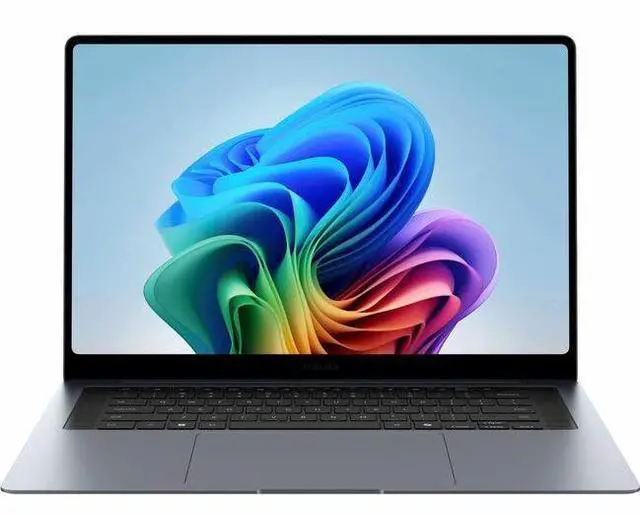
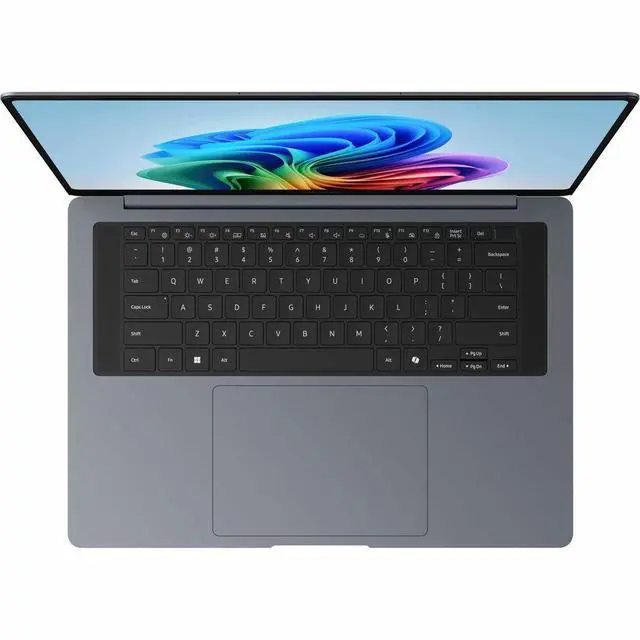
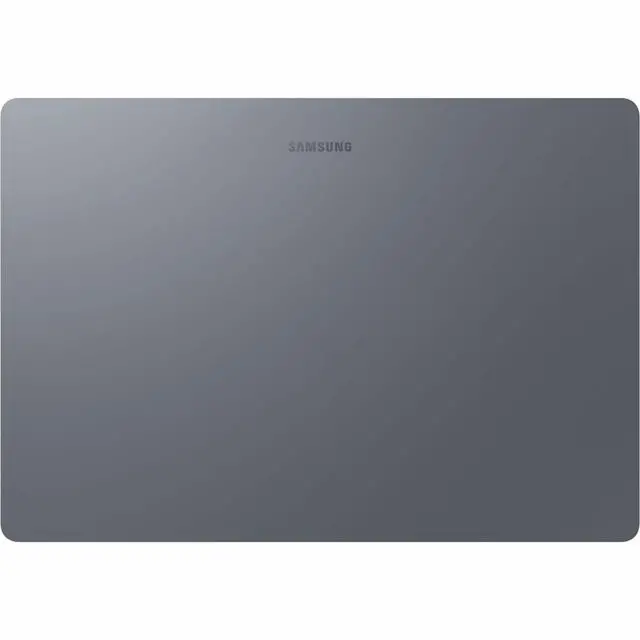
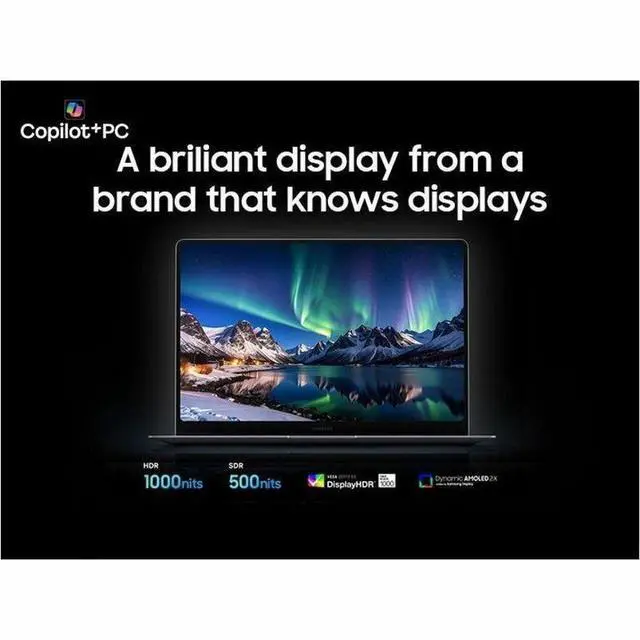
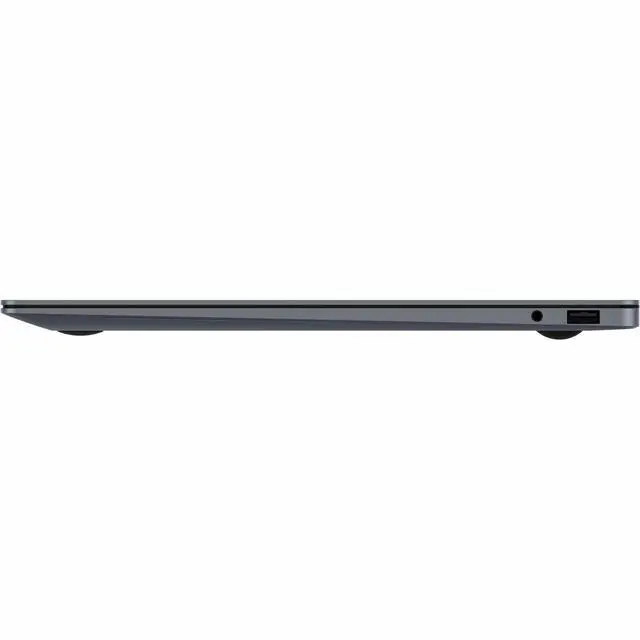
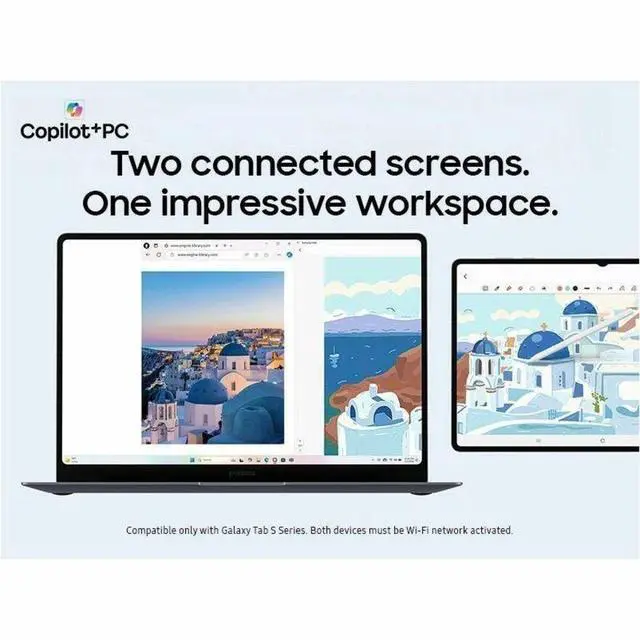
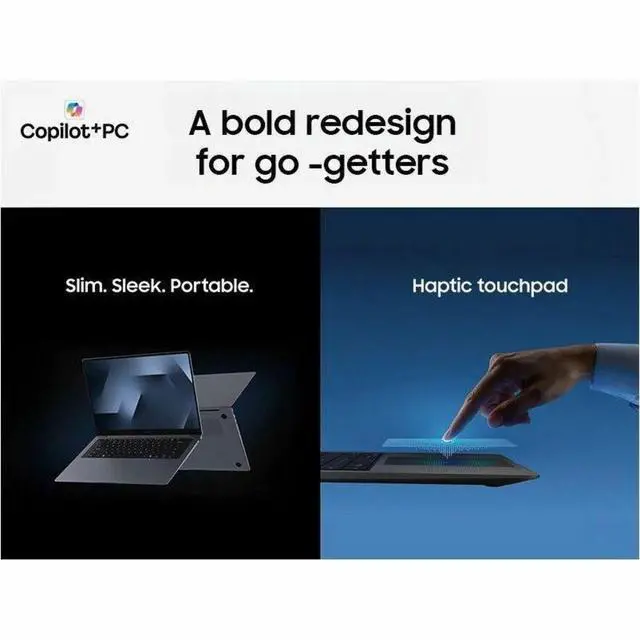
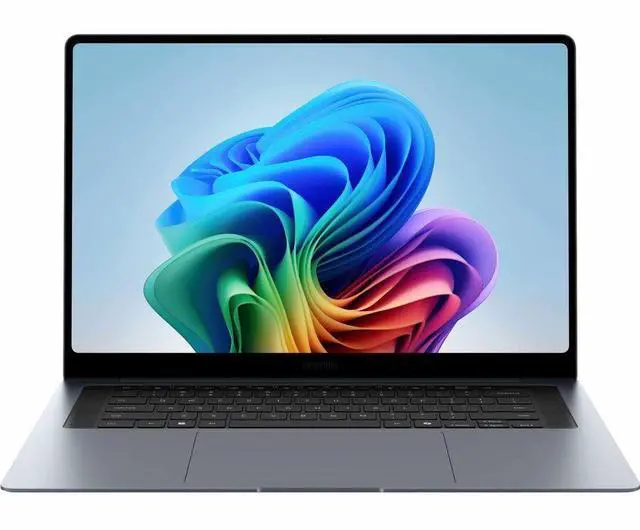
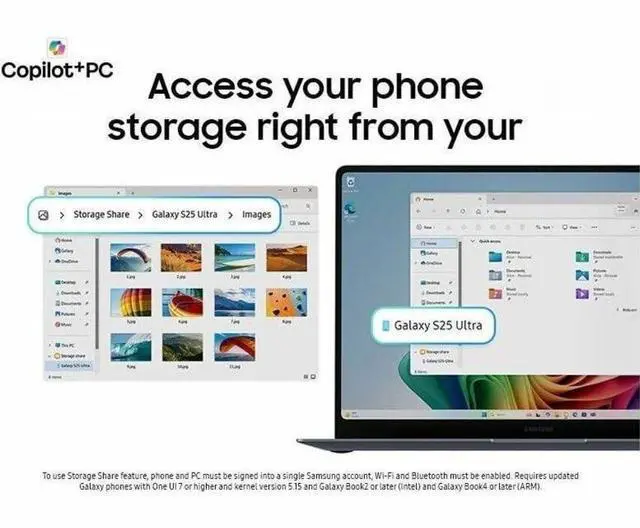
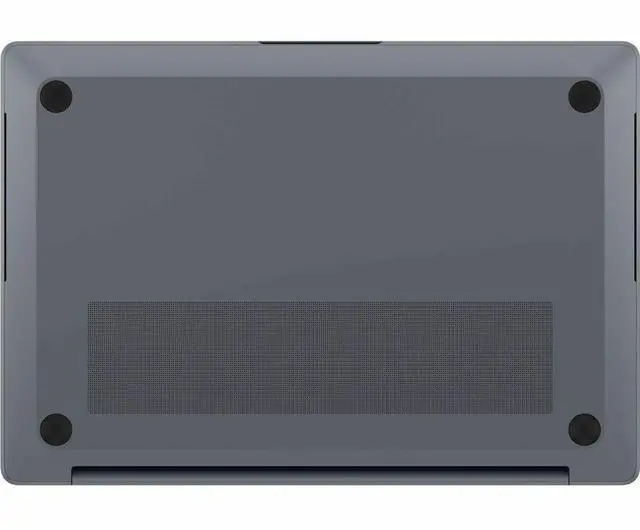
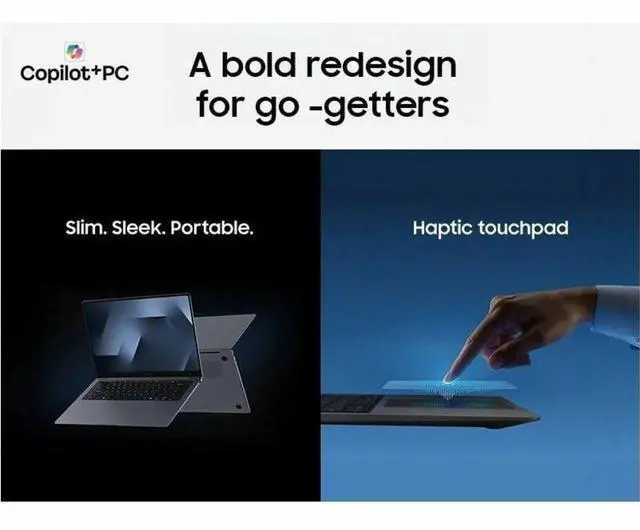


Samsung Galaxy Book6 Pro NP944XJG-KG1US 14" Touchscreen Copilot+ PC Notebook - 3K - 120 Hz - Intel Core Ultra 7 356H - 32 GB - 512 GB SSD - Gray - Intel Chip - 2880 x 1800 - Windows 11 Pro - Inte
- 3K
- 120 Hz
- Intel Core Ultra 7 356H
- 32 GB
- 512 GB SSD
- Gray
- Intel Chip
- 2880 x 1800
- Windows 11 Pro
- Intel
- Front Camera/Webcam
- 30 Hours Battery Run Time
- IEEE 802.11be Wireless LAN Standard
- Wi-Fi
+
+
Overview
Specs
Reviews
Galaxy Book6 Pro 32GB 512GB
Warranty & Returns
Warranty, Returns, And Additional Information
Return Policies*
- Return for refund within: 30 days
- Returns are subject to restocking fees and return shipping fees. Please click here to learn more about restocking fees and return shipping fees.
- This item is covered by Newegg.com's International Order Return Policy.
- Read full return policy for details.
- *Subject to applicable law
Warranty Notice:
This product does not include manufacturer warranty when purchased or used outside of its designated sales region. By purchasing internationally, you acknowledge that warranty support from the manufacturer will not be available.
Manufacturer Contact Info
- Manufacturer Website
- Support Phone: 1-800-726-7864
- Support Website
- View other products from SAMSUNG
LOADING...
LOADING...
Learn about this product
The Samsung Galaxy Book6 Pro NP944XJG-KG1US is a 14-inch premium touchscreen Copilot+ laptop built for professionals and power users who want a sharp 3K 120Hz display, 32GB of memory, and all-day mobility for productivity, meetings, and multitasking.
Recommended For
- Mobile professionals who work across meetings, travel, and desk time and want a light 14-inch Windows laptop with a high-resolution OLED touch display, long battery claims, and enough headroom for heavy multitasking.
- Users who prioritize screen quality for everyday creation and media work—such as photo review, presentations, web design, and streaming—and care more about display sharpness, color, and 120Hz smoothness than about discrete-GPU power.
- Samsung ecosystem users who already use Galaxy phones or Samsung apps and want tighter cross-device workflows, since reviews note the extra Samsung software makes the most sense when paired with other Samsung devices.
- Office-heavy users who keep many browser tabs, documents, video calls, and business apps open at once and want 32GB memory in a thin machine rather than a bulkier workstation.
- Buyers who want a premium ultrabook for light creative bursts or occasional casual gaming, but whose main priority is portability and all-around productivity instead of sustained graphics performance.
Real-World Use Scenarios
- For office work, web apps, video calls, and many browser tabs at once, users should expect a smooth day-to-day experience with enough memory for multitasking and a chassis that is easy to carry between home, office, and travel.
- For travel, commuting, or working away from a charger, the 14-inch model fits users who want a thin, light laptop that can handle a full workday of mixed productivity and media use more comfortably than larger creator-style laptops.
- For streaming, photo viewing, reading, and general media use, users should get a noticeably premium viewing experience thanks to the high-resolution 120Hz OLED touchscreen, with sharper text, smoother scrolling, and stronger contrast than typical midrange laptop panels.
- For light creative work such as photo editing, short video edits, and design tasks, the laptop is a practical fit if display quality and portability matter more than peak graphics speed; heavier 3D, CAD, or GPU-dependent workloads are more limited on the Core Ultra 7 356H version.
- For occasional gaming after work or school, users can expect older, lighter, or well-optimized games to be more realistic than demanding AAA titles at high settings; this configuration is better treated as a productivity laptop that can game on the side, not a gaming-first machine.
Spec Summary
| Attribute | Value |
|---|---|
| Best For | Mobile professionals and power users seeking a 14-inch 3K touchscreen Windows laptop for productivity and content work, paired with an Intel Core Ultra 7 CPU, 32 GB RAM, and a 512 GB M.2 SSD |
| Model Identifiers | Samsung Galaxy Book6 Pro, model NP944XJG-KG1US (2026); Brand/Manufacturer Samsung, configured for United States / North America |
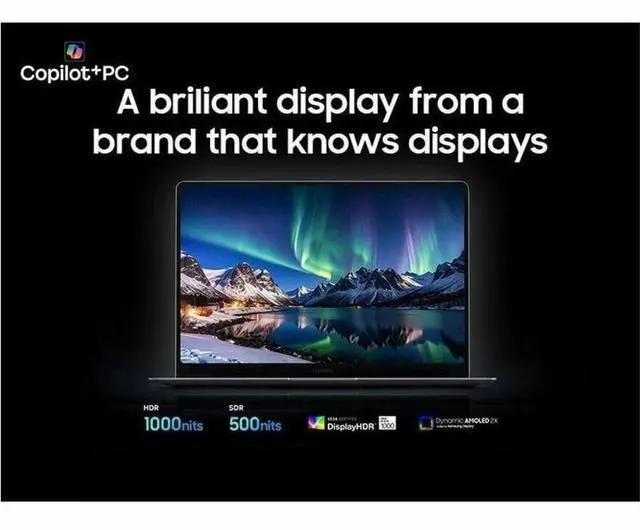
| Display Spec | 14.0" Dynamic AMOLED 2X OLED touchscreen with native 2880 x 1800 (3K) resolution |
| Processor And Core Count | Intel Core Ultra 7 356H processor at 1.9 GHz in a single-processor configuration |
| Memory Configuration | 32 GB installed RAM (LPDDR5X indicated), listed maximum 32 GB |
| Storage And Expansion | 512 GB solid-state drive in M.2 form factor (SSD) |
| Graphics And Video | Integrated Intel Arc graphics (shared memory) with HDMI video output |
| Battery And Power | Built-in lithium-ion battery, listed 4000 mAh capacity, 1 cell; batteries included |
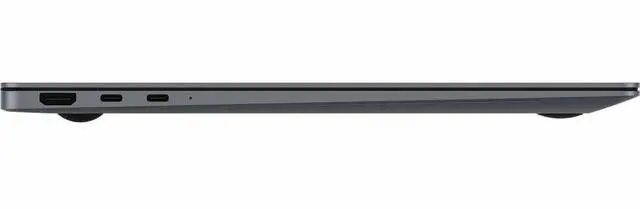
| Ports And Connectivity | 2 Thunderbolt ports, 1 total USB port (no USB 3.0/2.0 ports listed), and 1 HDMI port; hardware interfaces include USB, HDMI, and Bluetooth |
| Wired And Wireless Networking | Wi‑Fi and Bluetooth wireless connectivity; Intel chipset type listed |
| Webcam And Biometric Security | Front-facing webcam plus fingerprint recognition biometric |
| Physical Dimensions & Weight | Notebook form factor, dimensions 12.4 x 8.7 x 0.46 inches; unit/display weight ~2.7 lb and package weight ~4.2 lb |
| Keyboard And Control | Full-size keyboard plus touchscreen input with touch control |
| Additional Features | Anti-glare coating and Corning Gorilla Glass DXC on the display; package includes Galaxy Book6 Pro notebook, lithium ion battery, data cable, and AC adapter |
Reference Q&A
Q: Should I buy the Samsung Galaxy Book6 Pro 14 or the Galaxy Book6 Ultra?
A: Choose the Galaxy Book6 Pro 14 if you want a thinner, lighter Samsung laptop for travel, office work, web apps, and everyday multitasking. This NP944XJG-KG1US configuration is a 14-inch model with 32GB RAM, a 512GB SSD, and a 2.71 lb chassis, which makes it the more portable option. Choose the Galaxy Book6 Ultra if your priority is heavier creative work, more sustained performance, or GPU-accelerated tasks, because Samsung positions the Ultra as the higher-power model and review coverage consistently treats it as the performance-first choice.
Q: Is the Galaxy Book6 Pro 14 worth it over the regular Galaxy Book6 14?
A: Buy the Galaxy Book6 Pro 14 if display quality, thinness, and premium features matter more than getting the lowest price in the lineup. Samsung's 2026 lineup positions the Pro above the standard Galaxy Book6, and the differences are practical: the Pro uses a 2880 x 1800 touchscreen AMOLED class panel, a thinner and lighter chassis, Wi‑Fi 7 support, and higher-end fit-and-finish. The regular Galaxy Book6 makes more sense if you mainly want a general-use laptop and are comfortable with a 1920 x 1200 class display and fewer premium extras.
Q: How does the Galaxy Book6 Pro 14 compare with the Galaxy Book5 Pro?
A: The Galaxy Book6 Pro 14 is the better pick if you want the newer platform and stronger CPU headroom. Review coverage points to a meaningful performance jump over Galaxy Book5 Pro, especially in multi-core work, while Samsung keeps the same general premium OLED-and-portability formula. The Galaxy Book5 Pro still makes sense if you find it at a clearly lower price and your workload is mostly browsing, documents, streaming, and light productivity rather than heavier multitasking.
Q: Should I get this 32GB Galaxy Book6 Pro 14 or a lower-memory configuration?
A: Choose this 32GB configuration if you keep many browser tabs open, work in large spreadsheets, run virtual machines, edit photos, or want more headroom for long-term use. For lighter tasks like email, Office, streaming, and routine productivity, a lower-memory Galaxy Book6 Pro configuration can still be the better value. The main advantage of this NP944XJG-KG1US version is not a different form factor but extra multitasking margin in the same thin 14-inch chassis.
Q: Is the Galaxy Book6 Pro 14 a better choice than a MacBook Air for portability-focused work?
A: The Galaxy Book6 Pro 14 is the better fit if you want a very light premium laptop but need Windows, a touchscreen, and tighter integration with Samsung phones and tablets. A MacBook Air is the stronger alternative if your workflow is already centered on macOS and battery life is the main priority. In practice, the decision is less about raw category overlap and more about platform preference: Galaxy Book6 Pro is the more natural choice for Windows and Samsung ecosystem users, while MacBook Air remains the simpler choice for Apple-first buyers.
Q: Is this a good travel work laptop?
A: Yes for mobile office work. The 14-inch size, integrated graphics, Wi‑Fi 7, webcam, touchscreen, and quoted long battery life make it a strong fit for travel, meetings, web apps, documents, and presentations. The main trade-off is that it is still a thin-and-light productivity laptop, so it is a better fit for work and media than for heavy gaming or sustained creator workloads.
Q: Is it good for note-taking, meetings, and everyday office work?
A: Yes. This model is well suited for email, documents, spreadsheets, web apps, video calls, and general multitasking. Its 32GB of memory is more than enough for typical office use, and the touchscreen can be useful for navigation and annotations. However, this is a standard clamshell laptop, not a 2-in-1 with pen support included in the provided specs, so it is better for touch input than for tablet-style handwritten note-taking.
Q: Who is this laptop best for?
A: It is best for professionals, students, and frequent travelers who want a premium 14-inch Windows laptop for productivity, video calls, multitasking, and media consumption. The 3K 120Hz display and 32GB RAM make it more appealing to users who keep many apps or browser tabs open. It is less ideal for buyers who need dedicated graphics, frequent 3D rendering, or a convertible pen-first design.
Q: What are the main trade-offs versus a MacBook Air or Surface Laptop?
A: The main advantages here are a high-resolution 3K 120Hz touchscreen, Windows compatibility, and 32GB RAM in a compact 14-inch format. The main trade-offs versus common alternatives like a MacBook Air or Surface Laptop are that integrated Intel Arc graphics limit gaming and heavier creative workloads, and battery life may be strong in office use but not necessarily class-leading against the longest-lasting ARM or Apple options. Choose this Samsung if you want a premium Windows laptop with touch and a sharper display; choose the alternatives if battery longevity, silent efficiency, or platform preference matters more.
Q: Is it a good choice for gaming or demanding creative apps?
A: It is acceptable for light gaming, photo work, and everyday graphics tasks, but not the best choice for serious gaming or GPU-heavy creation. The integrated Intel Arc graphics are fine for casual use and some accelerated apps, but buyers who expect high-end 3D performance, frequent rendering, or AAA gaming should look for a laptop with dedicated graphics instead.
Q: Is the Galaxy Book6 Pro 14 a good fit for work and travel?
A: Yes for office-focused mobile use. The 14-inch model pairs a high-resolution 120 Hz touchscreen with 32 GB RAM, a 512 GB SSD, integrated graphics, and Wi-Fi 7 in a compact format, so it fits productivity, browser-heavy work, meetings, and travel better than gaming or workstation use. Reddit discussion around the Book6 Pro repeatedly focuses on battery life, portability, and everyday office use, which matches this configuration well.
Q: Is the Galaxy Book6 Pro 14 worth buying if battery life is your top priority?
A: Only with caution. Battery life is one of the most repeated decision topics in Reddit discussion, but user reports are inconsistent, ranging from clearly good all-day office use to much shorter real-world results. If battery life is your main buying reason, this model looks safer for mixed productivity than for expecting guaranteed class-leading endurance.
Q: Is the Galaxy Book6 Pro 14 suitable as a lightweight alternative to a larger performance laptop?
A: Yes if you want a lighter everyday Windows laptop and do not need dedicated graphics. Community comparisons around the Book6 line often frame the Pro as the better choice for lower weight, quieter everyday use, and better mobility, while the Ultra is treated as the heavier option for buyers who need more graphics headroom. This 14-inch Pro configuration is better aligned with portability-first buyers.
Q: What are the main trade-offs of the Galaxy Book6 Pro 14 before buying?
A: The main trade-offs are integrated graphics, mixed battery expectations, and some user criticism of the keyboard and preloaded software. With a Core Ultra 7 356H, 32 GB RAM, and integrated graphics, it is better suited to productivity and light creative work than demanding gaming or sustained GPU-heavy workloads. Reddit discussion also shows that keyboard feel is not universally liked, so buyers sensitive to typing quality may want hands-on time first.
Q: Is the Galaxy Book6 Pro 14 good for light creative work or occasional photo editing?
A: Yes for light creative work, but it is not the best choice for heavy graphics workloads. The 3K 120 Hz display and 32 GB RAM are favorable for multitasking and visual work, while the integrated graphics make more sense for light editing, content consumption, and general productivity than for intensive rendering, gaming, or creator workloads that benefit from a dedicated GPU.