• ฿3,242.09
  • VAT-Inclusive Price
  • Free 30-day Returns
  • ฿2,024.10 Shipping
Ships from United States.
Sold by Newegg

Shipped by Newegg

Best Sellers

Top Rated
4 (3,724 total ratings)
  • $3,185.53
  • + ฿2,502.17 Shipping
Shop it at NeweggBusiness.

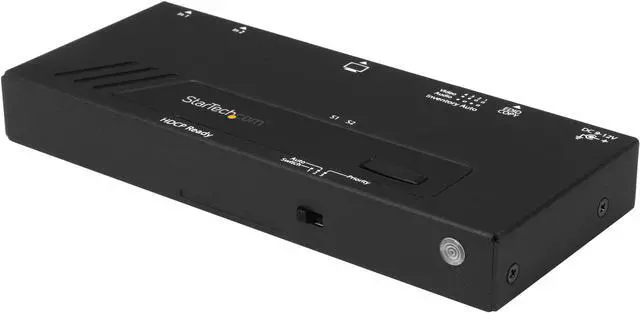
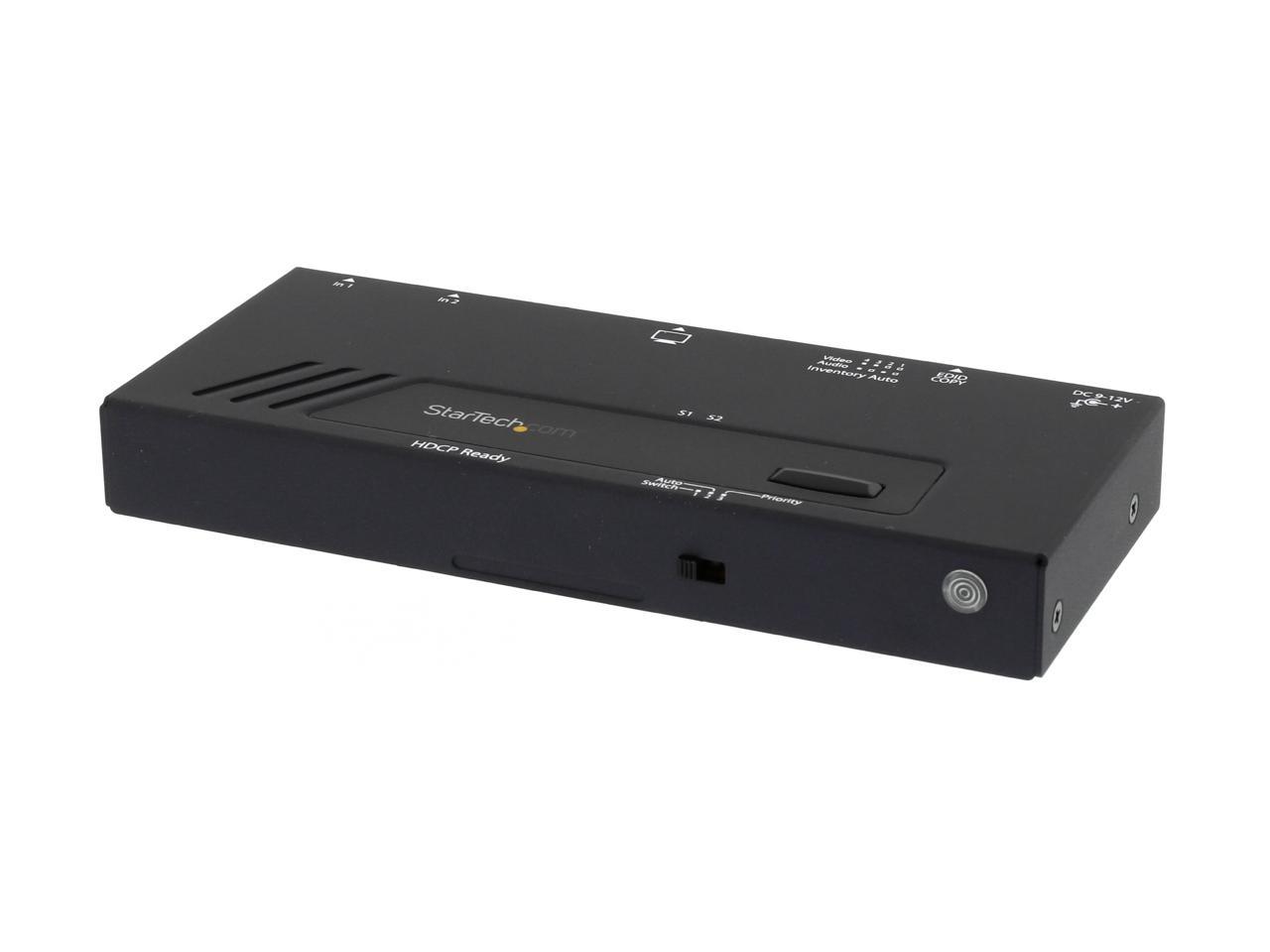
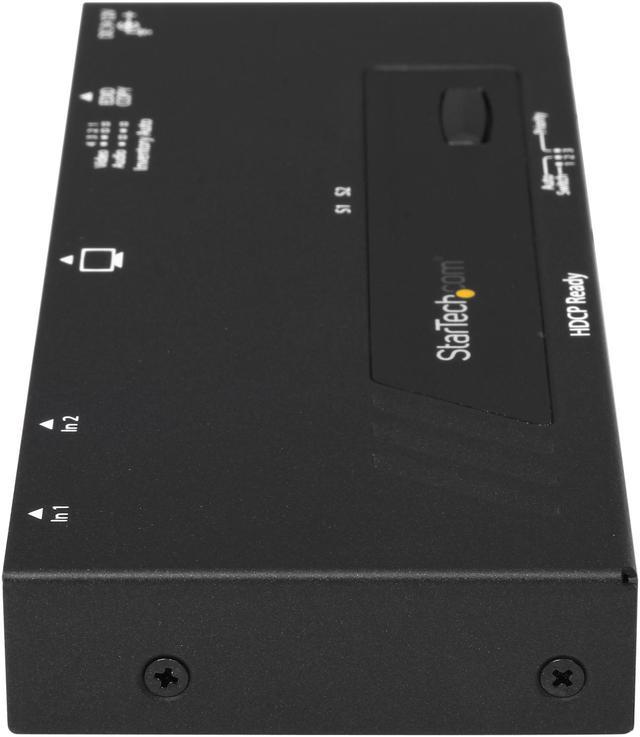
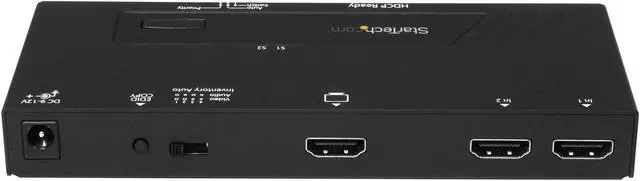
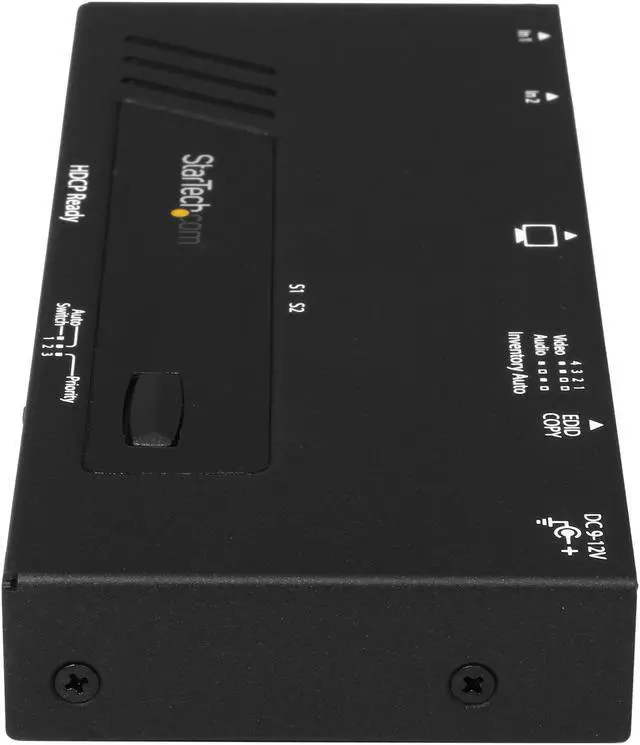
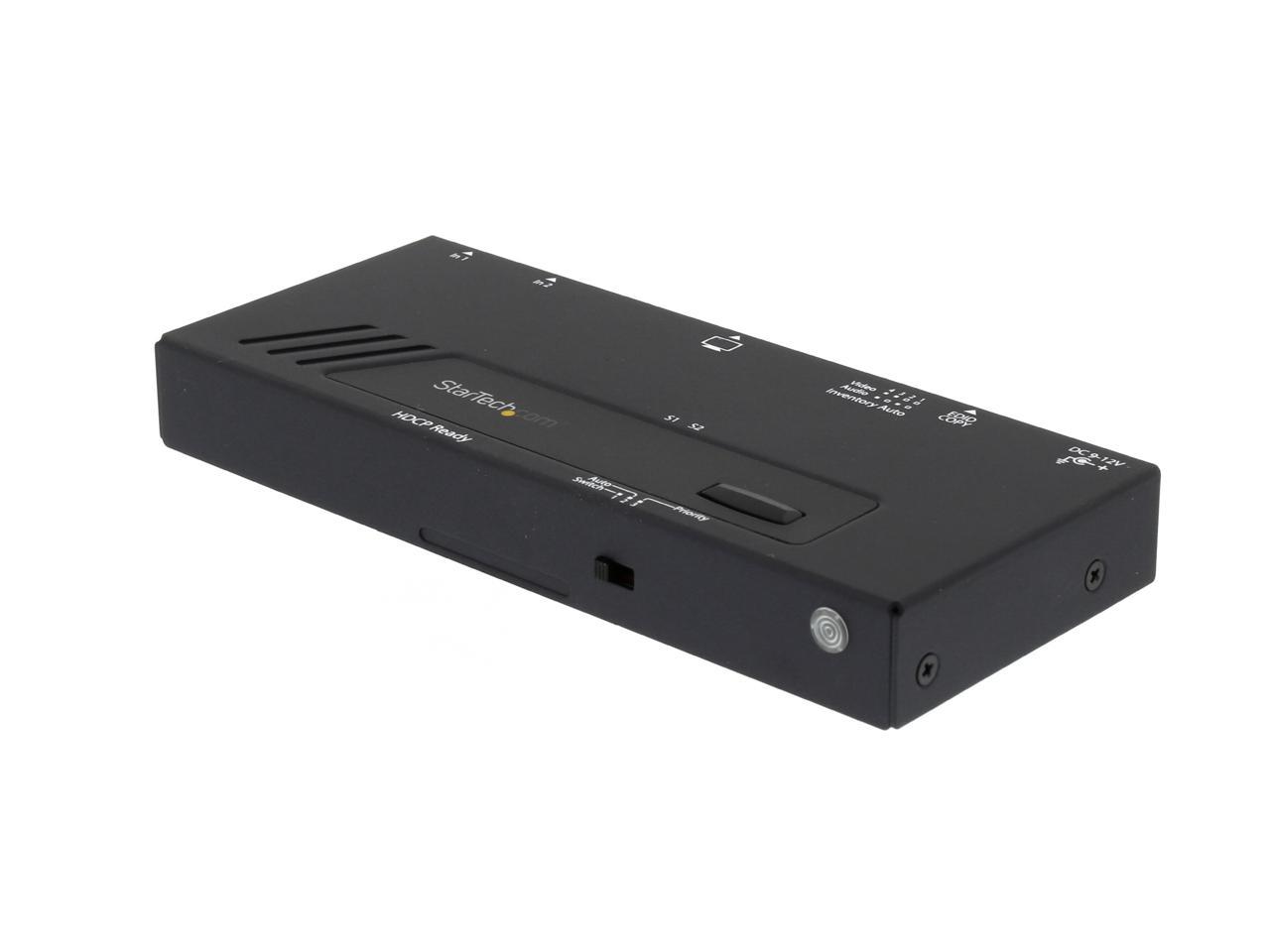
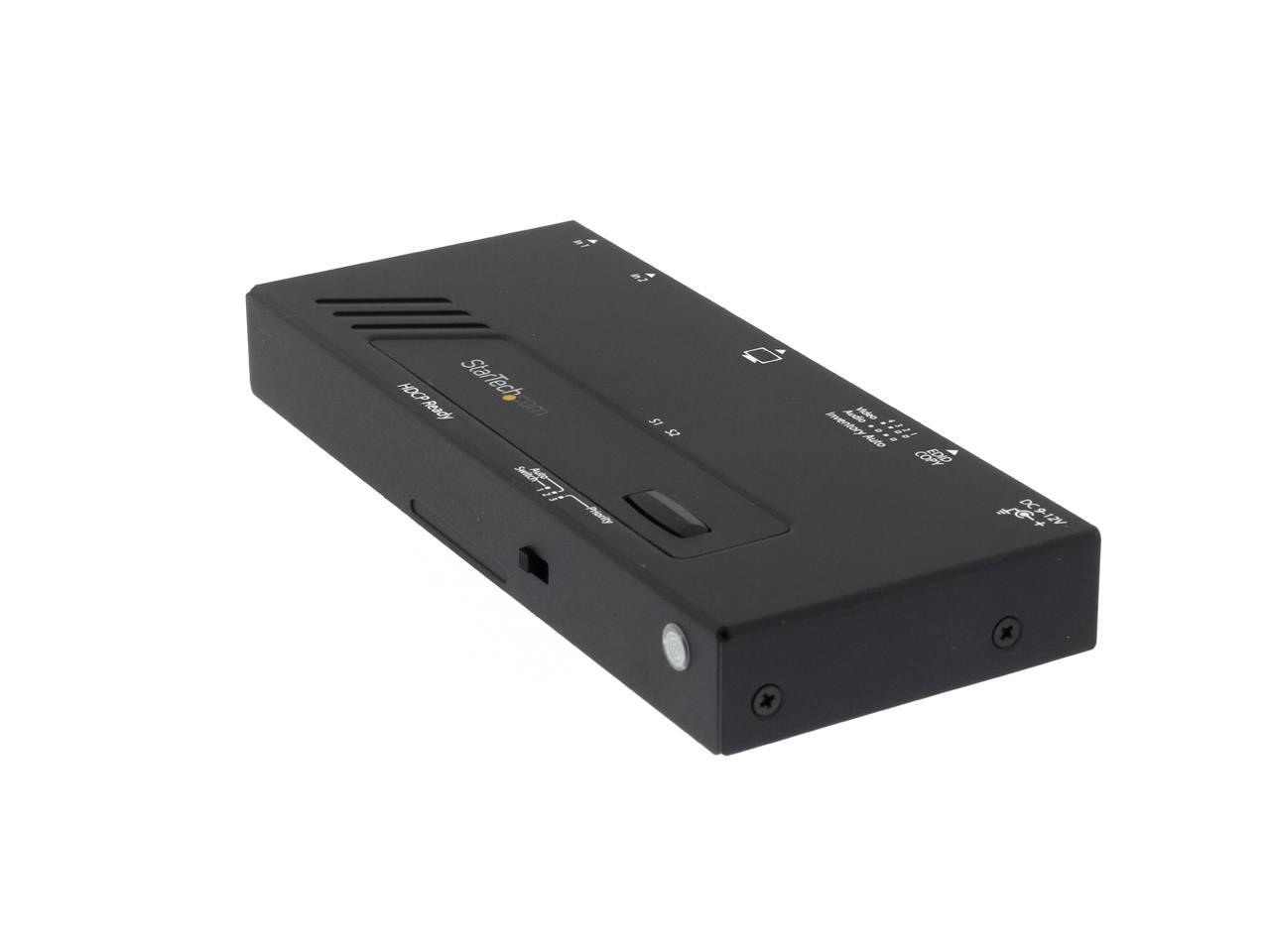
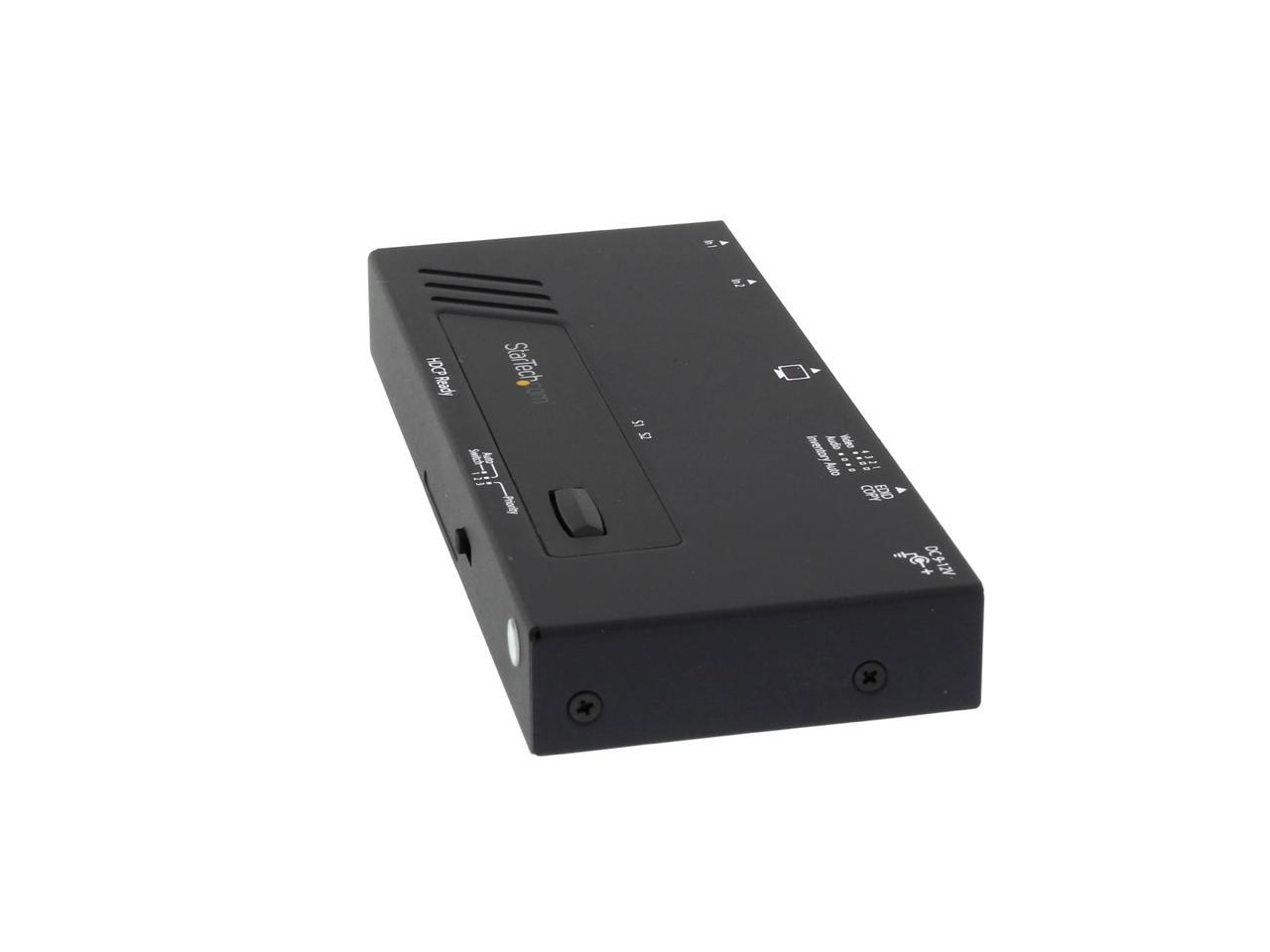
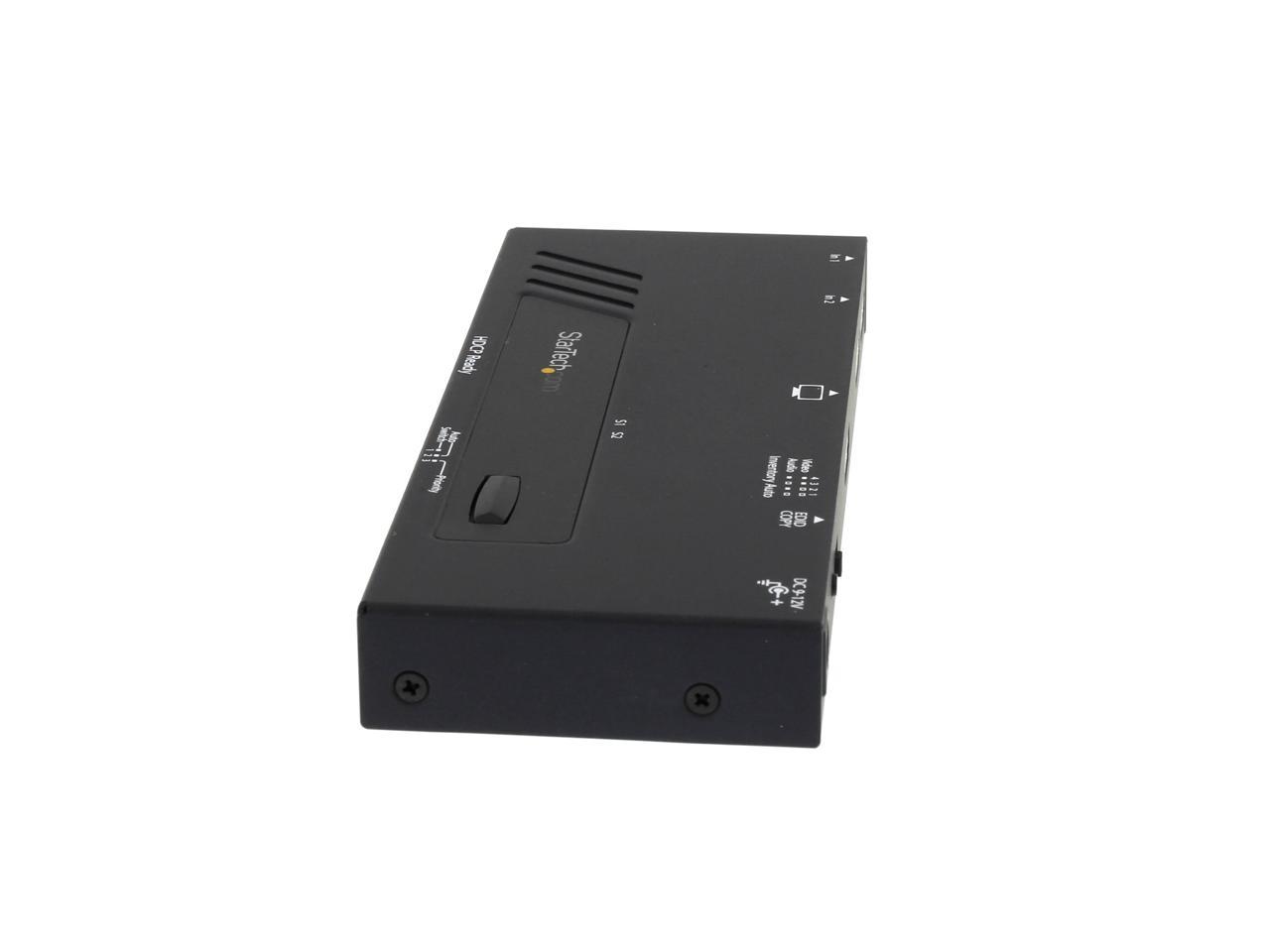
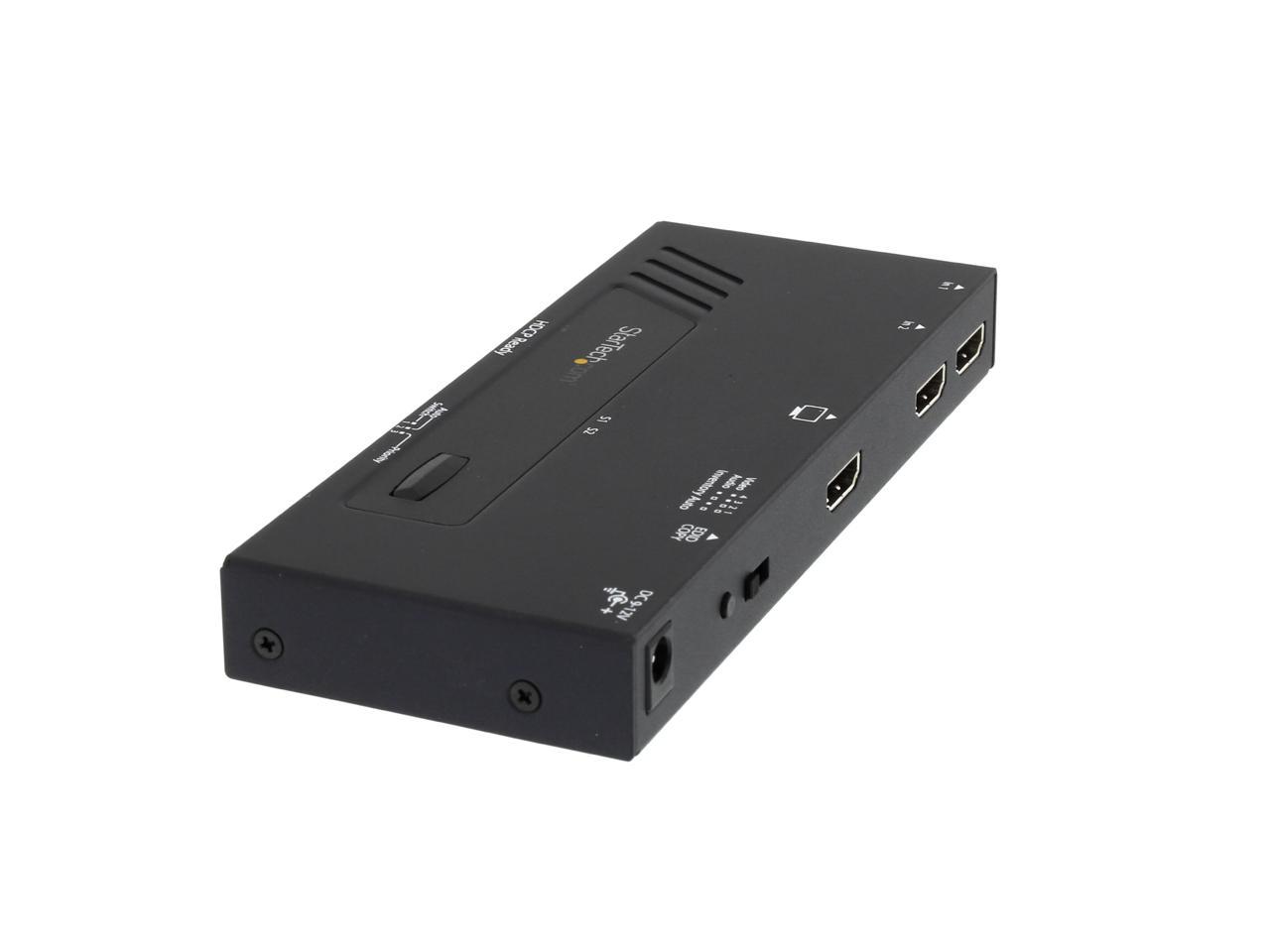
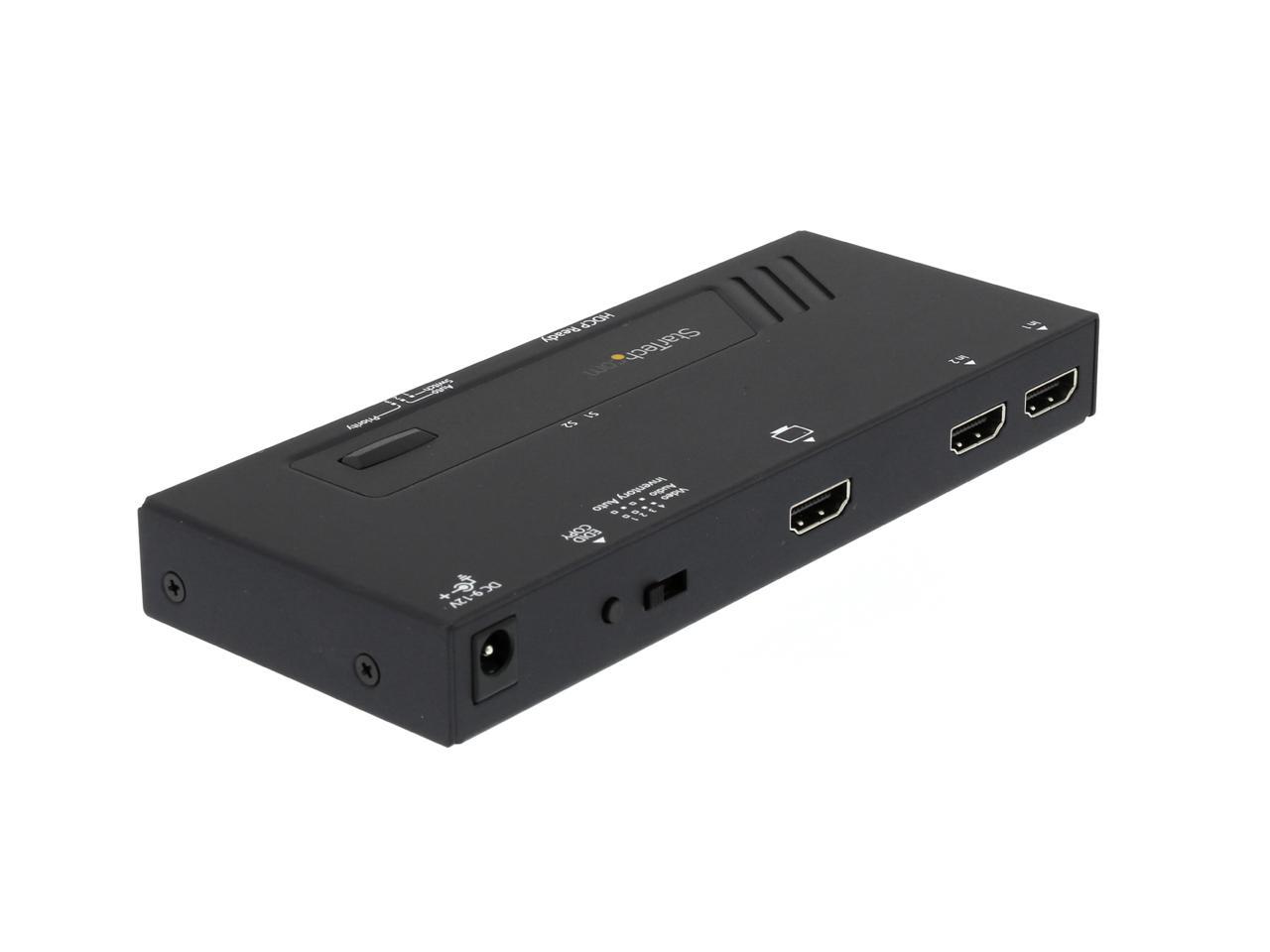
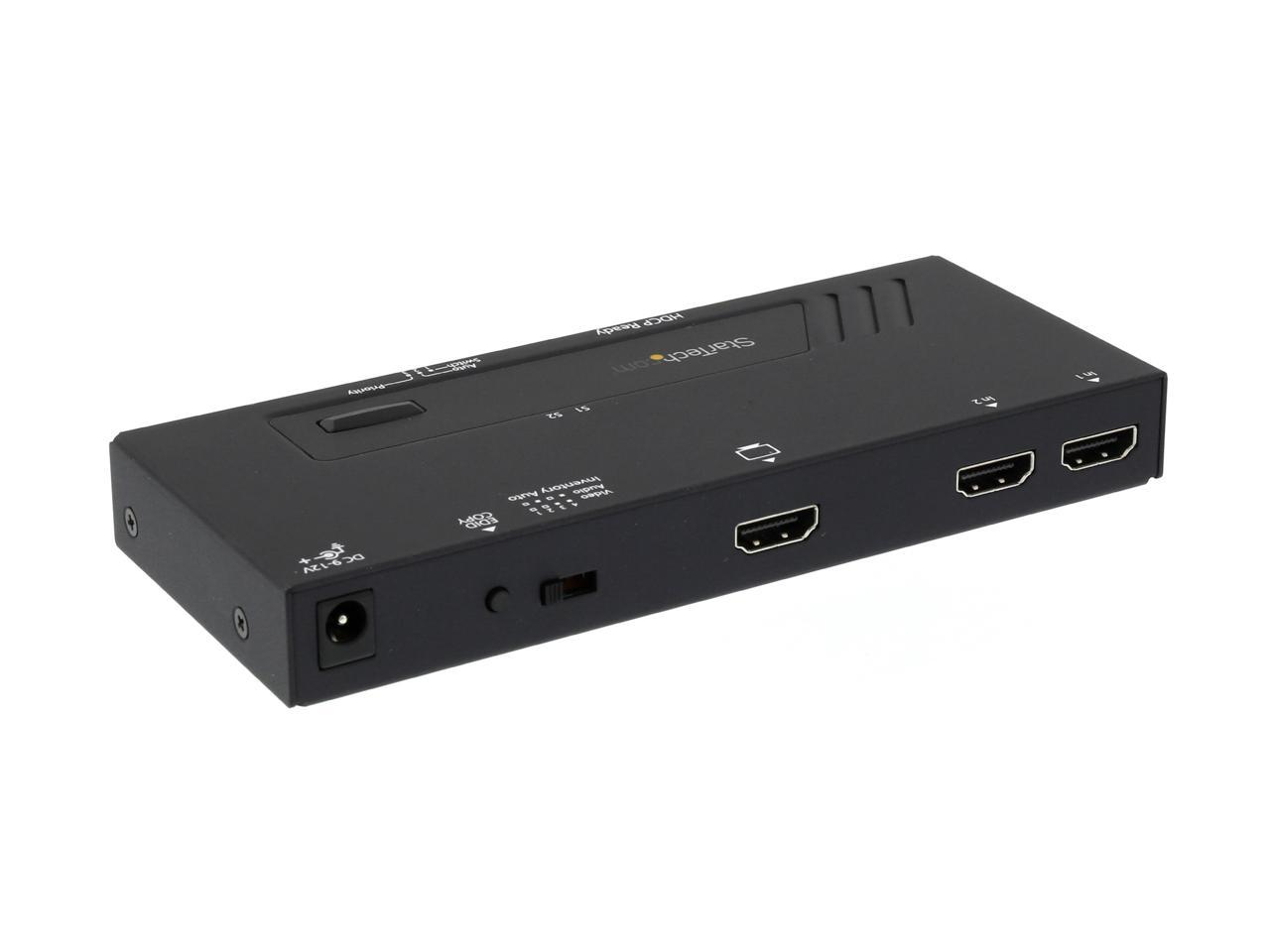
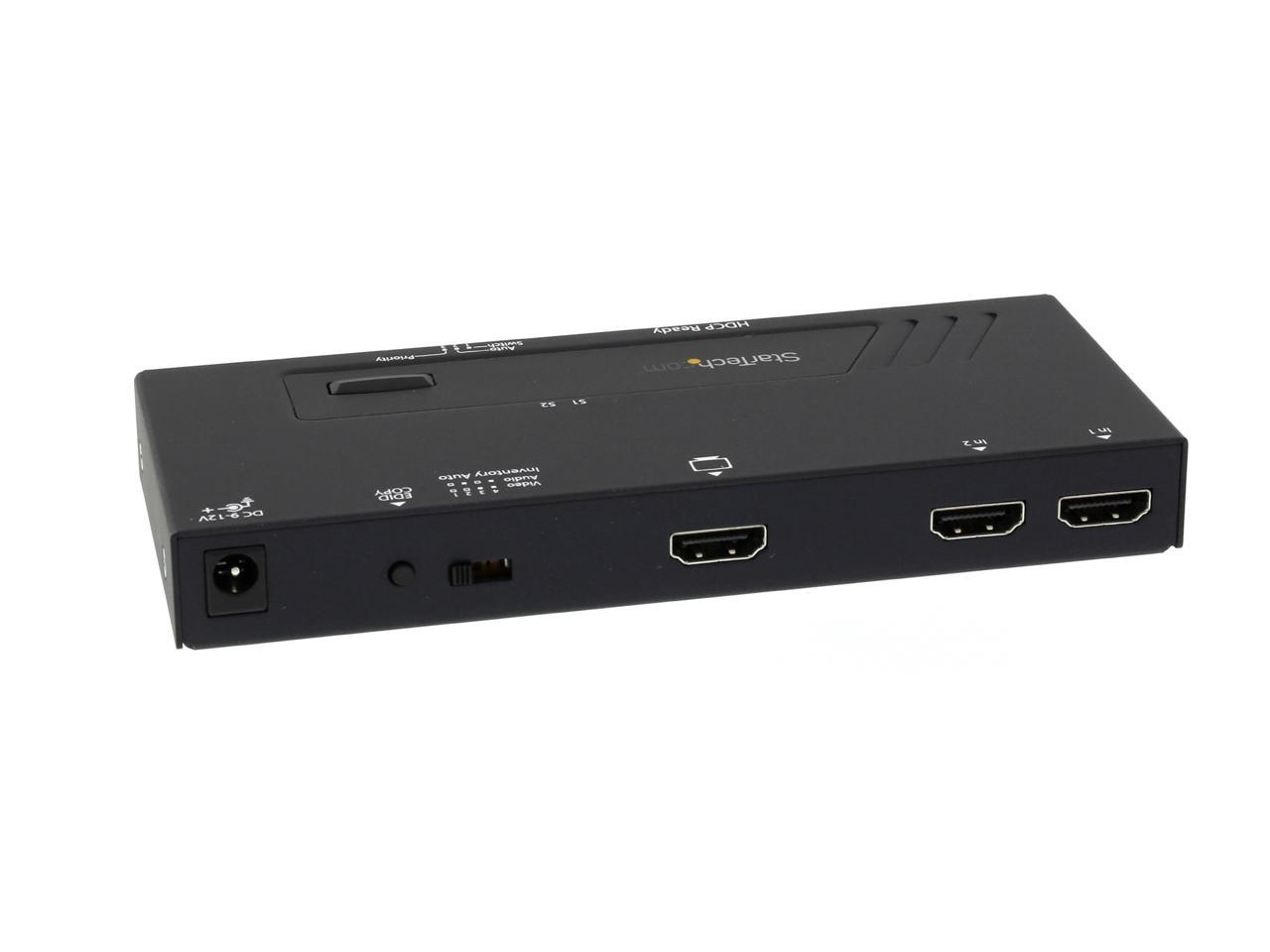
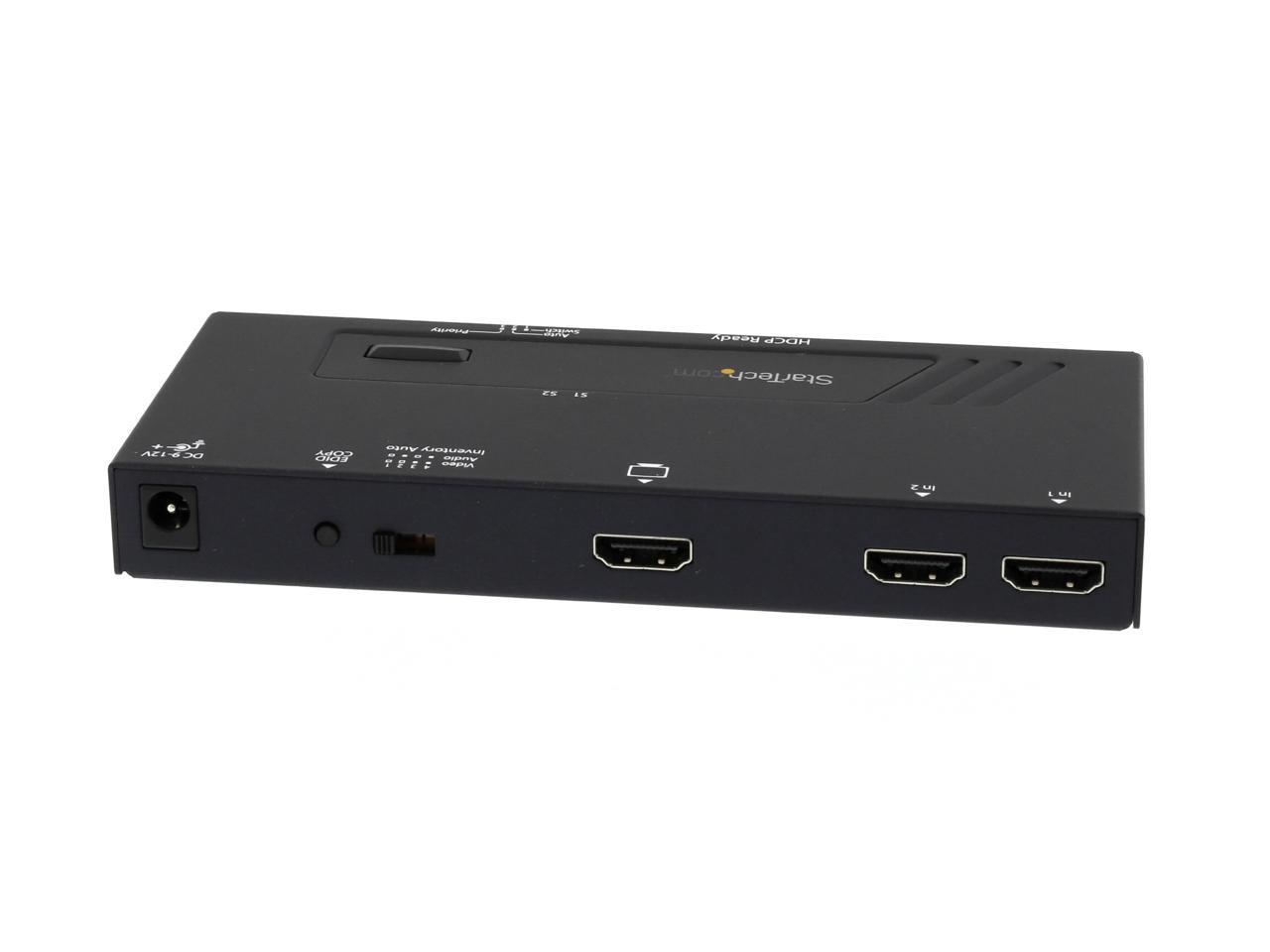
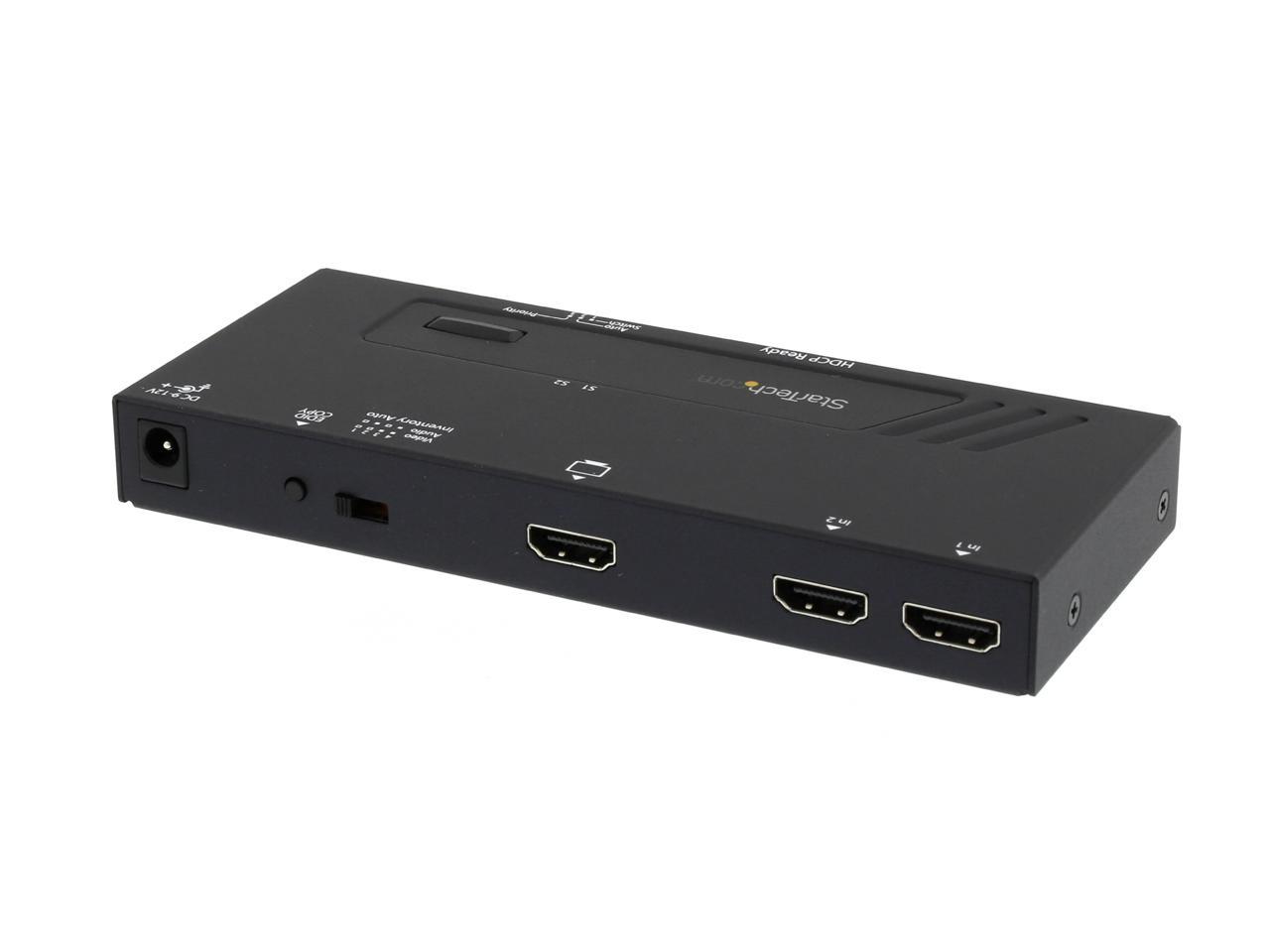
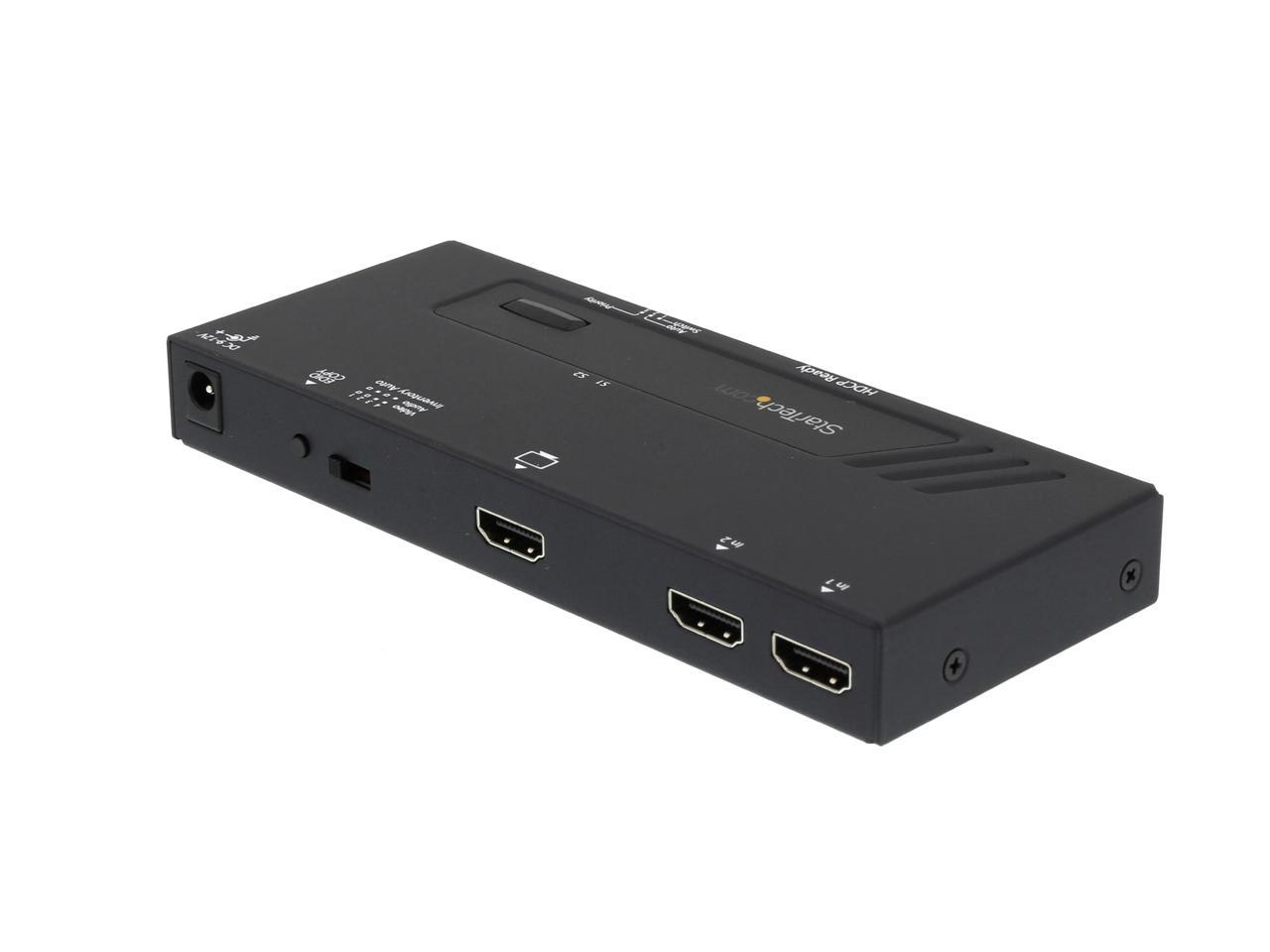
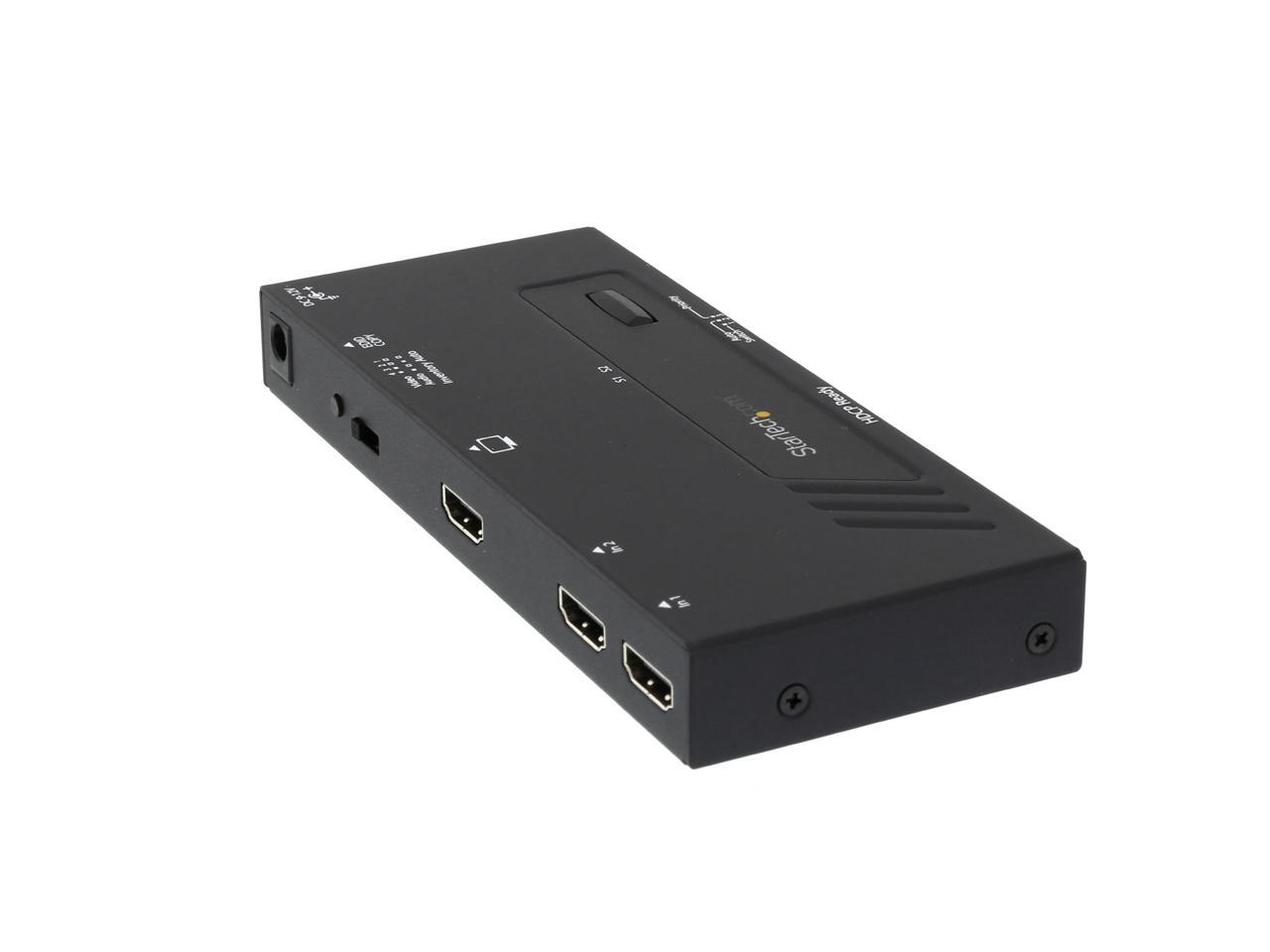
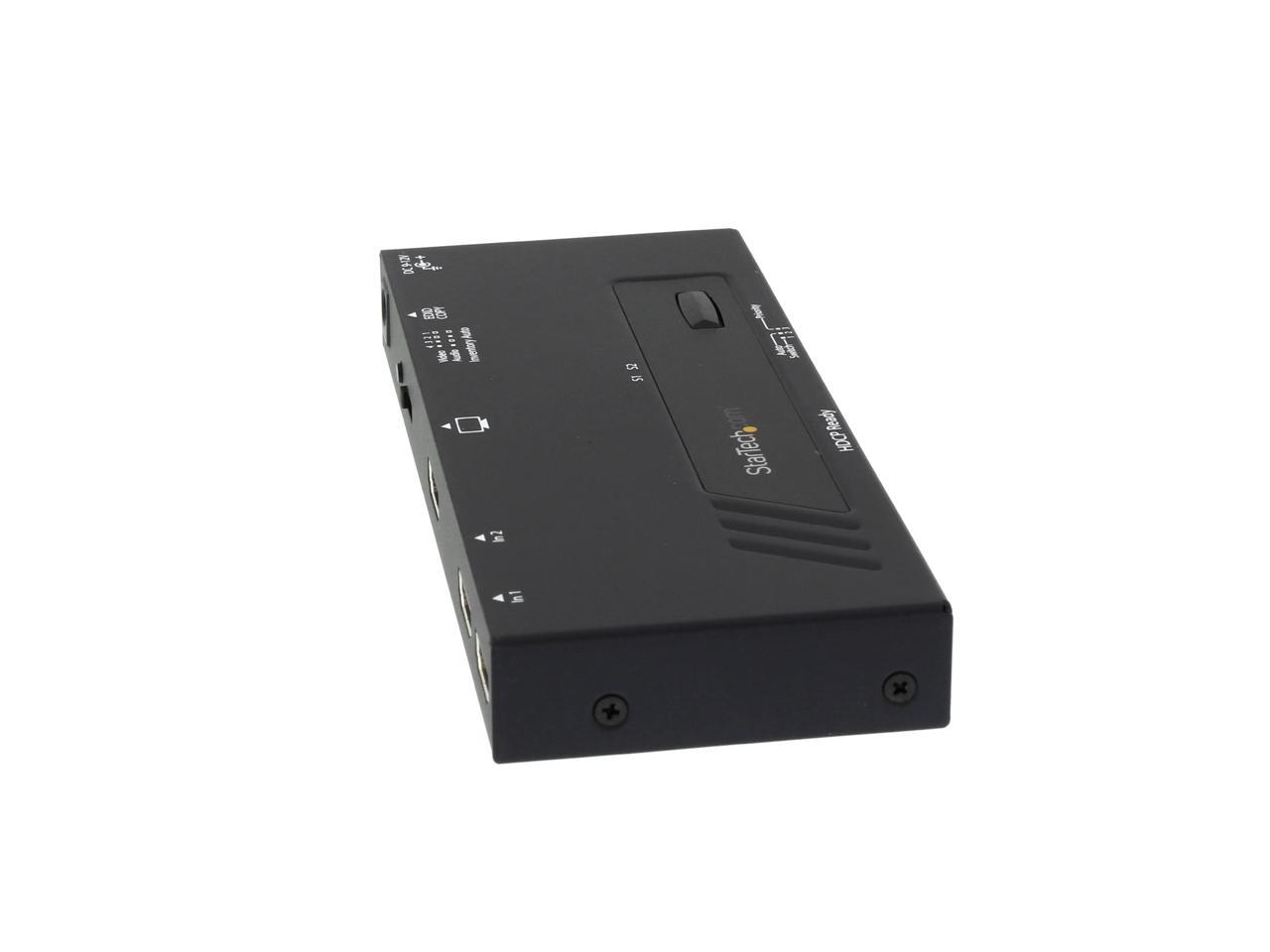
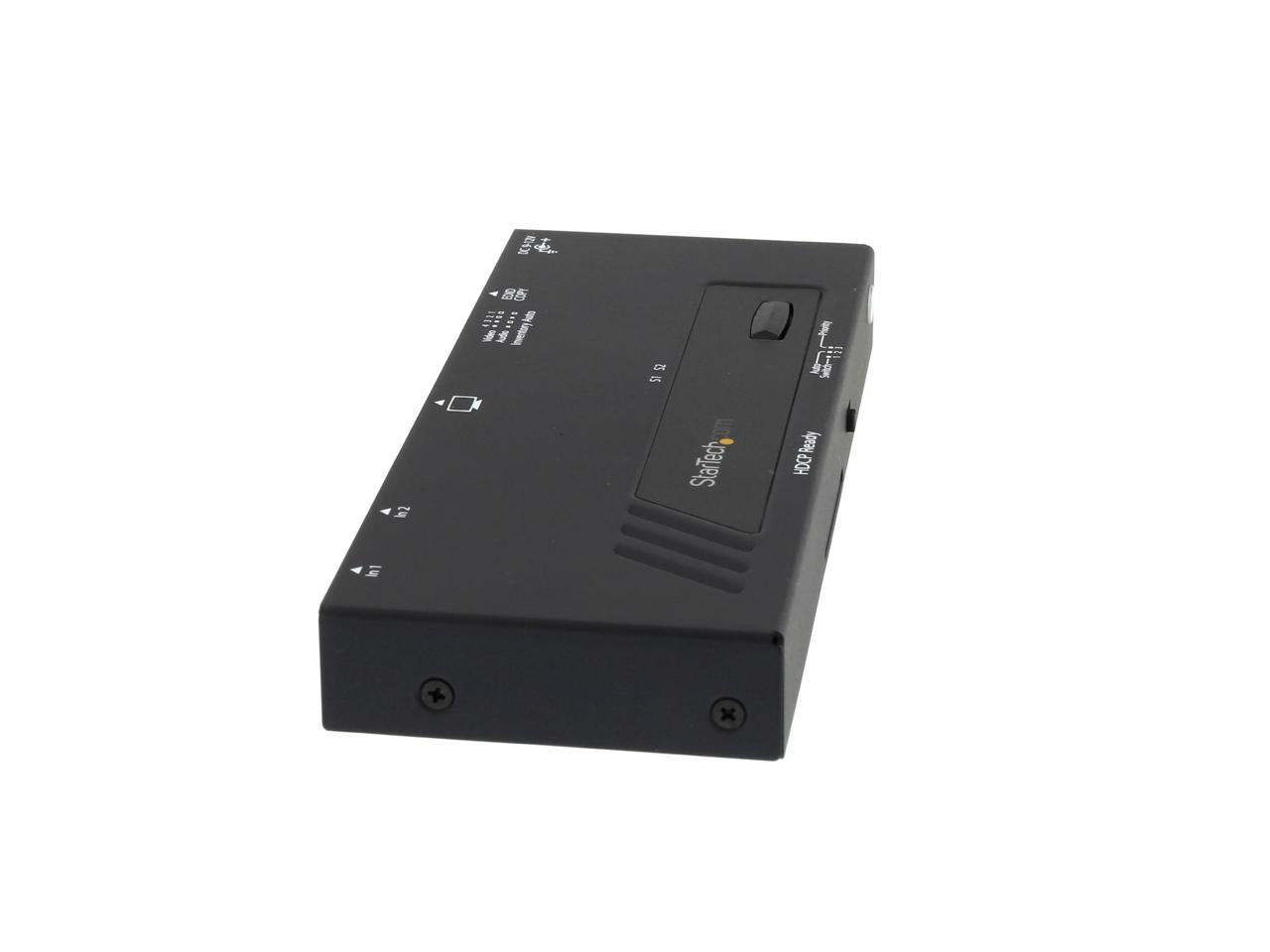
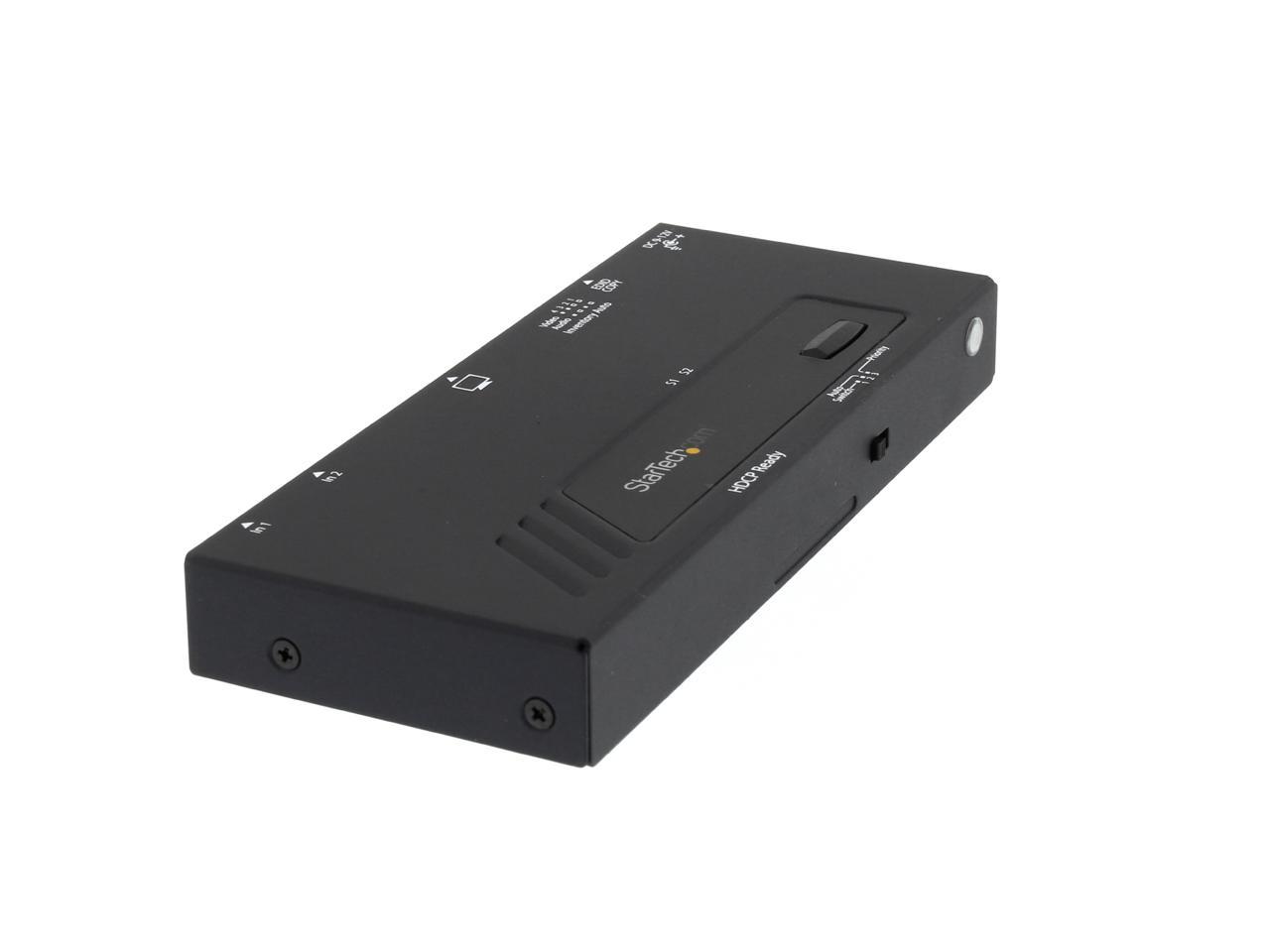
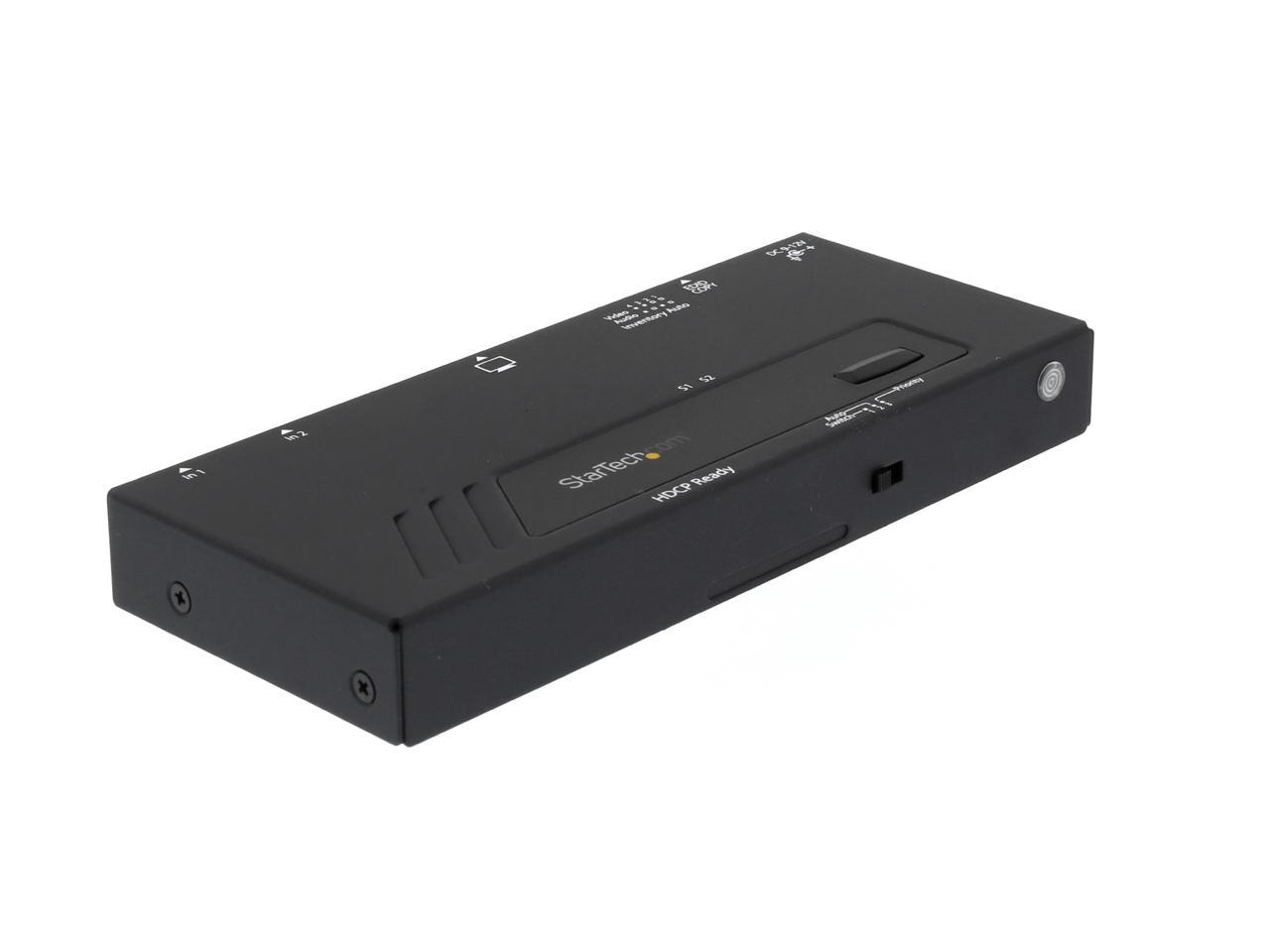
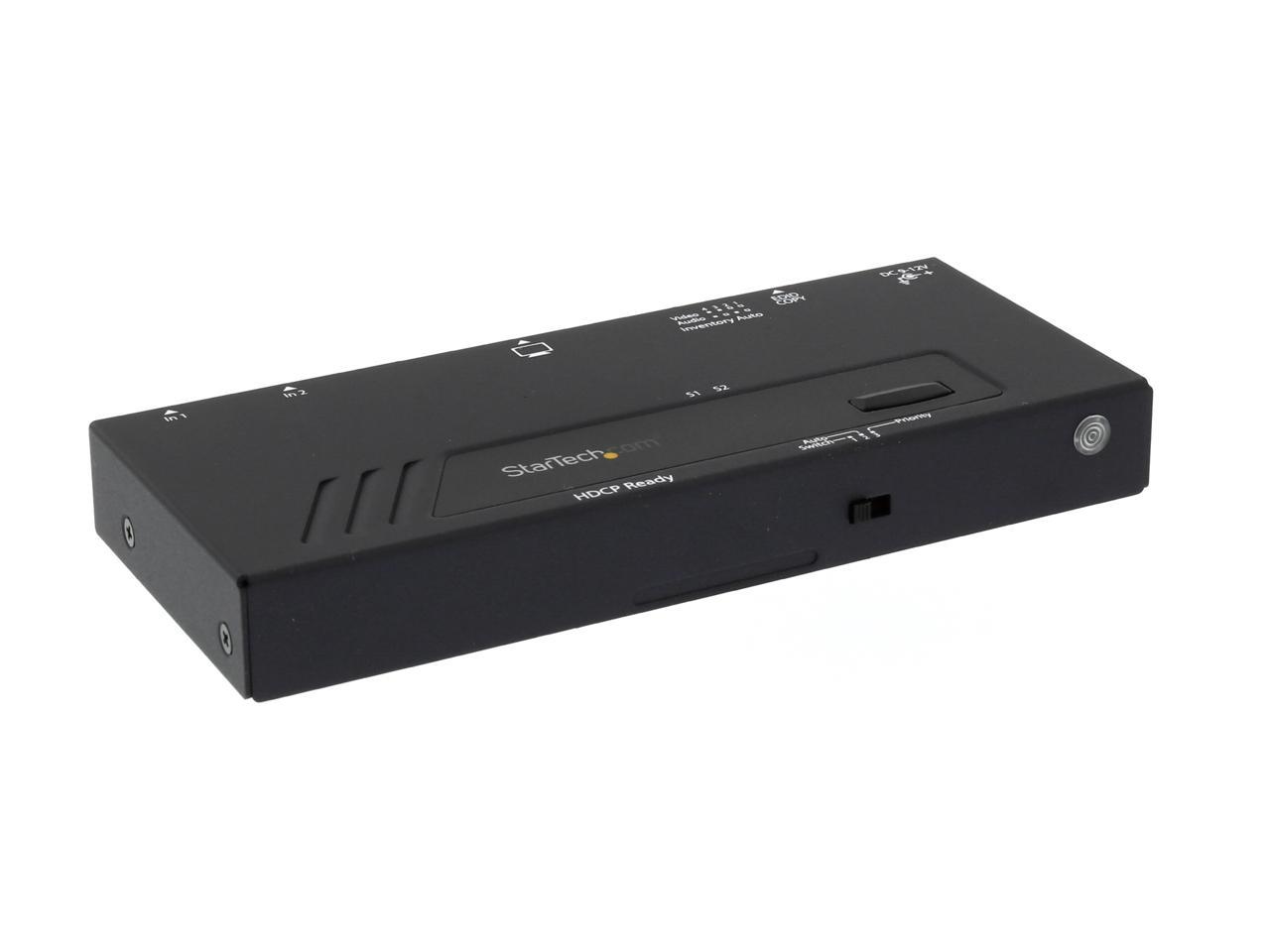
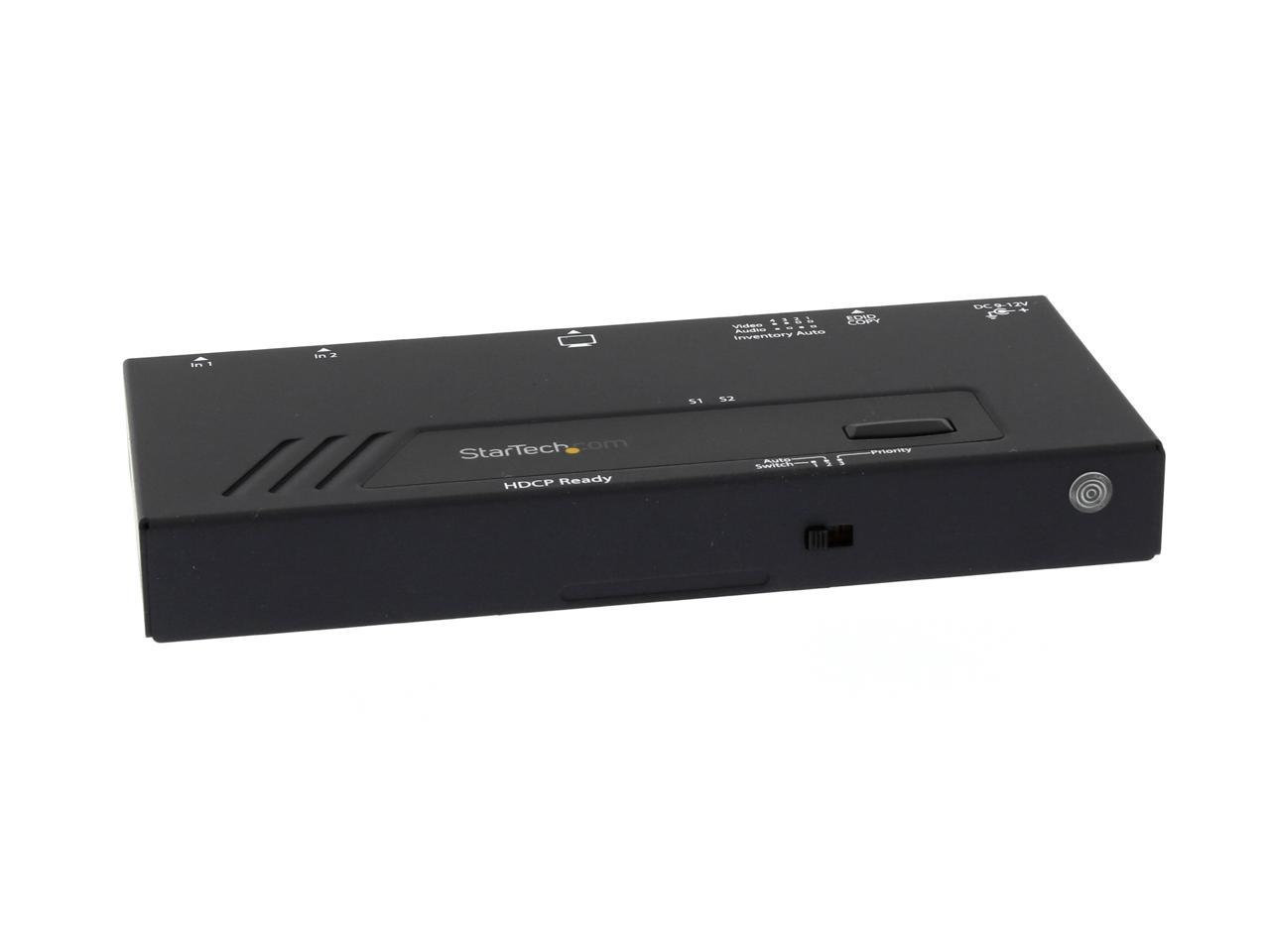
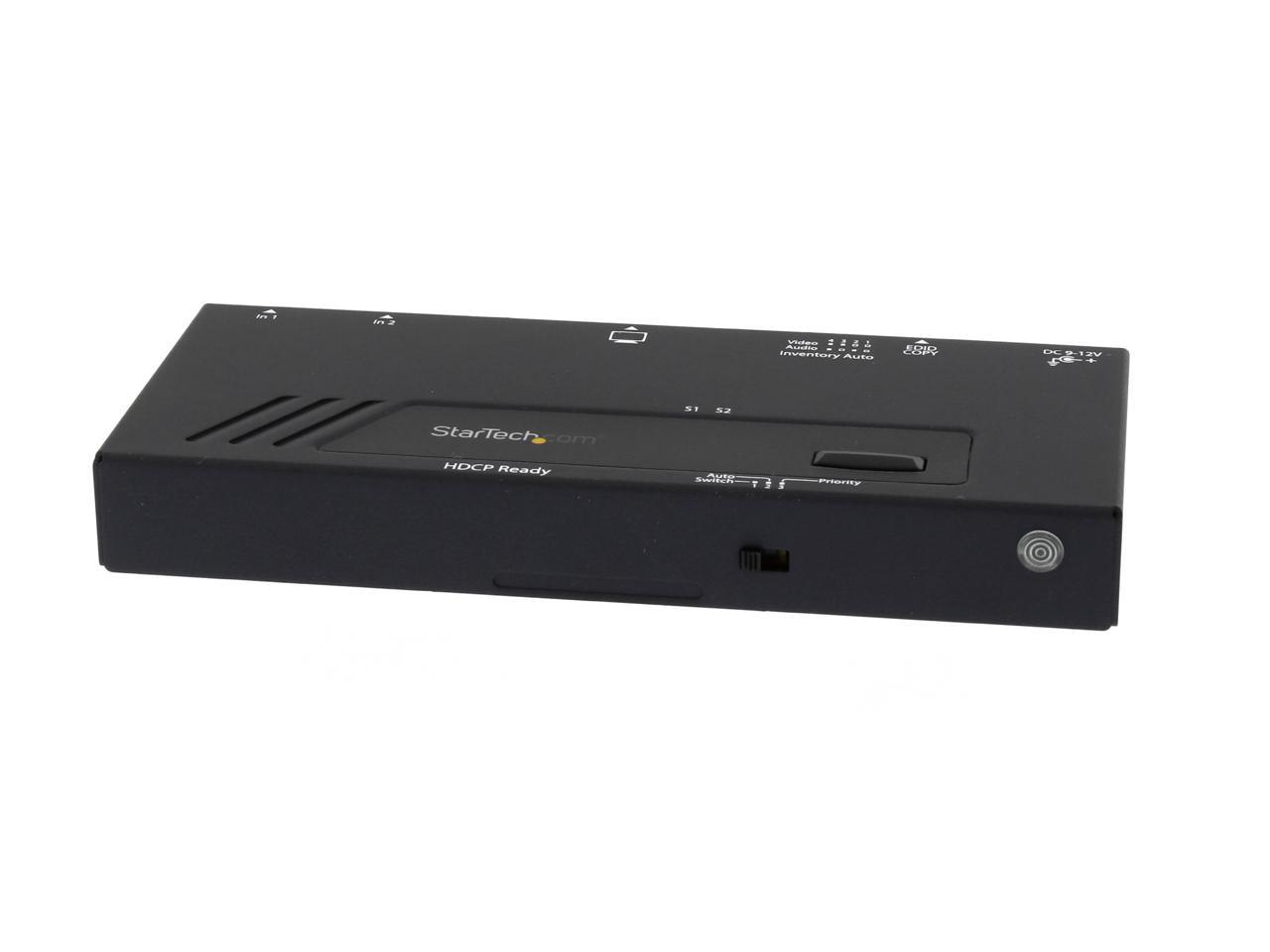
StarTech.com 2 Port HDMI Switch w/ Automatic and Priority Switching - 1080p VS221HDQ

  • Share a single HDMI display or projector between two HDMI video sources
  • With device priority and signal loss switching
  • HDMI Switch
  • HDMI Auto Switch
  • Two Port HDMI Switch
  • Dual Port Priority HDMI Auto Switch
  • 1080p
  • EDID Emulation
  • Built-in Manual Control Console
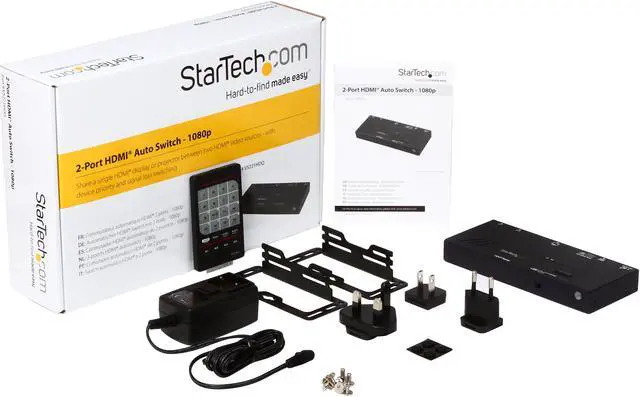
  • Mounting Hardware Included
+
+
Overview
Specs
Reviews
Share a single HDMI display or projector between two HDMI video sources - with d

Warranty & Returns

Warranty, Returns, And Additional Information

Return Policies*

  • Return for refund within: 30 days
  • Returns are subject to restocking fees and return shipping fees. Please click here to learn more about restocking fees and return shipping fees.
  • This item is covered by Newegg.com's International Order Return Policy.
  • Read full return policy for details.
  • *Subject to applicable law
  • Warranty Notice:

    This product does not include manufacturer warranty when purchased or used outside of its designated sales region. By purchasing internationally, you acknowledge that warranty support from the manufacturer will not be available.
LOADING...
LOADING...

The StarTech.com VS221HDQ is a 2-port HDMI switch that lets home or office users share one display or projector between two HDMI sources, with automatic, priority, and manual switching for convenient source selection. It supports up to 1080p or 1920×1200 and 7.1-channel audio.

Recommended For

  • People who alternate between two computers on one 1080p monitor and want to switch video inputs without unplugging cables; the switch offers automatic, priority, and manual selection.
  • Home-theater users who share one TV between two sources, such as a set-top box and Blu-ray player, and want the active or higher-priority source to appear without manually changing cables.
  • Offices or meeting rooms with a fixed display or projector shared by two HDMI sources, where a mounted switch and simple front-panel or remote selection are useful.
  • Users with an existing 1080p or 1920×1200 setup who want EDID copying to help preserve display settings when switching between sources.

Real-World Use Scenarios

  • At a home TV, connect a set-top box and Blu-ray player to one HDMI input; in priority mode, turning on the player can switch the display to it, then return to the set-top box when the player is turned off.
  • At a desk with two computers and one 1080p monitor, use the switch to share the display instead of moving HDMI cables; select the active computer automatically or with the front-panel control.
  • In a meeting room or classroom, connect two HDMI sources to one projector and use manual selection to choose which presentation or video is shown.
  • For a simple home setup with a console and a set-top box on one 1080p display, connect both once and switch sources as needed rather than repeatedly unplugging and reconnecting HDMI cables.
  • On a computer test bench, connect two HDMI-equipped systems to one display and manually switch between them while troubleshooting, without changing the display’s cable connection each time.

Spec Summary

AttributeValue
Best ForSharing one HDMI display or projector between two HDMI video sources
HDMI Switching And CompatibilityTwo HDMI female inputs connect to one HDMI female output; supports automatic, priority, and front-panel manual source selection, with EDID emulation to preserve display settings while switching
Video And Audio SupportSupports resolutions up to 1920 × 1200, including 1080p and 720p, with 7.1-channel surround sound
Signal Distance And IndicatorsMaximum distance: 33 ft; front indicators show when source 1 or source 2 is active
PowerIncludes an AC adapter with 100–240 V AC input and 12 V DC, 1.5 A output; power consumption is 18 W
Physical Design And InstallationBlack aluminum-and-plastic enclosure; measures 6.1 × 2.6 × 0.8 in and weighs approximately 0.64 lb; mounting kit and foot pads included
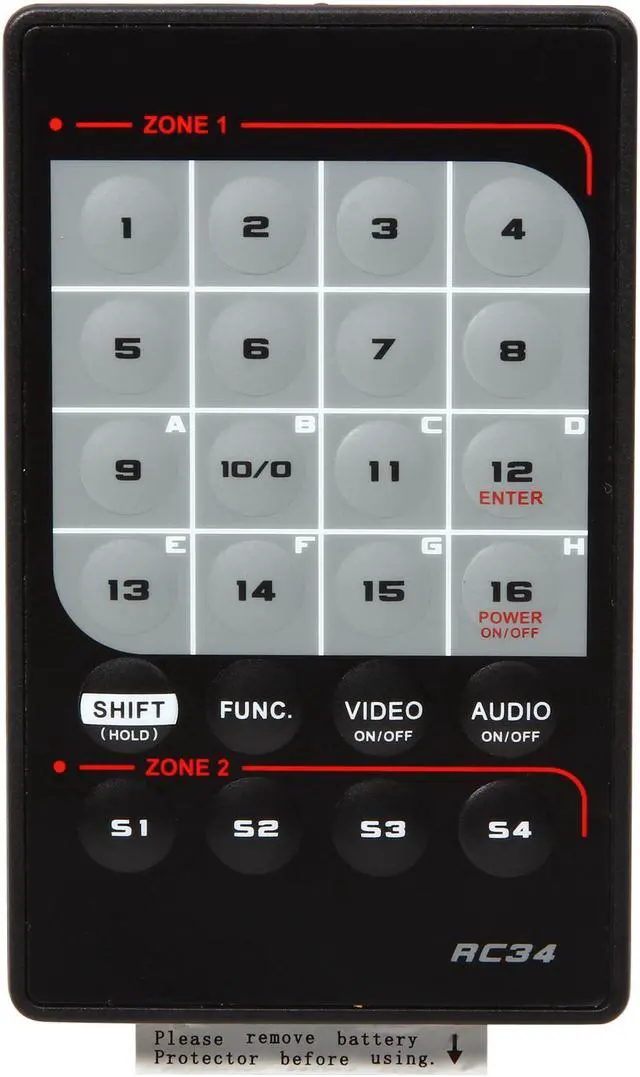
Included AccessoriesUniversal power adapter, remote control, foot pad set, mounting kit, and instruction manual
Operating EnvironmentOperates from 0 to 40 °C at 0%–80% humidity; storage temperature range is −20 to 60 °C
Model IdentifiersStarTech.com VS221HDQ