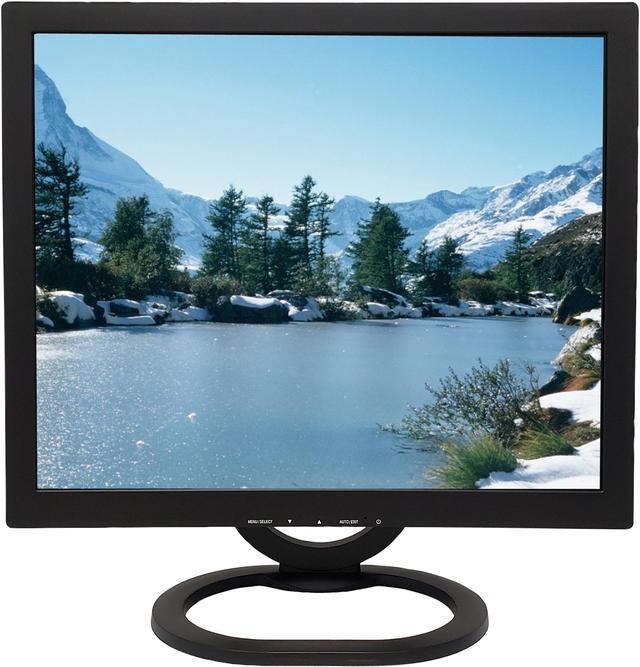
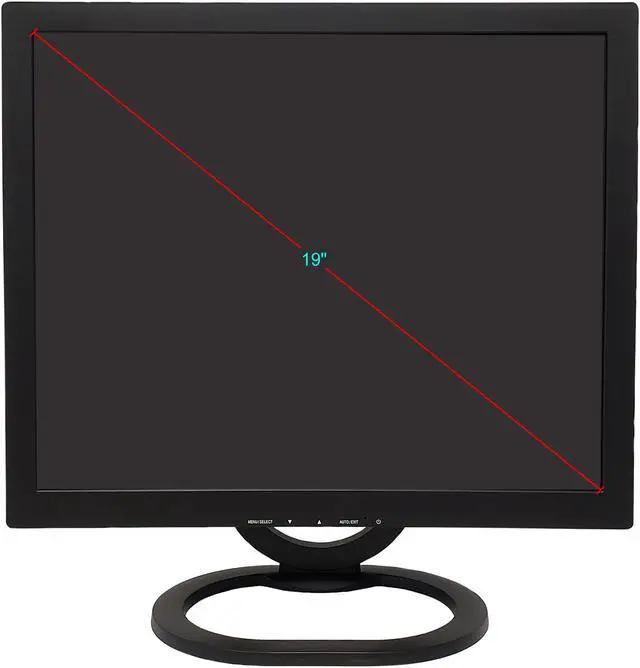
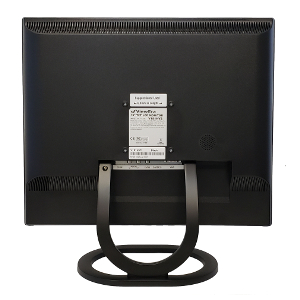
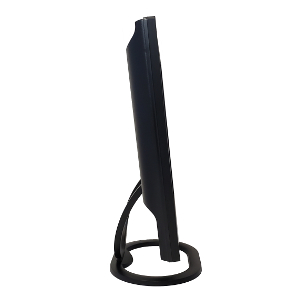
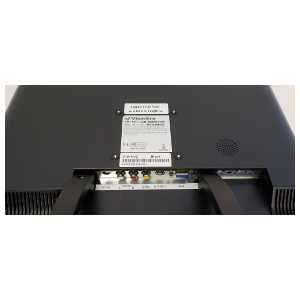
The ViewEra V191HV2 is a 19-inch, 5:4 TFT LCD monitor with 1280 × 1024 resolution, VGA, S-Video, and composite inputs, making it a practical fit for users connecting older computers or legacy video devices.
Recommended For
- Owners of older game consoles or video equipment with composite or S-Video output who want to connect directly to a monitor.
- Users maintaining an older analog-video or security-monitor setup that needs VGA, composite, or S-Video connections rather than a modern digital display input.
- People keeping a legacy VGA desktop or industrial computer in service who need a compact 5:4 display with a native 1280 × 1024 resolution.
Real-World Use Scenarios
- For a retro console with composite or S-Video output, connect it directly to the monitor to play older games without needing a modern HDMI display.
- To watch tapes or discs from a VCR or DVD player, use the composite or S-Video connection; the built-in speaker provides basic audio without separate desktop speakers.
- For a legacy computer with VGA output, use it as a compact desktop display for basic tasks; it is not suited to setups that require HDMI or DisplayPort.
- For viewing an analog camera or camcorder feed, connect its composite or S-Video output to review footage on the monitor without routing it through a computer.
- In an analog video-monitoring setup, use it to view a compatible composite-video output from a camera system or recorder; check that the system provides a matching output.
Spec Summary
| Attribute | Value |
|---|
| Best For | Compact desktop setups and legacy analog video sources, with VGA, S-Video, and composite inputs |
|---|
| Panel And Resolution | 19-inch flat TFT LCD panel with 5:4 SXGA resolution of 1280 × 1024, 0.294 mm pixel pitch, 170° horizontal and 160° vertical viewing angles, 16.7 million colors, 250 cd/m² brightness, and 1,000:1 contrast |
|---|
| Refresh Rate And Response | 56–75 Hz vertical refresh rate, 31–80 kHz horizontal refresh rate, and 5 ms typical response time |
|---|
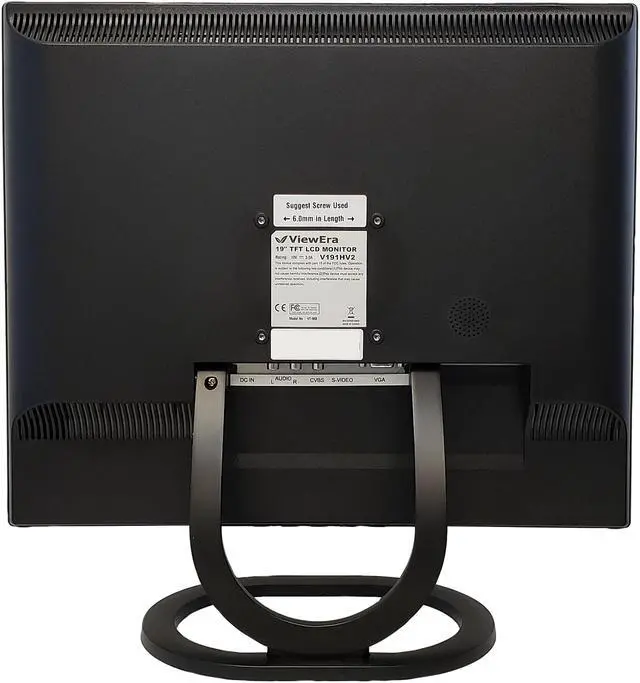
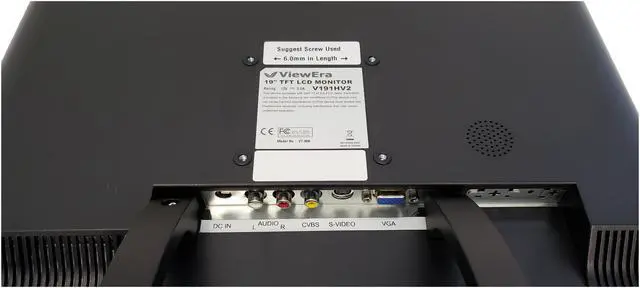
| Ports And Connectivity | Analog video inputs include one D-Sub (VGA), S-Video, and composite video |
|---|
| Stand And Mounting | Tilt-adjustable stand and 75 × 75 mm VESA wall-mount compatibility |
|---|
| Audio | Built-in 3 W speaker |
|---|
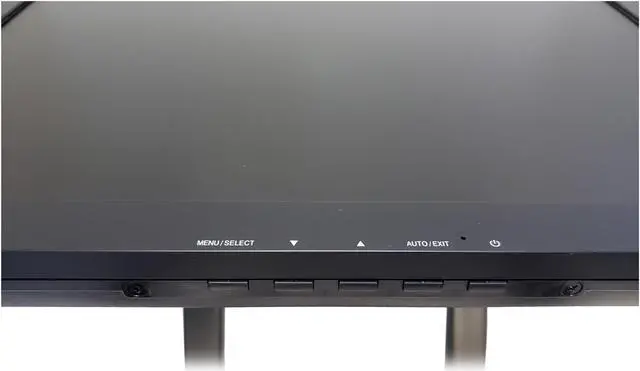
| Controls And Picture Adjustments | Front-panel buttons; on-screen controls include brightness, contrast, image positioning, color, sharpness, volume, and language settings |
|---|
| Power | 100–240 VAC, 50/60 Hz power supply; maximum consumption 45 W |
|---|
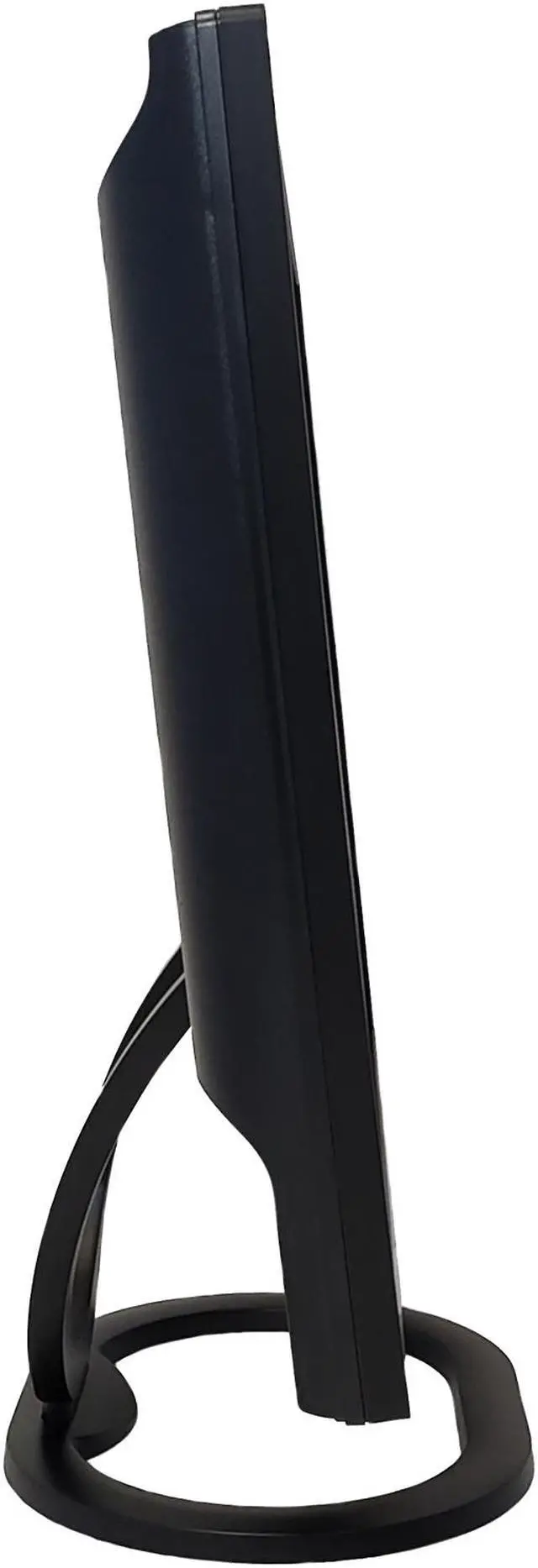
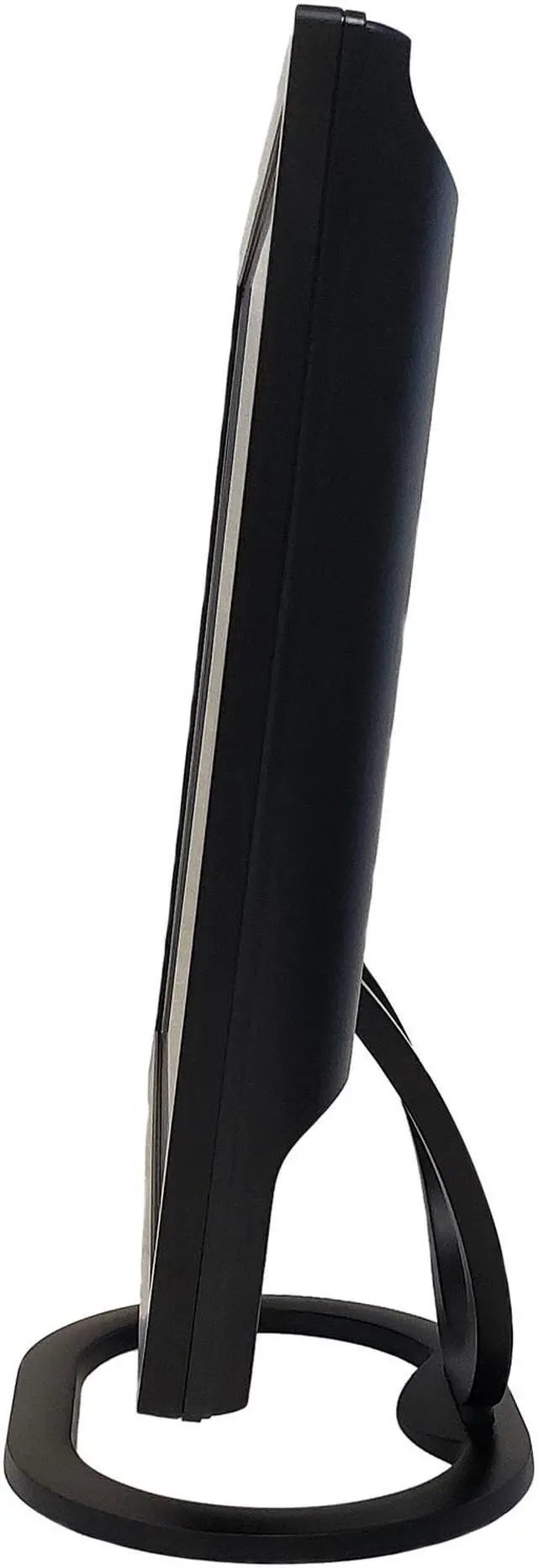
| Physical Design | Black cabinet; 16.63 × 16.54 × 6.89 inches with stand and 13.78 × 16.54 × 2.05 inches without stand; weighs 8.05 lb with stand or 7.05 lb without stand |
|---|
| Included Accessories | Power adapter, power cord, VGA cable, audio cable, and user manual |
|---|
| Model Identifiers | ViewEra V191HV2 |
|---|
Reference Q&A
Q: ViewEra V191HV2 or V191BN2 for connecting a security camera?
A: Choose the V191HV2 when your setup uses S-Video or composite video; choose the V191BN2 when it uses BNC video connections or benefits from BNC video loop-through. Both are 19-inch, 1280 × 1024 ViewEra monitors with built-in speakers. ([pangoly.com](https://pangoly.com/en/product/viewera-v191hv2?utm_source=openai))
Q: Should I choose the ViewEra V191HV2 or V172SV2 for a larger screen?
A: Choose the V191HV2 for a larger 19-inch display; the V172SV2 has a 17-inch screen. Both are listed with 1280 × 1024 resolution and VGA, S-Video, and composite video inputs, making screen size the main stated distinction for this choice. ([walmart.com](https://www.walmart.com/ip/905710064?utm_source=openai))
Q: ViewEra V191HV2 or V151HV3 for a compact display with HDMI?
A: Choose the V191HV2 for a 19-inch, 1280 × 1024 screen with VGA, S-Video, and composite inputs. Choose the V151HV3 when a 15-inch display with HDMI as well as VGA and analog video inputs better matches your setup; it has 1024 × 768 resolution. ([viewera.com](https://viewera.com/v151hv3_black.htm?utm_source=openai))
Q: Can I connect this monitor to a laptop or desktop?
A: Yes, if the computer has a VGA video output. The monitor has one VGA input and also accepts S-Video and composite video; it has no HDMI or USB-C input, so a computer with only those ports would need a compatible video adapter. A VGA cable is listed in the package contents.
Q: Does it have built-in speakers?
A: Yes. The monitor has one built-in 3-watt speaker. The listed inputs are VGA, S-Video, and composite video; check that your source device can provide a compatible video connection before buying.
Q: Is this monitor suitable for everyday office or study work?
A: It can suit basic computer tasks such as documents and web browsing if its 19-inch, 1280 × 1024, 5:4 display meets your needs. Its resolution and non-widescreen format may be limiting if you need more room for side-by-side windows or detailed work.
Q: Can I mount it on a monitor arm or wall mount?
A: Yes. It supports VESA mounting at 75 × 75 mm. Confirm that the arm or mount supports that pattern and the monitor’s weight; the listed weight without the stand is 7.05 lb.


 All Categories