- Free 30-day Returns
- ฿6,319.51 Shipping
฿10,437.84
VAT-Inclusive Price
Add to PC build list
Ships from United States.
Sold by Newegg
Shipped by Newegg
Best Sellers
- $13,290.34
- + ฿12,727.97 Shipping
Get Educated
Make informed decisions with expert advice. Learn More
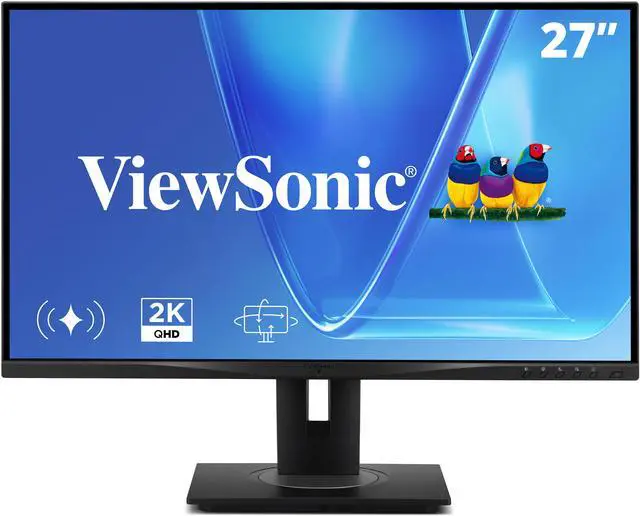
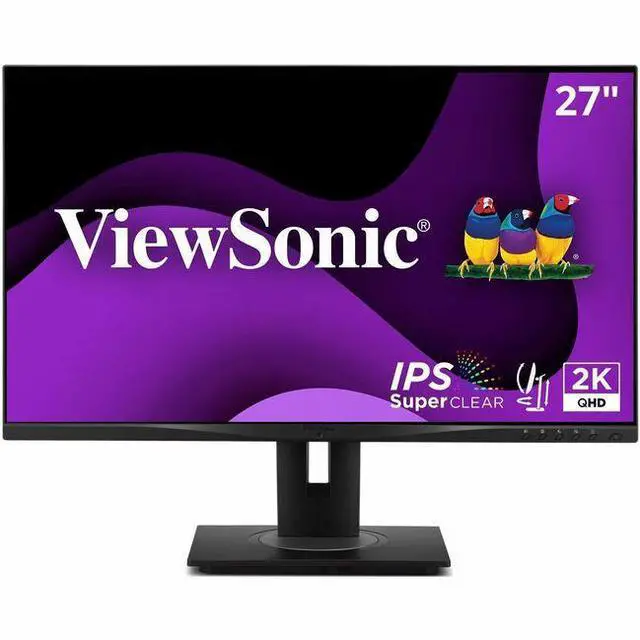
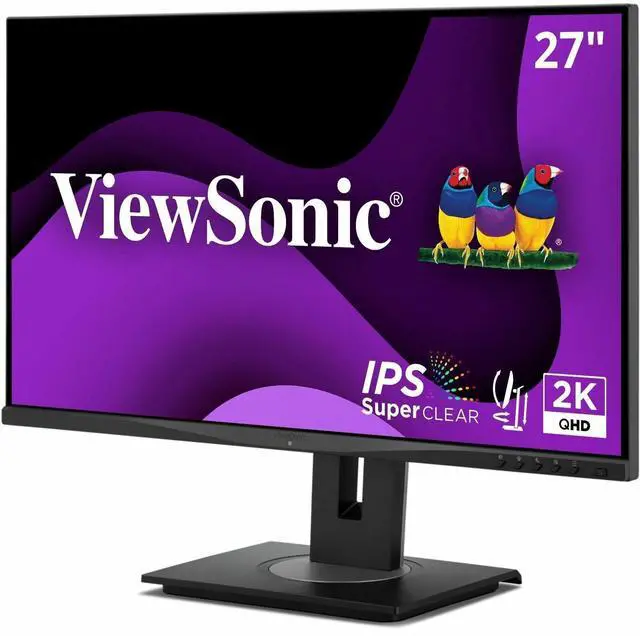
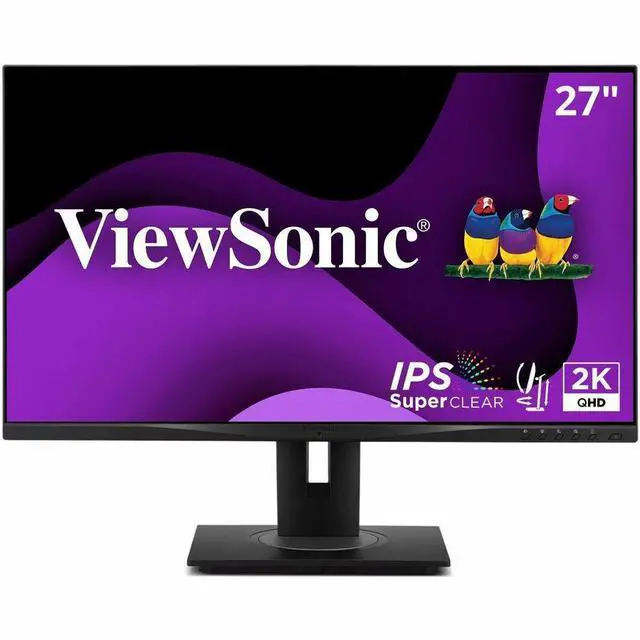
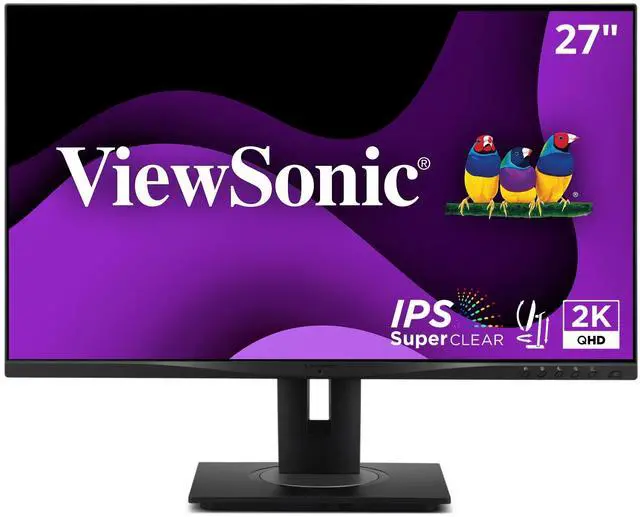
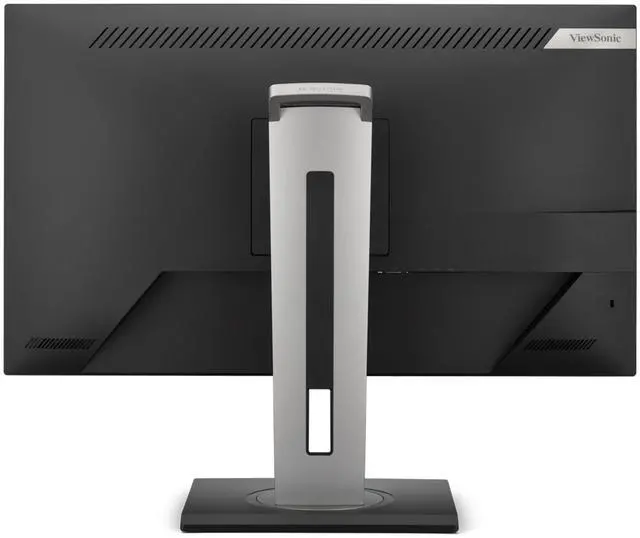
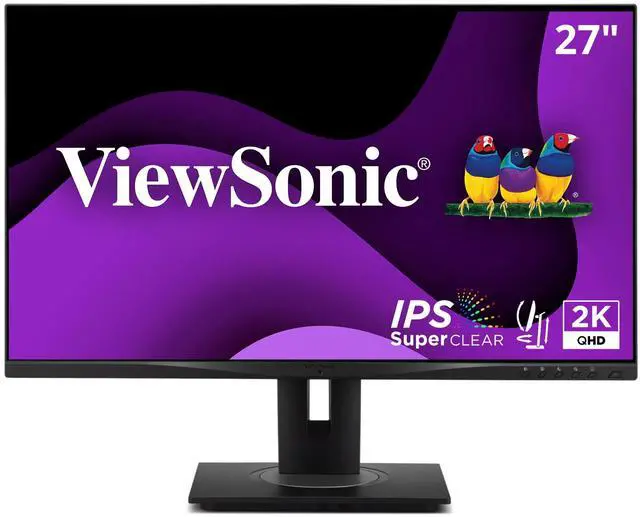
ViewSonic VG2748A-2K 27 Inch IPS QHD Ergonomic Monitor with Ambient Light Sensor, Auto Screen Dimmer, Screen Privacy Alert, USB HUB, DisplayPort, HDMI, and VGA for Home and Office
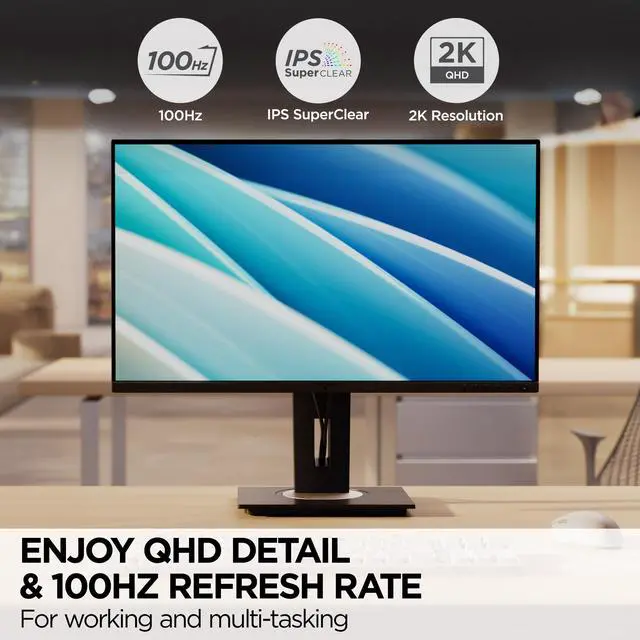
- VERSATILE MONITOR: 27-inch QHD WQHD (2560x1440p) IPS monitor with 100Hz refresh rate
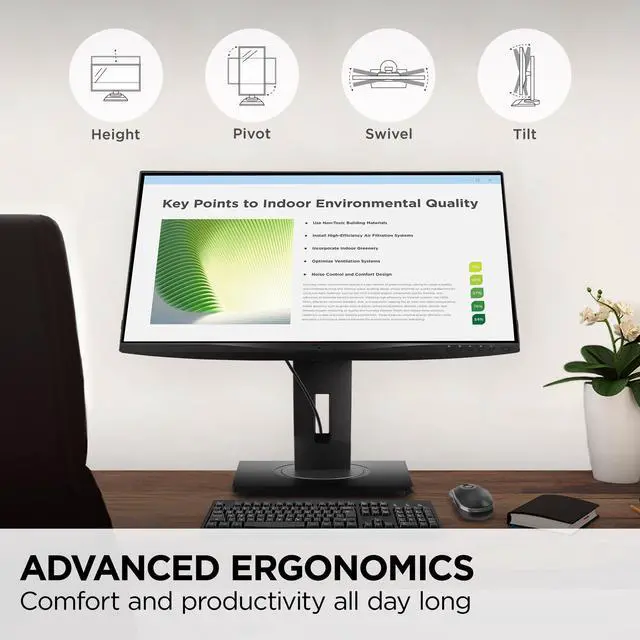
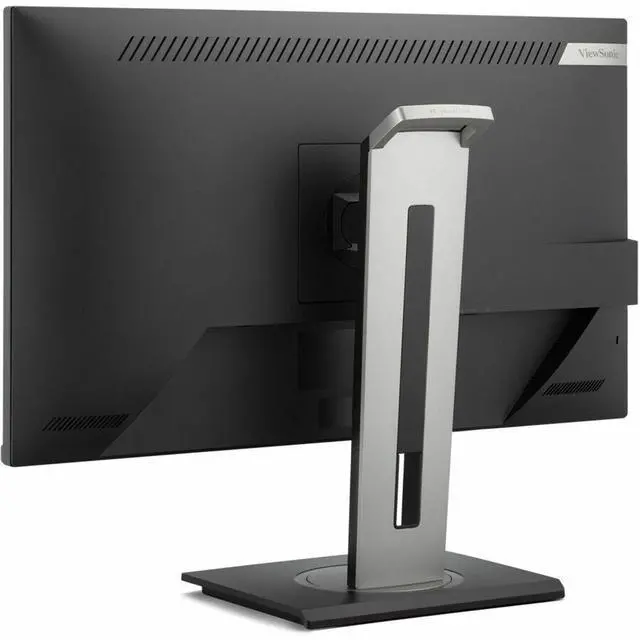
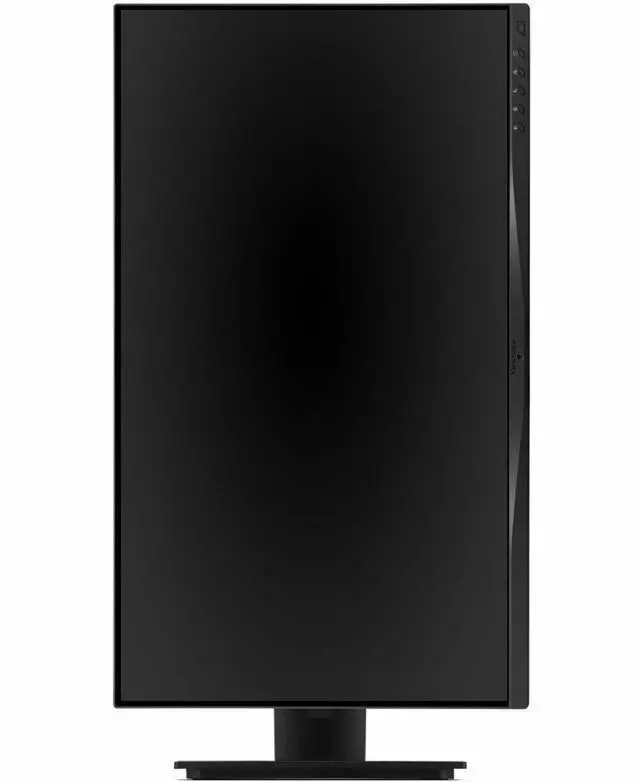
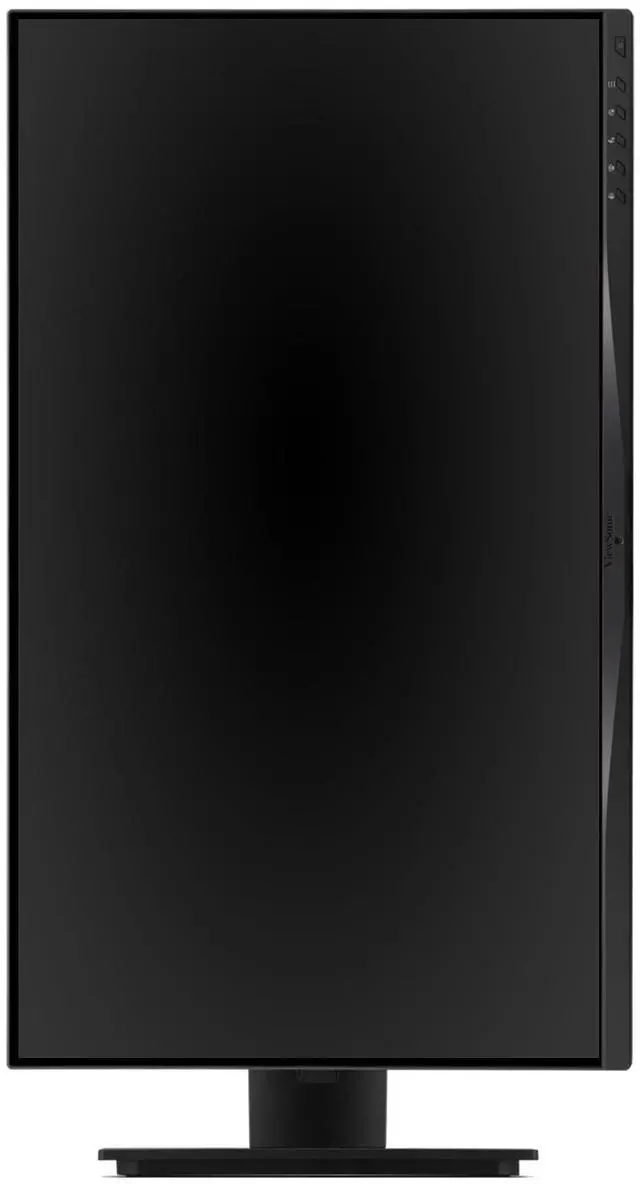
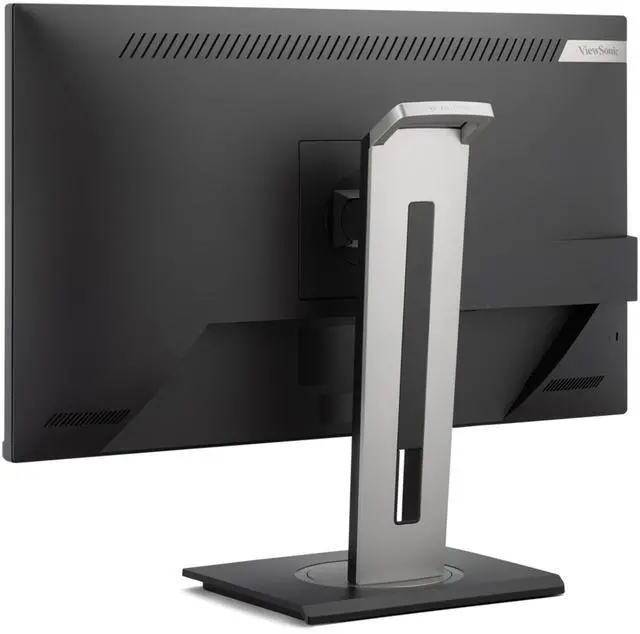
- ERGONOMIC STAND: Advanced ergonomics (tilt, swivel, rotate, and height adjustment) for all-day comfort
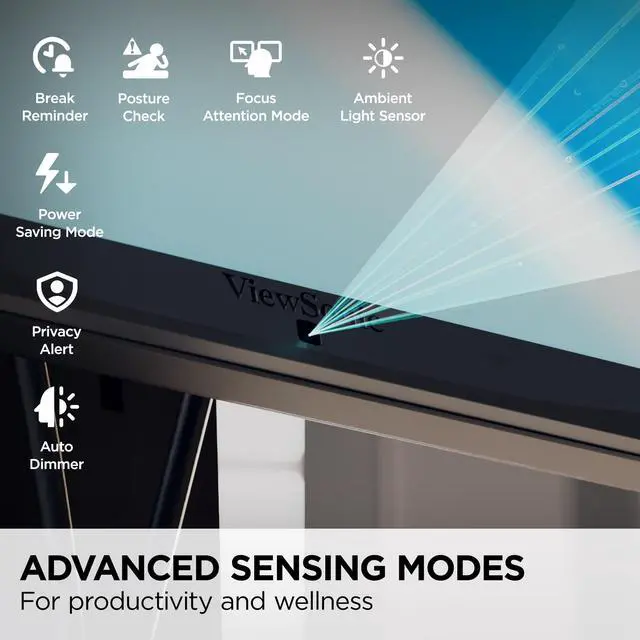
- INTELLIGENT SENSING: Seven smart modes support wellness and productivity with auto dimming, privacy alerts, posture check, and break reminders.
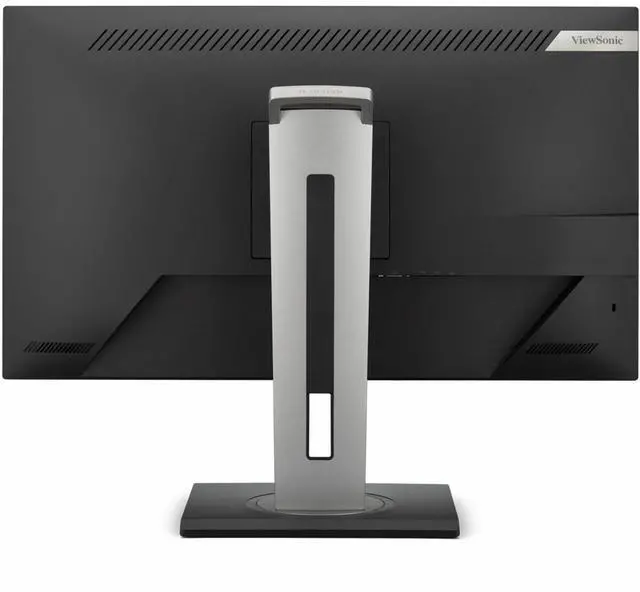
- VERSATILE STAND: Easy-to-install quick quick-release stand with carrying handle and client mount
- ENHANCED VIEWING COMFORT: Flicker-Free technology and Blue Light Filter for reduced eye fatigue
+
+
Overview
Specs
Reviews
Experience unparalleled comfort and privacy with the VG2748A-2K, a 27 QHD (2560 x 1440) intelligent sensing monitor. This advanced monitor features seven intelligent sensing modes, including an ambient light sensor, auto screen dimmer, screen privacy alert, power saving, break reminder, posture check, and focused attention. The ambient light sensor and auto screen dimmer work together to provide optimal viewing comfort by adjusting the screen brightness based on your environment. The screen privacy alert safeguards your sensitive information by notifying you of any onlookers, while the power-saving mode conserves energy, reducing your environmental footprint.
Additionally, the break reminder and posture check features promote healthier work habits by encouraging regular breaks and proper sitting posture. The focused attention mode helps you stay on task by minimizing distractions. Designed with your comfort in mind, the VG2748A-2K boasts an ergonomic design that allows for personalized adjustments to ensure a comfortable viewing experience. The built-in USB hub enables you to connect your peripherals with ease, while the rich connectivity options, including HDMI and DisplayPort inputs, provide seamless integration with your devices. Embrace a monitor that prioritizes your well-being, security, and connectivity with the VG2748A-2K.
Its eco-friendly packaging further underscores its commitment to sustainability.
Warranty & Returns
Warranty, Returns, And Additional Information
Return Policies*
- Return for refund within: 30 days
- Returns are subject to restocking fees and return shipping fees. Please click here to learn more about restocking fees and return shipping fees.
- This item is covered by Newegg.com's International Order Return Policy.
- Read full return policy for details.
- *Subject to applicable law
Warranty Notice:
This product does not include manufacturer warranty when purchased or used outside of its designated sales region. By purchasing internationally, you acknowledge that warranty support from the manufacturer will not be available.
Manufacturer Contact Info
- Manufacturer Website
- Support Phone: 1-800-688-6688
- Support Website
- View other products from ViewSonic
LOADING...
LOADING...
The ViewSonic VG2748A-2K is a 27-inch QHD IPS monitor with a 100Hz refresh rate, ergonomic adjustments, and smart sensing features, suited to home and office users who want a comfortable, flexible display for everyday work.
Recommended For
- Office workers who spend long sessions at a desk and want to adjust monitor height, tilt, swivel, and rotation, with optional brightness sensing, posture checks, and break reminders.
- People who work across documents, spreadsheets, and browser windows and want a 27-inch QHD workspace with a smooth 100Hz refresh rate for everyday office use.
- Shared-office or privacy-conscious workers who want an on-screen alert when someone is detected nearby, alongside automatic brightness and power-saving options.
- Workplaces connecting a mix of newer and older desktop PCs that can use DisplayPort, HDMI, or VGA, and want a built-in USB hub for nearby peripherals.
Real-World Use Scenarios
- For office work involving spreadsheets, documents, and browser tabs, the 27-inch QHD screen provides room to keep more windows visible at once, which can reduce frequent switching between tasks.
- For a home-office desk used throughout the day, the adjustable stand lets users set the screen’s height, angle, and orientation to suit their seating position; posture prompts are available if enabled, though a reviewer found the sensing features did not always behave as described.
- In a shared office or other space where people may pass behind the desk, the privacy-alert feature can provide an extra cue when someone is looking toward the screen; it should not be treated as a replacement for locking the computer or protecting sensitive information.
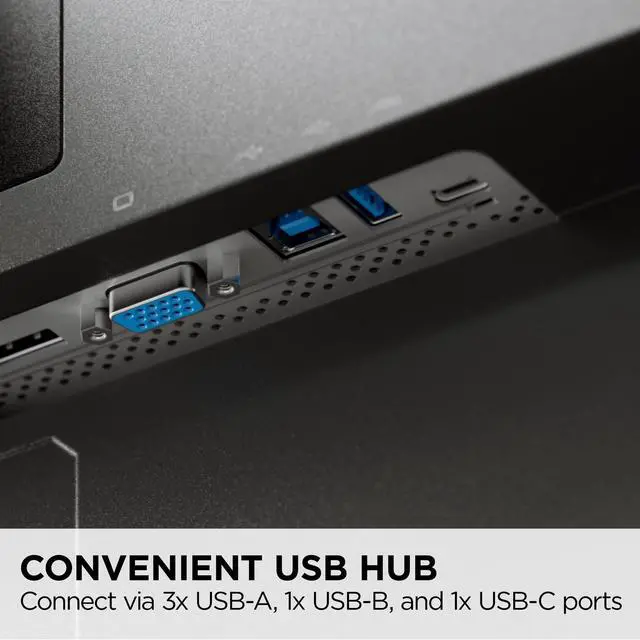
- For a desk with a computer and frequently used USB accessories, the monitor’s USB hub can keep peripherals connected near the screen and help reduce cable clutter; the USB-C port provides up to 15W and is not a high-power laptop-charging connection.
- In a home office with changing daylight, the ambient-light mode can adjust screen brightness automatically when enabled; users who prefer a consistent brightness may want to adjust it manually, since a reviewer reported inconsistent results from the sensing features.
Spec Summary
| Attribute | Value |
|---|---|
| Best For | Business and desktop setups needing a 27-inch QHD monitor with ergonomic adjustment and multiple device connections |
| Panel And Resolution | 27-inch flat IPS/WLED display with 2560 × 1440 QHD resolution, 16:9 aspect ratio, 16.7 million colors, and 99% sRGB gamut |
| Refresh Rate And Response | 100 Hz refresh rate and 5 ms response time |
| Image Quality And Viewing Comfort | 350 cd/m² brightness, 1300:1 static contrast, 178° horizontal and vertical viewing angles, matte anti-glare finish, flicker-free technology, blue light filter, and advanced sensing modes with integrated software control |
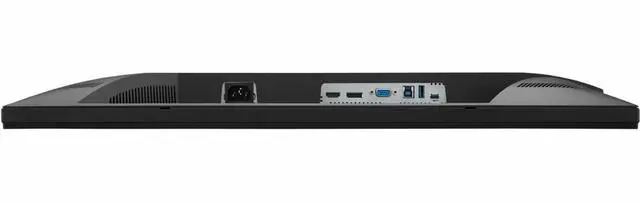
| Ports And Connectivity | VGA x1, HDMI 2.0 x1, DisplayPort 1.2 x1, USB-A downstream x3, USB-B upstream x1, and USB-C downstream x1 with 15 W power; five USB ports total |
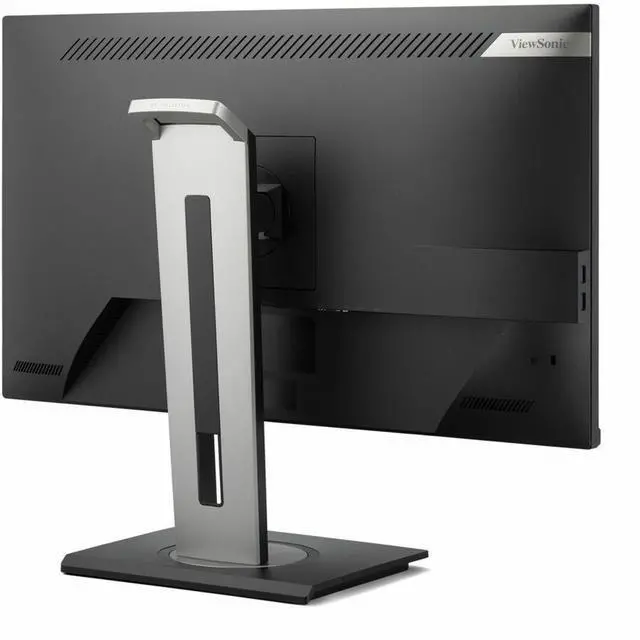
| Stand And Ergonomics | Height, pivot, swivel, and tilt adjustments; supports 100 × 100 mm VESA mounting and desk mounting |
| Audio And Webcam | Built-in speakers; no built-in webcam |
| Power | 36 W power consumption; 100–240 VAC, 50/60 Hz power supply |
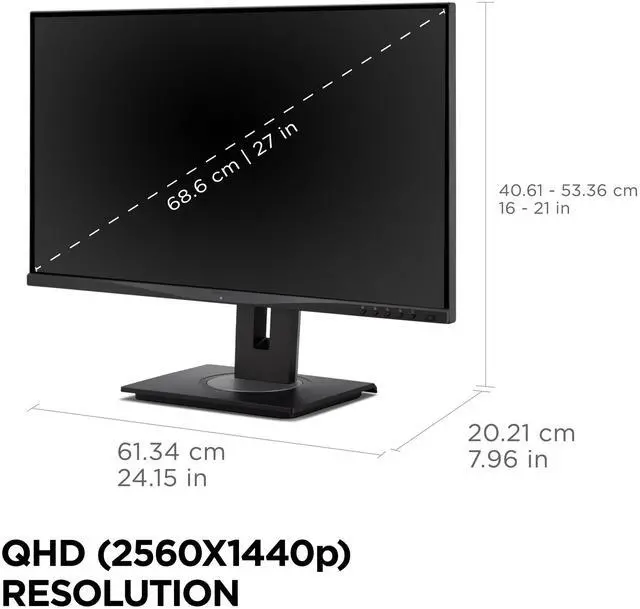
| Physical Dimensions And Weight | 24.15 in wide × 21.01 in high × 7.96 in deep; without stand, 24.15 in wide × 14.28 in high × 2.03 in deep; item weight 15.5 lb |
| Model Identifiers | ViewSonic VG2748A-2K; model number VS20439 |
| Included Components | Monitor, 3-pin power plug, DisplayPort 1.2 male-to-male cable, USB A/B 3.2 male-to-male cable, and quick start guide |
Reference Q&A
Q: ViewSonic VG2748A-2K or VG2752-2K for a 27-inch QHD work monitor?
A: Choose the VG2748A-2K for its 100Hz refresh rate and intelligent sensing features, including auto dimming, privacy alerts, posture checks, and break reminders. Choose the VG2752-2K if your laptop setup benefits more from USB-C connectivity with up to 65W charging; both models have a 27-inch QHD IPS display and an adjustable ergonomic stand.
Q: Should I choose the ViewSonic VG2748A-2K or VG2756-2K for a laptop-based office setup?
A: Choose the VG2748A-2K for its 100Hz refresh rate and intelligent sensing tools for everyday work. Choose the VG2756-2K when a built-in docking setup is the priority: it offers USB-C charging up to 90W, Ethernet, and daisy-chain connectivity. Both are 27-inch QHD IPS monitors with ergonomic stands.
Q: ViewSonic VG2748A-2K vs VG2756-4K: which is a better fit for detailed office work?
A: Choose the VG2748A-2K for a 27-inch QHD display, 100Hz refresh rate, and intelligent sensing features. Choose the VG2756-4K for its 27-inch 4K resolution and docking features, including USB-C charging up to 90W and Ethernet. The choice comes down to prioritizing the VG2748A-2K’s higher refresh rate and sensing tools or the VG2756-4K’s higher resolution and integrated connectivity.
Q: Is the ViewSonic VG2748A-2K or VG2751 the better 27-inch monitor for text and multitasking?
A: Choose the VG2748A-2K for its QHD resolution, which provides more display pixels than the VG2751’s Full HD resolution, plus a 100Hz refresh rate and intelligent sensing features. Both models have 27-inch IPS panels and adjustable ergonomic stands.
Q: Is this monitor suitable for everyday office work?
A: Yes. Its 27-inch QHD IPS screen, anti-glare surface, 100Hz refresh rate, adjustable stand, and eye-comfort features suit typical desk tasks such as documents, spreadsheets, browsing, and multitasking. It is designed as a desk monitor, not a portable travel display.
Q: Can I adjust the screen height and rotate it vertically?
A: Yes. The stand supports height adjustment, tilt, swivel, and pivot, so you can position the screen for your desk or rotate it to portrait orientation. It is also VESA 100 × 100 mm compatible for use with a suitable mount.
Q: Does it have a webcam for video meetings?
A: No. The monitor has built-in speakers but no webcam, so video meetings require a separate camera; use a separate microphone or headset if needed.
Q: Can I connect a laptop and use the monitor as a USB-C docking station?
A: Connect the laptop for video through HDMI or DisplayPort. The listed USB-C port is a 15W downstream port, not a listed USB-C video input or laptop-charging connection. The monitor also has a USB hub; check the included USB-A/B cable and your laptop’s available ports when planning to use it.