


 All CategoriesAll CategoriesAll Categories
Shipped by Newegg
 Top Rated
 Hot Seller

Make informed decisions with expert advice. Learn More




Warranty Notice:
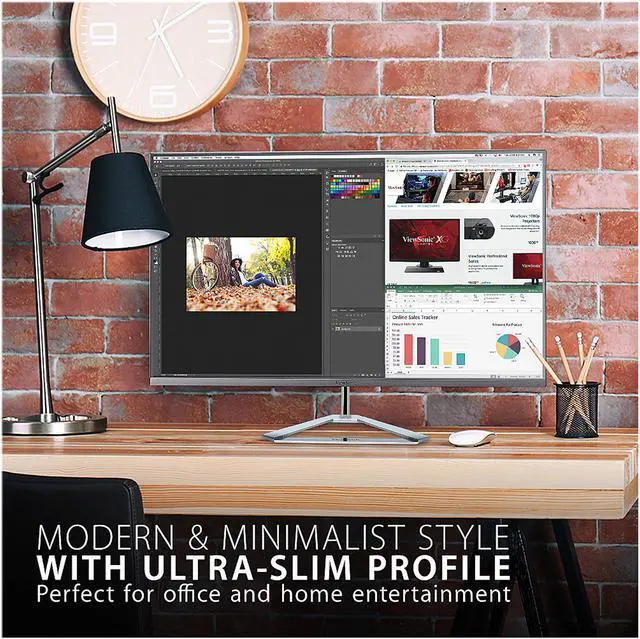
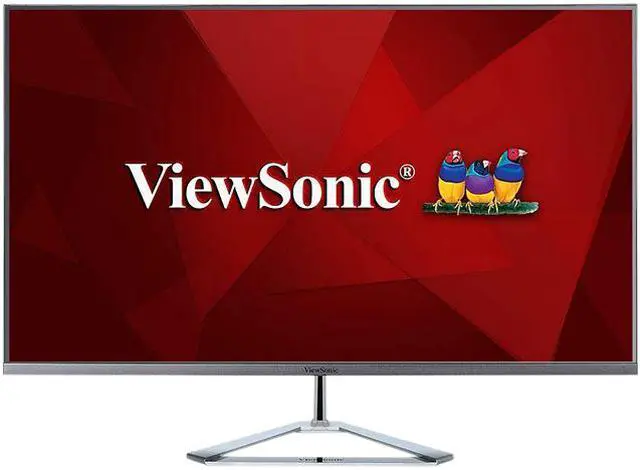
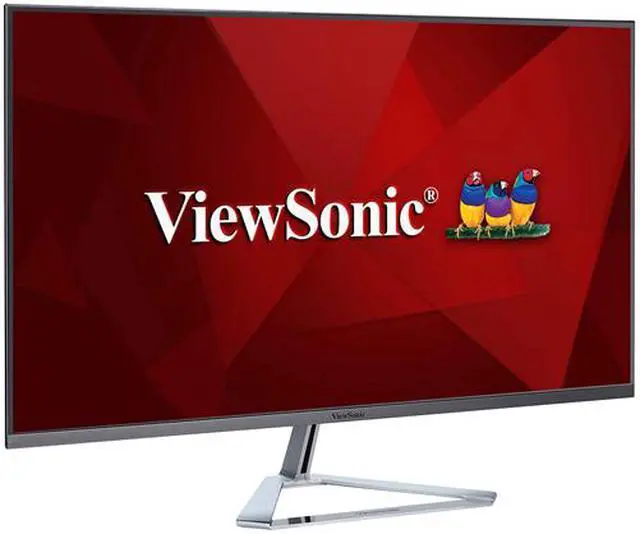
This product does not include manufacturer warranty when purchased or used outside of its designated sales region. By purchasing internationally, you acknowledge that warranty support from the manufacturer will not be available.The ViewSonic VX3276-MHD is a 32-inch Full HD IPS monitor with a slim frameless design, suited to everyday work, web browsing, and media viewing on a large screen.
| Attribute | Value |
|---|---|
| Best For | Large-screen desktop use, general viewing, and split-screen multitasking |
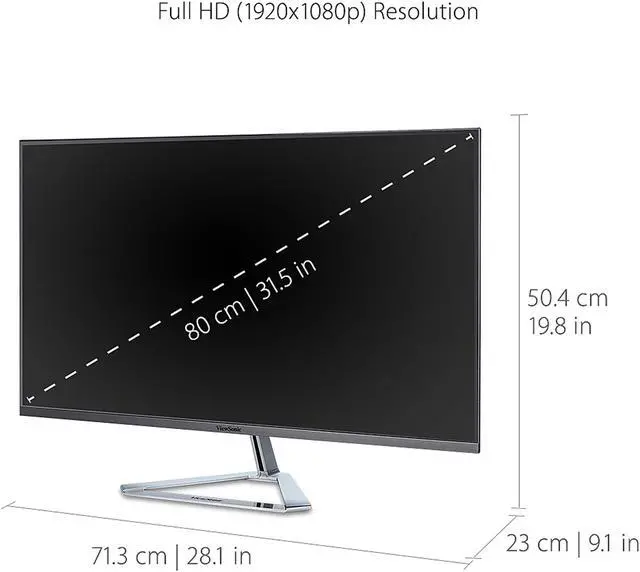
| Panel And Resolution | 32-inch flat IPS display with 1920 × 1080 Full HD resolution, 16:9 aspect ratio, anti-glare finish, 178° horizontal and vertical viewing angles, 250 cd/m² brightness, 1,200:1 contrast ratio, and 16.7 million colors |
| Refresh Rate And Response | 60Hz refresh rate, 8ms response time, with a listed vertical refresh range of 50–75Hz |
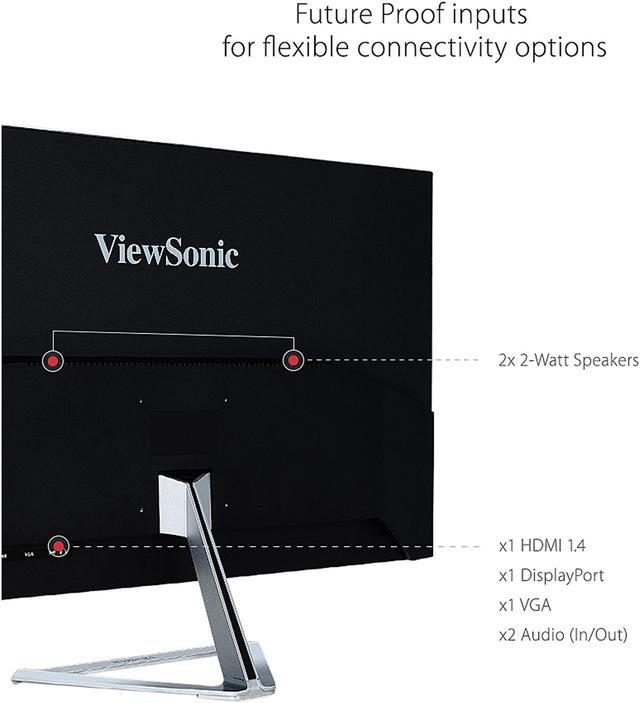
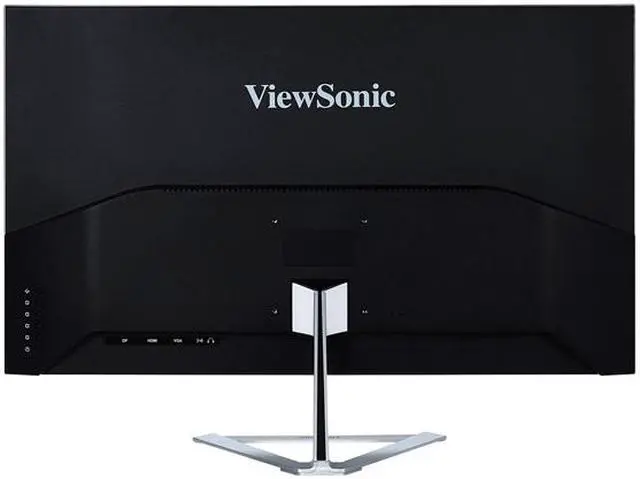
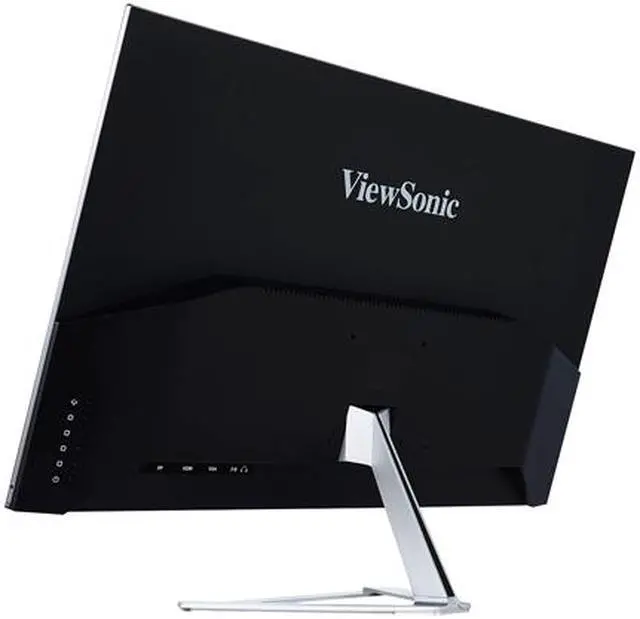
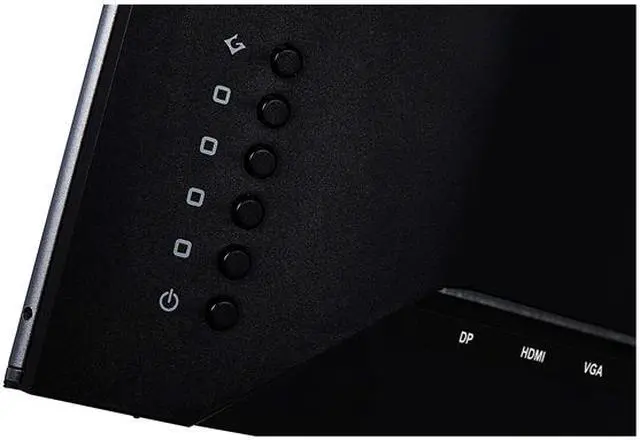
| Ports And Connectivity | One HDMI, one DisplayPort, and one VGA (D-Sub) input; includes built-in speakers |
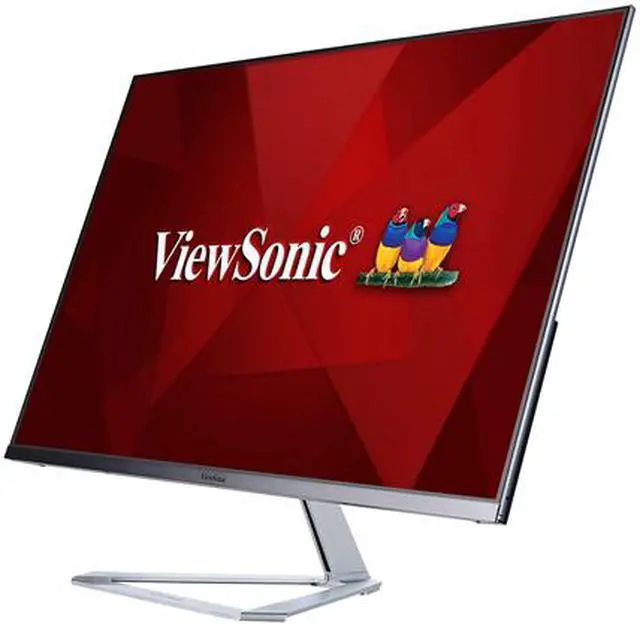
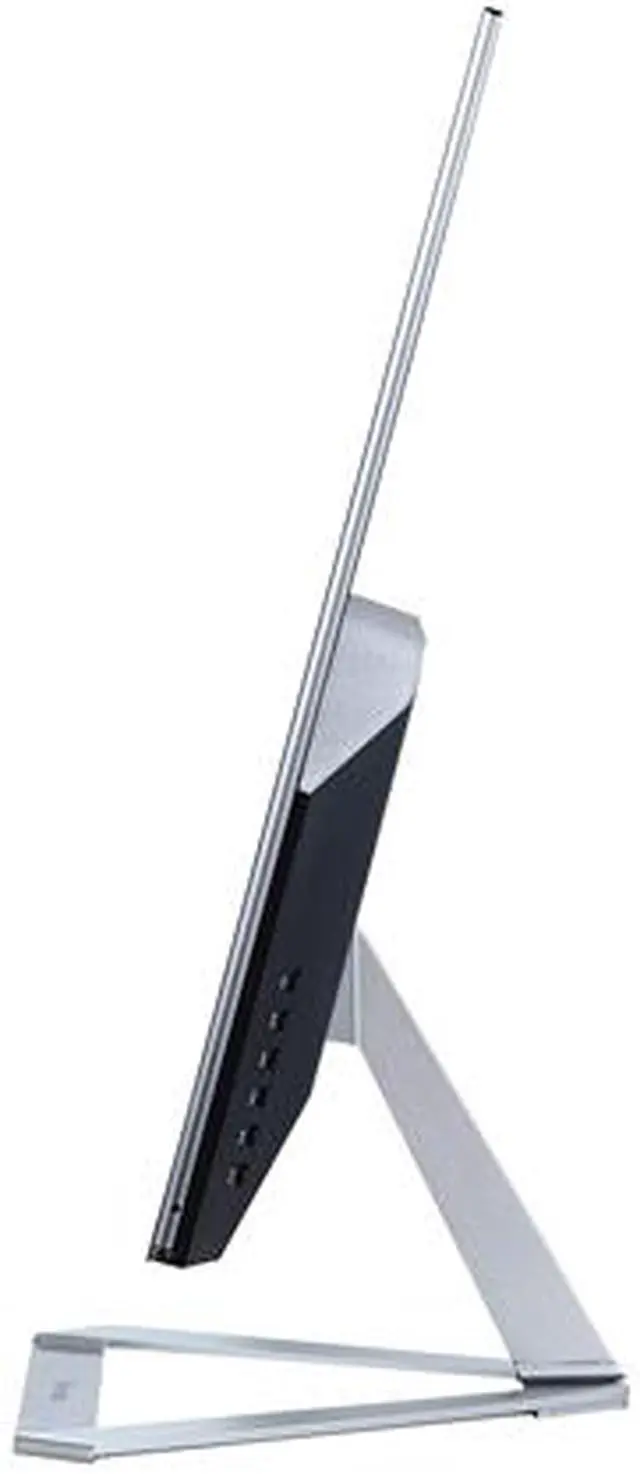
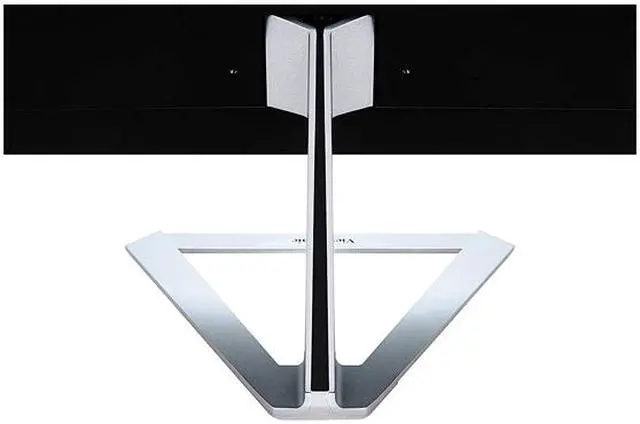
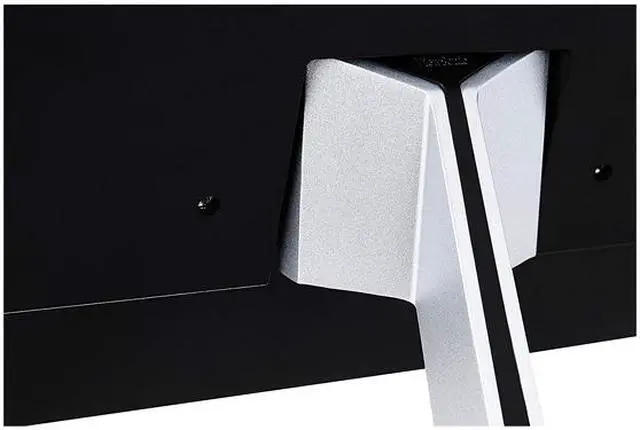
| Stand And Ergonomics | Tilt adjustment, 100 × 100mm VESA mounting pattern, and on-screen controls for image, color, audio, and input settings |
| Viewing Comfort | Flicker-Free technology and Blue Light Filter |
| Power | 100–240 VAC, 50/60Hz input; 36W typical consumption, 31W in Eco Mode, 44W maximum, and 0.5W standby |
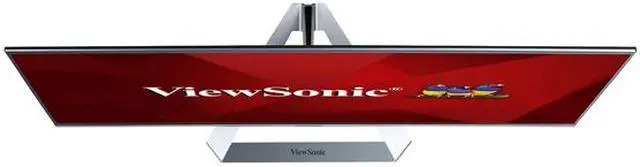
| Physical Specifications | Black and silver finish; 19.80 × 28.10 × 9.10 inches; 13.60 lb (about 6.2 kg) |
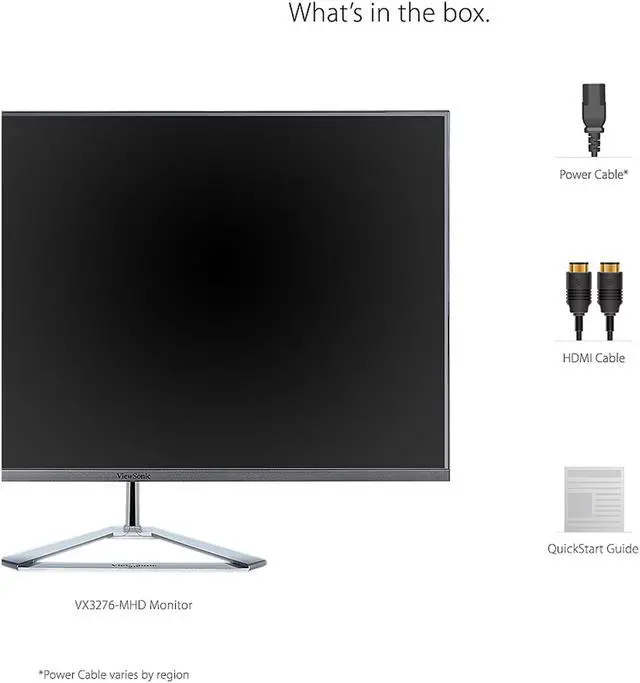
| Model Identifiers | ViewSonic VX3276-mhd; external model number VS17220 |
Q: ViewSonic VX3276-MHD vs. VX3276-2K-MHD: which 32-inch monitor should I choose?
A: Choose the VX3276-MHD for a 32-inch Full HD IPS display with HDMI, DisplayPort, and VGA connectivity. Choose the VX3276-2K-MHD when you want the same screen size and IPS panel with higher 2560 × 1440 resolution, which provides more on-screen workspace and finer detail.
Q: Should I get the VX3276-MHD or the ViewSonic VX3276-4K-MHD for 4K content?
A: Choose the VX3276-4K-MHD for native 3840 × 2160 resolution and HDR10 support on a 32-inch screen. Choose the VX3276-MHD for a Full HD IPS display with HDMI, DisplayPort, and VGA inputs; it is the straightforward option when 1080p resolution fits your needs.
Q: VX3276-MHD or ViewSonic VX2776-SMHD: which is better for a smaller desk?
A: Choose the 27-inch VX2776-SMHD for a more compact Full HD IPS monitor; ViewSonic lists it with a 100Hz refresh rate and FreeSync. Choose the 32-inch VX3276-MHD when a larger viewing area is the priority and Full HD resolution meets your requirements.
Q: Is this monitor suitable for office work and multitasking?
A: Yes. Its 31.5-inch IPS screen, Full HD resolution, and ViewSplit software support everyday office tasks and arranging multiple windows. The 1920 × 1080 resolution is a trade-off on a screen this large, so it may be less suitable if you need especially sharp text or detailed creative work.
Q: Can I mount it on a monitor arm, and does the included stand adjust for height?
A: It supports a 100 × 100 mm VESA mount, so it can be used with a compatible arm or wall mount. The included stand tilts but does not adjust the monitor’s height; use a height-adjustable arm or stand if you need that flexibility.
Q: Does it have built-in speakers for meetings and videos?
A: Yes. The monitor has built-in speakers, which can handle basic meeting audio and video playback without separate speakers. The product information does not establish that they provide room-filling or high-quality audio.
Q: Is it a good choice for photo or video editing?
A: It can handle casual editing and general multimedia use, but it is not the strongest fit for professional photo or video work. Its Full HD resolution and general-purpose specifications may be limiting when you need fine detail or specialized color-focused features.
Q: Can I connect VGA, HDMI, and DisplayPort devices without adapters?
A: The VX3276-MHD has one VGA, one HDMI, and one DisplayPort input, so devices using those connections can plug in directly. It has no DVI input, and the monitor supports up to 1920 × 1080 at 60Hz.
Q: Is a 32-inch 1080p screen a good choice if I sit close to it?
A: It prioritizes a large image over fine pixel detail: 1920 × 1080 spread across 32 inches has lower pixel density than the same resolution on a smaller screen. It may suit a farther viewing distance better than close-up work where crisp text is a priority. A Reddit discussion raised this concern about the related VX3276-MHD-3 model, so treat it as guidance rather than a direct review of this exact version.
Q: Is it a reasonable large-screen option for a non-gaming homelab or basic desktop?
A: It may fit a basic desktop or homelab setup if a 32-inch IPS screen and 1080p resolution meet your needs. It offers VGA, HDMI, and DisplayPort, but its 60Hz refresh rate and 1080p resolution are modest; choose a higher-resolution or faster-refresh monitor if those are priorities.


