


 All CategoriesAll CategoriesAll Categories
Shipped by Newegg

Make informed decisions with expert advice. Learn More


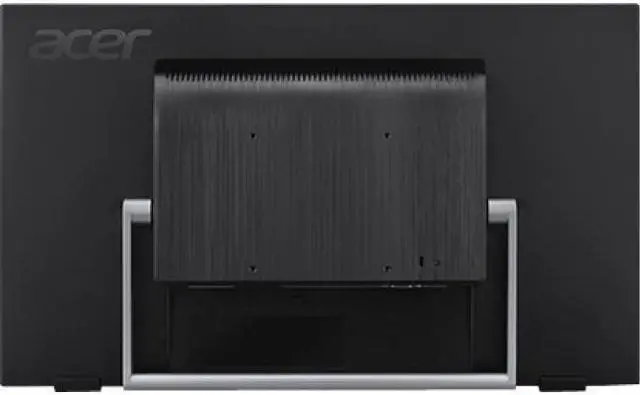
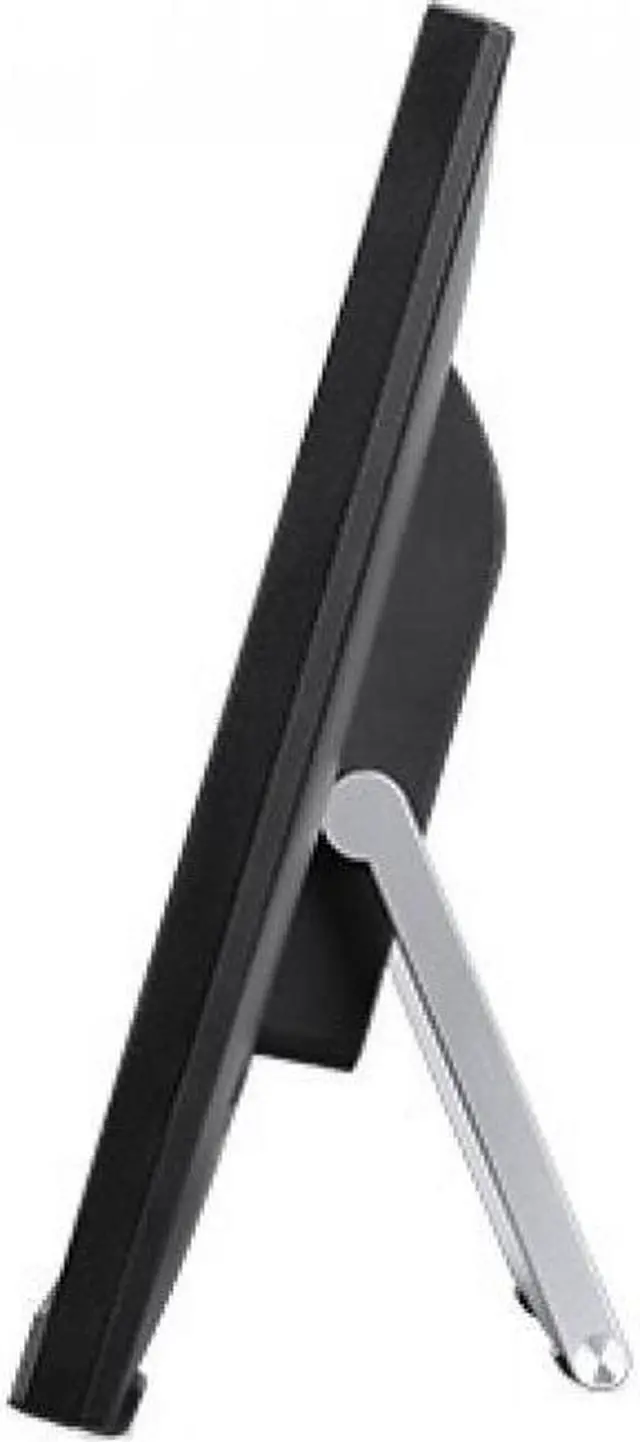
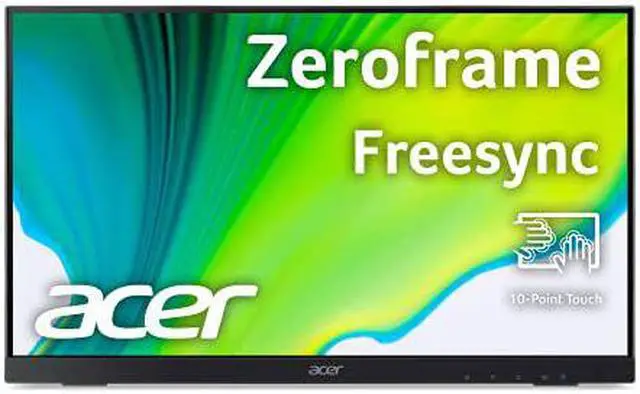
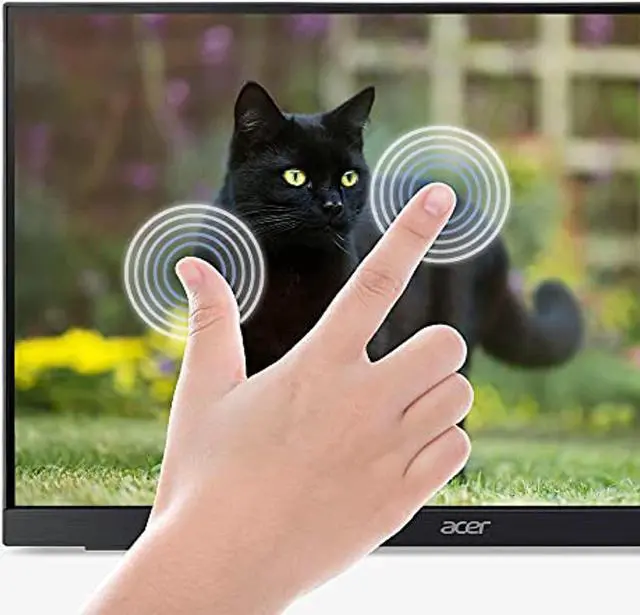

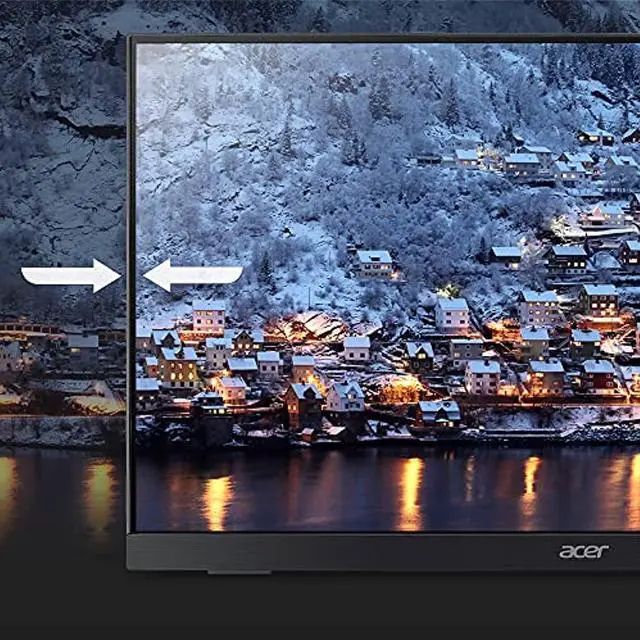

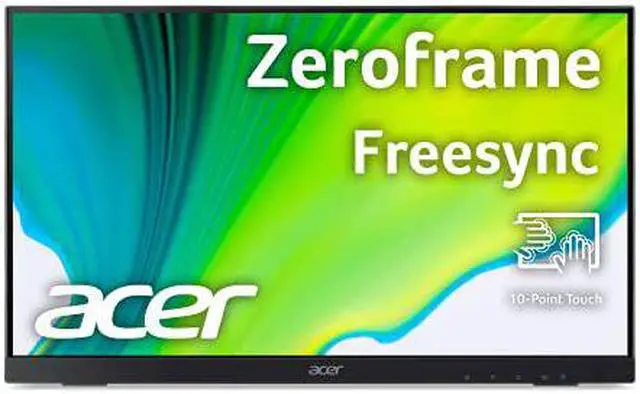
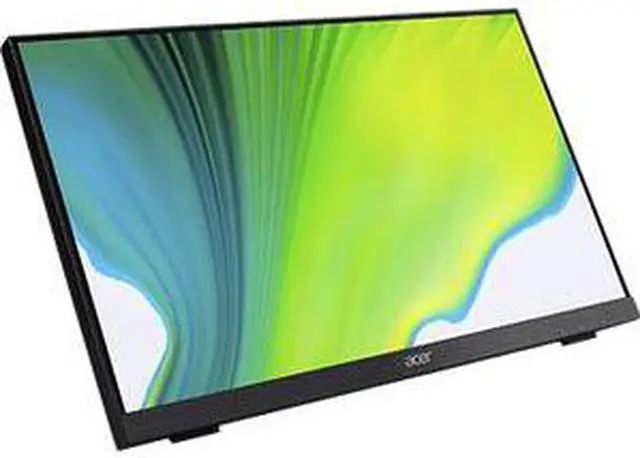
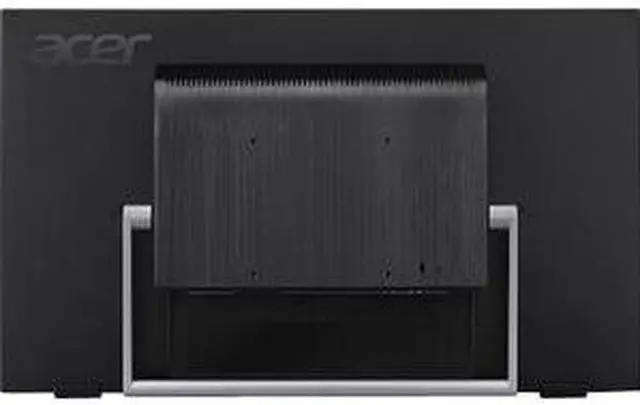
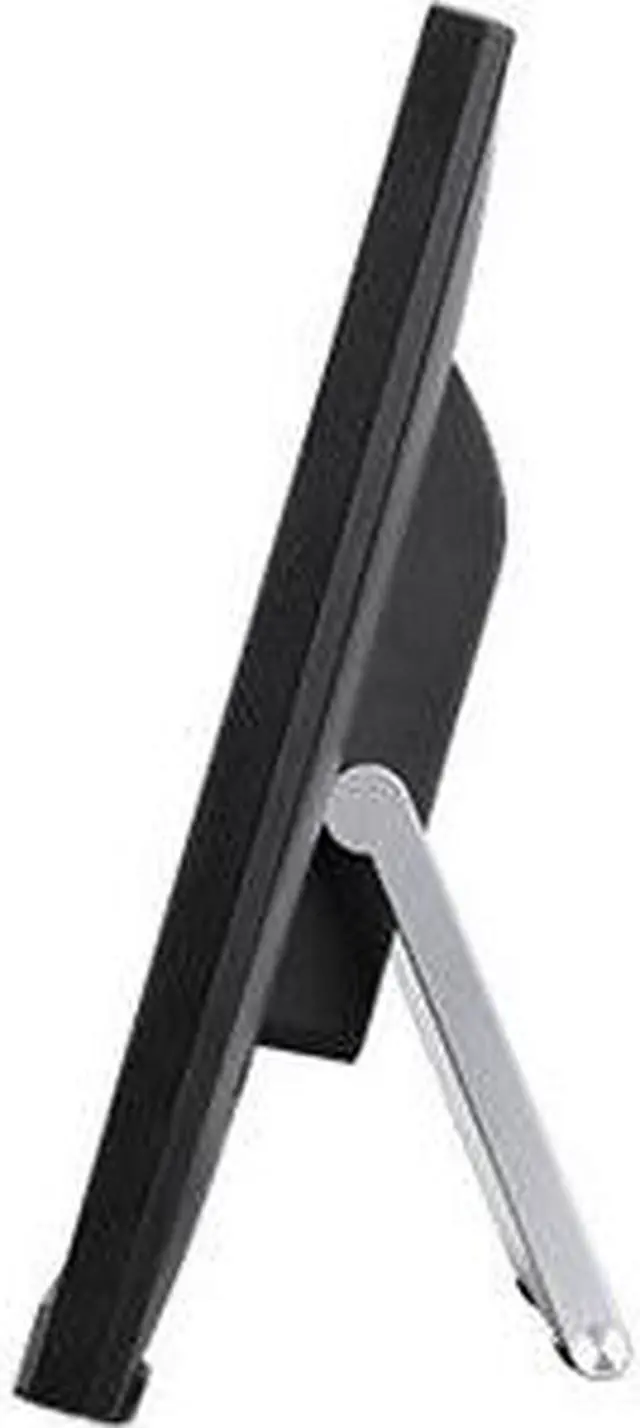
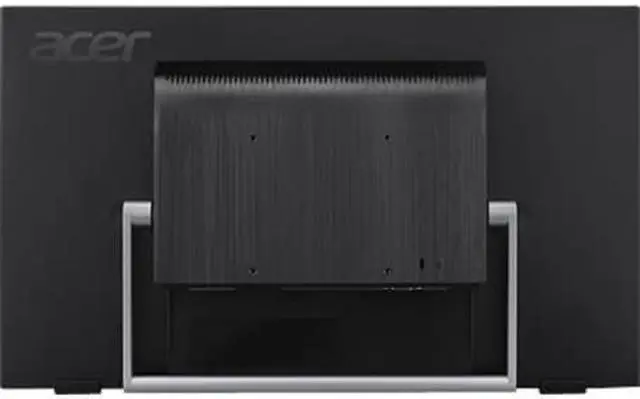
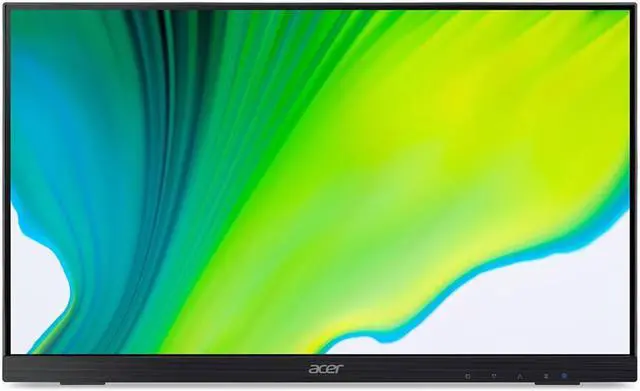
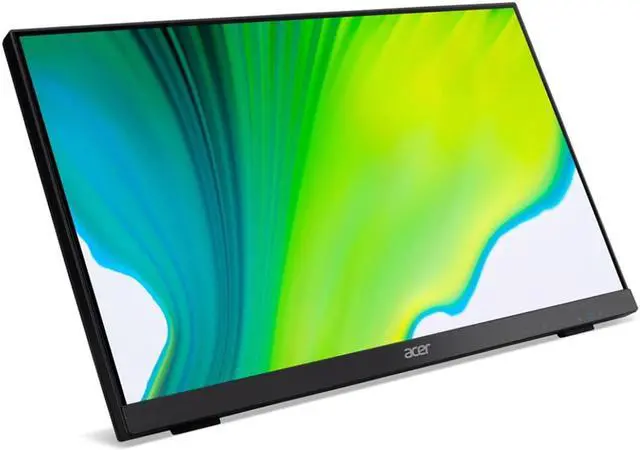
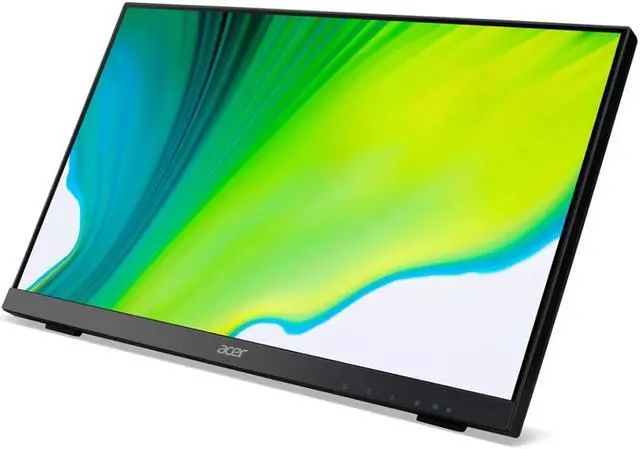
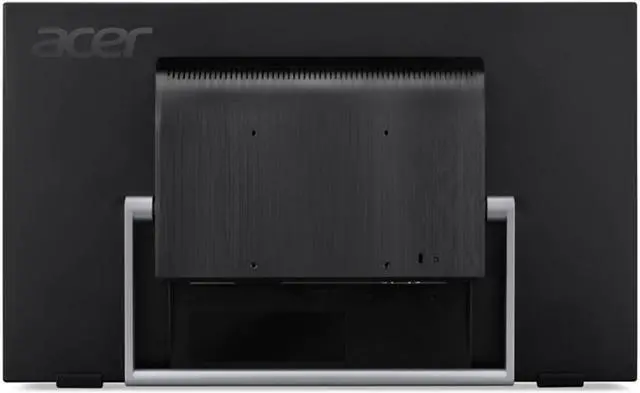


Crisp, true-to-life colors come alive in Full HD IPS 1080p resolution in 16:9 and 6-axis color adjustment. Presentations, text and anything else needing to be shared is more visible with the 178° wide viewing angle.
AMD FreeSync™Every AMD FreeSync™ monitor goes through a rigorous certification process to ensure a tear free, low latency experience.
Warranty Notice:
This product does not include manufacturer warranty when purchased or used outside of its designated sales region. By purchasing internationally, you acknowledge that warranty support from the manufacturer will not be available.The Acer UT222Q is a 21.5-inch Full HD IPS touchscreen monitor with 10-point touch, suited to Windows 10 users who want to navigate, browse photos, or interact with apps directly on the screen.
| Attribute | Value |
|---|---|
| Best For | Gaming and touch-driven use, with touchscreen input and FreeSync support |
| Panel And Resolution | 21.5-inch LCD with LED display technology, 1920 × 1080 FHD resolution, 16:9 aspect ratio, matte finish, 178° viewing angle, 1,000:1 contrast ratio, and 72% NTSC color gamut |
| Refresh Rate And Response | 75 Hz refresh rate and 5 ms response time; AMD FreeSync support |
| Ports And Connectivity | HDMI, DisplayPort, VGA, and USB connectivity, including one HDMI port |
| Touch And Audio | Touchscreen input with built-in speakers |
| Mounting And Compatibility | Wall-mountable; compatible with laptops, desktops, smartphones, and tablets |
| Power | 27 W power consumption; 120 V |
| Size And Weight | 19.3 in wide × 11.8 in high × 2 in deep; weighs 9.85 lb |
| Model Identifiers | Acer UT222Q bmip; black cabinet |
Q: Acer UT222Q vs. UT220HQL: which is the better fit for 75Hz touch use?
A: Choose the Acer UT222Q if you want a 21.5-inch Full HD touchscreen with an IPS panel, 75Hz refresh rate, AMD FreeSync, and 10-point touch. The older UT220HQL is also 21.5-inch Full HD and touchscreen, with a VA panel and 60Hz refresh rate; its listed tilt range is 10° to 90°.
Q: Acer UT222Q vs. UT242Y: which gives me more touchscreen workspace?
A: Choose the UT242Y for its larger 23.8-inch Full HD touchscreen; choose the UT222Q for a more compact 21.5-inch display. Both are Acer touch monitors with Full HD resolution and a 75Hz refresh rate, so screen size is the main distinction for this decision.
Q: Should I move from the Acer UT220HQL to the UT222Q for everyday touch navigation?
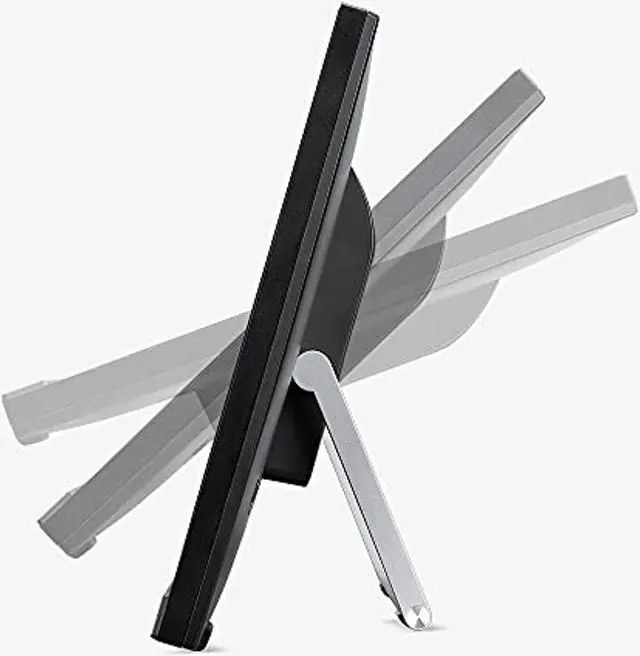
A: The UT222Q is a relevant upgrade if you want to keep the 21.5-inch Full HD touchscreen format while moving to an IPS panel and 75Hz refresh rate with AMD FreeSync. The UT220HQL offers a broad 10°–90° tilt range, while the UT222Q’s stand is specified for 15°–70° tilt.
Q: Do I need a USB connection for the touchscreen to work?
A: Yes. Connect the monitor to your computer with a video cable and the USB upstream cable: video carries the picture, while USB enables touch input. The UT222Q includes HDMI, DisplayPort, and VGA video inputs, plus a USB 2.0 upstream port.
Q: Is the UT222Q a good fit for office work and touch-based tasks?
A: It suits desk-based work that benefits from finger touch, such as navigating pages, browsing photos, and using compatible Windows 10 applications. Its 21.5-inch Full HD IPS screen and adjustable 15°–70° tilt support a desktop setup. The listed product information does not specify pen support.
Q: Is the UT222Q practical to carry between work locations?
A: It is better suited to a stationary desk than frequent travel. It has a 21.5-inch screen, weighs about 7.72 lb with its stand, and requires external power; the product information does not list a built-in battery.
Q: Which operating system is the UT222Q touchscreen listed to work with?
A: The supplied product information lists touch functionality for Windows 10. It does not confirm touch support for other operating systems, so check compatibility before buying if you plan to use a different system.
Q: Is the UT222Q suitable as a secondary monitor in a bright room?
A: A Reddit owner reported that its glossy screen can reflect light, and that brightness may be insufficient in direct sunlight. It may be a better fit away from strong windows or direct sun.
Q: Will touch work when the UT222Q is connected to a Raspberry Pi?
A: A Raspberry Pi 5 user reported that touch began working after connecting the monitor’s USB cable to the Pi and rebooting. HDMI or DisplayPort carries the picture; touch also needs the USB connection in that setup.
Q: Is the UT222Q a good choice for color-critical creative work?
A: A Reddit owner described the image quality as solid but said they would not rely on it for professional creative work without calibration. Consider it for general creative tasks, but verify and calibrate color if accuracy is important.


