


 All CategoriesAll CategoriesAll Categories
Shipped by Newegg








Warranty Notice:
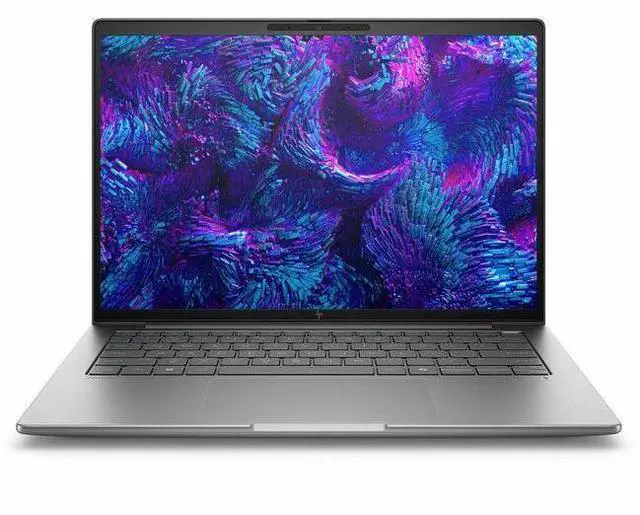
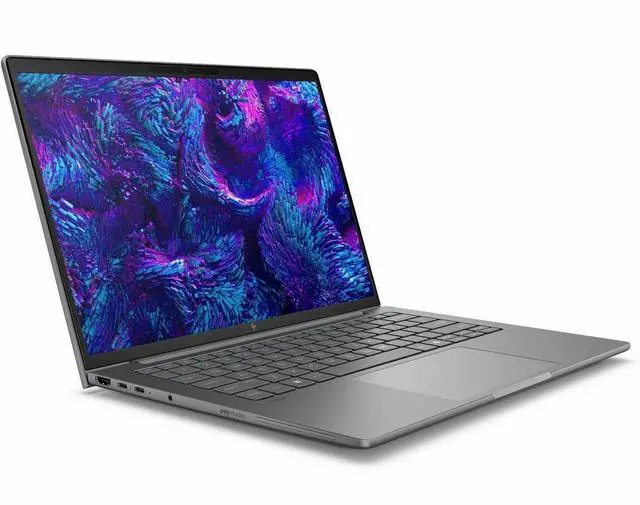
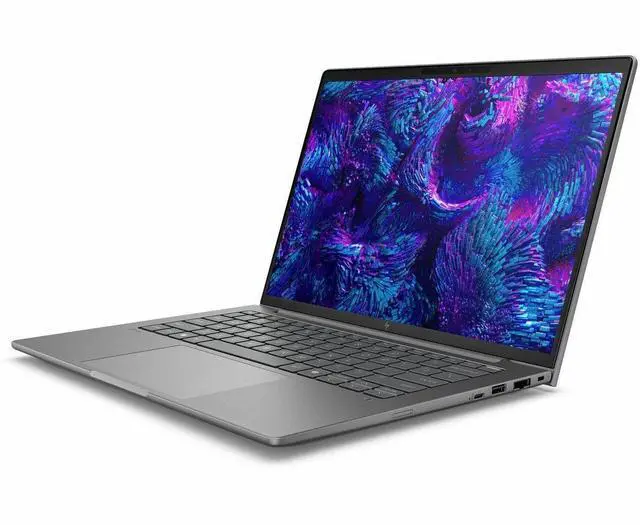
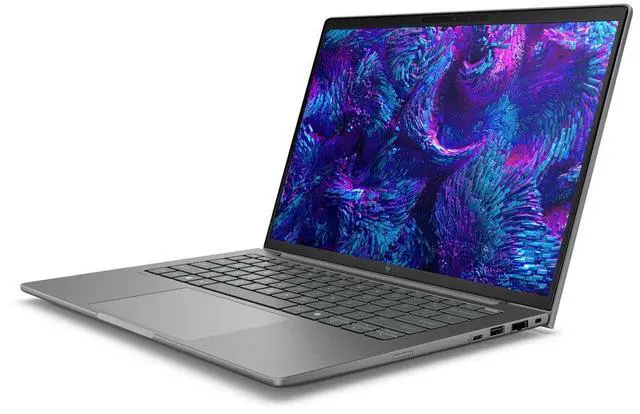
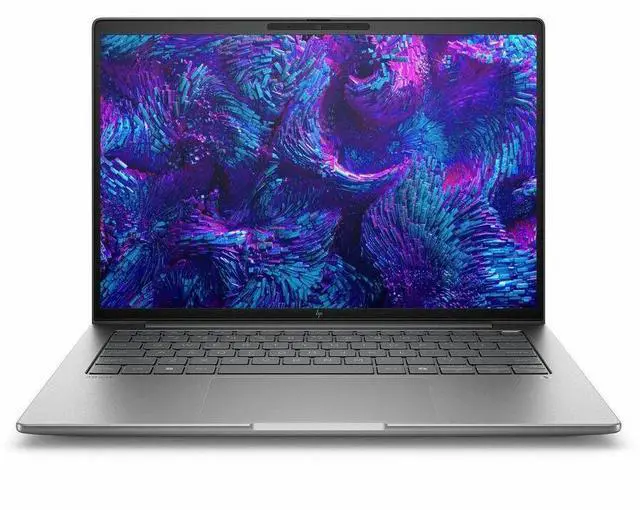
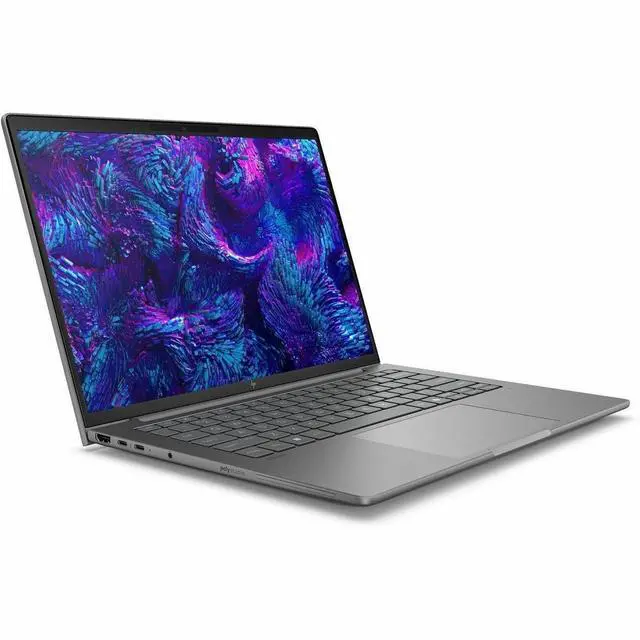
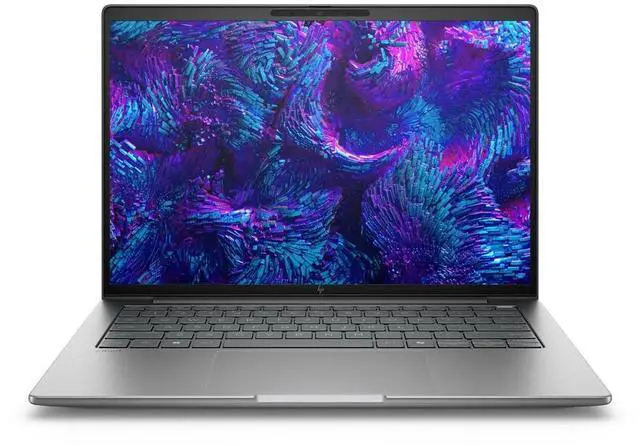
This product does not include manufacturer warranty when purchased or used outside of its designated sales region. By purchasing internationally, you acknowledge that warranty support from the manufacturer will not be available.The HP ZBook 8 G1i is a 14-inch mobile workstation built for professionals who need a compact business laptop for CAD, content creation, and other pro apps, with a WUXGA touchscreen, Intel Core Ultra 7 255H, 16GB RAM, 512GB SSD, Windows 11 Pro, and NVIDIA RTX 500 Ada graphics.
| Attribute | Value |
|---|---|
| Best For | Mobile workstation tasks like rendering, virtualization and professional modeling on a 14-inch system with workstation-class CPU and 16 GB memory |
| Processor And Core Count | Intel Core Ultra 7 255H processor (single-processor configuration) up to 5.1 GHz with 24 MB L3 cache, 7th generation chipset |
| GPU And VRAM | Integrated graphics plus listed coprocessors Intel Arc 140T and NVIDIA RTX 500; a 4 GB graphics memory entry is provided using DDR5 SDRAM |
| Display Spec | 14.0" touchscreen WUXGA / 1920 x 1200 IPS panel, 60 Hz refresh, capacitive touch, ~300 nit max brightness and ~62% sRGB gamut |
| Memory Configuration | 16 GB DDR5 SDRAM installed (RAM type listed as DDR5), using 2 memory slots with a documented maximum of 16 GB |
| Storage And Expansion | 512 GB SSD internal storage (solid-state drive) |
| High Speed I O | Multiple high-speed ports including 2 Thunderbolt ports, 2 USB ports and 1 HDMI output; connectivity mentions USB Type-C and Ethernet |
| Wired And Wireless Networking | Wi‑Fi (listed compatibility 802.11.be) and Bluetooth wireless; wired Ethernet available via listed connectivity options |
| Webcam And Privacy | Front-facing webcam with infrared camera capability and a fingerprint reader for biometric sign-in |
| Keyboard And Control | English keyboard and capacitive touchscreen input |
| Battery And Power | System lists a Lithium Polymer battery and power adapter; battery-related fields are present (battery type shown as nonstandard_battery and entries indicate no separate batteries installed/included) |
| Portability | 14-inch mobile workstation form factor in Meteor Silver, about 6 Pounds item weight and packaged dimensions ~18.5 x 10.5 x 3 inches |
| External Display And Docking Fit | Supports external displays and docking stations; video output via HDMI plus two Thunderbolt/USB‑C ports suitable for docking and external monitors |
| Model Identifiers | HP ZBook 8 G1i edition, model BX7T4UT#ABA by Hewlett Packard, ships with Windows 11 Pro |
Q: Should I buy the HP ZBook 8 G1i 14 or a standard 14-inch business laptop for CAD, Adobe, and other pro apps?
A: Choose the HP ZBook 8 G1i 14 if you need workstation features rather than general office performance. HP positions the ZBook 8 as a mobile workstation with optional NVIDIA RTX 500 Ada graphics and support for larger memory configurations, while professional reviews note that the RTX-equipped versions are built for ISV-certified application compatibility and sustained pro workloads. A standard 14-inch business laptop is the better fit for email, browser-based work, and lighter multitasking, but the ZBook 8 G1i 14 makes more sense when your workflow includes CAD, 3D review, content creation, or GPU-accelerated software.
Q: Is the HP ZBook 8 G1i 14 worth choosing over the older HP ZBook Firefly 14 G11?
A: The HP ZBook 8 G1i 14 is the more current choice if you want HP's newer 14-inch workstation platform and more up-to-date processor options. Reviews describe it as the Firefly successor, and HP positions it above the older Firefly naming generation with newer Core Ultra platform choices and the same class of entry professional NVIDIA graphics in some configurations. The Firefly 14 G11 still makes sense if price is the main factor and you find a strong clearance deal, but the ZBook 8 G1i 14 is the more straightforward pick for buyers who want the newer platform and longer product runway.
Q: Should I get this ZBook 8 G1i 14 configuration or step up to a higher-memory ZBook 8 G1i 14 model?
A: This 16GB RAM and 512GB SSD configuration is suitable if your work is centered on Office, remote access, light Adobe tasks, and moderate project files. Step up to a 32GB or 64GB ZBook 8 G1i 14 if you regularly keep large datasets, multiple pro apps, browser tabs, VMs, or CAD assemblies open at the same time. HP offers the ZBook 8 G1i 14 in substantially higher memory configurations, and that upgrade usually matters more to workstation users than a small CPU bump because it reduces memory pressure in real multitasking workflows.
Q: How does the HP ZBook 8 G1i 14 compare with the Lenovo ThinkPad P14s Gen 5?
A: Pick the HP ZBook 8 G1i 14 if you want HP's compact workstation approach and are deciding within HP's newer ZBook lineup. Pick the Lenovo ThinkPad P14s Gen 5 if you prefer Lenovo's 14-inch workstation ecosystem and a directly comparable class of RTX 500 Ada configuration. Professional reviews place both models in the same practical category: compact mobile workstations for certified pro apps, with the main decision usually coming down to vendor preference, keyboard and port priorities, display options, and the exact CPU, RAM, and GPU configuration available at your budget.
Q: Is this 14-inch ZBook better for portability, or should I move to a larger workstation for more performance?
A: Choose this 14-inch ZBook if portability is part of the job and you still need workstation-class graphics and certification support. A larger mobile workstation is the better choice when your priority is higher sustained GPU power, more thermal headroom, more internal expansion, or a larger screen for constant on-device editing and modeling. In practice, the ZBook 8 G1i 14 is aimed at buyers who want a smaller system without leaving the workstation category, while bigger workstation models make more sense for heavier rendering and longer high-load sessions.
Q: Is this a good travel work device for meetings, reports, and everyday office use?
A: Yes for business travel and general productivity. A 14-inch WUXGA touchscreen, webcam, Bluetooth, Windows 11 Pro, and a mobile-workstation design make it a practical fit for meetings, documents, browser-based work, and multi-app office use. The main trade-off is that this is a workstation-class laptop, so buyers should expect better performance headroom than a basic office laptop, but not the lightest or cheapest option in its class.
Q: Who is this laptop best suited for?
A: It is best suited for professionals who need a compact Windows workstation rather than a basic consumer laptop. That includes users working in office, engineering, design-review, technical, or business environments who may benefit from workstation positioning, professional GPU options, and stronger connectivity for desks and docks. It is less ideal for buyers who only need a low-cost laptop for email and light web use.
Q: Is 16GB RAM and 512GB SSD enough for this kind of workstation?
A: It is enough for office work, meetings, multitasking, and many professional workflows, but it is a mid-range configuration for a workstation. Buyers doing heavier CAD, larger creative files, local AI workloads, or long-term multitasking may want more memory and storage. In short: this setup is sensible for mobile professional use, but not the best fit if your workloads are consistently large or GPU-intensive.
Q: Can it work well at a desk with docks, external monitors, and projectors?
A: Yes. This category of mobile workstation is a good fit for hybrid desk use. Comparable workstation Q&A pages frequently focus on docking support, external displays, HDMI, Thunderbolt, and multi-monitor setups, which signals that buyers expect these systems to serve as both travel laptops and desk replacements. The practical trade-off is that a dock may be sold separately, and exact monitor support depends on the final port configuration of the specific SKU.
Q: How does it compare with a mainstream 14-inch business laptop?
A: Choose this HP ZBook if you want a more workstation-oriented 14-inch system with stronger professional positioning and better upside for technical workloads. Choose a mainstream 14-inch business laptop if portability, lower cost, and basic office tasks matter more than workstation capability. The trade-off is simple: a business laptop is usually enough for meetings and documents, while a mobile workstation is the better choice when your work may grow into graphics, CAD, or more demanding pro apps.
Q: Is the HP ZBook 8 G1i 14 a good fit for mobile office work and coding?
A: Yes, it can fit mobile office work, meetings, web tasks, and light-to-moderate coding well. Reddit discussion around the ZBook 8 G1i repeatedly focuses on all-day portability, battery life, and general work use rather than maximum GPU performance. For this listed configuration, the 14-inch 1920 x 1200 display, Core Ultra 7 255H, 16 GB RAM, and 512 GB SSD are suitable for professional productivity, development, and multitasking, but not ideal for heavier workstation workloads where more memory is important.
Q: Is 16 GB RAM enough for this ZBook configuration?
A: It is enough for office work, web use, note-taking, meetings, and many coding workflows, but it is a weak point for a workstation-class laptop. Community discussion around the ZBook 8 G1i repeatedly questions 16 GB configurations because workstation buyers often expect more headroom for large projects, virtual machines, CAD assets, or heavier creative workloads. If your work is memory-heavy, this configuration is harder to recommend.
Q: Who is the HP ZBook 8 G1i 14 best suited for?
A: It is best suited for buyers who want a more portable business workstation rather than a maximum-performance desktop replacement. Reddit discussion places the ZBook 8 line below HP's higher-tier ZBook models and treats it as a thinner, more practical option for professional users who still want workstation branding, business features, and better build quality than a standard mainstream laptop.
Q: Is this a good replacement for a regular business laptop like an EliteBook?
A: Yes, if you want a sturdier, more workstation-oriented 14-inch laptop with professional positioning. But this configuration is not a major step up for buyers who only need standard office work. Community discussion around EliteBook vs ZBook mainly frames ZBook as the more workstation-focused line, while EliteBook is viewed as the simpler general business choice. The trade-off is that this ZBook makes more sense when you value workstation-class positioning and expandability expectations, not just basic office use.
Q: What are the main trade-offs of buying this ZBook 8 G1i 14 configuration?
A: The main trade-offs are memory headroom and workload fit. This setup gives you a compact 14-inch workstation with a professional feature set, touchscreen, Windows 11 Pro, and a modern Intel platform, but the listed 16 GB RAM and 512 GB SSD are entry-level for a workstation. It is a better fit for portable professional use than for sustained heavy CAD, 3D, or large-model creative work where buyers usually want more RAM, more storage, and a clearer dedicated-GPU-focused configuration.


