


 All CategoriesAll CategoriesAll Categories
Shipped by Newegg




Warranty Notice:
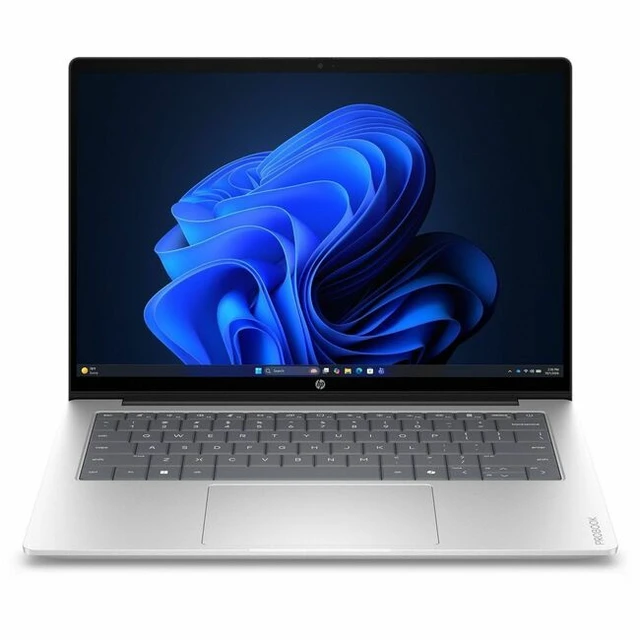
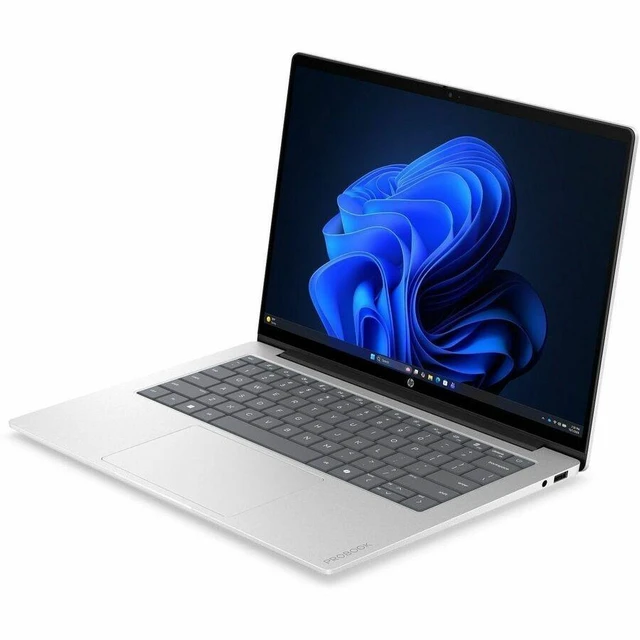
This product does not include manufacturer warranty when purchased or used outside of its designated sales region. By purchasing internationally, you acknowledge that warranty support from the manufacturer will not be available.The HP ProBook 4 G2iS is a 14-inch business notebook with an Intel Core 5 315 processor, 16GB memory, and Windows 11 Pro, suited to professionals who need a portable laptop for work and everyday productivity.
| Attribute | Value |
|---|---|
| Best For | Business and mainstream work on the go, with a lightweight 14-inch design, Windows 11 Pro, and an FHD IR webcam |
| Processor And Core Count | Intel Core 5 315 (Series 3) with 8 cores (4P+4LPE) and 6 MB L3 cache |
| GPU And VRAM | Integrated Intel Graphics using shared system memory |
| Display Spec | 14.0-inch OLED, 2880 x 1800 resolution, 120 Hz, widescreen, non-touch |
| Memory Configuration | 16 GB onboard LPDDR5X-6400 memory; no available memory slots |
| Storage And Expansion | 256 GB NVMe SSD; no optical drive |
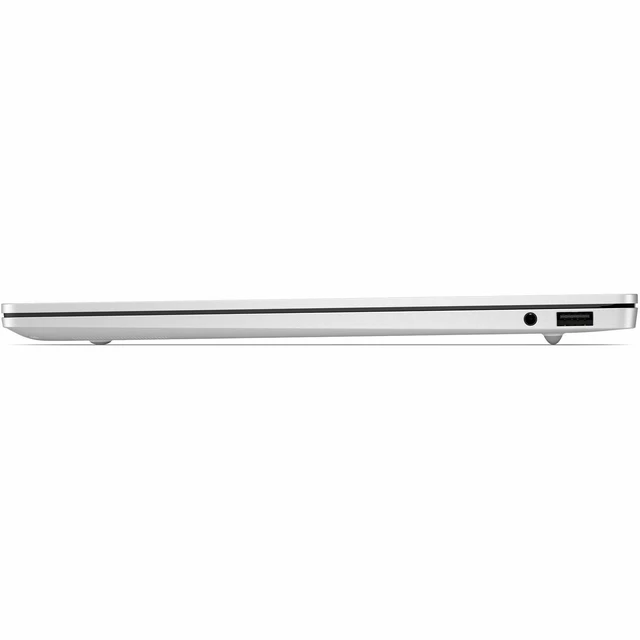
| High Speed I/O | 2 USB Type-A ports at 5 Gbps, including powered ports, and 2 USB Type-C ports at 10 Gbps with USB Power Delivery and DisplayPort 1.4 |
| Battery And Power | 70 Wh 4-cell Li-ion polymer battery and 65 W USB-C GaN power adapter |
| Wired And Wireless Networking | Wi-Fi 6E (802.11ax) and Bluetooth 5.3 |
| Webcam And Privacy | 1080p FHD IR camera |
| Keyboard And Control | Backlit, spill-resistant soft gray keyboard and multi-touch clickpad |
| Audio Setup | Poly Studio audio with dual stereo speakers, AI noise-reduction dual microphones, and a headphone/microphone combo jack |
| External Display And Docking Fit | Supports two DisplayPort 1.4 outputs via USB Type-C |
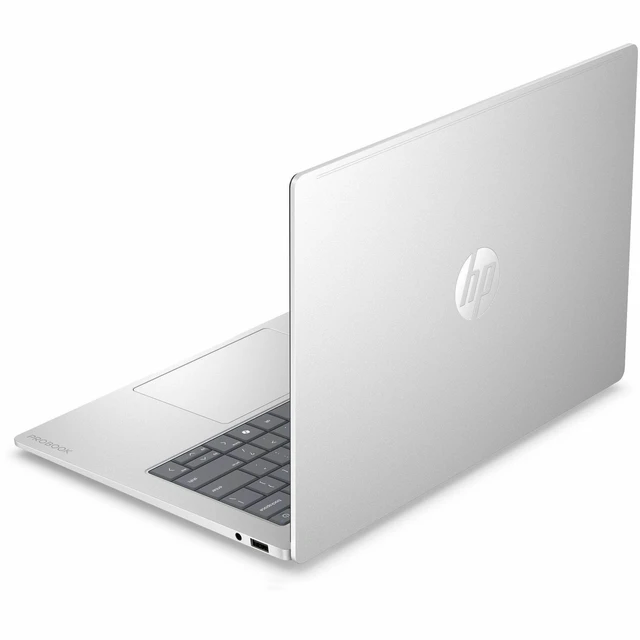
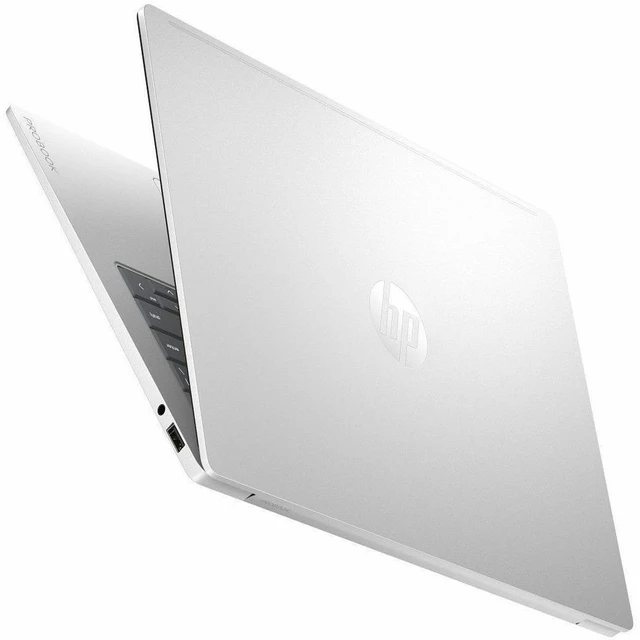
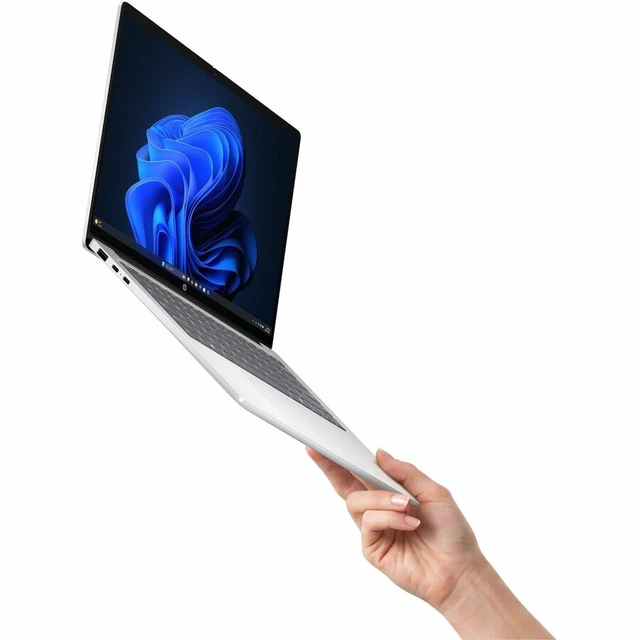
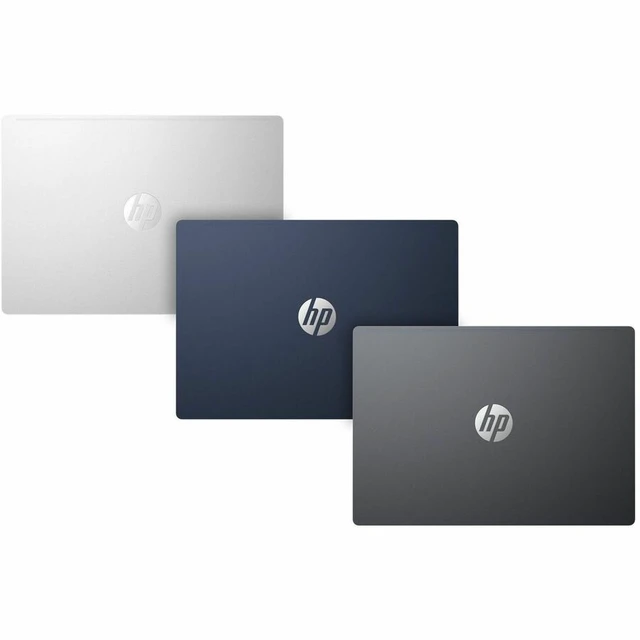
| Portability | Thin-and-light design in Mist Silver; 2.60 lb, with dimensions of 12.34 x 8.72 x 0.33–0.47 inches |
| Model Identifiers | HP ProBook 4 G2iS, part number E8SB9AT#ABA |
Q: HP ProBook 4 G2iS Core 5 315 vs Core 7 350: which configuration should I choose?
A: Choose the Core 5 315 configuration for everyday business and productivity work. Choose a ProBook 4 G2iS configuration with the Core 7 350 if you want the higher listed processor tier: HP specifies up to 4.8 GHz turbo and 17 NPU TOPS for the Core 7 350, compared with up to 4.4 GHz and 15 NPU TOPS for the Core 5 315.
Q: Should I get the HP ProBook 4 G2iS with 16GB or 32GB of memory?
A: The 16GB configuration suits typical office work, web browsing, and video meetings. Choose 32GB if you regularly keep more demanding applications and many tasks open at once. HP lists both memory capacities for this model family; its memory is onboard and not upgradeable, so choose the capacity that fits your expected workload.
Q: HP ProBook 4 G2iS 256GB vs 512GB SSD: which size makes more sense?
A: Choose the 256GB configuration for a work setup centered on applications and documents stored locally or in the cloud. Choose 512GB for more room for locally stored files, projects, and media. HP lists 256GB, 512GB, and 1TB SSD options for the ProBook 4 G2iS family.
Q: HP ProBook 4 G2iS vs ProBook 4 G1i: which is the better fit?
A: Choose the ProBook 4 G2iS configuration when a 14-inch 3K OLED display with a 120 Hz refresh rate is your priority. The ProBook 4 G1i offers a different configuration approach, including two accessible, upgradeable memory slots and optional NVIDIA RTX 3050 graphics. Compare the specific configurations to match display and graphics preferences against memory-upgrade flexibility.