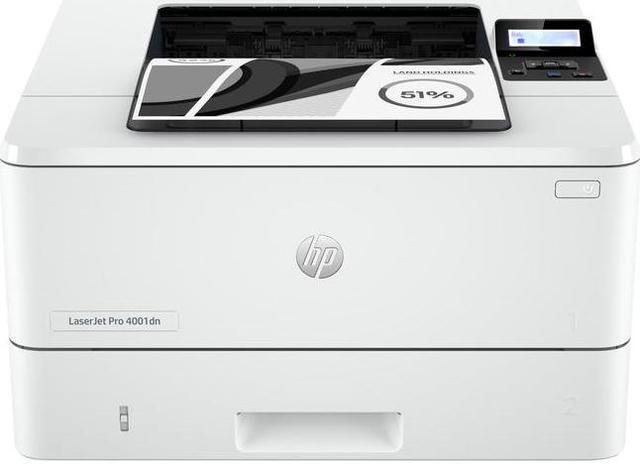
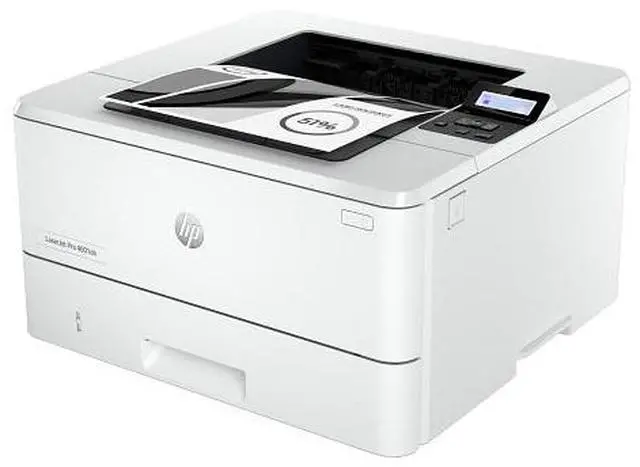
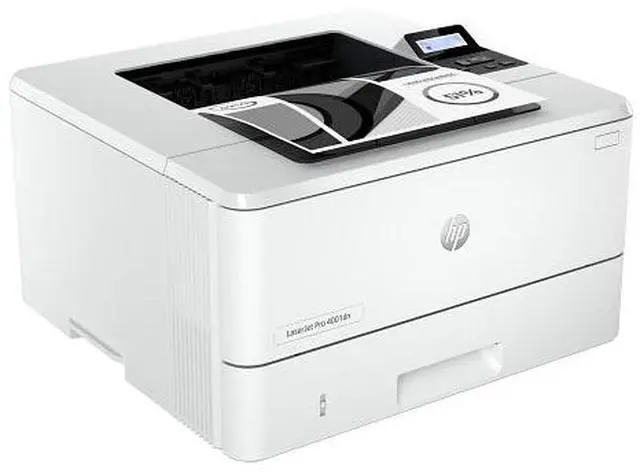
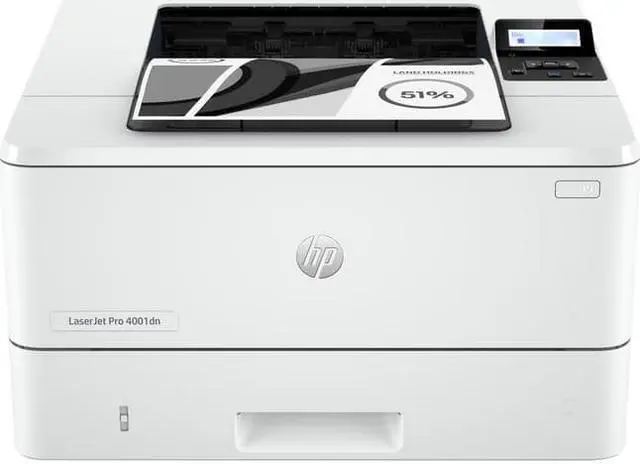
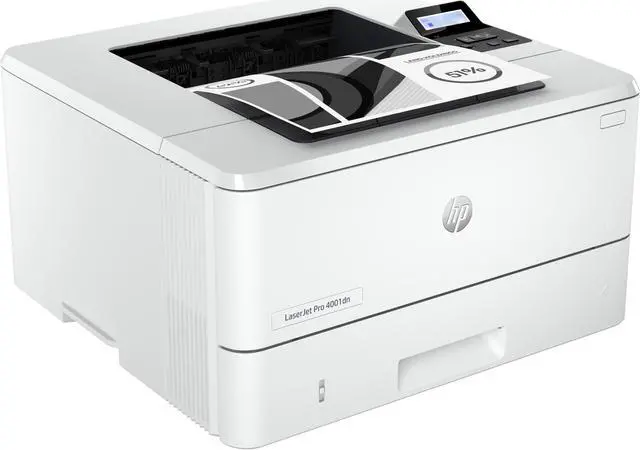
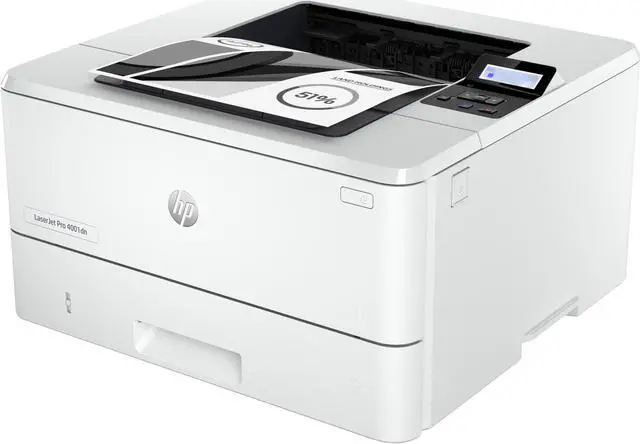
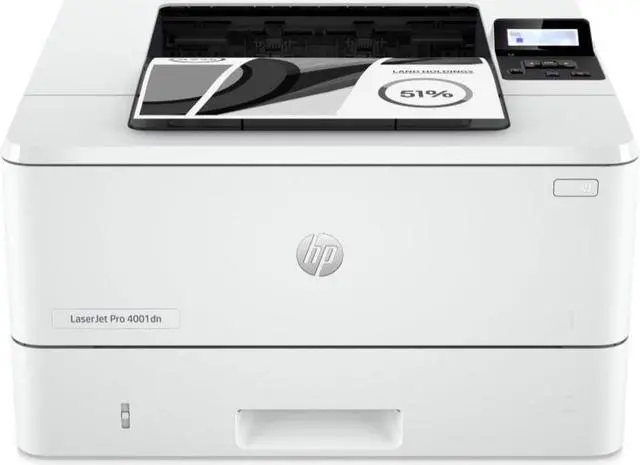
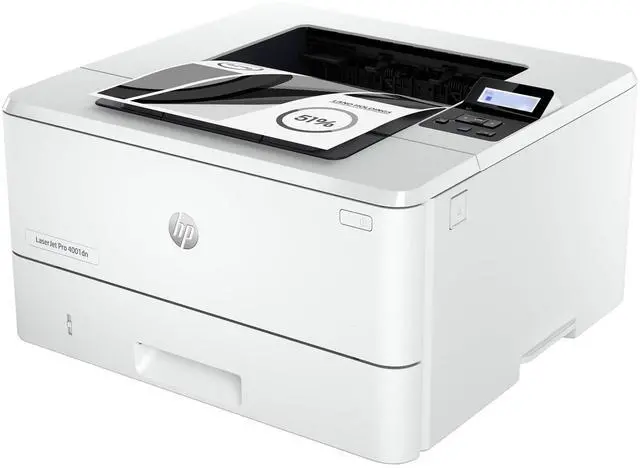
HP LaserJet Pro 4001dn Laser Printer, Black And White Mobile Print Up to 80,000
- HP LaserJet Pro 4001dn Printer
Overview
Specs
Reviews
OverviewGet blazing fast printing speeds and easy management tools with LaserJet Pro. Workteams excel with HPs black-and-white office LaserJet printers, which pack extra punch with high-quality results, extra power, and more features. This printer is intended to work only with cartridges that have a new or reused HP chip, and it uses dynamic security measures to block cartridges using a non-HP chip. Periodic firmware updates will maintain the effectiveness of these measures and block cartridges that previously worked. A reused HP chip enables the use of reused, remanufactured, and refilled cartridges.
More at:
http: //www. hp. com/learn/dsFeaturesMaximum productivitySupport your dynamic workteam with this high-speed printer, ideal for up to 10 users. Seamless management. Centralize your print management. HP Web Jetadmin makes it easy with its suite of features. HP Wolf Pro Security. Get printer security out of the box. Preconfigured settings mean it's ready when you are. Minimum system requirements2 GB available hard disk space; Internet connection or USB port Internet browser. For additional OS hardware requirements see microsoft. comWhat's in the box? Preinstalled HP Black Original LaserJet Toner Cartridge; Getting Started Guide; Support Flyer; Warranty Guide; Regulatory Flyer; Power cordDisclaimersMeasured using ISO/IEC 24734 and excludes first set of test documents. For more information, see hp. com/go/printerclaims. Exact speed varies depending on the system configuration, software application, driver, and document complexity. Requires HP app download available at www. hp. com/go/mobileprinting. Certain features are available in English language only, and may vary by printer model/country, and between desktop/mobile applications. HP reserves the right to introduce charges for use of functionality facilitated by the HP app.
Internet access required and may not be available in all countries. HP account required for full functionality. Fax capabilities are for sending a fax only. List of supported operating systems available in app stores.
See details at http: //123. hp. com. HP Web Jetadmin is available for download at no additional charge at hp. com/go/webjetadmin. HP calculations based on ENERGY STAR® normalized TEC data comparing HP LaserJet 200-500 series printers at launch. See hp. com/ecosmart HP Auto-On/Auto-Off Technology capabilities subject to printer and settings; may require a firmware upgrade.
Recycling: Program availability varies. Original HP cartridge return and recycling is currently available in more than 60 countries, territories and regions in Asia, Africa, Europe, and North and South America through the HP Planet Partners program. For details, see hp. com/recycle. Internet access required and must be purchased separately. Wireless operations are compatible with 2.4 GHz and 5.0 GHz operations only. Supports both 5.0 GHz and 2.4 GHz using up to 12 non-overlapping channels vs. only 3 non-overlapping channels for 2.4 GHz only. Supports 5.0 GHz band (up to 150 mbps) v. 2.4 GHz band (up to 72.2 mbps).
Learn more at: www. hp. com/go/mobileprintingHP JetAdvantage Security Manager must be purchased separately. To learn more, please visit hp. com/go/securitymanager.
Warranty & Returns
Warranty, Returns, And Additional Information
Return Policies*
- Return for refund within: 30 days
- Returns are subject to restocking fees and return shipping fees. Please click here to learn more about restocking fees and return shipping fees.
- This item is covered by Newegg.com's International Return Policy.
- Read full return policy for details.
- *Subject to applicable law
Warranty Notice:
This product does not include manufacturer warranty when purchased or used outside of its designated sales region. By purchasing internationally, you acknowledge that warranty support from the manufacturer will not be available.
Manufacturer Contact Info
- Manufacturer Website
- Support Phone: 1-800-474-6836
- Support Website
- View other products from HP
LOADING...
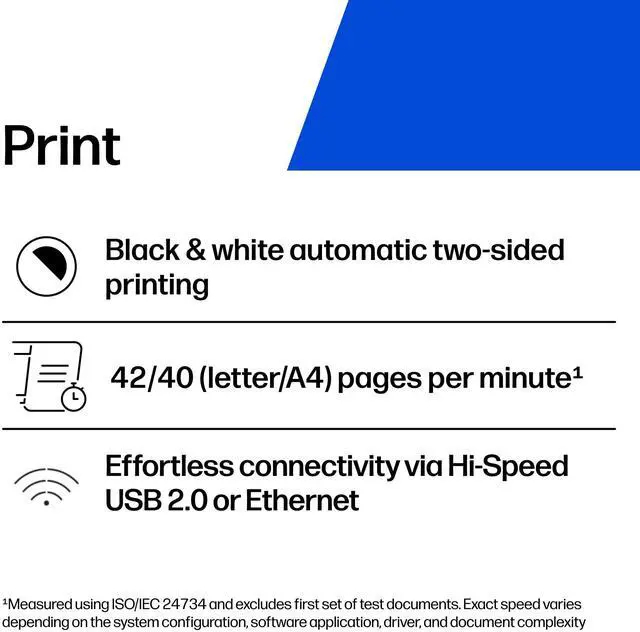
The HP LaserJet Pro 4001dn is a monochrome laser printer that prints up to 42 pages per minute on letter paper and supports automatic duplex printing, making it a fit for offices and workgroups that need fast, two-sided black-and-white documents.
Recommended For
- Small offices and shared workgroups that print frequent batches of black-and-white documents and can connect the printer over Ethernet; its fast output and automatic duplexing suit shared document workflows.
- Home-office users who regularly print long reports, invoices, or other text-heavy paperwork and want automatic two-sided printing without inkjet-style ink maintenance.
- Teams that need a compact desktop printer shared by several people on an existing wired network, rather than a printer that must connect directly to Wi-Fi.
- Users printing mostly everyday business text who value speed and consistent document output more than premium-quality photo or graphics reproduction.
Real-World Use Scenarios
- In a small office where several people print contracts, invoices, and other text-heavy documents, the 4001dn can serve as a shared Ethernet-connected printer, producing black-and-white pages without requiring a separate printer at each desk.
- When an office needs to print a large batch of reports or forms, its fast consecutive-page printing helps get the job finished sooner than a basic personal printer.
- For multi-page documents that staff need to read or file, automatic two-sided printing can reduce paper use and avoid manually flipping pages.
- For routine office paperwork such as letters, agendas, and internal forms, the monochrome laser output is suited to clear black-and-white documents; it is not the right choice when color printing is required.
- When someone needs a few pages printed between larger jobs, the printer is designed for quick office use, though the first-page wait can vary with the document and printer state.
Spec Summary
| Attribute | Value |
|---|---|
| Best For | Office black-and-white document printing, with automatic duplexing and USB or Ethernet connectivity |
| Print Performance | Laser monochrome printing at up to 42 ppm (LTR) or 40 ppm (A4), with 1200 × 1200 dpi maximum black-and-white resolution and a 6.1-second first-page time |
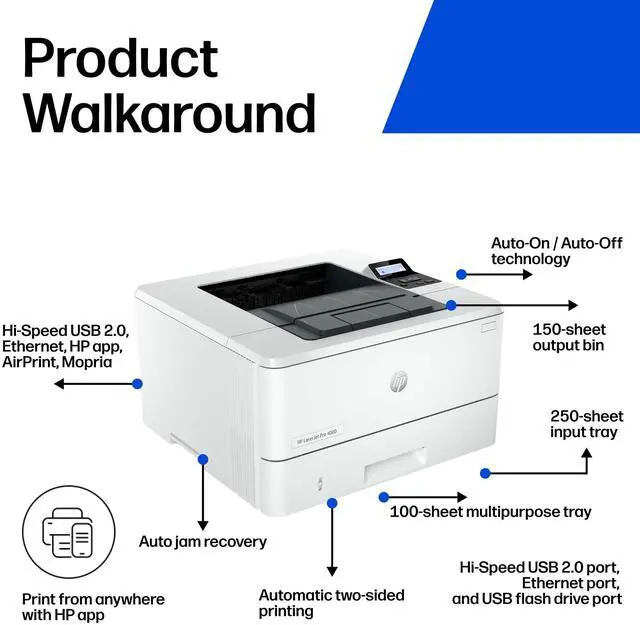
| Paper Handling | Two trays; standard input capacity of 250 sheets, expandable to 820 sheets; standard output capacity of 250 sheets. Supports media up to 8.5 × 14 inches, including 3 × 5-inch media |
| Connectivity And Compatibility | USB and Ethernet connectivity, with two USB ports and one Ethernet port; compatible with Windows 10 and 11, macOS 10.15–13, Chrome OS, Android, iOS, and mobile operating systems |
| Hardware And Power | 1200 MHz processor, 256 MB memory, and 495 W power consumption |
| Toner And Included Items | Uses toner cartridges, including HP 148A/148X; includes a preinstalled HP black LaserJet toner cartridge, setup and warranty materials, a power cord, and other listed package materials |
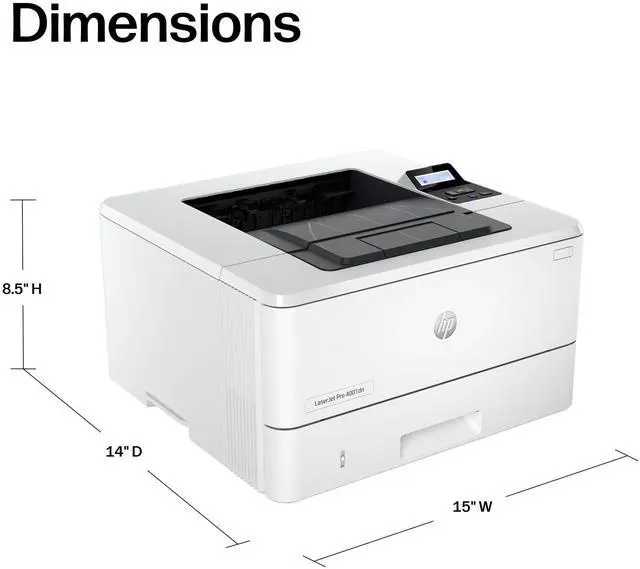
| Dimensions And Weight | 14.33 in W × 12.83 in H × 9.06 in D; weighs 18.87 lb |
| Model Identifiers | HP LaserJet Pro 4001; part number 2Z600F#BGJ |