


 All CategoriesAll CategoriesAll Categories






Warranty Notice:
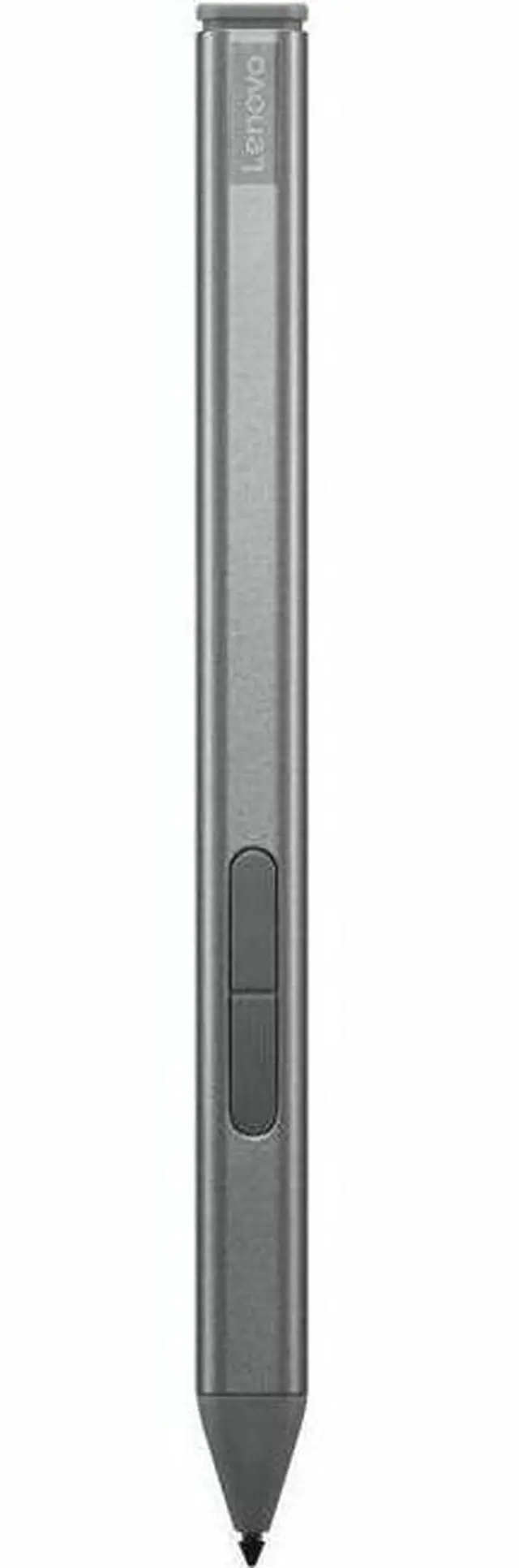
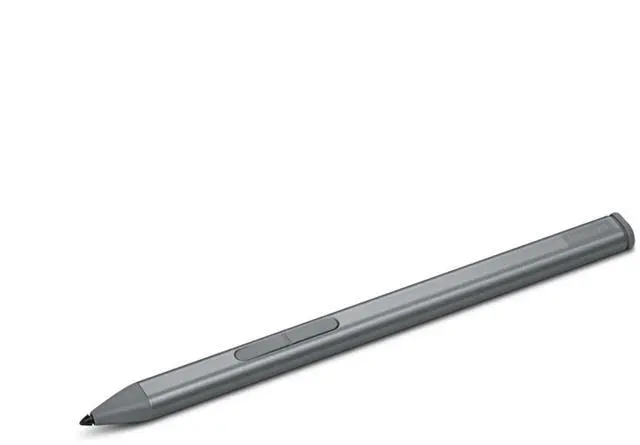
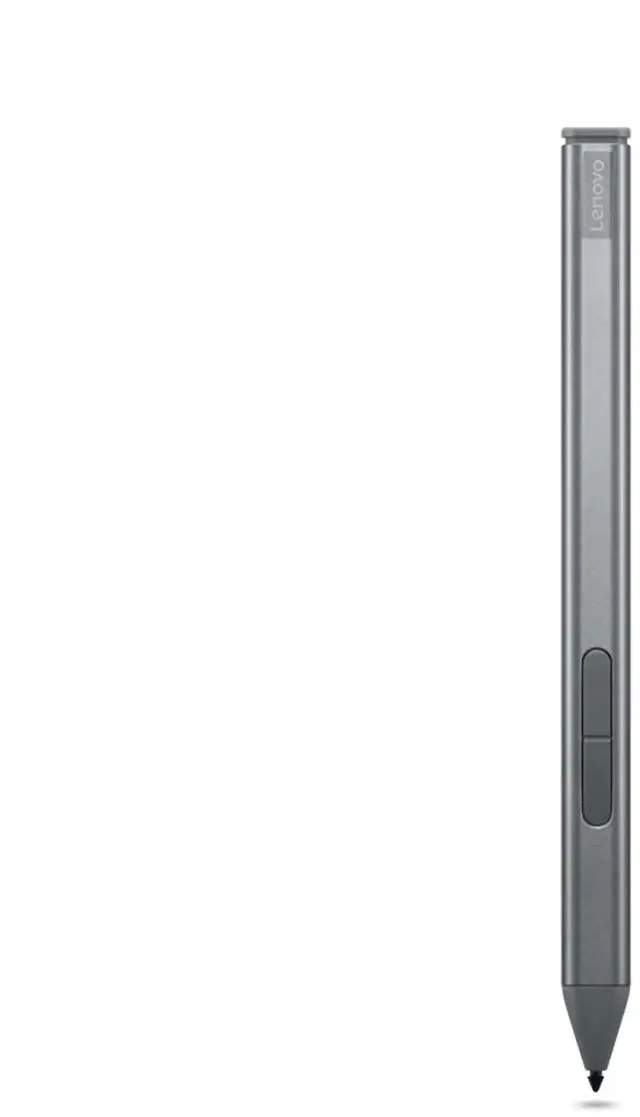
This product does not include manufacturer warranty when purchased or used outside of its designated sales region. By purchasing internationally, you acknowledge that warranty support from the manufacturer will not be available.The Lenovo Active Stylus 4X81P44052 is a Storm Grey active pen designed for select Lenovo ThinkPad convertibles and detachables, making it a good fit for users who want precise pen input for note-taking, annotation, and touchscreen work on the ThinkPad T14s Gen 5, X1 2-in-1 Gen 9, or X12 Detachable Gen 2.
| Attribute | Value |
|---|---|
| Best For | Active pen input on Lenovo notebooks and 2‑in‑1/detachable ThinkPad-style devices; suited for note-taking and stylus interaction on compatible notebooks |
| Model Identifiers | Lenovo model/part 4X81P44052 (active stylus) |
| Physical Dimensions & Weight | Item: 9.8 L x 4 W x 1.4 H inches, 10.4 grams; Packaged: 3.7 L x 9.9 W x 24.7 H centimeters, package weight 0.07 kilograms |
| Battery And Power | Requires one AAAA battery and one is included (single-battery design) |
| Compatibility & Use | Designed for use with notebook computers (compatible device type listed as notebook) |
| Materials & Finish | Plastic enclosure with a black finish |
| Quantity & Packaging | Sold and packaged as a single unit (one stylus, single-pack) |
| Manufacturer & Availability Notes | Manufactured by Lenovo; no safety attestation provided; not designated for global shipping |
Q: Should I buy the Lenovo Slim Pen 4X81P44052 or a generic capacitive stylus for my ThinkPad X1 2-in-1 Gen 9?
A: Choose the Lenovo Slim Pen 4X81P44052 if you want full pen features supported by compatible ThinkPad models, including active input behavior, tilt support, and Lenovo software integration. Lenovo lists this pen for devices such as the ThinkPad X1 2-in-1 Gen 9, and Lenovo documentation for that system references pen settings and battery monitoring. A generic capacitive stylus is mainly the better fit if you only need simple tapping or occasional note-taking across many touchscreens, because it does not depend on model-specific pen compatibility.
Q: Is the Lenovo Slim Pen 4X81P44052 a better choice than older Lenovo Active Pen models for newer ThinkPad 2-in-1 systems?
A: For the specific systems Lenovo names for this pen, the Slim Pen is usually the safer choice because it is the current official accessory match rather than an older cross-generation pen. Lenovo positions it with recent ThinkPad X1 2-in-1 hardware, and current system specs highlight features such as magnetic attachment, tilt detection, and USB-C charging. Older Lenovo Active Pen models can still be relevant for earlier devices, but they are not the default recommendation when Lenovo has already designated the Slim Pen for the newer platform.
Q: For note-taking and annotation, should I get the Lenovo Slim Pen 4X81P44052 or skip the pen entirely?
A: Get the Slim Pen if handwriting, markup, document review, or whiteboarding is part of how you use a compatible ThinkPad. Reviews of the ThinkPad X1 2-in-1 Gen 9 consistently describe the pen as a practical part of the device experience, and Lenovo markets that system with pen support. Skipping the pen makes more sense if your workflow is mostly keyboard and touchpad based, because the core laptop remains usable without it.
Q: Is the Lenovo Slim Pen 4X81P44052 better for portability than a larger third-party active stylus?
A: The Slim Pen is the better fit when you want an accessory that matches the industrial design and intended carry experience of compatible ThinkPad systems. Lenovo and reviewers point to magnetic attachment and slim travel-friendly design as part of its role. A larger third-party active stylus may be worth considering if grip comfort matters more than compact carry, since some reviewers note that slimmer pens can be less ergonomic for extended drawing sessions.
Q: Is this stylus a good choice for note-taking and office work?
A: Yes, if your Lenovo device is one of the supported pen-enabled models. For note-taking, document markup, and meeting annotations, an active stylus is typically the right fit because buyers repeatedly ask about palm rejection, pressure support, and writing comfort. The main decision point is not general pen quality but confirmed device compatibility.
Q: Will this stylus work with any Lenovo touchscreen device?
A: No. This is not a universal stylus. Repeated retail Q&A patterns show that buyers often assume any touchscreen Lenovo will support pen input, but that is not true. The safer buying rule is to match the stylus to the exact supported model list. For this product, the provided compatibility context points to ThinkPad T14s Gen 5, ThinkPad X1 2-in-1 Gen 9, and ThinkPad X12 Detachable Gen 2 rather than Lenovo touch devices in general.
Q: Who is this stylus best suited for?
A: It is best suited for Lenovo ThinkPad users who already own a supported pen-enabled model and want precise input for handwriting, annotation, or light sketching. It is a stronger fit for productivity users than for someone shopping for a generic stylus to use across multiple laptops or tablets.
Q: What is the main trade-off versus buying a more generic third-party stylus?
A: The trade-off is compatibility confidence versus flexibility. A model-specific Lenovo stylus is usually the safer choice when you want proper pen features on supported ThinkPad hardware. A generic third-party stylus may look cheaper or broader in marketing, but retail Q&A repeatedly shows that pen support depends on the device's actual pen protocol and support list, not just on having a touchscreen.
Q: Is this stylus mainly worth buying if I already have a compatible ThinkPad?
A: Yes, if you specifically need an official Lenovo pen for a supported model like the X1 2-in-1 Gen 9 or X12 Detachable Gen 2. Community discussion around these devices focuses mostly on compatibility and replacement buying, which suggests this is a practical accessory purchase rather than a general upgrade. It makes the most sense for note-taking, annotation, and pen input on a device that is already designed for active stylus use.
Q: Who is this stylus suitable for?
A: It is best suited to users of supported pen-enabled ThinkPad models who want handwriting, sketching, PDF markup, or meeting notes. It is a fit for business and school workflows where precise pen input matters more than broad cross-device compatibility. It is less suitable for shoppers who want one pen to work across many unrelated Lenovo laptops.
Q: What is the main trade-off with this stylus compared with cheaper alternatives?
A: The main trade-off is flexibility versus certainty. Cheaper third-party pens are often discussed as alternatives, but Reddit threads repeatedly center on uncertainty about compatibility, protocol support, and long-term reliability. This Lenovo model is the safer choice if you want a pen tied to Lenovo's supported device list, while alternatives may appeal more if price matters most.
Q: Should I buy this as a replacement pen instead of experimenting with another stylus?
A: If your priority is straightforward compatibility, yes. Reddit discussions about these ThinkPad models often come from users trying to confirm whether unofficial pens will work, especially when the official pen is unavailable. Buying the official Lenovo stylus reduces that guesswork, but it may not be the best value if you are comfortable testing third-party AES-compatible options.
Q: Is this a good choice for every ThinkPad with a touchscreen?
A: No. Community discussion shows that buyers often confuse touchscreen support with active stylus support. This stylus is only a sensible choice for specific pen-enabled models listed by Lenovo, not for every ThinkPad touch display. If your device supports touch only and not an active pen digitizer, this stylus is not the right purchase.