


 All CategoriesAll CategoriesAll Categories
Shipped by Newegg




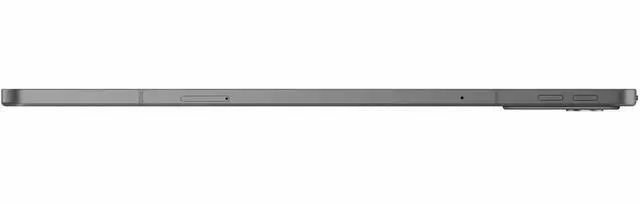
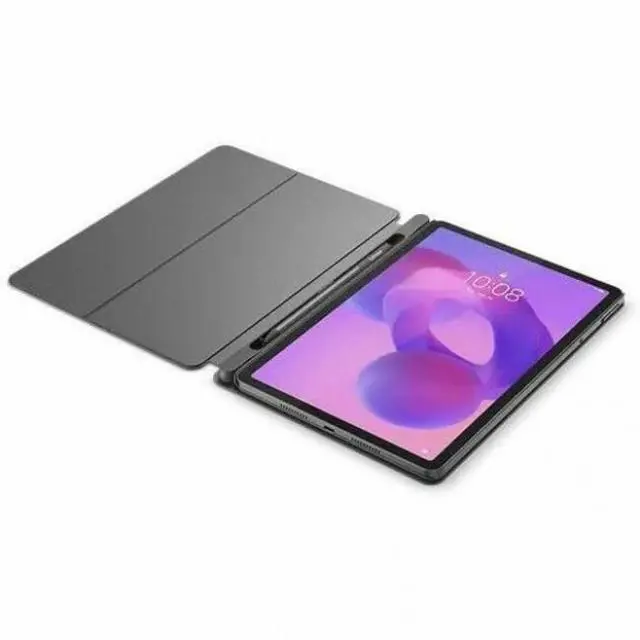
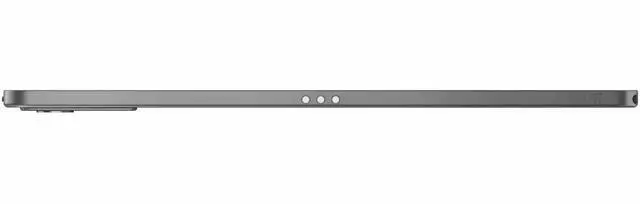
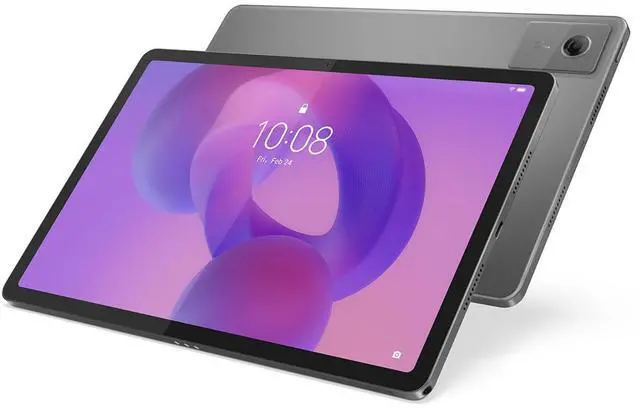






Warranty Notice:
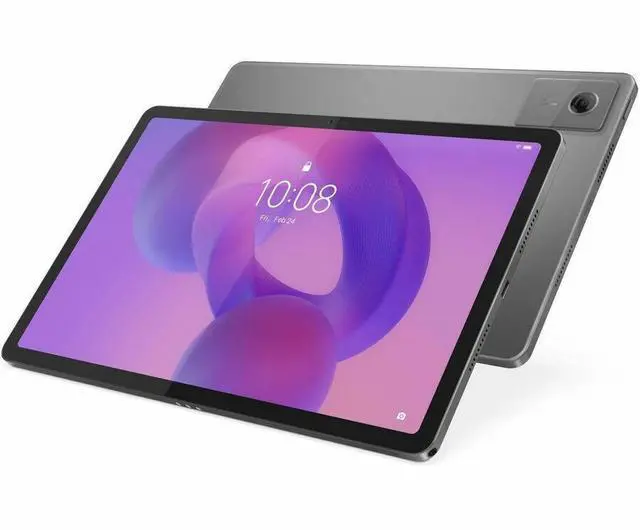
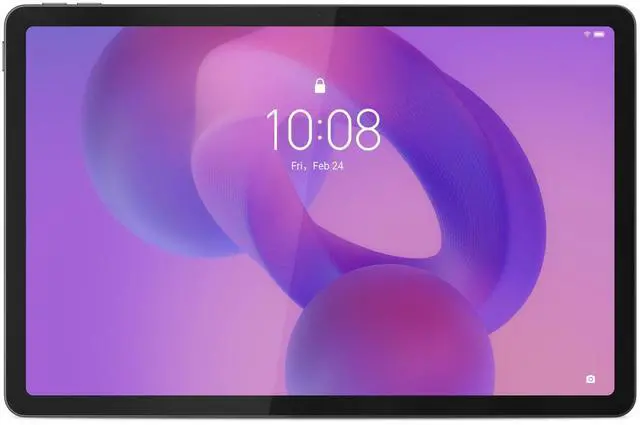
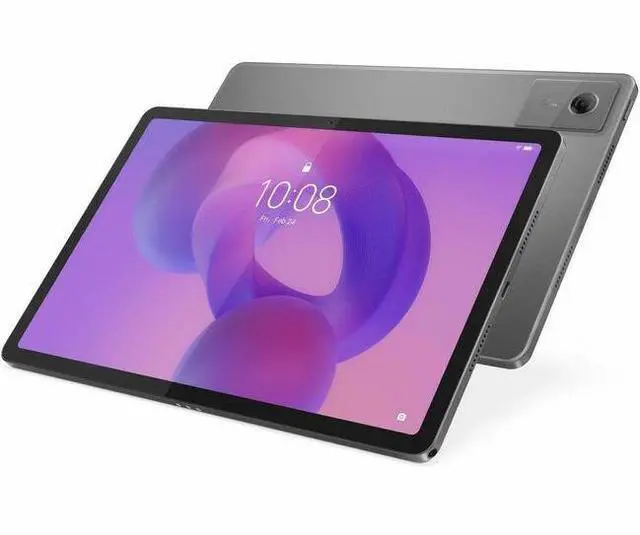
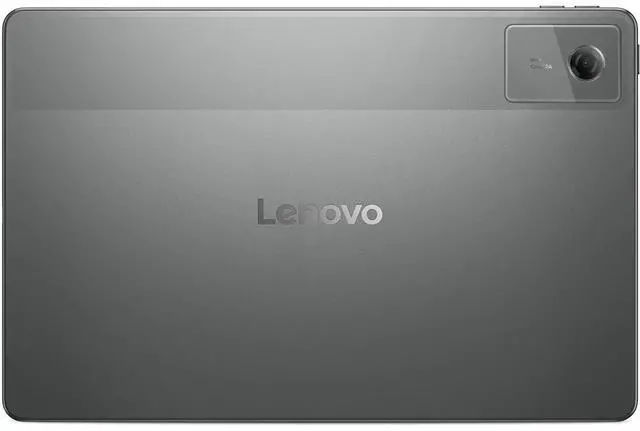
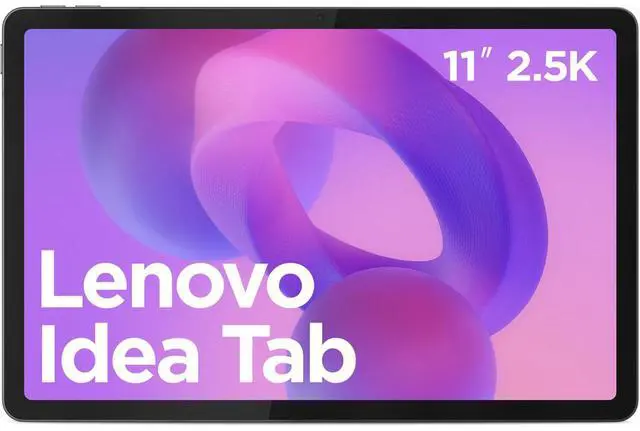
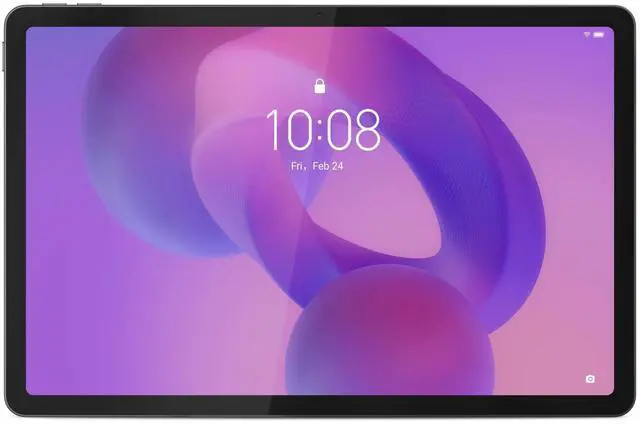
This product does not include manufacturer warranty when purchased or used outside of its designated sales region. By purchasing internationally, you acknowledge that warranty support from the manufacturer will not be available.The Lenovo Idea Tab 11 is an 11-inch Android 15 tablet built for students, note-takers, and everyday media users who want a sharp 2.5K 90Hz display, pen support, quad-speaker Dolby Atmos audio, and optional keyboard-friendly productivity in a portable design.
| Attribute | Value |
|---|---|
| Best For | Students and everyday tablet users who want an 11-inch Android tablet with 8 GB RAM, 128 GB built-in storage and support for stylus and pogo-pin keyboards |
| Processor And Core Count | MediaTek Dimensity 6300 system-on-chip, 8-core configuration (2x A76 @ 2.4 GHz + 6x A55 @ 2.0 GHz), built on a 6 nm process |
| GPU And VRAM | Integrated Arm Mali-G57 MC2 graphics (integrated GPU) |
| Display Spec | 11-inch LCD touchscreen with 2560 x 1600 (16:10) native resolution and up to 500 Nit maximum brightness |
| Memory Configuration | 8 GB RAM |
| Storage And Expansion | 128 GB internal flash storage with microSD (transflash) expansion supported; microSD tray pin and media card reader included |
| Battery And Power | 7040 mAh lithium-polymer battery (single battery cell), battery included |
| Wired And Wireless Networking | Wi‑Fi 802.11ac (Wi‑Fi 5) and Bluetooth wireless connectivity |
| Ports And Expandability | USB-C port for charging/data and transflash (microSD) support; pogo-pin connector support for folio keyboards |
| Cameras And Sensors | Rear camera: 8 MP; front camera: 5 MP; video capture up to 8 MP; includes accelerometer and GPS (with GLONASS and Galileo support) |
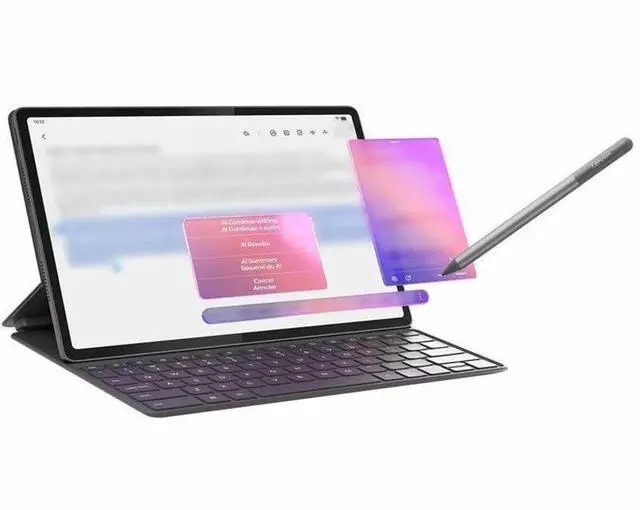
| Input And Accessories | Touchscreen with stylus support and compatibility with stylus pens; compatible with pogo-pin folio keyboards; package includes microSD tray pin and USB-C charging cable |
| Dimensions And Weight | Approx. 10 x 6.5 x 0.3 inches (L x W x Thickness) and about 1.7 pounds |
| Other Features | Features include low blue light, anti-fingerprint surface, volume control button, dustproof and water resistant design |
| Model Identifiers | Lenovo IdeaTab series — Model ZAFR0912US (Model Number TB336FU), IdeaTab edition; manufactured by Lenovo Group Limited; version for United States, model year 2025 |
Q: Should I buy the Lenovo Idea Tab 11 or the Samsung Galaxy Tab A9+?
A: Choose the Lenovo Idea Tab 11 if your priority is display sharpness, bundled note-taking accessories, and a newer out-of-box software version. Its 11-inch 2560x1600 90Hz panel is materially sharper than the Galaxy Tab A9+ 11-inch 1920x1200 90Hz display, and Lenovo positions the tablet around study, pen input, and keyboard use. Choose the Galaxy Tab A9+ if you care more about app smoothness, gaming headroom, and Samsung’s ecosystem, since review and community comparisons commonly describe the Snapdragon 695 as the stronger practical performer than the Dimensity 6300 in this class. In short: Lenovo fits reading, handwriting, and media-first use better; Samsung fits performance-first casual productivity better.
Q: Is the Lenovo Idea Tab 11 a better buy than the Lenovo Tab M11?
A: Yes, the Idea Tab 11 is the better choice if you want a clearer upgrade for display quality, memory, and longer-term relevance. The Idea Tab moves to a 2.5K 90Hz panel, a Dimensity 6300 platform, Android 15 at launch, and Lenovo states 2 OS upgrades with 4 years of security updates. The Tab M11 is positioned lower, with more modest hardware and an older generation focus on basic school and media tasks. Choose the Tab M11 only when price matters more than display sharpness and responsiveness. Choose the Idea Tab 11 when you want the more complete everyday package for reading, streaming, and handwritten notes.
Q: Should I upgrade from the previous Lenovo Tab M11 to the Lenovo Idea Tab 11?
A: Upgrade if you want a noticeably sharper screen, more current software, and a better fit for note-taking or study use. The Idea Tab 11 adds a 2560x1600 90Hz display and launches on Android 15, while Lenovo also positions it around AI note features, pen input, and keyboard support. If your current Tab M11 already handles streaming, reading, and light school tasks well, the upgrade is more about display quality and software freshness than a dramatic jump in heavy-performance use. This is a practical upgrade for users who look at text all day, annotate documents, or want to keep the tablet longer.
Q: Is the Lenovo Idea Tab 11 enough for portability and study, or should I move up to a Lenovo Tab Plus or Idea Tab Plus?
A: Choose the Idea Tab 11 if you want a lighter, simpler study and media tablet with a sharper 11-inch 2.5K display and pen-oriented positioning. Move up to the Lenovo Tab Plus or Idea Tab Plus if your priority is a more entertainment-heavy or step-up hardware experience, especially for stronger speakers, a larger display, or a more premium configuration. Community discussions around these models often frame the Idea Tab 11 as the more practical reading and school device, while the larger Plus models make more sense when size, audio, and roomier multitasking matter more than portability.
Q: Is this a good tablet for note-taking, classes, and light office work?
A: Yes for students and light productivity, but not as a full laptop replacement. The 11-inch 2560 x 1600 display, 8GB RAM, Lenovo AI Note features, and Lenovo Tab Pen support make it a practical fit for handwritten notes, document reading, email, web apps, and basic Office-style work. The main trade-off is input comfort: long writing sessions are better with a keyboard case, and Android tablet apps are still less desktop-like than a Windows laptop.
Q: Is it worth buying as a travel work device?
A: It is a good travel companion if your work is mostly email, browser tabs, streaming, reading, meetings, and note-taking. Its 11-inch size, claimed 12-hour video battery life, and optional keyboard setup are better for portability than a laptop. The trade-off is that Android remains weaker for heavy multitasking, long spreadsheet sessions, and desktop-class file workflows.
Q: Does it replace a laptop if I add a keyboard and pen?
A: Only partially. With the pen and folio keyboard, it can cover note-taking, schoolwork, messaging, video calls, and light document editing. It is less suitable if you rely on desktop software, complex spreadsheets, advanced multitasking, or sustained typing-heavy work. Buy it as a flexible media-and-productivity tablet, not as a true laptop substitute.
Q: Who is this tablet most suitable for?
A: It is best suited to students, casual home users, and travelers who want a sharper-than-basic screen, pen input, quad speakers, and better everyday speed than entry-level tablets. It is less suitable for power users who want premium gaming performance, desktop-style productivity, or a large-screen workstation tablet.
Q: How does it compare with a Samsung Galaxy Tab A9+ class alternative?
A: This Lenovo should appeal more to buyers who care about display sharpness, stylus-based note-taking, and a more study-oriented setup. A Galaxy Tab A9+ class alternative is often a simpler choice for basic media use and Bluetooth keyboard pairing, but it typically does not emphasize pen support the same way. The trade-off for the Lenovo is that you may still need to confirm what accessories are bundled, since retail listings for similar Lenovo tablets often separate the keyboard or pen.
Q: Is the Lenovo Idea Tab 11 a good buy for study, reading, and everyday media use?
A: Yes, if your main use is reading, video, web browsing, PDFs, and light multitasking. The 11-inch 2560x1600 90Hz display, 8GB RAM, quad speakers, and included note-taking accessories make it better suited to media and school use than many entry-level tablets. The main trade-off is that the Dimensity 6300 is a lower-midrange chip, so it is not the best choice for demanding games or heavier multitasking.
Q: Is it good for note-taking and university work?
A: It is a practical fit for note-taking, PDF annotation, lectures, and basic student work, especially because Lenovo includes pen and keyboard-focused features and promises 2 Android OS upgrades plus 4 years of security updates. It is best for handwritten notes, class reading, and light multitasking rather than laptop-level workloads such as heavy document workflows, advanced creative apps, or large multi-app sessions.
Q: Who should buy this tablet, and who should skip it?
A: Buy it if you want a budget Android tablet for media, school notes, travel, reading, family use, or casual everyday tasks. Skip it if your priority is gaming performance, long-term premium software support, or replacing a full productivity laptop. Its value is strongest for users who want a sharp screen, 8GB RAM, stylus support, and Android 15 at a lower price.
Q: How does it compare with Samsung budget tablets like the Galaxy Tab A11+?
A: The Lenovo Idea Tab is the better pick if you care more about display sharpness, stylus support, and bundled study features. A Samsung budget alternative may be the better pick if you care more about raw performance or potentially longer update support. The decision mainly comes down to whether you want a better screen-and-pen package or a stronger general-purpose tablet.
Q: What are the main trade-offs before buying?
A: The main trade-offs are performance headroom and software polish. The Dimensity 6300 is fine for everyday use but modest for gaming and heavier multitasking. Community discussion also raises smaller concerns around Lenovo’s UI preferences and occasional value comparisons with similarly priced Samsung models. In return, you get a higher-resolution 90Hz display, 8GB RAM, note-taking support, and a student-friendly feature set.


