


 All CategoriesAll CategoriesAll Categories
Shipped by Newegg




Warranty Notice:
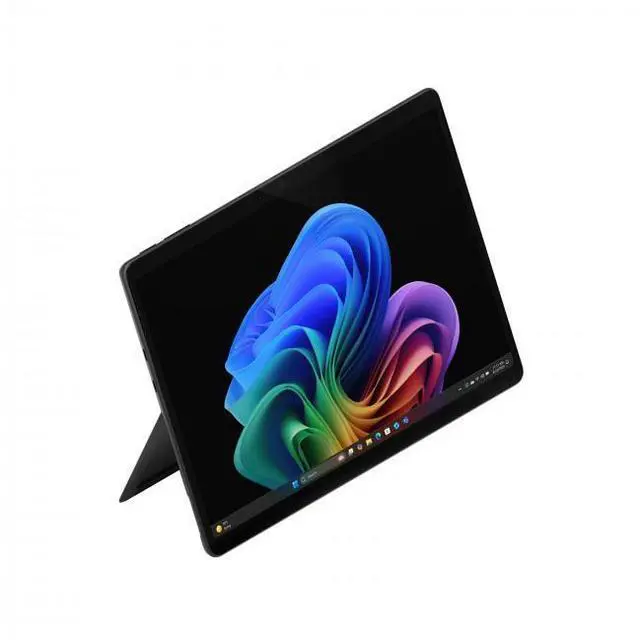
This product does not include manufacturer warranty when purchased or used outside of its designated sales region. By purchasing internationally, you acknowledge that warranty support from the manufacturer will not be available.The Microsoft Surface Pro 13-inch is a Windows 11 Copilot+ tablet with a Snapdragon X2 Plus processor, 16GB LPDDR5x memory, and 512GB storage, making it a strong fit for students, professionals, and mobile users who want a light 2-in-1 for productivity, video calls, and everyday multitasking.
| Attribute | Value |
|---|---|
| Best For | Windows tablet users in business and student roles who need a portable 13" touchscreen device for productivity and mobile use — configured with a Snapdragon X2 Plus CPU, 16GB RAM, 512GB storage, and a listed battery life of 15 hours |
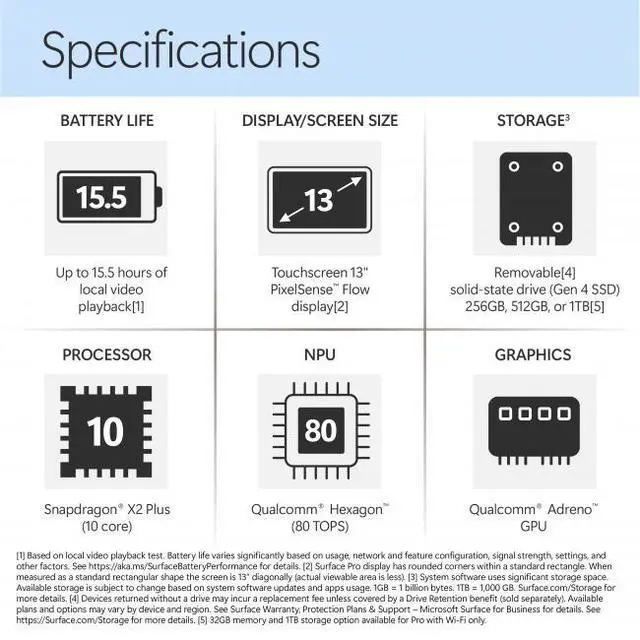
| Processor And Core Count | Qualcomm Snapdragon X2 Plus system-on-chip, described as a 10-core processor with a listed peak speed of 4 GHz |
| Memory Configuration | 16GB LPDDR5x system memory |
| Storage And Expansion | 512GB built-in internal storage |
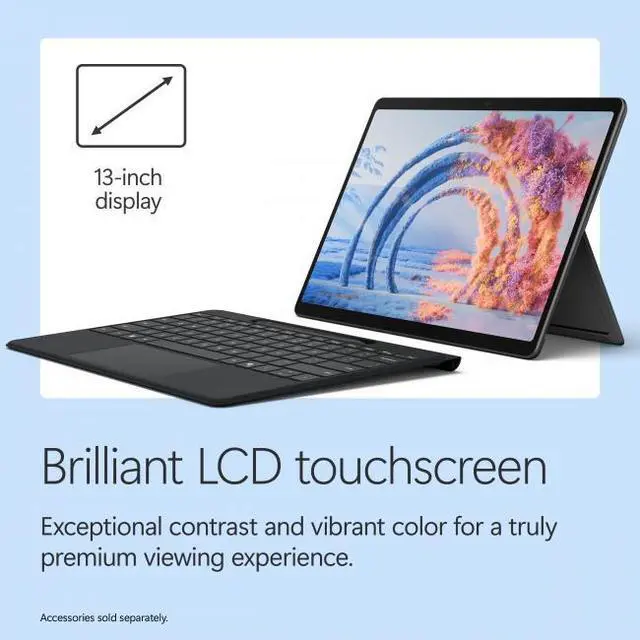
| Display Spec | 13.0-inch LCD touchscreen, 2880 x 1920 native resolution, 120 Hz refresh rate and listed maximum brightness of 600 nit |
| GPU And Video Memory | Qualcomm Adreno integrated graphics that uses shared system memory |
| Camera And Imaging | Front-facing 12 MP camera and rear 10 MP camera; webcam and 10 MP video capture listed |
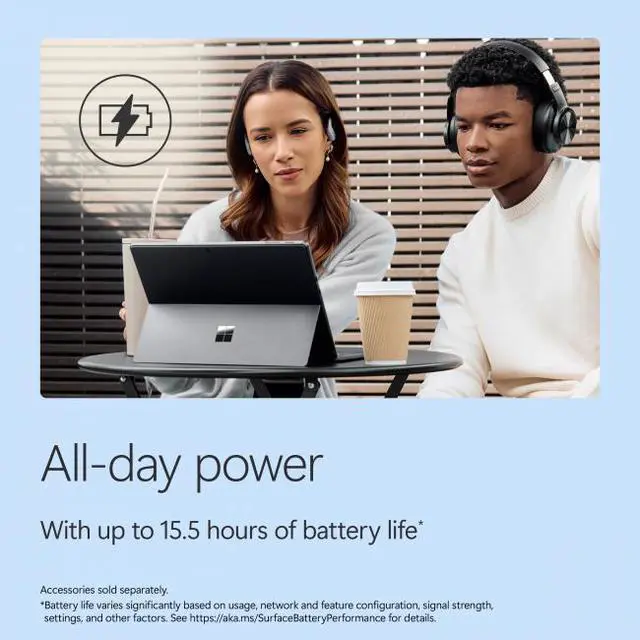
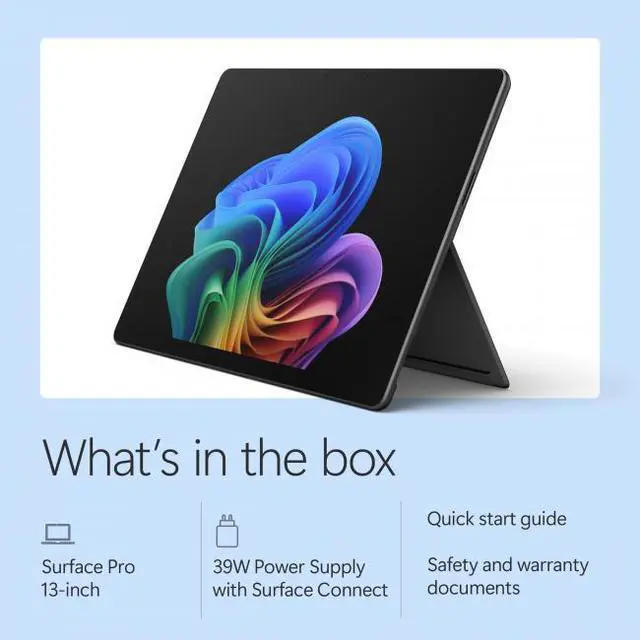
| Battery And Power | Built-in lithium-ion battery (47.7 Wh, 4 cells) with a listed average life of 15 hours; ships/charges with a 39 W USB-C AC adapter supporting Power Delivery |
| Wired And Wireless Networking | Wi‑Fi (internal spec: 802.11be) and Bluetooth 5.4 wireless connectivity |
| Ports And Connectivity | Two USB-C ports (total USB ports listed as 2) with Thunderbolt 4 capability and Power Delivery; supports DisplayPort video output over USB-C |
| Operating System And Software | Ships with Windows 11 Home |
| Human Interface And Input | Touchscreen with stylus support for direct pen input |
| Dimensions And Weight | Dimensions listed as 11.3" x 8.2" x 0.37" and weight 1.97 lbs |
| Model Identifiers | Microsoft Surface Pro, Model EP2-73275 (2026), Series Surface Pro |
Q: Should I buy the 2026 Surface Pro 13 with Snapdragon X2 Plus or the 2024/2025 Surface Pro 11?
A: Choose the 2026 Surface Pro 13 if you want the newer platform, slightly longer official battery estimates, Wi-Fi 7, and the updated Snapdragon X2 generation. Choose the Surface Pro 11 if you find it at a meaningfully lower price and your priority is getting the same 13-inch 2-in-1 form factor with broadly similar everyday use, app compatibility, and accessory style. The main upgrade is platform refinement rather than a complete redesign.
Q: Is this 16GB/512GB Surface Pro 13 a better buy than the 256GB version?
A: Yes, the 512GB version is the safer choice for most buyers who plan to keep the device for several years. It gives more room for Windows, apps, local files, creative projects, and offline media without changing the core experience. The 256GB model makes more sense only if your workflow is mostly browser-based or cloud-first and you want the lowest entry price.
Q: Should I get the Surface Pro 13 or a Surface Laptop if I care more about portability than lap use?
A: Choose the Surface Pro 13 if you want a lighter tablet-first device for handwriting, note-taking, travel, and flexible desk-to-couch use. Choose a Surface Laptop if you spend more time typing on your lap or want a more traditional clamshell setup with the keyboard always attached. The decision is more about form factor than raw everyday capability, since both target similar Copilot+ PC workloads.
Q: Should I choose this Surface Pro 13 with Snapdragon X2 Plus or move up to a Snapdragon X2 Elite configuration?
A: Choose the Snapdragon X2 Plus model if your workload is centered on Office, web apps, video calls, streaming, light creative work, and general productivity. Move up to X2 Elite if you expect heavier multitasking, more demanding creative applications, or you want the higher-tier 13-inch configuration that Microsoft pairs with premium options like OLED. The X2 Plus model is the practical value point; the X2 Elite tier is for buyers who want more headroom.
Q: Is the Surface Pro 13 a better fit than the Asus ProArt PZ13 for a Windows tablet-style workflow?
A: Choose the Surface Pro 13 if you want Microsoft's first-party Surface design, the familiar kickstand-and-keyboard ecosystem, and a device tuned primarily for mainstream productivity and 2-in-1 use. Consider the Asus ProArt PZ13 if you want a competitor that reviewers have described as a more complete package at similar pricing, especially when keyboard bundle value matters. The Surface Pro remains the more established choice for buyers specifically shopping the Surface experience.
Q: Is this a good travel work device for email, documents, web apps, and meetings?
A: Yes, it fits travel work well if your workload is mainly Office apps, web apps, video calls, note-taking, and light multitasking. The main reasons are the low carry weight at 1.97 lb, the 13-inch 2880 x 1920 touchscreen, 16GB memory, and two USB-C/Thunderbolt 4 ports. The trade-off is that this is the device-only version, so many buyers will also need to budget for a keyboard and possibly a pen to use it like a laptop on the go.
Q: Does this Surface Pro come with the keyboard or pen, and does that change the buying decision?
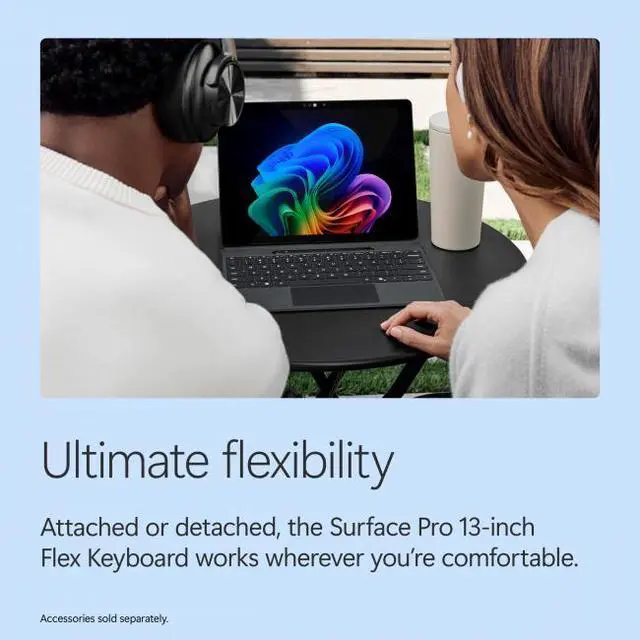
A: No. This listing is device only, so a keyboard is not included, and Surface buyers often ask the same about the pen. That matters because the Surface Pro is much easier to recommend as a primary work machine once a keyboard is added. If you want a tablet-first Windows device, device-only can make sense. If you expect a laptop-like setup out of the box, the extra accessory cost is an important trade-off.
Q: Is it good for note-taking, meetings, and general office work?
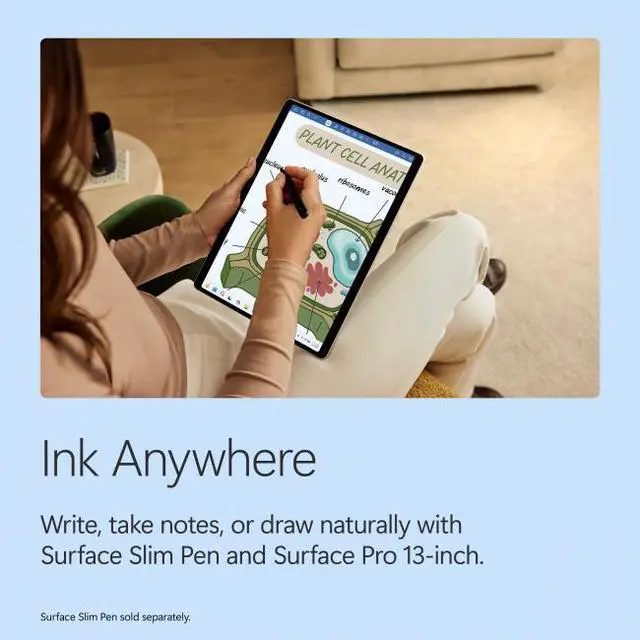
A: Yes, this is a strong fit for note-taking, meetings, and general office work. The touchscreen format is well suited to handwritten input if you add a compatible pen, and the built-in webcam plus microphone setup makes it practical for Teams or Zoom. For office productivity, 16GB RAM and 512GB storage are enough for typical multitasking. The main limitation is ergonomics: for heavy typing, you will likely want the optional keyboard rather than using it as a tablet alone.
Q: Who is this Surface Pro best for, and who should skip it?
A: It is best for buyers who want a lightweight Windows 2-in-1 for mobile productivity, meetings, note-taking, and flexible desk-to-travel use. It is a weaker fit for shoppers who want the best value in raw performance per dollar, lots of built-in ports, or a traditional clamshell laptop experience without extra accessories. If you mainly work at a desk and rarely use tablet mode, a standard laptop is usually the simpler choice.
Q: Is it a better choice than a regular laptop at a similar price?
A: It is better if you specifically want a detachable 2-in-1 with touchscreen and pen-oriented workflow. It is usually not better if your priority is maximizing value for typing, ports, and included accessories. Compared with a regular laptop, the Surface Pro gives you more flexibility and lower carry weight, but you often pay more once you add the keyboard and pen, and the tablet kickstand setup is less traditional for lap use.
Q: Is this Surface Pro a good fit for travel, meetings, and note-taking?
A: Yes for highly mobile Windows use. The 13-inch Surface Pro is very light at 1.97 lbs, has a high-resolution touchscreen, and fits common travel and meeting tasks such as web use, Office work, video calls, and handwritten notes. The main trade-off is lap use: buyers often discuss that the kickstand-and-keyboard setup is less stable than a traditional clamshell laptop when used away from a desk.
Q: Can this replace a regular laptop for work?
A: It can replace a laptop for light to moderate Windows work, including Office apps, browsing, meetings, and note-taking. It is a weaker fit if your workflow depends on niche Windows apps, older x86 software, or tools with limited ARM support. The decision mainly depends on software compatibility, not basic hardware specs.
Q: Who is this model best suited for?
A: This configuration is best suited for buyers who want a portable Windows 2-in-1 for productivity, note-taking, web work, and travel, and who are comfortable with ARM-based Windows. It is less suitable for users who need maximum app compatibility, heavier creative workloads, or the most desk-stable laptop experience.
Q: What are the main trade-offs of choosing this Surface Pro over a standard laptop?
A: The trade-offs are form factor and compatibility. Compared with a standard laptop, this Surface Pro is more flexible for tablet use, touch, and portability, but it is usually less comfortable on the lap and may run into ARM software compatibility limits in some apps. Buyers should choose it for mobility and pen-friendly use, not for maximum software certainty.