


 All CategoriesAll CategoriesAll Categories
Shipped by Newegg

Make informed decisions with expert advice. Learn More



Warranty Notice:
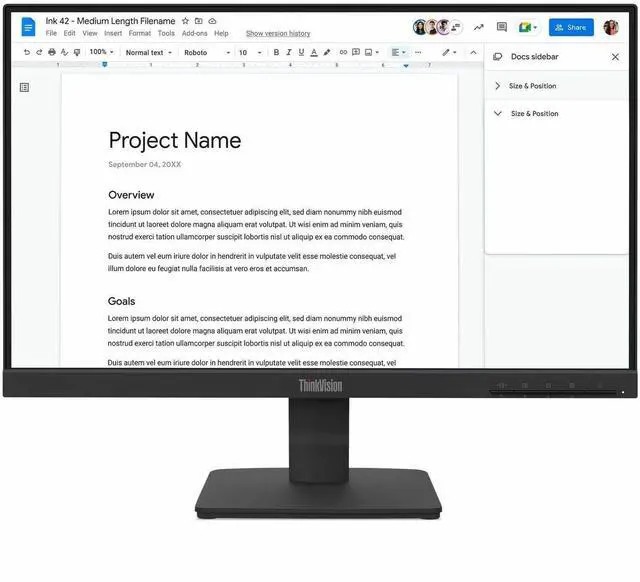
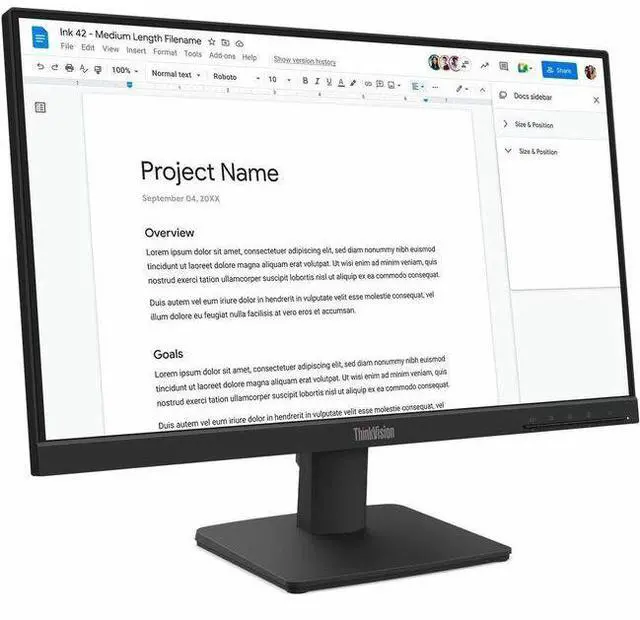
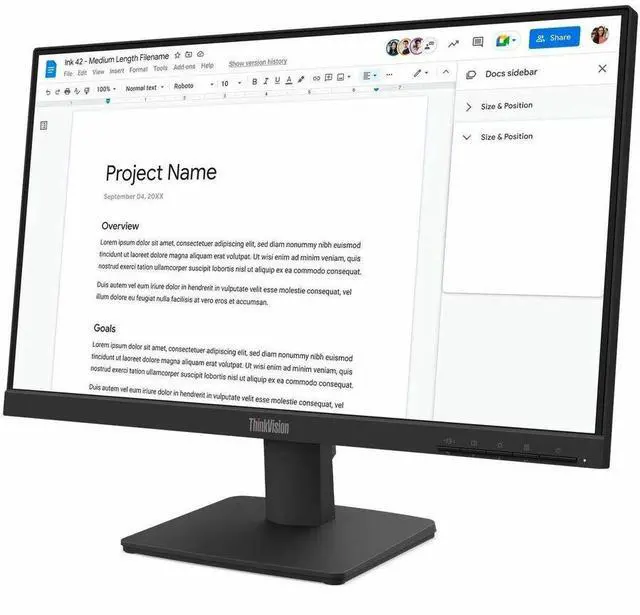
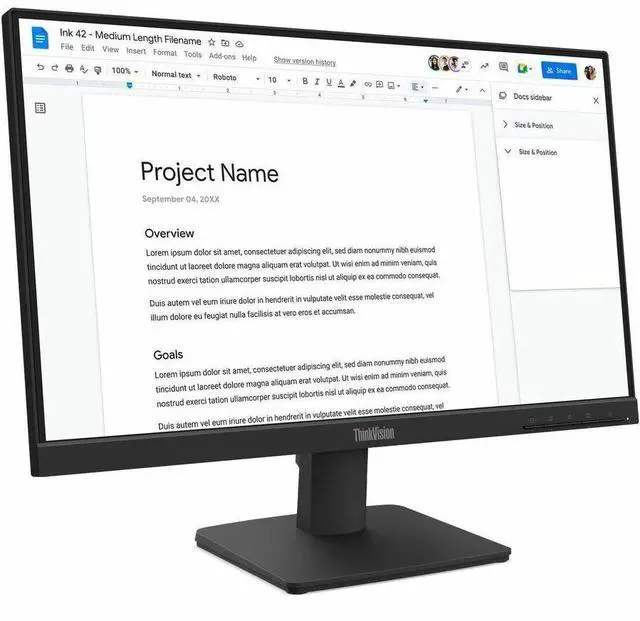
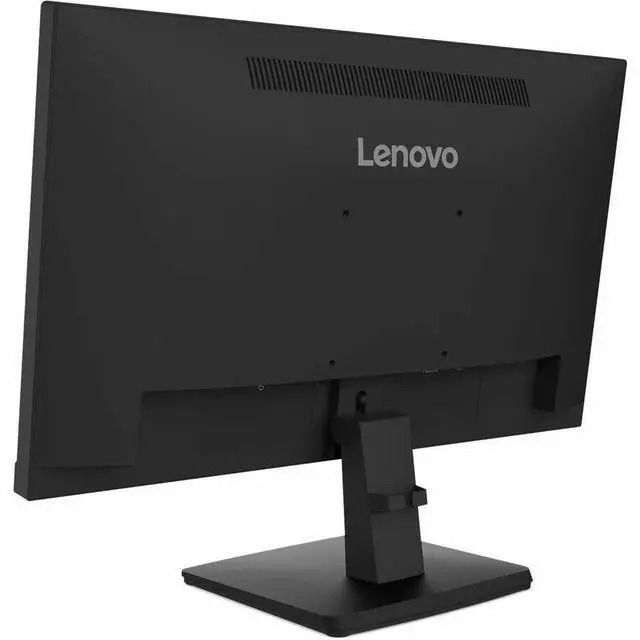
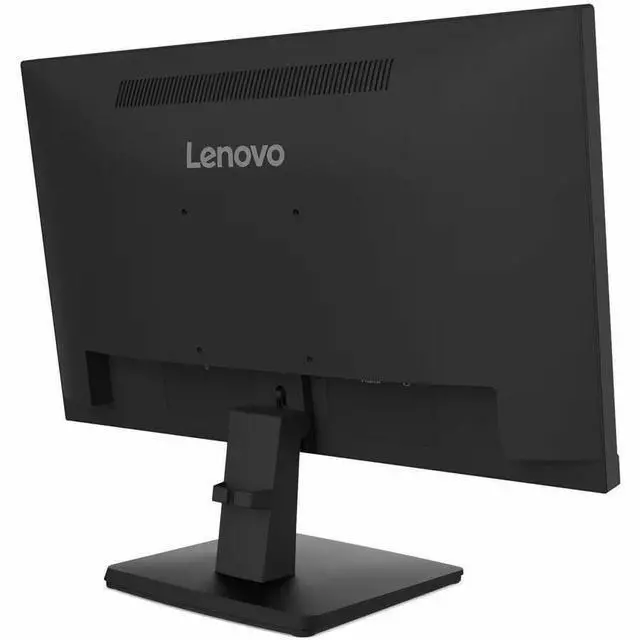
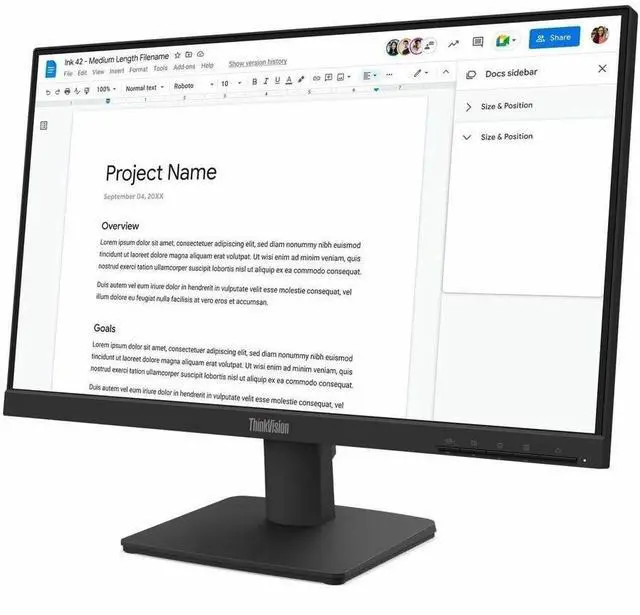
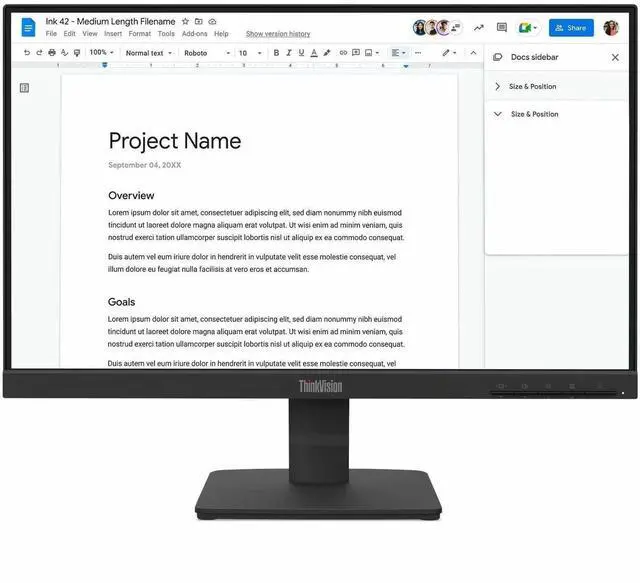
This product does not include manufacturer warranty when purchased or used outside of its designated sales region. By purchasing internationally, you acknowledge that warranty support from the manufacturer will not be available.The Lenovo ThinkVision S22-4e is a 21.5-inch Full HD IPS monitor with a 100Hz refresh rate and 99% sRGB coverage, suited to everyday office work, browsing, and media viewing where smooth motion and broad viewing angles are useful.
| Attribute | Value |
|---|---|
| Best For | Desktop setups needing a Full HD IPS monitor with HDMI and VGA connectivity |
| Panel And Resolution | 22-inch flat WLED IPS display with 1920 × 1080 resolution, 16:9 aspect ratio, 178° horizontal and vertical viewing angles, 250 cd/m² brightness, 1,300:1 contrast ratio, 16.7 million colors, 99% sRGB coverage, anti-glare finish, and 0.2479 mm pixel pitch |
| Refresh Rate And Response | 100 Hz refresh rate with 4 ms response time |
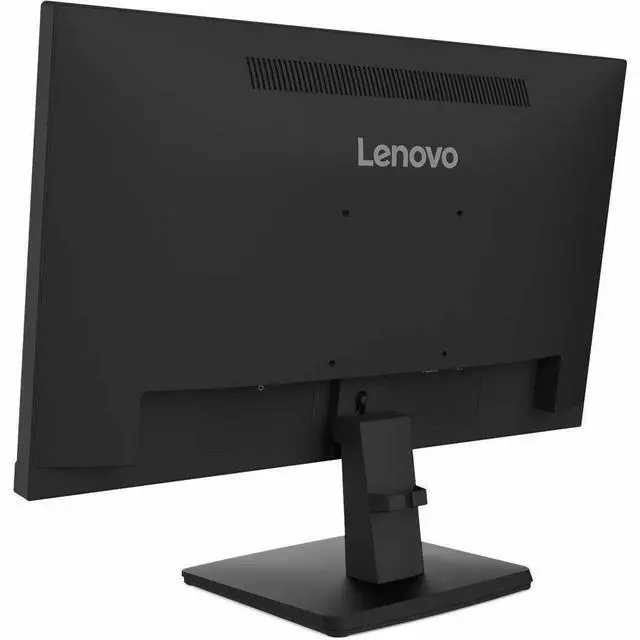
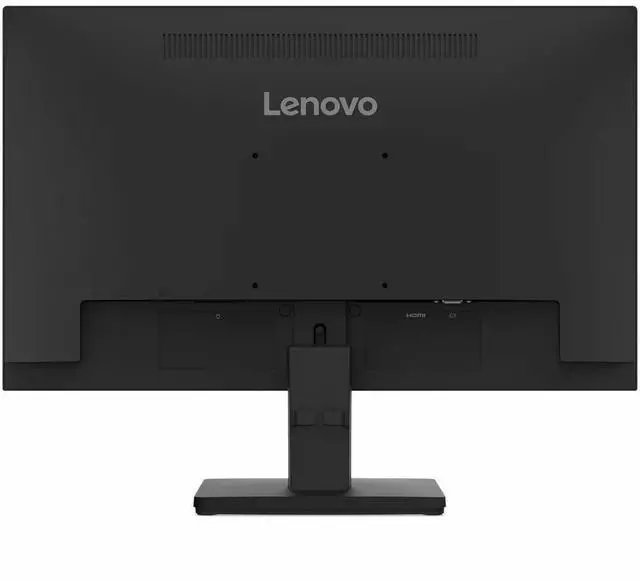
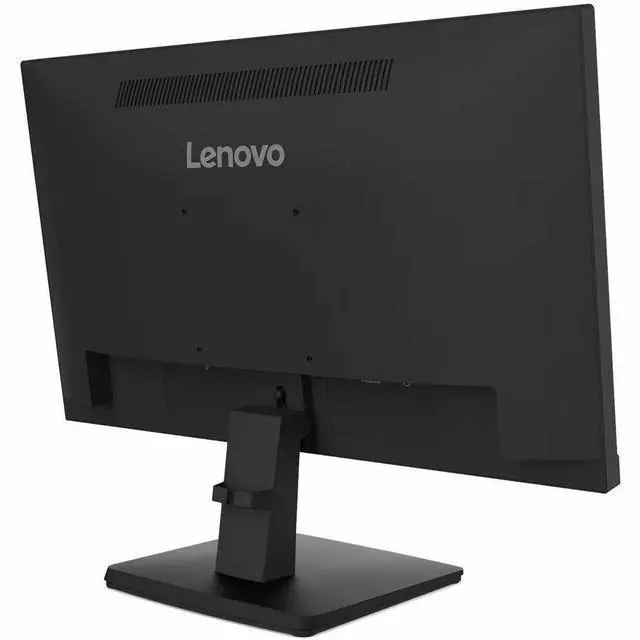
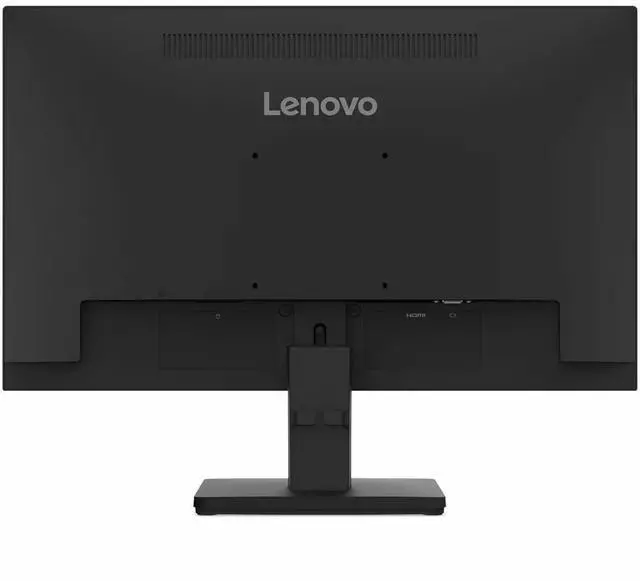
| Ports And Connectivity | One HDMI 1.4 port and VGA connectivity; HDMI cable included |
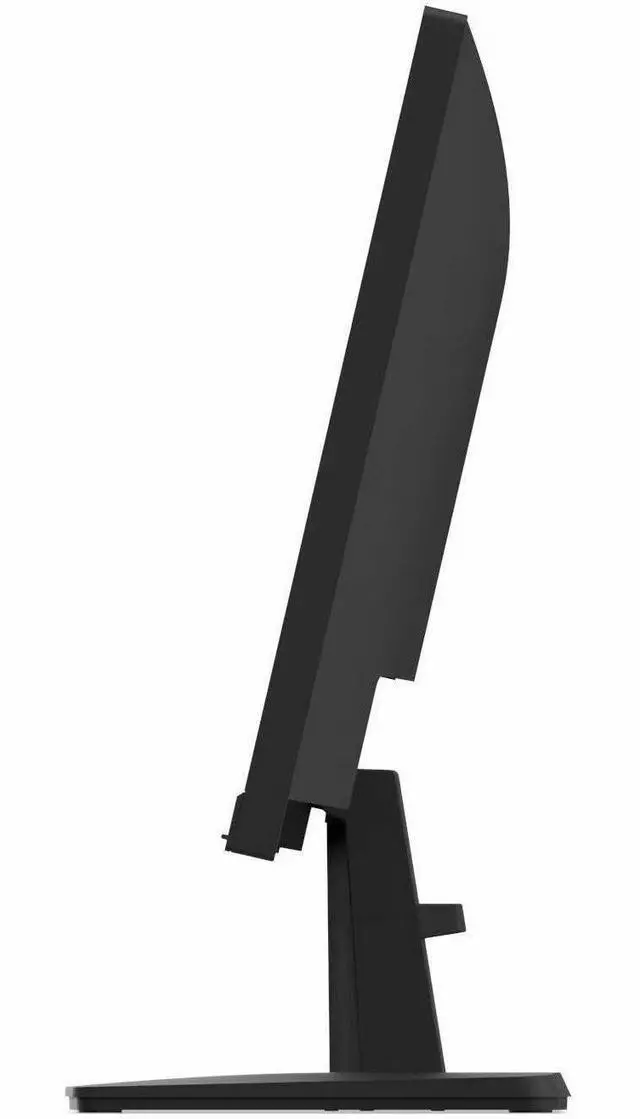
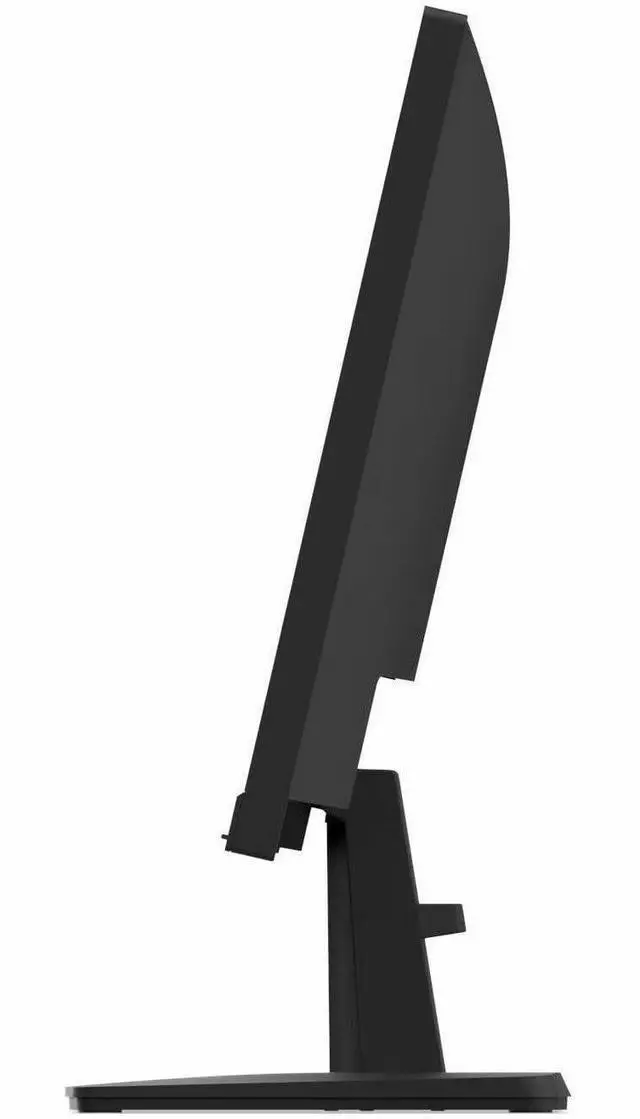
| Stand And Ergonomics | Tilt adjustment from −5° to +22°; compatible with 100 × 100 mm VESA mounts |
| Built-In Features | No built-in speakers or webcam; includes low blue light and flicker-free features |
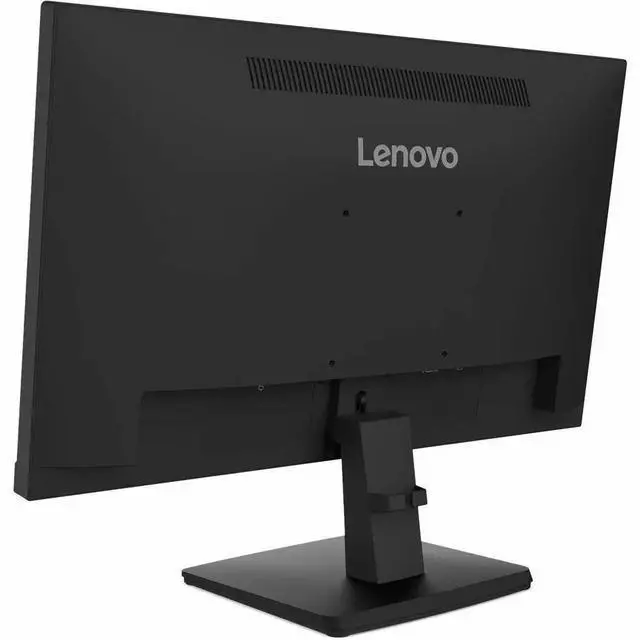
| Physical Design | Black cabinet; 19.3″ W × 11.7″ H × 2.1″ D; weighs 8.5 lb |
| Power Consumption | 10.5 W |
| Model Identifiers | Lenovo ThinkVision S22-4e |
Q: ThinkVision S22-4e vs S24-4e: which should I choose for a small desk?
A: Choose the ThinkVision S22-4e for its more compact 21.5-inch screen, or the S24-4e for a larger 23.8-inch viewing area. Both are FHD IPS monitors with a 100Hz refresh rate and 99% sRGB coverage, so the main decision is screen size and desk space.
Q: ThinkVision S22-4e vs E22-30: which is better for an adjustable home-office setup?
A: The ThinkVision E22-30 is a strong fit when you want a height-adjustable stand with tilt, swivel, and pivot, plus built-in speakers. Choose the S22-4e when a 21.5-inch FHD IPS display with 100Hz refresh and 99% sRGB is the priority.
Q: ThinkVision S22-4e vs T24i-30: which is better for connecting office peripherals?
A: Choose the ThinkVision T24i-30 if your setup benefits from its DisplayPort, HDMI, and VGA inputs, built-in USB hub, and stand with height, swivel, and pivot adjustment. The S22-4e is a more compact 21.5-inch option with a 100Hz refresh rate and 99% sRGB coverage.
Q: Is this monitor suitable for everyday office work and video meetings?
A: Yes. Its 21.5-inch 1920 × 1080 IPS screen, 100Hz refresh rate, and low-blue-light and flicker-free features suit everyday office tasks. It has no built-in webcam or speakers, so video meetings may require separate equipment.
Q: Can I mount this monitor on a wall or monitor arm?
A: Yes. It supports a 100 × 100 mm VESA mount. Check that your wall mount or arm supports that mounting pattern and the monitor’s weight.
Q: Does this monitor have built-in speakers or a webcam?
A: No. It has neither built-in speakers nor a webcam, so use separate audio and video equipment if you need those features.
Q: Can I connect it to an older computer?
A: It has HDMI 1.4 and VGA inputs, so it can connect to a computer with a matching video output. It does not list USB-C or DisplayPort inputs.


