


 All CategoriesAll CategoriesAll Categories
Shipped by Newegg




Warranty Notice:
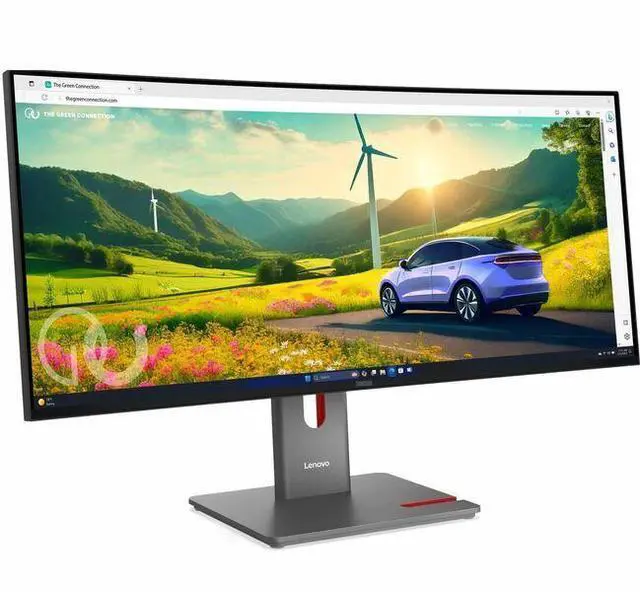
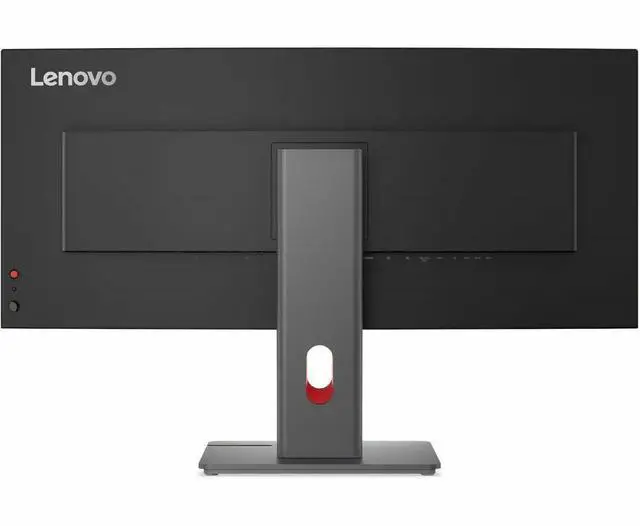
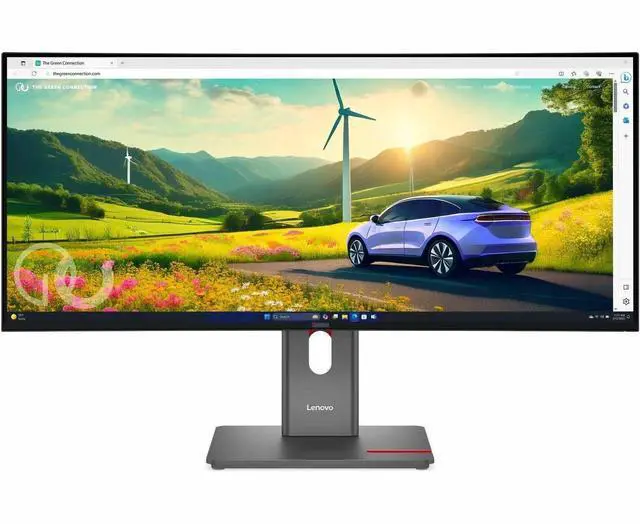
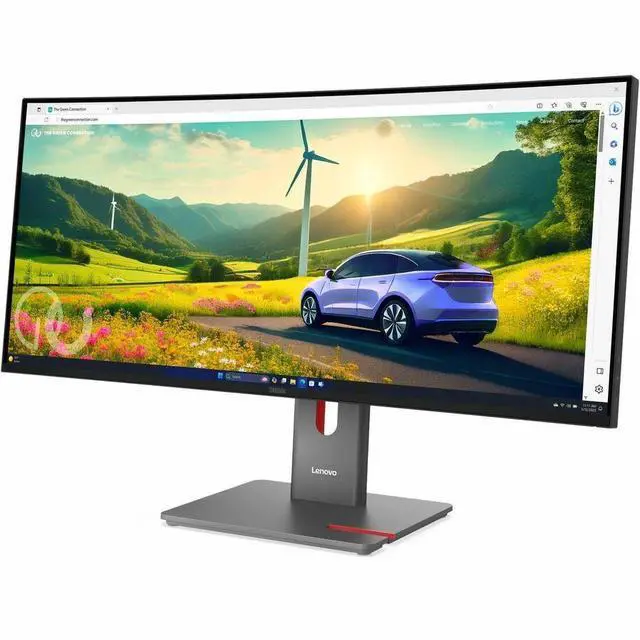
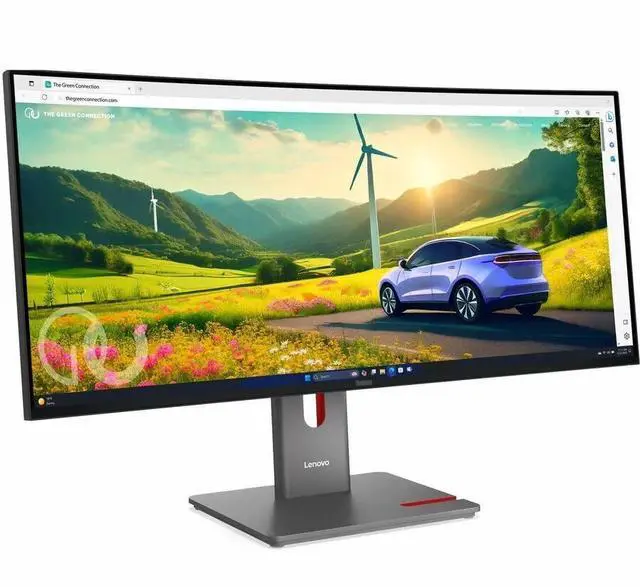
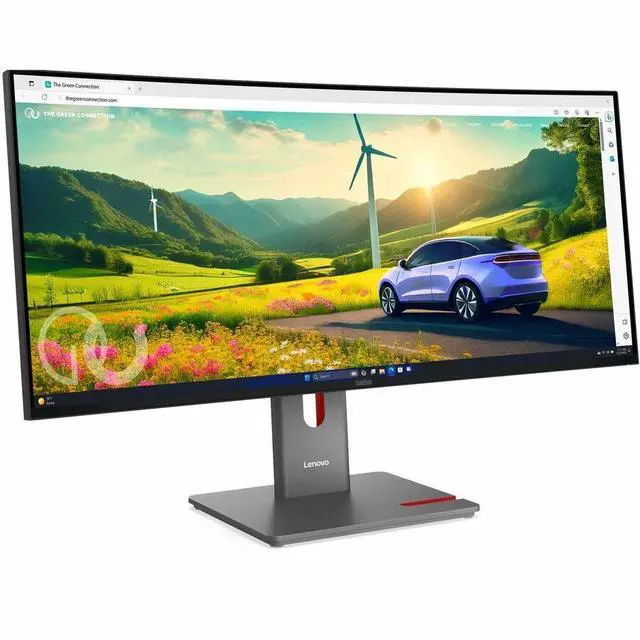
This product does not include manufacturer warranty when purchased or used outside of its designated sales region. By purchasing internationally, you acknowledge that warranty support from the manufacturer will not be available.The Lenovo ThinkVision P34WD-40 is a 34-inch 21:9 ultrawide monitor with 3440 × 1440 resolution, IPS Black technology, and a 120 Hz refresh rate, suited to professionals who want a wide workspace for multitasking, spreadsheets, and detailed content.
| Attribute | Value |
|---|---|
| Best For | Desktop multitasking and gaming, with a curved 21:9 ultrawide display, 120 Hz refresh rate, and adaptive sync |
| Panel And Resolution | 34-inch curved IPS Black display with 3440 × 1440 resolution, 21:9 aspect ratio, 2,000:1 contrast ratio, 178° viewing angle, 98% sRGB gamut, and anti-glare finish |
| Refresh Rate And Response | 120 Hz refresh rate, 4 ms response time, and FreeSync and G-SYNC-compatible adaptive sync |
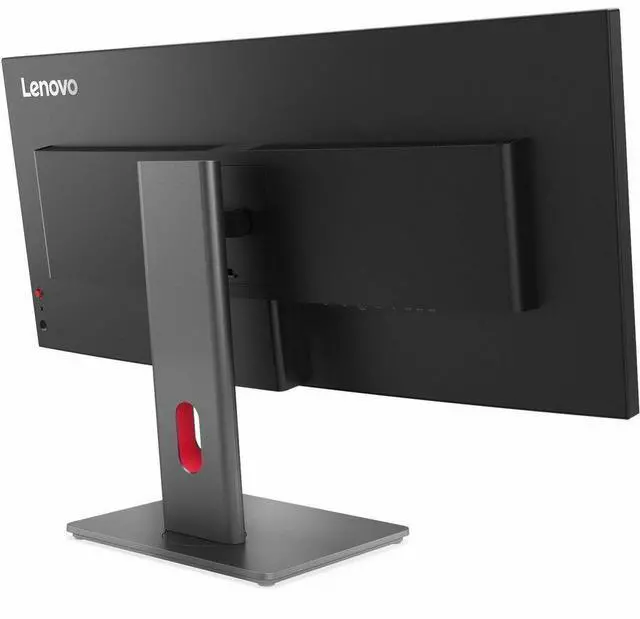
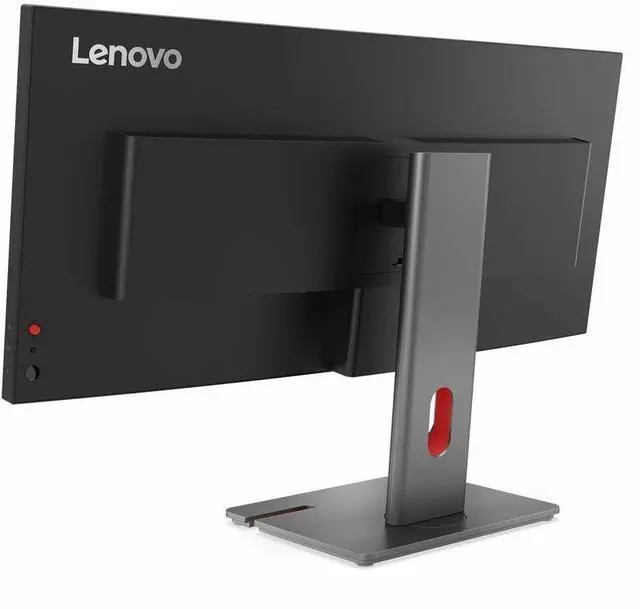
| Ports And Connectivity | HDMI, DisplayPort, USB-C, and Ethernet connectivity; one HDMI port, plus a USB hub and KVM switch |
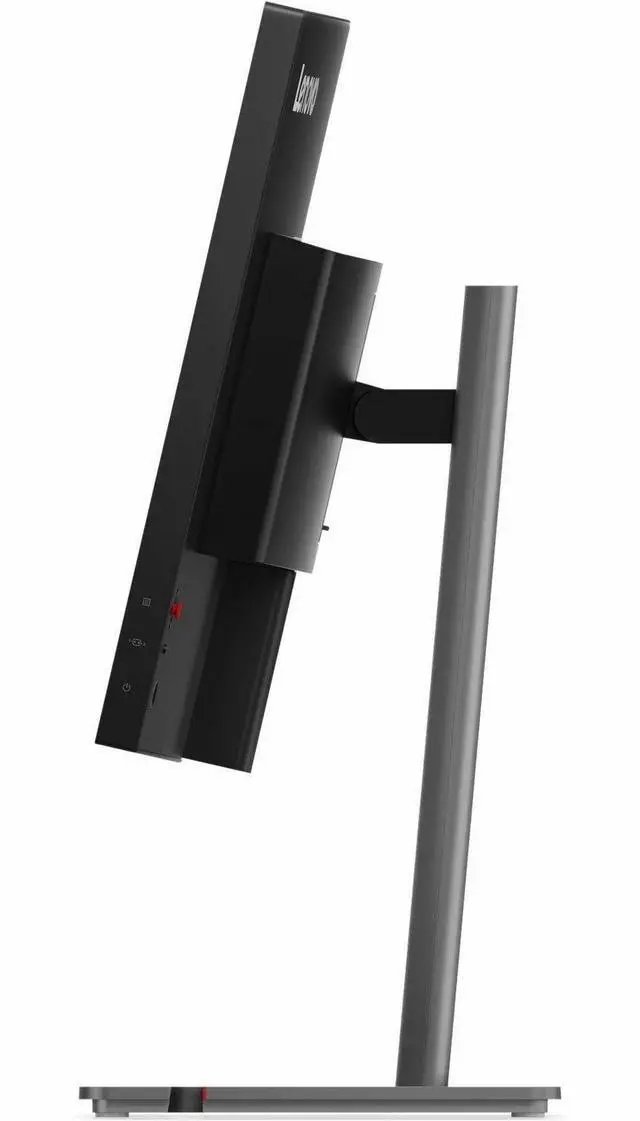
| Stand And Ergonomics | Tilt, swivel, and height adjustment; compatible with 100 × 100 mm VESA mounts |
| Audio And Included Components | Built-in speakers; includes a DP 1.4 cable, USB-C-to-USB-C cable, USB-B-to-USB-A cable, power cable, ThinkVision VoIP Stack MC60 monitor webcam, factory calibration report, and quick setup guide |
| Model Identifiers | Lenovo ThinkVision P34WD-40, model 64ADGAR1UZ, part number 64ADGAR1UZ |
Q: ThinkVision P34WD-40 or T34WD-40 for a 34-inch work monitor?
A: Choose the ThinkVision P34WD-40 for its IPS panel, 350-nit brightness, 98% DCI-P3 coverage, and USB-C power delivery up to 140W. The ThinkVision T34WD-40 shares the 34-inch, 3440 × 1440, 120Hz format and offers a VA panel with 1500R curvature and up to 100W USB-C power delivery. The P34WD-40 suits a preference for IPS and broader color coverage; the T34WD-40 suits a preference for a more pronounced curve.
Q: Should I get the ThinkVision P34WD-40 or the larger P40WD-40?
A: Choose the ThinkVision P40WD-40 if you want a larger 39.7-inch ultrawide with 5120 × 2160 resolution and 140 pixels per inch. Choose the P34WD-40 for a 34-inch, 3440 × 1440 display with 120Hz refresh and 98% DCI-P3 coverage. The P40WD-40 prioritizes screen area and resolution; the P34WD-40 keeps the same 21:9 format in a smaller display size.
Q: How does the ThinkVision P34WD-40 compare with the older P34w-20?
A: Both are 34-inch, 3440 × 1440 IPS ultrawides with a 3800R curve. The P34WD-40 offers a 24–120Hz refresh range, 350-nit brightness, and USB-C power delivery up to 140W. The P34w-20 is a 60Hz model with 300-nit typical brightness and USB-C power delivery up to 100W. Choose the P34WD-40 for its higher refresh range and newer docking specifications.
Q: Is this monitor suitable for office work and multitasking?
A: Yes. Its 34-inch, 21:9 display and 3440 × 1440 resolution provide a wide workspace for viewing multiple windows, while the 120 Hz refresh rate and adjustable stand support everyday desktop use. It is a desk monitor, not a portable travel display.
Q: Can I connect a laptop over USB-C and charge it through the monitor?
A: USB-C is listed as an input, but the available product information does not specify whether it supports video over USB-C or how much laptop charging power it provides. Check the monitor’s documentation and your laptop’s requirements before relying on a single-cable setup.
Q: Can I connect two computers and share a keyboard and mouse?
A: The product listing specifies a built-in KVM switch and USB hub, which are intended to let you share peripherals between computers. Confirm the required USB and video connections in the monitor’s manual; the listing does not specify whether it can display both computers’ video at the same time.
Q: Does it have built-in speakers?
A: The product listing is inconsistent: its feature bullets say “Speakers,” but its specifications say “Built-in Speakers: No.” Because the listing does not resolve this conflict, verify with the seller or manufacturer before buying if built-in audio is important.
Q: Is the ThinkVision P34WD-40 a good choice for a work laptop and desktop setup?
A: It may suit a desk shared between a laptop and desktop: its listed USB-C, DisplayPort, USB hub, and KVM features are relevant to that setup. Reddit owners also describe using it for work and switching between devices. Check the exact connectivity and USB-C power-delivery requirements for your devices before buying.
Q: Can the P34WD-40 replace two monitors for home-office work?
A: Its 34-inch, 21:9, 3440 × 1440 screen gives you a wide workspace for multiple windows. A Reddit owner who moved from two 27-inch monitors described it as a productivity upgrade. Whether it replaces your setup depends on whether you need separate screens or more vertical workspace.
Q: Is the P34WD-40 suitable for gaming, or is it mainly for work?
A: It can handle casual gaming, and its listed refresh rate is 120 Hz, but Reddit users reported visible motion ghosting. Those comments suggest it is a better fit for work and occasional gaming than for players who prioritize fast, clear motion.

