


 All CategoriesAll CategoriesAll Categories
Shipped by Newegg

Make informed decisions with expert advice. Learn More



Warranty Notice:
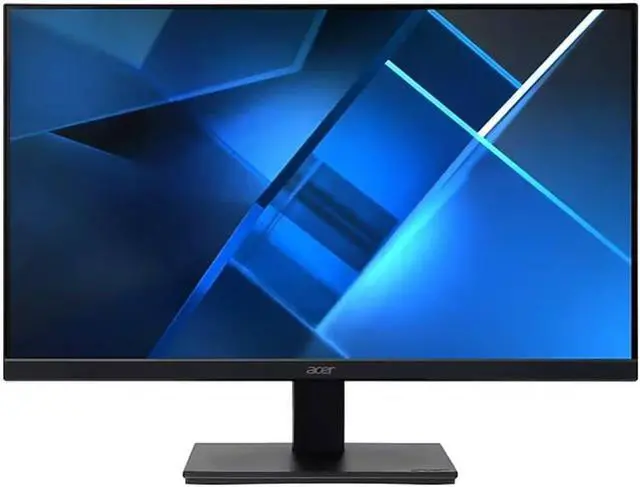
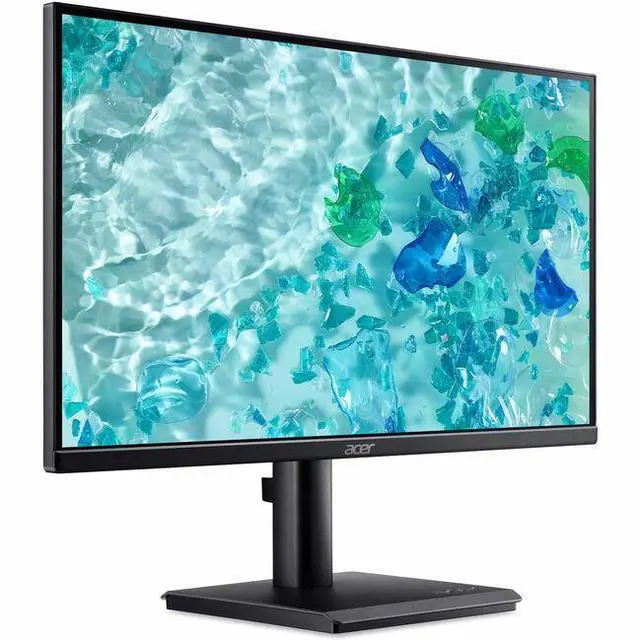
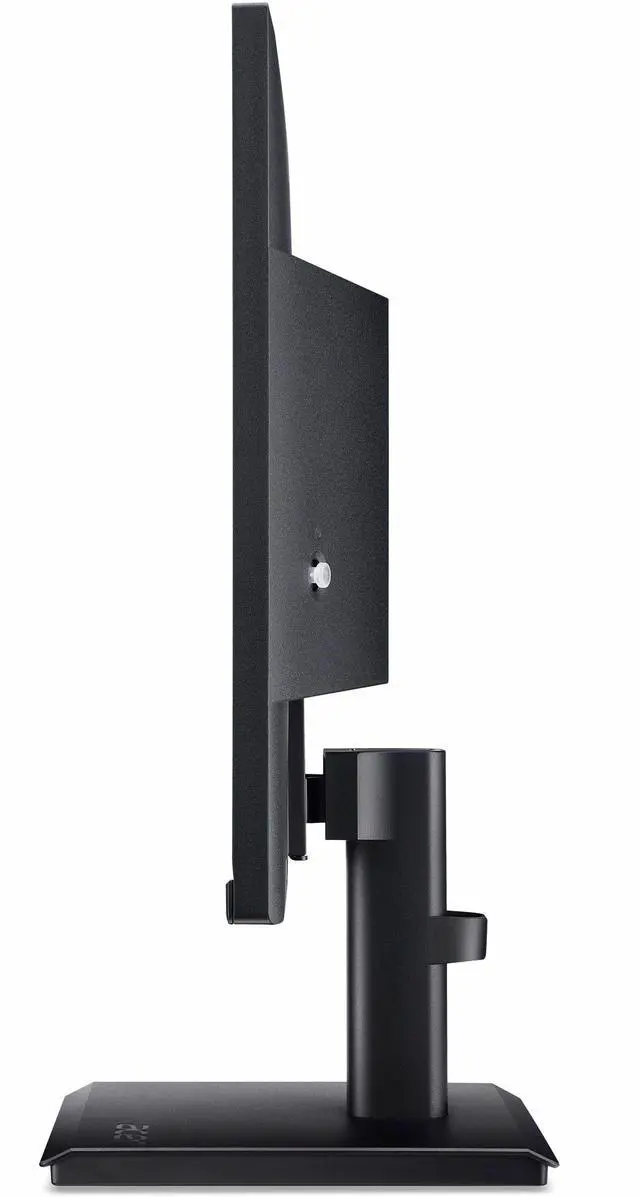
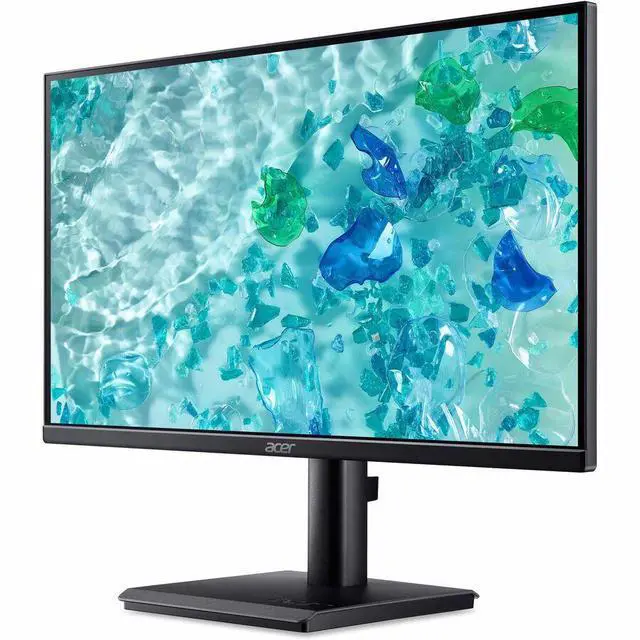
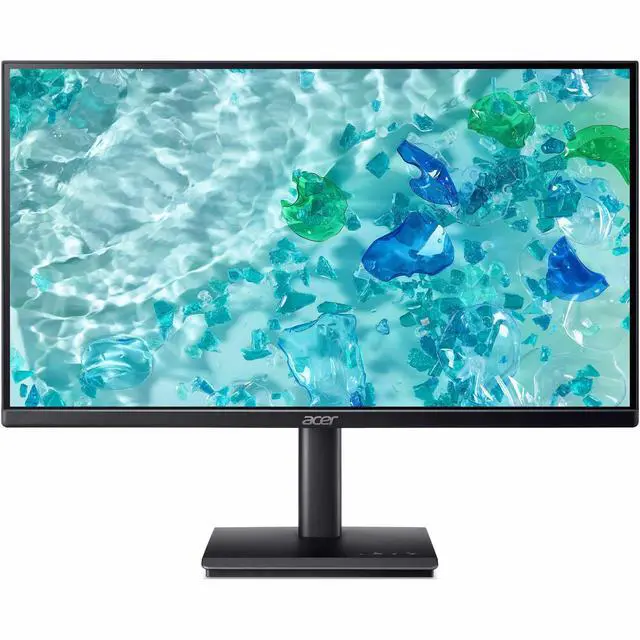
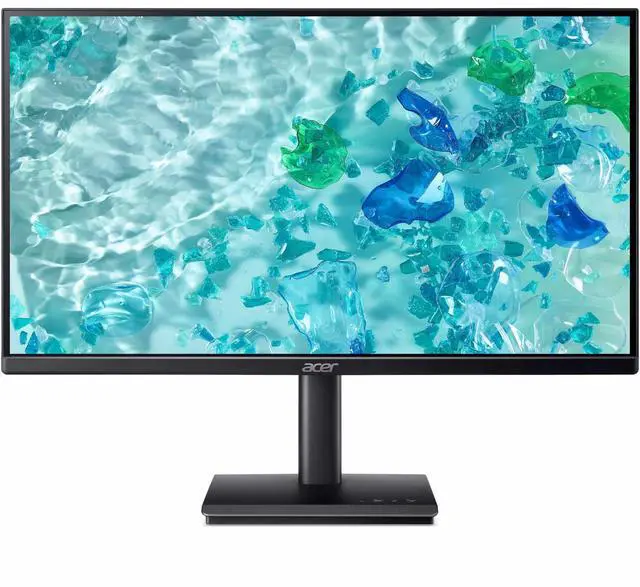
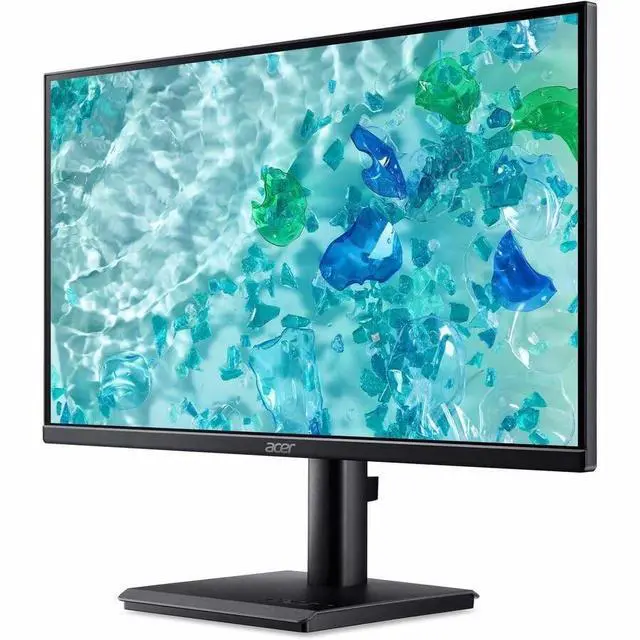
This product does not include manufacturer warranty when purchased or used outside of its designated sales region. By purchasing internationally, you acknowledge that warranty support from the manufacturer will not be available.The Acer Vero V227Q E1 is a 22-inch-class, 16:9 LCD monitor with a 21.5-inch viewable screen, suited to everyday home or office tasks where a compact display is a good fit.
| Attribute | Value |
|---|---|
| Best For | Desktop setups needing a Full HD monitor with HDMI and DisplayPort connectivity |
| Panel And Resolution | 22-inch-class LCD with an IPS panel, 1920 × 1080 Full HD resolution, 16:9 aspect ratio, anti-glare finish, and 178° viewing angle |
| Refresh Rate And Response | 100 Hz refresh rate, 4 ms response time, and Adaptive Sync compatibility with FreeSync and G-Sync |
| Ports And Connectivity | One HDMI port and DisplayPort connectivity |
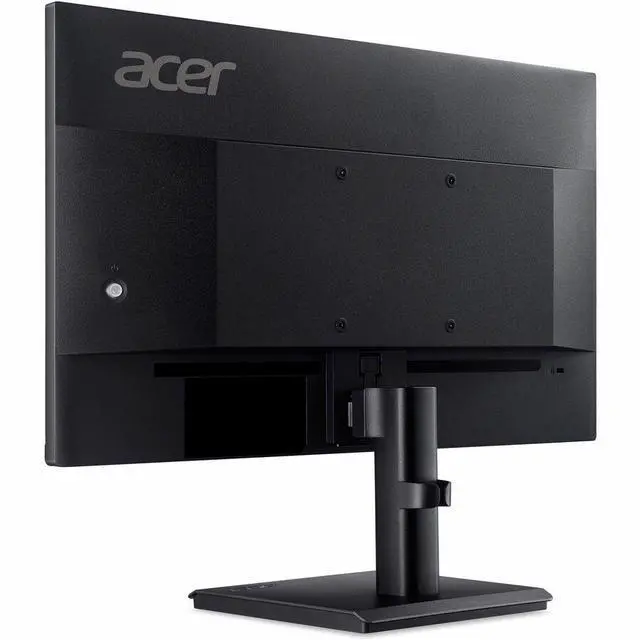
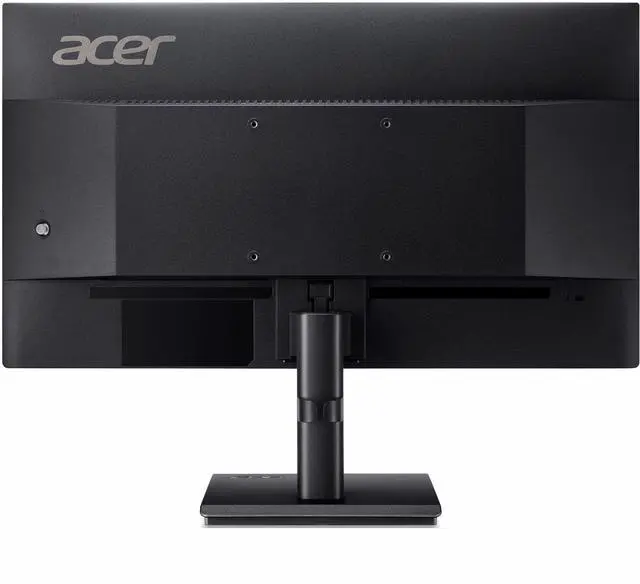
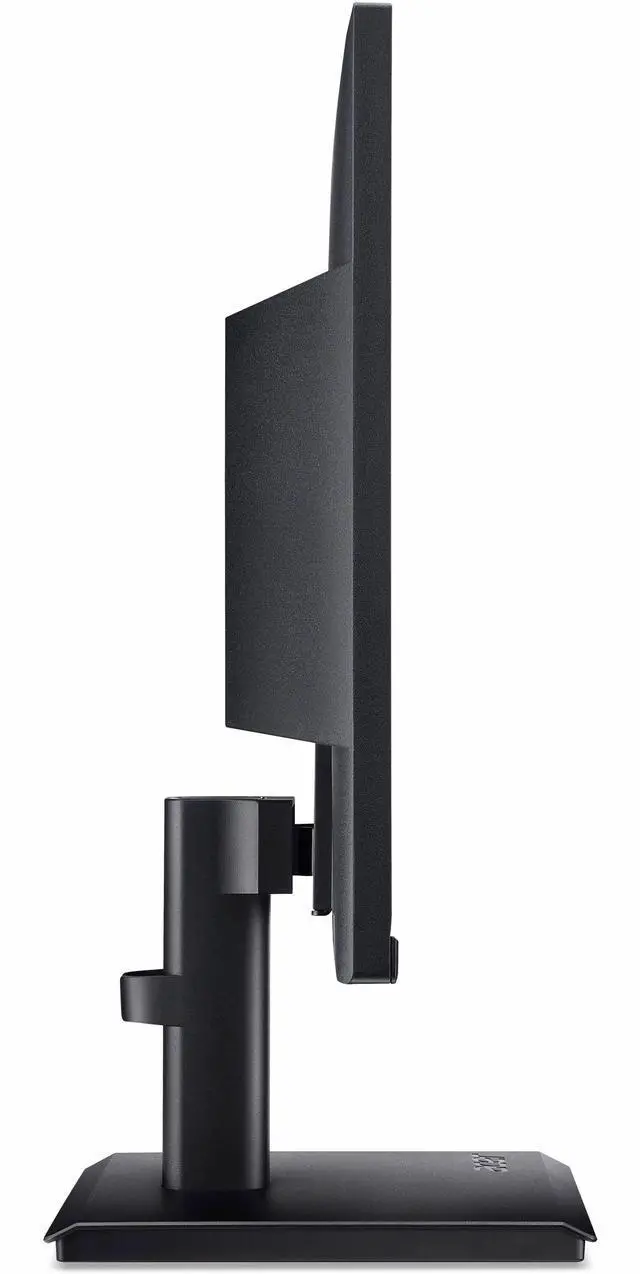
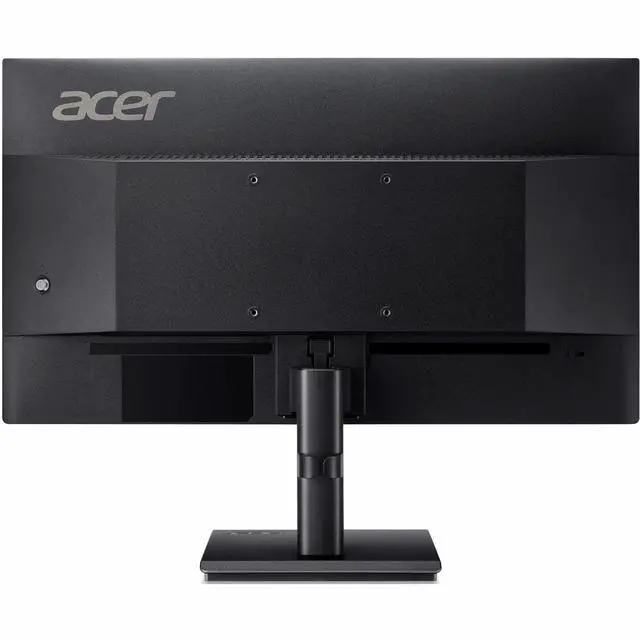
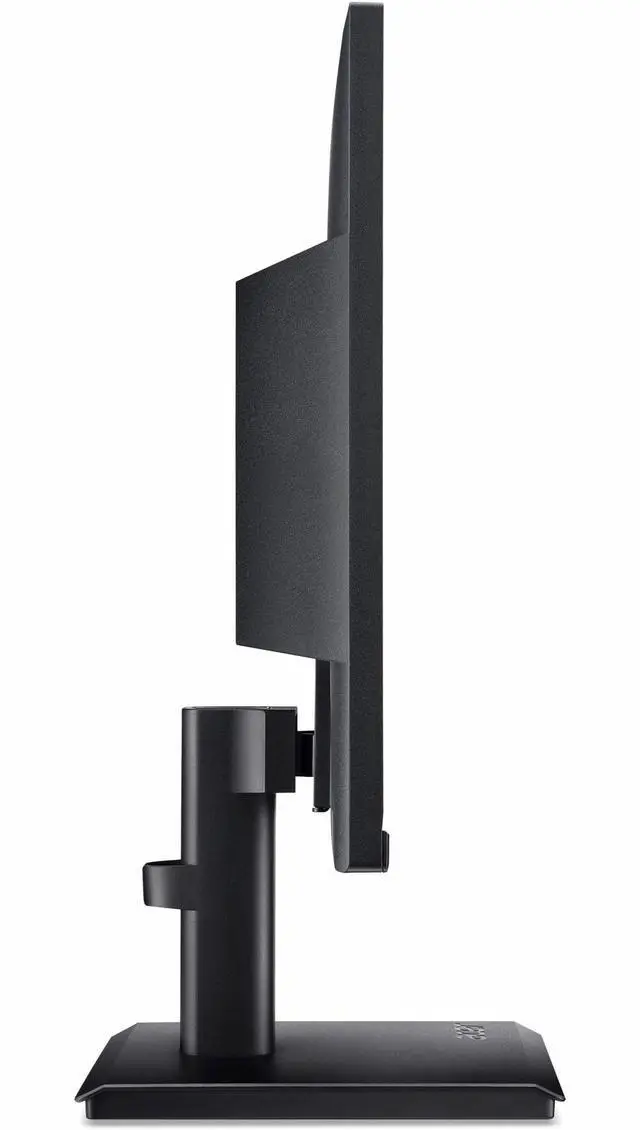
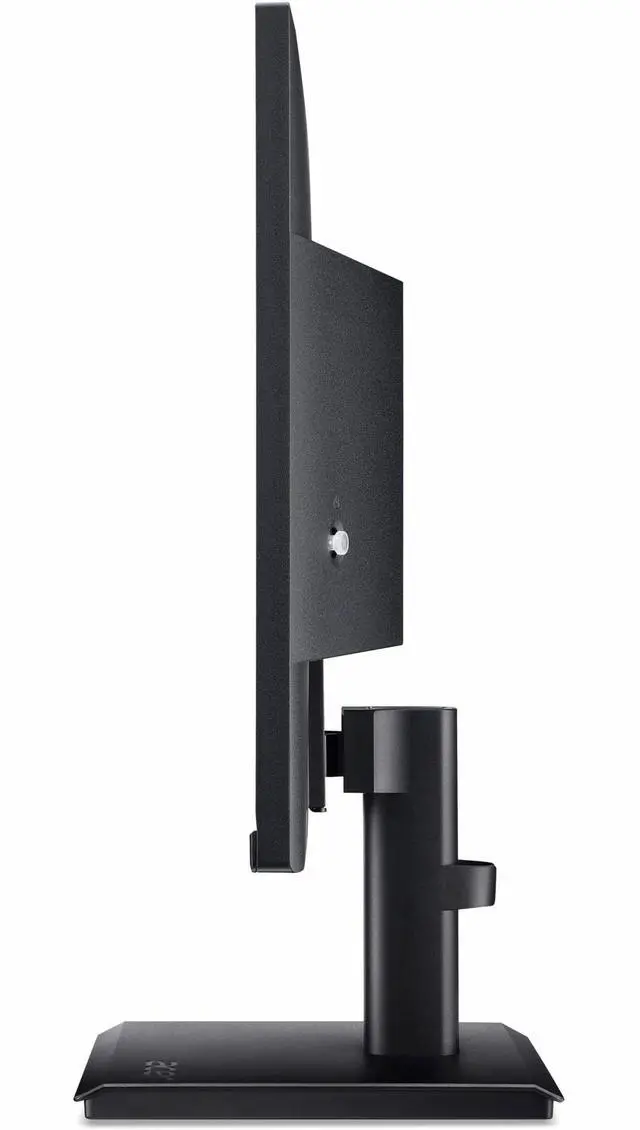
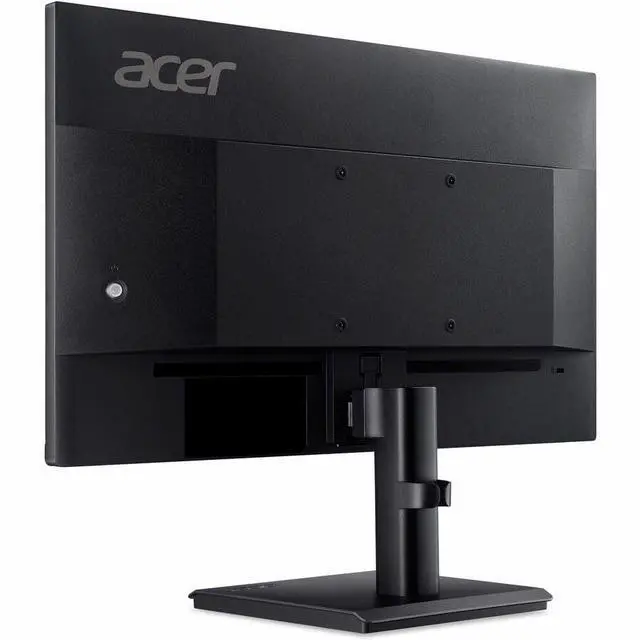
| Stand And Ergonomics | Tilt adjustment, included stand, slim bezel, and 100 × 100 mm VESA mounting pattern |
| Audio And Power | Built-in speakers; 15.7 W power consumption |
| Physical Specifications | Black, flat landscape display weighing 4.96 lb |
| Included Components | Monitor, US power cord, DisplayPort cable, and HDMI cable |
| Model Identifiers | Acer Vero V227Q E1BMIPX, Vero V series |
Q: Acer Vero V227Q E1 vs Vero V227Q A: which fits a newer compact desk setup?
A: Choose the Vero V227Q E1 for a 21.5-inch Full HD IPS display rated at 100 Hz and 300 nits, with HDMI, DisplayPort, and 4 W speakers. The Vero V227Q A is a 21.5-inch Full HD VA model rated at 75 Hz, with HDMI, DisplayPort, VGA, and 2 W speakers. Both offer a compact 22-inch-class format; the E1 emphasizes IPS viewing and its higher stated refresh rate, while the V227Q A includes VGA connectivity.
Q: Acer Vero V227Q E1 or Acer Nitro KG241Y S for gaming?
A: The Vero V227Q E1 offers a compact 21.5-inch IPS Full HD display rated at 100 Hz, with built-in speakers and HDMI and DisplayPort. The Nitro KG241Y S is a 23.8-inch Full HD VA gaming monitor rated at 180 Hz, with AMD FreeSync Premium. Choose the E1 for a smaller IPS display with built-in audio; choose the Nitro when a higher refresh rate and Acer’s gaming-focused features are the priority.
Q: Should I get the Acer Vero V227Q E1 or the 27-inch Acer Vero B277U TAA?
A: Choose the Vero V227Q E1 for a compact 21.5-inch Full HD workspace with an IPS panel, 100 Hz refresh rate, built-in speakers, and HDMI and DisplayPort. The Vero B277U TAA provides a 27-inch QHD display rated at 100 Hz, plus height and swivel adjustment, speakers, and USB connectivity. The E1 suits a smaller desk footprint; the B277U TAA offers more screen area and resolution for a larger workspace.
Q: Is this monitor suitable for everyday office work?
A: Yes. Its 21.5-inch Full HD IPS display is suited to common tasks such as documents, email, browsing, and video calls. It has HDMI and DisplayPort inputs; the computer or laptop supplies the apps and processing.
Q: What cables are included, and how does it connect to a computer?
A: The box includes both an HDMI cable and a DisplayPort cable, plus the power cord. The monitor has HDMI and DisplayPort inputs. A computer with only USB-C may require a compatible adapter or dock; USB-C input is not listed.
Q: Does it have built-in speakers for meetings?
A: Yes. The monitor has built-in 4 W speakers for audio playback and a headphone output. It is not listed as having a built-in microphone, so use a computer microphone or headset for your voice in calls.
Q: Can I adjust the monitor height or mount it on an arm?
A: The included stand does not provide height adjustment. The monitor supports a 100 × 100 mm VESA mount, so it can be attached to a compatible arm or mount; the screen also tilts.


