• £1,376.39
  • VAT-Inclusive Price
  • Free 30-day Returns
  • £191.10 Shipping
Add to PC build list 
Ships from United States.
Sold by Newegg

Shipped by Newegg
Shop it at NeweggBusiness.

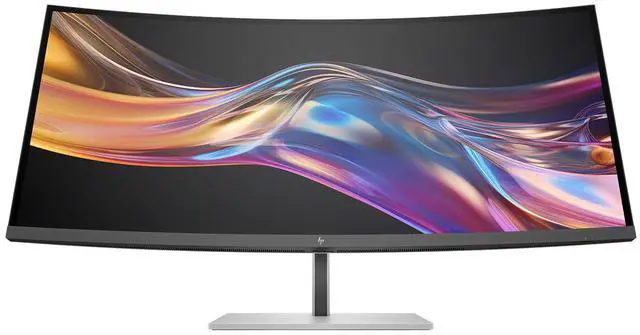
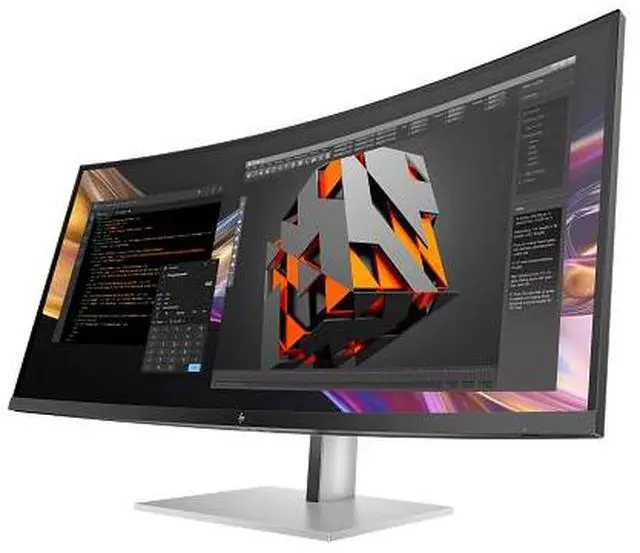
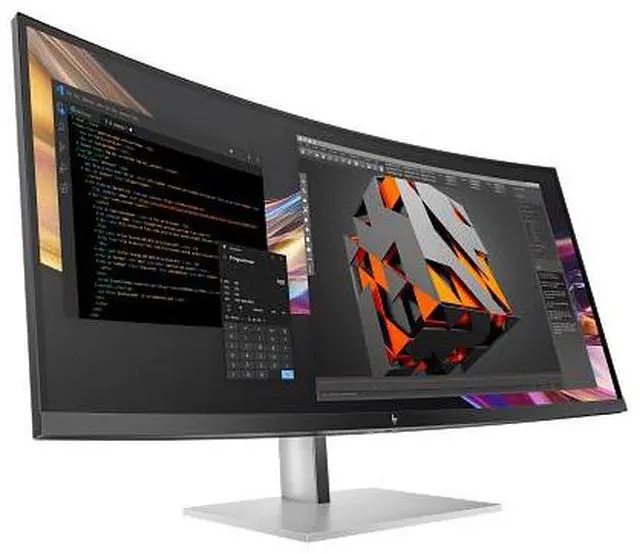
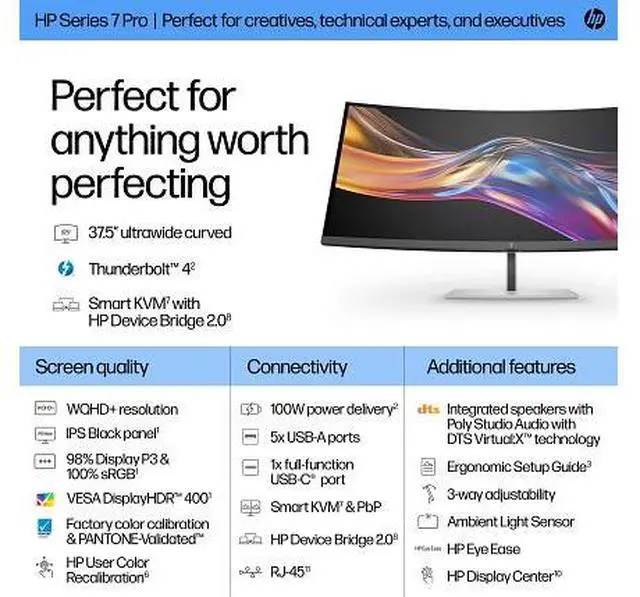
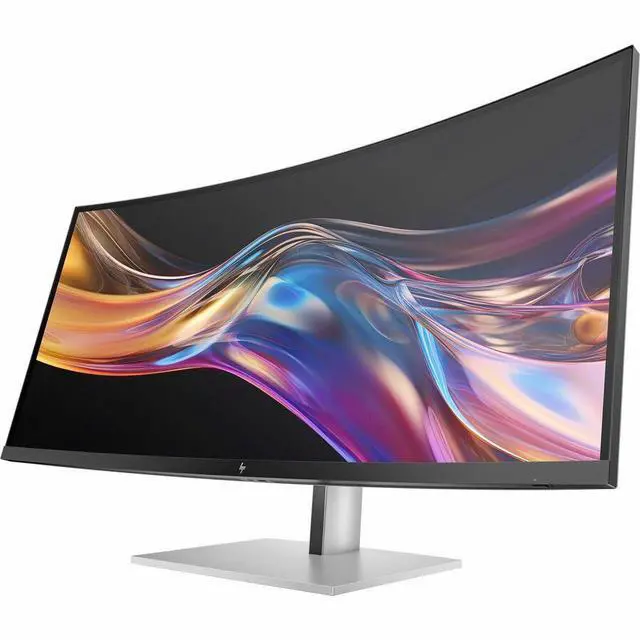
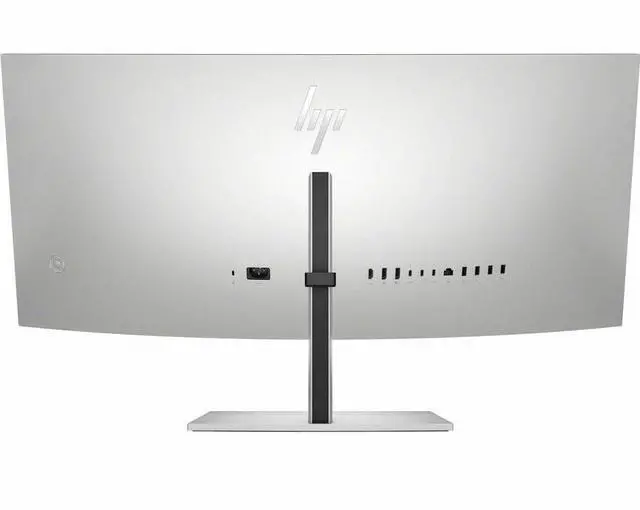
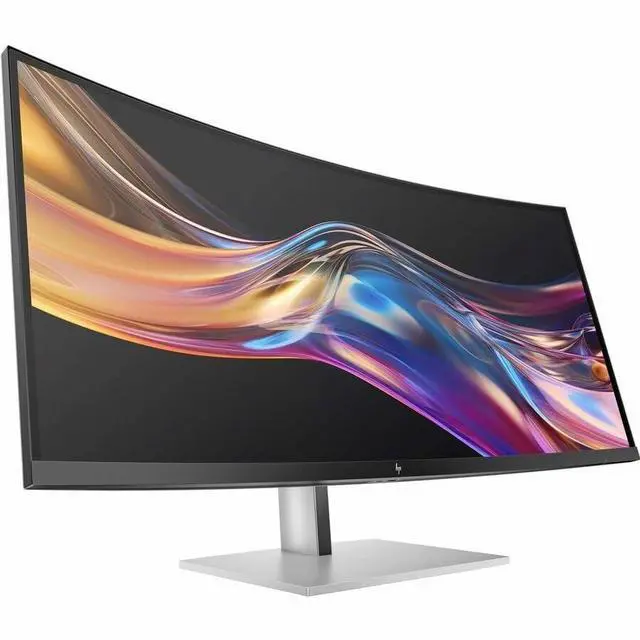
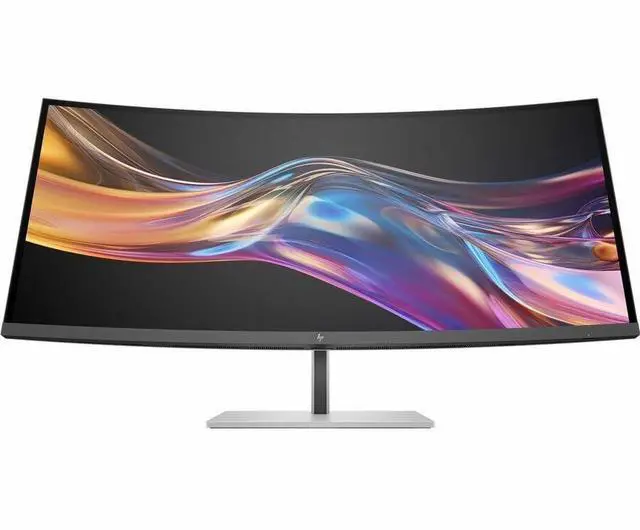
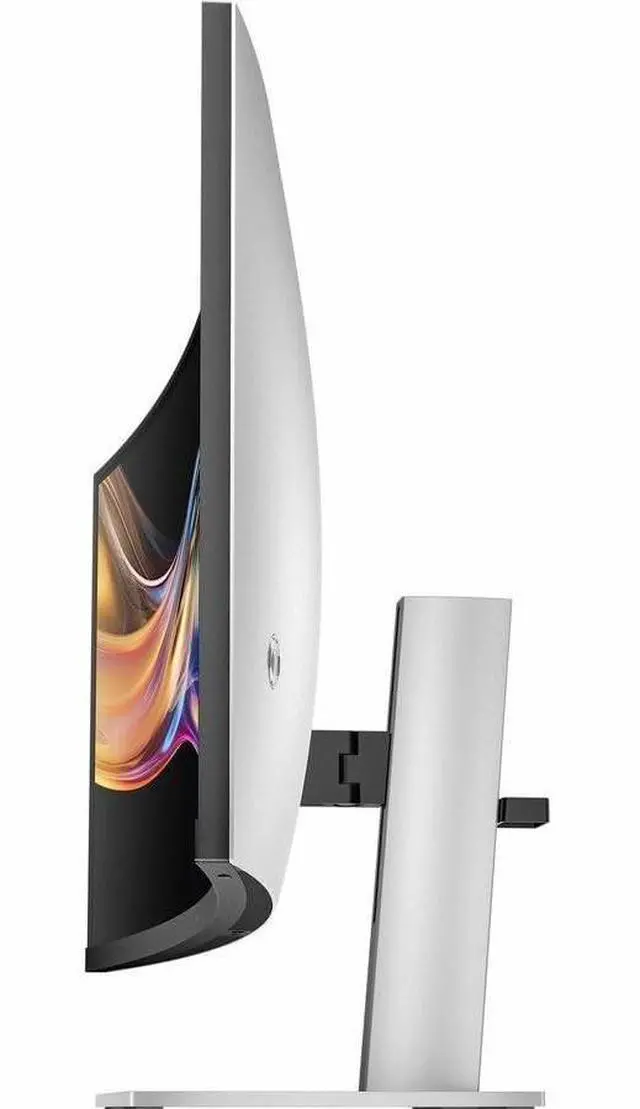
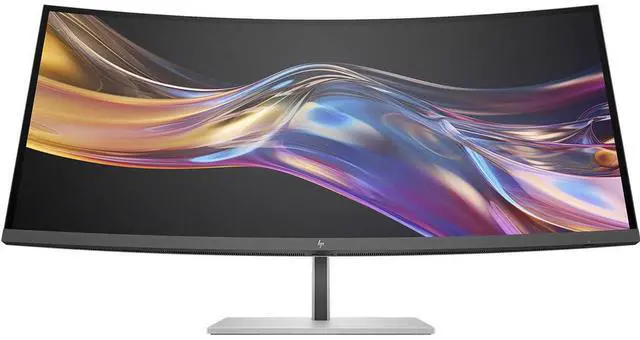
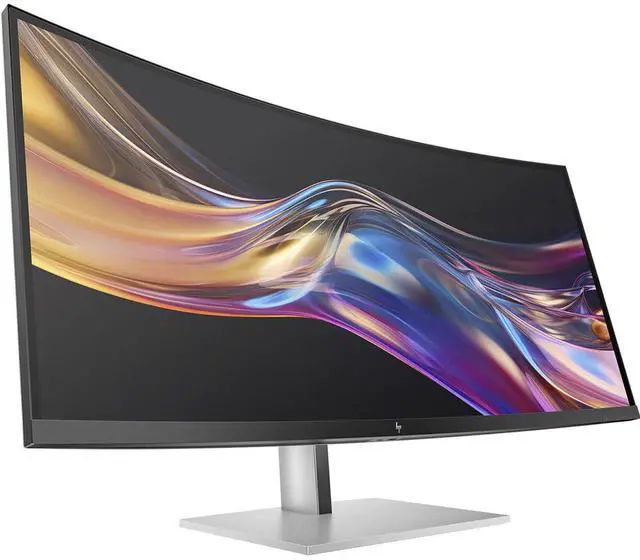
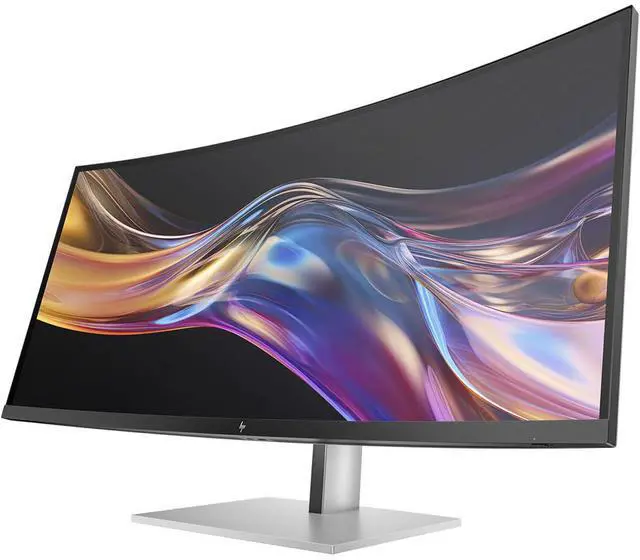
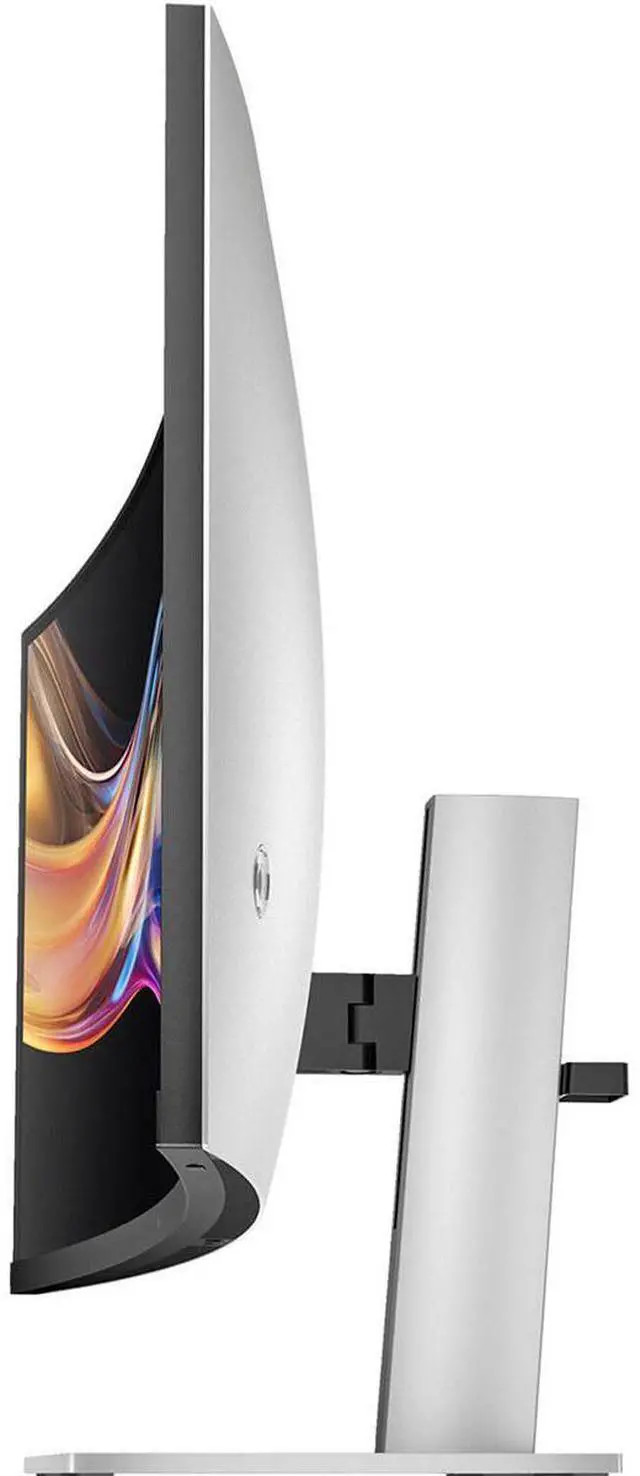
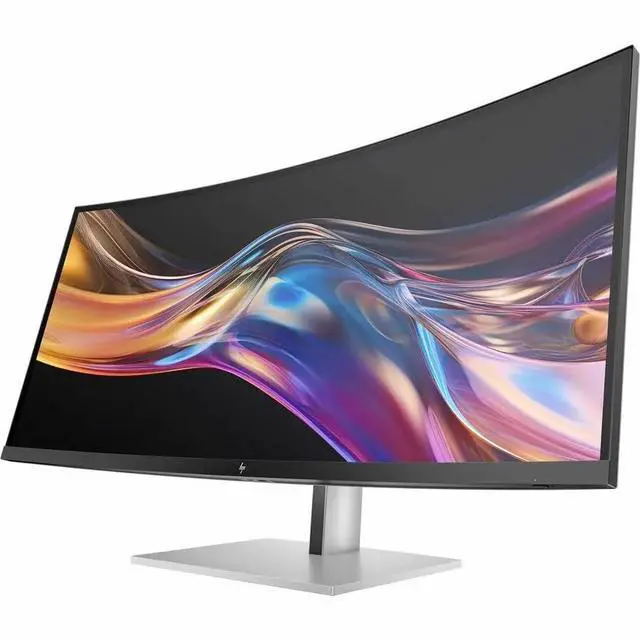
HP Series 7 Pro 37.5 inch WQHD+ Thunderbolt 4 Computer Monitor - 738pu 37.5" WQHD+ (3840 x 1600)

  • Display: IPS Black; LCD
  • Resolution: WQHD+ (3840 x 1600)
  • Dimensions WxDxH: 35.21 x 4.27 x 15.63 in
+
+
Overview
Specs
Reviews
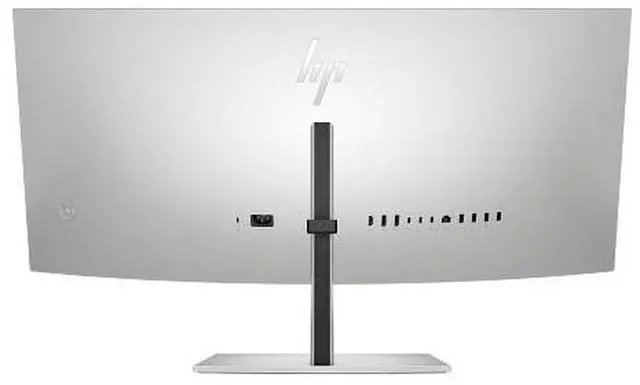
OverviewThe path to excellence doesnt cut corners, it curves them. The HP 37.5" WQHD+ Thunderbolt 4 Monitor pushes you above and beyond with dazzling colors on a powerful, ultrawide curved monitor for effortless productivity. Docking monitorWhat's in the box? Monitor; Thunderbolt cable; DisplayPort cable; HDMI cable; Warranty card; Quick Setup Poster; 1 USB Type-C® to Type-A cable; AC power cord; Color calibration report; VESA mount adapterDisclaimers A DreamColor-class display is defined by 1) Factory calibrated color accuracy with Delta E All performance specifications represent the typical specifications provided by HP's component manufacturers; actual performance may vary, either higher or lower.

For full Thunderbolt 4 functionality, host PC must support Thunderbolt 4. Ergonomic Setup Guide is available through HP Display Center. Host PC requires Windows 10 or higher. HP Display Center is available on the Microsoft store. Recycled plastic is expressed as a percentage of the total weight plastic. Post-consumer recycled is based on the definition set in the EPEAT criteria. HP paper and fiber based packaging for PCs, displays, home and office print, and supplies is reported by suppliers as recycled or certified, with a minimum of 97% by volume verified by HP.

Packaging is the box that comes with the product and all paper-based materials inside the box. Packaging for personal systems accessories and spare parts is not included. Based on internal testing of HP Series 7 Pro and HP Series 5 Pro monitors with USB Type-C® or HDMI connections to devices on macOS and Windows, March 2024 and September 2024. Requires USB Type-C® or HDMI connectivity. Some features may not be supported.

Warranty & Returns

Warranty, Returns, And Additional Information

Return Policies*

  • Return for refund within: 30 days
  • Returns are subject to restocking fees and return shipping fees. Please click here to learn more about restocking fees and return shipping fees.
  • This item is covered by Newegg.com's International Return Policy.
  • Read full return policy for details.
  • *Subject to applicable law
  • Warranty Notice:

    This product does not include manufacturer warranty when purchased or used outside of its designated sales region. By purchasing internationally, you acknowledge that warranty support from the manufacturer will not be available.

Manufacturer Contact Info

LOADING...
LOADING...

The HP Series 7 Pro 738pu is a 37.5-inch WQHD+ monitor with an IPS Black display and Thunderbolt 4, suited to professionals who want a wide, detailed workspace for productivity and multitasking.

Recommended For

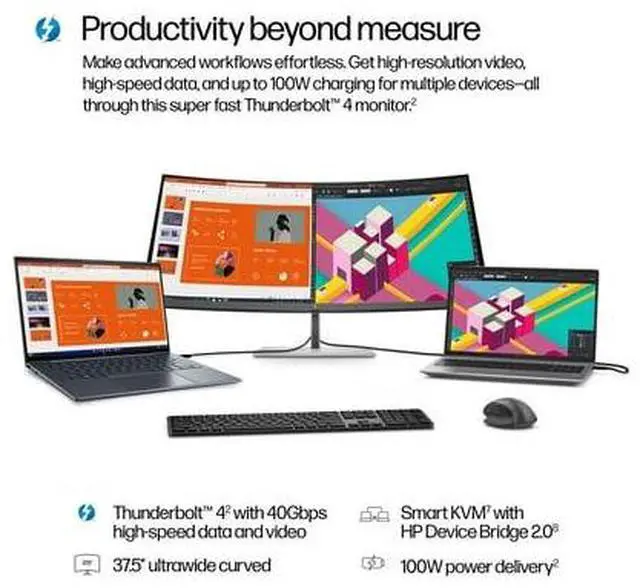
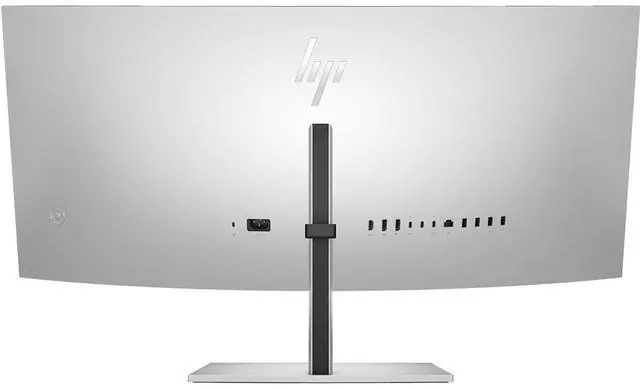
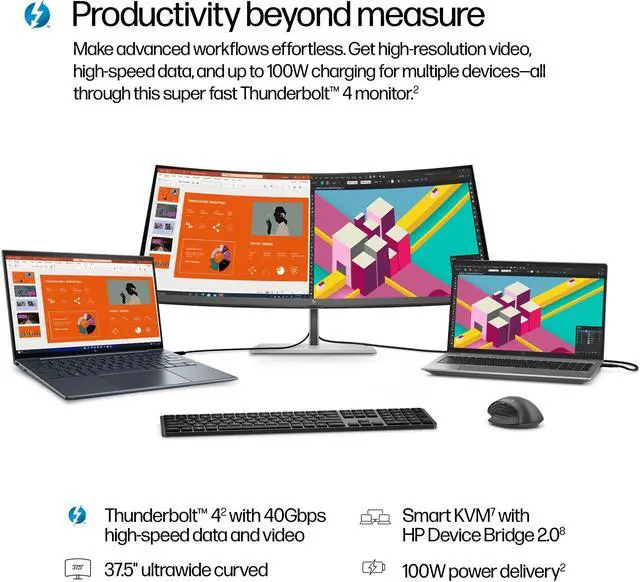
  • Laptop-based professionals who want a fixed-desk workstation: Thunderbolt 4 can connect a laptop for display, data, Ethernet, and up to 100W charging, while the monitor’s USB ports support desk peripherals.
  • People who keep several work windows visible—such as spreadsheets, documents, and research—on one desk display; the 21:9, 3840 × 1600 screen also supports picture-by-picture for viewing two computer inputs side by side.
  • Creative professionals doing color-conscious design or photo work who want a factory-calibrated, PANTONE-validated display with wide-gamut coverage for a desktop workflow.
  • Desk-based users who want to connect two computers and share the screen, network, and peripherals through monitor KVM and docking features rather than arrange separate displays and hubs.

Real-World Use Scenarios

  • When working across spreadsheets, documents, and reference material, users can keep several windows visible on one wide screen, reducing the need to switch between apps or arrange multiple monitors.
  • For a laptop-based desk setup, connecting through Thunderbolt 4 can provide display, data, up to 100W charging, and access to connected peripherals through one cable, helping reduce daily plug-and-unplug clutter.
  • For photo, design, and other color-focused work, the factory-calibrated wide-gamut display can show detailed artwork and media across a large workspace; users doing color-critical work should still check that their workflow and calibration requirements are met.
  • When switching between a work laptop and a personal or second computer, users can connect both devices and use the monitor’s device-switching features to share the screen and peripherals, depending on the setup.
  • During long work sessions, users can adjust the monitor’s position to suit their desk and seating, while its ambient-light sensor can adjust screen brightness as room lighting changes.

Spec Summary

AttributeValue
Best ForDesktop use with a wide, curved display
Panel And Resolution38-inch LCD with a 3840 × 1600 native resolution, WQHD+ enhancement, 21:9 aspect ratio, and glossy curved screen
Brightness And Contrast400 cd/m² brightness and 2000:1 contrast ratio
Refresh Rate And Response60 Hz refresh rate and 5 ms response time; G-Sync adaptive sync
Ports And ConnectivityDisplayPort connectivity; 0 HDMI, Thunderbolt, and USB ports reported
Stand And ErgonomicsDesk-mount configuration
Model IdentifiersHP Series 7 Pro, model 738PU; part number 8K167AA#ABA

Reference Q&A

Q: HP 738pu vs. 740pm: which is better for a high-resolution ultrawide workspace?

A: Choose the HP Series 7 Pro 740pm when you want a larger 39.7-inch screen, 5K2K resolution (5120 × 2160), and an integrated 13MP camera for conferencing. Choose the 738pu for its 37.5-inch WQHD+ display (3840 × 1600), IPS Black panel, and Thunderbolt 4 connectivity with up to 100W power delivery.

Q: Should I get the HP 738pu or the HP 734pm for an ultrawide office setup?

A: The HP 738pu is a fit for a larger 37.5-inch workspace with 3840 × 1600 resolution and Thunderbolt 4 docking. The HP 734pm has a 34-inch, 3440 × 1440 display, a maximum 120Hz refresh rate, and built-in conferencing features, making it a fit when those features are priorities.

Q: Is the HP 738pu or 740pm a better choice for built-in video conferencing?

A: The HP Series 7 Pro 740pm is the conferencing-focused choice, with a built-in 13MP camera, microphone, and speakers alongside its 39.7-inch 5K2K display. The 738pu is oriented toward a Thunderbolt 4 docking setup and a 37.5-inch WQHD+ workspace.

Q: Is this monitor suitable for office work and multitasking?

A: Yes. Its 37.5-inch, 21:9 screen and 3840 × 1600 resolution provide a wide workspace for viewing multiple windows, documents, or spreadsheets side by side. Its size makes it best suited to a desk setup.

Q: Can I connect and charge a laptop with one cable?

A: Yes, with a compatible laptop and Thunderbolt 4 connection. HP specifies up to 100W charging through Thunderbolt 4; check that the laptop supports charging over that connection and that 100W meets its power needs.

Q: Does it have built-in speakers and a webcam?

A: It has four built-in speakers, but no integrated webcam. You can use a separate webcam; when connecting by HDMI, HP says the included USB-C-to-USB-A cable must also connect the monitor to the computer for webcam compatibility.

Q: Is this monitor practical to travel with?

A: No. It is designed for a desk rather than travel: the screen is 37.5 inches, and the monitor weighs about 27 pounds with its stand.

Q: Is the HP 738pu suitable for long office work with two laptops?

A: Its 37.5-inch, 3840 × 1600 IPS Black display and Thunderbolt 4 connection match the ultrawide-work setup discussed in the Reddit thread. If switching between two laptops is essential, verify the KVM behavior first: the thread raises stable KVM as a requirement but does not confirm how well this monitor handles it.

Q: Should I choose the HP 738pu over the Dell U3824DW?

A: The Reddit comparison identifies Thunderbolt 4 as a point in the HP’s favor, but it does not establish an overall winner. The HP’s listed strengths include its 37.5-inch, 3840 × 1600 IPS Black display; compare the models’ prices and confirm the KVM features you need before deciding.

Q: Is the HP 738pu’s brightness or HDR a meaningful reason to buy it?

A: The supplied specifications list 400 cd/m² brightness, but do not provide enough HDR detail to judge HDR performance. The Reddit comparison asks whether brightness and HDR matter, but does not resolve that question; consider brightness against your room and verify the exact HDR specification before paying extra for it.