


 All CategoriesAll CategoriesAll Categories
Shipped by Newegg

Make informed decisions with expert advice. Learn More



Warranty Notice:
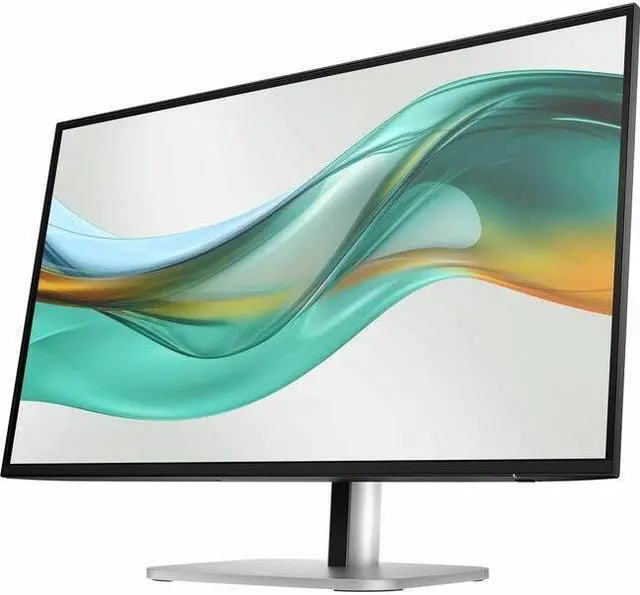
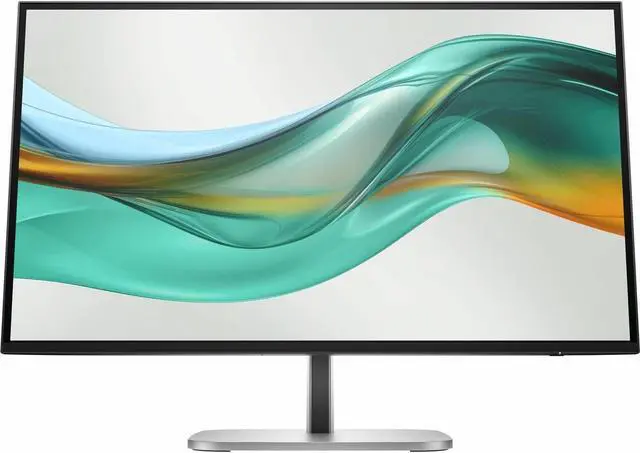
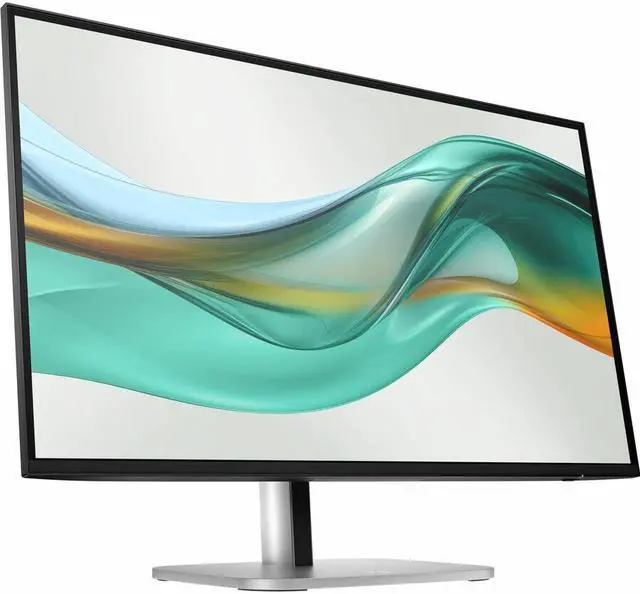
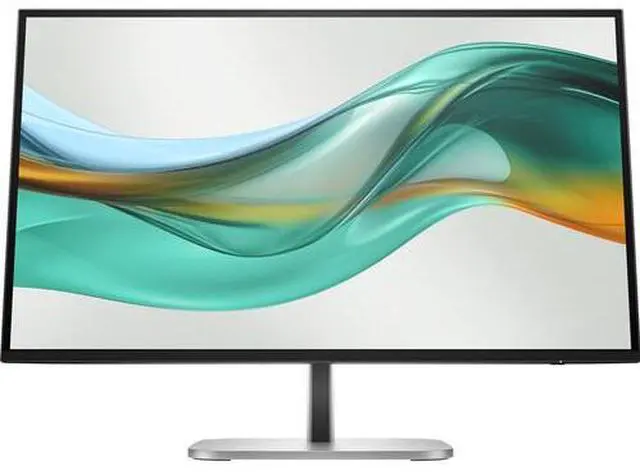
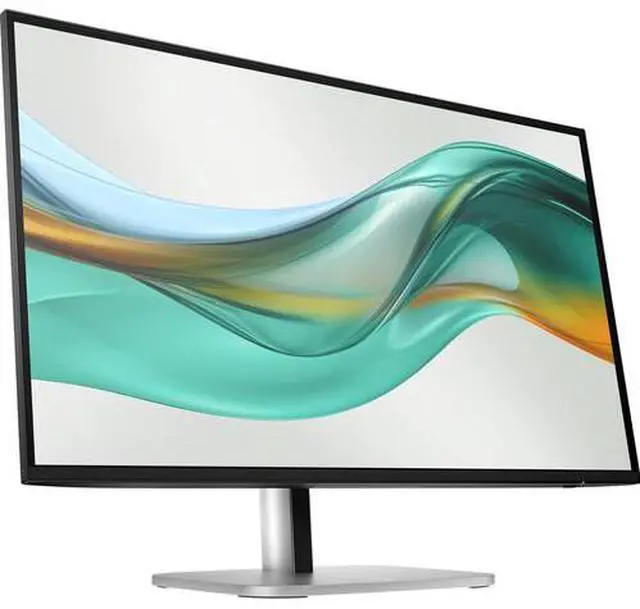
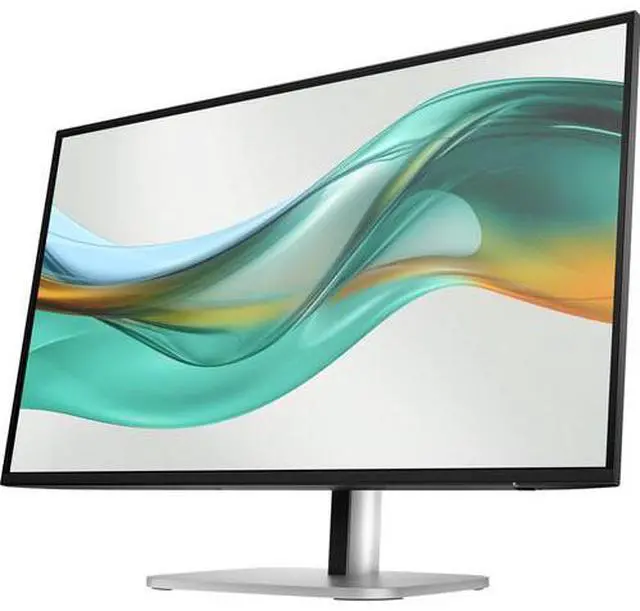
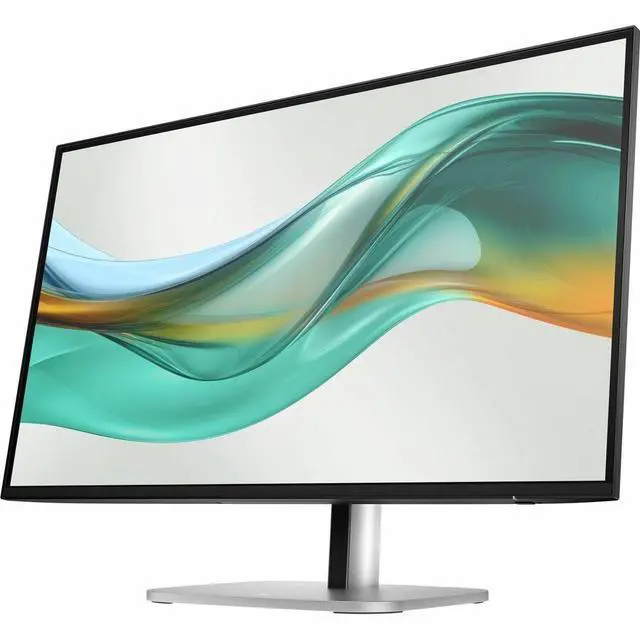
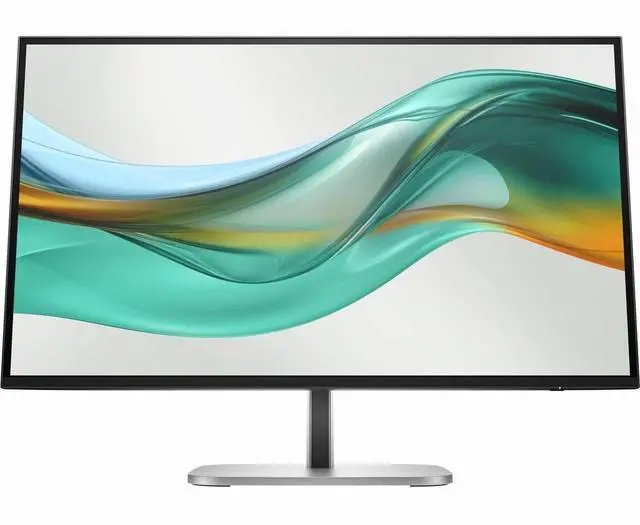
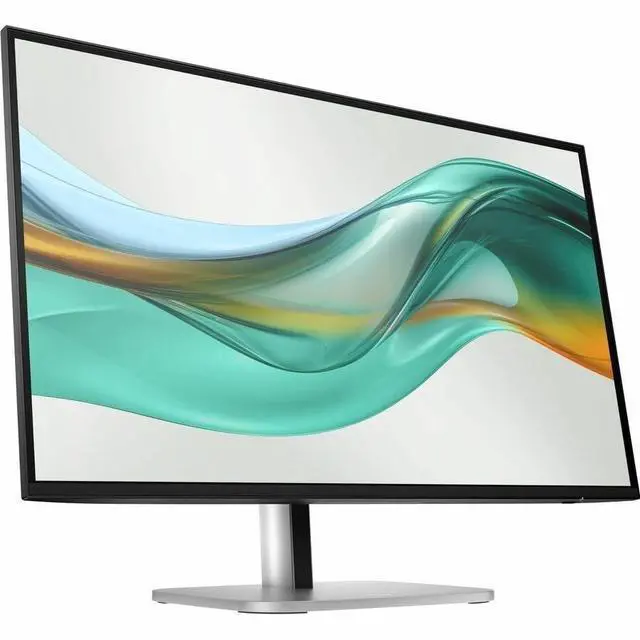
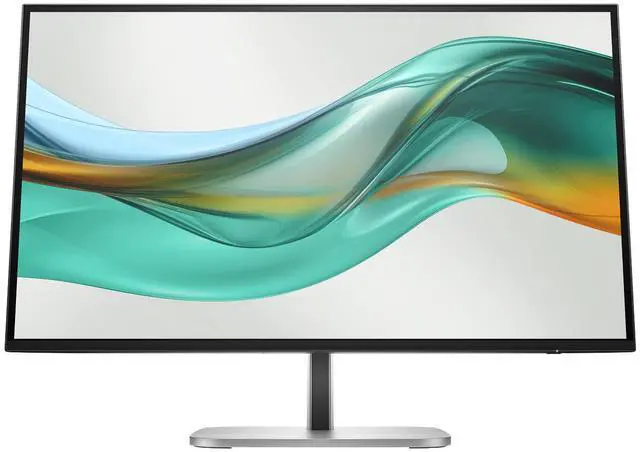
This product does not include manufacturer warranty when purchased or used outside of its designated sales region. By purchasing internationally, you acknowledge that warranty support from the manufacturer will not be available.The HP Series 5 Pro 527pu is a 27-inch QHD (2560 × 1440) IPS monitor suited to office, study, and everyday desktop users who want a sharp workspace, wide viewing angles, and HDMI, DisplayPort, and USB hub connectivity.
| Attribute | Value |
|---|---|
| Best For | Business, home, and office use that benefits from a 27-inch QHD workspace |
| Panel And Resolution | 27-inch IPS panel with 2560 × 1440 QHD resolution, 16:9 aspect ratio, 178° horizontal and vertical viewing angles, and anti-glare finish; supports 16.7 million colors and 100% sRGB, with 350 cd/m² brightness and 1500:1 contrast ratio |
| Refresh Rate And Response | 100 Hz refresh rate, 5 ms response time, and G-Sync Compatible adaptive sync |
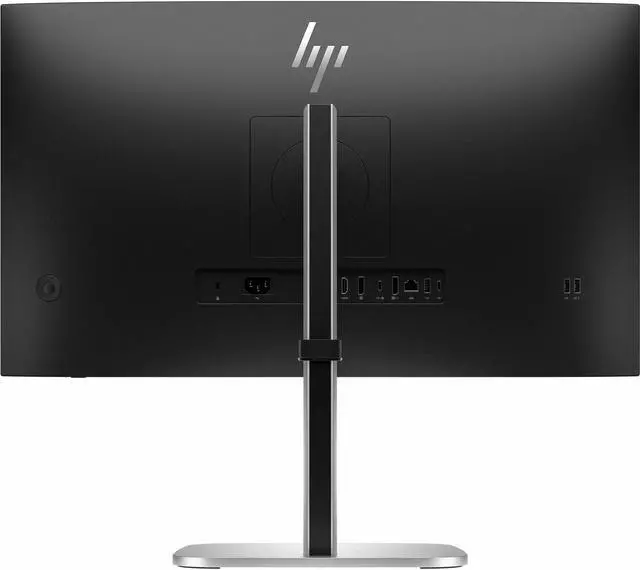
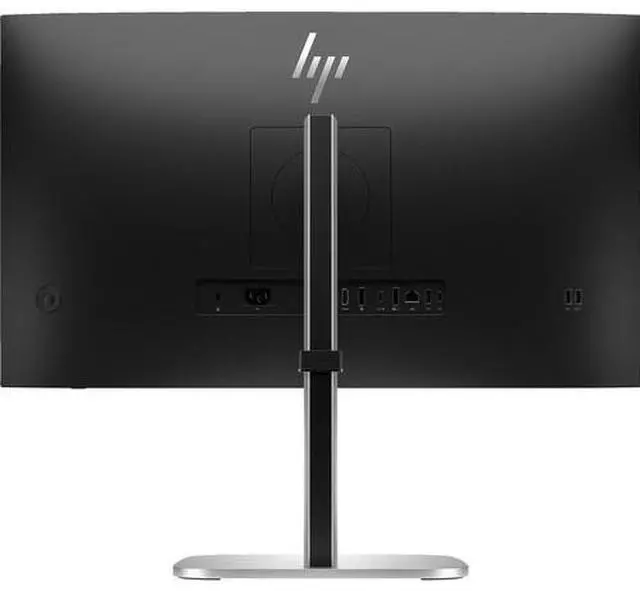
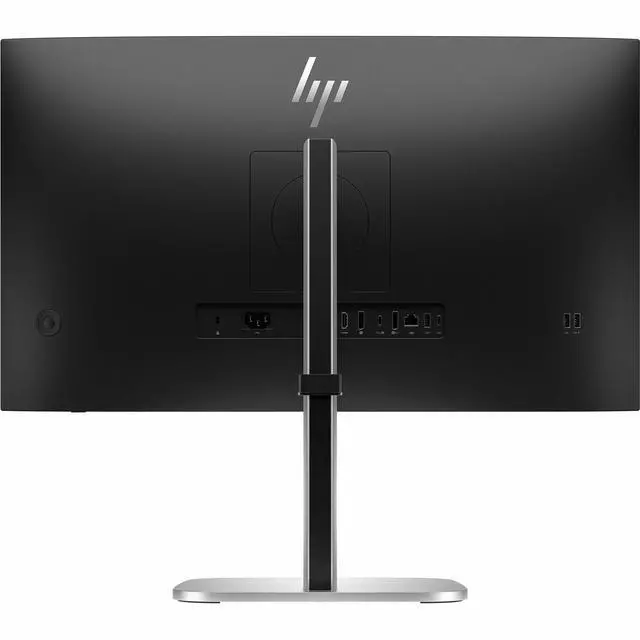
| Ports And Connectivity | One HDMI port, DisplayPort, USB and USB-C connectivity, Ethernet, and a USB hub; no Thunderbolt ports |
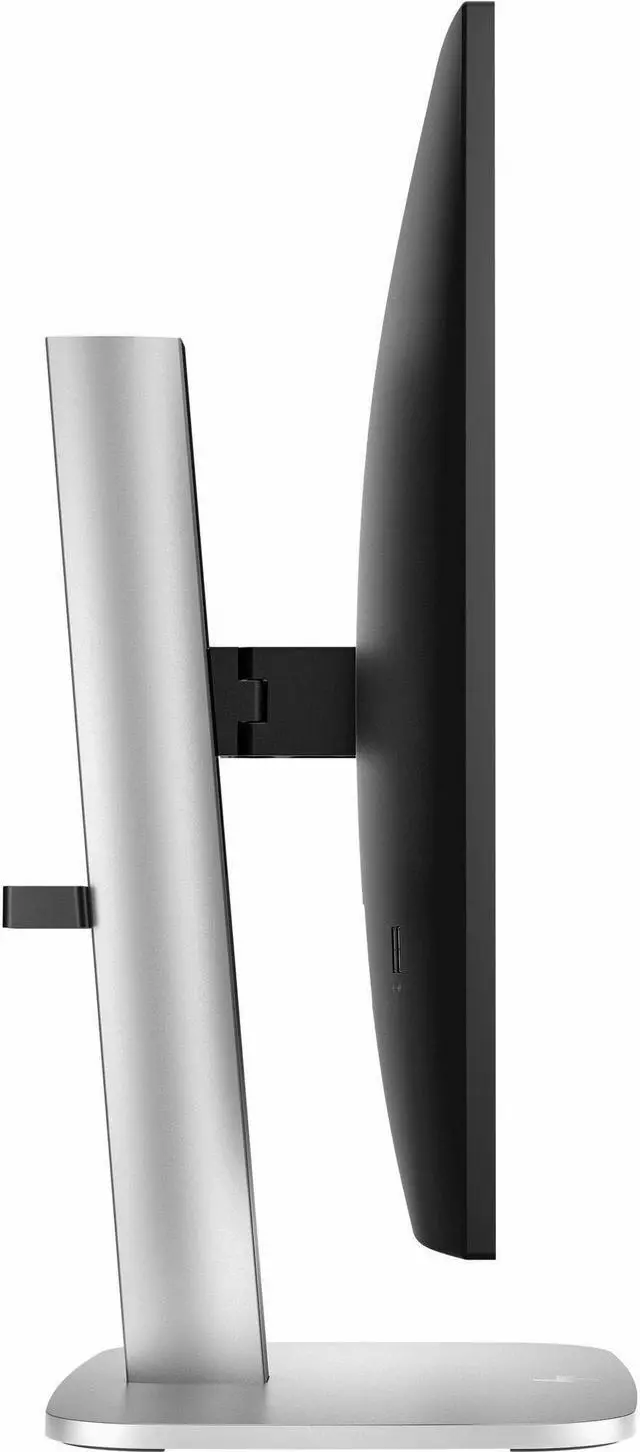
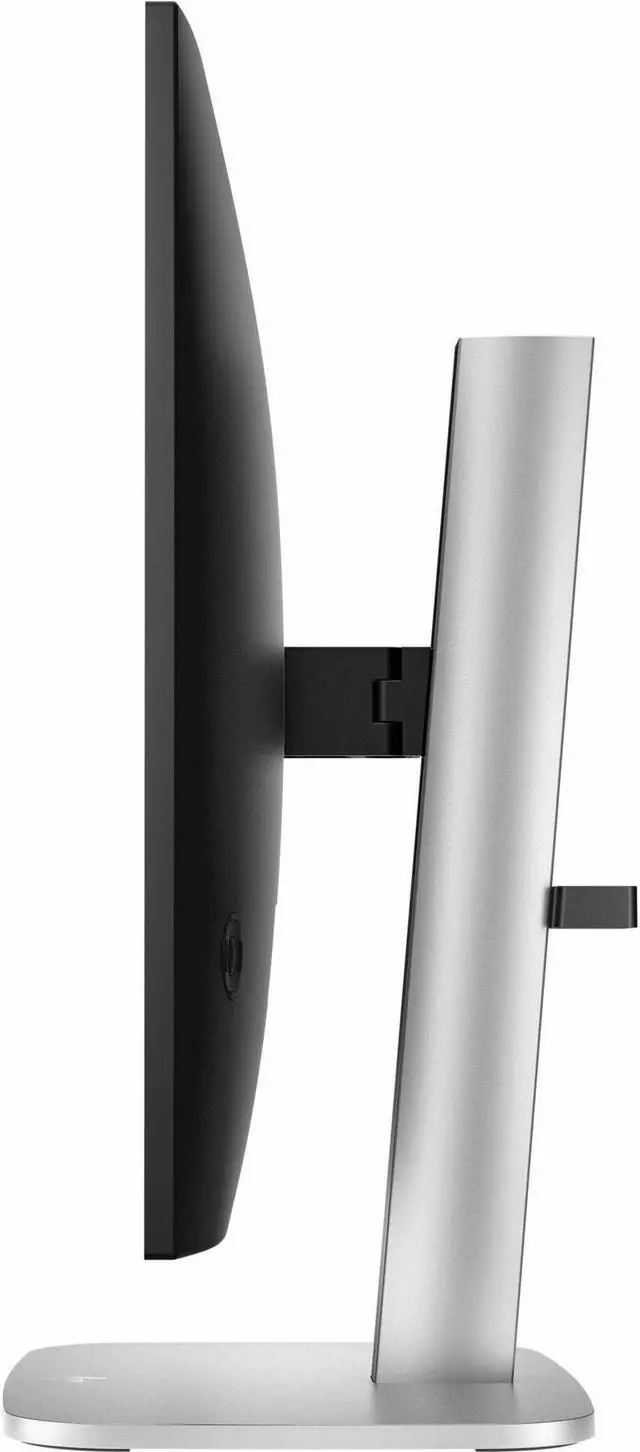
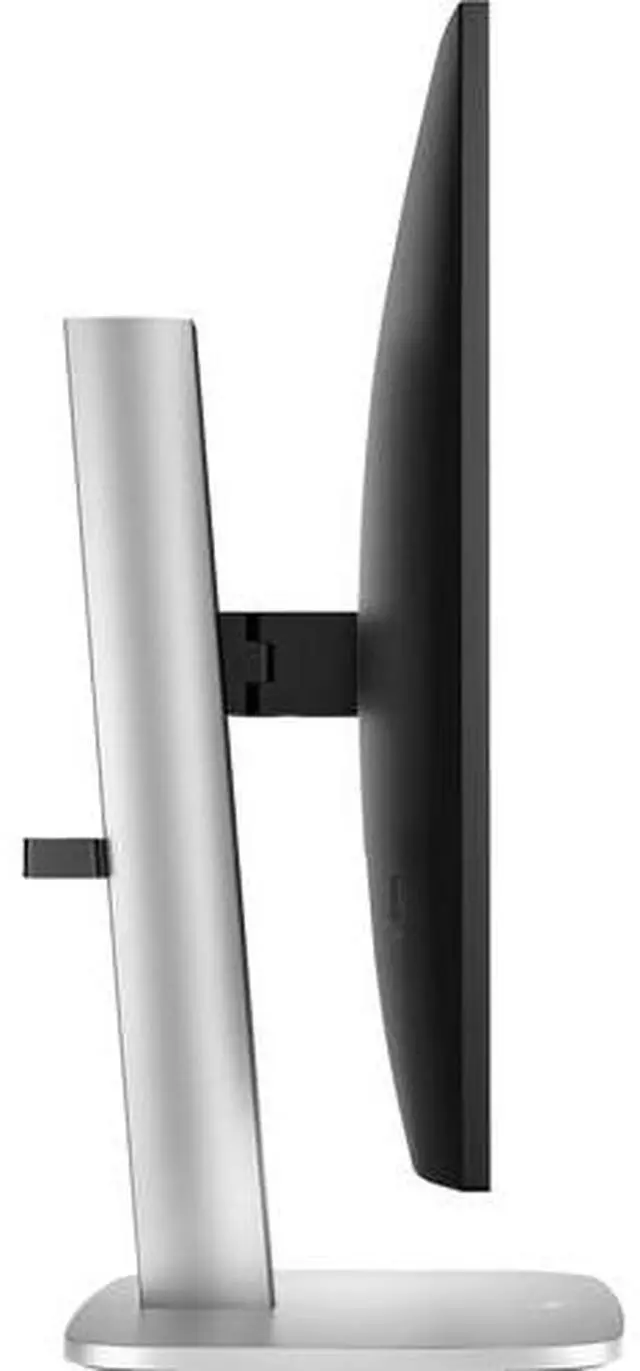
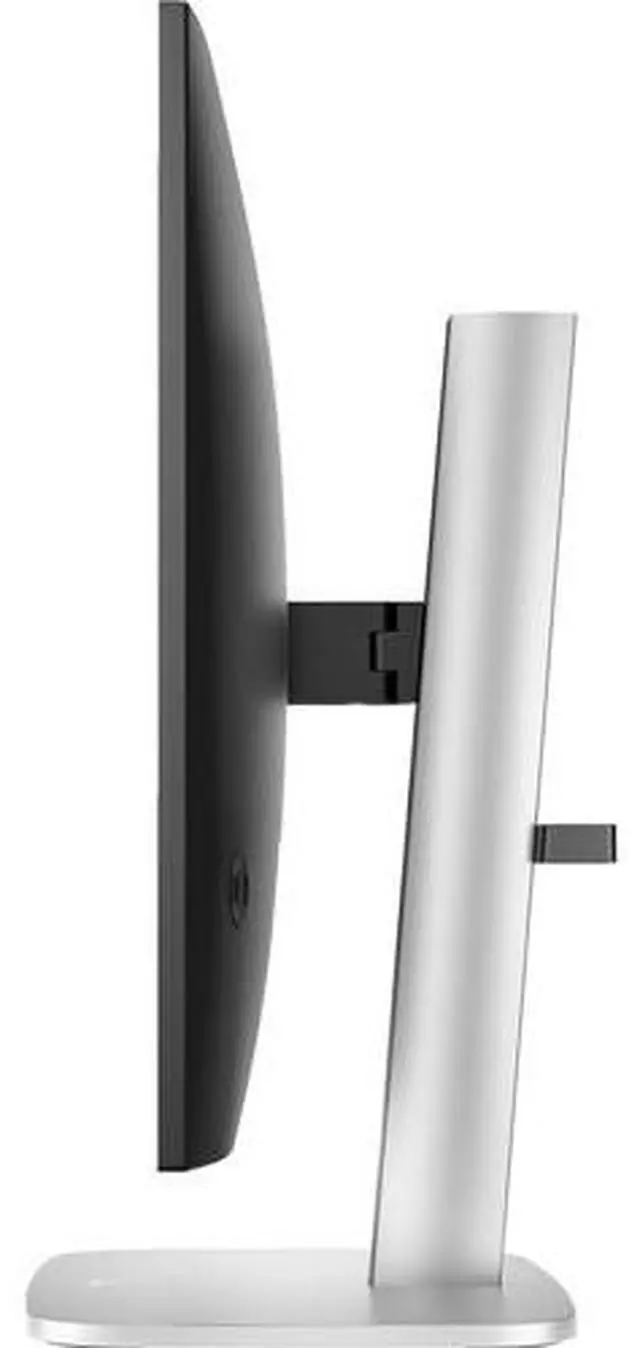
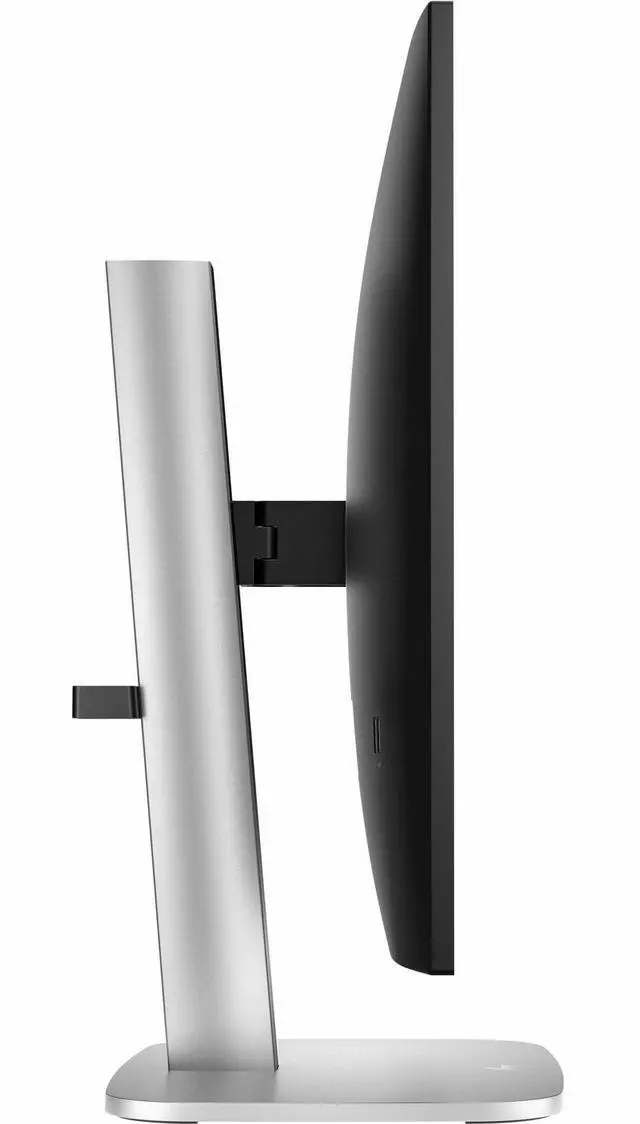
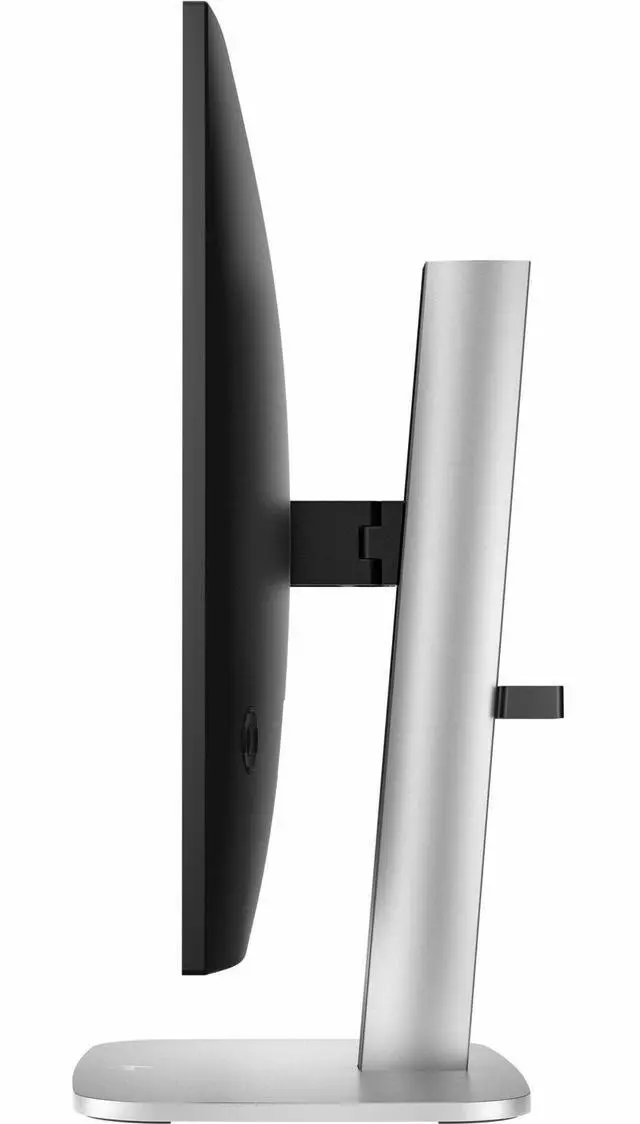
| Stand And Ergonomics | Height, swivel, and tilt adjustment; 100 × 100 mm VESA mounting; vertical orientation |
| Display Features | Low Blue Light, Eye Ease, flicker-free operation, and security lock readiness |
| Power | 30 W power consumption with an internal power supply |
| Design And Audio | Jet Black cabinet; no built-in speakers |
| Model Identifiers | HP Series 5 Pro 527pu; part number 9E0G5AA-N; model number 9E0G5AA#ABA |
Q: Should I get the HP 527pu or 527pq for a 27-inch QHD workspace?
A: Choose the HP 527pu when you want 27-inch QHD resolution at up to 100 Hz plus USB-C docking and a built-in USB hub. The 527pq is also a 27-inch QHD monitor with up to 100 Hz refresh, and fits a setup focused on the display rather than USB-C docking.
Q: HP 527pu or 527pm: which is better for video calls?
A: Both are 27-inch QHD Series 5 Pro monitors with up to 100 Hz refresh and USB-C connectivity. Choose the 527pm if you want an integrated 5 MP webcam, speakers, and conferencing features; choose the 527pu for a QHD docking monitor without built-in conferencing hardware.
Q: Is the HP 527pu or 527pf a better fit for a 27-inch monitor?
A: Choose the HP 527pu for 27-inch QHD detail and USB-C docking; choose the 527pf for a 27-inch FHD display with up to 120 Hz refresh. The main decision is QHD resolution and docking on the 527pu versus FHD resolution and a higher listed maximum refresh rate on the 527pf.
Q: HP 527pu or 524pu: which should I choose for a USB-C office setup?
A: Choose the HP 527pu for a larger 27-inch QHD workspace with USB-C docking. Choose the 524pu for a more compact 23.8-inch FHD display while keeping the Series 5 Pro USB-C hub and docking approach. Both models support up to 100 Hz refresh.
Q: Is this monitor suitable for office work and viewing multiple documents?
A: Yes. Its 27-inch IPS screen and 2560 × 1440 QHD resolution provide a suitable workspace for office tasks such as spreadsheets, documents, and web browsing. It has no built-in speakers, so plan on separate audio for sound.
Q: Does this monitor have built-in speakers?
A: No. The product specifications state that built-in speakers are not included. Use separate speakers or headphones connected to your computer for audio.
Q: Can I connect this monitor to a laptop?
A: Yes, if the laptop supports video output through a compatible HDMI or DisplayPort connection. Check which video outputs your laptop has and use the matching monitor input and cable.
Q: Can I mount this monitor on a monitor arm?
A: Yes. It supports VESA mounting with a 100 × 100 mm pattern. Confirm that the arm supports this pattern and the monitor’s weight before installation.


