


 All CategoriesAll CategoriesAll Categories
Shipped by Newegg

Make informed decisions with expert advice. Learn More







Warranty Notice:
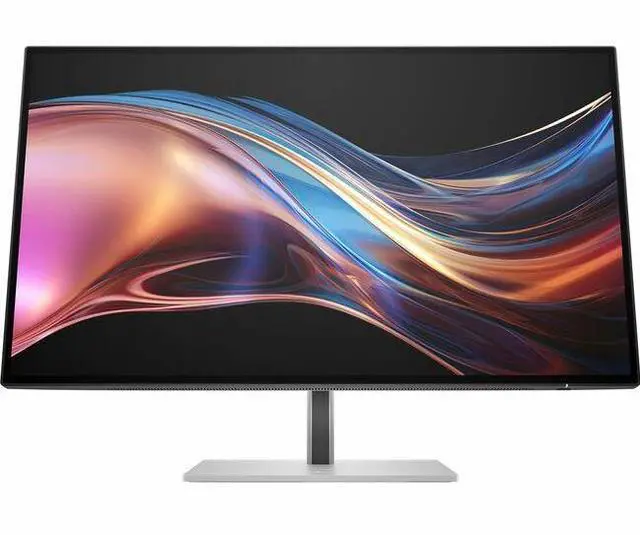
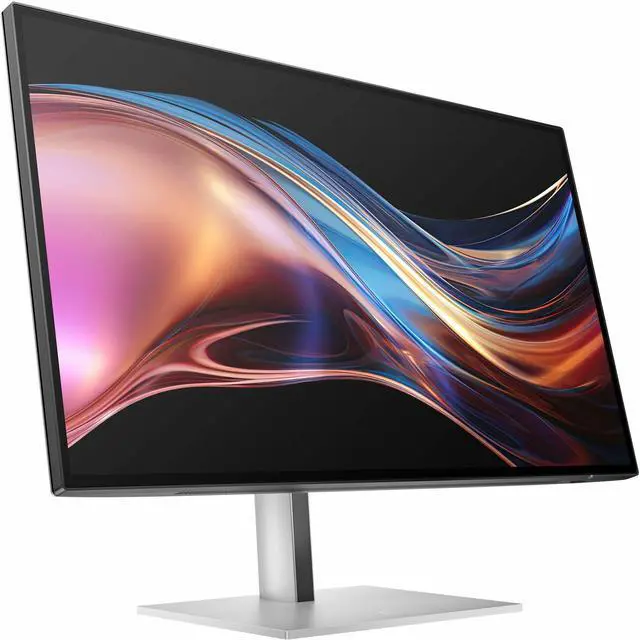
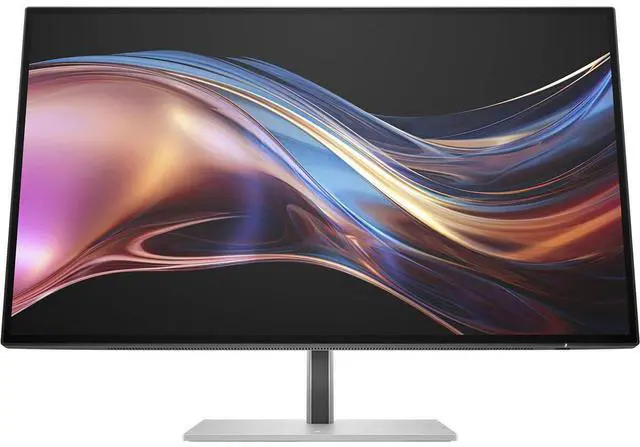
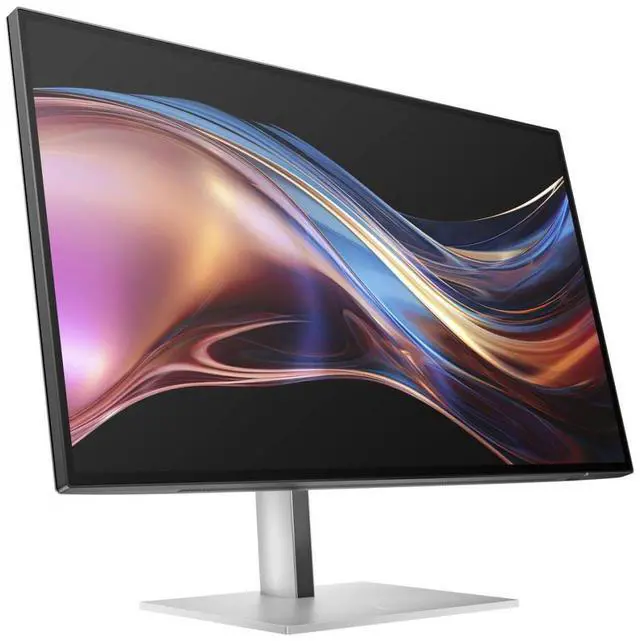
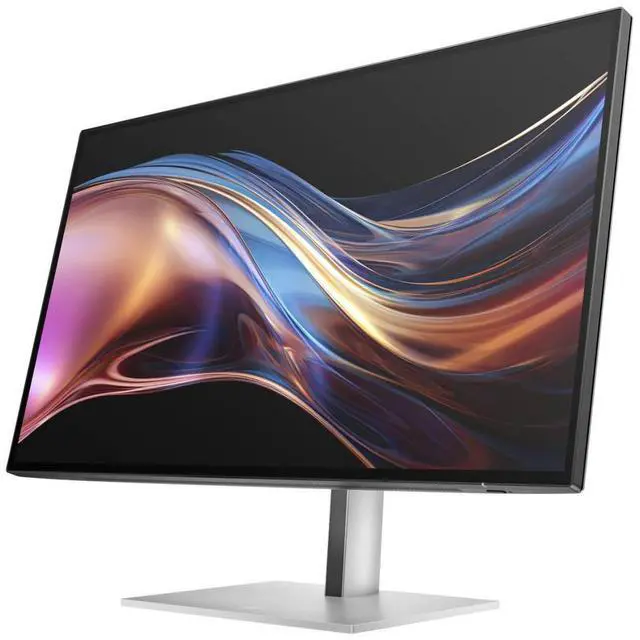
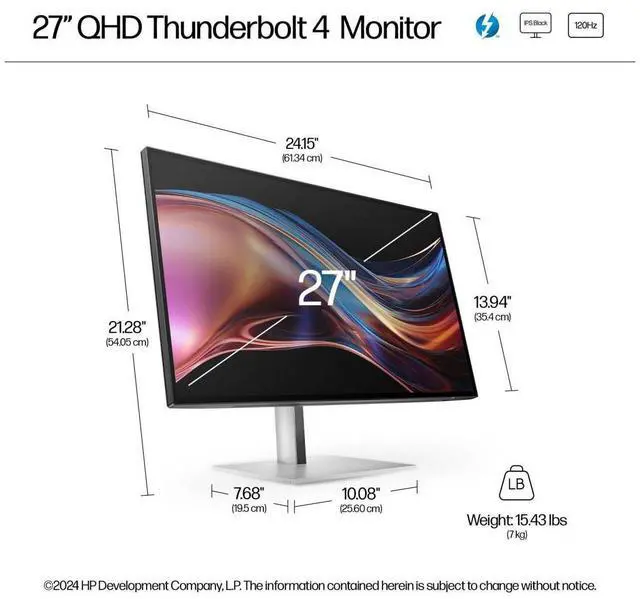
This product does not include manufacturer warranty when purchased or used outside of its designated sales region. By purchasing internationally, you acknowledge that warranty support from the manufacturer will not be available.The HP 727pu is a 27-inch WQHD (2560 × 1440) IPS Black monitor with a 400-nit screen, USB hub, and KVM switch, suited to desk-based work that benefits from sharp detail and switching between connected devices.
| Attribute | Value |
|---|---|
| Best For | Desktop use, including QHD viewing and adaptive-sync gaming |
| Panel And Resolution | 27-inch LED display with IPS Black technology, 16:9 aspect ratio, 2560 × 1440 native resolution, 178° viewing angle, and anti-glare finish |
| Refresh Rate And Response | 120 Hz refresh rate, 5 ms response time, and FreeSync Premium adaptive sync |
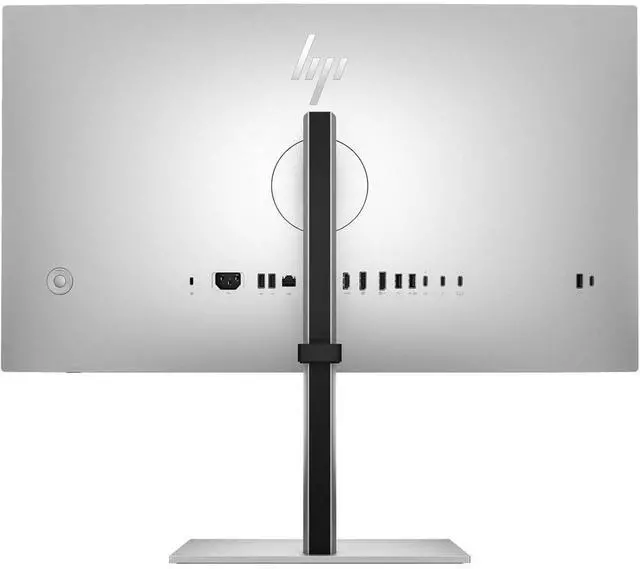
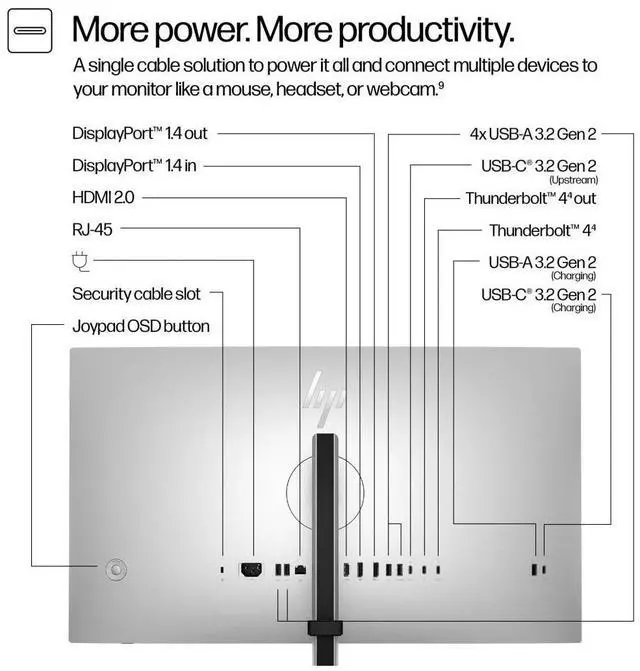
| Ports And Connectivity | One HDMI port, one Thunderbolt port, and USB, USB-C, DisplayPort, and Ethernet connectivity; six USB ports total |
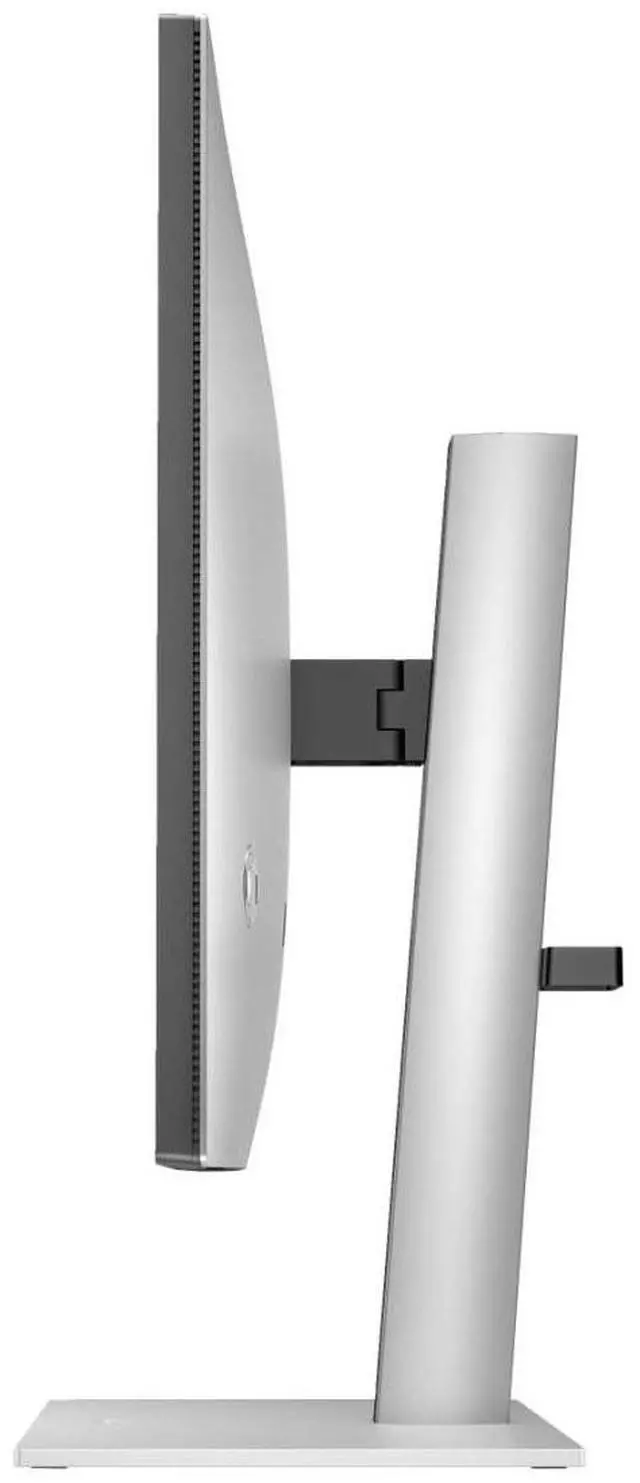
| Stand And Ergonomics | Height, swivel, and tilt adjustments; removable stand; 100 × 100 mounting support |
| Color And Picture Features | Natural Silver finish, 100% sRGB gamut, HDR, Pantone validation, color calibration, and picture-by-picture and picture-in-picture support |
| Eye Comfort And Display Controls | Eye Ease, flicker-free operation, low blue light, ambient light sensor, and OnScreen Control |
| Power | 41 W power consumption |
| Model Identifiers | HP (Hewlett Packard), model 8J9E6UT#ABA |
Q: HP 727pu vs 727pq: which is better for a one-cable laptop setup?
A: Choose the HP 727pu if you want a 27-inch QHD display with Thunderbolt 4 connectivity and up to 100 W laptop charging. The 727pq also has a 27-inch QHD IPS Black panel with a 120 Hz maximum refresh rate, while its USB-C connection provides up to 15 W charging. Both include USB ports; the 727pu adds Thunderbolt 4 docking features such as KVM and daisy chaining.
Q: HP 727pu vs 727pk: should I choose QHD or 4K?
A: Choose the HP 727pu for a 27-inch QHD (2560 × 1440) display with a listed maximum refresh rate of 120 Hz. Choose the HP 727pk if 4K UHD (3840 × 2160) resolution is the priority for detailed images and text. The main decision is QHD with the 727pu versus the higher resolution of the 727pk.
Q: HP 727pu vs 724pu: which gives me more screen workspace?
A: Choose the HP 727pu for a larger 27-inch QHD (2560 × 1440) screen and a maximum refresh rate of 120 Hz. The HP 724pu is a 24-inch WUXGA (1920 × 1200) monitor with a 16:10 aspect ratio and a maximum refresh rate of 100 Hz. The 727pu suits buyers prioritizing a larger display and higher resolution; the 724pu offers a more compact 24-inch screen with a taller 16:10 format.
Q: Is the HP 727pu suitable for office work and multitasking?
A: Yes. Its 27-inch QHD IPS display provides a 2560 × 1440 workspace, and its USB hub and KVM switch can support a multi-computer desk setup. It is a monitor, not a complete video-meeting system, so check your computer and peripherals for camera and audio needs.
Q: Can I use the HP 727pu with two computers and one keyboard and mouse?
A: Yes. The monitor has a built-in KVM switch for sharing a keyboard and mouse between two connected computers. The computers and USB peripherals must be connected to the appropriate monitor ports for KVM switching to work.
Q: Is the HP 727pu good for gaming as well as work?
A: It can suit casual and mixed-use gaming: HP lists a 120 Hz maximum refresh rate and AMD FreeSync Premium, alongside its QHD IPS display. Its listed 5 ms response time means it is not specified as an especially fast competitive-gaming display.
Q: Can I connect a laptop to the HP 727pu with USB-C and use the monitor as a dock?
A: Yes. The 727pu includes Thunderbolt 4 with video support and up to 100 W USB Power Delivery, so a compatible laptop can connect over Thunderbolt 4 and receive power. Confirm that your laptop supports Thunderbolt 4 or compatible USB-C video and charging features.
Q: Is the HP 727pu a good fit for work that depends on color accuracy?
A: It may suit design or editing work: the 27-inch QHD IPS Black display is aimed at clear, detailed viewing, and Reddit users reported favorable picture quality and perceived color accuracy. One user’s color assessment was not based on formal testing, so verify calibration needs if color-critical work is essential.
Q: Is the HP 727pu suitable for gaming?
A: It can work for casual gaming, but Reddit discussion suggests it is better chosen as a work-focused monitor than as a gaming-first display. Its FreeSync Premium support is a useful gaming feature, but buyers prioritizing gaming should compare gaming-focused alternatives.
Q: Is the HP 727pu’s KVM a good reason to buy it for two computers?
A: It offers KVM and USB hub functionality, but Reddit users described setup and switching hassles, including needing to configure display and USB switching separately. If seamless switching is essential, check that the KVM works with your computers and operating systems before buying.
Q: Are there reported wake-from-sleep or signal issues to consider?
A: Yes. Reddit users have reported occasional flickering or signal problems after waking from sleep, sometimes requiring a power cycle. These are individual reports, not proof that every unit is affected, but they are worth considering if dependable wake behavior is important.


