


 All CategoriesAll CategoriesAll Categories
Shipped by Newegg




Warranty Notice:
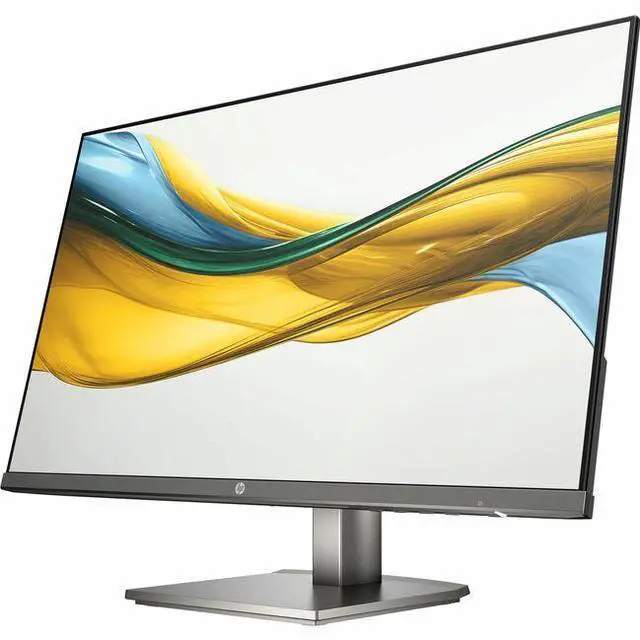
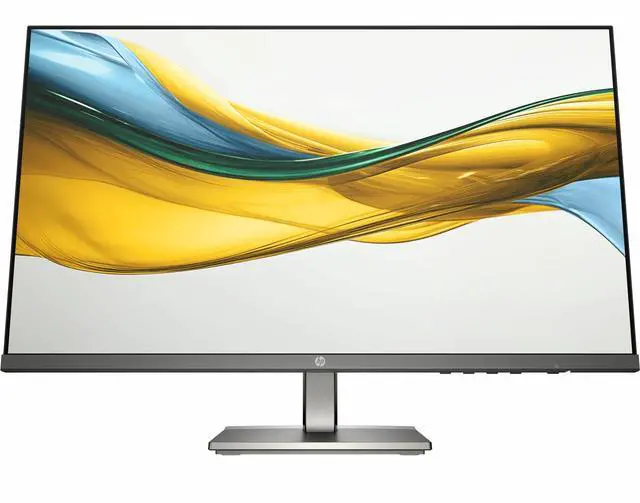
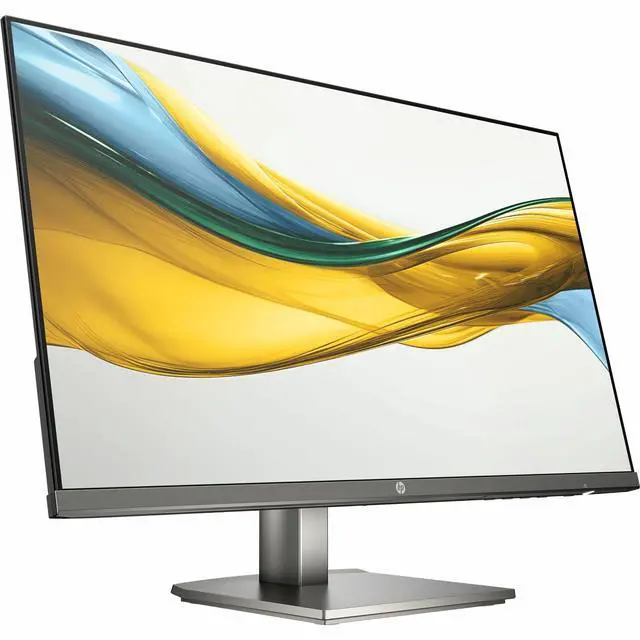
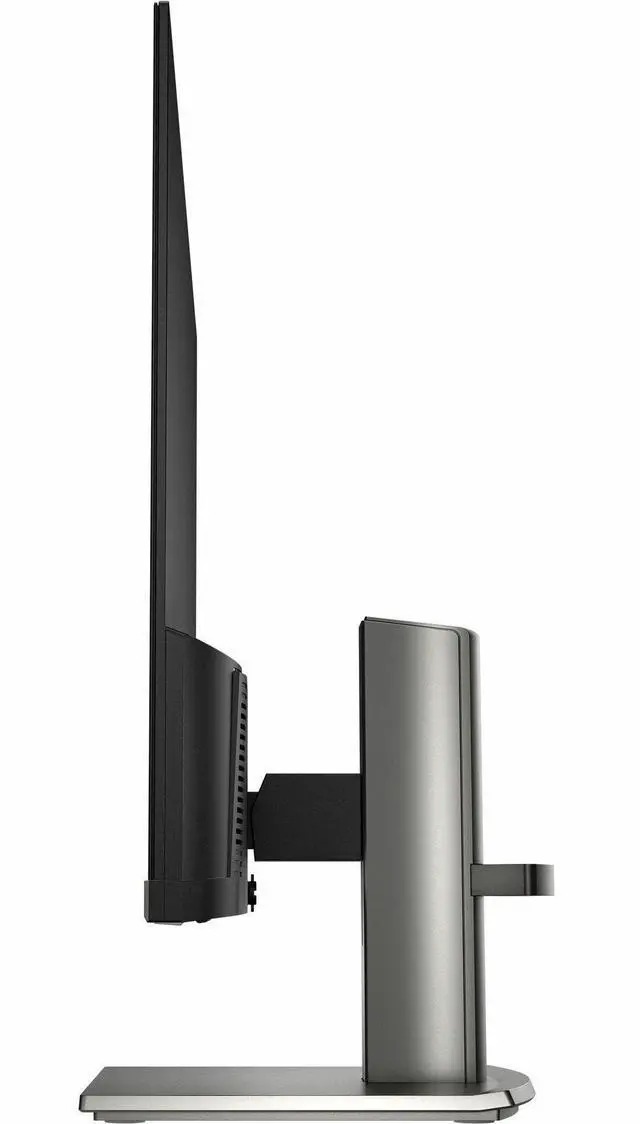
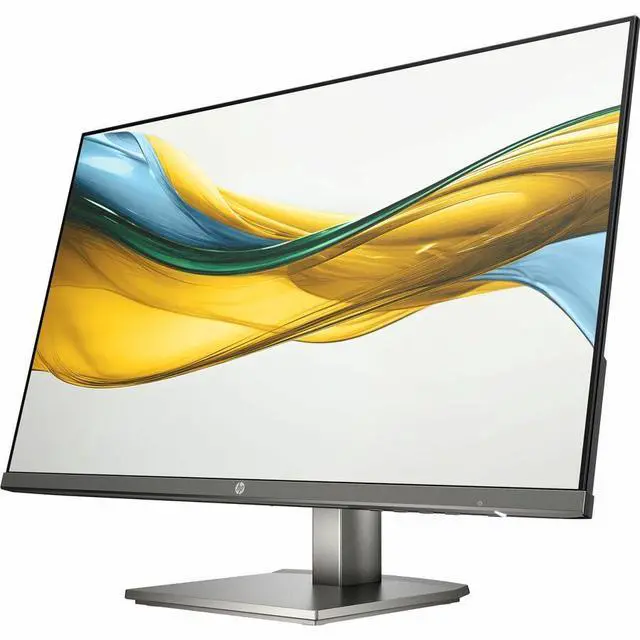
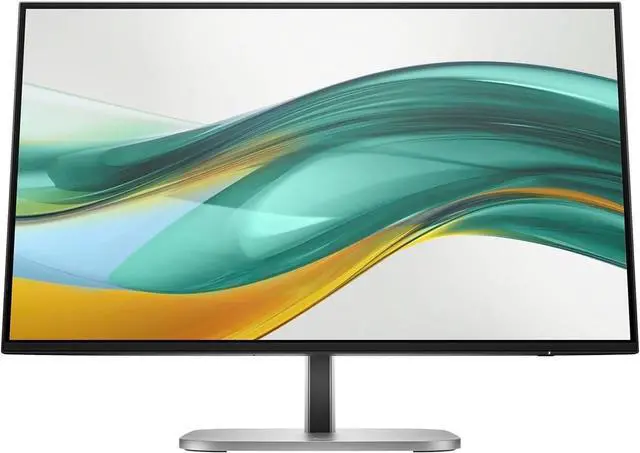
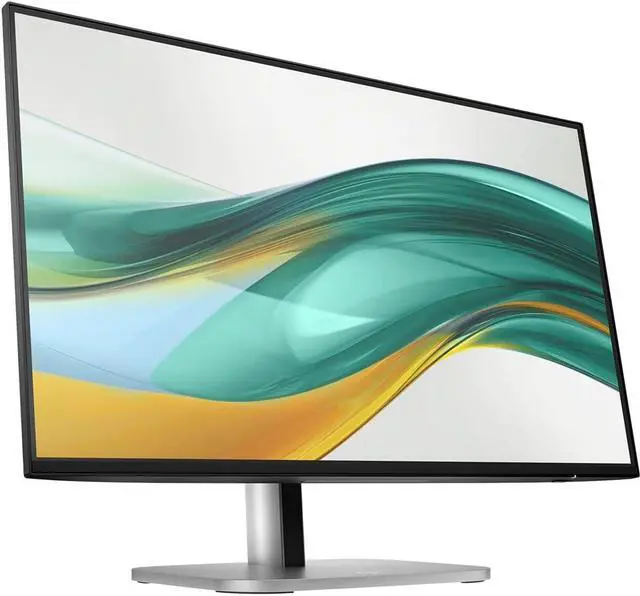
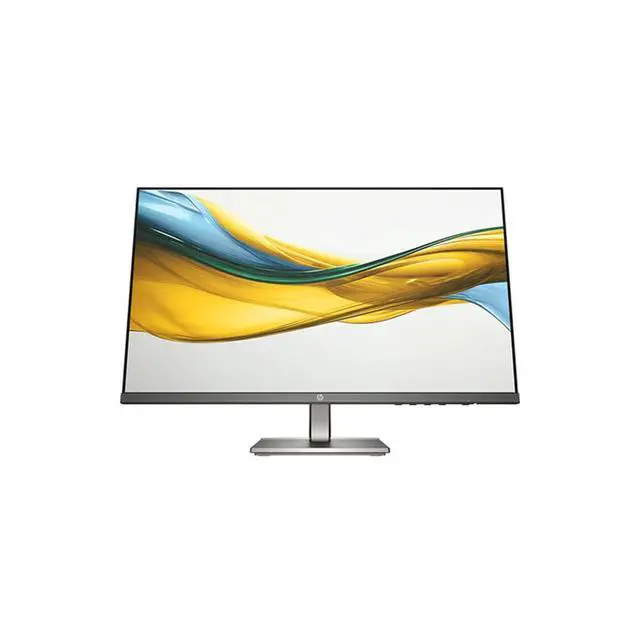
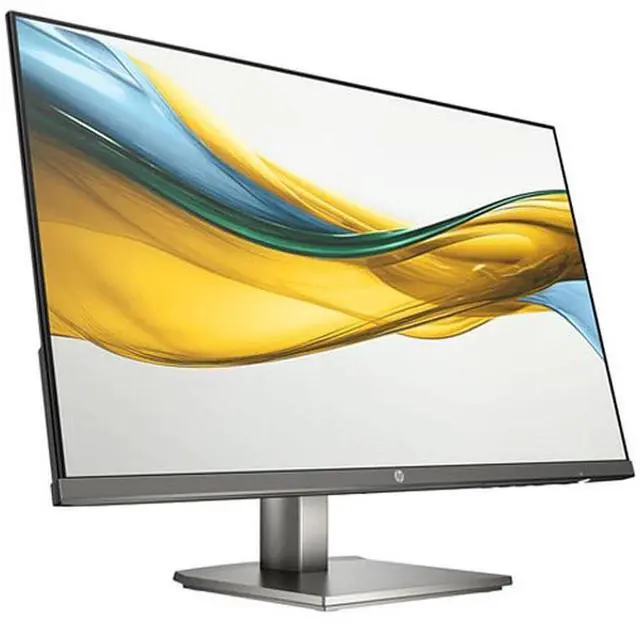
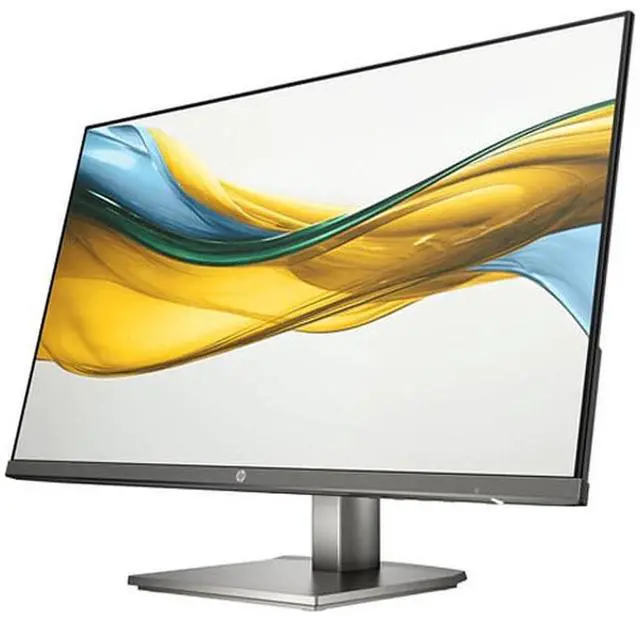
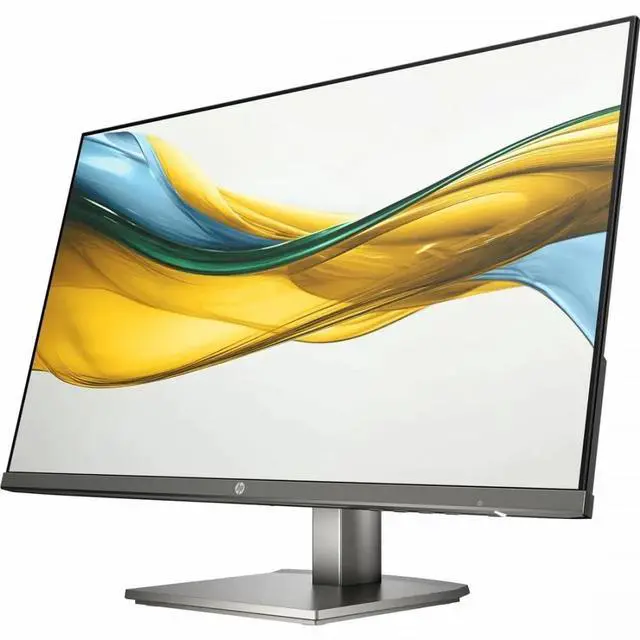
This product does not include manufacturer warranty when purchased or used outside of its designated sales region. By purchasing internationally, you acknowledge that warranty support from the manufacturer will not be available.The HP 524da is a 23.8-inch Full HD IPS monitor with a 100 Hz refresh rate, built-in speakers, HDMI, and VGA, suited to everyday work, study, and home use where a smoother-than-standard display and flexible connections are useful.
| Attribute | Value |
|---|---|
| Best For | Desktop setups needing a 24-inch Full HD monitor |
| Panel And Resolution | 24-inch LED display with IPS technology, 1920 × 1080 resolution, 16:9 aspect ratio, 178° viewing angle, and 99% sRGB color gamut |
| Refresh Rate And Response | 75 Hz refresh rate with a 5 ms response time |
| Image And Eye Comfort | Anti-glare screen with Eye Ease, low blue light, flicker-free, and OverDrive features; listed brightness is 1027.8 lm and contrast ratio is 8,000,000:1 |
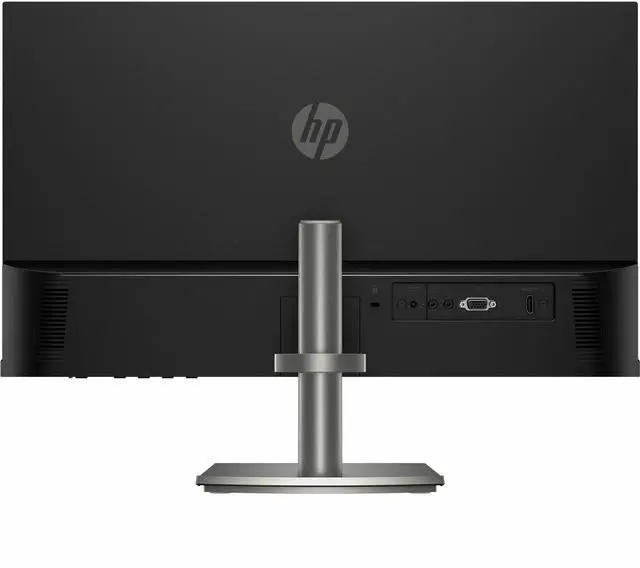
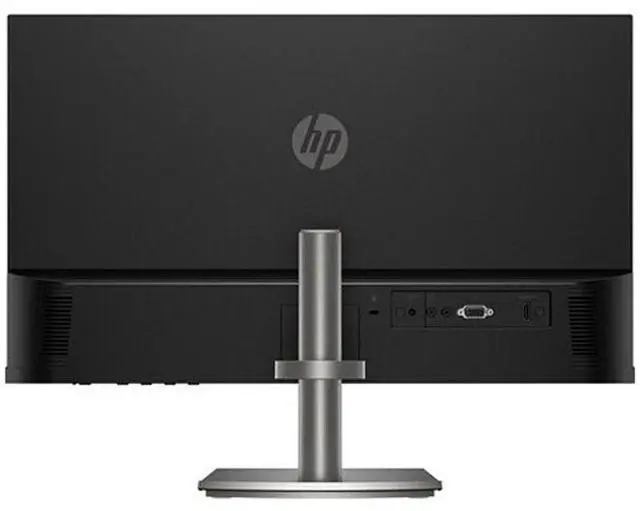
| Ports And Connectivity | 1 HDMI port and VGA connectivity; no USB or Thunderbolt ports |
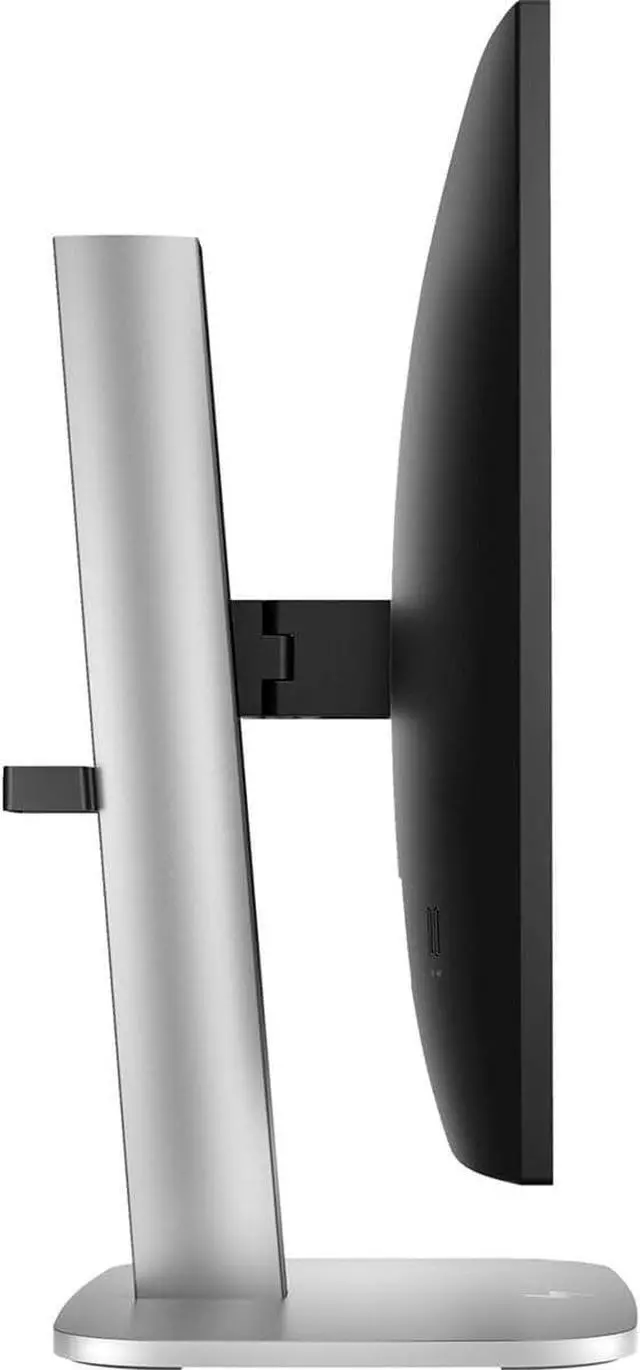
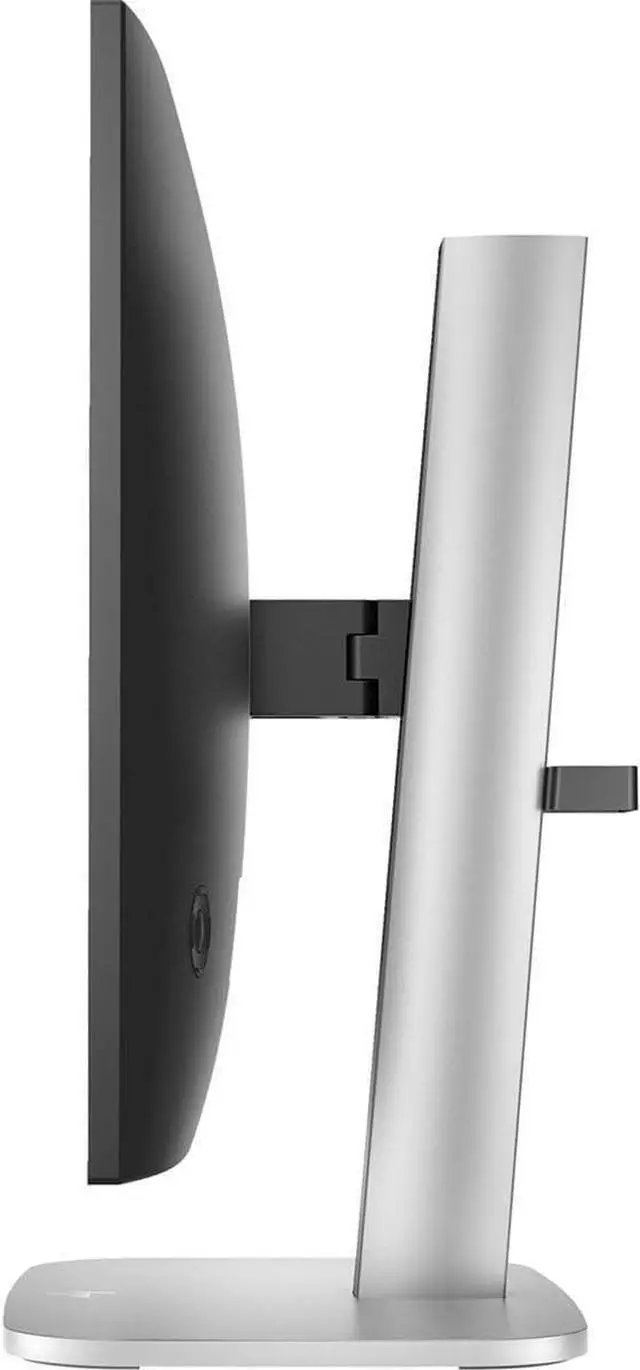
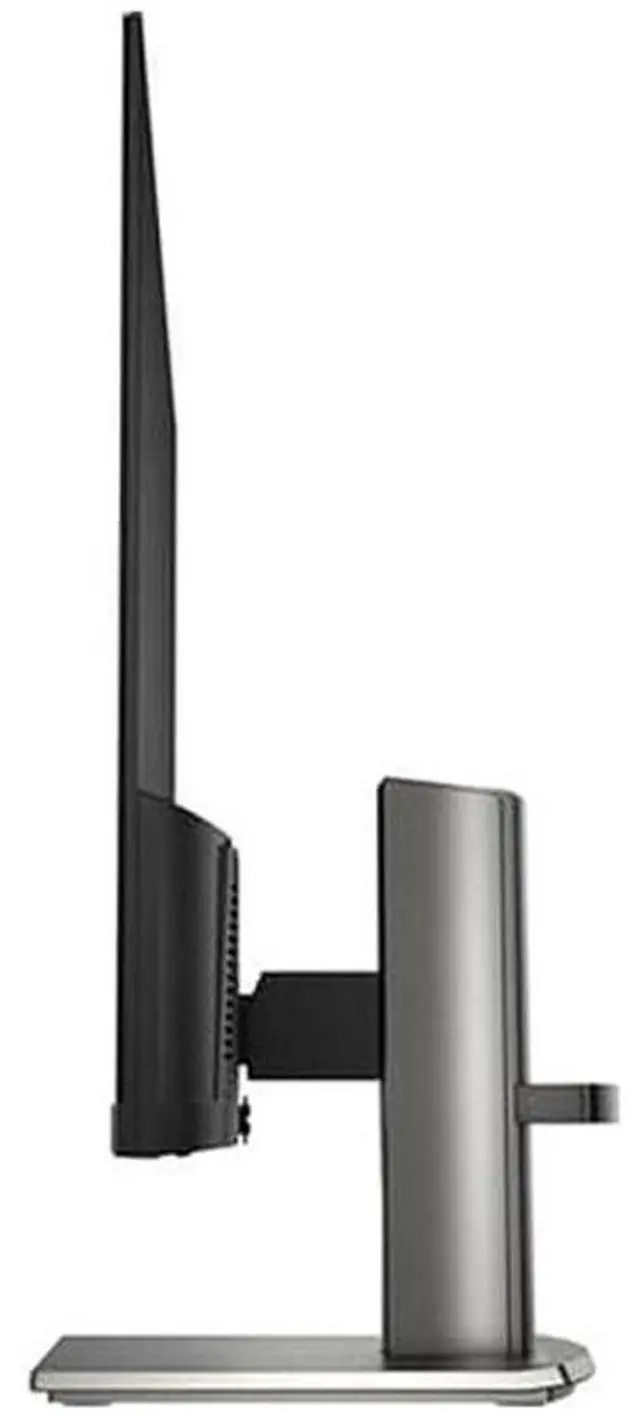
| Stand And Ergonomics | Stand with height and tilt adjustment; 100 × 100 mounting interface |
| Audio | Built-in speakers |
| Power | 21 W power consumption |
| Physical Details | 4.89 lb item weight; listed dimensions are 12.4 × 21.1 × 1.3 in |
| Model Identifiers | HP, model B11W5AT#ABA |
Q: HP 524da vs. HP 524sf: which is better for an adjustable desk setup?
A: Choose the HP 524da if you want to adjust screen height as well as tilt: HP lists both adjustments for the 524da, while its 524sf specifications list tilt. The 524da also has a 23.8-inch Full HD IPS display, 100 Hz refresh rate, and built-in speakers.
Q: HP 524da vs. HP 524sa: which should I choose for a home office?
A: Both are 23.8-inch Full HD HP monitors with built-in speakers. Choose the 524da if height adjustment and a 100 Hz refresh rate are priorities; HP lists the 524sa with a tilt-adjustable stand.
Q: HP 524da vs. HP 524sh: which is a better fit for a desk with built-in audio?
A: Both models have height-adjustable stands. Choose the HP 524da if built-in audio is a priority: HP specifies dual 2 W speakers for the 524da, along with a 23.8-inch Full HD IPS display and 100 Hz refresh rate.
Q: Is the HP 524da suitable for everyday office work?
A: Yes. Its 23.8-inch IPS display, 1920 × 1080 resolution, and 100 Hz refresh rate suit common office tasks such as documents, browsing, and viewing multiple windows. It also has built-in speakers. The specifications do not list a webcam or microphone, so check that your computer or other equipment covers those needs for meetings.
Q: Does the HP 524da have built-in speakers?
A: Yes. The provided product specifications list speakers. They can provide audio for basic computer use, but the specifications do not state speaker power or sound quality.
Q: Can I connect the HP 524da to a laptop or desktop?
A: Yes, if the computer has a compatible HDMI or VGA video output. The monitor is a display, not a computer, so it needs a connected computer or other video source to show content.
Q: Can I use the HP 524da for video meetings?
A: It can display the meeting and play audio through its listed built-in speakers when connected to a compatible computer. The supplied specifications do not list a webcam or microphone, so use your computer’s or separate peripherals’ camera and microphone.


