


 All CategoriesAll CategoriesAll Categories
Shipped by Newegg

Make informed decisions with expert advice. Learn More



Warranty Notice:
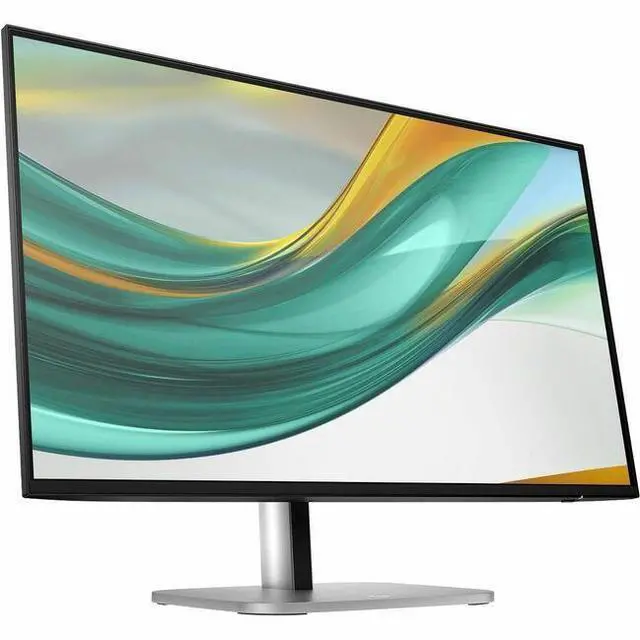
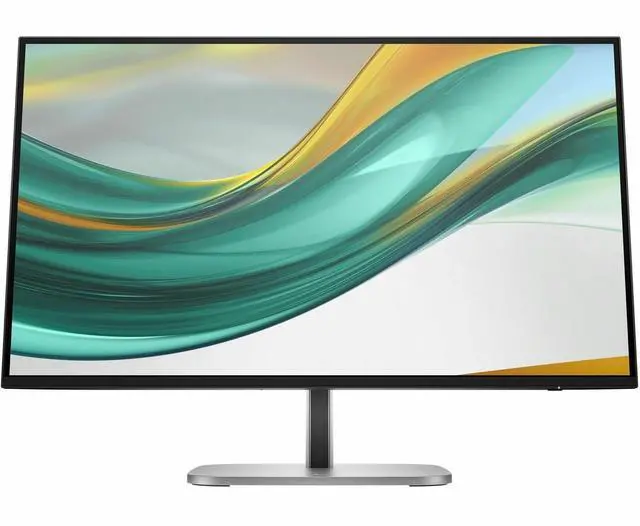
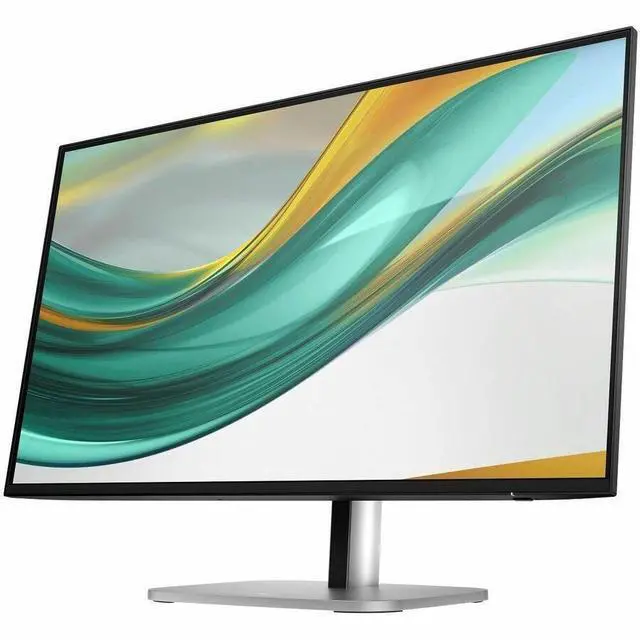
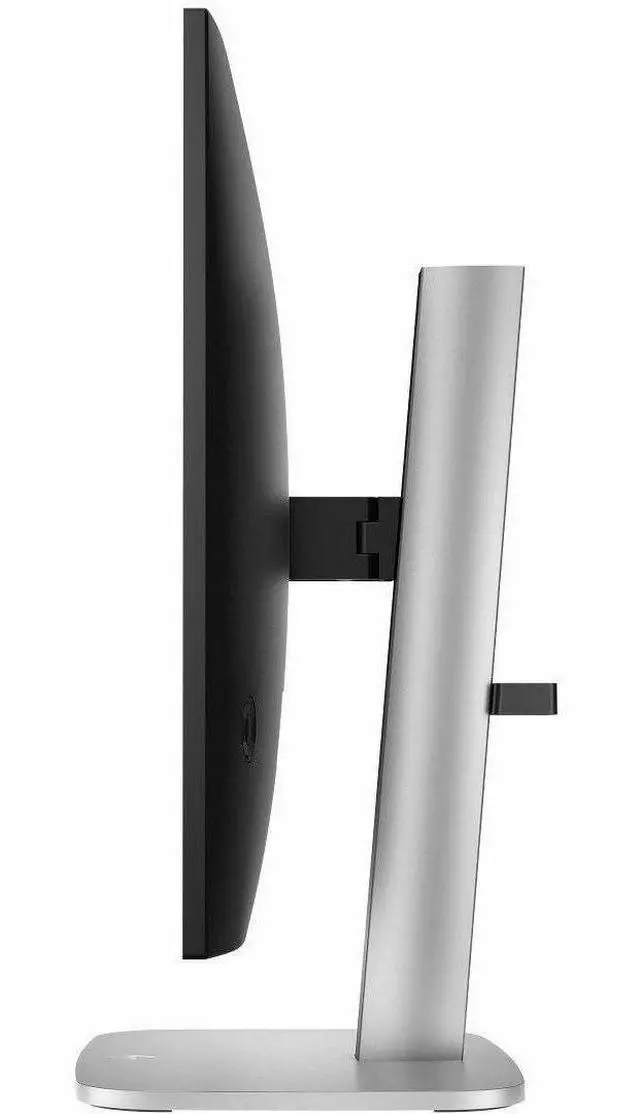
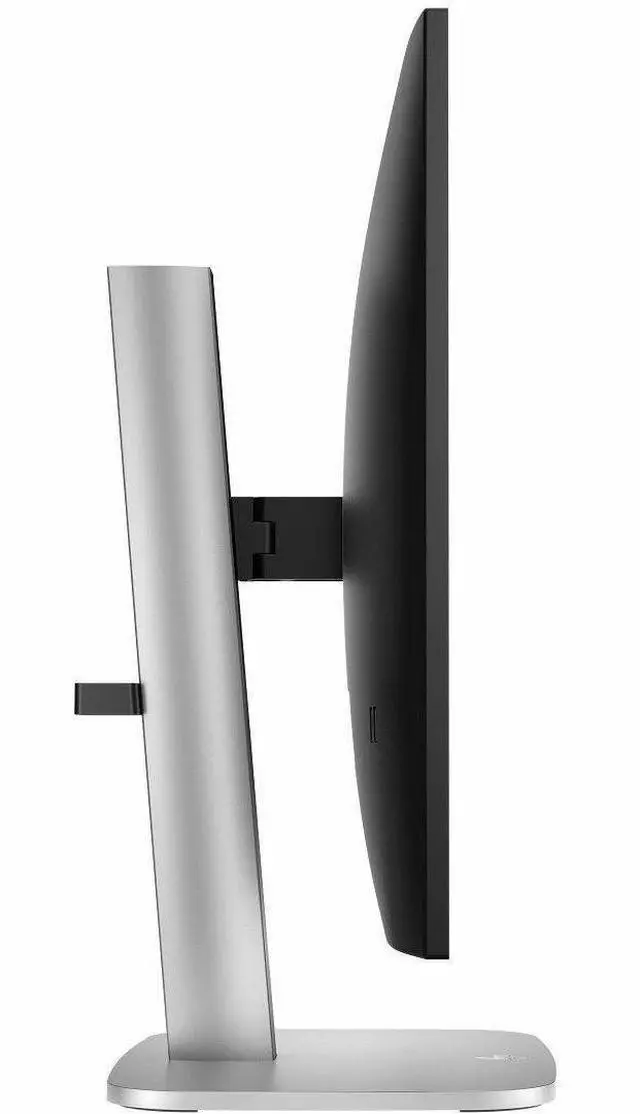
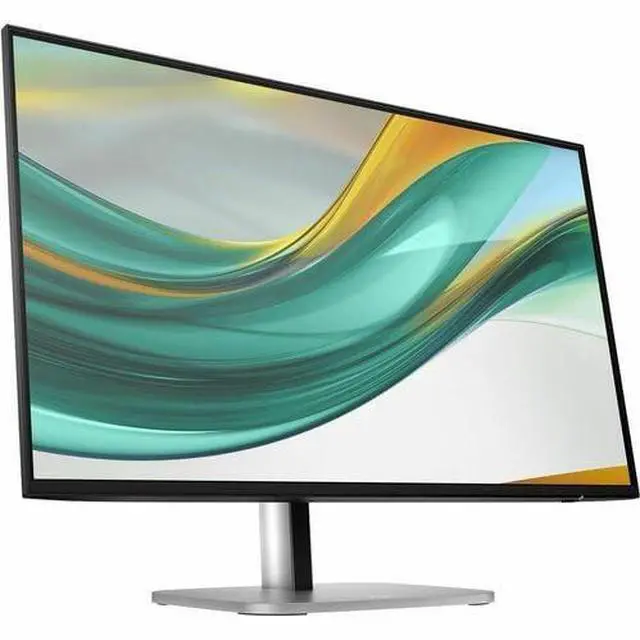
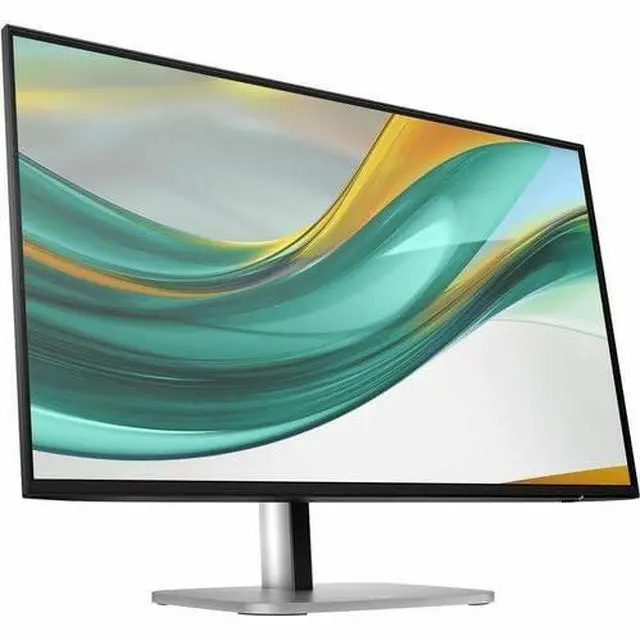
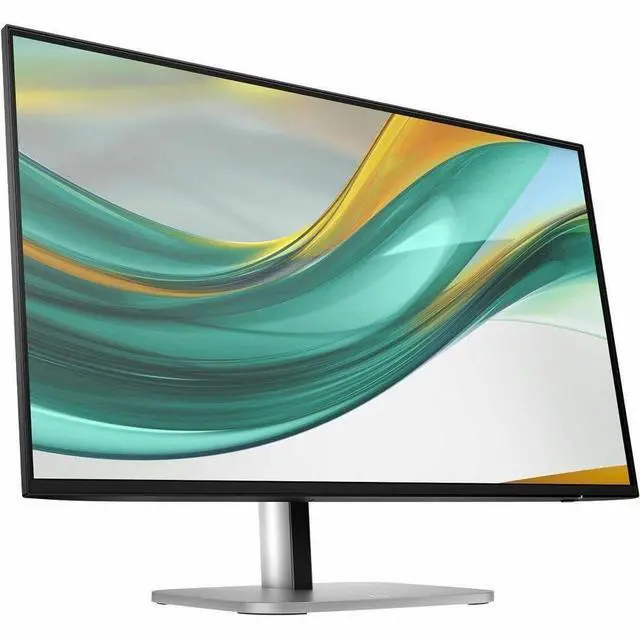
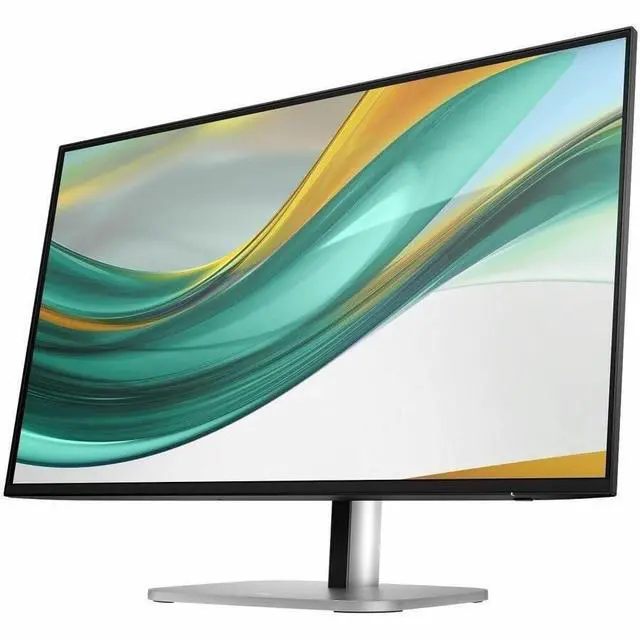
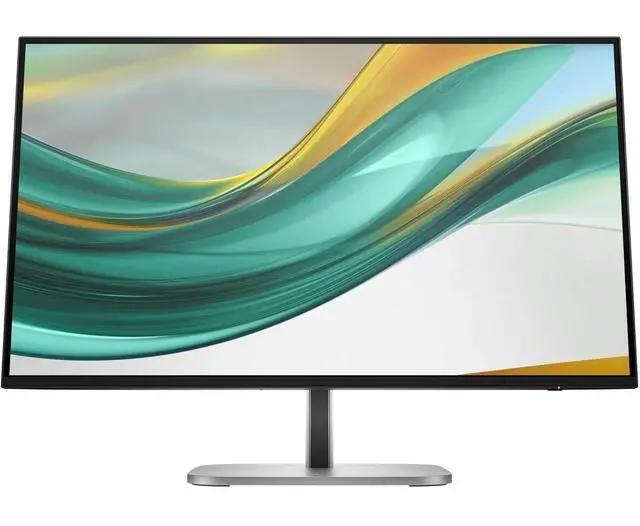
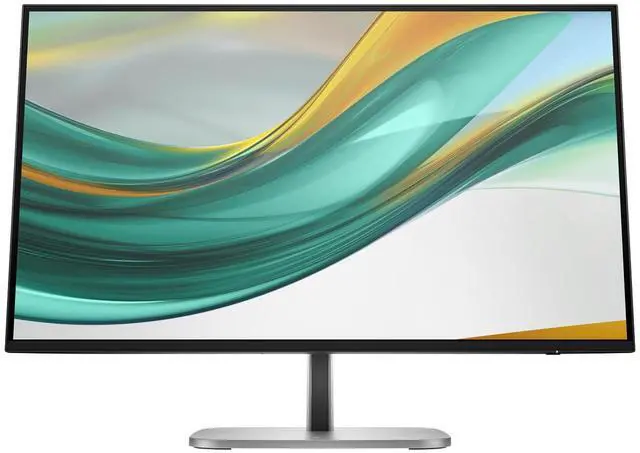
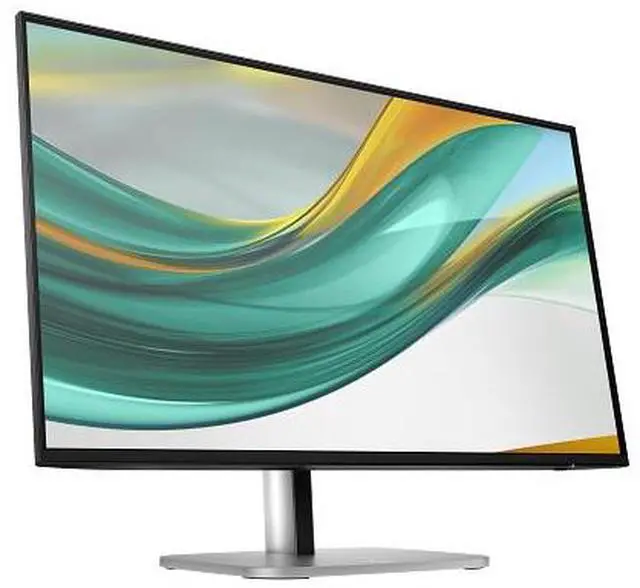
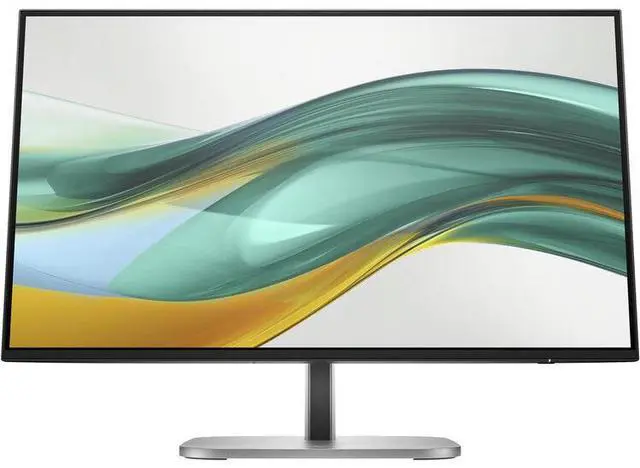
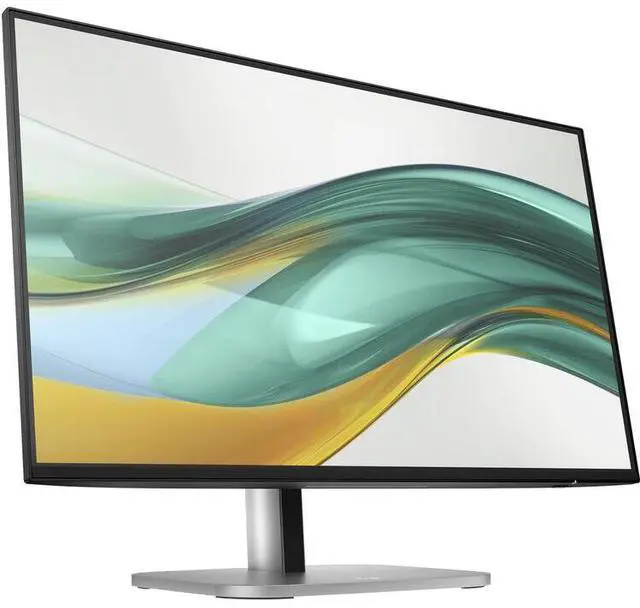
This product does not include manufacturer warranty when purchased or used outside of its designated sales region. By purchasing internationally, you acknowledge that warranty support from the manufacturer will not be available.The HP Series 5 Pro 527pf is a 27-inch Full HD IPS monitor with a 120 Hz refresh rate, 350-nit brightness, and HDMI and DisplayPort inputs, suited to everyday work, multitasking, and smoother on-screen motion.
| Attribute | Value |
|---|---|
| Best For | Desktop use with a 27-inch Full HD IPS display and a 120 Hz refresh rate |
| Panel And Resolution | 27-inch anti-glare IPS display with 1920 × 1080 Full HD resolution, 16:9 aspect ratio, 350 cd/m² brightness, 1500:1 contrast ratio, 178° horizontal and vertical viewing angles, 16.7 million colors, and 100% sRGB gamut |
| Refresh Rate And Response | 120 Hz refresh rate, 5 ms response time, and FreeSync adaptive sync |
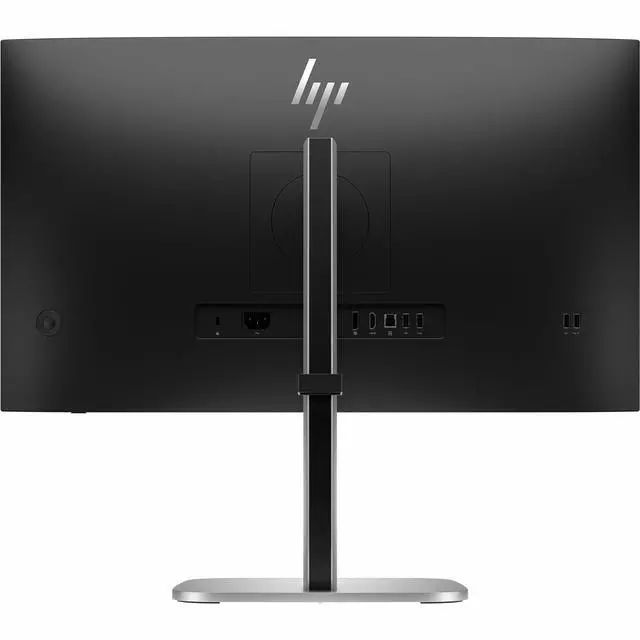
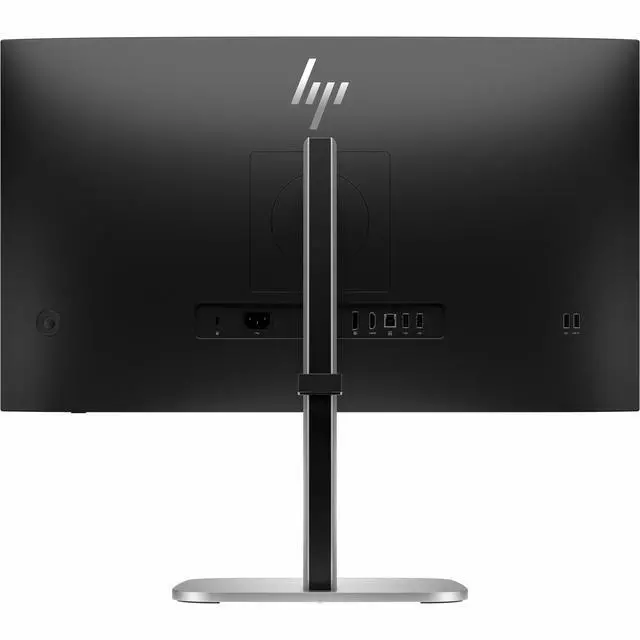
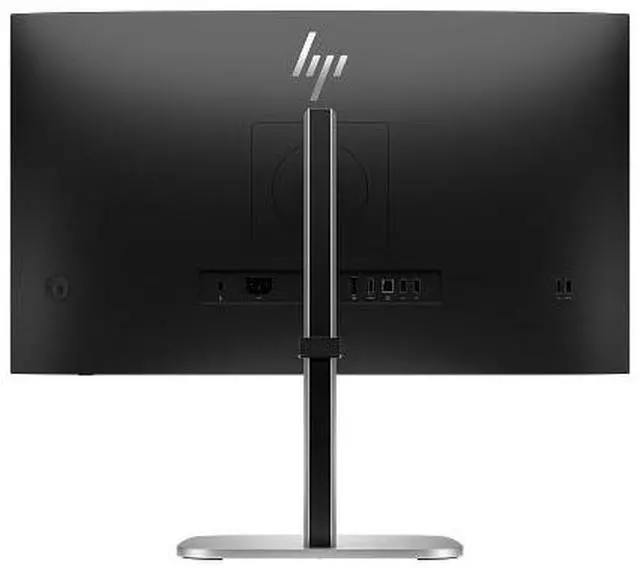
| Ports And Connectivity | HDMI and DisplayPort inputs, plus a USB hub with 5 USB ports |
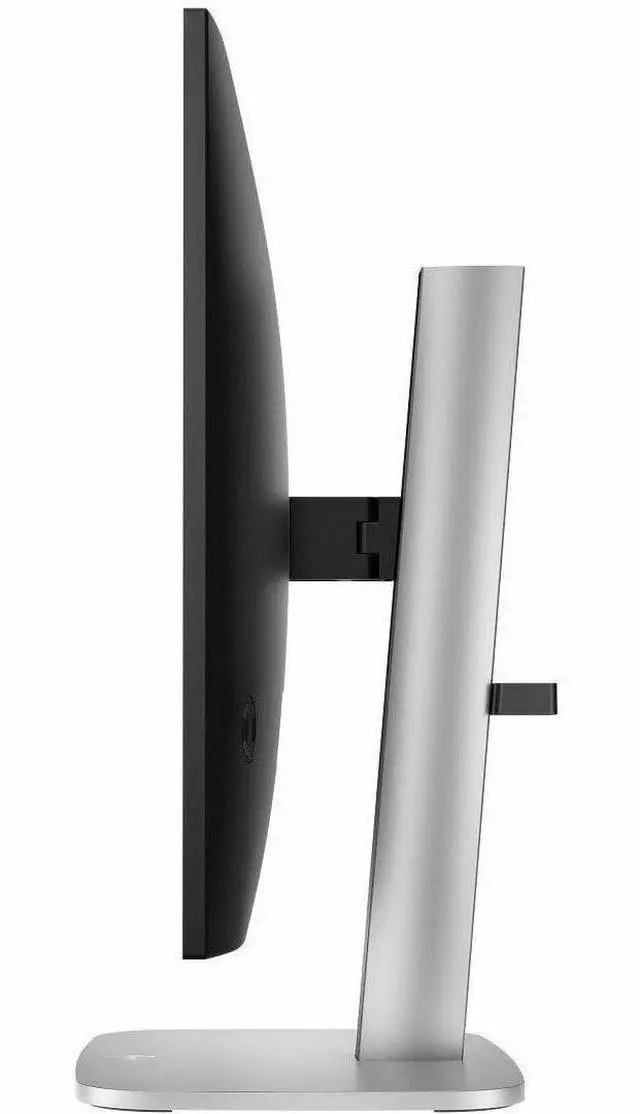
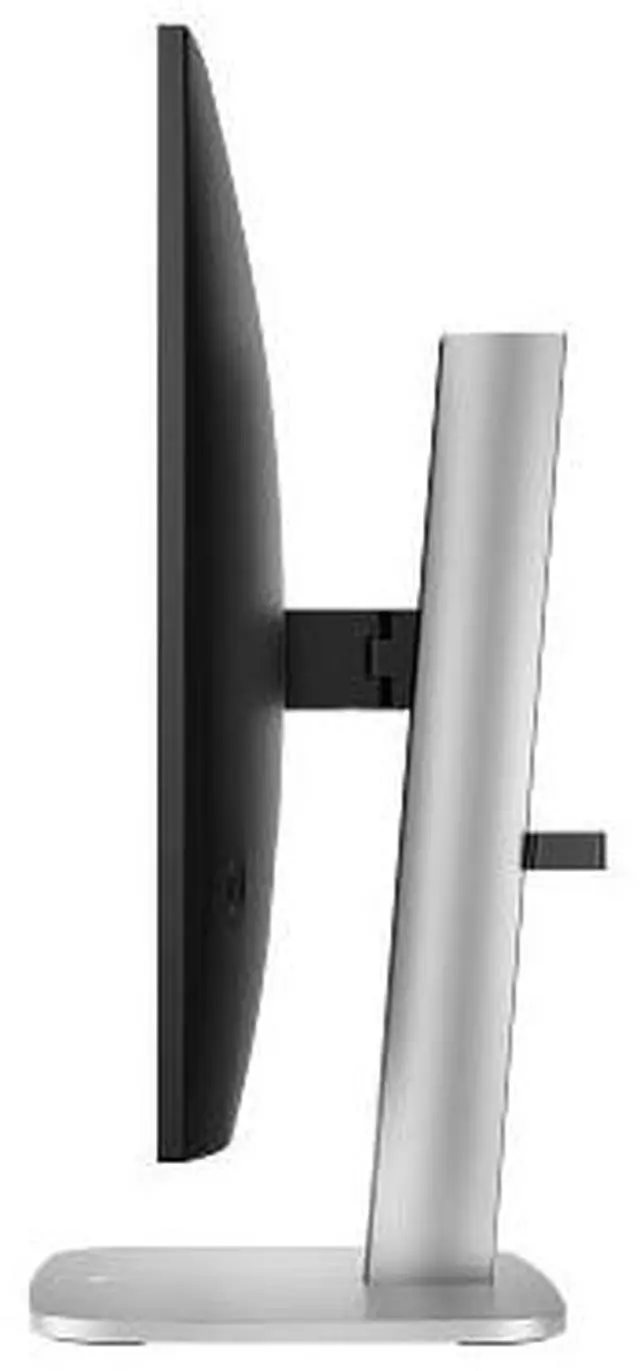
| Stand And Ergonomics | 100 × 100 mm VESA mounting compatibility with height, swivel, and tilt adjustment |
| Included Components | DisplayPort 1.2 cable, HDMI cable, USB Type-A to B cable, AC power cable, warranty card, and quick setup poster |
| Model Identifiers | HP Series 5 Pro 527pf; part number B28F5UT#ABA |
Q: HP 527pf vs 527pq: which 27-inch monitor should I choose?
A: Choose the HP 527pf for Full HD resolution and up to 120 Hz refresh. Choose the HP 527pq if you prefer QHD (2560 × 1440) resolution for sharper detail and more workspace; it supports up to 100 Hz. Both are 27-inch HP Series 5 Pro monitors with IPS panels.
Q: HP 527pf vs 527pu: which is better for a laptop desk setup?
A: Choose the HP 527pu for a laptop-centered setup: it combines a 27-inch QHD display with USB-C docking and up to 100 W power delivery. Choose the HP 527pf for a 27-inch Full HD display with up to 120 Hz refresh and its USB hub, while connecting the computer through HDMI or DisplayPort.
Q: HP 527pf vs 524pf: which Series 5 Pro monitor fits a smaller desk?
A: Choose the HP 524pf for a more compact 23.8-inch screen; it has Full HD resolution and supports up to 100 Hz. Choose the HP 527pf for a larger 27-inch Full HD screen and refresh rates up to 120 Hz. Both are IPS monitors in HP’s Series 5 Pro range.
Q: Is this monitor suitable for everyday office work and video meetings?
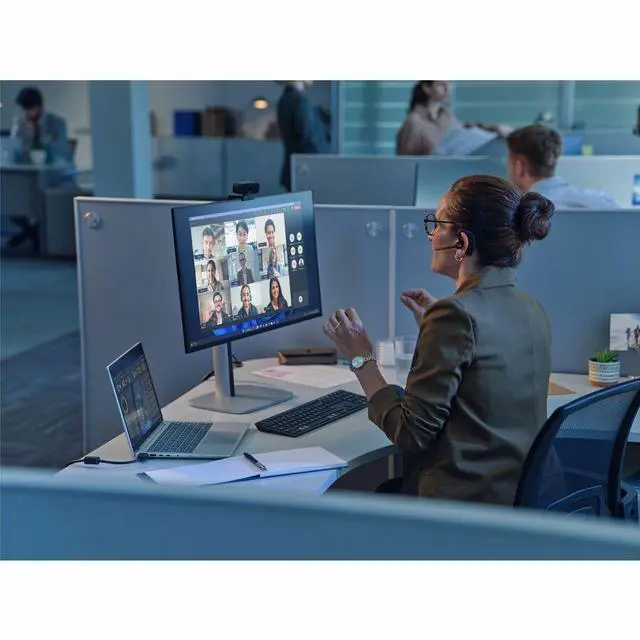
A: It is suited to everyday computer work: it has a 27-inch IPS Full HD screen, a 16:9 aspect ratio, and a USB hub for peripherals. The listed specifications do not identify a built-in webcam, so plan to use a separate camera if needed. At 27 inches, Full HD offers less detail than a higher-resolution display.
Q: Can I mount this monitor on a wall or monitor arm?
A: Yes. The monitor supports a standard 100 × 100 mm VESA mount, so it can be used with a compatible wall mount or monitor arm. Check that the mount supports the monitor’s size and weight.
Q: Is this a good choice for casual gaming?
A: It can suit casual gaming if Full HD resolution and up to 120 Hz are appropriate for your setup. To use 120 Hz, the connected computer or console and cable must support that refresh rate at 1920 × 1080. The product information does not specify variable-refresh-rate gaming features.
Q: Can I connect a laptop to this monitor, and will the USB hub work too?
A: A laptop can connect through HDMI or DisplayPort if it has a compatible output or adapter. The monitor’s USB hub can connect peripherals, but using it requires a separate USB connection between the monitor and computer; HDMI or DisplayPort alone does not provide the hub connection.
Q: Is the HP 527pf suitable for office work and some gaming?
A: It may suit general office work and casual gaming: the listed specs include a 27-inch 1080p IPS display and 120 Hz refresh rate, and a YouTube review discusses both work and gaming. The review is not enough to establish performance for demanding competitive gaming.
Q: Should I be concerned if my 527pf has an uneven gap along the bezel?
A: One Reddit owner reported an uneven gap on their unit; commenters suggested it might be a bezel clip that could be pressed back into place. This is a single report, not evidence of a widespread issue. If the gap remains or the display is affected, contact the seller or HP support.


