


 All CategoriesAll CategoriesAll Categories
Shipped by Newegg


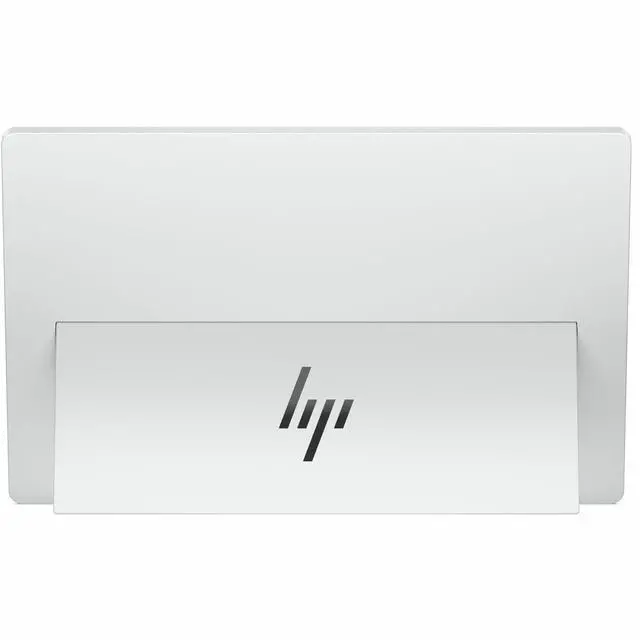
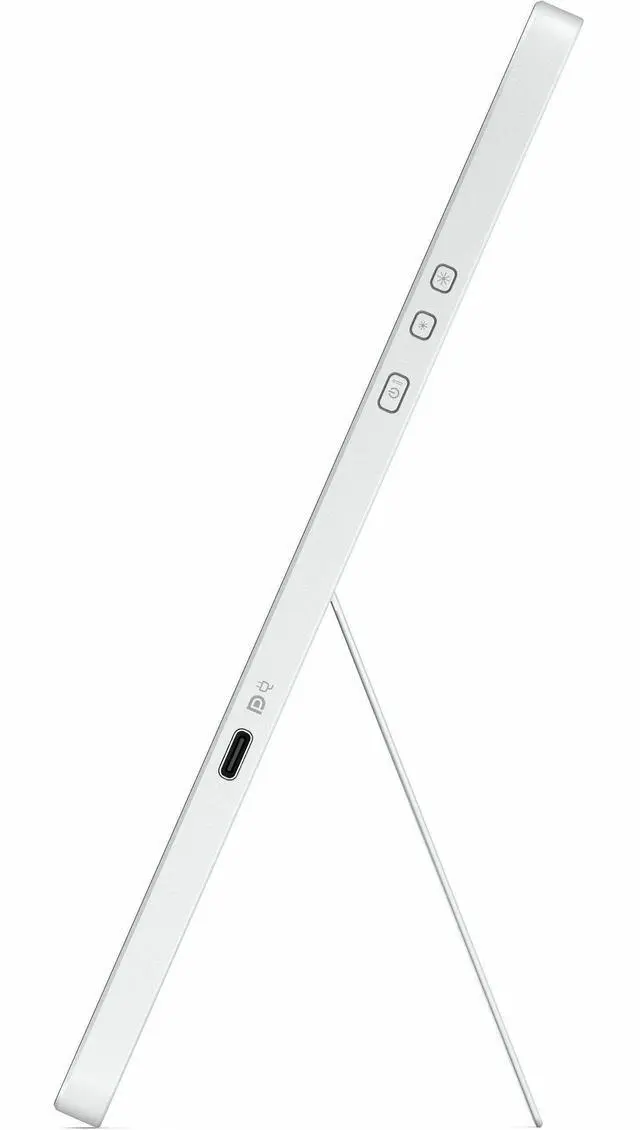
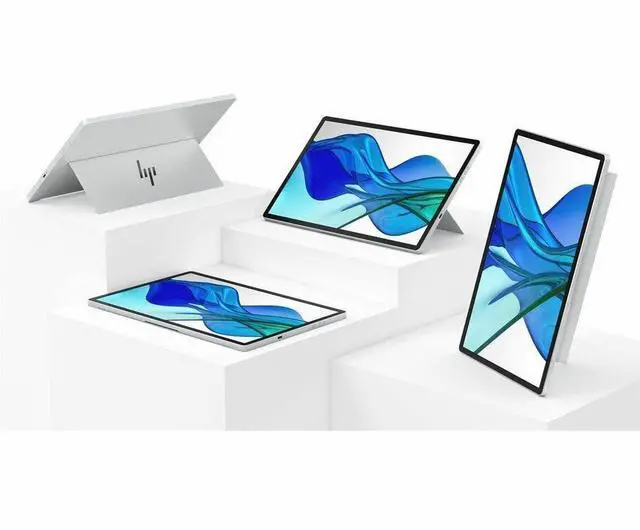
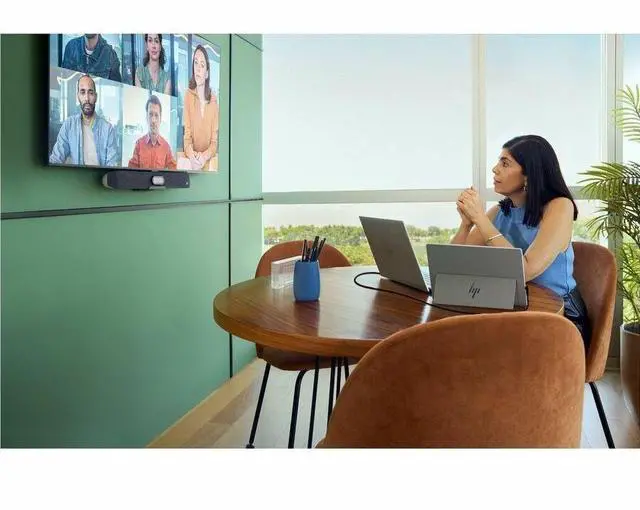


Warranty Notice:
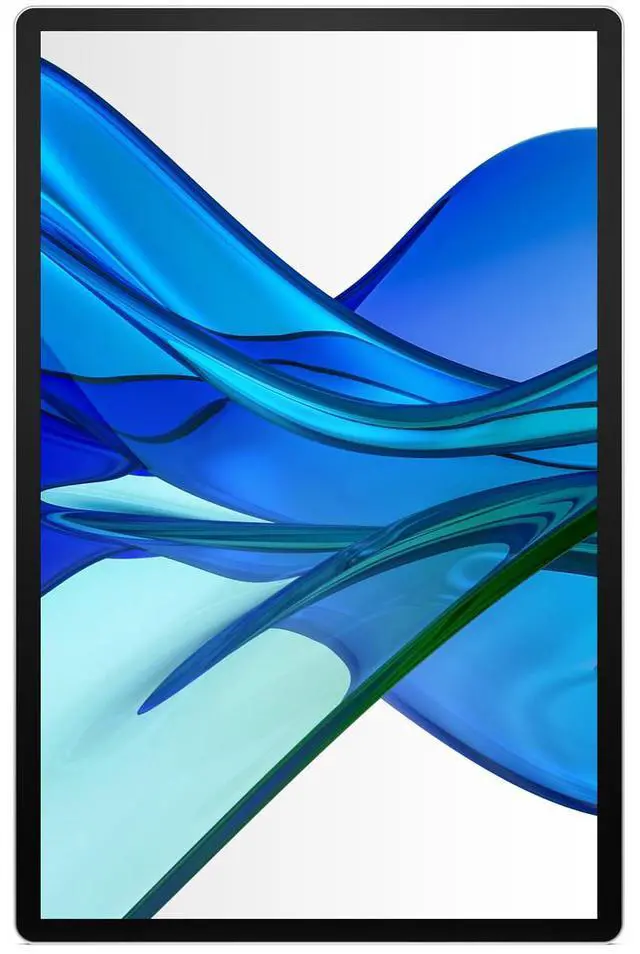
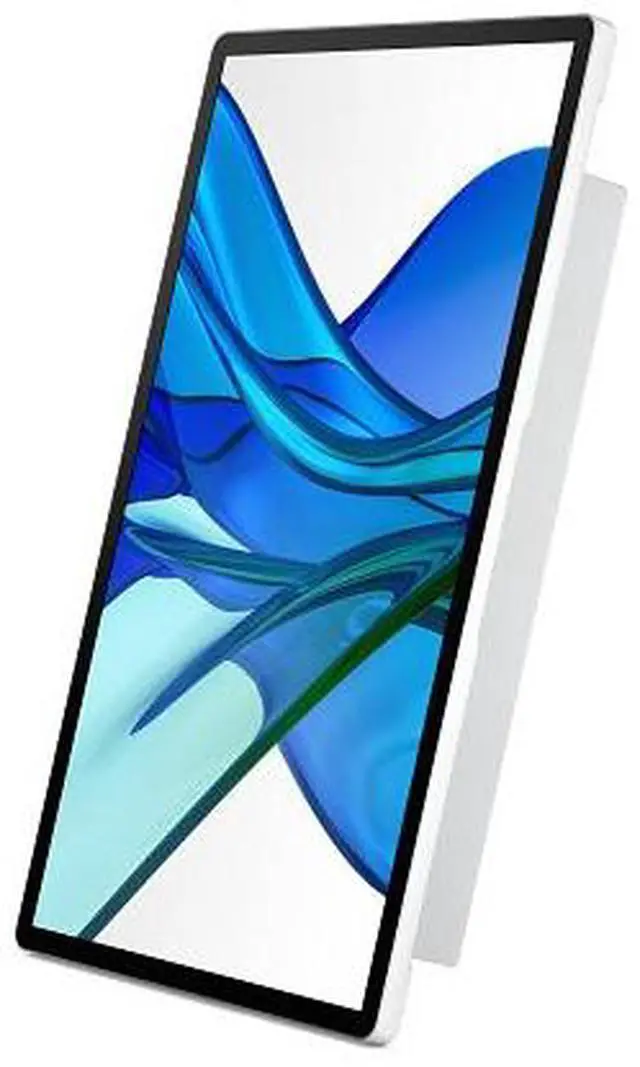
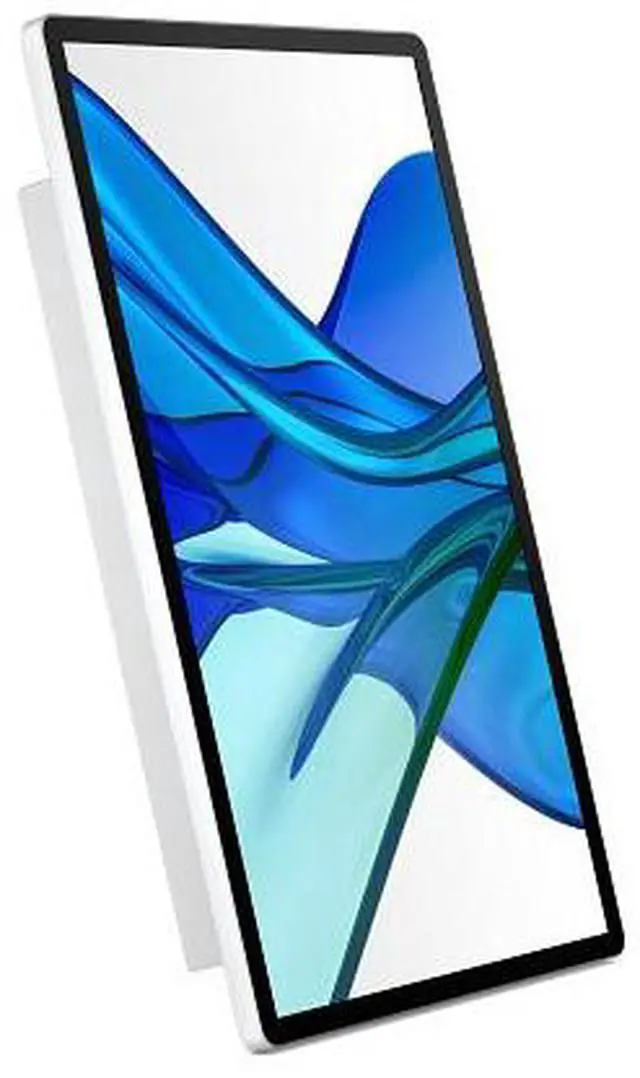
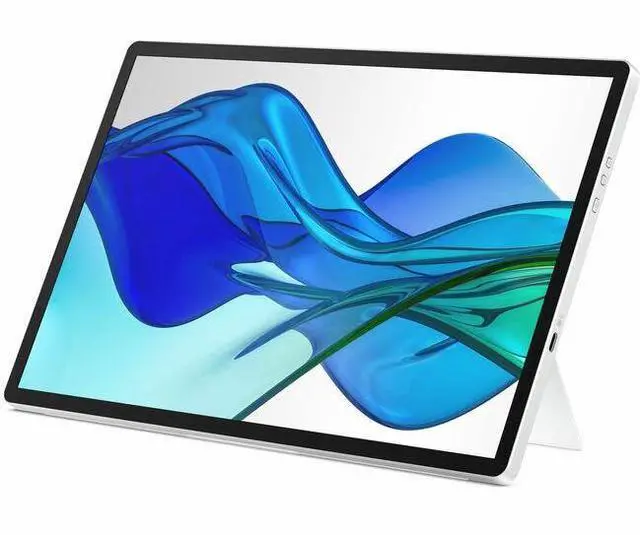
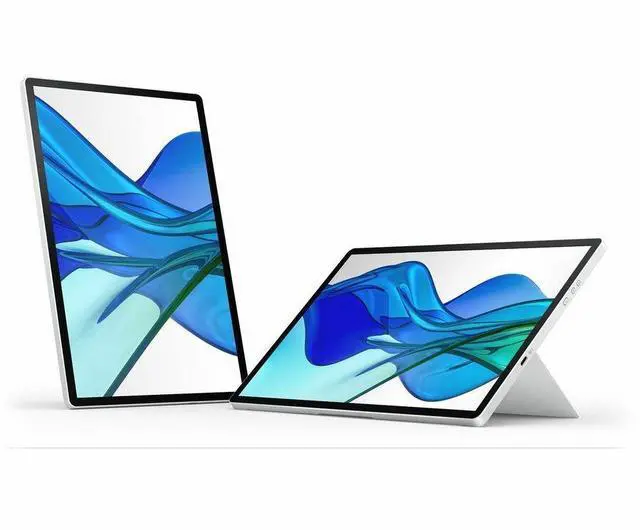
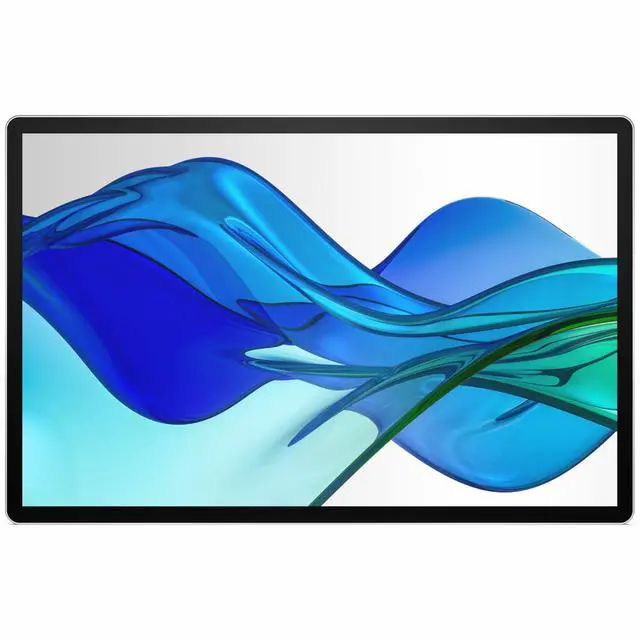
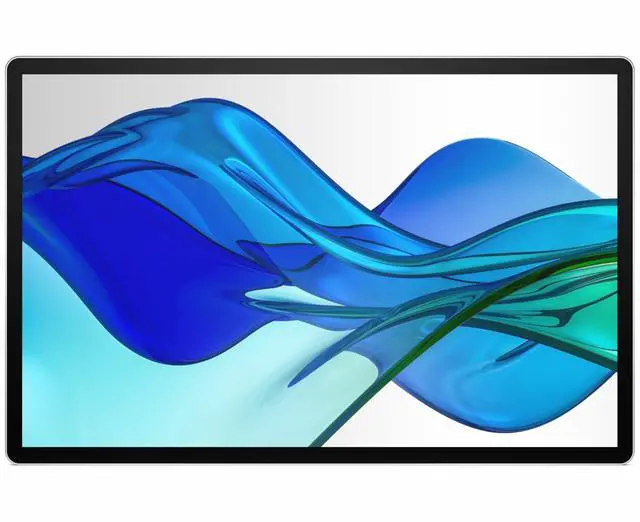
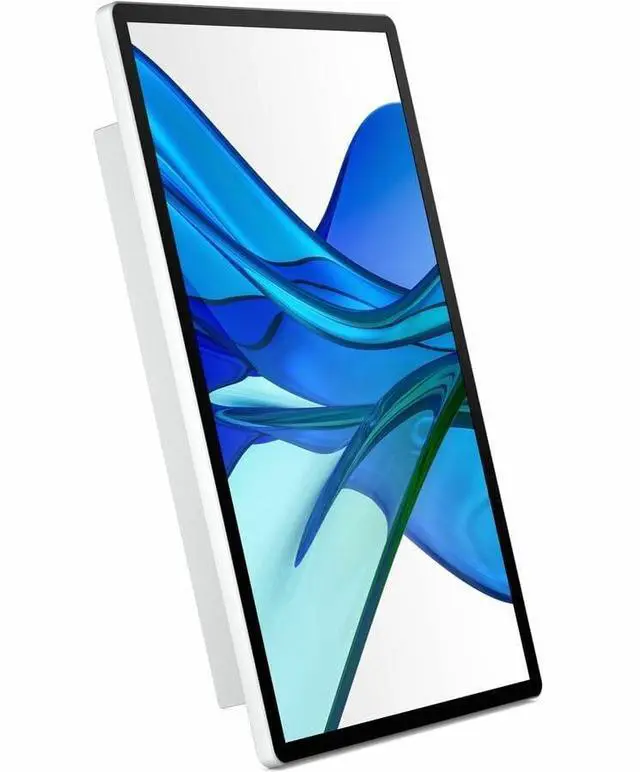
This product does not include manufacturer warranty when purchased or used outside of its designated sales region. By purchasing internationally, you acknowledge that warranty support from the manufacturer will not be available.The HP Series 5 Pro 514pn is a 14-inch portable monitor with a 2560 × 1600 IPS Black Neo:LED display, designed for mobile professionals who want a sharp, high-resolution second screen for work on the go.
| Attribute | Value |
|---|---|
| Best For | Portable dual-screen productivity and desktop use with a USB-C-connected monitor |
| Panel And Resolution | 14.36-inch IPS Black display with Neo:LED, 2560 × 1600 native resolution, 16:10 aspect ratio, 0.1178 pixel pitch, and anti-glare finish |
| Refresh Rate And Response | 75 Hz refresh rate, 7 ms GTG response time with overdrive, and FreeSync adaptive sync |
| Color And Image Quality | 400 cd/m² brightness, 2000:1 contrast ratio, 16.7 million colors, and 100% Adobe RGB and 100% P3 color gamut |
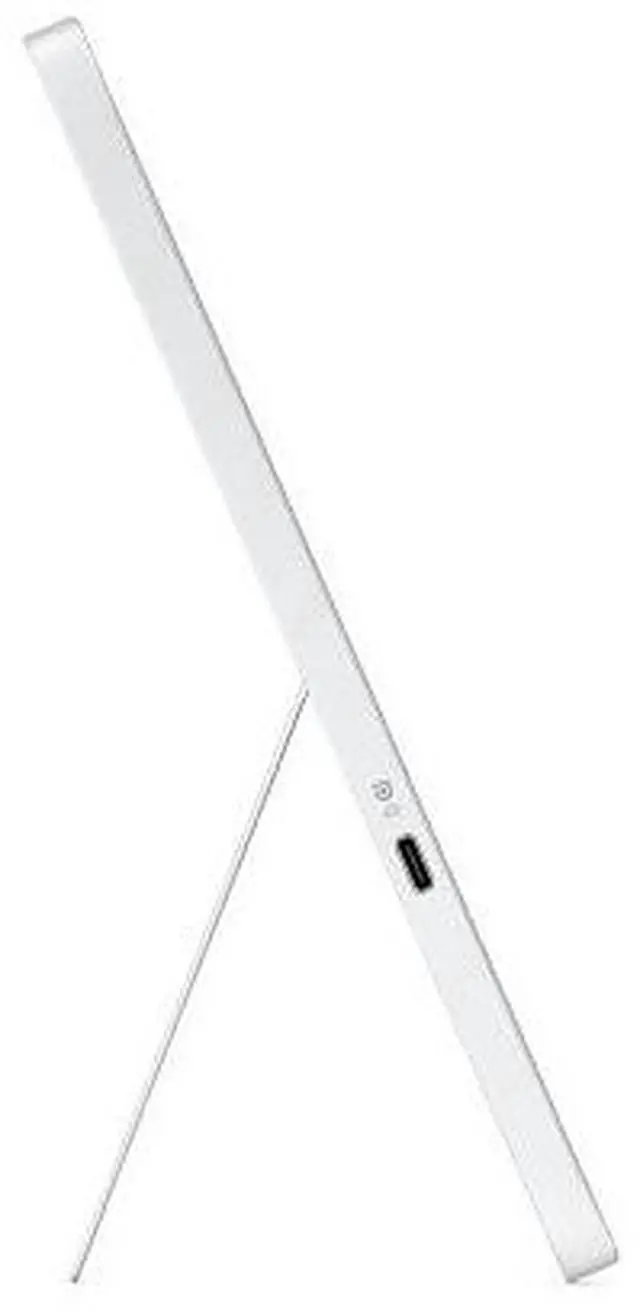
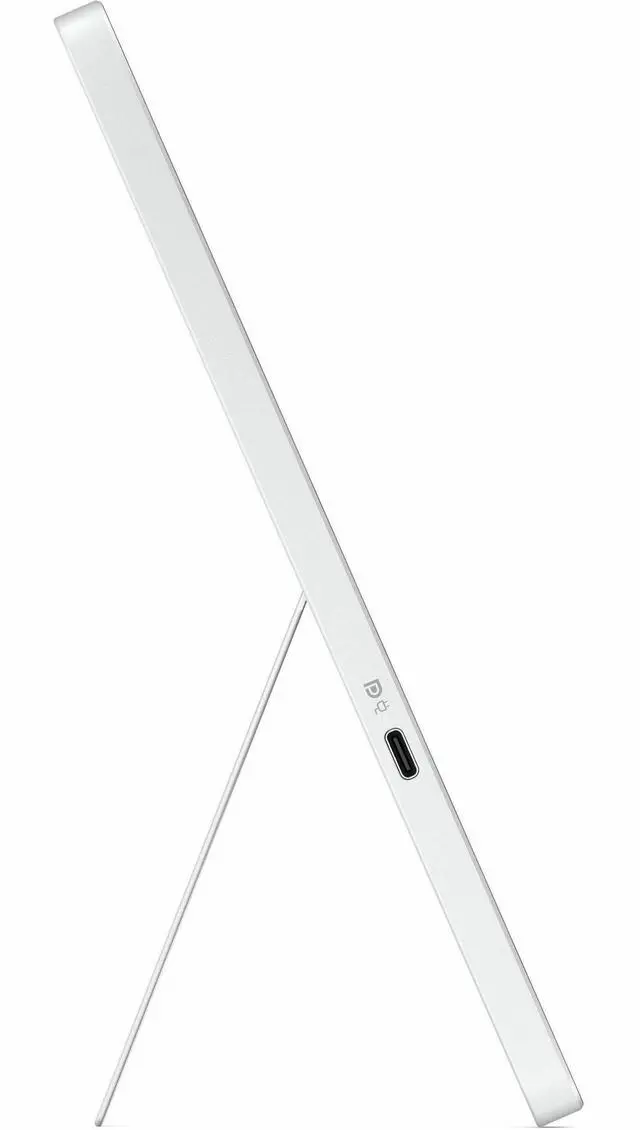
| Ports And Connectivity | USB and USB-C connectivity with 2 USB ports; no HDMI or Thunderbolt ports |
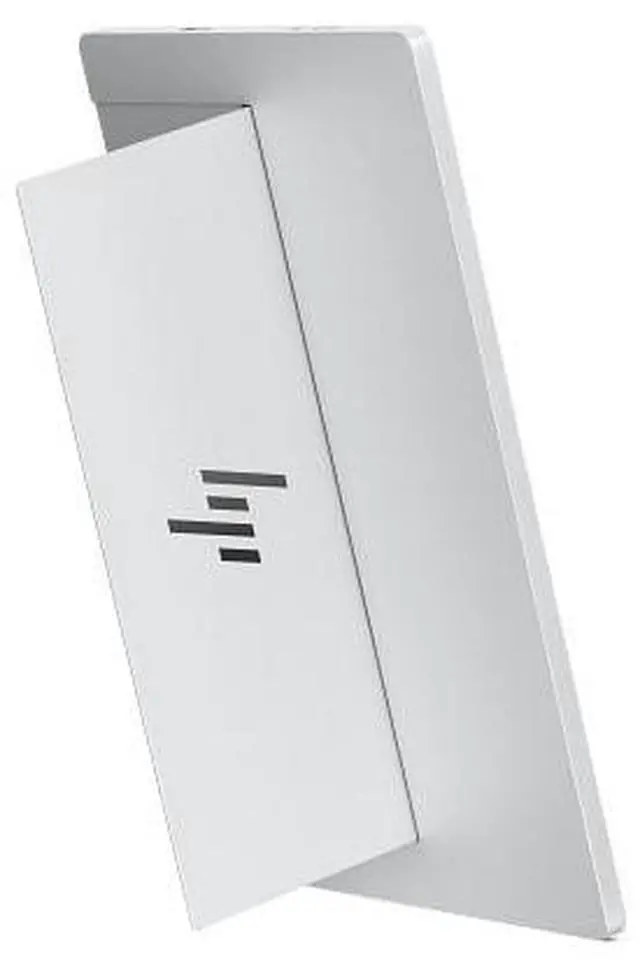
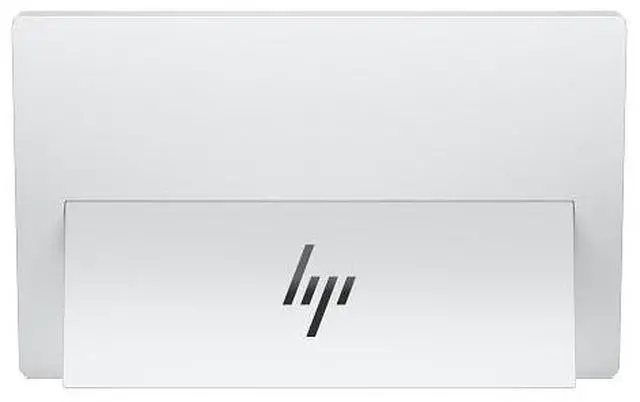
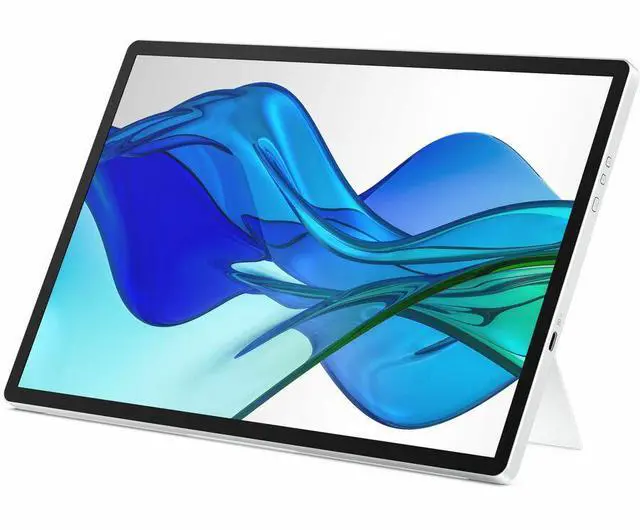
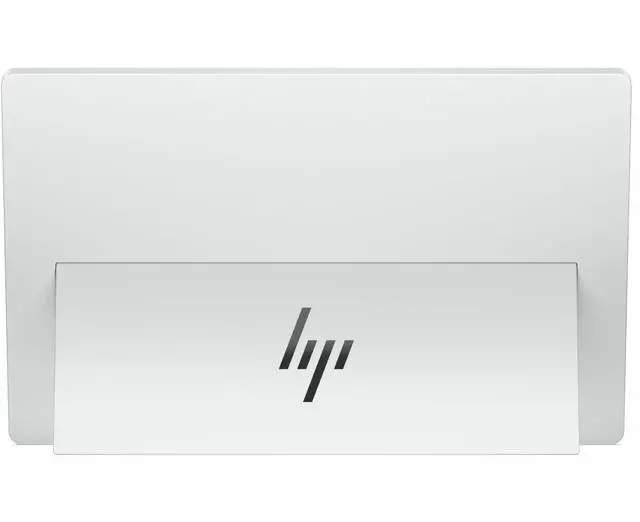
| Stand And Ergonomics | Stand with tilt and height adjustment and OnScreen Control |
| Power | 7 W power consumption |
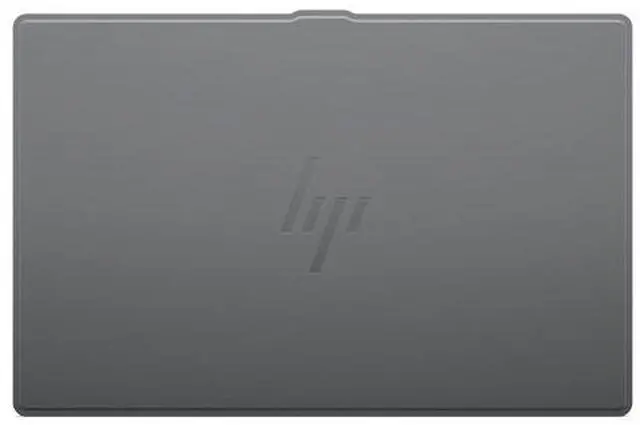
| Portability And Design | 0.63 kg weight and silver color; designed as a portable, horizontal-display monitor |
| In The Box | Monitor, warranty card, quick setup poster, USB-C-to-USB-C cable, and hard screen cover |
| Model Identifiers | HP Series 5 Pro; model B88JWAA#ABA |
Q: HP Series 5 Pro 514pn vs. HP E14 G4: which is better for a sharper portable second screen?
A: Choose the HP Series 5 Pro 514pn for a higher-resolution 14-inch-class portable display: it offers 2560 × 1600 resolution, compared with the HP E14 G4’s 1920 × 1080. The 514pn also pairs its WQXGA panel with IPS Black and a wide color gamut, making it a strong fit for detailed documents, spreadsheets, and color-focused work on the go.
Q: HP Series 5 Pro 514pn vs. a standard 14-inch FHD portable monitor: what’s the main difference?
A: The 514pn is the higher-resolution option, with a 2560 × 1600, 16:10 display rather than the 1920 × 1080 resolution common among FHD portable monitors. Its IPS Black panel, 400-nit brightness, and broad color coverage make it a suitable choice when screen detail and color reproduction are priorities for a portable work setup.
Q: HP Series 5 Pro 514pn vs. HP Series 5 Pro 524pu: which fits travel and which fits a desk?
A: The 514pn is the portable choice: its 14.36-inch WQXGA display is designed to add screen space while traveling. The HP Series 5 Pro 524pu is a 23.8-inch desktop monitor with FHD resolution and a USB-C hub, making it a better match for a fixed workspace where a larger display and desk connectivity are priorities.
Q: Is this monitor a good choice for travel work?
A: It is designed as a portable second screen: it has a 14-inch 16:10 display, a built-in kickstand, and a hard screen cover that can help protect it in a bag. Its 2560 × 1600 resolution and 400-nit brightness suit document work and multitasking. Check that your laptop supports video over USB-C before buying.
Q: Will one USB-C cable connect it to my laptop?
A: It is designed for a single USB-C connection, and a USB-C-to-USB-C cable is included. The laptop’s USB-C port must support video output, such as DisplayPort Alt Mode; a USB-C-shaped port alone does not guarantee compatibility. The monitor supports up to 65W power delivery, but the exact power setup depends on the connected laptop and its port capabilities.
Q: Is it suitable for office work, meetings, and note-taking?
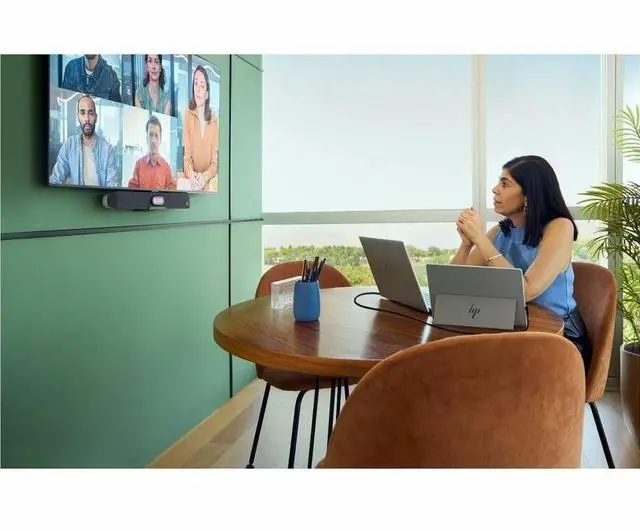
A: It is suitable as a secondary screen for documents, spreadsheets, video calls, and reference material. It is a display rather than a complete meeting device: the listed specifications do not include built-in speakers or a webcam. Use your laptop or separate accessories for audio and video calls.
Q: Does it have a touchscreen or built-in speakers?
A: No touchscreen or built-in speakers are listed for this model. Choose it if you need a portable visual display; use your laptop or separate equipment for touch input and audio.
Q: Will it work with a laptop that lacks USB-C DisplayPort Alt Mode?
A: Do not assume a simple adapter will make it compatible. A Reddit thread raises this exact concern but does not confirm a working solution. Before buying, verify that your laptop and any adapter can send video to the monitor over USB-C and provide the required power.
Q: Can I mount it in a vertical dual-monitor setup?
A: A Reddit discussion about a dual-14-inch setup flags the 514pn as lacking a VESA mount. If a standard VESA attachment is essential, confirm your mounting plan before buying; the discussion mentions an adapter as a possible workaround but does not establish a specific solution.
Q: Is it a practical second screen for work while traveling?
A: It is designed as a portable second screen, and a YouTube video discusses it specifically as a travel companion. The product information lists a 14.36-inch, 2560 × 1600 display and describes one-cable portable use. Consider whether that screen size and your laptop’s USB-C setup fit your travel workflow.


