


 All CategoriesAll CategoriesAll Categories
Shipped by Newegg





Warranty Notice:
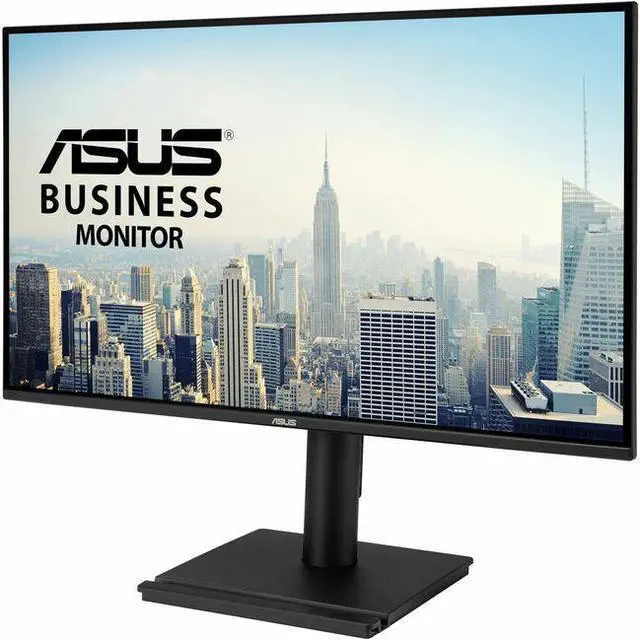
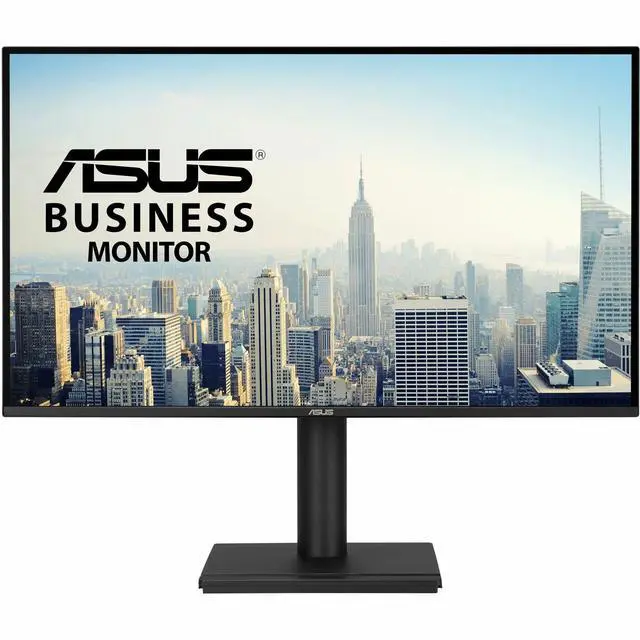
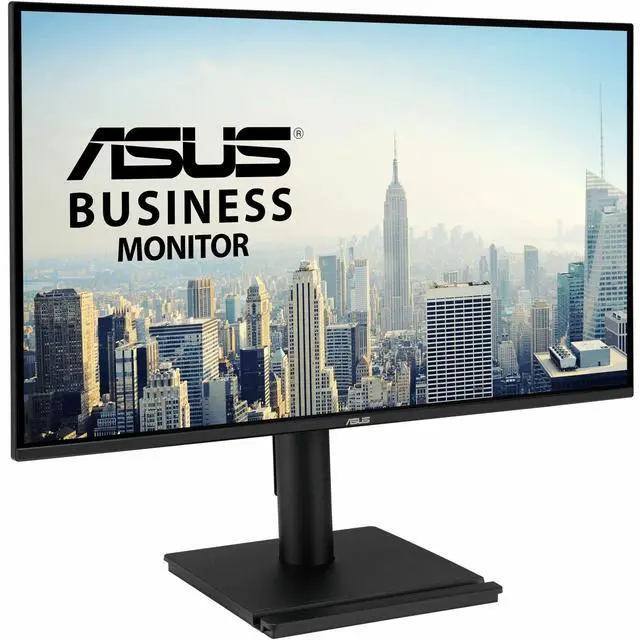
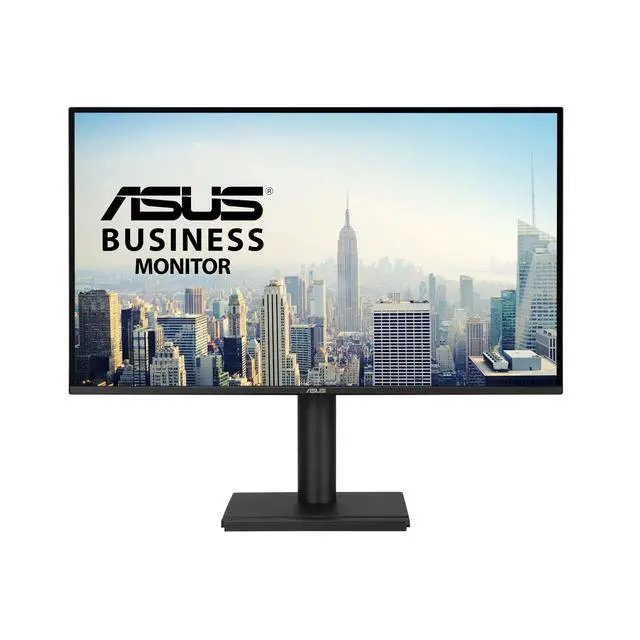
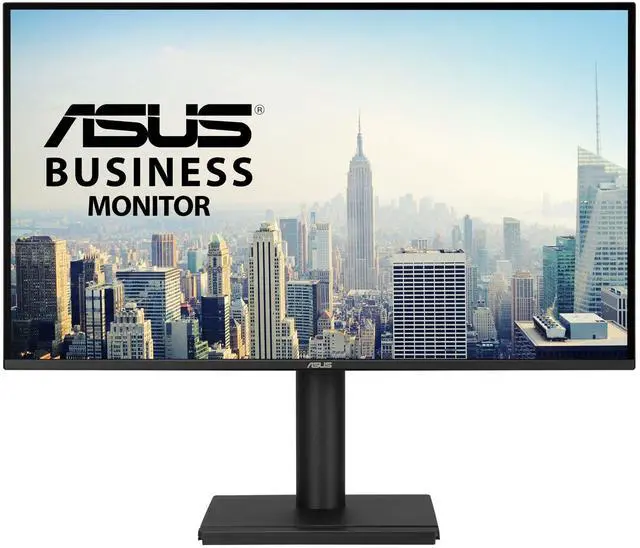
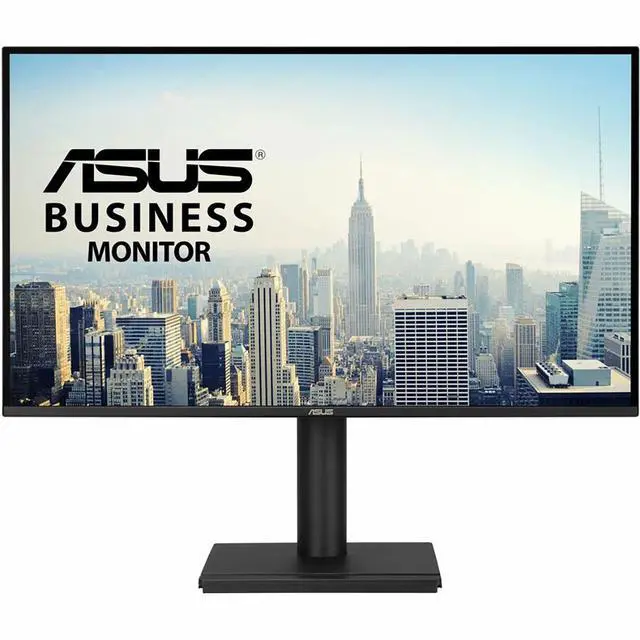
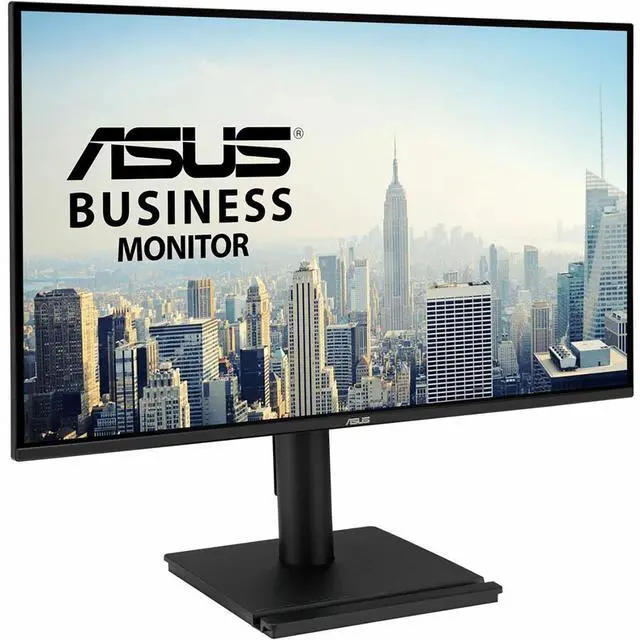
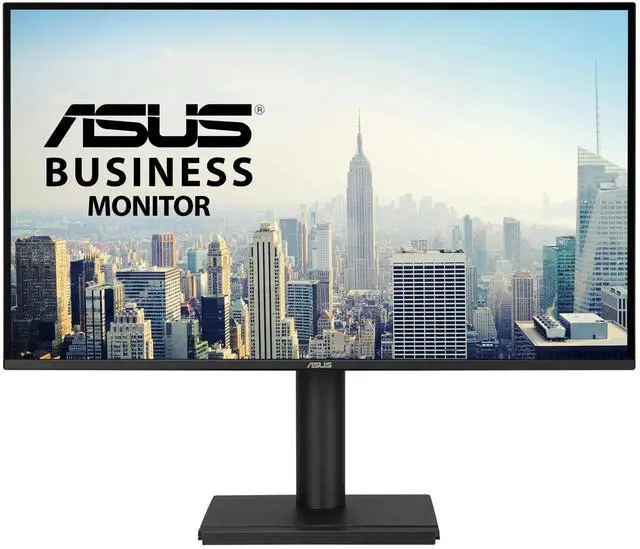
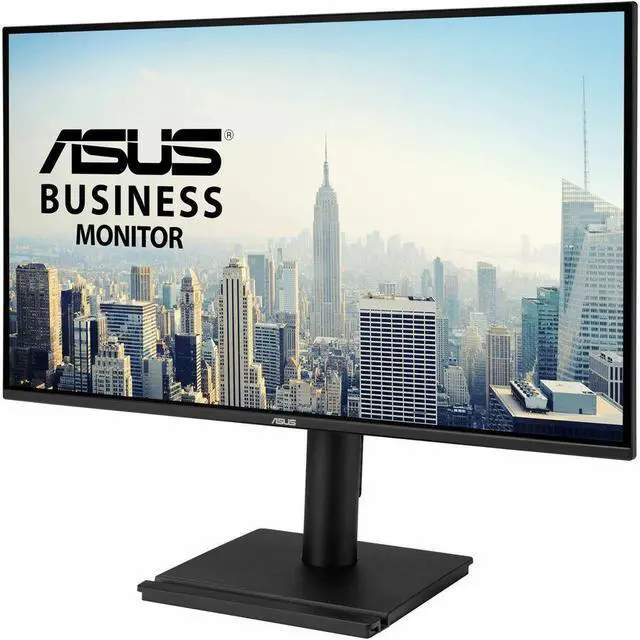
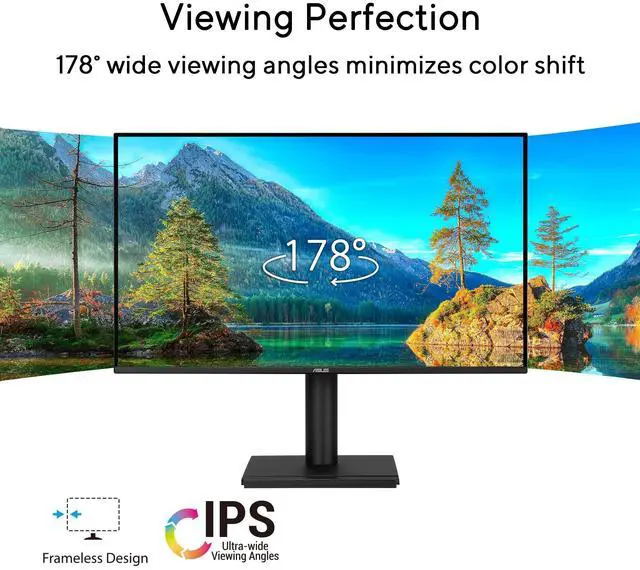
This product does not include manufacturer warranty when purchased or used outside of its designated sales region. By purchasing internationally, you acknowledge that warranty support from the manufacturer will not be available.The ASUS VA27AQSE is a 27-inch QHD business monitor with an IPS panel, 99% sRGB coverage, and wide 178° viewing angles, suited to office work, multitasking, and everyday content viewing.
| Attribute | Value |
|---|---|
| Best For | Business, home, gaming, entertainment, and photo/video editing on a 27-inch QHD monitor |
| Panel And Resolution | 27-inch flat IPS LCD/LED panel with 2560 × 1440 QHD resolution, 16:9 aspect ratio, 178° viewing angle, 99% sRGB color gamut, 0.233 mm pixel pitch, and matte finish |
| Refresh Rate And Response | 75 Hz refresh rate, 1 ms response time, and FreeSync adaptive sync |
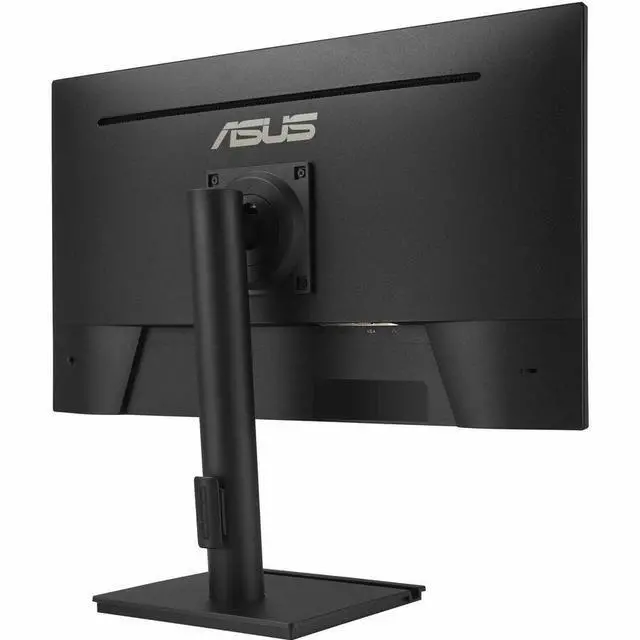
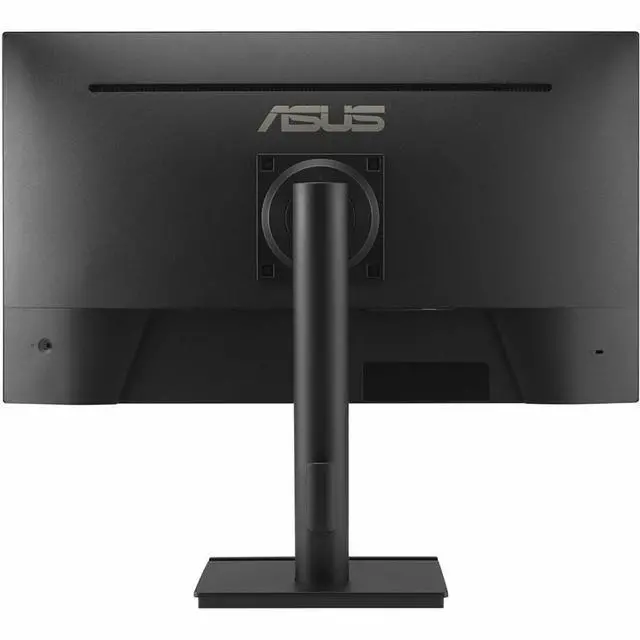
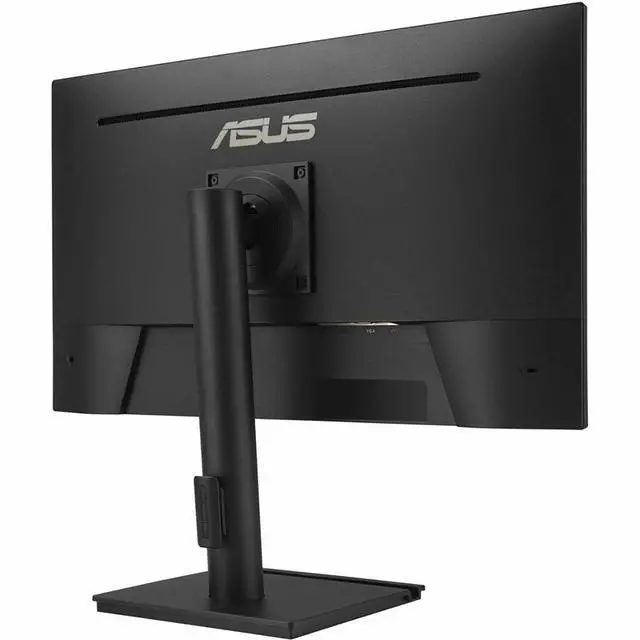
| Ports And Connectivity | One HDMI 1.4 port, DisplayPort, and VGA; also includes an earphone jack, with no USB or Thunderbolt ports |
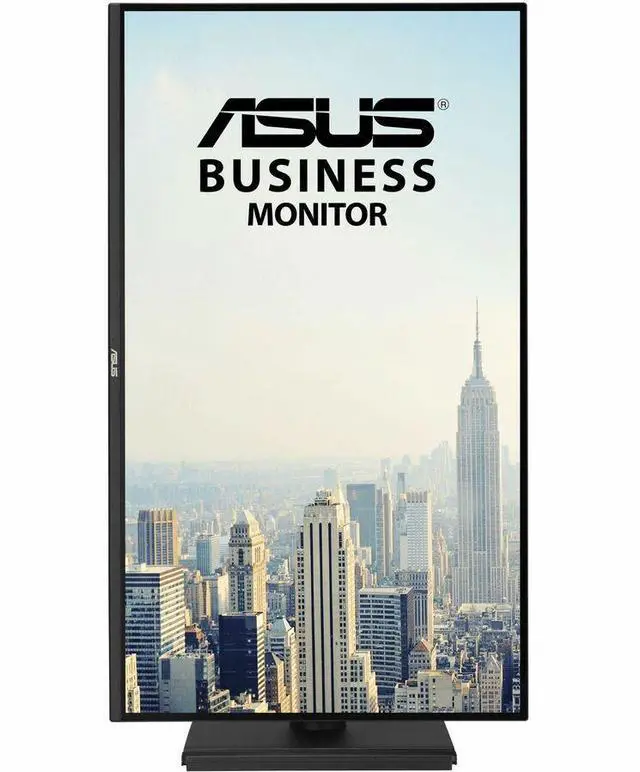
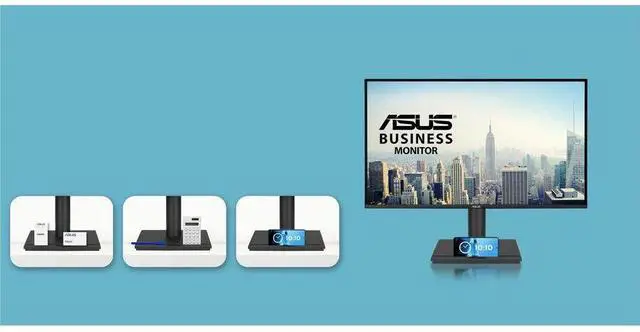
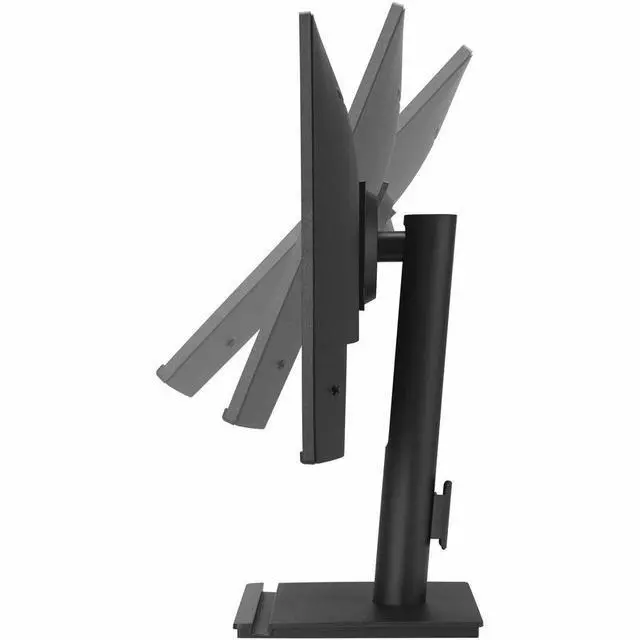
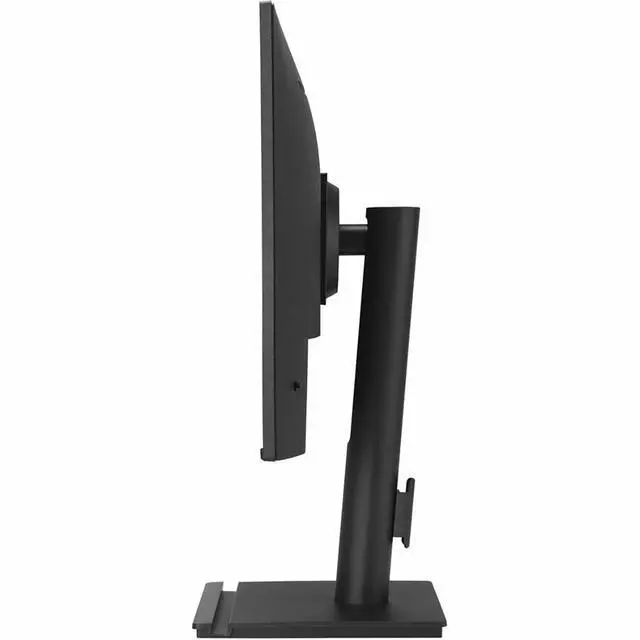
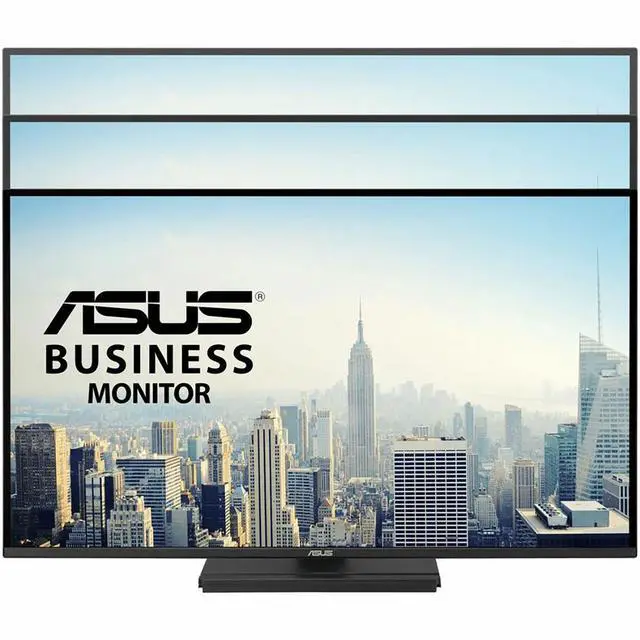
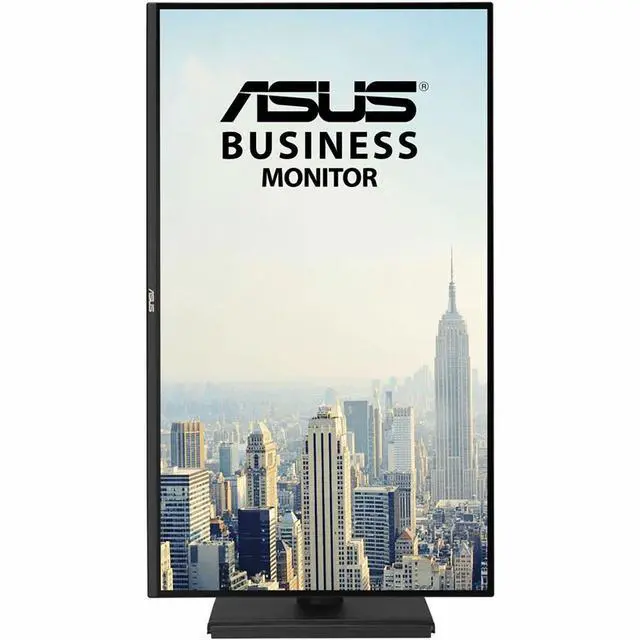
| Stand And Ergonomics | Height-adjustable stand with tilt, swivel, and pivot adjustment; supports 100 × 100 mm VESA wall mounting |
| Eye Care And Audio | Low Blue Light and flicker-free features, built-in speakers, and an earphone jack |
| Design And Finish | Frameless black design |
| Power Consumption | 17.7 W |
| Physical Dimensions And Weight | 24.19 in wide × 20.9 in high × 8.8 in deep with stand; 24.2 × 14.1 × 1.8 in without stand; weighs 12.2 lb |
| Certifications And Sustainability | Energy Star, EPEAT Silver, TCO Certified, and FSC MIX; listed as energy efficient |
| Included Accessories | HDMI cable, power cord, quick start guide, rubber sticker, and warranty card |
| Model Identifiers | ASUS VA27AQSE |
Q: ASUS VA27AQSE or VA27EHE: which gives me a sharper 27-inch workspace?
A: Choose the ASUS VA27AQSE for its QHD resolution of 2560 × 1440, compared with the VA27EHE’s Full HD 1920 × 1080 resolution. Both are 27-inch IPS monitors with refresh rates up to 75Hz; the VA27AQSE also has DisplayPort and a stand with height, swivel, and pivot adjustments.
Q: ASUS VA27AQSE or TUF Gaming VG27AQ for 1440p gaming?
A: Both are 27-inch QHD IPS monitors. The VA27AQSE offers up to 75Hz and business-oriented connections including VGA, HDMI, and DisplayPort; the TUF Gaming VG27AQ is designed for high-refresh-rate gaming, with up to 165Hz, Adaptive-Sync, and ELMB Sync. Choose based on whether your priority is business connectivity or gaming-focused motion features.
Q: ASUS VA27AQSE or ProArt PA278QGV for color-focused creative work?
A: The VA27AQSE provides a 27-inch QHD IPS display with 99% sRGB coverage, built-in speakers, and HDMI, DisplayPort, and VGA connections. The ProArt PA278QGV adds creator-focused color features, including factory calibration with Delta E < 2, 100% sRGB coverage, and 95% DCI-P3 coverage. Choose the ProArt for its specified color-calibration features; choose the VA27AQSE for its business-oriented connectivity and integrated speakers.
Q: Is this monitor suitable for office work and multitasking?
A: Yes. Its 27-inch QHD (2560 × 1440) IPS screen provides a large desktop workspace for documents, spreadsheets, and multiple windows. The adjustable stand supports height, tilt, swivel, and portrait rotation. It is a 75 Hz monitor, so it is aimed more at everyday work than high-refresh gaming.
Q: Can I rotate it vertically or adjust it for my desk?
A: Yes. The included stand supports height adjustment, tilt, swivel, and 90-degree pivot for portrait orientation. It also supports 100 × 100 mm VESA mounting if you prefer a separate arm or wall mount.
Q: Does it have speakers, and is it ready for video meetings?
A: It has built-in 2 W × 2 speakers for basic audio, but the product information does not list a webcam or microphone. For video meetings, plan to use a separate webcam and microphone or a headset.
Q: Can I connect it to a laptop?
A: Yes, if the laptop has HDMI, DisplayPort, or VGA output. The monitor includes HDMI, DisplayPort, and VGA inputs; USB-C is not listed, so a laptop with only USB-C video output may need a compatible adapter.


