


 All CategoriesAll CategoriesAll Categories
Shipped by Newegg




Warranty Notice:
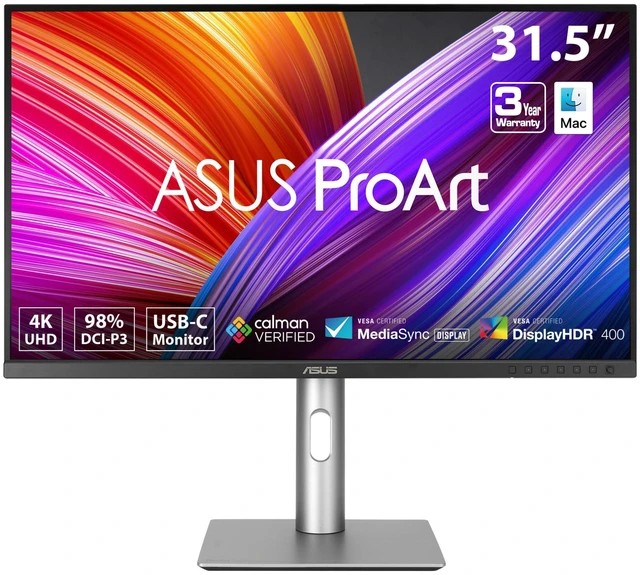
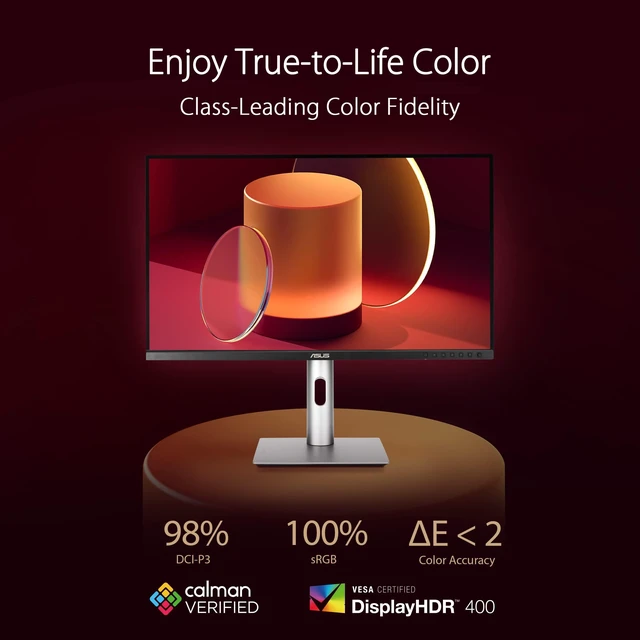
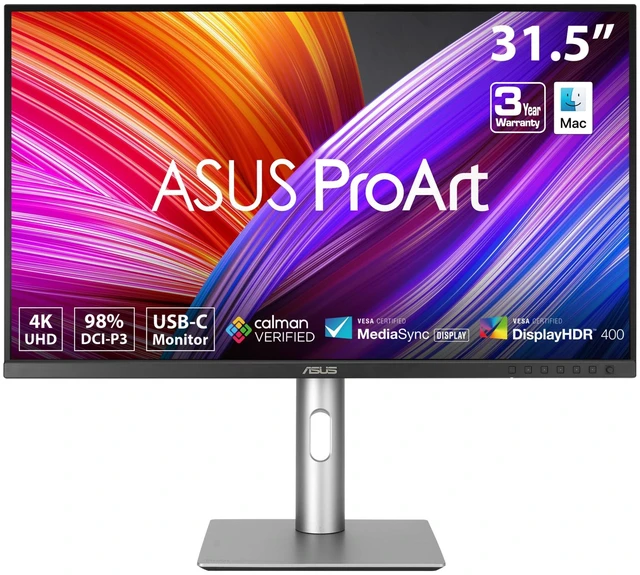
This product does not include manufacturer warranty when purchased or used outside of its designated sales region. By purchasing internationally, you acknowledge that warranty support from the manufacturer will not be available.The ASUS ProArt PA329CRV-P is a 31.5-inch 4K HDR monitor with an IPS panel, 98% DCI-P3 coverage, and factory-calibrated Delta E < 2 color accuracy, making it suitable for color-conscious creative work and detailed viewing.
| Attribute | Value |
|---|---|
| Best For | Desktop, home, business, and gaming setups needing a 4K display, with USB-C connectivity for a compatible device |
| Panel And Resolution | 32-inch flat LCD with LED backlighting, IPS technology, 3840 × 2160 resolution, 16:9 aspect ratio, matte finish, and 178° viewing angle |
| Color And HDR | HDR400, 400 brightness, 3000:1 contrast ratio, 100% sRGB and 98% DCI-P3 color gamut, with Calman Verified factory calibration and Delta E < 2 |
| Refresh Rate And Response | 60 Hz refresh rate, 5 ms response time, and FreeSync adaptive sync |
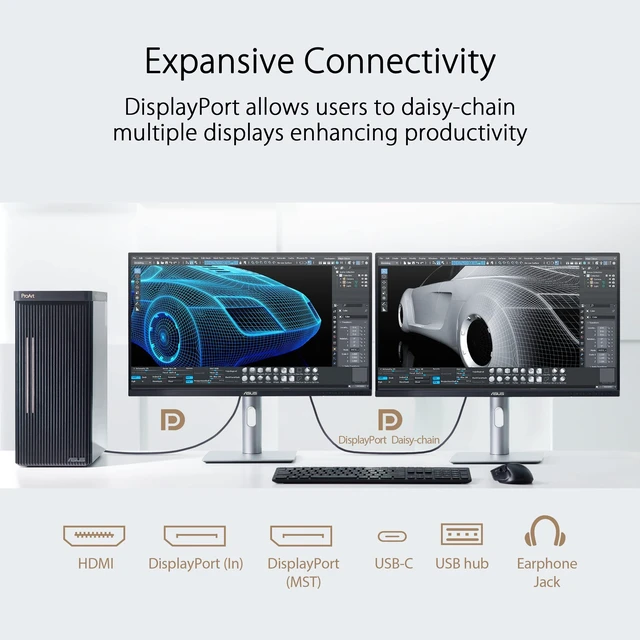
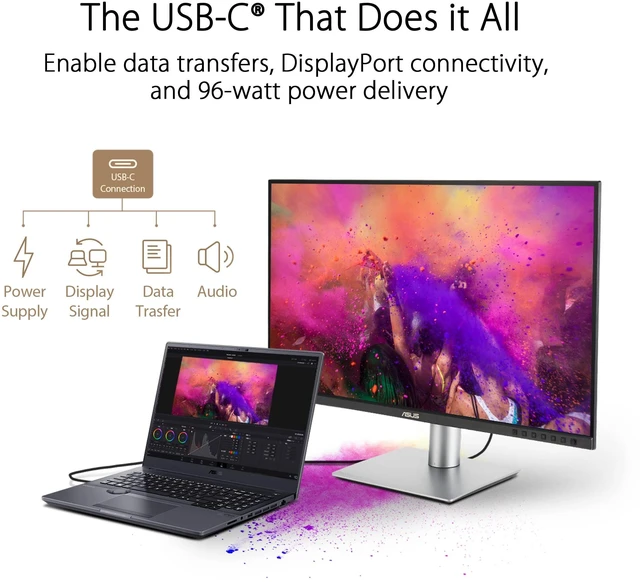
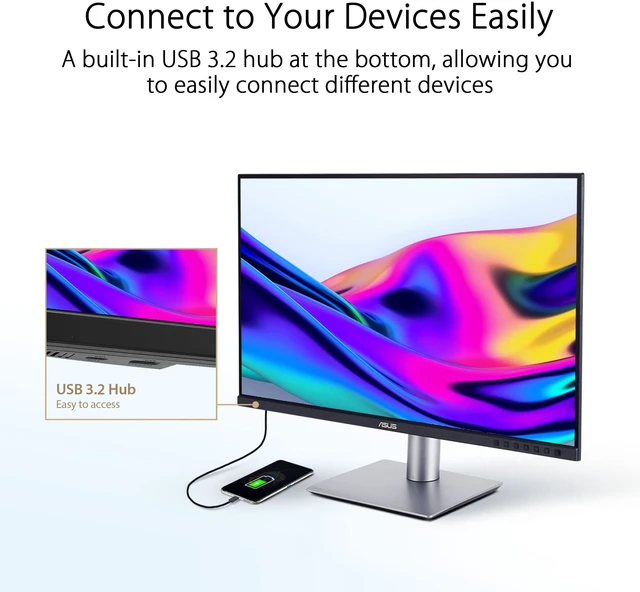
| Ports And Connectivity | Two HDMI 2.1 ports, two DisplayPort 1.4 ports with daisy-chain support, and USB-C with DisplayPort Alt Mode and up to 96W Power Delivery; USB hub with one USB 3.2 Gen 1 Type-C port and three USB 3.2 Gen 1 Type-A ports, plus an earphone jack |
| Stand And Ergonomics | Stand supports tilt, swivel, pivot, and height adjustment; controls use physical buttons |
| Mounting And Security | VESA 100 × 100 mm wall-mount compatibility and Kensington lock |
| Eye Care And Certifications | Blue-light filtering, flicker-free display, TÜV Low Blue Light and Flicker-free certifications, EPEAT Gold, and ENERGY STAR |
| Physical Dimensions And Weight | 28.1 in wide; 24.32 in high and 9.45 in deep with stand, or 16.51 in high and 1.76 in deep without stand; weighs 21.83 lb |
| Included Components | Monitor, color pre-calibration report, DisplayPort cable, HDMI cable, power cord, quick-release stand, and warranty card |
| Model Identifiers | ASUS ProArt PA329CRV-P; style designation: 4K USB-C TAA |
Q: ASUS ProArt PA329CRV-P vs PA329CV: which is the better 32-inch 4K creator monitor?
A: Choose the PA329CRV-P for a broader stated color gamut and higher USB-C power delivery: it covers 98% DCI-P3 and provides up to 96W, alongside factory calibration to ΔE < 2. The PA329CV is also a 32-inch 4K IPS display with ΔE < 2 calibration and 100% sRGB/Rec. 709 coverage, making it a fit for workflows centered on those color spaces.
Q: ASUS ProArt PA329CRV-P vs PA32UCR-K: which should I choose for HDR color work?
A: Choose the PA32UCR-K when the workflow calls for higher-brightness HDR and hardware calibration: ASUS specifies 1,000-nit peak brightness, HDR-10 and HLG support, ΔE < 1, and an included X-Rite i1 Display Pro. Choose the PA329CRV-P for a calibrated 31.5-inch 4K creator display with 98% DCI-P3 coverage, ΔE < 2, and 96W USB-C power delivery.
Q: ASUS ProArt PA329CRV-P vs PA279CRV: is the 32-inch model worth choosing over 27 inches?
A: Choose the PA329CRV-P for its larger 31.5-inch 4K workspace, 98% DCI-P3 coverage, and 96W USB-C power delivery. Choose the PA279CRV for a more compact 27-inch 4K setup; ASUS specifies 99% DCI-P3 and 99% Adobe RGB coverage, with ΔE < 2 factory calibration and 96W USB-C power delivery.
Q: Can I connect and charge a laptop through one USB-C cable?
A: Yes, the monitor’s USB-C connection supports DisplayPort video, up to 96W Power Delivery, and USB hub connectivity. A laptop can use a single cable for these functions if its USB-C port supports video output; laptops requiring more than 96W may still need their own power adapter.
Q: Is this monitor suitable for photo and video editing?
A: It is suited to color-sensitive creative work: the 31.5-inch 4K IPS display covers 98% of DCI-P3 and is factory calibrated with Delta E < 2. These specifications support color-focused editing, but the product information does not establish that it meets every specialized HDR or print-proofing workflow requirement.
Q: Can I wall-mount it or adjust it for a comfortable viewing position?
A: Yes. The product information says it is wall-mountable, and its stand supports tilt, swivel, pivot, and height adjustment. Check the monitor’s mounting specifications and your mount’s compatibility before installation.
Q: Is the ProArt PA329CRV a good fit for productivity and photo or video editing?
A: Reddit discussions describe the PA329CRV as being considered or used for productivity, photo editing, and video editing. The supplied PA329CRV-P information lists 4K resolution, 98% DCI-P3 coverage, and factory calibration to Delta E < 2, which are relevant to those uses. The discussions concern the PA329CRV, so confirm that the -P version has the same specifications before buying.
Q: Does factory calibration mean I can use it for color work without calibrating it myself?
A: The supplied PA329CRV-P information says it is factory calibrated to Delta E < 2. A Reddit discussion about the PA329CRV raises questions about how to use its calibration report and color presets, so check the appropriate preset for your workflow; factory calibration alone does not establish that every setting or color-managed workflow is configured correctly. Confirm the -P model's calibration details before relying on them.
Q: Will USB-C work as a one-cable connection for a MacBook?
A: The supplied PA329CRV-P information lists USB-C with DisplayPort and up to 96W Power Delivery, which may support video and laptop charging over one cable. Reddit users discussing the PA329CRV report Mac connection and daisy-chain questions, including one report that daisy chaining did not work on their MacBook. Check compatibility with your specific Mac and verify the -P model's connectivity before purchase.