

  • £652.79
  • VAT-Inclusive Price
  • Free 30-day Returns
  • £132.43 Shipping
Add to PC build list 
Ships from United States.
Sold by Newegg

Shipped by Newegg

Add to Wish List(Found on 1 wish list)
Shop it at NeweggBusiness.
Get Educated

Make informed decisions with expert advice. Learn More

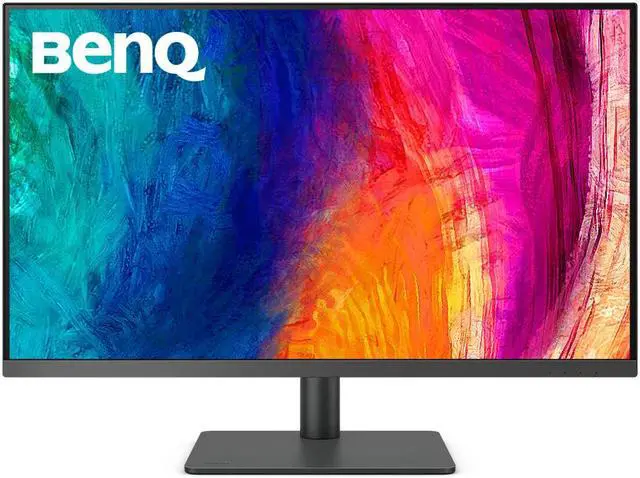
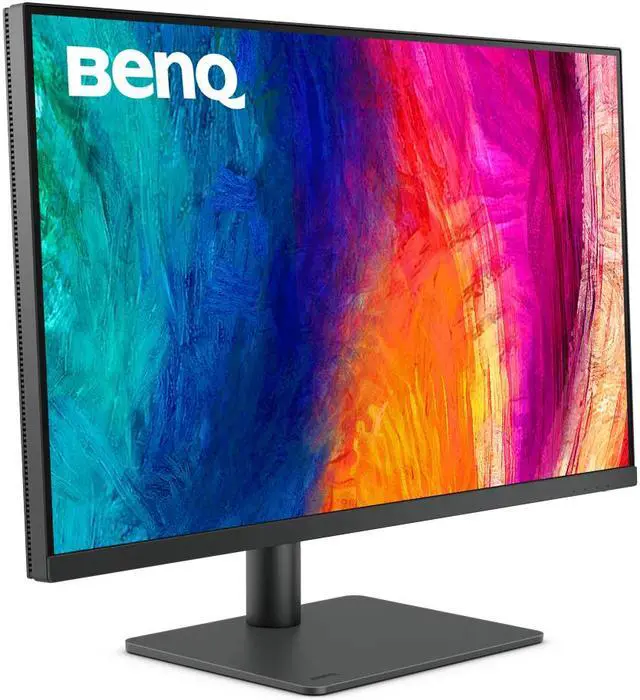
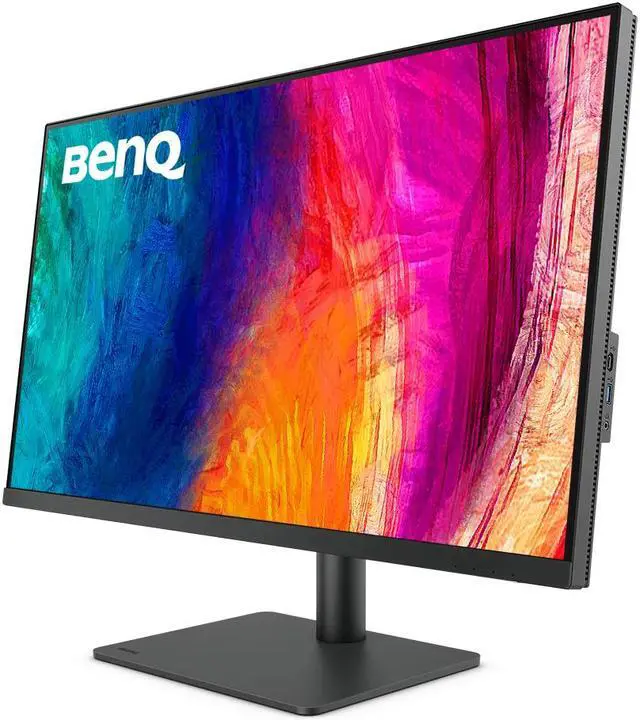
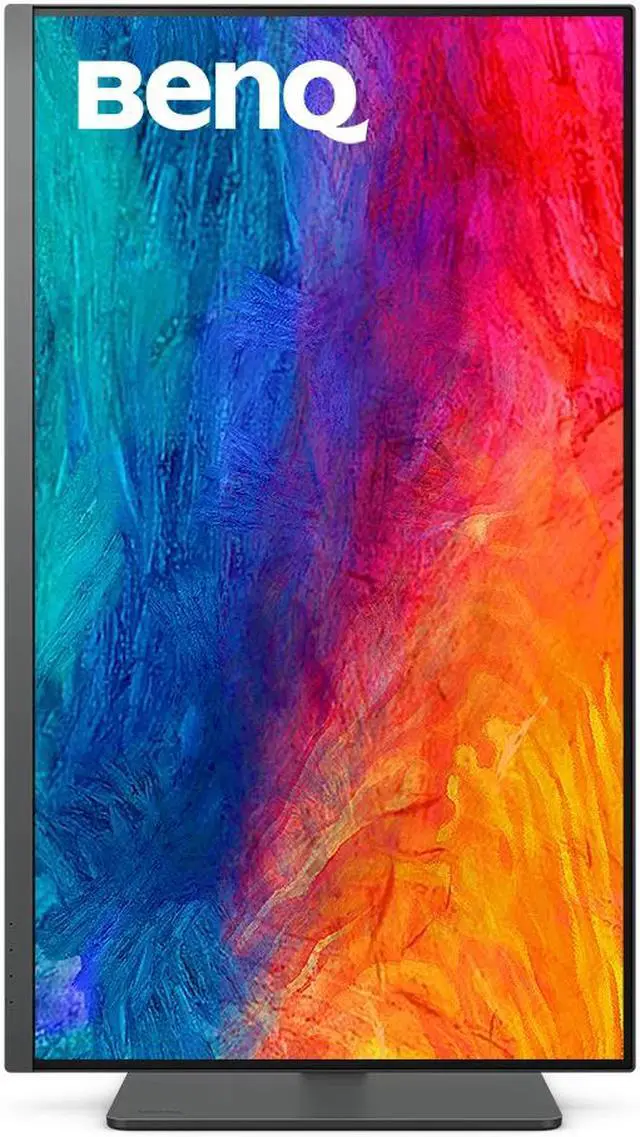
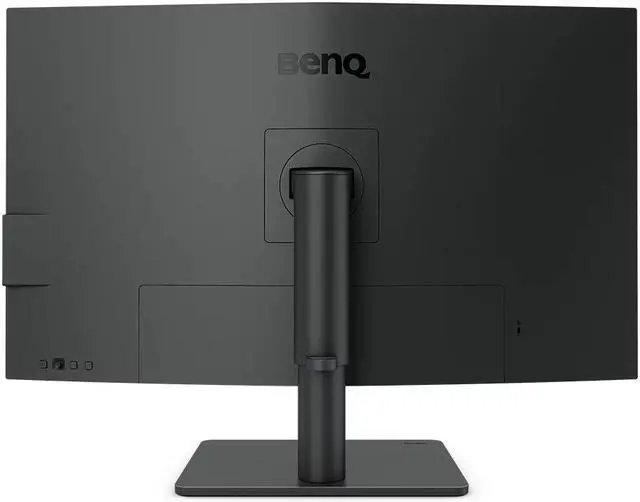
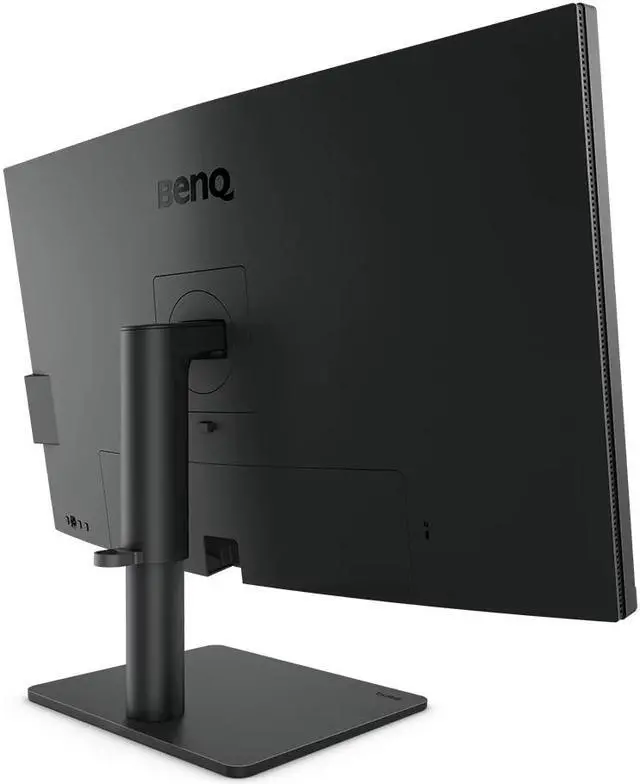
BenQ PD3205U 32 inch 4K UHD IPS Monitor USB-C, 99% sRGB and Rec.709, HDR10, Ergonomic Design, Eye-Care, Built-in Speakers

  • 31.5" In-Plane Switching (IPS) Display
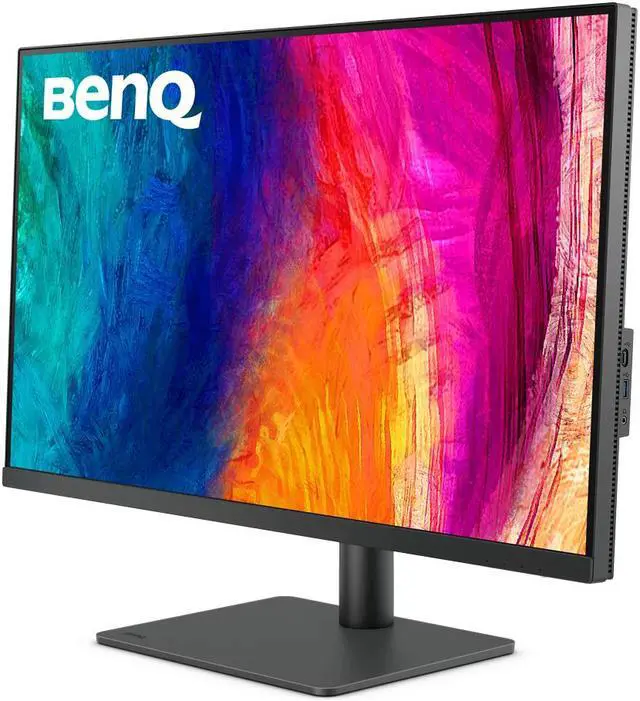
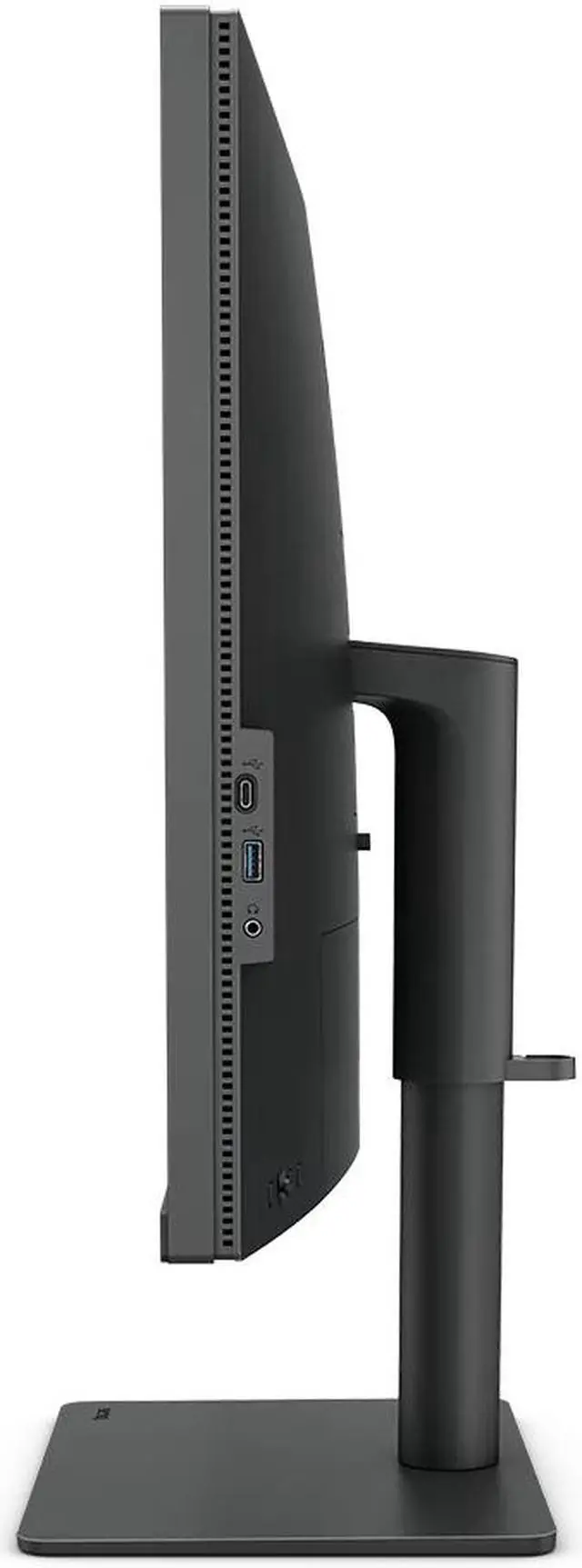
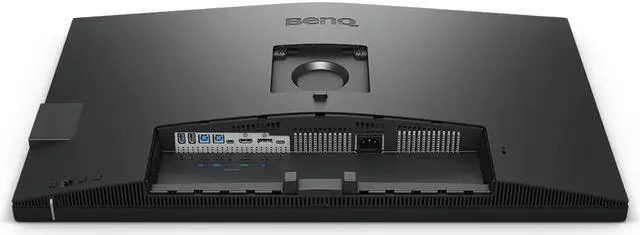
  • DisplayPort 1.4 | HDMI 2.0 | USB Type-C
  • Supports 99% of the Rec. 709 Gamut
  • 3840 x 2160 Native Resolution
  • Various color modes bring necessary detail to your eyes. You only need to pour your soul onto the work.
+
+
Overview
Specs
Reviews (78)
BenQ PD3205U 4K UHD LED LCD Monitor

PD3205U| 32" 4K BenQ Designer Monitor

Color Accuracy to Make Inspirations Comes Alive

99% sRGB

Delta E = 3

HDR10

All-in-One USB Type-C

Color Modes for Designer

Ergonomic Design

BenQ PD3205U 4K UHD LED LCD Monitor BenQ PD3205U 4K UHD LED LCD Monitor BenQ PD3205U 4K UHD LED LCD Monitor
BenQ PD3205U 4K UHD LED LCD Monitor

Industry Leading Color Performance

Incredible Color Space Coverage

PD3205U covers 99% sRGB and 99% Rec.709 color spaces and has amazing Delta E = 3 ensures superb accuracy and absolute color confidence.

BenQ PD3205U 4K UHD LED LCD Monitor

Industry Leading Color Performance

Attentive Color Modes for Creators

BenQ PD3205U 4K UHD LED LCD Monitor

One Click Syncs Mac Device Colors

The monitor ships from the factory with default color settings that perfectly match Mac® and MacBook® Pro laptop colors. Exclusive M-Book mode provides active color syncing, creating an additional layer of color precision assurance.

Mac® and MacBook® are trademarks of Apple Inc.

BenQ PD3205U 4K UHD LED LCD Monitor

Color Consistency at Your Fingertips

The ICCsync feature in Display Pilot 2 software automatically matches and synchronizes ICC profiles on the monitor when changing color modes and also between your Mac and BenQ monitor. All of this is done instantly.

BenQ PD3205U 4K UHD LED LCD Monitor

Unique Hotkey by Your Mac Keyboard

Effortlessly adjust display brightness using your Mac keyboard through Display Pilot 2 software.

Only applicable on Mac® devices.

BenQ PD3205U 4K UHD LED LCD Monitor

Animation Mode

Enhance the clarity of dark areas without overexposing bright regions.

BenQ PD3205U 4K UHD LED LCD Monitor

CAD/CAM Mode

Enjoy superior contrast of lines and shapes in technical illustrations.

BenQ PD3205U 4K UHD LED LCD Monitor

DualView

Showcase designs in two modes side-by-side for improved workflow and enhanced productivity.

BenQ PD3205U 4K UHD LED LCD Monitor

Your Handy Display Assistant

Experience simplified workflows with BenQ Display Pilot 2, which provides a customizable interface for organizing functions such as ICCsync, Application Mode, and Software Dimming, making design work more convenient and flexible.

BenQ PD3205U 4K UHD LED LCD Monitor

Accuracy Guarantee

Factory Calibrated for Color Accuracy

BenQ DesignVue monitors feature meticulous factory calibration, so designers make full use of total display color accuracy from the get go.

BenQ PD3205U 4K UHD LED LCD Monitor

Accuracy Guarantee

Pantone Connect Premium

Go digital with BenQ, the first brand to work with Pantone on a mobile app. As an existing owner or a new purchaser of BenQ professional monitors, you get one year of free Pantone Connect Premium for digitally mobile color consistency and accuracy.

BenQ PD3205U 4K UHD LED LCD Monitor

Accuracy Guarantee

Out-of-the-Box GUARANTEE

PD3205U also features Pantone and Pantone SkinTone validation, appealing to professionals who need a display that achieves utmost authenticity when showing real-world colors.

BenQ PD3205U 4K UHD LED LCD Monitor

Accuracy Guarantee

Out-of-the-Box GUARANTEE

PD3205U is fully CalMan Verified. Creative professionals demand excellence, and BenQ delivers.

Displaying Details

BenQ Uniformity Technology

Delivering corner-to-corner authentic colors and consistent luminescence. The display is divided into hundreds of sub-regions and rigorously fine-tuned for precision. This innovative tech assures ultra-dependable image fidelity.

BenQ PD3205U 4K UHD LED LCD Monitor

Dream Desk Setups for Unleashing Creativity

BenQ PD3205U 4K UHD LED LCD Monitor

KVM Switch

KVM switch design auto-pairs with input signals. Click once to switch systems via Hotkey Puck G2 to boost efficiency.

BenQ PD3205U 4K UHD LED LCD Monitor

USB-C

The USB-C port provides lightning-fast video/audio/data transmission and 90W power delivery.

* Your Thunderbolt 3/4 devices are compatible with USB-C on BenQ displays, ensuring consistent and seamless work efficiency.

BenQ PD3205U 4K UHD LED LCD Monitor

PIP / PBP

Go split screen. Picture In Picture (PIP) and Picture By Picture (PBP) let you customize your work flow.

BenQ PD3205U 4K UHD LED LCD Monitor

Ergonomic Design

Create in comfort with your monitor in the ideal position.

BenQ PD3205U 4K UHD LED LCD Monitor

Hotkey Puck G2

Hotkey Puck G2 makes navigating screen settings and functions a breeze.

BenQ PD3205U 4K UHD LED LCD Monitor

Matching Colors Across Displays Has Never Been Easier

Made simple. Display ColorTalk provides an intuitive interface for creative professionals to effortlessly match the colors of two displays, whether it’s a MacBook display with a single monitor or across two monitors.

BenQ PD3205U 4K UHD LED LCD Monitor

HDR Technology

HDR10 gets better results more efficiently, letting you preview HDR effects in video while editing.

BenQ PD3205U 4K UHD LED LCD Monitor

Create with Fresh Eyes

BenQ industry-leading eye care technologies reduce eye fatigue while ensuring greater user comfort during long periods of use.

BenQ PD3205U 4K UHD LED LCD Monitor

TÜV Rheinland Certification

TÜV Rheinland certifies Flicker-Free and Low Blue Light, resulting in a truly human eye-friendly monitor.

BenQ PD3205U 4K UHD LED LCD Monitor

Low Blue Light

Low blue light technology filters harmful blue light to protect your eyes and increase comfort.

BenQ PD3205U 4K UHD LED LCD Monitor

Flicker-Free™

Flicker-Free™ eliminates screen flicker found in traditional monitors for vastly improved comfort during extended usage.

BenQ PD3205U 4K UHD LED LCD Monitor

BenQ’s Green Commitment: A Vision of Sustainability

BenQ prioritizes eco-friendly practices in our product development, underlining our commitment to sustainability. BenQ Professional Monitors incorporate eco-friendly technology, recycled materials, and energy-efficient design.

BenQ PD3205U 4K UHD LED LCD Monitor

85% PCR

The housing of monitors is made with 85% PCR (Post-Consumer Recycled) materials, contributing to eco-friendly production.

BenQ PD3205U 4K UHD LED LCD Monitor

Recyclable Packing

We package our monitors in fully recyclable cardboard for minimal environmental impact.

BenQ PD3205U 4K UHD LED LCD Monitor

Auto Power Off

Conserves energy by automatically shutting down the screen after 10, 20, or 30 minutes of inactivity, promoting sustainability.

Recommended Software

Boost Your Creative Productivity

BenQ PD3205U 4K UHD LED LCD Monitor

Display Pilot 2

Take control of your display settings efficiently

BenQ PD3205U 4K UHD LED LCD Monitor

Display ColorTalk

Get matching colors across displays

Make Inspirations Come Alive. Accurate Color Speaks Your Mind

Let Color Communicate
Inspiration comes in lines or forms. Let accurate colors bring them to life.

Industry Standard
Covers 99% sRGB, and Rec.709 color spaces. you can easily load and display images imported from different sources. Amazing Delta E <= 3 ensures superb accuracy and absolute color confidence.

Displaying Details Uniformity
BenQ Uniformity Technology delivers corner-to-corner authentic color and consistent luminescence. The display is divided into hundreds of sub-regions and meticulously fine-tuned for precision. This innovative tech assures dependable image fidelity.

Out-of-the-Box Guarantee
BenQ DesignVue monitors earn Calman Verified and Pantone Validated status. Furthermore, PD3205U achieves the Pantone SkinTone Validated status, appealing to whom appreciate products that realize authenticity in the display of real-world colors, and that accurately represent the world's palette of skin tones. Creative professionals demand excellence, and BenQ delivers.

HDR Technology
HDR10 gets better results more efficiently when you preview the HDR effect on video while editing.

Show Only Necessary Detail
Various color modes bring necessary detail to your eyes. You only need to pour your soul onto the work.

Darkroom Mode
Adjust image brightness and contrast for work in dark environments.

Animation Mode
Enhance the clarity of dark areas without overexposing bright regions.

CAD/CAM Mode
Enjoy superior contrast of lines and shapes in technical illustrations.

DualView
Showcase designs in two modes side-by-side for improved workflow and enhanced productivity.

Tap into Your Creativity
Let improved design experience take care of the trivial work. You only need to lend your creative talents to do the right thing.

KVM Switch
The new KVM Switch auto-pairs with input signals. Click once to switch systems via Hotkey Puck G2 to save space and boost efficiency.

USB-C
Work seamlessly. The USB-C port provides lightning-fast video/audio/data transmission and 90W power delivery.

PIP/PBP
Go split screen. Picture In Picture (PIP) and Picture By Picture (PBP) let you customize your work flow.

Ergonomic Design
Create in comfort with your monitor in the ideal position.

Hotkey Puck G2
Easily access input modes, industry standard color settings, and other features. The Hotkey Puck G2 makes navigating your screen settings.

Display Pilot
Display Pilot software lets you access designer-friendly features for ease and efficiency.

Create with Fresh Eyes
BenQ's industry-leading eye care technologies reduce eye fatigue while ensuring greater user comfort during long periods of use.

TUV Rheinland Certification
Global safety authority TUV Rheinland certifies PD3205U Flicker-Free, and Low Blue Light as truly friendly to the human eye.

Low Blue Light
Low blue light technology filters harmful blue light to protect eyes of all ages.

Flicker-Free
Flicker-Free eliminates screen flickers found in traditional LCD monitors during extended viewing.

Colors You Can Trust
Demand superb color accuracy. Your work is worth it.

Always Accurate and Consistent Colors

Warranty & Returns

Warranty, Returns, And Additional Information

Return Policies*

  • Return for refund within: 30 days
  • Returns are subject to restocking fees and return shipping fees. Please click here to learn more about restocking fees and return shipping fees.
  • This item is covered by Newegg.com's International Return Policy.
  • Read full return policy for details.
  • *Subject to applicable law
  • Warranty Notice:

    This product does not include manufacturer warranty when purchased or used outside of its designated sales region. By purchasing internationally, you acknowledge that warranty support from the manufacturer will not be available.
LOADING...
LOADING...

The BenQ PD3205U is a 31.5-inch 4K UHD IPS monitor with 99% sRGB and Rec.709 coverage, making it a strong fit for designers, photographers, and video creators who want a large, color-focused workspace for creative work.

Recommended For

  • Video editors delivering primarily for web, streaming, or broadcast can use the PD3205U’s 4K workspace and Rec.709-focused color modes to review footage and keep editing controls visible.
  • Photographers editing images mainly for websites and screens can benefit from the large 4K canvas and accurate sRGB color; it is a better fit for screen-bound images than demanding print-color workflows.
  • Designers and CAD users who work with detailed 4K layouts, illustrations, or technical drawings can use the roomy display and dedicated creative modes to inspect work and keep tools open alongside it.
  • Desk-based laptop users who switch between a work laptop and another computer can simplify their setup with USB-C laptop charging and the built-in KVM for sharing peripherals between systems.

Real-World Use Scenarios

  • When editing video for web or standard Rec.709 delivery, use the Rec.709 mode to review footage and keep the editing timeline and preview visible together; reviewers found the color reproduction and 4K detail useful for video work.
  • When preparing photos or graphics for websites and other sRGB displays, work on the large 4K canvas and use the sRGB mode to check color and fine detail; the monitor is suited to online imagery, though it is not a wide-gamut choice for demanding print soft-proofing.
  • At a desk shared by a laptop and desktop, connect the laptop over USB-C and use the monitor’s KVM switching to move the display and connected peripherals between systems; this can reduce cable changes during a workday.
  • For CAD/CAM or animation tasks, select the matching display mode while inspecting drawings, models, or animation details; the mode options provide task-specific viewing choices on a high-resolution workspace.
  • When comparing a reference image, editing tools, and a preview, use the spacious 4K desktop to keep more windows visible at once; the result can mean less switching between panels during creative or office work.

Spec Summary

AttributeValue
Best ForVideo editing, photo editing and education, with a 31.5-inch 4K IPS display and broad sRGB and Rec.709 coverage
Panel And Resolution31.5-inch flat IPS LCD with anti-glare finish, 3840 × 2160 resolution, 16:9 aspect ratio and 178° horizontal and vertical viewing angles
Refresh Rate And Response60 Hz refresh rate, 5 ms response time and FreeSync adaptive sync
Color And HDR99% sRGB and Rec.709 coverage, HDR10, 1.07 billion display colors, 250 cd/m² brightness and 1,000:1 contrast ratio; includes a factory calibration report with average Delta E ≤3
Ports And ConnectivityDisplayPort 1.4 and HDMI 2.0 video inputs; USB-C supports 90 W Power Delivery, DisplayPort Alt Mode and data, alongside a USB-C downstream port, two USB-B upstream ports and three USB 3.2 downstream ports
Stand And ErgonomicsStand adjusts 110 mm in height, tilts −5° to 20°, swivels 15° left and right, and pivots 90°; supports 100 × 100 mm VESA mounting
Workflow FeaturesIncludes KVM switch, DualView, PIP/PBP, ICCsync, uniformity technology, Auto Pivot and Animation, Darkroom and CAD/CAM modes; Hotkey Puck G2 provides screen-setting controls
AudioBuilt-in speakers and a headphone jack
Power100–240 VAC, 50/60 Hz input; power consumption is 31.5 W typical, 168 W maximum and under 0.5 W in sleep mode
Physical DesignGray finish; measures 18.7–23 × 27.9 × 10 inches with stand and 16.5 × 27.9 × 3.3 inches without stand; weighs 20.7 lb with stand and 13.7 lb without stand
Model IdentifiersBenQ PD3205U

Reference Q&A

Q: BenQ PD3205U vs PD3225U: which should I choose for creative work?

A: Choose the PD3205U for a 31.5-inch 4K workspace centered on sRGB and Rec.709 work, with USB-C connectivity and 90W power delivery. Choose the PD3225U if your workflow benefits from its 98% P3 coverage, IPS Black panel, and Thunderbolt daisy chaining for a second 4K display.

Q: BenQ PD3205U or PD3220U for a 32-inch design monitor?

A: Both are 31.5-inch 4K BenQ creative monitors. The PD3205U is a strong fit for sRGB and Rec.709-focused design and video work; choose the PD3220U if you want its 95% P3 coverage, Thunderbolt connectivity, and daisy-chain support for connecting another display.

Q: Should I get the BenQ PD3205U or the smaller PD2705U?

A: Choose the PD3205U if you want a larger 31.5-inch 4K canvas for timelines, design layouts, or multiple windows. The PD2705U keeps the 4K resolution and 99% sRGB/Rec.709 coverage in a 27-inch format, making it the smaller-screen option in this comparison.

Q: BenQ PD3205U vs PD3205UA: what is different?

A: The two models share the 31.5-inch 4K display format; the main difference is the stand. BenQ identifies the PD3205U with a height-adjustable stand and the PD3205UA with an Ergo stand and clamp design. Choose the PD3205U if its standard height-adjustable stand suits your desk setup.

Q: Can I connect and charge my laptop with one USB-C cable?

A: Yes. The PD3205U’s USB-C port supports video, data, and up to 90W power delivery, so one cable can connect and charge a compatible laptop. The laptop’s USB-C port must support video output.

Q: Is this monitor suitable for design work and everyday office tasks?

A: It is suited to design and office work that benefits from a large 4K screen and color modes: the 31.5-inch IPS display has 3840 × 2160 resolution and covers 99% of sRGB and Rec.709. Its 60Hz refresh rate is a standard productivity specification, not a high-refresh gaming feature.

Q: Can the stand be adjusted for a more comfortable viewing position?

A: Yes. The included stand adjusts height by up to 110 mm, tilts from −5° to 20°, swivels 15° in either direction, and pivots 90°. It is also compatible with 100 × 100 mm VESA mounts.

Q: Does it have built-in speakers?

A: Yes. The PD3205U has built-in speakers, so it can provide basic audio without separate desktop speakers.

Q: Is it a good choice for high-refresh-rate gaming?

A: It supports 4K resolution at 60Hz, so it is better suited to general use and work than to gaming where a refresh rate above 60Hz is a priority. Its listed response time is 5 ms.

Q: Is the BenQ PD3205U a good fit for photo, video, or design work?

A: It is suited to work targeted at sRGB or Rec.709: it has a 4K IPS panel, factory calibration, and 99% sRGB and Rec.709 coverage. It may not suit workflows that require wider color-gamut coverage; the supplied specifications do not list Adobe RGB coverage.

Q: Can the PD3205U replace a dock for a laptop setup?

A: It can simplify a compatible setup: its USB-C port supports display input, data, and up to 90W power delivery, so one cable can handle video, peripherals, and charging for some laptops. Confirm that the laptop supports USB-C DisplayPort Alt Mode and that 90W meets its charging needs.

Q: Is the PD3205U suitable for gaming?

A: It can handle casual gaming, but its 60Hz refresh rate makes it a less suitable choice for high-refresh-rate gaming. Choose it mainly for 4K productivity or creative work if gaming performance is a priority.

Q: Is the PD3205U a good monitor for programming and everyday work?

A: Its 31.5-inch 4K IPS screen provides a large workspace for text and productivity, and the adjustable stand supports height, tilt, swivel, and pivot. The 60Hz refresh rate is adequate for typical work but may feel less smooth than higher-refresh displays when scrolling.