


 All CategoriesAll CategoriesAll Categories
Shipped by Newegg




Warranty Notice:
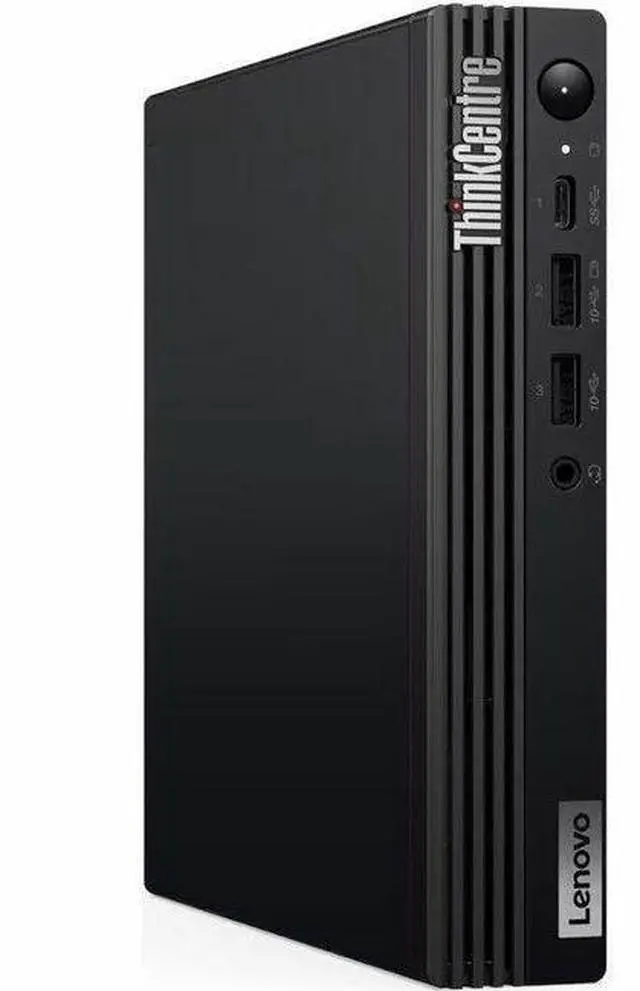
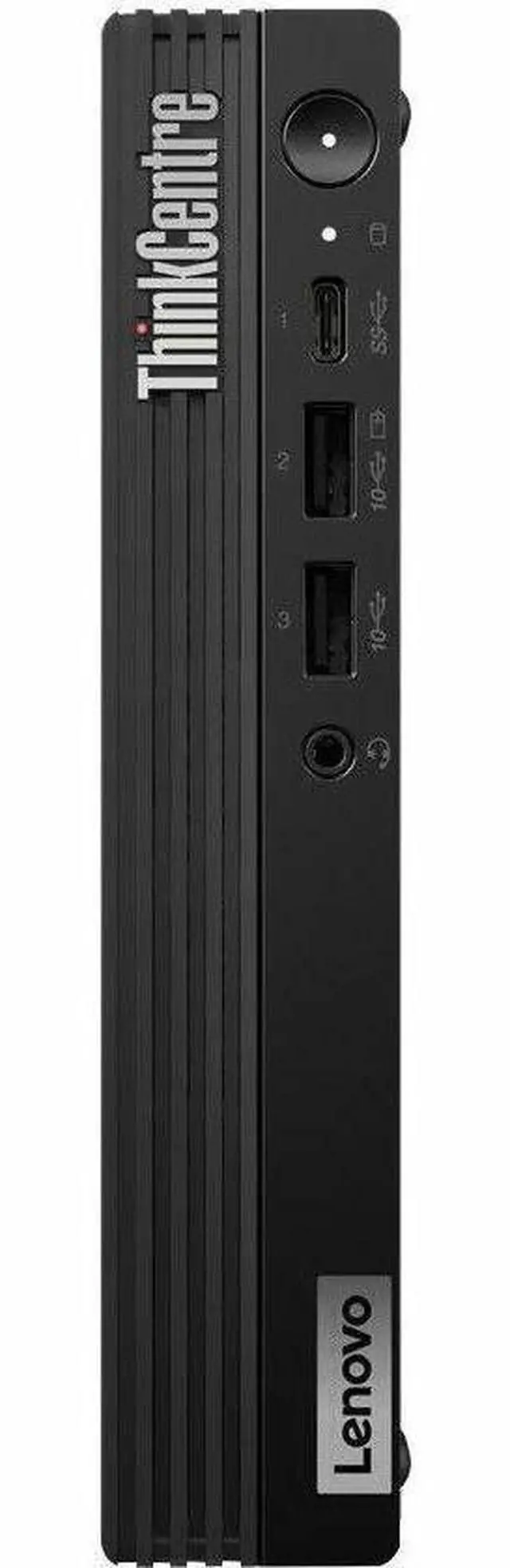
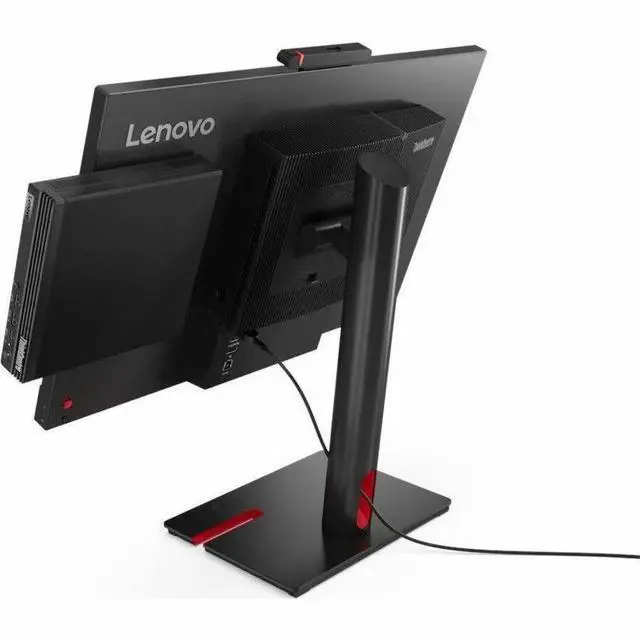
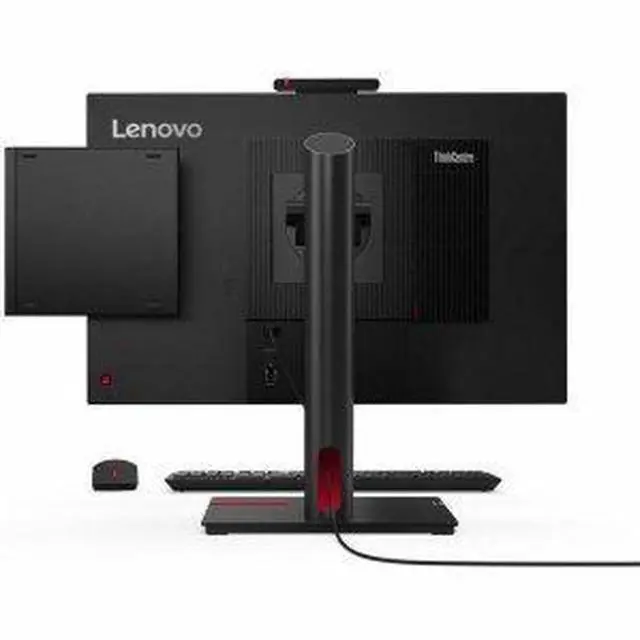
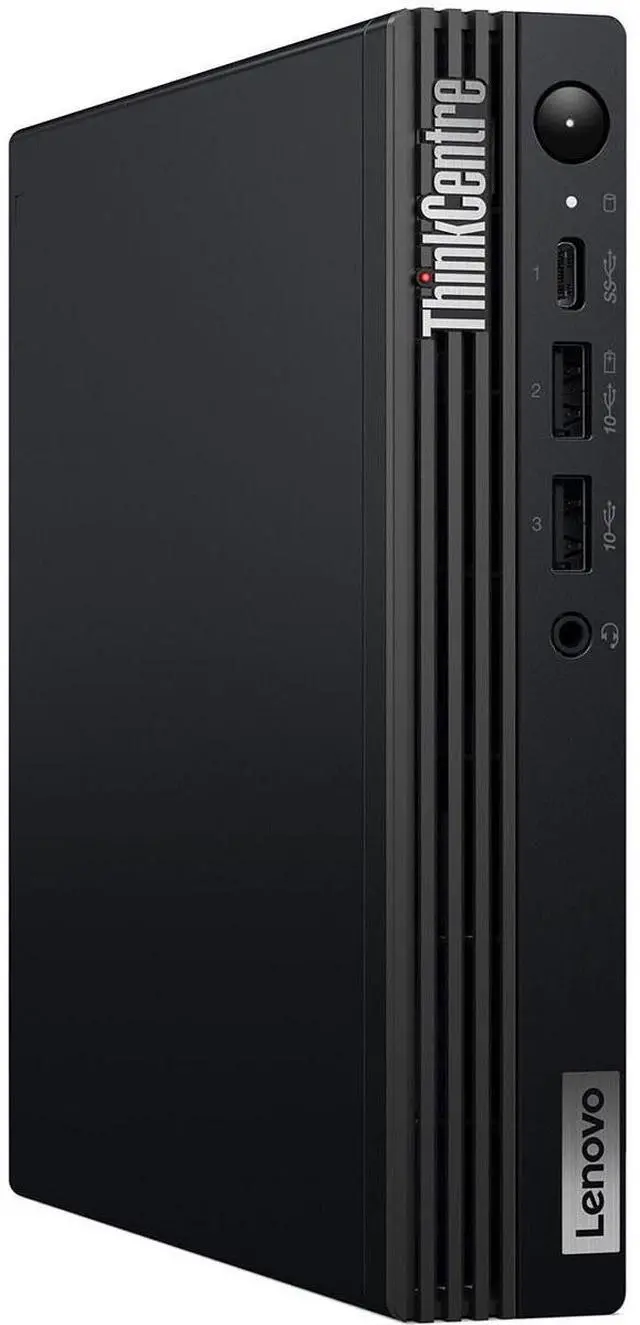
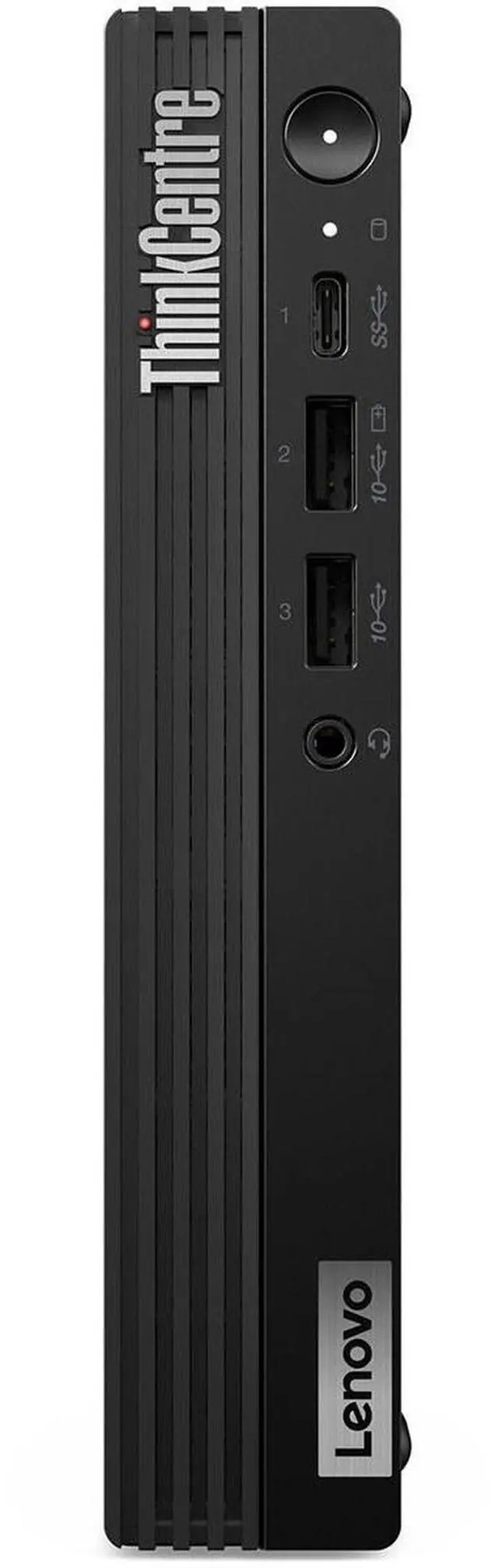
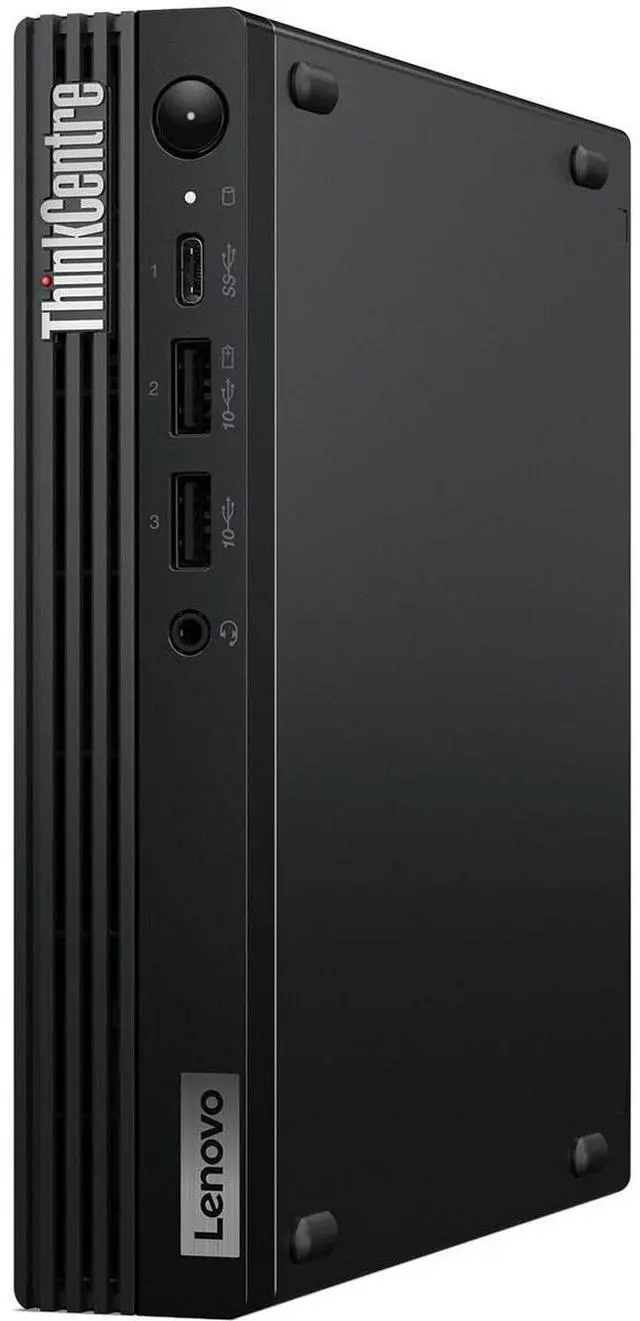
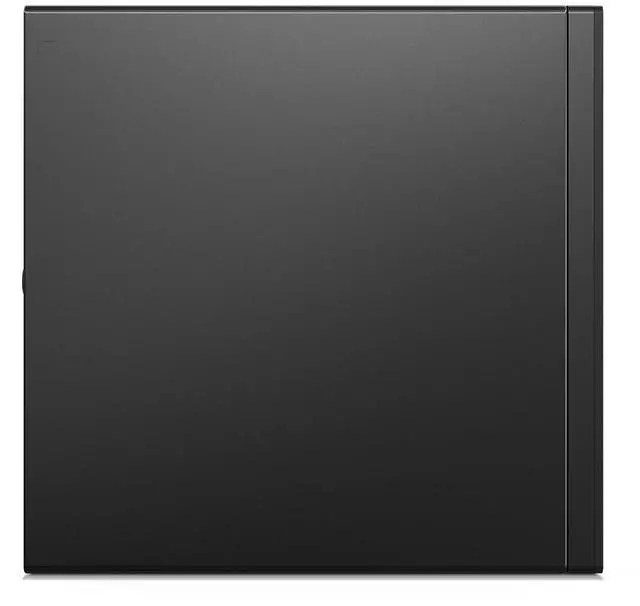
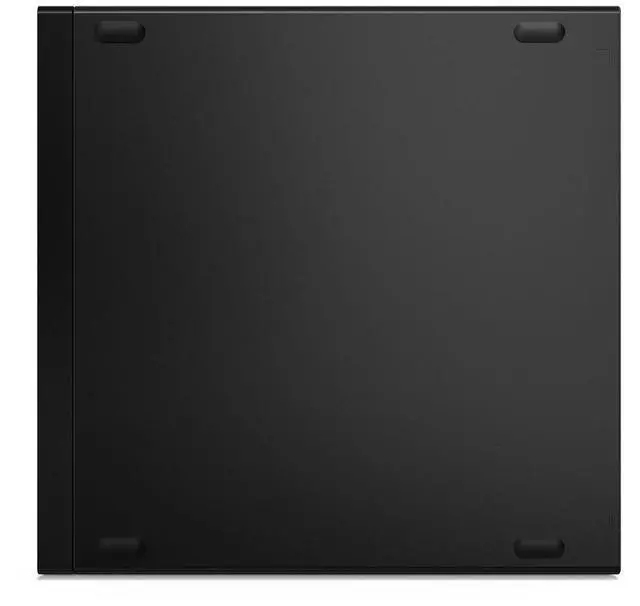
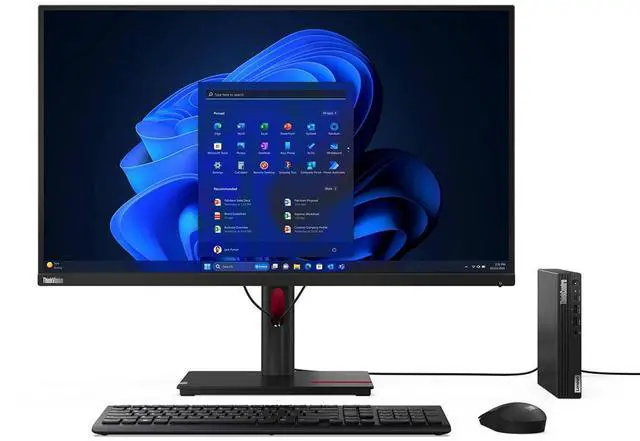
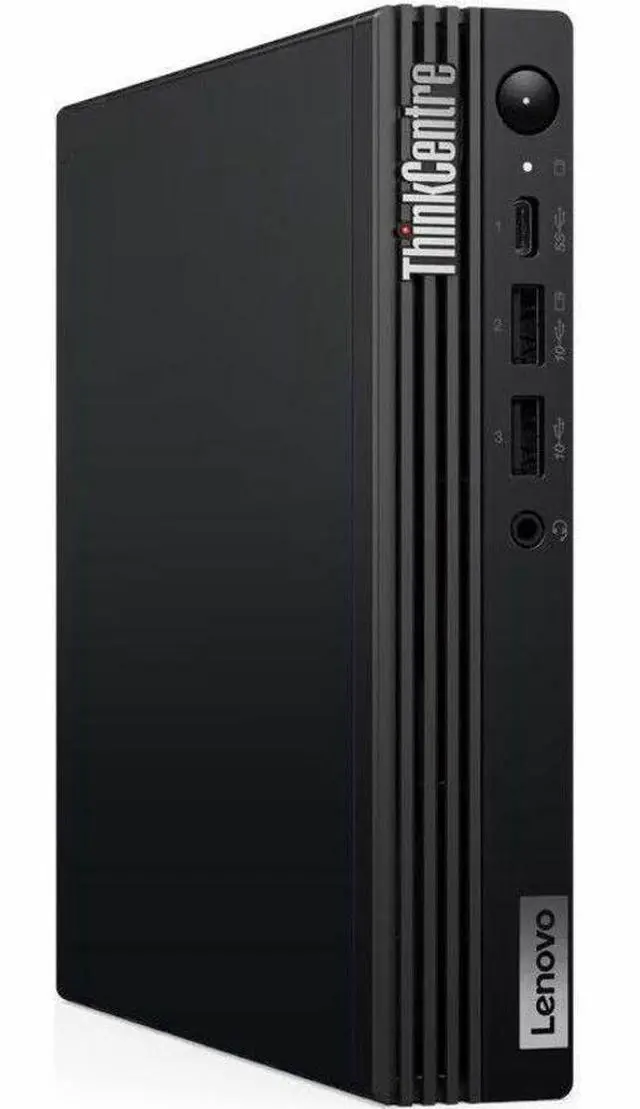
This product does not include manufacturer warranty when purchased or used outside of its designated sales region. By purchasing internationally, you acknowledge that warranty support from the manufacturer will not be available.The Lenovo ThinkCentre M70q Gen 5 is a compact business desktop with a 10-core Intel Core i5-14400T, 16GB DDR5 memory, a 512GB NVMe SSD, and Windows 11 Pro, suited to office work, business multitasking, and space-conscious desk setups.
| Attribute | Value |
|---|---|
| Best For | Business and work computing in a compact Tiny desktop form factor |
| Processor And Cache | Intel Core i5-14400T, 10 cores, up to 4.5 GHz, with 20 MB L3 cache |
| Graphics | Integrated Intel UHD Graphics 730 |
| Memory Configuration | 16 GB DDR5-4800 in one module, with two memory slots and support for up to 64 GB |
| Storage | 512 GB NVMe SSD |
| Networking | Gigabit Ethernet, Wi-Fi 6E (802.11ax), and Bluetooth 5.3 |
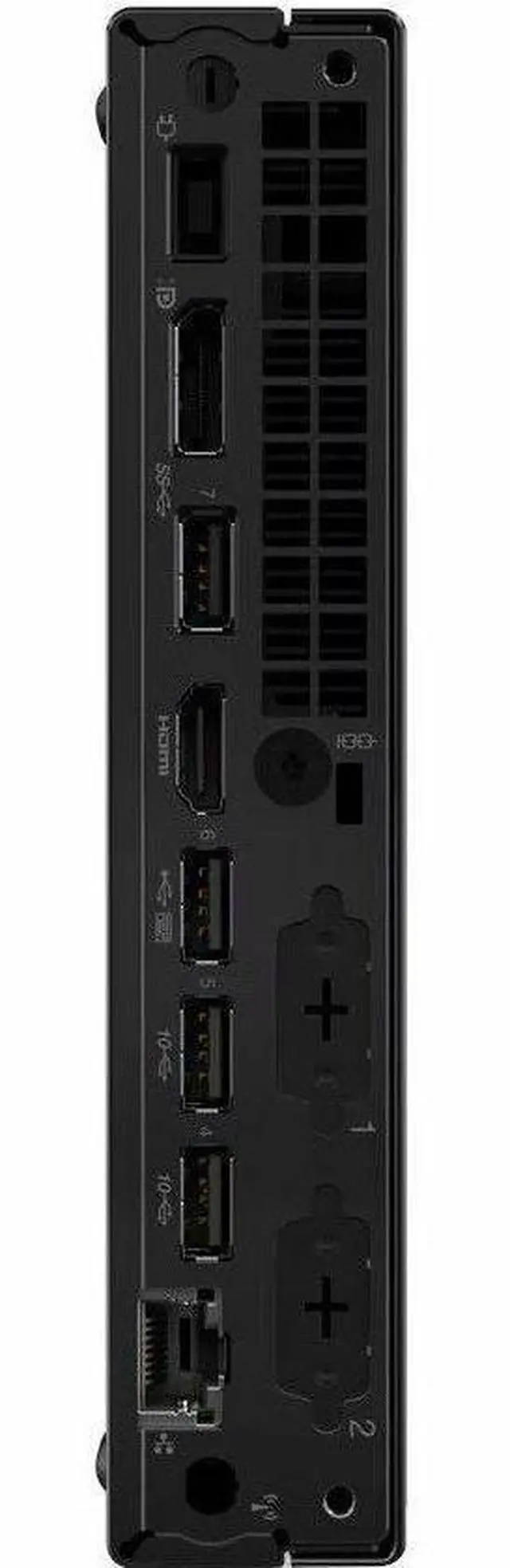
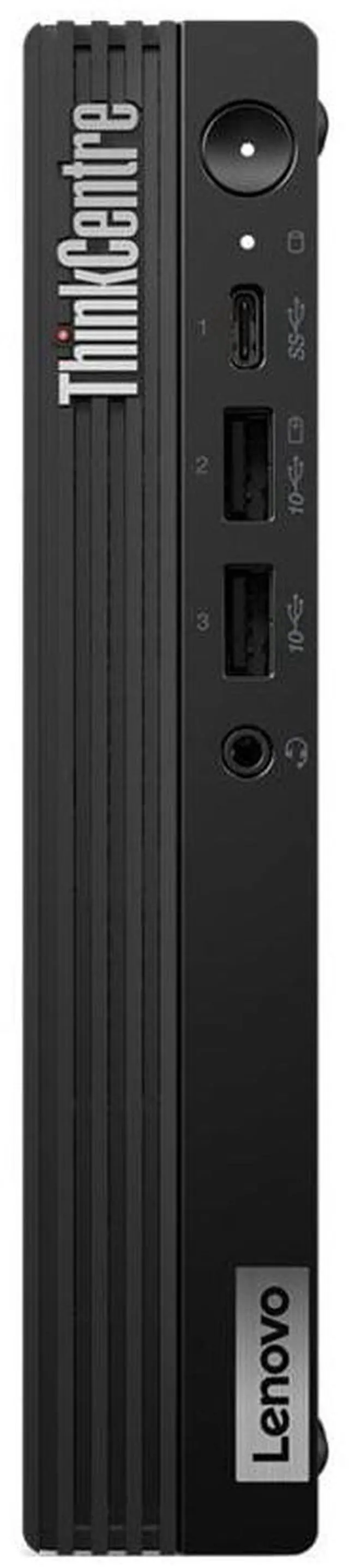
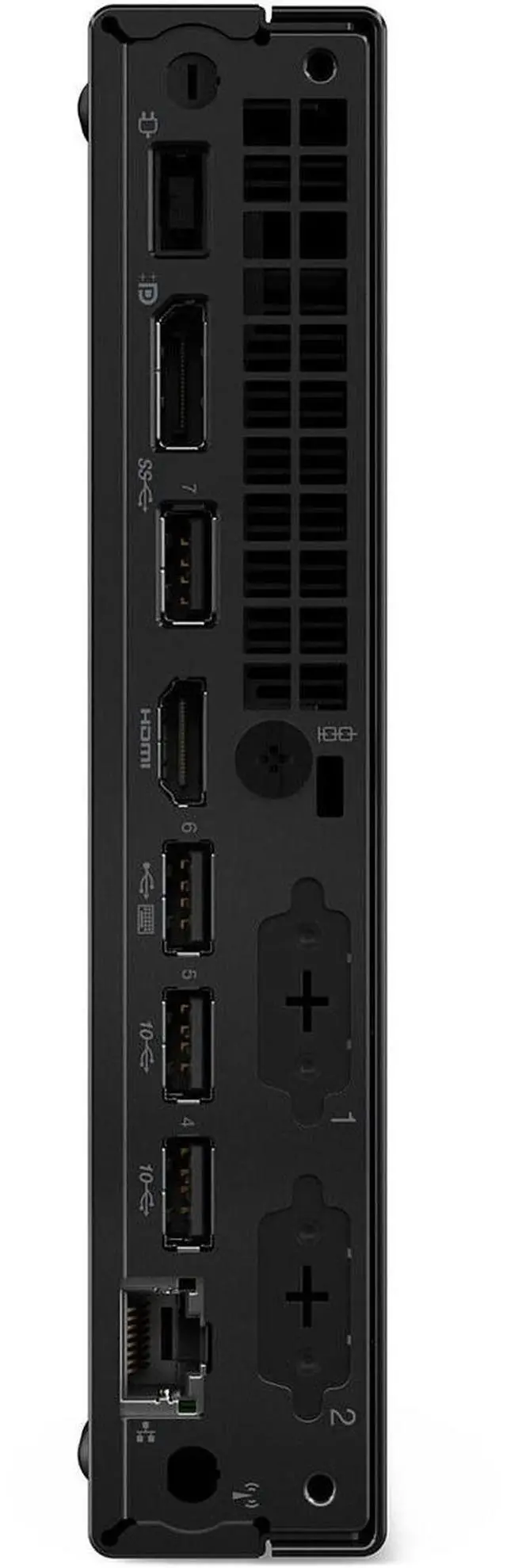
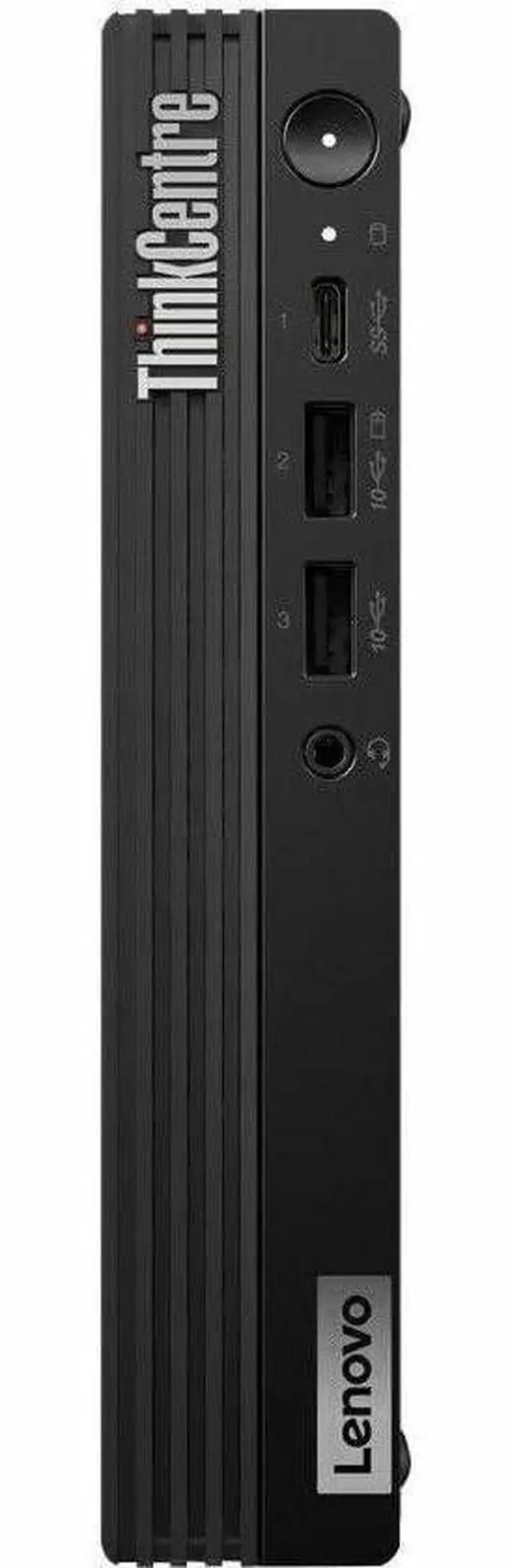
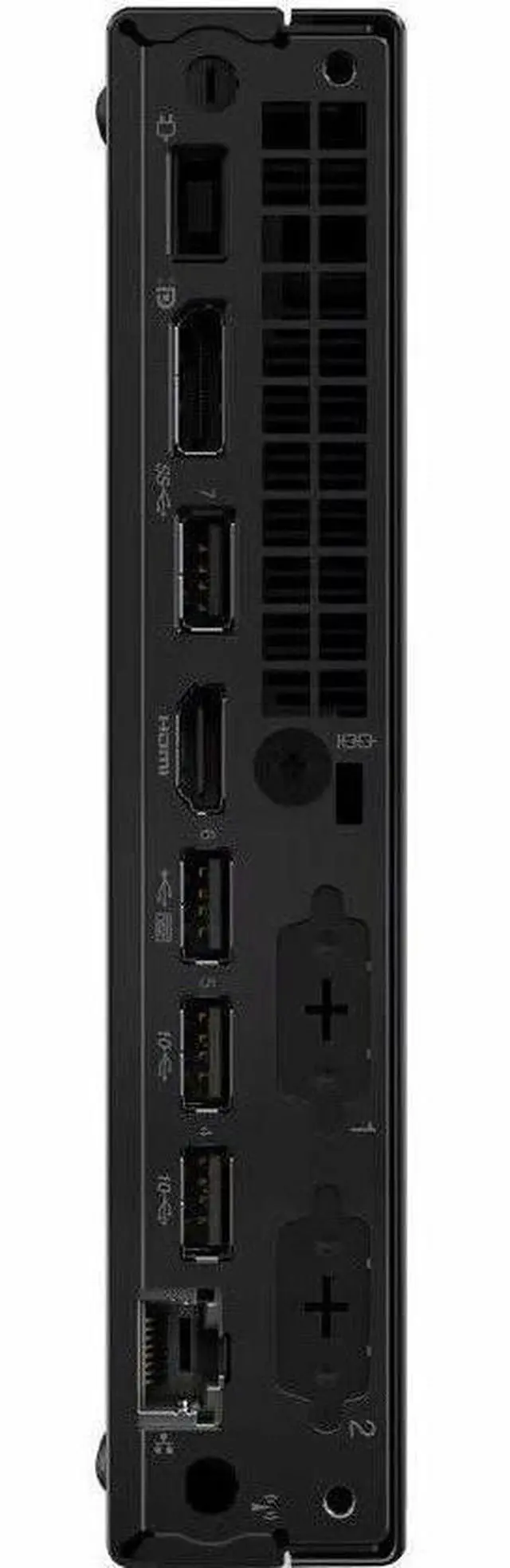
| Ports And Connectivity | Seven USB ports: front USB-C and USB-A connections plus four rear USB-A ports; one front audio port and one RJ45 Ethernet port |
| Display Outputs | DisplayPort 1.4a and HDMI 2.1; supports up to two displays |
| Power | 90 W power supply |
| Operating System | Windows 11 Pro |
| Size And Weight | 1.44 × 7.05 × 7.2 inches (H × W × D); 2.76 lb |
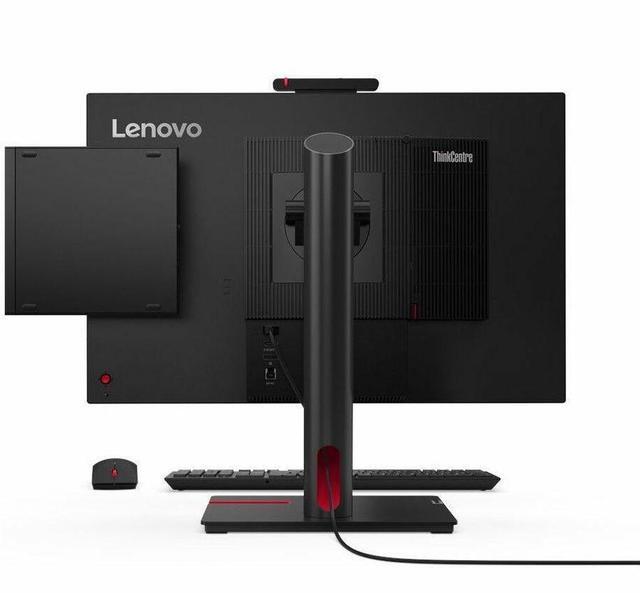
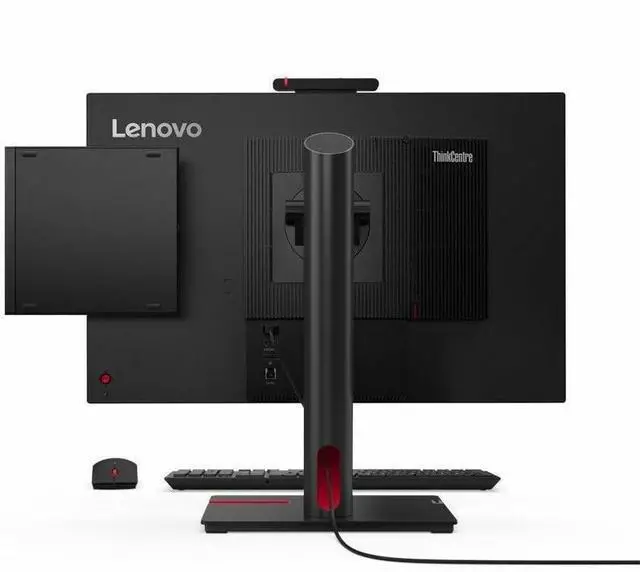
| Included Accessories | 90 W adapter, USB keyboard, mouse, and vertical stand |
| Certifications | Energy Star |
| Model Identifiers | Lenovo ThinkCentre M70q Gen 5, part number 12TD001RUS |
Q: ThinkCentre M70q Gen 5 i5-14400T vs i7-14700T: which should I choose?
A: Choose the i5-14400T model for everyday office work, browsing, and general business use. The i7-14700T version is the higher-CPU option, with 20 cores and 28 threads versus the i5’s 10 cores and 16 threads, making it more suitable for heavier parallel workloads. Both processor options are listed for the M70q Gen 5; confirm the memory, storage, and price of the specific configuration before comparing.
Q: Should I get this ThinkCentre M70q Gen 5 or a Dell OptiPlex Micro 7020?
A: Both are compact business desktops with 14th-generation Intel processor options. This M70q configuration has a Core i5-14400T with 10 cores and 16 threads, 16GB of memory, and a 512GB SSD. The OptiPlex Micro 7020 is available with a Core i5-14500T, which has 14 cores and 20 threads; consider the Dell if that processor option is important for your workload, and compare the exact system configurations and prices before choosing.
Q: Is the M70q Gen 5 i5-14400T a clear upgrade over the M70q Gen 4 i5-13500T?
A: Not based on core count alone. The Gen 5 i5-14400T has 10 cores and 16 threads, while the Gen 4 i5-13500T has 14 cores and 20 threads. Choose the Gen 5 for this newer-generation system and its specific configuration; consider a Gen 4 model if it is less expensive and its processor suits your workload. Compare the complete configurations rather than assuming the newer generation is faster for every task.
Q: Is this desktop suitable for office work and video meetings?
A: Yes. Its 10-core Intel Core i5 processor, 16GB of DDR5 memory, 512GB SSD, and Windows 11 Pro make it suitable for typical office apps, web browsing, and multitasking. It is a desktop, so plan for a separate display and, for video meetings, any camera or microphone you need.
Q: Can I connect two monitors?
A: Yes. The desktop has one HDMI 2.1 port and one DisplayPort 1.4a, so you can connect two monitors directly, one to each port. Check that your monitors have compatible inputs or use suitable adapters.
Q: Can I upgrade the memory later?
A: Yes. It comes with one 16GB DDR5-4800 SODIMM and has two memory slots, leaving one slot available. The listed maximum supported memory is 64GB.
Q: Is it a good choice for gaming or demanding graphics work?
A: It is better suited to everyday productivity than graphics-intensive workloads. Its Intel UHD Graphics 730 is integrated rather than a dedicated graphics card, so users prioritizing demanding games or GPU-heavy creative work should consider a system with stronger graphics hardware.
Q: Is the ThinkCentre M70q Gen 5 a good choice for office work?
A: Yes. Its 10-core Core i5-14400T, 16GB of DDR5 memory, 512GB NVMe SSD, and Windows 11 Pro suit typical office tasks and multitasking. Reddit discussion of this configuration also asks about it for basic office administration and describes it as an office-PC use case.
Q: Can it work as a Plex server or home server?
A: It is a plausible choice for a compact, light-duty home or media server: the Reddit discussion mentions Plex and home-server use, and this model has a 10-core processor. Its tiny chassis and listed 512GB internal SSD may be limiting if you need to connect several internal drives; plan on external or network storage if needed.
Q: Is this tiny desktop suitable for gaming?
A: It is not a good fit for gaming that depends on strong graphics performance. This configuration uses integrated Intel UHD Graphics 730, and Reddit discussion of the M70q Gen 5 specifically raises concerns about its gaming and graphics-expansion limits. Consider a system with a dedicated GPU for demanding games.
Q: Can you upgrade the memory or storage later?
A: The listed 16GB is installed as one DDR5 SODIMM, and the specifications state two memory slots and support for up to 64GB, so memory expansion is supported by the listed specs. The provided information lists a 512GB M.2 NVMe SSD but does not confirm additional storage bays or upgrade options; check the exact system configuration before planning a storage upgrade.


