


 All CategoriesAll CategoriesAll Categories
Shipped by Newegg


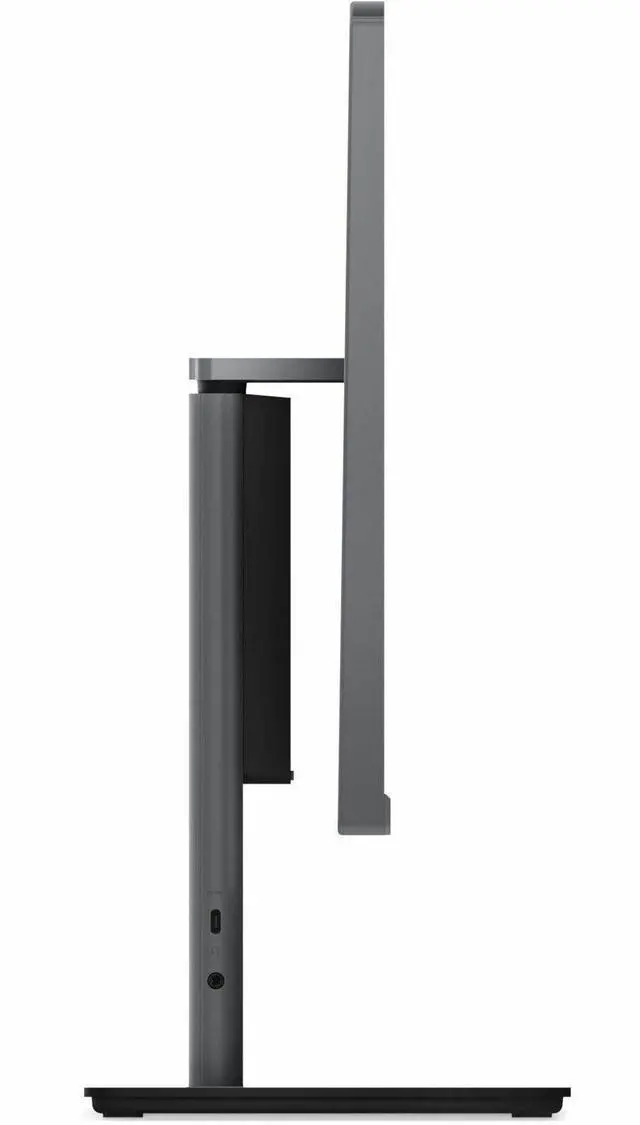
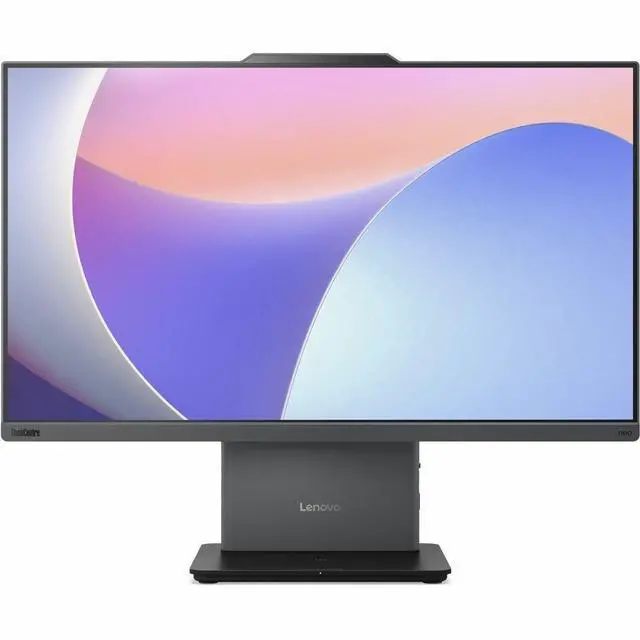
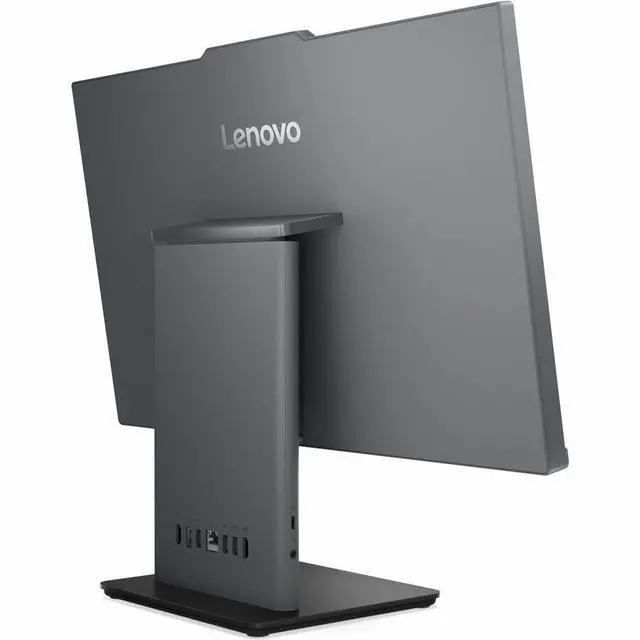
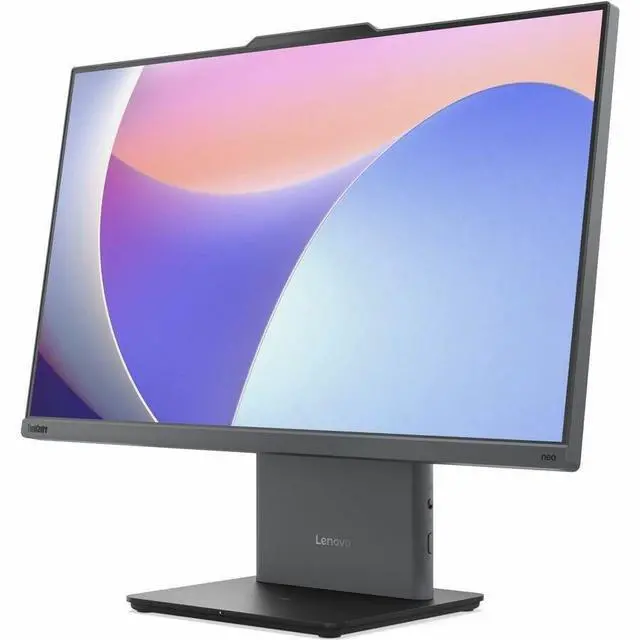


Warranty Notice:
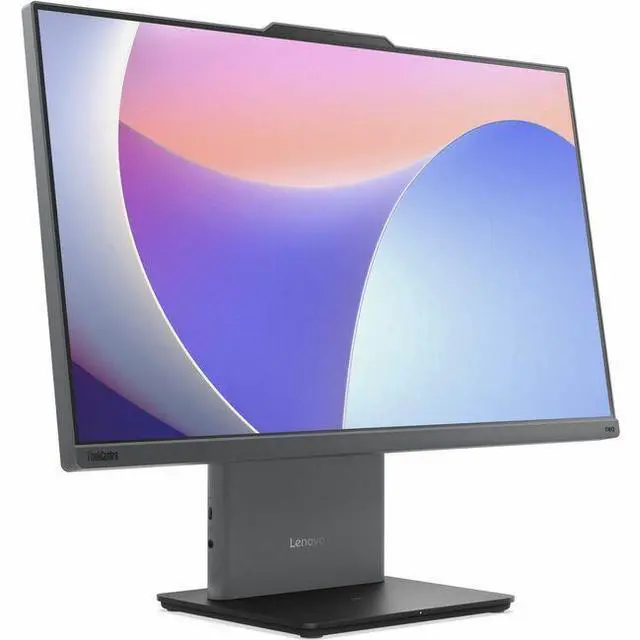
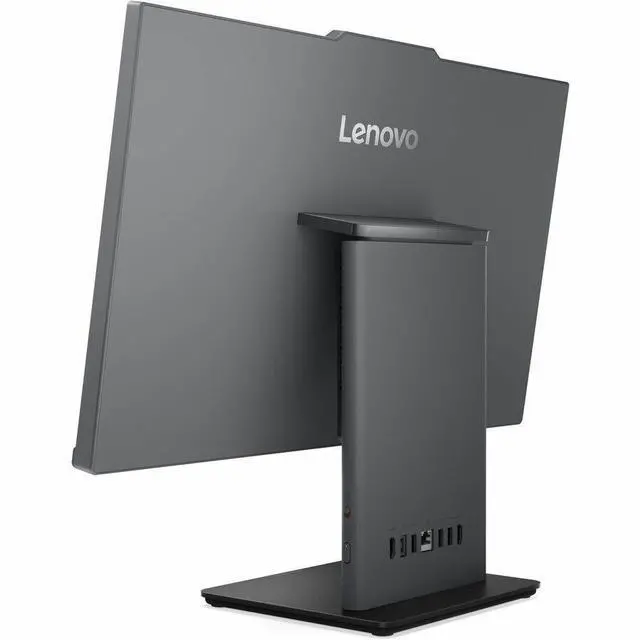
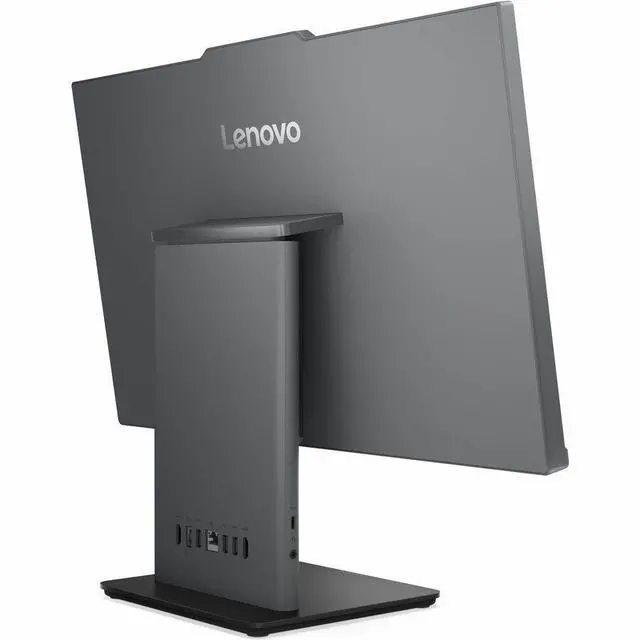
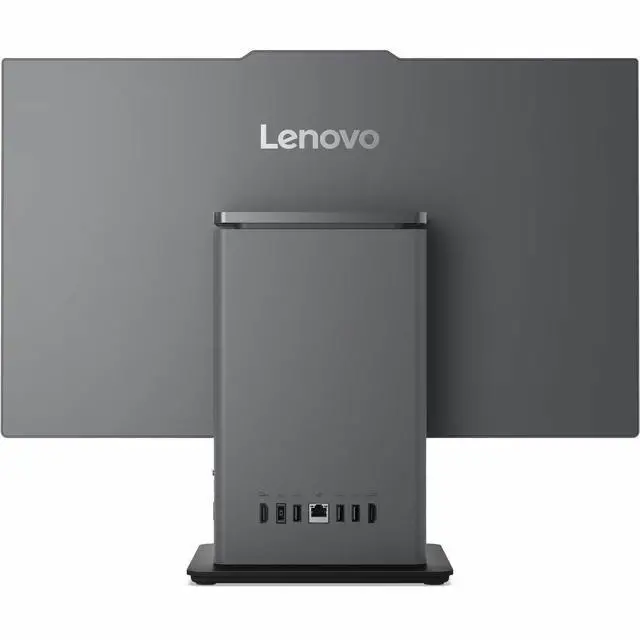
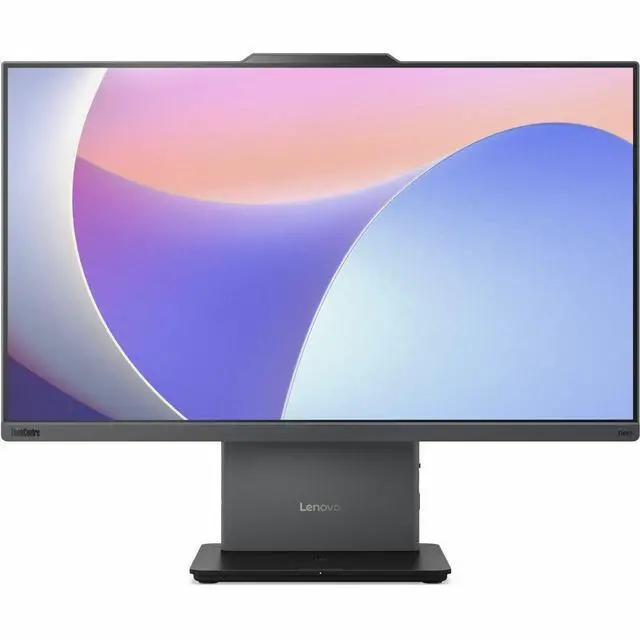
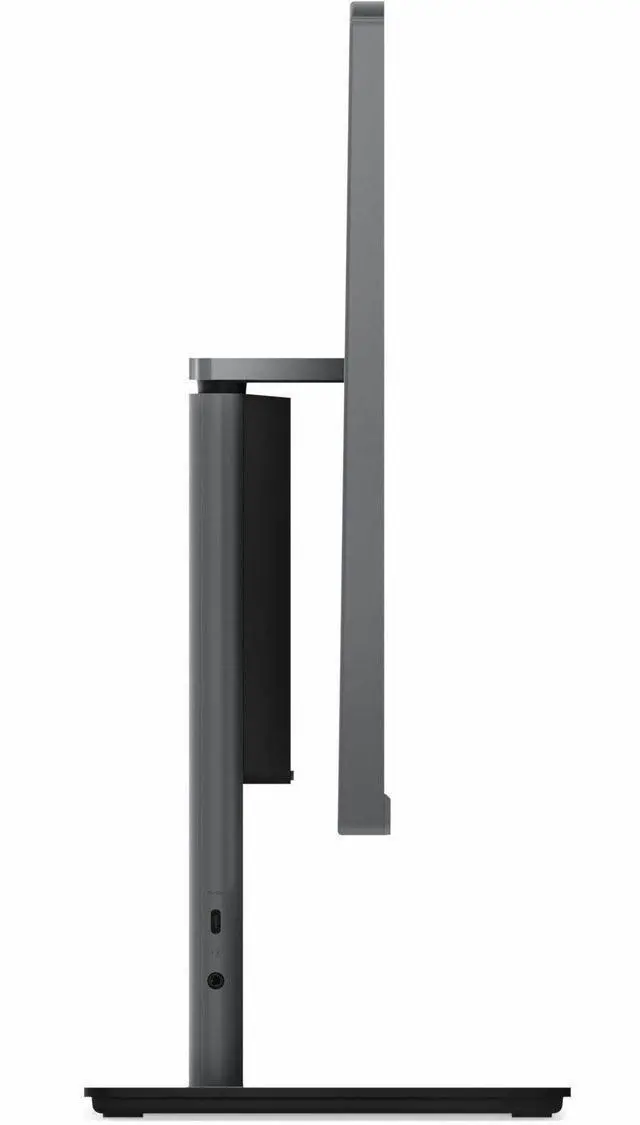
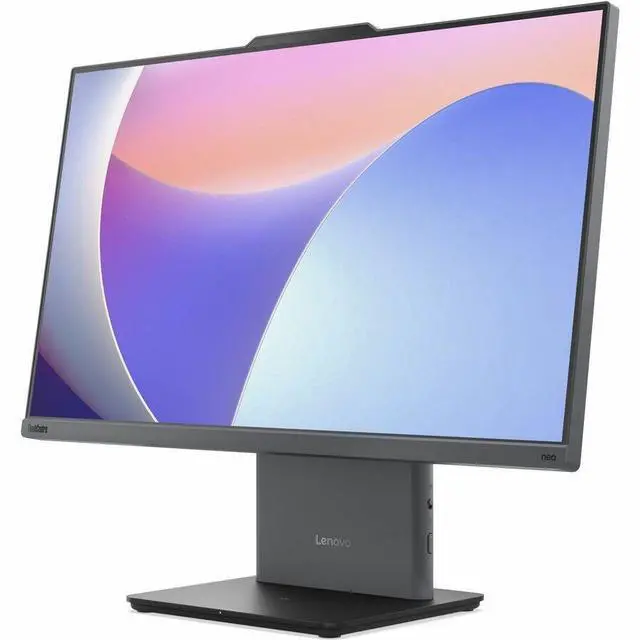
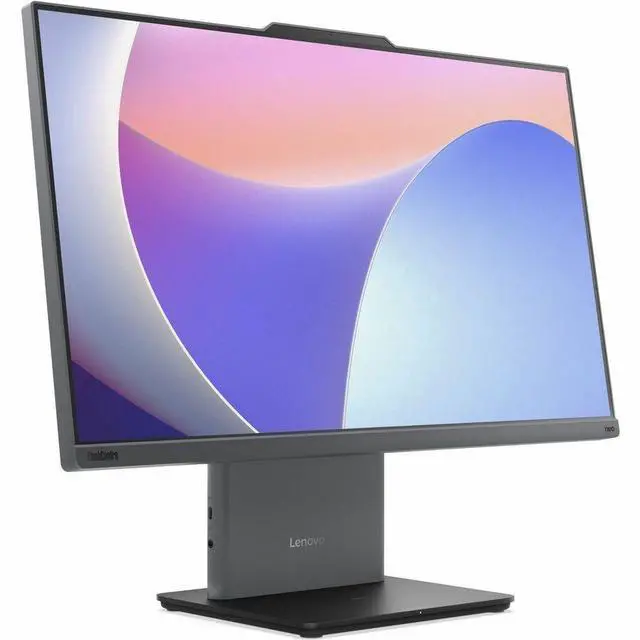
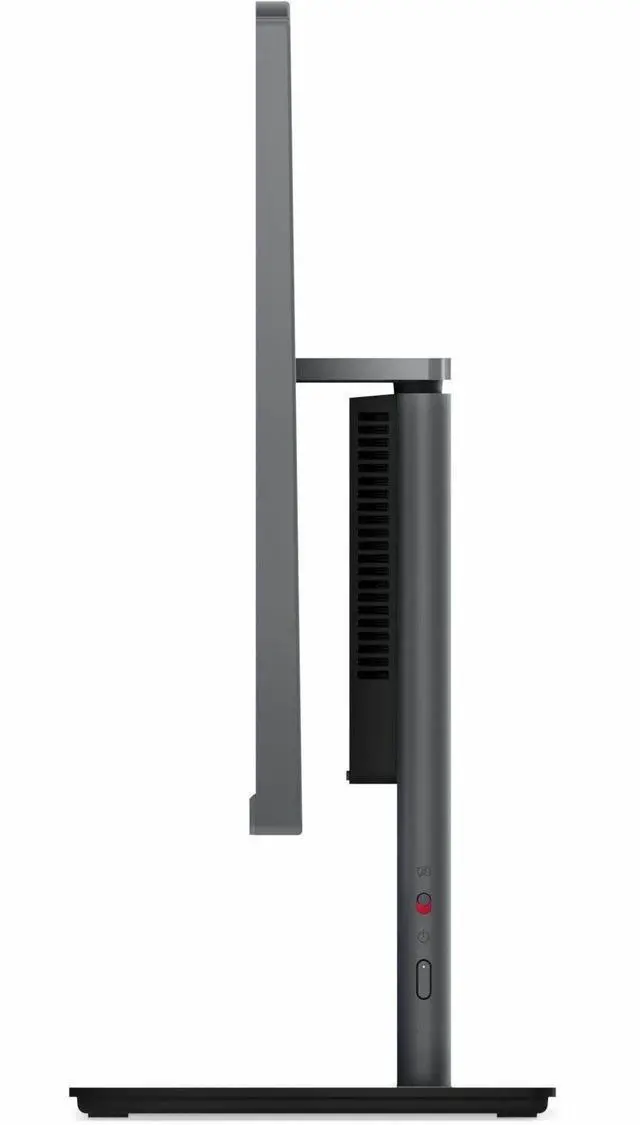
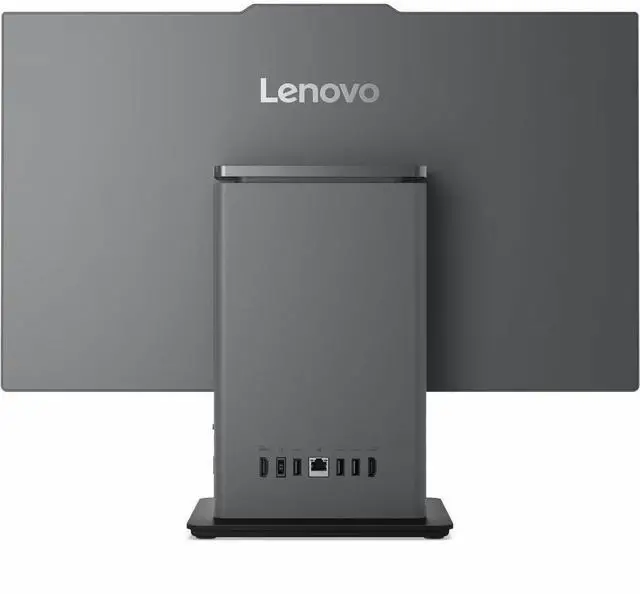
This product does not include manufacturer warranty when purchased or used outside of its designated sales region. By purchasing internationally, you acknowledge that warranty support from the manufacturer will not be available.The Lenovo ThinkCentre neo 50a 24 Gen 5 is a 23.8-inch all-in-one desktop with an Intel Core i5-13420H, 16GB of memory, a 512GB SSD, and Windows 11 Pro, suited to business and everyday productivity without a separate monitor.
| Attribute | Value |
|---|---|
| Best For | Business, mainstream, and work use in an all-in-one desktop with an included monitor |
| Processor | 13th Gen Intel Core i5-13420H |
| Memory | 16 GB |
| Storage | 512 GB SSD; no HDD |
| Operating System | Windows 11 Pro |
| Included Accessories And Power | USB Calliope keyboard and mouse, monitor stand, and 90W 89% adapter |
| Color | Luna Gray |
| Dimensions And Weight | 21.5 × 9.3 × 26 inches; 22 pounds |
| Model Identifier | Lenovo 12SD004AUS |
Q: ThinkCentre neo 50a 24 Gen 5 with Core i5 or Core i3—which should I choose?
A: Choose the listed Core i5-13420H configuration for heavier multitasking or when you want 16GB of memory and a 512GB SSD included. A lower-tier Core i3-1315U configuration can suit everyday office tasks if its price and memory/storage configuration fit your needs. Compare the exact model specifications and price, since configurations vary by market.
Q: Should I get this Core i5 ThinkCentre or an i7 version?
A: The Core i5-13420H model is a practical fit for typical office work, browsing, video calls, and general multitasking. Consider a Core i7-13620H configuration if your work regularly involves more processor-intensive multitasking; it has 10 cores and 16 threads versus the i5’s 8 cores and 12 threads. Both use integrated graphics, so the i7 option is not a substitute for a PC with a dedicated graphics card for graphics-heavy work.
Q: Is the ThinkCentre neo 50a 24 Gen 5 a worthwhile upgrade from Gen 4?
A: Compare the processors and full configurations rather than assuming the newer generation is faster. Lenovo lists a Gen 4 option with a Core i5-13500H (12 cores, 16 threads), while this Gen 5 configuration has a Core i5-13420H (8 cores, 12 threads). The Gen 5 may make sense for its specific included features or configuration, but the generation number alone does not establish a processor-performance upgrade.
Q: Should I choose this ThinkCentre all-in-one or a laptop for working in different places?
A: Choose the ThinkCentre neo 50a 24 Gen 5 for a stationary workspace where you want a 23.8-inch Full HD display and desktop components integrated into one unit. Choose a laptop if you need a built-in battery and screen for working away from a desk; this all-in-one is a desktop, not a portable PC.
Q: Is this all-in-one suitable for everyday office or school work?
A: Yes. Its 13th Gen Intel Core i5 processor, 16GB of memory, 512GB SSD, and Windows 11 Pro make it a suitable fit for typical productivity tasks such as documents, web browsing, and multitasking. The 23.8-inch Full HD display is included.
Q: Is this computer good for gaming?
A: It is better suited to everyday computing than demanding games. The listed graphics are Intel UHD integrated graphics, and no dedicated graphics card is specified; game performance will depend on the title and settings.
Q: Is this easy to travel with?
A: No. This is an all-in-one desktop with a 23.8-inch display, so it is intended for a desk rather than regular travel. Choose a laptop if you need a computer designed to move between locations.
Q: Does the display support touch?
A: Touch input is not specified in the supplied product details. They confirm a 23.8-inch Full HD display, but you should verify touch support with the seller before buying if it is important to you.
Q: Can you upgrade the RAM or SSD in the ThinkCentre neo 50a 24 Gen 5?
A: A YouTube video demonstrates RAM and SSD upgrades on a different neo 50a 24 Gen 5 configuration. It does not confirm upgrade limits or access for SKU 12SD004AUS, so check this SKU’s service details before buying if future upgrades matter.
Q: Is this ThinkCentre suitable as a home server or k3s node?
A: Its listed Core i5-13420H, 16 GB RAM, and 512 GB SSD make it a possible starting point for modest workloads, but the provided information does not establish sustained server performance or upgrade limits. A Reddit post considers a similar 8 GB configuration for k3s, but does not report a result.
Q: Does this 24-inch model have a touchscreen for retail or POS use?
A: The provided specifications list a 23.8-inch Full HD display but do not say it is touch-enabled. A Reddit discussion mentions a touchscreen 27-inch neo 50a Gen 5 configuration; that does not confirm touch support on this 24-inch SKU. Do not buy it for touch-based use without verifying the exact configuration.


