


 All CategoriesAll CategoriesAll Categories
Shipped by Newegg





Warranty Notice:
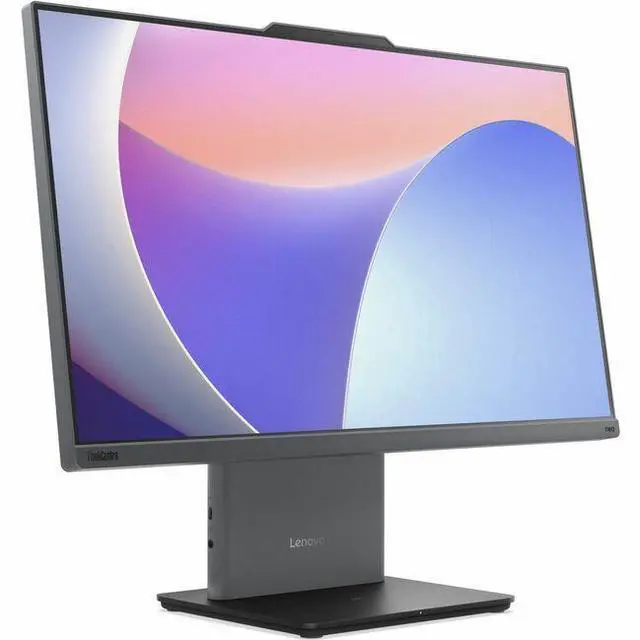
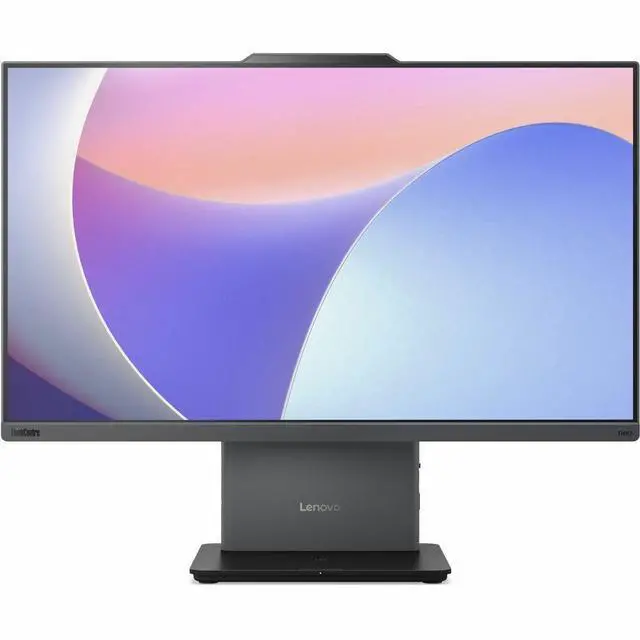
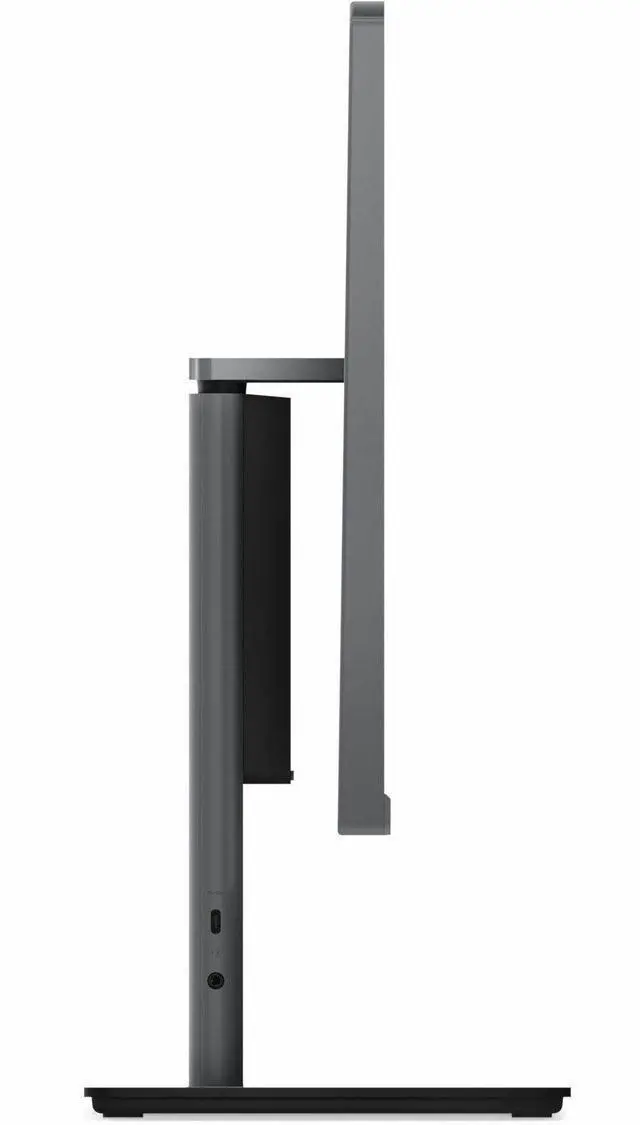
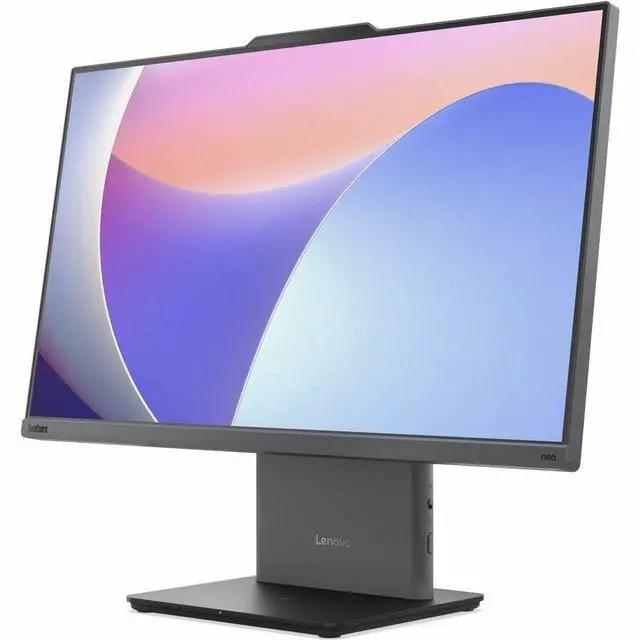
This product does not include manufacturer warranty when purchased or used outside of its designated sales region. By purchasing internationally, you acknowledge that warranty support from the manufacturer will not be available.The Lenovo ThinkCentre neo 50a 24 Gen 5 is an all-in-one desktop with a 13th Gen Intel Core i5-13420H, 16GB RAM, 512GB SSD, and 23.8-inch Full HD touchscreen, suited to office work, study, and everyday productivity in a streamlined setup.
| Attribute | Value |
|---|---|
| Best For | Personal desktop computing with a 23.8-inch touchscreen and included keyboard, mouse, and monitor stand |
| Processor And Core Count | 13th Gen Intel Core i5-13420H, 8 cores, 2.1 GHz, with 12 MB cache |
| Graphics | Integrated Intel UHD Graphics |
| Display | 23.8-inch LCD touchscreen with a 1920 × 1080 resolution and 16:9 aspect ratio |
| Memory | 16 GB DDR5 RAM at 5200 MHz |
| Storage | 512 GB SSD |
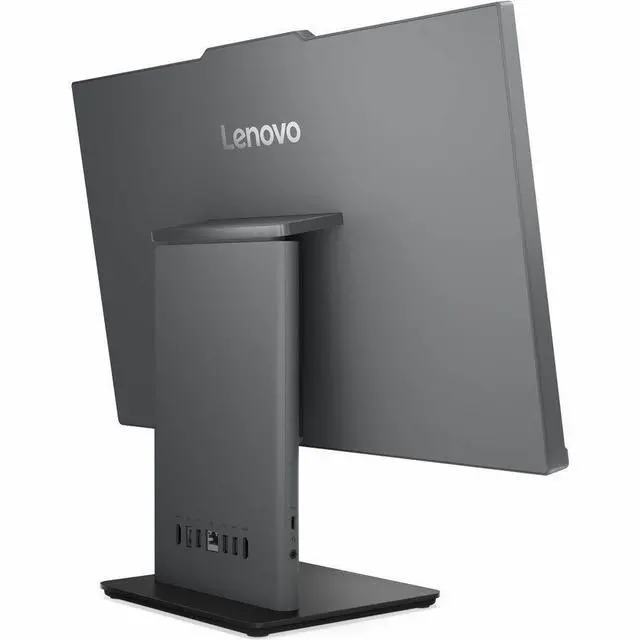
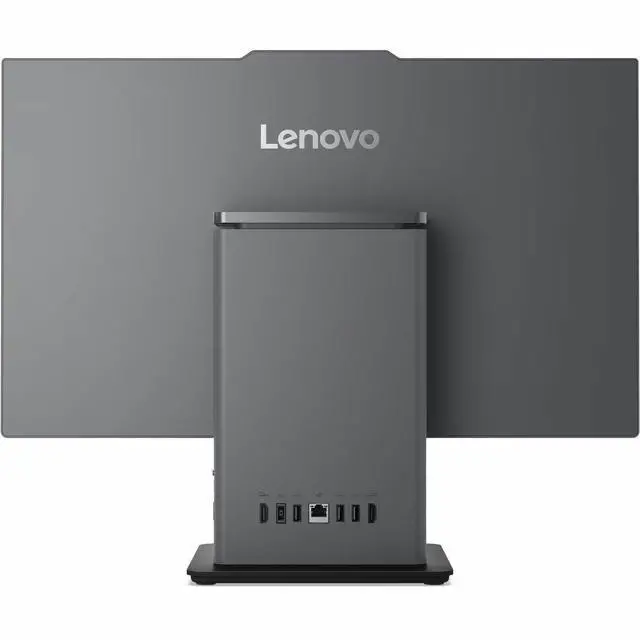
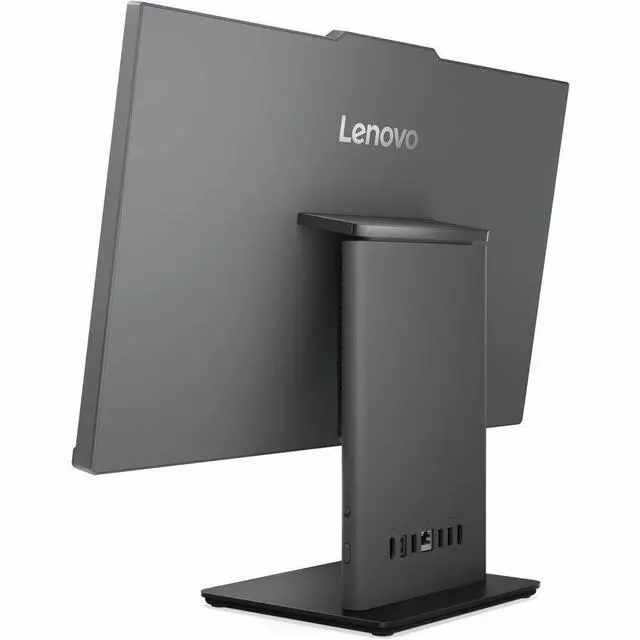
| Ports And Connectivity | Ethernet, Wi-Fi 802.11ax, Bluetooth, 1 HDMI port, 2 USB 2.0 ports, and 2 USB 3.0 ports |
| Keyboard And Included Accessories | Included wired, full-size QWERTY keyboard, USB mouse, monitor stand, and 90 W adapter |
| Operating System | Windows |
| Physical Specifications | Luna Gray; 22 lb; 26.1 × 21.8 × 9.1 inches |
| Model Identifiers | Lenovo ThinkCentre neo 50a 24 Gen 5, model 12SD004FUS |
Q: Should I choose the ThinkCentre neo 50a 24 Gen 5 or the Dell Inspiron 24 5430?
A: Choose this ThinkCentre configuration if you want its Core i5-13420H, 16GB DDR5 memory, Windows 11 Pro, and 23.8-inch FHD touchscreen with a 100Hz refresh rate. The Inspiron 24 5430 is an alternative with 15W U-series processor options, a 60Hz display, and an available GeForce MX570A discrete-graphics option on selected configurations. Compare the specific Dell configuration before buying, since its processor, graphics, and touch display vary by model.
Q: Is the Core i7 ThinkCentre neo 50a 24 Gen 5 worth choosing over this i5 model?
A: Consider a Gen 5 configuration with the Core i7-13620H if your work regularly benefits from more CPU cores and threads: Lenovo lists it with 10 cores and 16 threads, compared with this model’s i5-13420H at 8 cores and 12 threads. For everyday office work, browsing, and video calls, this i5 configuration already pairs its processor with 16GB RAM and a 512GB SSD; choose based on your workload and the price difference.
Q: Should I get this ThinkCentre neo 50a 24 Gen 5 or a Gen 4 model?
A: Choose this Gen 5 configuration if its 100Hz display and 16GB RAM/512GB SSD setup fit your needs. Gen 4 configurations can be worth comparing for CPU-heavy work: Lenovo lists options such as the Core i5-13500H with 12 cores and 16 threads, compared with this model’s 8-core, 12-thread i5-13420H. Check the exact Gen 4 configuration, since processor and display options vary.
Q: Is this all-in-one better than a laptop if I work at a desk?
A: Choose this ThinkCentre for a fixed workspace where you want the computer and a 23.8-inch touchscreen integrated into one unit. Choose a laptop if you need to carry your computer between locations or work away from a desk; the ThinkCentre is an all-in-one desktop, not a portable PC.
Q: Is this a good all-in-one for office work and school?
A: Yes. Its Core i5 processor, 16GB of memory, 512GB SSD, and Windows 11 Pro make it suitable for common productivity tasks such as documents, browsing, and multitasking. Check that any required work or school software is compatible.
Q: Can it connect to home Wi-Fi and a wireless printer?
A: It supports Wi-Fi 6 (802.11ax) for wireless networking. A wireless printer should connect if the printer supports a compatible Wi-Fi setup; printer compatibility depends on the printer.
Q: Can I use the touchscreen for handwritten notes with a stylus?
A: The listed specifications confirm touchscreen input, but do not confirm active-stylus support. If handwriting or drawing with a pen is essential, verify pen compatibility before buying.
Q: Is it suitable for gaming?
A: It has integrated Intel UHD Graphics, not a listed discrete graphics card. It may suit lighter games, but it is not the best fit for demanding games; check each game's graphics requirements.
Q: Is the ThinkCentre neo 50a 24 Gen 5 suitable for office work and everyday tasks?
A: It is configured for general office use, with a Core i5-13420H, 16GB RAM, 512GB SSD, and Windows 11 Pro. A Reddit discussion considers a ThinkCentre neo 50a Gen 5 for a business setting, though it describes a different 27-inch configuration; it does not establish performance for every workload.
Q: Is the touchscreen a useful reason to choose this all-in-one?
A: Choose it if touch interaction is useful for your work or shared setup: this configuration combines a 23.8-inch Full HD touchscreen with the computer. A Reddit thread about touchscreen all-in-ones specifically recommends a ThinkCentre neo 50a Gen 5, but discusses a different 27-inch model.
Q: Is it worth buying at its price?
A: Value depends on the price of this specific 24-inch, i5 configuration; the supplied product information does not include a price. A YouTube review of the neo 50a Gen 5 discusses price and value, but does not establish whether this SKU is a good deal at its current price.

