


 All CategoriesAll CategoriesAll Categories
Shipped by Newegg


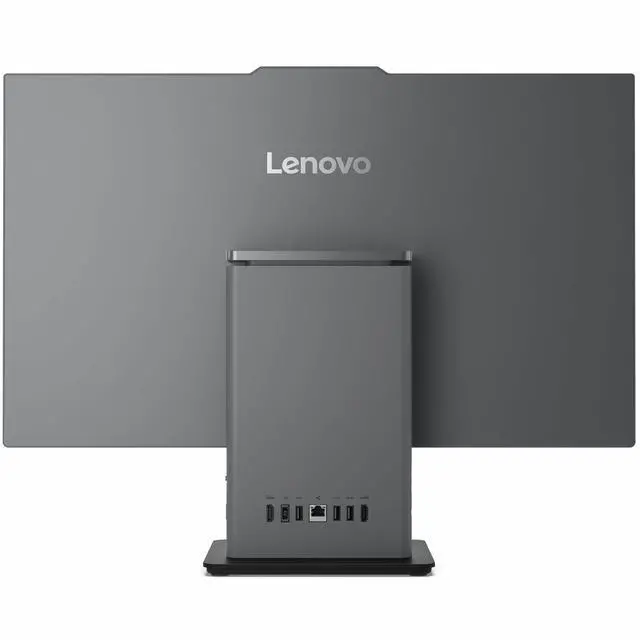
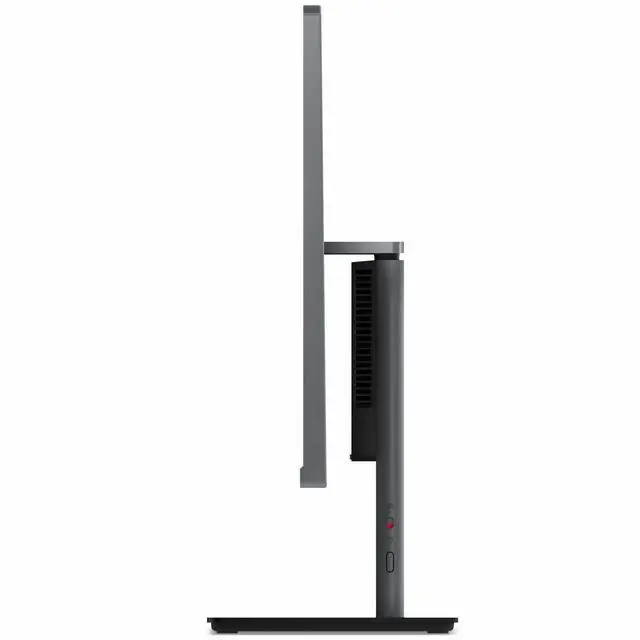
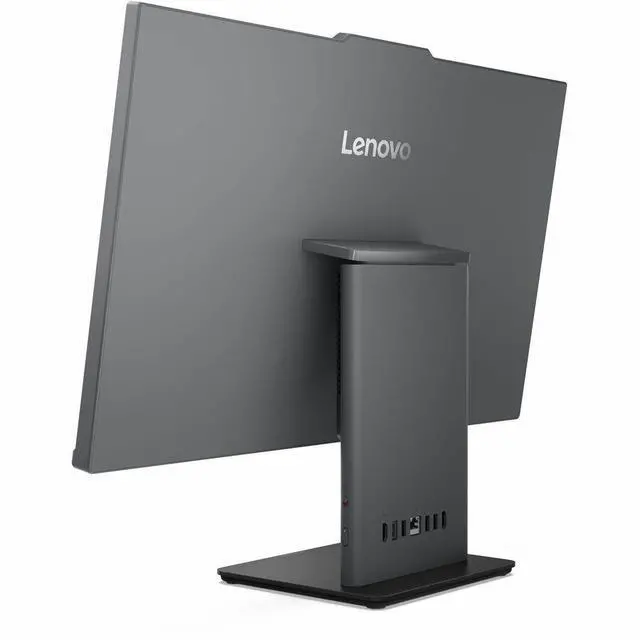
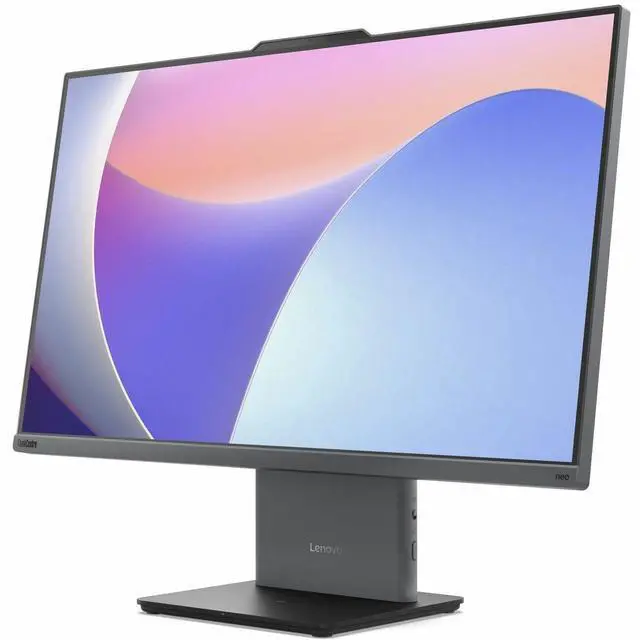


Warranty Notice:
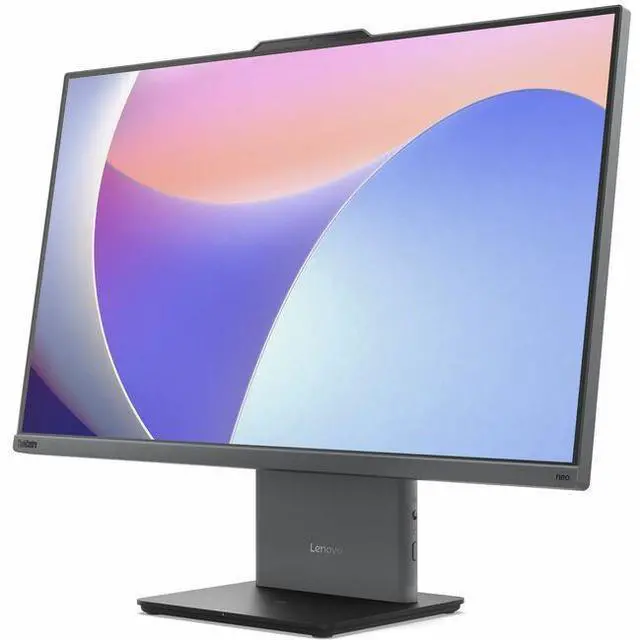
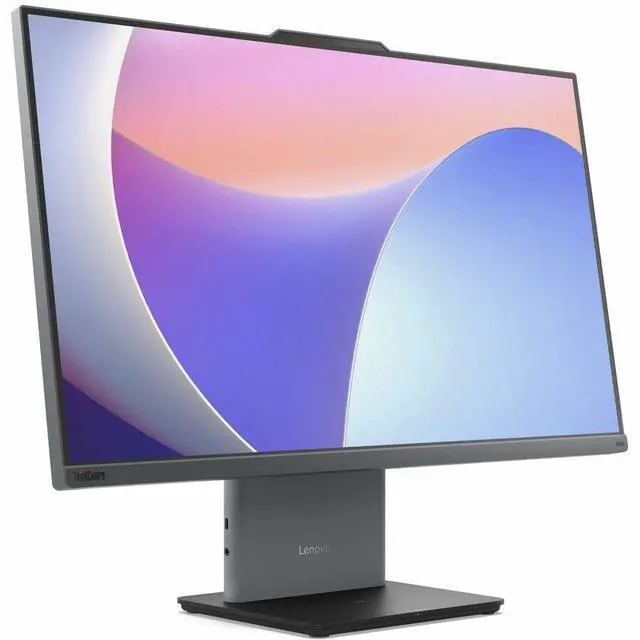
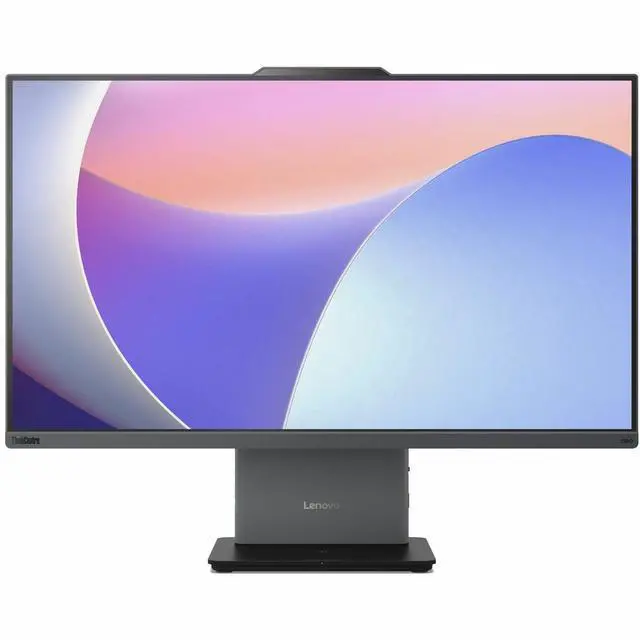
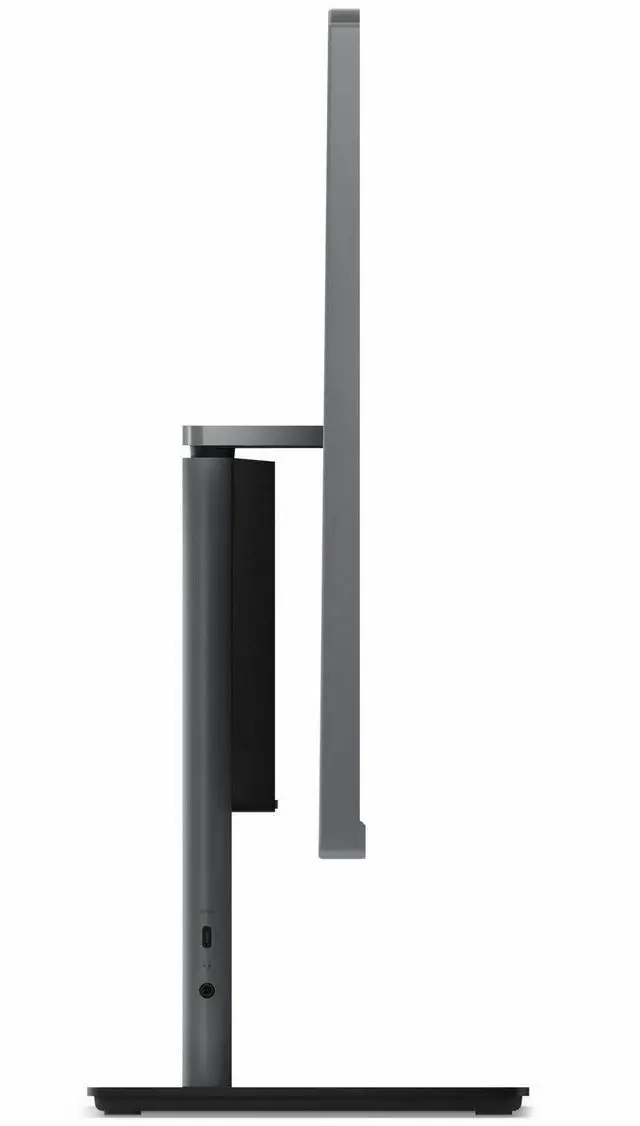
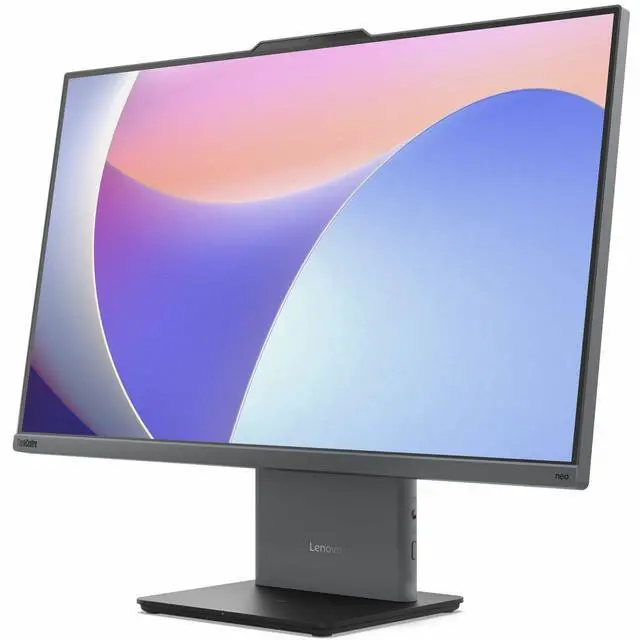
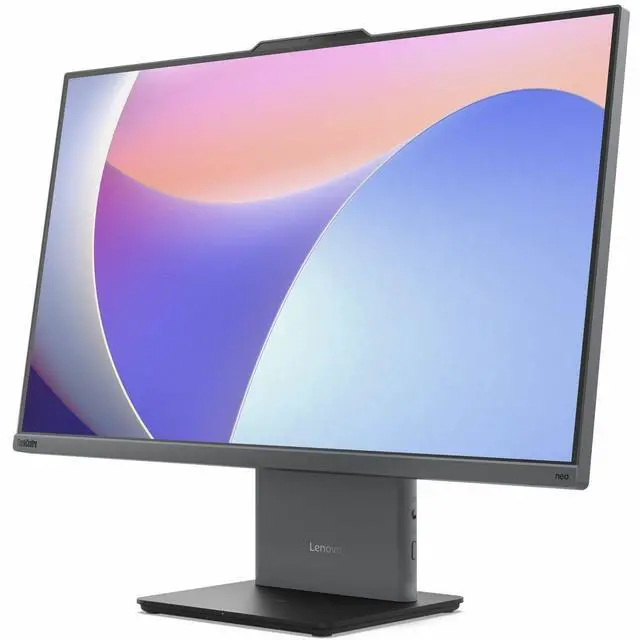
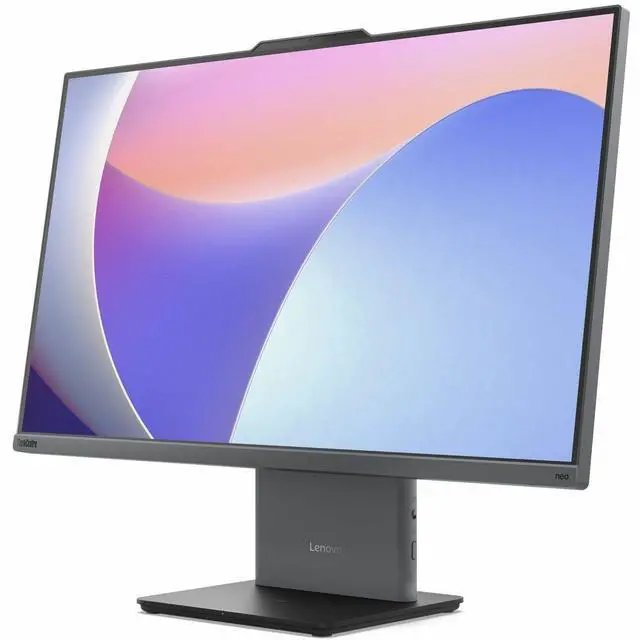
This product does not include manufacturer warranty when purchased or used outside of its designated sales region. By purchasing internationally, you acknowledge that warranty support from the manufacturer will not be available.The Lenovo ThinkCentre neo 50a 27 Gen 5 is a 27-inch all-in-one desktop with an Intel Core i7-13620H, 32 GB RAM, 1 TB SSD, and Windows 11 Pro, suited to professionals who want a roomy, ready-to-use setup for multitasking and everyday office work.
| Attribute | Value |
|---|---|
| Best For | Desktop computing in an all-in-one setup, with a monitor, keyboard, mouse, and stand included |
| Included Components | USB Calliope keyboard and mouse, monitor stand, and 90W 89% adapter |
| Physical Dimensions | 29.9 × 22.2 × 8.7 inches (L × W × H) |
| Color | Luna Gray |
| Model Identifiers | Lenovo ThinkCentre neo 50a 27 Gen 5, model 12SB003UUS |
Q: Should I choose the ThinkCentre neo 50a 27 Gen 5 with Core i7 or the Core i5 version?
A: Choose this Core i7 configuration when you want more processor capacity for multitasking and demanding office workloads. Lenovo lists the i7-13620H with 10 cores and 16 threads, compared with 8 cores and 12 threads for the i5-13420H; both are available in the 27-inch Gen 5 model family.
Q: Is the 32GB RAM and 1TB SSD version worth choosing over a lower-memory, lower-storage neo 50a 27 Gen 5?
A: Choose this 32GB/1TB configuration if you expect to keep more applications open at once or store more files locally. Lenovo lists up to 32GB of DDR5 memory and up to a 1TB SSD for this model family, matching the capacities in this configuration.
Q: ThinkCentre neo 50a 27 Gen 5 or 24 Gen 5—which screen size should I choose?
A: Choose the 27-inch model for a larger built-in display; choose the 24-inch model if a smaller all-in-one footprint better fits your workspace. Lenovo lists both as business-oriented all-in-ones with FHD IPS displays and 100Hz refresh rates.
Q: Is this all-in-one suitable for office work and multitasking?
A: Yes. Its Intel Core i7-13620H processor, 32 GB of memory, and 1 TB SSD are well suited to typical office work, web browsing, and running multiple applications. The 27-inch Full HD display provides a large workspace.
Q: Can I use it for video meetings?
A: Its listed processor and memory are suitable for typical video-meeting software, but the provided specifications do not confirm a built-in webcam or microphone. Check the exact package details or plan to use external meeting peripherals.
Q: Does the 27-inch display support touch?
A: Touch capability is not specified in the provided product information. The listing confirms a 27-inch, 1920 × 1080 display, so verify the exact SKU with the seller if touchscreen operation is important.
Q: Does it come with a keyboard and mouse?
A: An English keyboard is listed, but the provided product information does not confirm whether a mouse is included. Check the seller’s package contents if you need both included.
Q: Is the ThinkCentre neo 50a 27 Gen 5 suitable for office work and general use?
A: Its Core i7 processor, 32 GB of RAM, and 1 TB SSD make this configuration a reasonable fit for typical office applications and multitasking. It is an all-in-one intended for a fixed desk setup, not a portable computer. Reddit discussions consider the Neo 50a for general-purpose use and discuss ThinkCentre all-in-ones in office settings; they do not establish performance results for this exact configuration.
Q: What are the trade-offs of this all-in-one versus a mini PC and separate monitor?
A: The all-in-one combines the computer and display in one unit, while a mini PC and separate monitor can be replaced or serviced independently. Reddit users discussing the Neo 50a note that it may be upgradeable, but also raise concerns about servicing an all-in-one and replacing the whole system if its display fails. Choose the integrated setup for simplicity; consider separate components if independent replacement and flexibility matter more.
Q: Could the ThinkCentre neo 50a 27 Gen 5 work as a k3s or homelab node?
A: A Reddit user included a 27-inch Neo 50a Gen 5 configuration among possible k3s nodes, but the discussion does not report performance results for this exact i7, 32 GB model. Its listed processor and memory may suit moderate CPU- and memory-based workloads; the Intel UHD graphics and all-in-one format make it a less natural fit if the setup depends on a discrete GPU or substantial hardware expansion.


