


 All CategoriesAll CategoriesAll Categories
Shipped by Newegg





Warranty Notice:
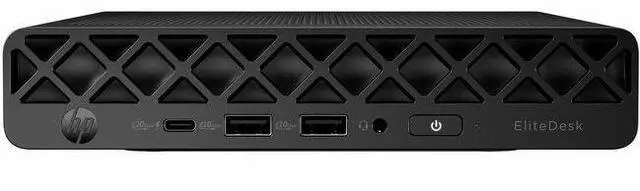
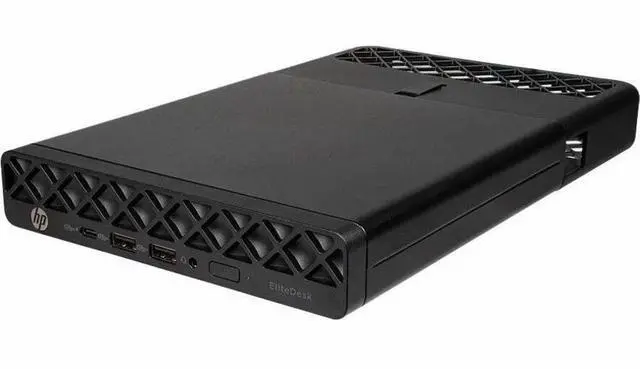
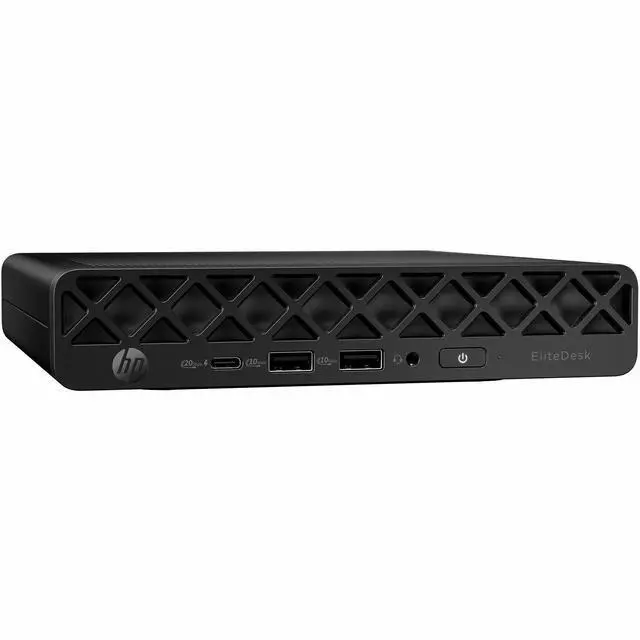
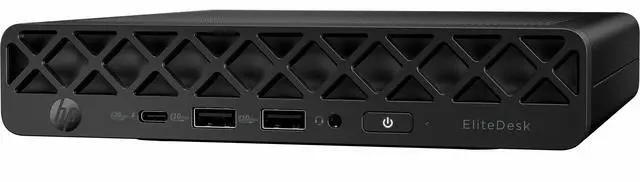
This product does not include manufacturer warranty when purchased or used outside of its designated sales region. By purchasing internationally, you acknowledge that warranty support from the manufacturer will not be available.The HP EliteDesk 8 G1i is a compact Windows 11 Pro mini PC with an Intel Core Ultra 9 285T, 64GB of DDR5 memory, and a 1TB NVMe SSD, suited to professionals and home-office users who need strong multitasking capacity in a small desktop.
| Attribute | Value |
|---|---|
| Best For | Business, student, and home-office use in a compact desktop setup |
| Processor And Core Count | Intel Core Ultra 9 285T, 24 cores, with a 1.40 GHz base frequency and up to 5.40 GHz turbo frequency |
| Graphics | Integrated Intel UHD graphics with shared graphics memory |
| Memory Configuration | 64 GB DDR5 memory running at 4800 MT/s |
| Storage | 1 TB solid-state drive |
| Ports And Connectivity | HDMI, two DisplayPort outputs, five rear USB ports (four USB 3.2 Gen 2 and one USB 3.2 Gen 2x2 Type-C), one Thunderbolt port, and one Gigabit Ethernet port |
| Wireless Networking | Wi-Fi 7 (802.11be) and Bluetooth |
| Operating System | Windows 11 Pro |
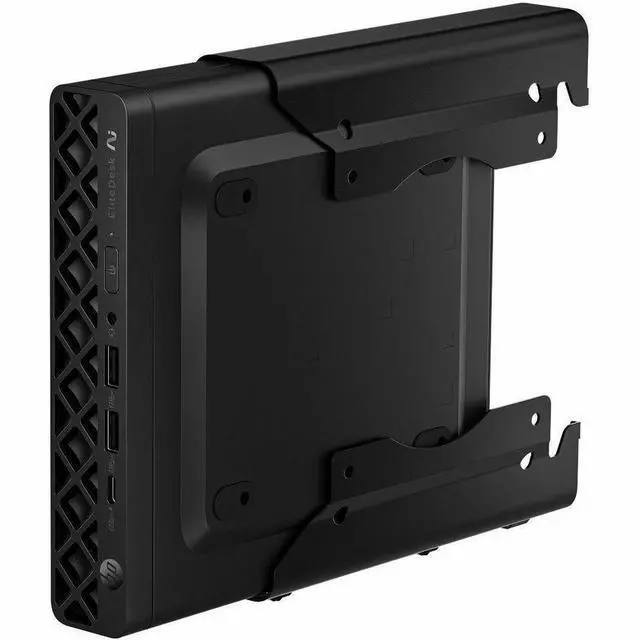
| Physical Design | Black Mini PC measuring 1.3 × 7 × 7.1 inches and weighing 2.98 lb |
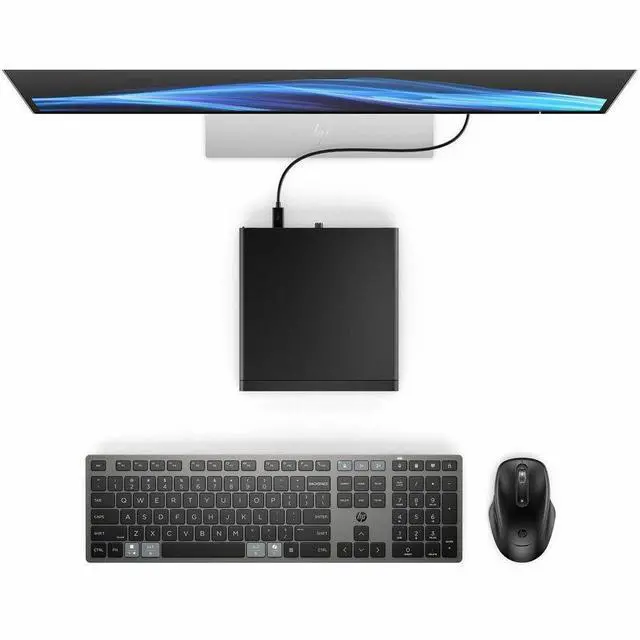
| Display | No built-in screen; monitor not included |
| Power | 90 W |
| Included Accessories | Keyboard, mouse, and power adapter |
| Model Identifiers | HP EliteDesk 8 G1i Mini PC; model and part number D32NNUT#ABA |
Q: Should I choose the EliteDesk 8 G1i Mini with Core Ultra 9 285T or Core Ultra 7 265T?
A: Choose this Core Ultra 9 configuration when you want the listed 24-core, 24-thread processor together with 64 GB of memory and a 1 TB SSD. The Core Ultra 7 265T version has 20 cores and 20 threads, making it a step-down configuration within the same Mini PC family.
Q: Is the EliteDesk 8 G1i Mini with Core Ultra 9 worth choosing over the Core Ultra 5 235T version?
A: Choose the Core Ultra 9 285T configuration when you want the higher listed processor core count—24 cores versus 14—and the included 64 GB RAM and 1 TB SSD. The Core Ultra 5 235T configuration is a lower-tier option in the same Mini PC family, commonly listed with 32 GB RAM and a 512 GB SSD.
Q: EliteDesk 8 Mini G1i or G1a: which should I choose for AI workloads?
A: Choose the G1i with Core Ultra 9 285T for its 24-core Intel processor, vPro technology, and 64 GB/1 TB configuration. Choose an EliteDesk 8 Mini G1a configuration when the listed 50-TOPS NPU is the priority; HP lists that NPU for its Ryzen AI 7 PRO 350 option, compared with up to 13 NPU TOPS for the G1i.
Q: How does the EliteDesk 8 Mini G1i compare with the older Elite Mini 800 G9?
A: Choose the EliteDesk 8 Mini G1i when you want the newer Core Ultra 9 285T platform, Wi-Fi 7, and this listing’s 64 GB RAM and 1 TB SSD configuration. The Elite Mini 800 G9 is an earlier-generation option with a broad range of 12th-, 13th-, and 14th-generation Intel Core processors, which can suit an organization standardizing on that model family.
Q: Is this mini PC suitable for office work and video meetings?
A: It is configured for office work, with an Intel Core Ultra 9 processor, 64 GB of DDR5 memory, a 1 TB NVMe SSD, and Windows 11 Pro. It has no built-in screen, and the listed package contents do not include a monitor or webcam, so check what display and meeting equipment you will need separately.
Q: Can it connect to two monitors?
A: The listed rear video outputs are one HDMI port and two DisplayPort outputs. The product listing does not specify the maximum number of monitors that can run simultaneously or the supported resolution for each setup.
Q: Is it a good choice for travel or working in different locations?
A: It is compact and weighs 2.98 lb, so it can be moved between locations. However, it is a desktop mini PC, not a self-contained travel computer: it has no screen listed and requires an external power adapter, so plan to bring or find a monitor and peripherals too.
Q: Does it come with a monitor, keyboard, and mouse?
A: A monitor is not included. The listed package contents include a keyboard, mouse, and power adapter, so you will need a compatible display to use the PC.
Q: Is this Mini PC suitable for everyday office or home-office work?
A: Its Core Ultra 9 processor, 64 GB of memory, 1 TB SSD, and Windows 11 Pro make it a strong fit on paper for office work and multitasking. A YouTube review of a different EliteDesk 8 Mini G1i configuration covered everyday use, but it tested an Ultra 7 model, not this exact Ultra 9 configuration.
Q: Is it a good choice for gaming?
A: It has Intel integrated graphics and no dedicated GPU is listed, so it is better suited to everyday computing than graphics-intensive gaming. A YouTube review tested gaming on another G1i configuration, but that does not establish performance for this exact model.
Q: Are there compatibility issues to check before deploying EliteDesk 8 Mini G1i PCs?
A: One Reddit IT-deployment discussion reports inconsistent imaging and sleep behavior on a group of G1i PCs. The thread does not show that this is a general problem or specific to the listed configuration; it does suggest testing imaging, drivers, and power settings before a large rollout.